
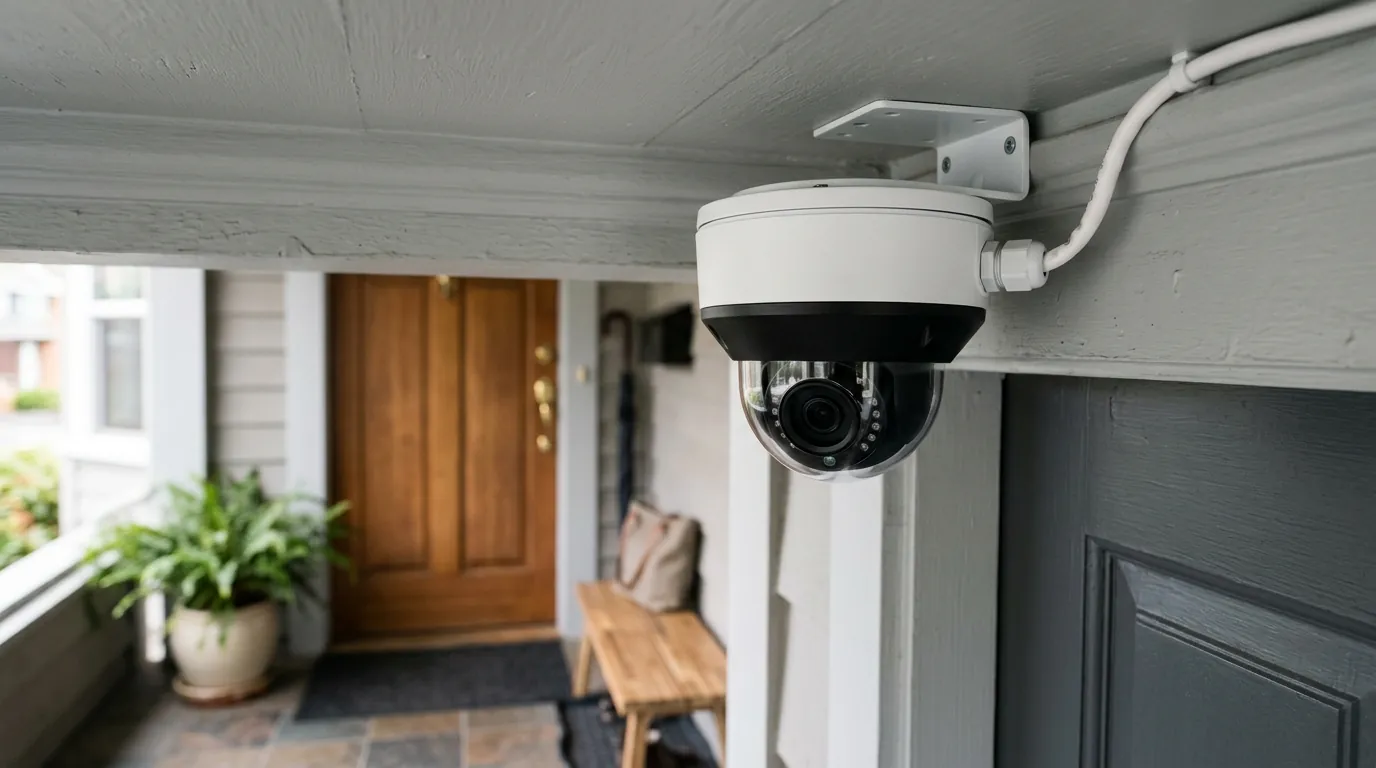
Best Wired Security Camera Systems for Small Business (2026)
Reliability in a commercial environment is measured by what happens when the Wi-Fi drops or the cloud subscription expires. For small businesses in 2026, moving to a wired infrastructure ensures that security remains an asset rather than a bandwidth liability.
For small businesses in 2026, PoE (Power over Ethernet) systems like the Reolink 12MP series or Ubiquiti UniFi G6 line offer the best reliability and 24/7 local recording without the monthly fees of Ring or Nest.
What it means
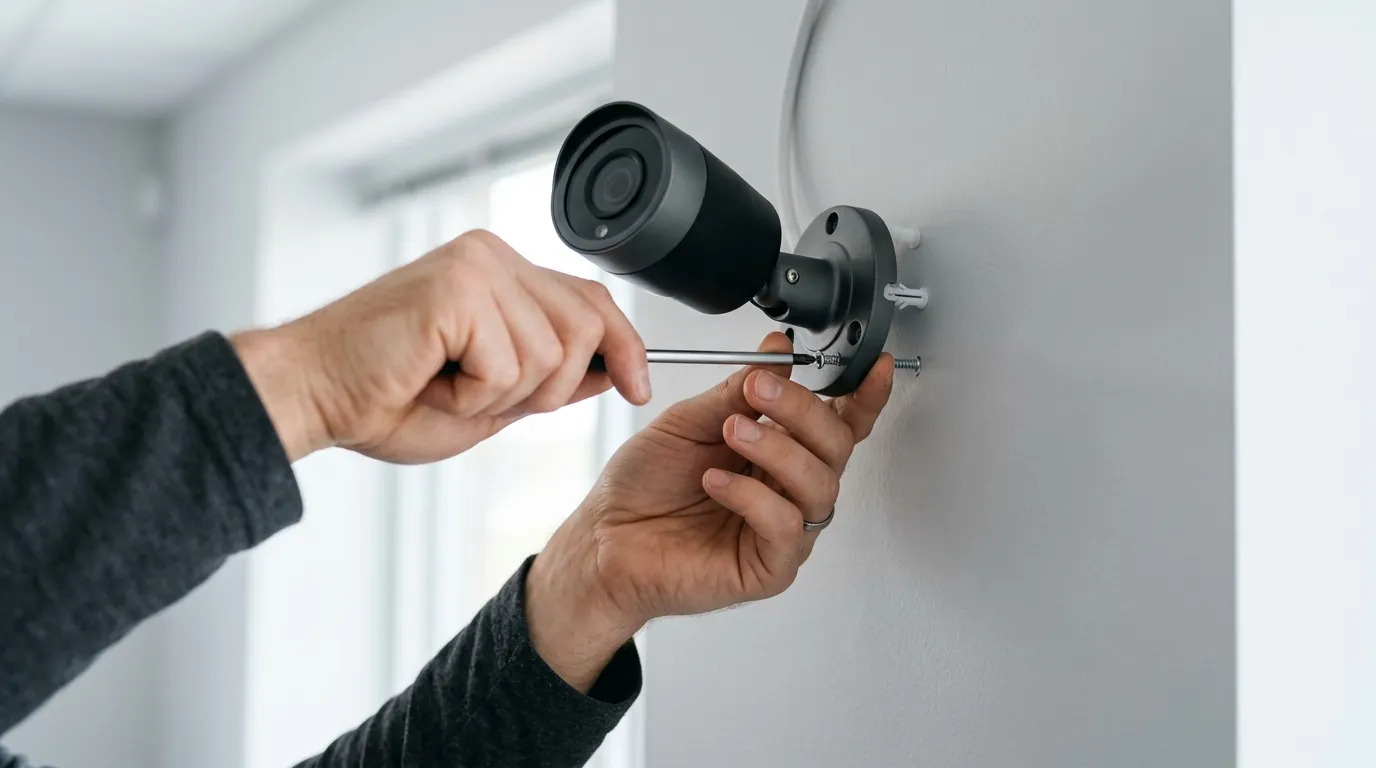
In 2026, a “wired system” refers almost exclusively to Power over Ethernet (PoE) IP camera systems. This technology has largely replaced the legacy analog BNC (coaxial) systems that defined the early 2000s. Unlike consumer “plug-in” Wi-Fi cameras—which use a wire for power but rely on wireless signals for data—a PoE system uses a single Cat6 cable to provide both high-speed data and electrical power to each camera.
The architectural core of these systems is the Network Video Recorder (NVR). Unlike the motion-only clips stored in the cloud by residential brands, a business-grade NVR records 24/7. This creates a “closed-circuit” feel while still allowing for encrypted remote viewing via mobile apps. For a small business, this distinction is critical: it ensures that an incident occurring in a “blind spot” for motion sensors is still captured on the continuous timeline.
The PoE Standard: One Cable for Everything
Modern PoE systems simplify installation by utilizing the IEEE 802.3af/at standards, which allow a single Ethernet cable to carry up to 30W of power. This eliminates the need for an electrician to install outlets at every camera location. In 2026, we are seeing the broader adoption of the 802.3bt standard, which provides up to 90W—enough to power heavy-duty Pan-Tilt-Zoom (PTZ) cameras with built-in heaters for refrigerated warehouses or extreme outdoor environments.
NVR vs. DVR: Why Digital Wins in 2026
While Digital Video Recorders (DVRs) used with analog cameras still exist, they are functionally obsolete for new business installs. Modern NVRs process digital data at the “edge” (inside the camera), allowing for much higher resolutions (4K, 12MP, and even 16MP) and advanced AI metadata. According to specifications from Reolink, modern NVRs now support massive incoming bitrates that analog systems simply cannot match without significant signal degradation.
| Feature | PoE IP System (Modern) | Wi-Fi “Plug-in” (Consumer) | Analog BNC (Legacy) |
|---|---|---|---|
| Primary Data Path | Cat6 Ethernet Cable | 2.4GHz / 5GHz / 6GHz Wi-Fi | Coaxial Cable |
| Recording Mode | 24/7 Continuous Local | Motion-only Cloud | 24/7 Continuous Local |
| Resolution Limit | 12MP - 16MP+ | Typically 2K - 4K | Typically 2MP - 5MP |
| Subscription Fee | Usually $0 (Local) | $10-$30/mo (Required) | $0 (Local) |
| Reliability | High (Immune to jamming) | Moderate (Subject to interference) | High (But low image quality) |
Why it exists
Small businesses face different threats than homeowners. While a homeowner might want to know when a package arrives, a business owner needs to defend against slip-and-fall liability, internal shrinkage, and organized retail crime. Wired systems exist to meet these higher stakes.
Reliability and Bandwidth Management
Commercial environments are often saturated with Wi-Fi signals from guest networks, point-of-sale (POS) systems, and employee devices. Adding eight 4K cameras to a Wi-Fi network can consume significant upload bandwidth, potentially slowing down credit card processing or VoIP phone calls. A wired PoE system keeps this heavy video traffic on its own dedicated “lane” of the network. Furthermore, as noted by security researchers at The Verge, Wi-Fi jammers have become an accessible tool for sophisticated burglars; a wired connection is physically immune to such interference.
Subscription Fatigue
The “Software as a Service” (SaaS) model has hit the security industry hard. Brands like Ring, Arlo, and Nest often require per-camera monthly fees to access basic features like person detection or more than 3 hours of video history. For a business with 10 cameras, this can exceed $1,000 per year in recurring costs. Wired systems from Ubiquiti and Lorex prioritize local storage on internal hard drives, allowing businesses to own their data outright with zero ongoing monthly fees.
Insurance Discounts and Liability Protection
Many US business insurance providers now offer premium credits for professionally installed, 24/7 surveillance systems. More importantly, in the event of a worker’s compensation claim or a customer injury, insurance adjusters often require the full 30 minutes of footage leading up to an incident—not just the 30-second “motion clip” that a cloud camera might have triggered.
How it works under the hood
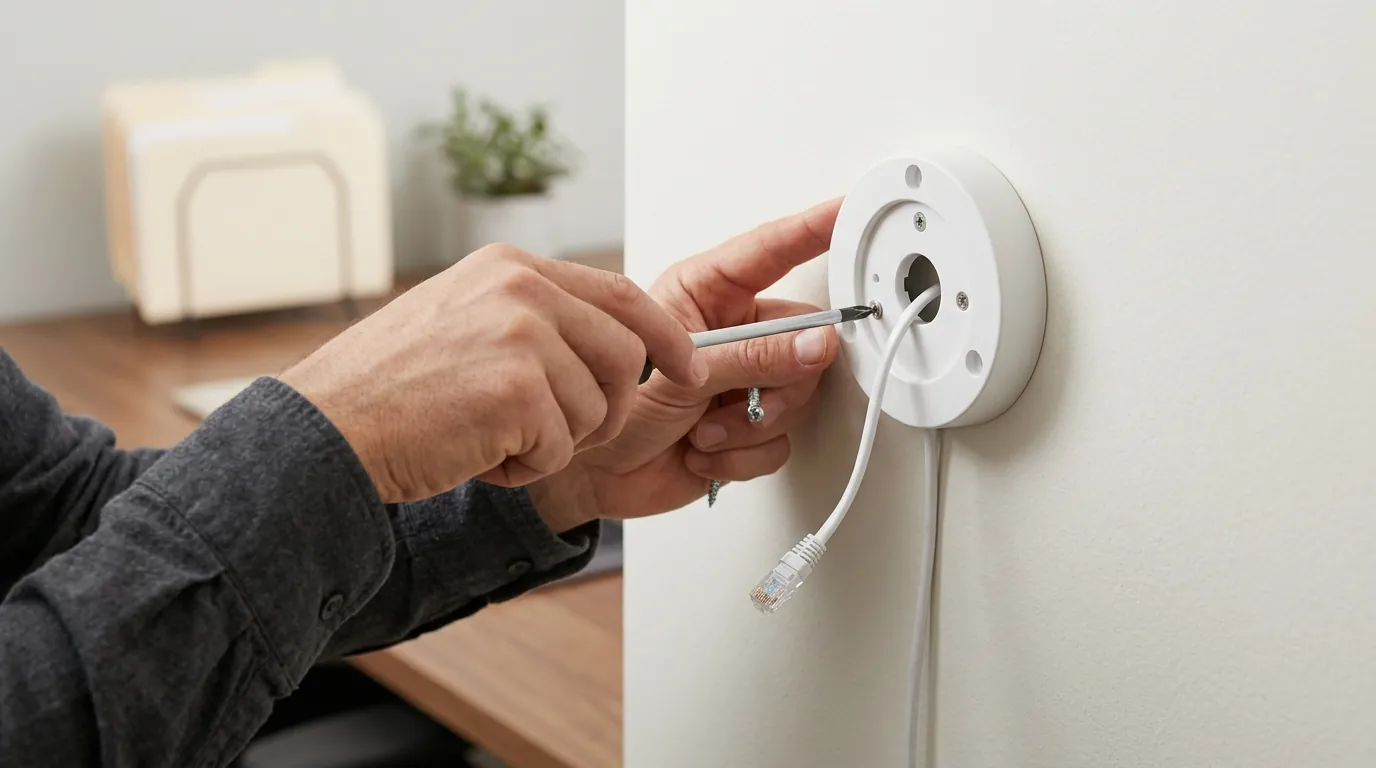
Understanding the technical requirements of a 2026 system prevents “under-speccing” a deployment that may fail during a critical moment.
PoE Standards and Power Budgets
When selecting a system, the “power budget” of the NVR or PoE switch is paramount.
- 802.3af (PoE): Up to 15.4W per port. Sufficient for standard dome/bullet cameras.
- 802.3at (PoE+): Up to 30W per port. Required for cameras with powerful IR night vision or motorized lenses.
- 802.3bt (PoE++): Up to 60W-90W. Necessary for high-end PTZ cameras used in large parking lots.
Edge AI Processing
In 2026, the “intelligence” has moved from the recorder into the camera itself. Cameras like the Ubiquiti UniFi G6 series utilize onboard Neural Processing Units (NPUs) to identify faces, license plates, and even specific objects like “ladder” or “delivery truck.” By processing this data at the edge, the NVR doesn’t have to work as hard to “watch” the video, which reduces heat, increases hardware longevity, and makes searching through weeks of footage nearly instantaneous.
Storage Calculations and H.265+
Recording 4K video 24/7 requires immense storage. Most modern systems use H.265+ (High-Efficiency Video Coding), which compresses video approximately 50% more efficiently than the older H.264 standard without losing detail.
- Typical Requirement: A 4-camera 4K system recording at 20 frames per second (fps) will consume roughly 1TB of storage every 7–10 days.
- Business Standard: To maintain a 30-day retention policy (common for retail), a business would need approximately 4TB to 6TB of dedicated surveillance-grade storage (like Western Digital Purple or Seagate SkyHawk drives).
Remote Access Protocols
While the video is stored locally, owners still need to see it on their phones. In the past, this required “port forwarding,” which opened holes in the business firewall. In 2026, systems use encrypted P2P (Peer-to-Peer) tunneling or automated VPNs (like Ubiquiti’s Teleport) to provide secure remote access without exposing the NVR to the open internet.
Real-world implications
The transition from “buying a kit” to “securing a business” involves logistical and legal hurdles that are often overlooked.
NDAA Compliance and Why It Matters
For businesses with federal contracts, or those located near sensitive infrastructure (airports, military bases), the National Defense Authorization Act (NDAA) is a critical filter. The NDAA prohibits the use of telecommunications and video surveillance equipment from certain Chinese vendors, most notably Hikvision and Dahua (and their many white-labeled subsidiaries). Brands like Ubiquiti, Alibi, and Hanwha Vision are frequently cited as NDAA-compliant alternatives. Using non-compliant gear can result in the loss of government contracts or insurance voids in specific high-security sectors.
Navigating Audio Recording and Privacy Signage
While video recording is generally legal in public business areas, audio recording is a legal minefield. In “all-party consent” states (such as Illinois, California, and Florida), recording a conversation without the consent of everyone involved can lead to felony wiretapping charges. Many business-grade cameras come with microphones enabled by default; it is a critical maintenance step to either disable audio in the software or post clear “Audio and Video Surveillance in Progress” signage at every entrance.
Installation Reality
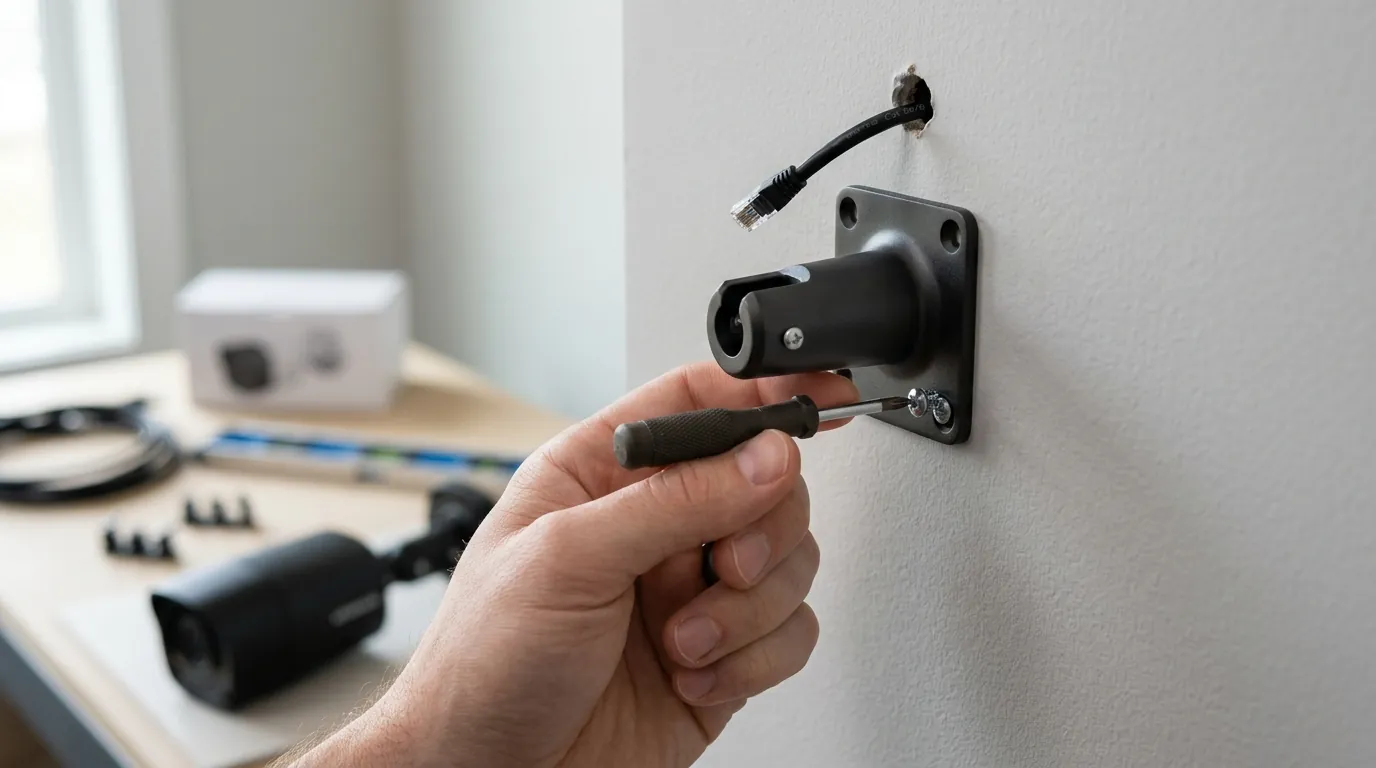
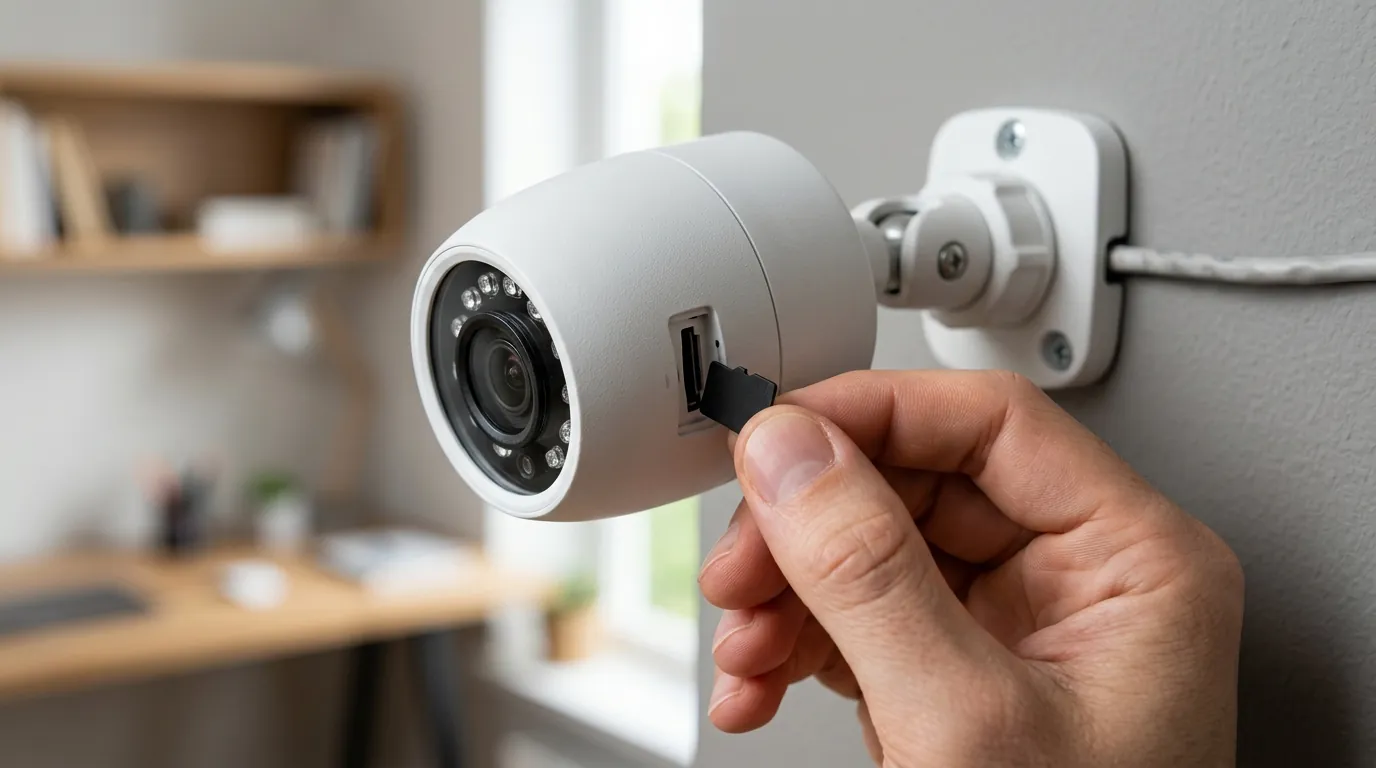
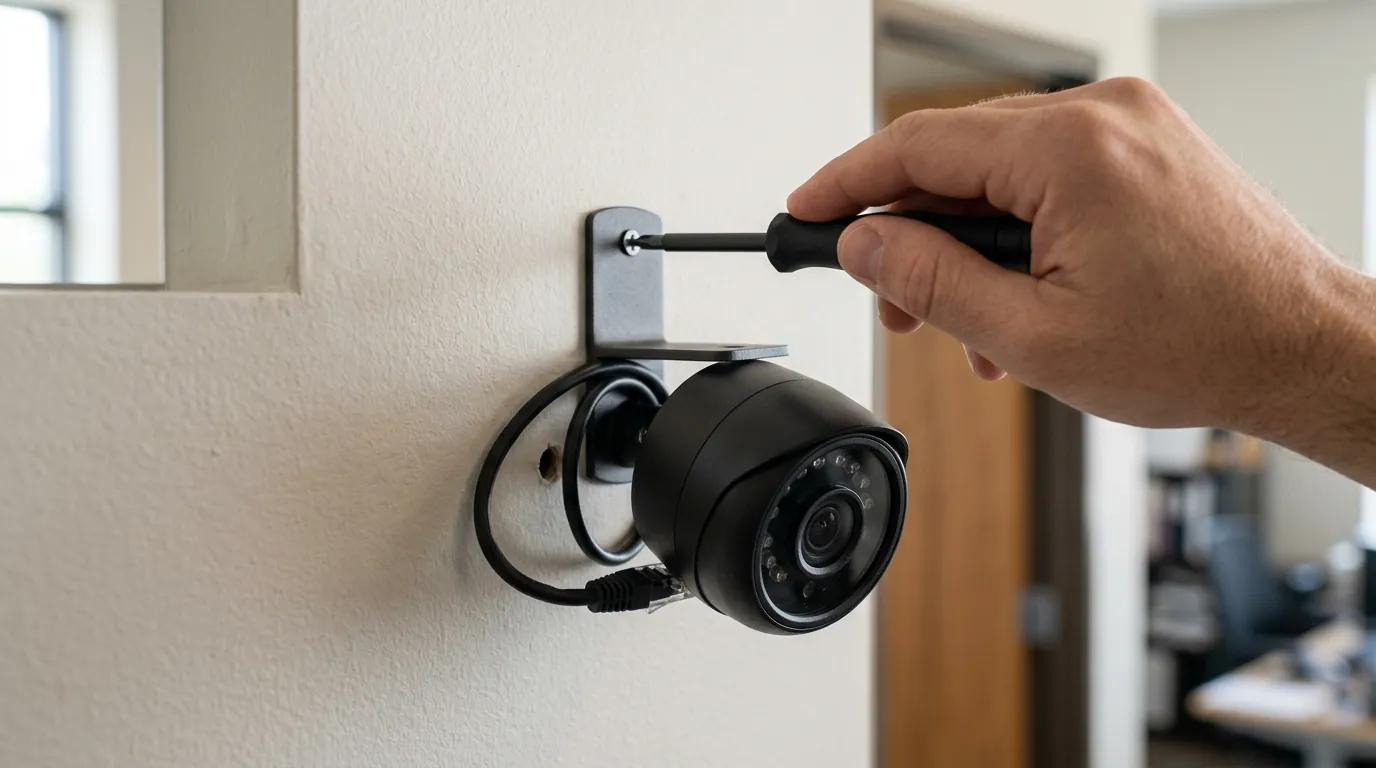
Running Cat6 cable through a drop ceiling in an office is relatively simple, but a warehouse with 30-foot ceilings or a brick-and-mortar store with solid plaster walls presents challenges. Businesses should factor in the cost of “Plenum-rated” cable, which is required by fire codes for installation in air-handling spaces (like above drop ceilings), as it does not emit toxic fumes if it burns.
Common misconceptions
“Wired is too hard for DIY”
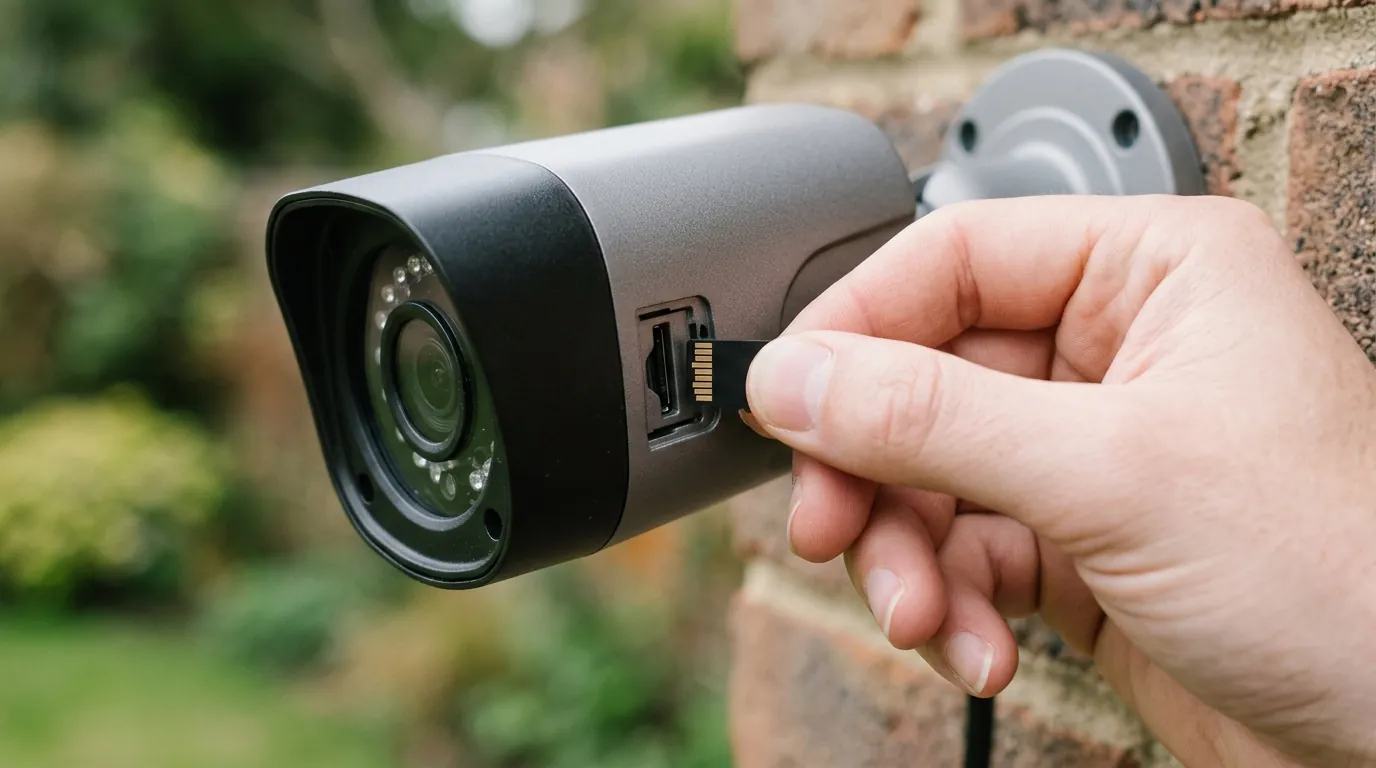
While running cables takes more effort than sticking a battery camera to a wall, modern PoE systems are “Plug-and-Play.” Once the cable is connected, the NVR automatically assigns an IP address to the camera and begins recording. There is no manual network configuration required for most entry-level kits from Reolink or Lorex.
“Wired cameras don’t have good apps”
There was once a massive gap between the slick apps of Silicon Valley (Nest/Ring) and the clunky interfaces of professional NVRs. That gap has closed. In 2026, the Ubiquiti UniFi Protect app is widely considered among the fastest and most intuitive in the industry, often outperforming cloud-based apps because it connects directly to the local hardware via the local network when the user is on-site.
“All wired systems are expensive”
The price floor for a functional 4-camera PoE system has dropped significantly.
- Entry-Level: A 4-camera 4K PoE kit with a 2TB NVR can be found in the $400-$600 range.
- Mid-Range Business: A custom 8-camera system with AI detection and 4TB of storage typically falls in the $1,200-$1,800 range.
- Enterprise-Grade: Systems requiring NDAA compliance, multi-site management, and 10TB+ of storage will often exceed $3,000+.
Decision Framework: Which System Fits Your Business?
| If you are a… | Prioritize… | Recommended Path |
|---|---|---|
| Retailer / Coffee Shop | 24/7 Recording & Audio | PoE NVR system with 12MP wide-angle dome cameras for “over-the-register” clarity. |
| High-Security / Gov Contractor | NDAA Compliance | Brands like Ubiquiti, Hanwha, or Bosch; avoid Hikvision/Dahua. |
| Warehouse / Large Lot | Long Range & Night Vision | PoE+ (802.3at) systems with high-intensity IR and PTZ capabilities. |
| Rented Small Office | Minimal Damage / Hybrid | If you can’t run cables, look for “Pro-sumer” Wi-Fi 6E cameras that still support local SD-card recording to avoid cloud fees. |
Total Cost of Ownership (TCO) Analysis (3-Year)
When comparing a “cheap” Wi-Fi system to a wired PoE system, the hardware is only part of the story.
Scenario: 6-Camera 4K Setup
- Cloud-Based Wi-Fi System:
- Hardware: ~$800
- Subscription (Professional Plan): ~$200/year
- 3-Year Total: ~$1,400 (and you own no data history if you stop paying).
- Wired PoE System (e.g., Reolink or Lorex):
- Hardware: ~$900
- Cat6 Cable & Tools: ~$150
- Subscription: $0
- 3-Year Total: ~$1,050 (and you own the hardware and all historical data).
Quvii tracks these trade-offs across the category to help small business owners move from reactive “gadget” buying to proactive infrastructure planning. As 2026 progresses, the shift toward local AI and subscription-free wired systems remains the strongest trend for those prioritizing long-term liability protection over short-term installation ease.
Further Reading
- Guide to calculating NVR storage needs for 4K/12MP streams.
- State-by-state guide to workplace surveillance laws (2026 update).
- Deep dive into PoE vs Wi-Fi security cameras for technical shoppers.
Sources
- Reolink — RLK8-1200B4-A 12MP PoE Security Camera System Specs
- Ubiquiti — UniFi Protect G6-Series and NVR Ecosystem
- IEEE Xplore — Understanding the 802.3bt PoE Standard
- Lorex — 4K Wired Security Systems for Business
- Federal Register — NDAA Section 889 Prohibited Telecommunications Equipment
- Western Digital — Surveillance Drive Storage Calculator