
Best Smart Locks for Apple Home Key in 2026: A Buyer's Guide
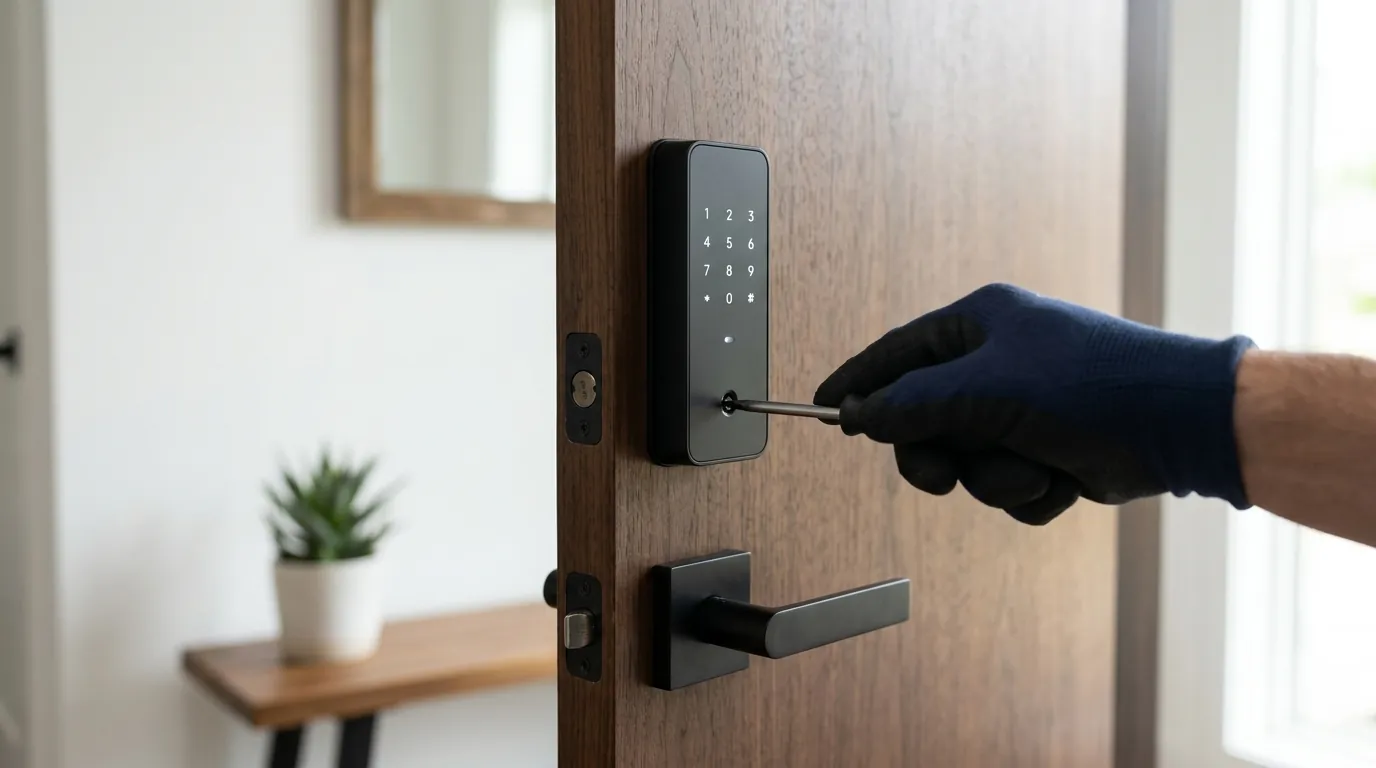
For iPhone and Apple Watch users, the front door is no longer a barrier requiring a physical key or a clumsy app interaction. Apple Home Key technology allows for a simple tap-to-unlock experience that mirrors the convenience of Apple Pay, bringing a high level of security and privacy to the smart home entrance.
In 2026, leading smart lock brands like Schlage and Level offer models compatible with Apple Home Key, allowing iPhone and Apple Watch users secure, tap-to-unlock access without relying on proprietary apps or recurring subscriptions for basic functionality. These locks integrate seamlessly with the Apple Home ecosystem, providing a convenient and private alternative to traditional keys and many subscription-heavy smart home solutions.
What it means
Related: Google Nest Cam Battery Overheating: Causes, Fixes & What You Need to · Eufy HomeBase Storage Issues in June 2026: What You Need to Know · Ring Battery Doorbell Plus Overheating: Causes, Fixes & What June 2026
Apple Home Key is a specialized feature within the Apple Home (HomeKit) ecosystem that transforms your Apple device into a digital credential. Unlike standard smart locks that require you to open an app or wait for a Bluetooth handshake, Home Key uses Near Field Communication (NFC) to allow for an “Express Mode” experience—you simply hold your device near the lock’s reader to gain entry.
Beyond the Physical Key
A Home Key-compatible lock removes the friction of mechanical keys. Once a compatible lock is added to the Apple Home app, a digital key is automatically generated and stored in the Apple Wallet. This key is shared across your iCloud-connected devices, meaning your Apple Watch is just as capable of unlocking the door as your iPhone. This digital transition eliminates the risk of physical lock picking or “bumping” while providing a log of who entered the home and when.
HomeKit Integration Explained
While many locks are “HomeKit compatible” (meaning they show up in the Home app), Home Key is a specific hardware-dependent feature. Integration means the lock becomes a node in your broader Apple Home automation. You can set scenes where unlocking the door at night automatically triggers the hallway lights and adjusts the thermostat. Because it uses the HomeKit Accessory Protocol (HAP), all communication is encrypted and, in most cases, occurs locally between your Apple Home Hub (like an Apple TV or HomePod) and the lock itself.
Why it exists
The emergence of Home Key is a direct response to the “app fatigue” and reliability issues that plagued early smart home adopters. Before 2021, most smart locks required users to fumble with third-party apps that often failed to connect quickly, or they relied on geofencing that could be inconsistent.
The Evolution of Home Access
Traditional keys are easily lost, stolen, or duplicated. While early smart locks solved the “lost key” problem with keypads, they introduced new vulnerabilities, such as cloud-dependency. If a manufacturer’s server went down, remote access often failed. Apple developed Home Key to standardize the entry experience, ensuring that the “key” is as reliable as a credit card in a digital wallet.
Apple’s Vision for Smart Homes
Apple’s strategy centers on privacy and local control. By moving the “brain” of the lock into the Apple Wallet and the Home app, Apple reduces the user’s reliance on third-party cloud services that may track entry/exit data or charge monthly fees. Home Key is a cornerstone of this vision, positioning the iPhone not just as a communication device, but as a universal secure token for the physical world.
How it works under the hood
The seamless “tap” experience belies a complex cryptographic exchange happening in milliseconds. Home Key relies on a combination of hardware-level security and short-range wireless protocols.
NFC and the Secure Element
Home Key utilizes Near Field Communication (NFC), the same technology used for contactless payments. When you bring your iPhone near a Schlage Encode Plus or Aqara U100, the lock and the phone perform a secure handshake. Crucially, the digital key is stored in the Secure Element of the Apple device—a dedicated chip isolated from the rest of the operating system. This ensures that even if the phone’s software is compromised, the cryptographic keys remain inaccessible.
Behind the HomeKit Protocol
The communication between the lock and your Apple Home Hub (Apple TV or HomePod) typically uses Thread or Bluetooth LE. In 2026, most top-tier Home Key locks have migrated to Thread, a low-power mesh networking protocol that offers faster response times and better range than Bluetooth. The HomeKit Accessory Protocol (HAP) ensures that every command sent to the lock is end-to-end encrypted.
Powering Your Smart Lock
Most Home Key locks are battery-operated, typically using four AA batteries or specialized lithium packs. Because NFC requires very little power to “listen” for a device, these locks can last between 6 to 12 months on a single set of batteries. Some newer models in 2026 explore “energy harvesting” or hardwired kits for new constructions, but the consumer market remains dominated by battery-powered deadbolt replacements.
Real-world implications
Adopting a Home Key lock changes the daily rhythm of home security. The most significant real-world benefit is Express Mode, which allows the lock to function even if the iPhone is locked or the user is in the middle of a phone call.
Daily Convenience and Security
If your iPhone battery dies, Apple’s Power Reserve feature (available on iPhone XS and later) allows the Home Key to continue working for up to five hours after the device has powered down. This addresses the primary fear of being “locked out” due to a dead phone. From a security standpoint, the digital key cannot be “skimmed” like a credit card because the Secure Element requires a specific cryptographic challenge-response that is unique to each interaction.
Managing Access for Others
The Apple Home app simplifies guest access. You can invite a guest to your “Home,” and they will receive their own Home Key in their Apple Wallet. You can set schedules—for example, allowing a dog walker access only between 12:00 PM and 2:00 PM on weekdays. Unlike traditional smart locks that might require the guest to download a specific manufacturer’s app and create an account, Home Key works natively for anyone in the Apple ecosystem.
Integrating with Your Smart Home
Home Key locks act as triggers for automations. In the Apple Home app, you can create a “Coming Home” scene. When the deadbolt retracts via Home Key, the security system disarms, and the interior cameras can be set to “Off” or “Privacy Mode” automatically. This level of orchestration is a significant step up from standalone locks that don’t communicate with the rest of the house.
Leading Home Key Compatible Locks (2026)
As of 2026, the market has matured with several reliable options. While prices fluctuate, these models generally fall into specific tiers based on their build quality and additional features like fingerprint scanners.
| Model | Primary Protocol | Battery Type | Keypad/Fingerprint | Price Band |
|---|---|---|---|---|
| Schlage Encode Plus | Thread / Wi-Fi | 4 AA | Physical Keypad | $250–$320 |
| Aqara U100 | Zigbee / Bluetooth | 4 AA | Fingerprint + Keypad | $160–$220 |
| Level Lock+ | Bluetooth (Thread via HomePod) | CR2 | Hidden (Invisible) | $280–$350 |
| Aqara U300 | Thread / Matter | Rechargeable Li-ion | Fingerprint + Keypad | $200–$260 |
| Yale Assure Lock 2 | Bluetooth (with Module) | 4 AA | Touch Keypad | $200–$280 |
Note: Yale Assure Lock 2 requires the specific “Apple Home Key” Smart Module to support this feature.
Decision Framework: Which Lock is Right for You?
- If you are a renter: Prioritize the Level Lock+. It replaces only the internal components of your existing deadbolt, allowing you to keep the original exterior key for your landlord.
- If you want maximum reliability: Prioritize the Schlage Encode Plus. Schlage’s hardware is Grade 1 certified (the highest residential security rating), and its Thread implementation is highly stable.
- If you are on a budget: The Aqara U100 offers Home Key plus a fingerprint scanner at a significantly lower entry price than Schlage or Level.
- If you want a modern aesthetic: The Aqara U300 (lever style) or the Level Lock+ (invisible design) are the top choices for minimalist homes.
Total Cost of Ownership (TCO)
One of the greatest advantages of the Apple Home Key ecosystem is the absence of subscription fees.
- Hardware Cost: $160–$350 (one-time).
- Subscription Fees: $0. Unlike brands like Arlo or Ring that may gate certain “smart” features or history behind a monthly plan, Home Key functionality is included with the hardware.
- Battery Costs: ~$10–$20 per year for AA or CR2 replacements.
- 3-Year TCO: Approximately the cost of the hardware plus $45 in maintenance. This makes Home Key locks some of the most cost-effective long-term security investments.
Common misconceptions
Despite its growing popularity, several myths persist regarding Apple’s locking technology.
Subscription Confusion
A common misconception is that Home Key requires a monthly “Apple Home” subscription. This is false. While Apple offers “HomeKit Secure Video” (HKSV) for cameras which requires an iCloud+ plan, the smart lock features—including Home Key, remote unlocking, and guest management—require no monthly fees.
Security Myths Debunked
Some users fear that a digital key is easier to “hack” than a physical lock. In reality, a physical Schlage or Yale lock can often be picked by an experienced locksmith in under a minute. Bypassing the 128-bit AES encryption and the Secure Element of an iPhone is exponentially more difficult and requires state-level resources, making the digital key significantly more secure for the average homeowner.
Battery Life Worries
“If my phone dies, I’m locked out” is the most frequent concern. As noted, Power Reserve allows for NFC functionality for several hours after the phone’s UI shuts down. Additionally, almost all Home Key locks (except the Level Lock+) include a physical keypad or a hidden physical keyway as a secondary backup.
Compatibility Checks
Not every HomeKit lock supports Home Key. For example, the original August Smart Lock and many older Yale models work with the Home app but do not have the NFC hardware required for Home Key. Always look for the specific “Apple Home Key” branding on the box, not just the “Works with Apple Home” logo.
Frequently Asked Questions
Does Apple Home Key work with the Apple Watch?
Yes, Apple Home Key is fully compatible with Apple Watch Series 4 and later. Once the key is added to your iPhone Wallet, it automatically syncs to your Watch. You can tap your wrist against the lock to open it, even if you don’t have your iPhone with you.
Can I still use a physical key with a Home Key lock?
Most Home Key-compatible locks, such as the Schlage Encode Plus and Aqara U100, retain a standard physical key cylinder. This allows you to use a traditional metal key as a fail-safe backup. The Level Lock+ is unique because it uses your existing deadbolt’s key, making it virtually indistinguishable from a non-smart lock.
What happens to my Home Key if I lose my iPhone?
If your device is lost or stolen, you can use the “Find My” app on another device or via iCloud.com to put your iPhone in “Lost Mode.” This automatically disables all cards and keys in the Apple Wallet, including your Home Key, ensuring that no one can use the lost device to enter your home.
Further reading
Official Resources
- Apple Support: About Home Key — Official documentation on setup and usage.
- Apple Privacy Policy — Details on how Apple handles HomeKit and Wallet data.
Independent Reviews
- The Verge: Schlage Encode Plus Review — A deep dive into the hardware reliability.
- Wirecutter: Best Smart Locks — Comparative testing of various models including Home Key options.
General Smart Lock Buying Guide
When selecting a lock, always verify the ANSI/BHMA Grade. Grade 1 is the strongest, typically found in Schlage products, while Grade 2 is standard for most residential applications. Ensure your door has a standard backset (2 3/8” or 2 3/4”) before purchasing, as some specialized European or mortise locks may not be compatible with standard US smart deadbolts.
Sources
- Apple — https://www.apple.com/ios/home/
- Schlage — https://www.schlage.com/en/home/smart-locks/encode-plus.html
- Aqara — https://www.aqara.com/en/product/smart-lock-u100
- Level
- Yale Home
Quvii tracks these trade-offs across the category to help homeowners choose the most reliable local-control security hardware.