
Best PoE Security Cameras for Residential Use (2026 Guide)
While Wi-Fi cameras offer convenience, the most robust residential security systems in 2026 have shifted toward Power over Ethernet (PoE) to ensure 24/7 reliability and data privacy.
PoE cameras provide the most reliable 24/7 security by using one cable for power and data. For 2026, the Reolink Duo 3 PoE is the top residential pick, offering 16MP panoramic 180° coverage with no monthly fees.
What it means
Related: Best 4K Security Cameras with Local Storage (2026 Guide) · Best Smart Home Motion Detectors for Security: 2026 Guide · Eufy vs. Wyze: 2026 Budget Security Camera Comparison
Power over Ethernet (PoE) is a networking technology that allows a single Category 6 (Cat6) or Category 5e (Cat5e) cable to provide both a high-speed data connection and electric power to a device. In the context of residential security, this eliminates the need for a nearby power outlet or a battery that requires frequent charging.
By 2026, the residential standard for PoE cameras has moved beyond 1080p and even standard 4K. High-end consumer models now frequently feature 16MP (8K) sensors, which provide enough detail to identify license plates or facial features at significant distances. This jump in resolution requires the stable, high-bandwidth connection that only a physical wire can provide, as 8K video streams can easily congest even modern Wi-Fi 7 home networks.
The Single-Cable Advantage
The primary technical advantage of PoE is the consolidation of infrastructure. Instead of managing a power adapter and a wireless signal, a PoE camera relies on a “home run” cable back to a central PoE switch or Network Video Recorder (NVR). This setup ensures that if your router’s Wi-Fi signal drops or suffers from interference, your security cameras remain unaffected and continue recording to the local hard drive.
PoE vs. PoE+ vs. PoE++
Not all PoE is the same. The technology is governed by IEEE standards that dictate how much wattage can be delivered over a single cable. Understanding these is critical when choosing a PoE switch or NVR for your home.
| Standard | IEEE Specification | Max Power at Port | Typical Device Use Case |
|---|---|---|---|
| PoE | 802.3af | 15.4W | Standard fixed-lens 4K cameras, indoor domes. |
| PoE+ | 802.3at | 30W | PTZ (Pan-Tilt-Zoom) cameras, cameras with built-in heaters or powerful spotlights. |
| PoE++ | 802.3bt | 60W - 100W | High-speed long-range PTZ cameras, multi-sensor 16MP units with extensive IR. |
Source: IEEE 802.3 Ethernet Working Group
Most modern residential cameras, such as the Reolink Duo 3 PoE, operate within the 802.3at (PoE+) envelope to support their high-resolution sensors and advanced AI processing.
Why it exists
The move toward PoE in the residential sector is a direct response to the limitations of consumer-grade Wi-Fi cameras. While brands like Ring and Nest popularized the “easy install,” long-term users have found significant pain points in wireless-only ecosystems.
Solving the Wi-Fi Jamming Problem
A growing concern in 2026 is the accessibility of “deauthentication” tools and Wi-Fi jammers. These devices can disrupt the 2.4GHz and 5GHz frequencies used by wireless cameras, effectively “blinding” a security system before an intruder enters the property. Because PoE cameras are hardwired, they are immune to RF-based jamming. A physical wire tucked behind a soffit or inside a wall provides a layer of security that software-based encryption on a wireless signal cannot match.
The Death of the Monthly Subscription
One of the primary reasons PoE systems exist is to offer “Data Sovereignty.” Most Wi-Fi cameras are designed to lock footage behind a cloud subscription paywall. Over a three-year period, these fees can often exceed the original cost of the hardware. PoE systems, by contrast, are designed to work with a local NVR. This allows for 24/7 continuous recording—something most battery-powered Wi-Fi cameras cannot do without draining their power source in hours.
How it works under the hood
The “magic” of PoE lies in how the power and data are managed without damaging the delicate electronics in the camera. This is handled through a process known as the “PoE Handshake.”
PSE vs. PD: The Power Handshake
In a PoE ecosystem, there are two roles: the Power Sourcing Equipment (PSE)—usually a PoE switch or an NVR—and the Powered Device (PD), which is the camera.
When you plug a camera into a PoE switch, the switch does not immediately send high voltage. Instead, it sends a low-voltage signal to detect if the connected device is PoE-compatible. Once confirmed, the switch “classifies” the device to determine its power requirements (e.g., Class 3 for 15.4W or Class 4 for 30W). Only after this handshake is complete does the full power flow. This prevents the system from frying a non-PoE device, like a laptop, if it is accidentally plugged into a PoE port.
Cabling: Cat5e vs. Cat6 in 2026
While Cat5e is technically capable of handling 1Gbps data and standard PoE, the industry has shifted toward Cat6 and Cat6a for 2026 installations.
- Cat6 features thicker copper conductors (typically 23 AWG vs. 24 AWG in Cat5e), which results in less “voltage drop” over long distances.
- Heat Dissipation: When multiple PoE cables are bundled together in a tight space (like a wall stud or conduit), they generate heat. Cat6 is better rated to handle this thermal load without degrading data speeds.
- Future-Proofing: 16MP cameras generate massive bitrates. Cat6 ensures that your internal network isn’t the bottleneck when viewing multiple high-resolution streams simultaneously.
Real-world implications
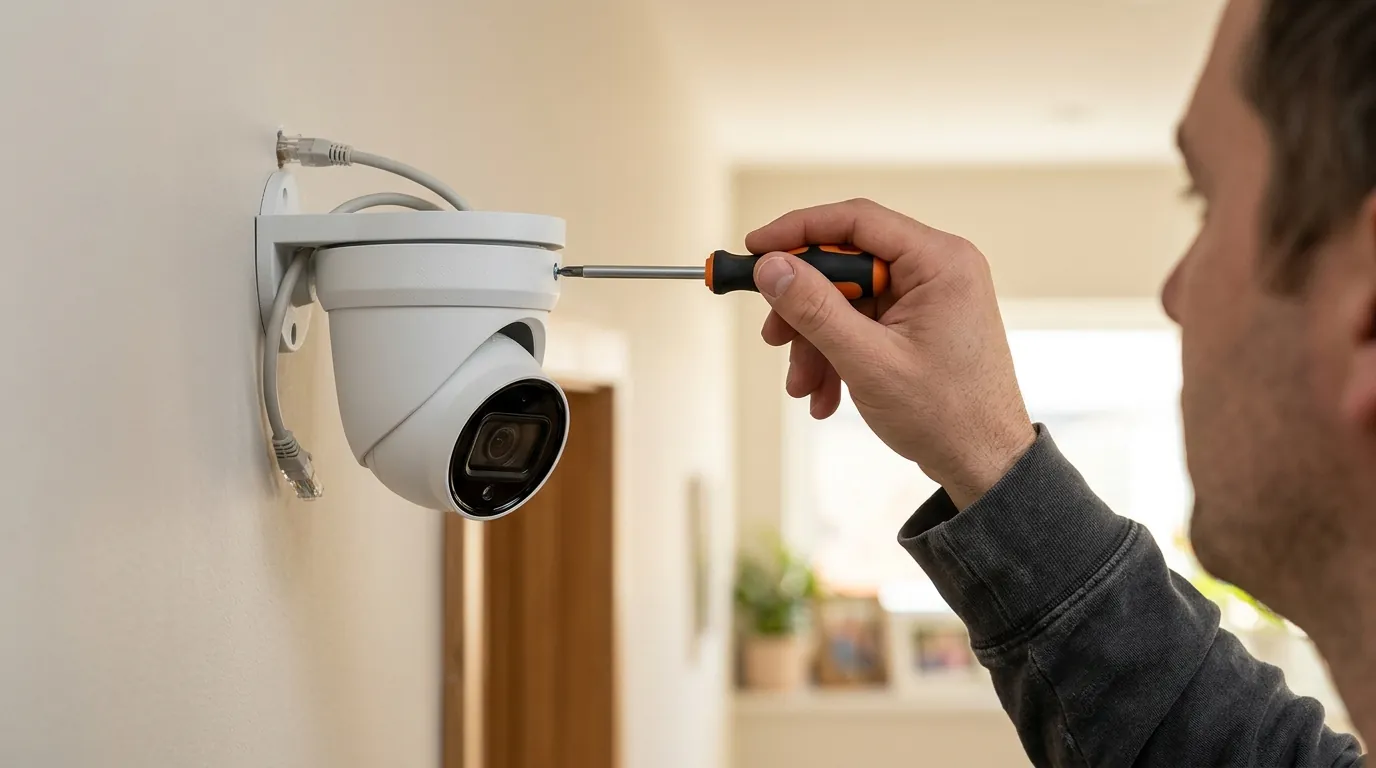
Transitioning to a PoE system changes the ownership experience from a “gadget” mindset to a “utility” mindset. It requires more effort upfront but yields a more stable result.
The DIY Installation Reality
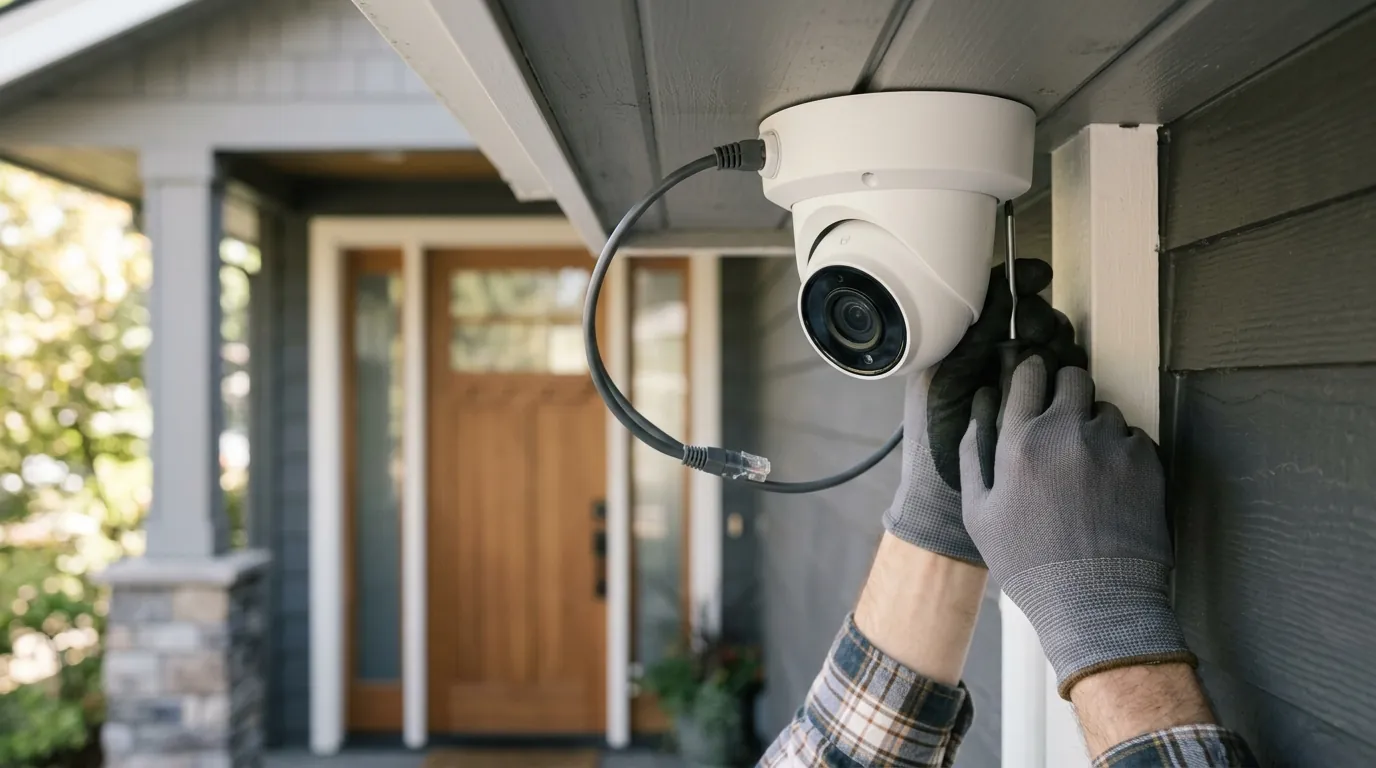
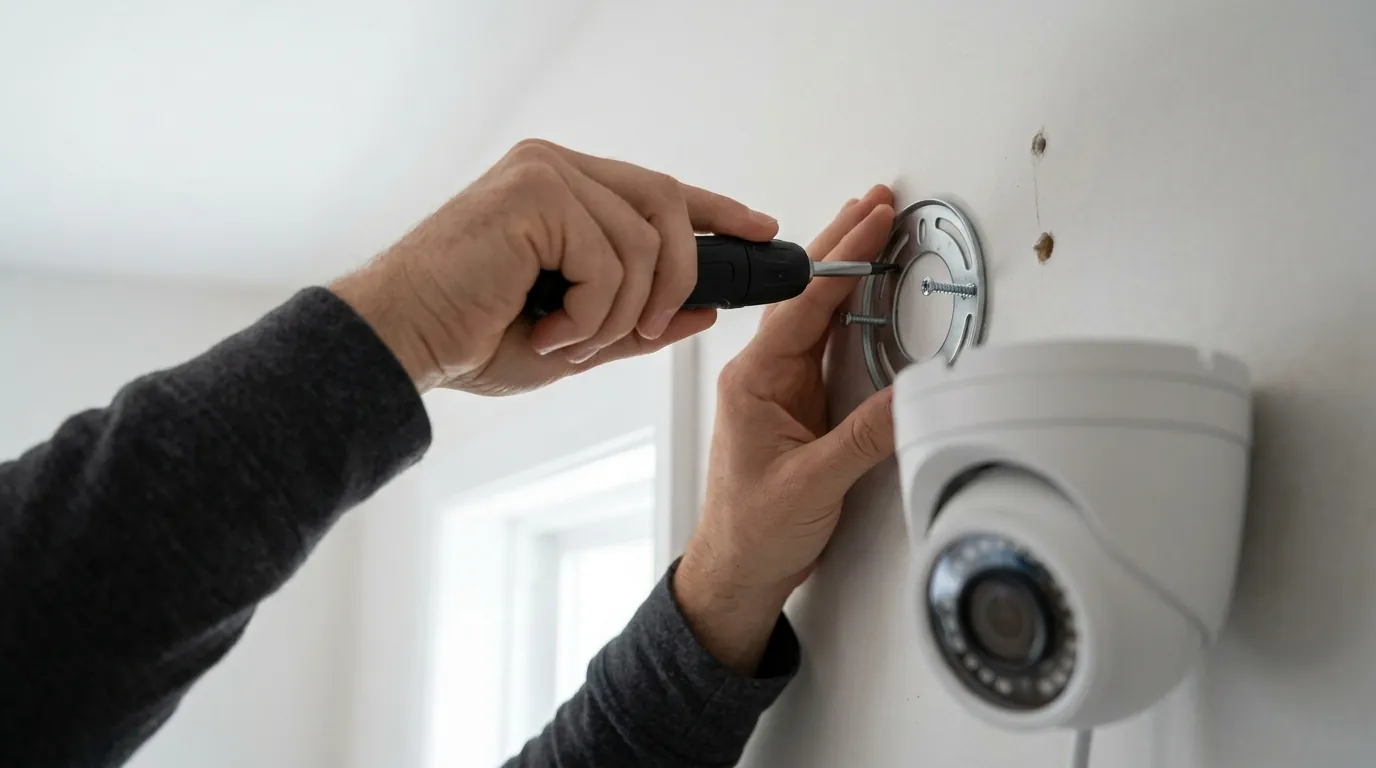
The biggest hurdle for PoE is the cable run. Unlike Wi-Fi cameras that only need a nearby outlet (or no wires at all), PoE requires an Ethernet cable to travel from the camera location back to the NVR or switch. For many homeowners, this involves:
- Attic Access: Dropping cables down through top plates into wall cavities.
- Soffit Mounting: Tucking cables behind vinyl or wood soffits for a clean look.
- Weatherproofing: Using waterproof “glands” (shipped with most Reolink and Lorex units) to protect the RJ45 connection from moisture.
Local Storage and Privacy
With a PoE system, your video never has to leave your house. Using a local NVR with a surveillance-grade hard drive (like a Western Digital Purple or Seagate SkyHawk), you can store weeks of 24/7 footage. This is a critical distinction for privacy-conscious users who do not want their data stored on third-party servers or accessible to law enforcement without a warrant.
2026 PoE Camera Comparison Plate
| Feature | Reolink Duo 3 PoE | Ubiquiti UniFi G5 Pro | Lorex 4K Fusion |
|---|---|---|---|
| Resolution | 16MP (7680 x 2160) | 4K (3840 x 2160) | 4K (3840 x 2160) |
| Field of View | 180° Panoramic | 34° – 110° (Optical Zoom) | 110° Fixed |
| Night Vision | ColorX (Low Light Color) | Infrared (IR) | Smart Deterrence / IR |
| Subscription | $0 | $0 | $0 |
| Price Band | $150 - $200 | $350 - $400 | $100 - $150 |
Source: Reolink Official Specs, Ubiquiti Store, Lorex Technology
Decision Framework: Which PoE Camera is for You?
- If you want maximum coverage with one camera: Prioritize the Reolink Duo 3. Its dual-lens design stitches two 8MP images into a single 16MP 180-degree view, eliminating the “fish-eye” distortion common in wide-angle lenses.
- If you are already in the Ubiquiti ecosystem: The G5 Pro offers seamless integration with UniFi Protect. It features superior build quality and an optional “Vision Enhancer” for intense night-time clarity, though it is the most expensive option.
- If you need “Active Deterrence”: The Lorex 4K Fusion line excels here, featuring dual motion-activated spotlights and a siren that can be triggered by AI-detected person/vehicle events.
Total Cost of Ownership (3-Year View)
When evaluating PoE cameras, the sticker price is only part of the equation. Because PoE systems avoid monthly fees, the “Break-Even” point compared to cloud cameras (like Nest or Arlo) usually occurs around the 14-month mark.
Scenario: A 4-Camera System
- Cloud-Based Wi-Fi (e.g., Nest/Arlo):
- Hardware: ~$600 - $800
- Subscription ($10/mo): $360 over 3 years
- Total: $960 - $1,160
- Local PoE (e.g., Reolink/Lorex):
- Hardware (4 Cameras): ~$500
- NVR with 2TB HDD: ~$250
- Cabling/Tools: ~$100
- Subscription: $0
- Total: ~$850
The PoE system is not only cheaper over three years, but it also provides 24/7 recording, whereas the cloud-based system often only records “events,” potentially missing the lead-up to an incident.
Common misconceptions
Misconception: “PoE is only for professional businesses.”
While PoE originated in the enterprise space, modern NVRs are “Plug-and-Play.” When you plug a Reolink or Lorex camera into their respective NVRs, the system automatically assigns an IP address and starts recording. You do not need to be a network engineer to set up a modern residential PoE system.
Misconception: “I need an electrician to install it.”
PoE is considered low-voltage (under 60V). In most jurisdictions, this does not require a licensed electrician for installation, making it a legal and safe DIY project. The power is carried over the same thin Ethernet cable used for your internet, posing significantly less risk than traditional 120V electrical wiring.
Misconception: “PoE cameras don’t have apps.”
Modern PoE systems offer remote viewing experiences that are identical to, or better than, Wi-Fi cameras. Brands like Reolink and Ubiquiti have highly polished iOS and Android apps that provide instant push notifications, two-way talk, and remote playback from anywhere in the world, provided your NVR is connected to your home router.
Further reading
Investing in a PoE system is the first step toward a professional-grade home security perimeter. To maximize your setup, consider these technical nuances:
- NVR Selection: Ensure your NVR has a high enough “Incoming Bandwidth” rating. A 16MP camera like the Duo 3 consumes significantly more bandwidth than a standard 1080p camera. If your NVR is older, it may struggle to process four or more 8K streams simultaneously.
- Weatherproofing: Even “weatherproof” cameras can fail if the Ethernet connection is exposed. Always use a junction box or tuck the connection inside the wall/soffit. For exposed runs, use “Outdoor Rated” (CMX) Cat6 cable, which has a UV-resistant jacket to prevent cracking in the sun.
- ONVIF Compatibility: If you want to mix and match brands (e.g., a Reolink camera with a Hikvision NVR), ensure both support the ONVIF Profile S or T standard. This is the “universal language” of IP cameras.
Recommended Toolset for PoE Installation
- RJ45 Pass-Through Crimper: For putting connectors on the ends of your Cat6 cables.
- Ethernet Cable Tester: A simple $20 tool to ensure your pins are correctly aligned before you mount the camera 20 feet up a ladder.
- Fish Tape or Glow Rods: Essential for pulling cable through insulated walls or tight attic corners.
Frequently Asked Questions
Can I run a PoE camera without an NVR?
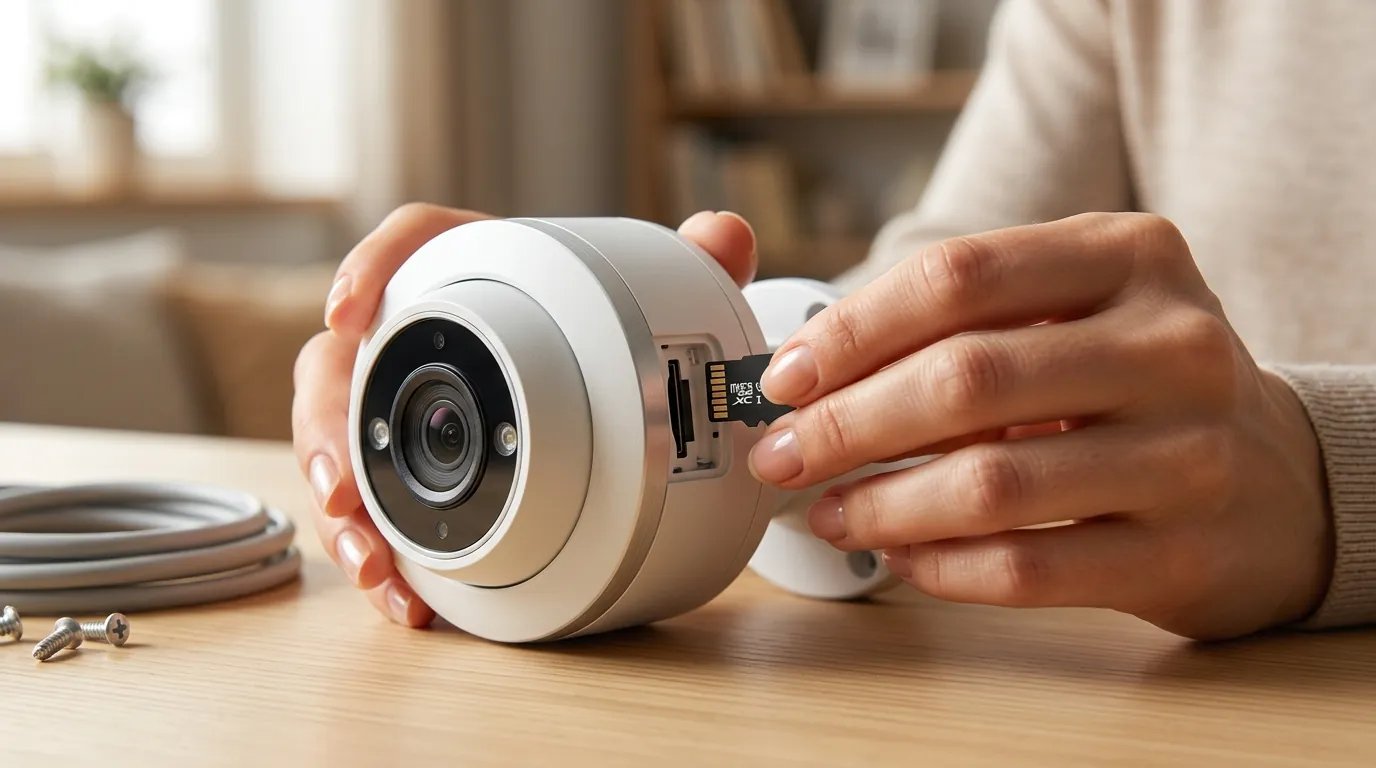
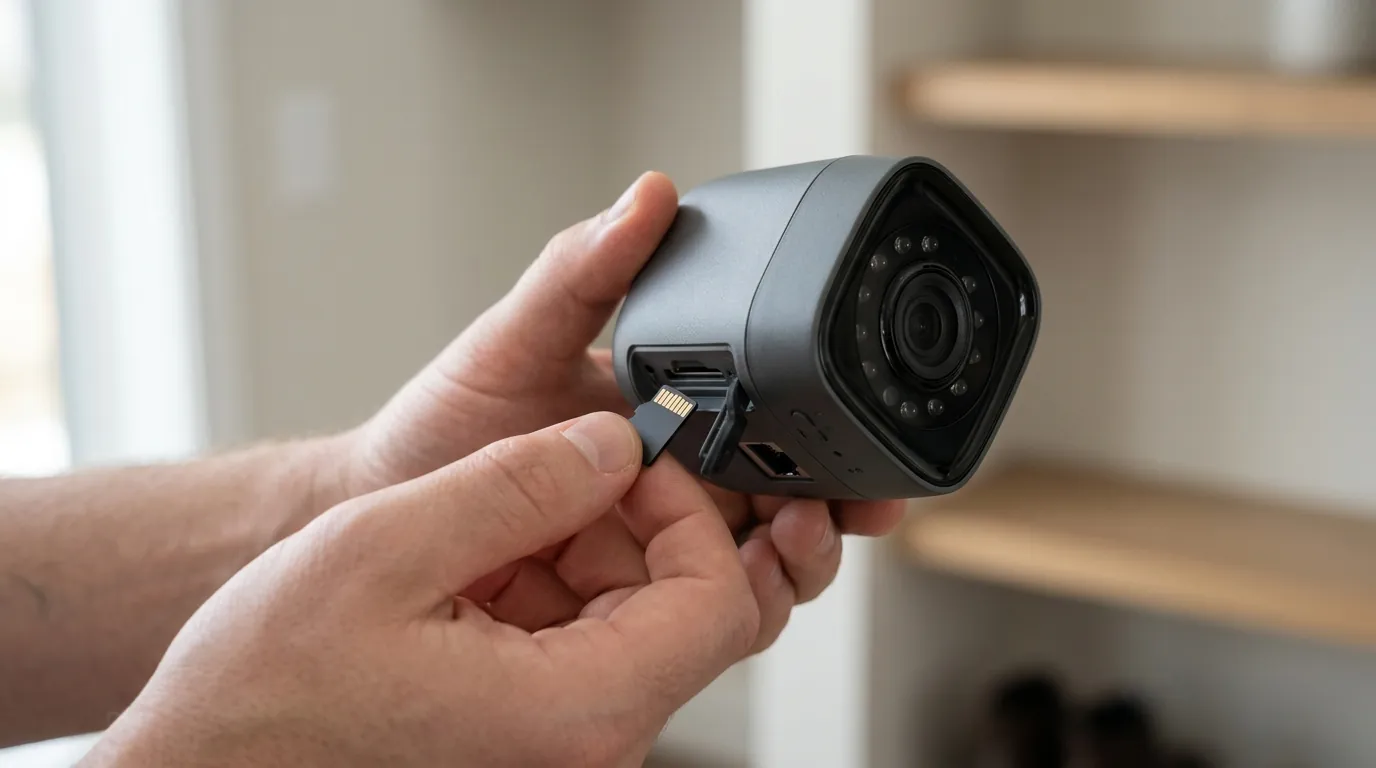
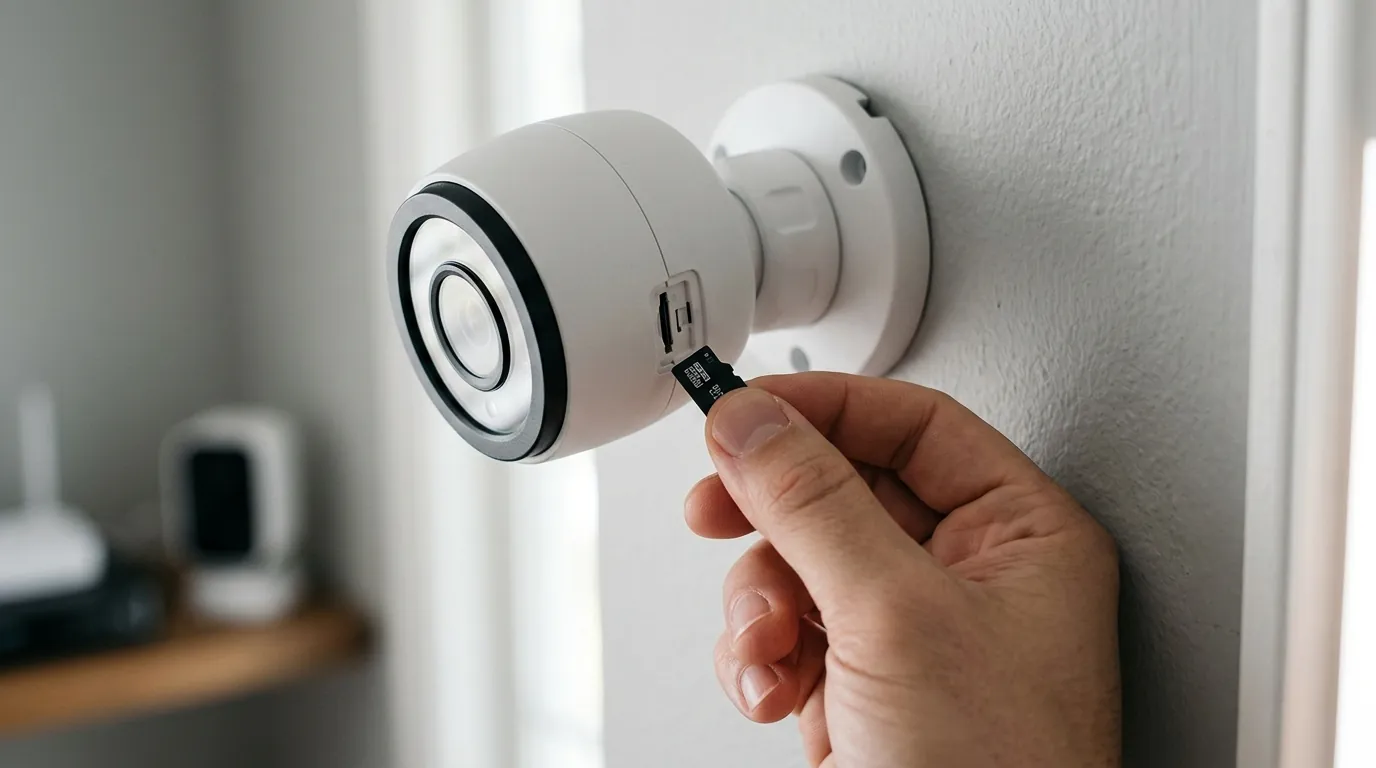
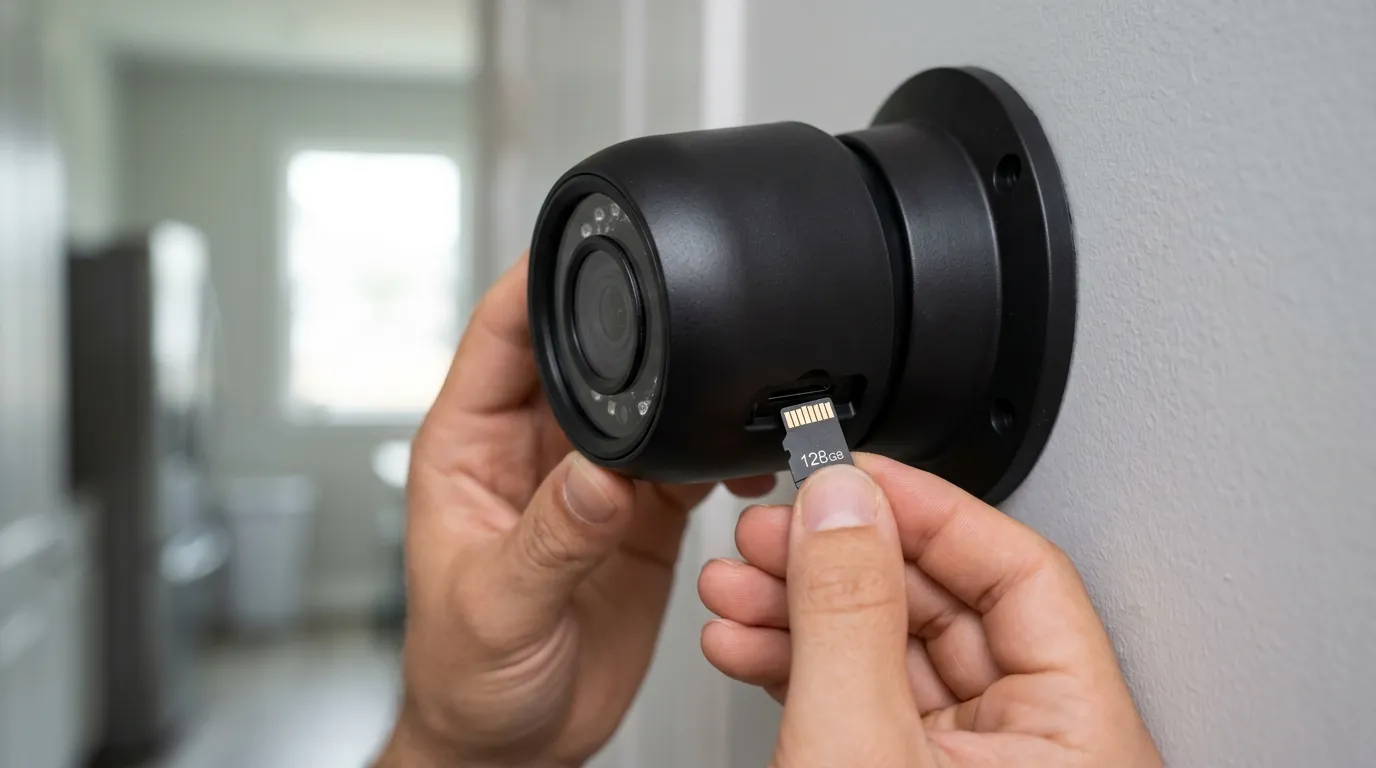
Yes. Most modern PoE cameras have a built-in microSD card slot for local storage and can be powered by a standalone PoE injector or a PoE switch. You can access the camera directly via its IP address or the manufacturer’s app without ever owning a dedicated NVR box.
What happens to my PoE cameras if the internet goes out?
The cameras will continue to function perfectly. They will still record to your local NVR or microSD card. You will only lose the ability to view the “Live Feed” or receive push notifications on your phone until the internet connection is restored.
How long can a PoE cable be?
The maximum distance for a standard PoE run is 100 meters (328 feet). If you need to go further, you will need a PoE extender or a powered switch at the midpoint to “repeat” the signal and power.
Do PoE cameras work with smart home hubs like Alexa or Google Home?
Most major brands (Reolink, Lorex, Amcrest) now support integration with smart displays. You can say, “Alexa, show me the driveway,” and the PoE stream will appear on your Echo Show. However, the integration is often less “instant” than proprietary cloud cameras like Ring.
Sources
- Reolink Duo 3 PoE Product Page — Official specifications for 16MP resolution and 180° FOV.
- Ubiquiti UniFi G5 Pro Specs — Hardware details and ecosystem requirements.
- IEEE 802.3 Ethernet Standards — Authoritative data on PoE wattage and standards.
- Lorex Fusion Series Documentation — Information on active deterrence and local NVR storage policies.
- Western Digital Surveillance Storage Guide — Technical requirements for 24/7 4K/8K recording.