
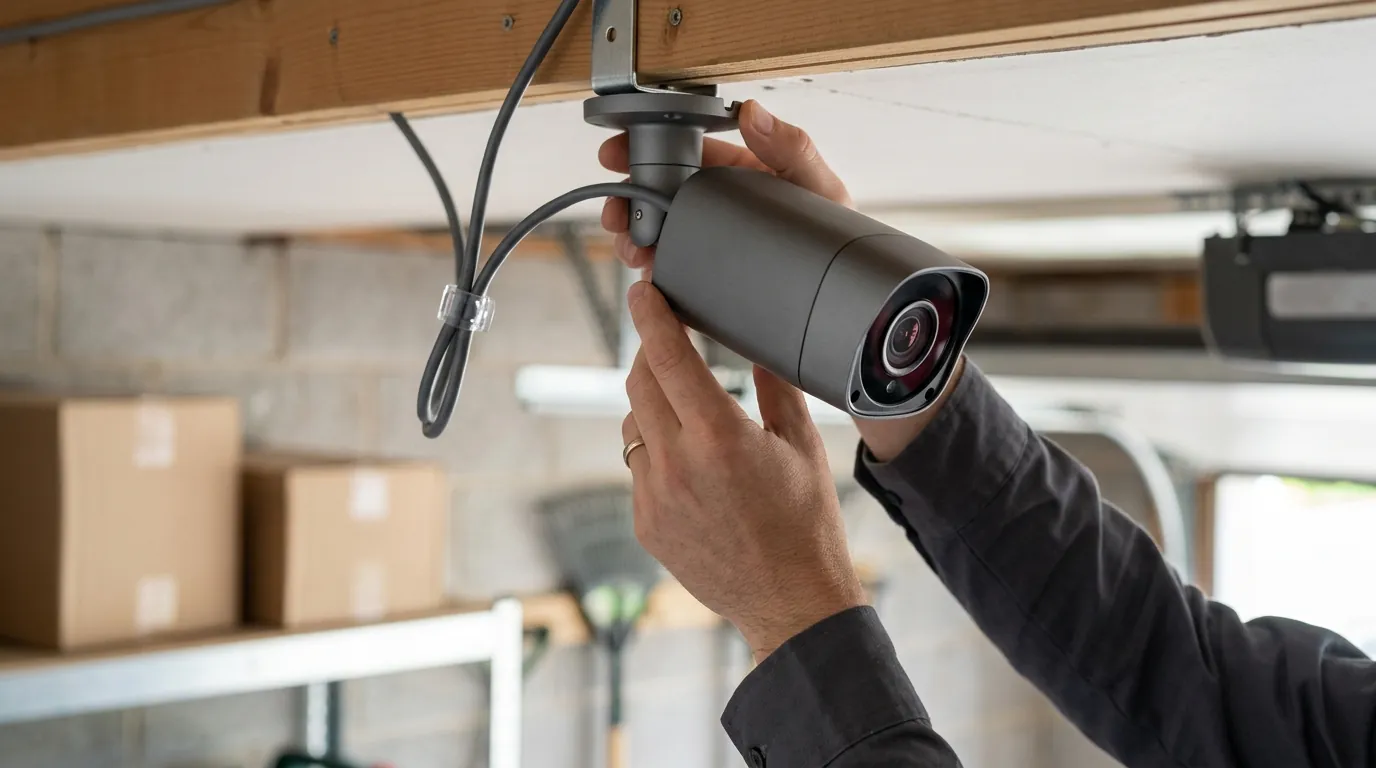
Best PoE Security Camera Systems for Home (2026 Guide)
Reliability shouldn’t be a luxury, yet many modern security systems fail the moment the Wi-Fi drops or a cloud subscription expires. For homeowners seeking a “set and forget” solution, Power over Ethernet (PoE) remains the gold standard for 24/7 surveillance.
Quick Answer: In 2026, the best PoE systems (like Reolink RLK16-800B8 or Lorex Fusion 4K) provide 24/7 local recording and 4K+ clarity without monthly fees. They use a single Ethernet cable for power and data, ensuring 100% reliability.
What it means
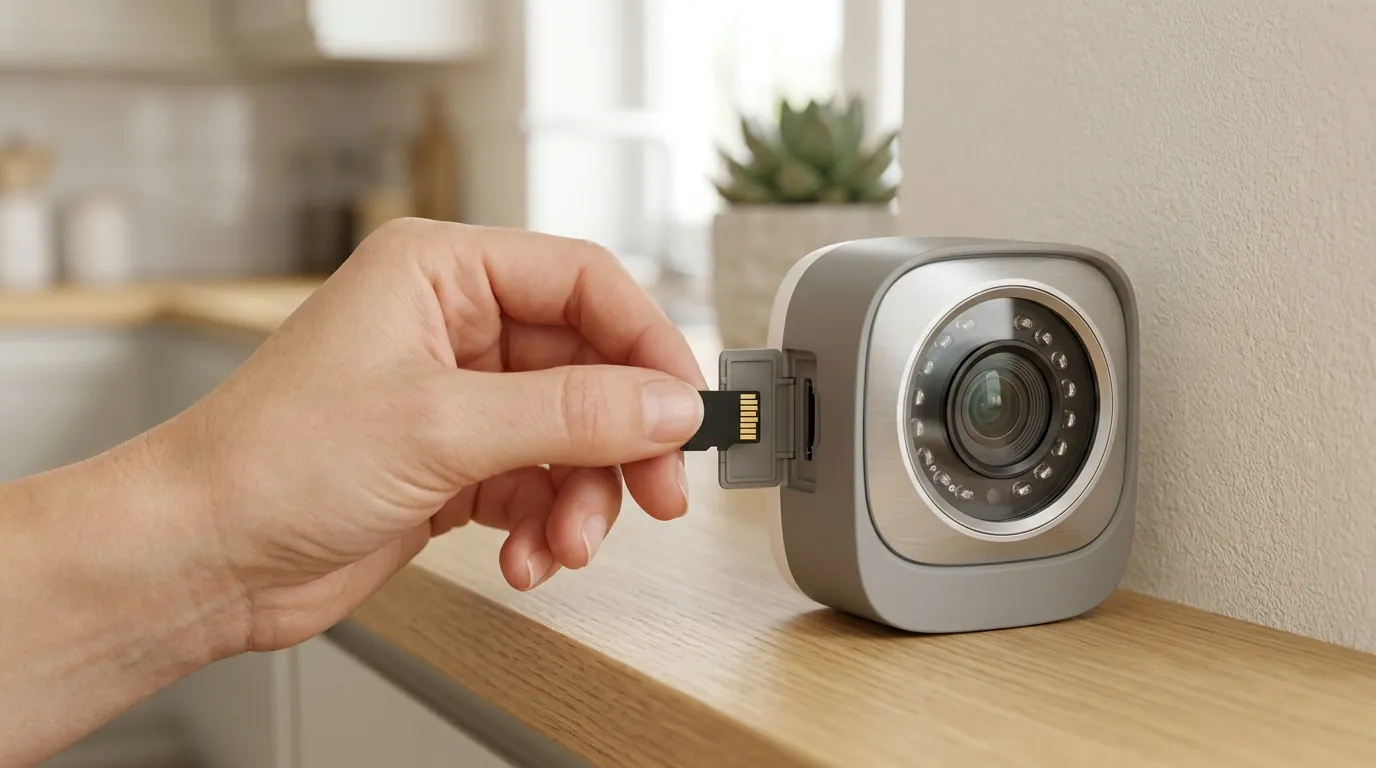
Power over Ethernet (PoE) is a networking technology that allows a single Category 5e, 6, or 6a cable to carry both high-speed data and electrical power to a device. In the context of home security, this eliminates the need for a nearby power outlet or a bulky AC adapter at the camera’s mounting point. Instead, the camera draws its 48V DC power directly from a PoE-enabled Network Video Recorder (NVR) or a specialized PoE switch.
By 2026, the industry has largely consolidated around three IEEE standards that dictate how much power can be delivered over a single cable. Understanding these is critical because a high-end Pan-Tilt-Zoom (PTZ) camera with a built-in heater will fail to operate if plugged into a standard PoE port that doesn’t meet its wattage requirements.
IEEE PoE Standards Comparison (2026)
| Standard | Name | Max Power at Port | Typical Camera Use Case |
|---|---|---|---|
| 802.3af | PoE | 15.4W | Standard 4K Bullet/Turret cameras, IR-only. |
| 802.3at | PoE+ | 30W | PTZ cameras, cameras with powerful LED spotlights. |
| 802.3bt | PoE++ | 60W – 90W | Multi-sensor cameras, PTZs with heaters/wipers for extreme cold. |
The Single-Cable Advantage
The primary technical benefit of PoE is the simplification of the physical layer. Unlike Wi-Fi cameras, which require a stable 2.4GHz or 5GHz signal plus a power cable, PoE cameras use a balanced twisted-pair cable to transmit data. This architecture is inherently resistant to the electromagnetic interference (EMI) that often plagues wireless systems in dense residential areas. Furthermore, because the power is centralized at the NVR or switch, you can easily add a single Uninterruptible Power Supply (UPS) to your network rack to keep your entire camera array online during a power outage.
PoE vs. PoE+: Which does your 4K camera need?
In 2026, most “standard” 4K and 12MP turret cameras operate comfortably within the 15.4W limit of 802.3af. However, as manufacturers like Reolink and Lorex integrate more powerful onboard AI processors and dual-lens arrays, the power draw is creeping upward. If your system includes “Active Deterrence” features—such as 1,000-lumen spotlights or 100dB sirens—you should prioritize an NVR or switch that supports the 802.3at (PoE+) standard. Using an underpowered port can lead to “reboot loops” where the camera functions during the day but crashes the moment the power-hungry Infrared (IR) LEDs or spotlights activate at night.
Note: Always verify if your equipment uses “Active PoE” (standardized) or “Passive PoE.” Active PoE performs a “handshake” to verify power needs, whereas Passive PoE sends raw voltage down the line, which can permanently damage non-PoE devices if plugged in accidentally.
Why it exists
The shift toward PoE systems in 2026 is largely a reaction to the “Subscription Cliff.” For years, the consumer market was dominated by “free” or low-cost Wi-Fi cameras that eventually locked essential features—like person detection or more than 24 hours of history—behind mandatory monthly paywalls.
Escaping the Subscription Trap
In late 2025 and early 2026, several major cloud-based brands increased their “Whole Home” subscription tiers to the $150–$200/year range. For a homeowner with eight cameras, this creates a significant long-term financial burden. PoE systems represent a “buy once, own forever” philosophy. All video processing, AI detection, and storage happen locally on the NVR’s hard drive.
5-Year Total Cost of Ownership (TCO) Comparison
| Cost Component | PoE System (e.g., Reolink/Lorex) | Subscription Cloud Brand (e.g., Nest/Ring) |
|---|---|---|
| Hardware (8 Cameras + NVR) | $800–$1,200 | $1,000–$1,400 |
| Installation (DIY vs Pro) | $200 (Cables/Tools) | $0 (DIY) |
| Monthly Subscription | $0 | $15/mo ($180/yr) |
| 5-Year Total Cost | $1,000–$1,400 | $1,900–$2,300 |
By year three, the PoE system typically pays for itself through subscription savings alone, while providing superior video quality and data privacy.
Solving the 4K Bandwidth Problem
As camera resolutions have climbed from 1080p to 4K and now 12MP (approx. 4.5K), the strain on home Wi-Fi networks has become untenable. A single 4K camera streaming at a high bitrate can consume 8-10 Mbps of upload bandwidth. In a typical home with six Wi-Fi cameras, this creates constant “airtime contention,” slowing down laptops, gaming consoles, and smart TVs. PoE moves this heavy traffic off the airwaves and onto dedicated copper wires, ensuring that your security system never competes with your Netflix stream.
How it works under the hood
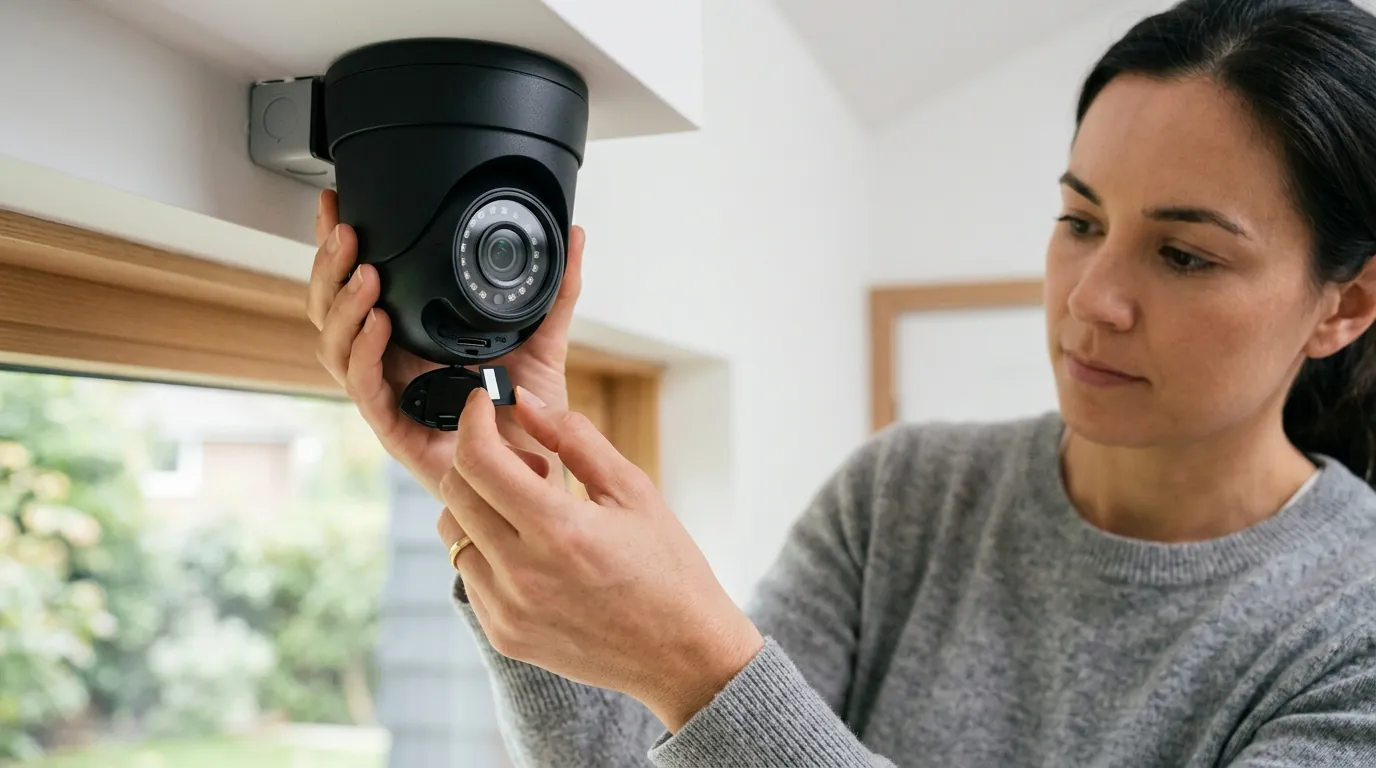
The “magic” of PoE lies in the physical negotiation between the Power Sourcing Equipment (PSE), like an NVR, and the Powered Device (PD), which is the camera.
The PoE Handshake Explained
When you plug a camera into a PoE port, the NVR does not immediately send 48 volts. Instead, it performs a “handshake” by sending a low-voltage signal to measure the resistance on the line.
- Detection: The NVR looks for a specific 25k-ohm resistor in the camera.
- Classification: The camera tells the NVR which “Class” it belongs to (0 through 4), indicating its maximum power draw.
- Start-up: Only after this verification does the NVR ramp up to full voltage. This safety mechanism is why you can safely plug a non-PoE laptop into a PoE switch without “frying” the laptop’s motherboard.
Storage Math: Bitrates and Hard Drive Longevity
In 2026, PoE systems have moved beyond standard H.264 video compression. Most modern NVRs now utilize H.265+ or the emerging AV1 codec. These codecs are significantly more efficient, allowing a 4K stream to be stored using roughly 50% less space than older technologies without sacrificing detail.
For a standard 8-camera PoE system recording 24/7 at 4K resolution (8 Mbps bitrate), the storage requirements are substantial:
- 1 Day of Footage: ~86 GB per camera.
- 8 Cameras for 7 Days: ~4.8 TB of storage.
This is why most 2026 NVRs ship with at least an 8TB or 16TB surveillance-grade hard drive (such as the WD Purple or Seagate SkyHawk). Unlike desktop drives, these are designed for 100% write-cycle duty, meaning they can handle the constant heat and friction of 24/7 recording for years.
Real-world implications
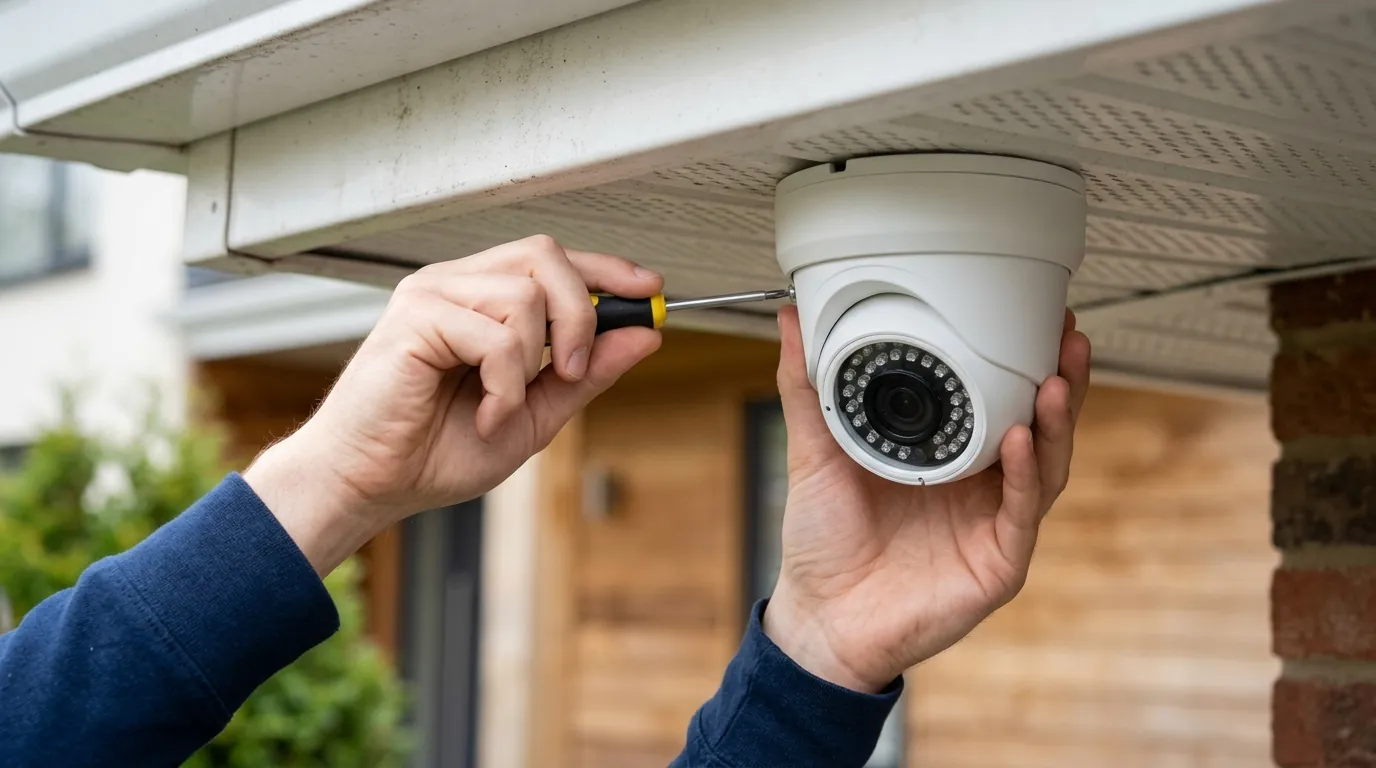
Choosing PoE is a commitment to a physical installation. While Wi-Fi cameras are “drill-and-drop,” PoE requires a “home run” of Ethernet cable from every camera location back to a central hub (usually in a closet, basement, or attic).
The ‘Air-Gapped’ Privacy Setup
One of the most significant real-world advantages of PoE is the ability to “air-gap” the system. Because the NVR acts as its own local server, you can choose to never connect it to the internet.
- Privacy: No video ever leaves your house. There is zero risk of a cloud provider’s server being breached or a company sharing your footage with law enforcement without a warrant.
- Reliability: The system will record perfectly even if your ISP is down or your router fails.
DIY Installation: Tools and Cable Management
For the DIYer, the “Attic Crawl” is the most daunting part of PoE. However, 2026 has seen the rise of “flat” Cat6 cables and ultra-slim connectors that make routing through soffits and walls easier.
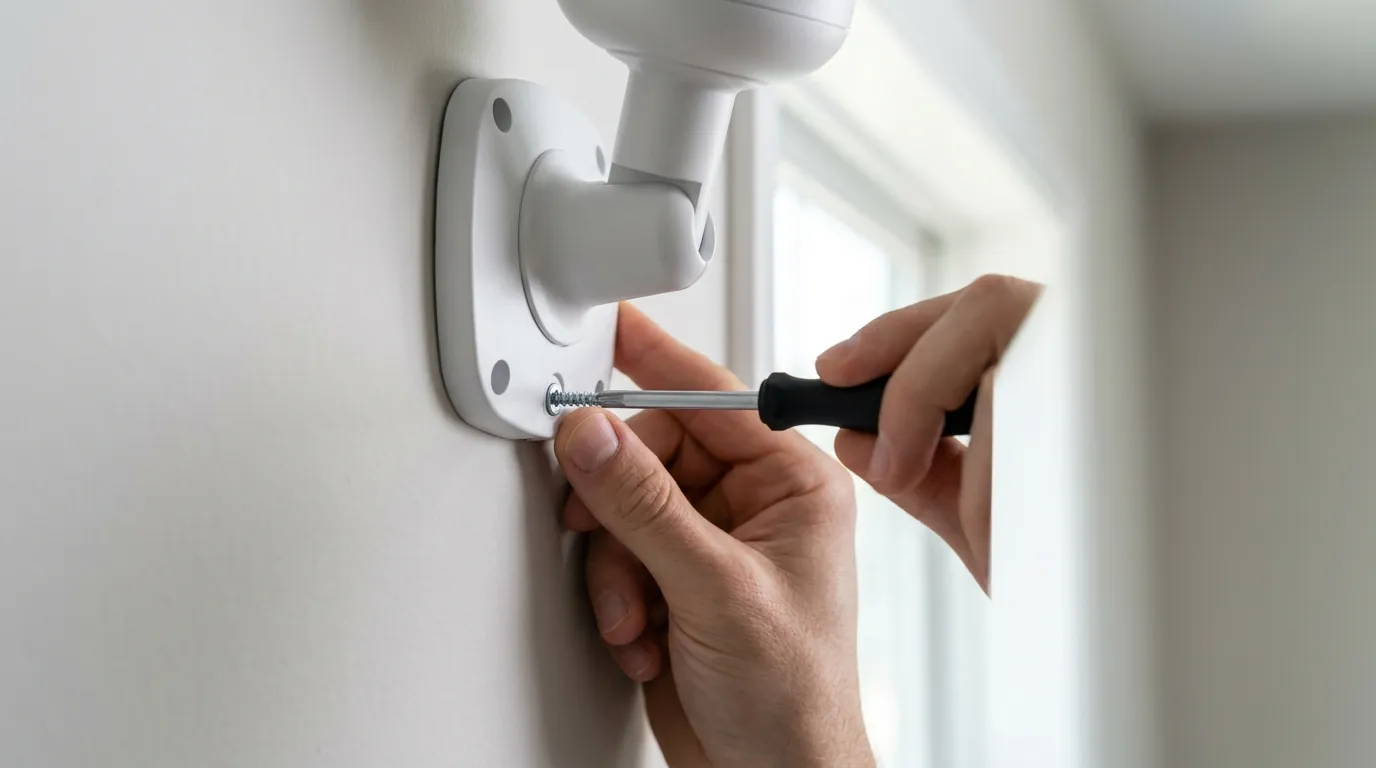
- The Soffit Mount: Most homeowners mount PoE cameras to the eaves (soffits) of their homes. A single 3/4-inch hole is usually enough to pass the Ethernet head through.
- The Junction Box: For brick or stone walls where cables cannot be hidden behind the surface, a weatherproof junction box is mandatory to protect the RJ45 connection from corrosion.
Performance: PoE vs. Wi-Fi 6E
While Wi-Fi 6E has improved wireless stability, it still cannot match the latency and frame rate of a wired connection.
- Latency: PoE systems typically have a “glass-to-glass” latency (the time it takes for motion to appear on your screen) of under 200ms. Wi-Fi systems often lag by 1–3 seconds.
- Frame Rate: Most battery-powered Wi-Fi cameras cap recording at 15fps to save power. PoE cameras in 2026 easily maintain 30fps at 4K, which is the difference between a blurry face and a clear, identifiable image of a person running.
Common misconceptions
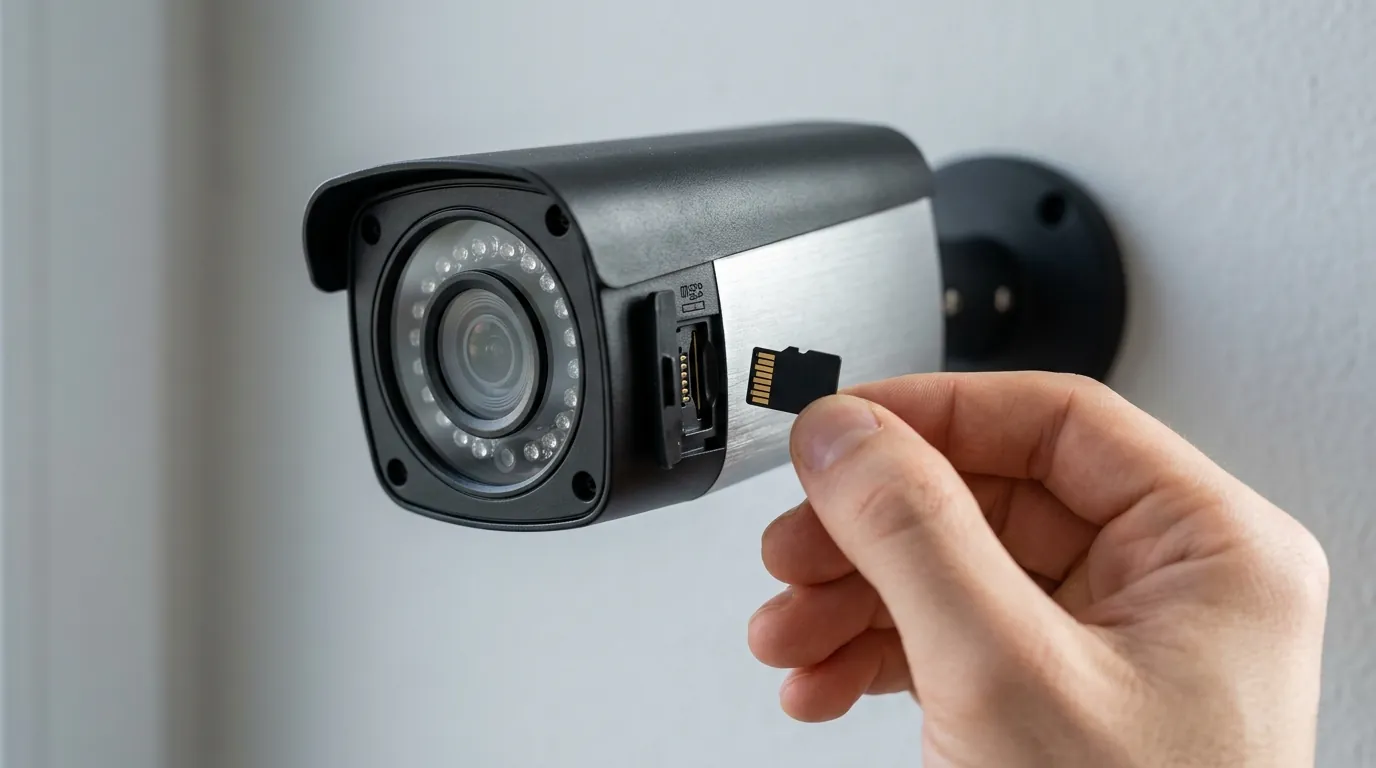
Misconception: “PoE is only for professional installers”
While PoE was once the domain of IT professionals, modern NVRs from brands like Amcrest and Reolink are “Plug-and-Play.” You simply plug the camera into the back of the NVR, and the video feed appears automatically. No IP address configuration or subnet masking is required for the basic user.
Misconception: “Ethernet cables are all the same”
This is a dangerous myth. Many cheap Ethernet cables found on discount sites are Copper Clad Aluminum (CCA). CCA cables use an aluminum core with a thin copper coating.
- The Fire Risk: Aluminum has higher resistance than copper. When carrying PoE power, CCA cables can overheat, potentially causing fires inside walls.
- The Performance Gap: CCA is brittle and prone to breaking during installation. Always insist on “Solid Copper” or “Pure Copper” Cat6 cabling for PoE installations.
Checklist: Identifying High-Quality Cable
- UL Listed: Look for the Underwriters Laboratories mark on the cable jacket.
- Solid Copper: Ensure the spec sheet does not say “CCA.”
- 23 AWG or 24 AWG: This refers to the thickness of the wire; lower numbers are thicker and better for power delivery.
The Truth About “Smart” PoE Cameras
There is a lingering belief that PoE cameras are “dumb” compared to Nest or Ring. In 2026, the opposite is often true. Because PoE cameras have a constant, high-wattage power supply, they can run advanced AI models directly on the camera’s hardware.
- On-Device AI: Many 2026 PoE models feature pet, vehicle, and person detection that is faster and more accurate than cloud-based AI because there is no “round-trip” to a server for processing.
Decision Framework: Which System Should You Buy?
To help narrow your search, consider these three common scenarios:
- The “Set and Forget” Homeowner: Prioritize a bundled NVR kit (e.g., Reolink RLK8-800B4). These include the NVR, cameras, and pre-made cables in one box. They offer the easiest setup but less flexibility for mixing and matching brands.
- The Privacy Enthusiast: Prioritize a standalone PoE Switch + DIY Server. Use a dedicated PC running software like Blue Iris or Scrypted. This allows you to use the best cameras from different manufacturers (Hikvision, Dahua, Amcrest) and keep them completely isolated from the internet via a VLAN.
- The Tech-Forward Power User: Prioritize Ubiquiti UniFi Protect. While more expensive (the “Apple” of networking), UniFi offers a seamless mobile app experience and beautiful hardware, though it requires staying within the Ubiquiti ecosystem.
Further reading
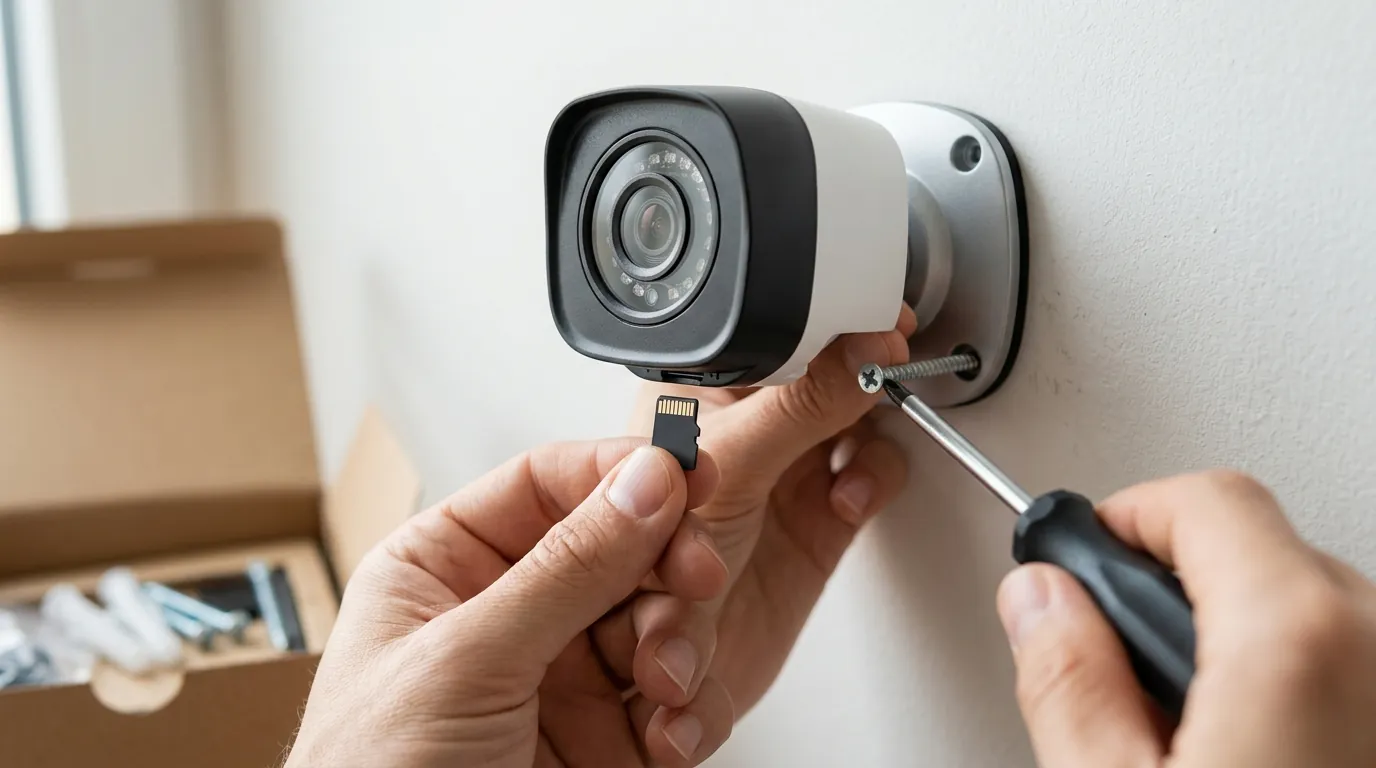
If you are planning a full-scale installation, the physical infrastructure is just as important as the cameras themselves. Quvii tracks these trade-offs across the category to help you build a system that lasts a decade, not just a season.
- NVR Hard Drive Selection: Why you should never use a “Desktop” HDD for surveillance.
- Cat6 vs. Cat6a: Is the extra cost of 10Gbps-ready cabling worth it for 4K video?
- VLAN Configuration: A step-by-step guide to isolating your cameras from your main home network for maximum security.
Sources
- IEEE 802.3bt-2018 Standard for Ethernet — https://standards.ieee.org/ieee/802.3bt/6061/
- Reolink PoE Camera Power Consumption Specs — https://reolink.com/product/rlk16-800b8/
- Lorex Fusion Series Technical Documentation — https://www.lorex.com/pages/fusion
- WD Purple Surveillance Drive Specification Sheet — https://www.westerndigital.com/products/internal-drives/wd-purple-sata-hdd
- Blue Iris Software Local Processing Requirements — https://blueirissoftware.com/
- Ubiquiti UniFi Protect PoE Requirements — https://ui.com/camera-security