
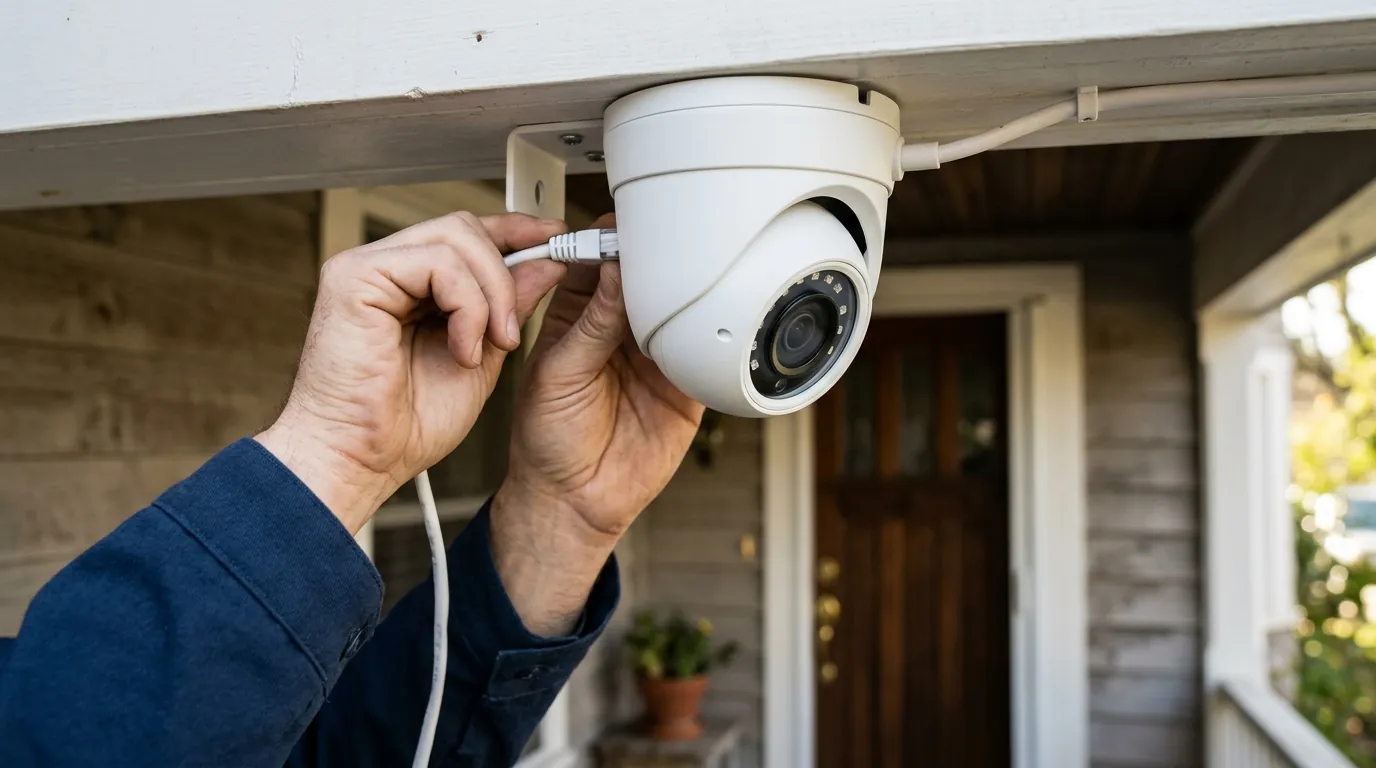
Best 4K Security Cameras with Local Storage (2026 Guide)
High-resolution 4K video provides the detail needed to identify faces and license plates at a distance, but the associated cloud subscription fees and privacy risks have driven a significant market shift toward local storage. In 2026, the leading “no-subscription” cameras combine Ultra HD sensors with sophisticated local hubs or high-capacity edge storage to keep data private and accessible without monthly costs.
Quick Answer: For 4K video without subscriptions, the Reolink Argus 4 Pro and eufyCam S330 are top 2026 picks. They offer high-resolution local storage via microSD or HomeBase 3, avoiding monthly fees while keeping data private.
What it means
Related: Best Smart Home Motion Detectors for Security: 2026 Guide · Eufy vs. Wyze: 2026 Budget Security Camera Comparison · Best Smart Locks for Summer Travel 2026: Secure Your Home
In the 2026 security landscape, 4K (Ultra HD) has moved from a premium luxury to the baseline for serious home monitoring. A 4K sensor captures approximately 8 million pixels (3840 x 2160), which is four times the detail of standard 1080p. This pixel density is critical because it allows for digital zooming—enlarging a section of the frame to read a delivery van’s license plate or identify a stranger’s facial features—without the image immediately turning into a blur of blocks.
“Local storage” refers to the practice of saving this high-bandwidth footage onto physical hardware owned by the user, rather than uploading it to a manufacturer’s server. This is typically achieved in two ways:
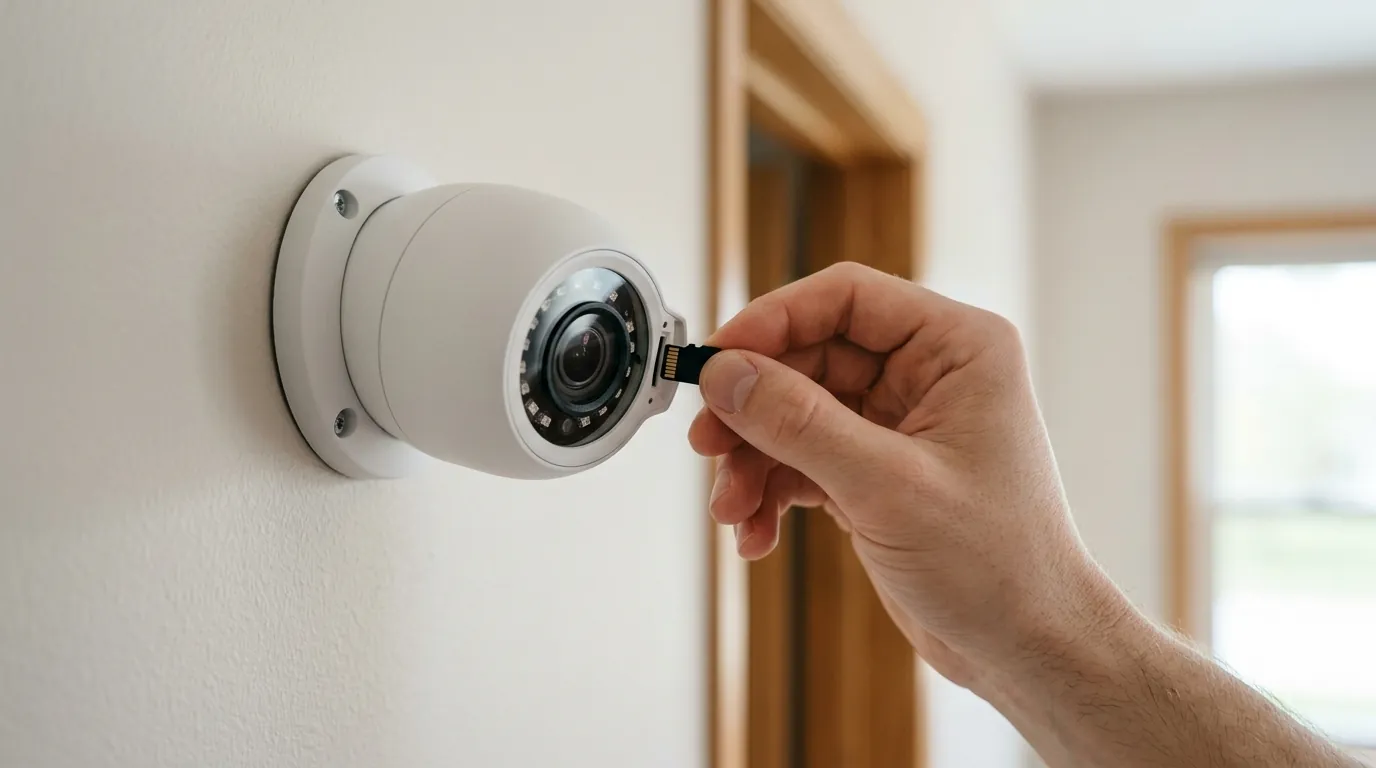
- Edge Storage: The camera has a built-in slot for a microSD card.
- Local Hub Storage: The camera transmits footage wirelessly or via wire to a central unit (like a Reolink Home Hub or eufy HomeBase 3) that contains a hard drive or solid-state storage.
4K vs. 2K: Is the extra resolution worth it?
The jump from 2K (4MP) to 4K (8MP) is often debated, but for local storage users, the difference is functional. Because local storage doesn’t suffer from the aggressive “bitrate throttling” often found in cloud-based systems (where the provider compresses your 4K video to save on their server costs), a local 4K stream maintains its clarity.
| Resolution | Pixel Count | Best For… | Digital Zoom Limit |
|---|---|---|---|
| 1080p (HD) | ~2 Million | Indoor monitoring, small rooms | 2x before significant loss |
| 2K (QHD/4MP) | ~4 Million | General front-porch viewing | 3x-4x zoom |
| 4K (UHD/8MP) | ~8 Million | Driveways, yards, license plates | 6x-8x zoom |
Types of Local Storage: SD Cards, NVRs, and NAS
Choosing a 4K camera requires deciding where the “brain” of the storage lives.
- MicroSD Cards: Most convenient but limited by capacity and physical vulnerability. If the camera is stolen, the footage goes with it.
- Network Video Recorders (NVRs): The gold standard for small businesses and serious homeowners. These units (often paired with PoE cameras) can store weeks of continuous 4K footage on multi-terabyte hard drives.
- Local Hubs (Proprietary): Systems like the eufy HomeBase 3 or Reolink Home Hub bridge the gap, offering the ease of Wi-Fi cameras with the security of a centralized, indoor storage drive.
Why it exists
The surge in demand for local 4K storage is a direct reaction to “subscription fatigue.” For years, the industry leaders (Ring, Nest, Arlo) moved toward a business model where the hardware was relatively affordable, but the essential features—including the ability to view recorded clips—were locked behind a $5 to $15 monthly paywall.
The Death of the Mandatory Cloud
Consumers are increasingly rejecting the “Ring/Nest Tax.” Over a five-year period, a three-camera system with a mid-tier subscription can cost an additional $600 to $1,000 beyond the initial purchase price. Local storage cameras, like those from Reolink or eufy, allow for a “Buy Once, Own Forever” ownership model.
Total Cost of Ownership (TCO) Comparison (3-Year Projection)
| Component | Cloud-Dependent Brand (e.g., Ring/Arlo) | Local Storage Brand (e.g., Reolink/eufy) |
|---|---|---|
| 3x 4K Cameras | ~$450 - $600 | ~$500 - $700 |
| Local Storage Media | $0 | ~$50 (SD cards) or ~$150 (Hub/HDD) |
| Subscription Fees | ~$360 ($10/mo x 36) | $0 |
| 3-Year Total Cost | $810 - $960 | $550 - $900 |
Note: While the upfront hardware cost for local storage is often slightly higher (due to better on-device processing), the TCO breaks even within 12-18 months.
Privacy as a Feature, Not an Afterthought
Privacy concerns have also fueled the move away from the cloud. High-profile incidents involving unauthorized access to cloud footage or police cooperation without warrants have made users wary. Local storage ensures that sensitive footage of a family’s daily routine never leaves the home’s local network unless the owner explicitly requests a remote view via an encrypted tunnel. Brands like Reolink emphasize that their local-first architecture minimizes the “attack surface” for hackers.
How it works under the hood
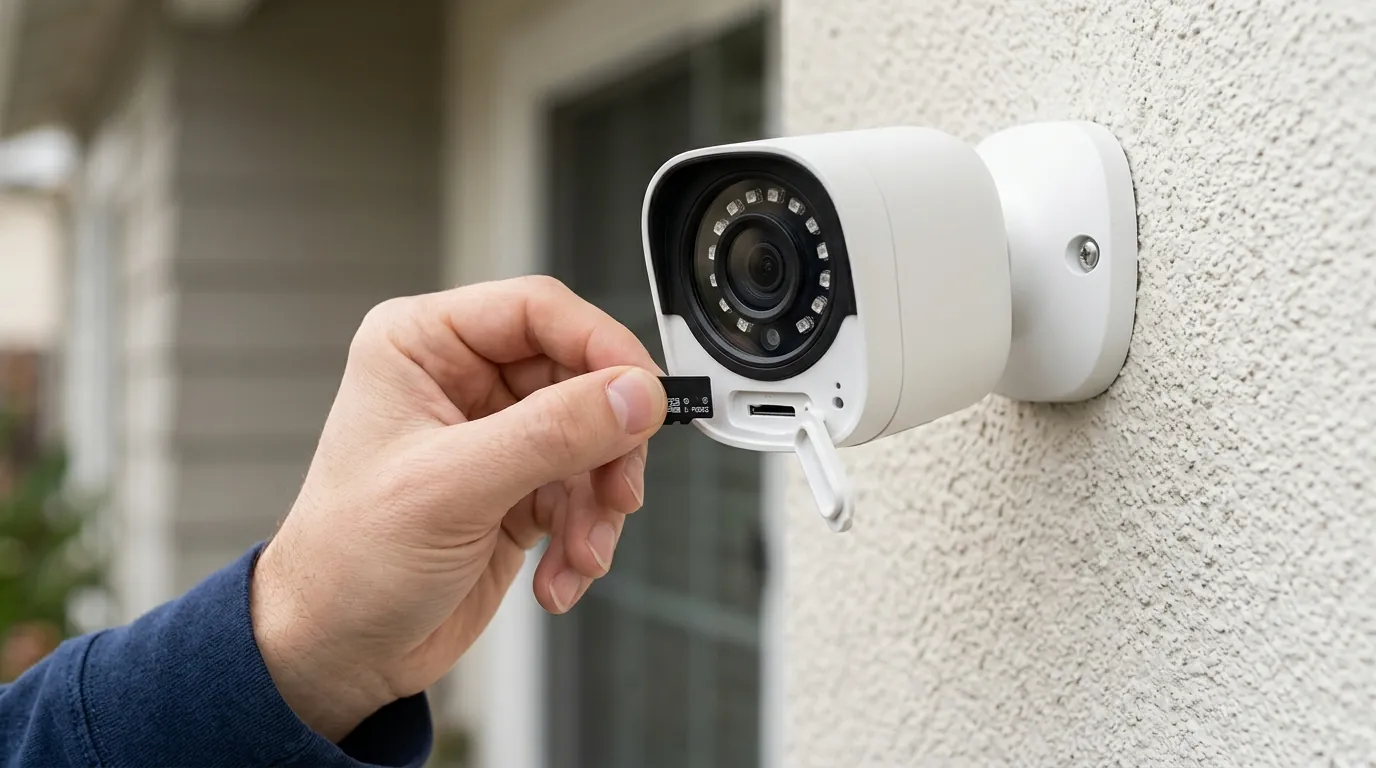
Storing 4K video locally is a significant technical challenge. A raw 4K stream would fill a standard microSD card in hours. To make local storage viable, 2026 cameras rely on two core technologies: High-Efficiency Video Coding (HEVC) and Edge AI.
HEVC: The Secret to Local 4K
H.265, also known as HEVC (High-Efficiency Video Coding), is the industry standard for 4K security. It provides roughly double the data compression of the older H.264 standard while maintaining the same image quality. This allows a 4K camera to record high-detail footage at a lower bitrate (typically 8-12 Mbps), making it possible to store days of footage on a small card.
Storage Efficiency: H.264 vs. H.265 (24 Hours of 4K @ 20fps)
| Compression | Average Bitrate | Storage Required (24hrs) |
|---|---|---|
| H.264 | 16 Mbps | ~172 GB |
| H.265 (HEVC) | 8 Mbps | ~86 GB |
On-Device AI vs. Cloud AI
To avoid filling up storage with “junk” footage (like swaying trees or shadows), 4K local storage cameras must be “smart” at the edge. Instead of sending video to a cloud server to determine if a motion is a person or a cat, cameras like the eufyCam S330 use on-device AI chips. This “Edge AI” processes the pixels locally, only triggering a write-to-disk action when a relevant event (Person, Vehicle, or Pet) is detected. This drastically extends the lifespan of the storage media and the duration of the recorded history.
Real-world implications
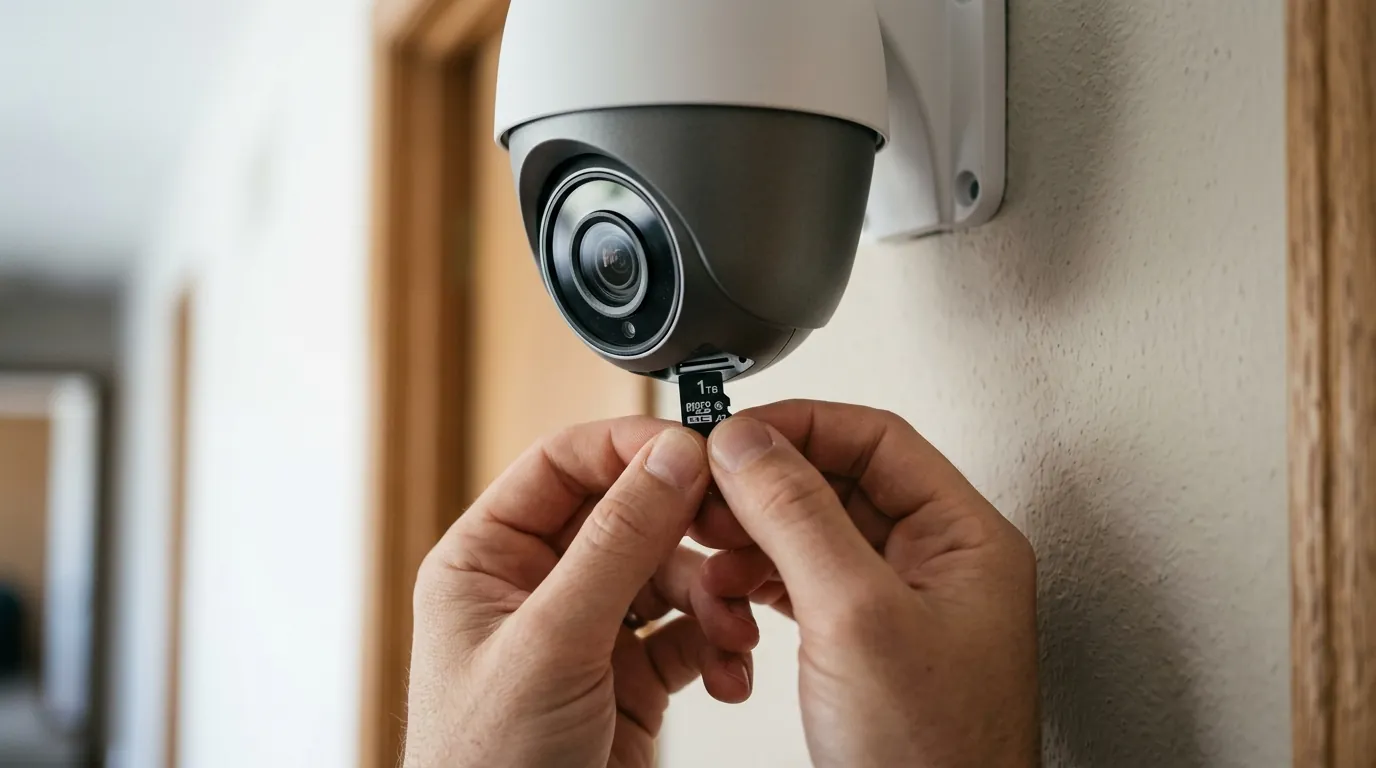
While local storage offers freedom from fees, it shifts the responsibility of maintenance and hardware selection to the user. The most common point of failure in a 4K local system isn’t the camera itself, but the storage media.
Choosing the Right MicroSD Card
Standard microSD cards, like those used in cameras or Nintendo Switches, are not designed for the constant “write-erase” cycles of a 4K security camera. For 4K recording, users must use “High Endurance” cards rated V30 or higher. These cards use specialized NAND flash memory designed to withstand thousands of hours of continuous recording.
Storage Duration Estimator (4K Motion-Triggered Recording)
| SD Card Size | Typical Capacity (Events) | Continuous Recording (H.265) |
|---|---|---|
| 128 GB | ~2,000 clips | ~30-36 hours |
| 256 GB | ~4,000 clips | ~60-72 hours |
| 512 GB | ~8,000 clips | ~5-6 days |
| 1 TB | ~16,000 clips | ~10-12 days |
Physical Security for Local Data
The “Theft Paradox” is the primary drawback of local storage: if a thief spots the camera and steals it, they have also stolen the evidence of their crime. To mitigate this in 2026, many users are moving toward “Hybrid Local” setups. In this configuration, the camera records to an internal SD card but simultaneously backs up the footage to a hidden NVR or a local hub (like the eufy HomeBase) tucked away in a closet or basement.
Common misconceptions
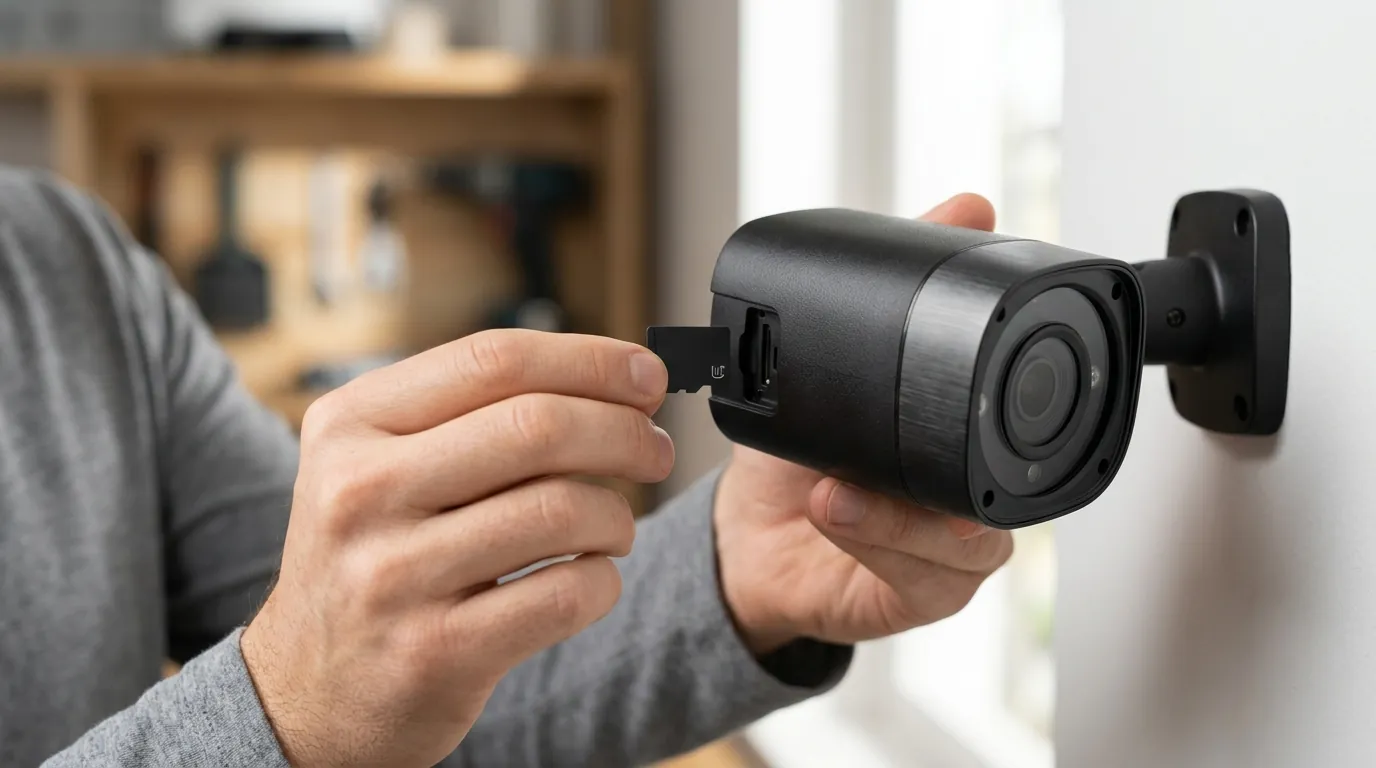
As 4K becomes the standard, several myths persist regarding what resolution and local storage can actually achieve.
The 4K Resolution Trap
A common misconception is that “4K always means better night vision.” In reality, cramming 8 million pixels onto a tiny camera sensor can actually hurt low-light performance because each individual pixel is smaller and captures less light.
- The 2026 Benchmark: Look for cameras with larger sensors and wider apertures (like the Reolink Argus 4 Pro’s F1.0 aperture). A high-quality 2K camera with a large sensor will often outperform a cheap 4K camera once the sun goes down.
The ‘No Internet’ Myth
Many buyers assume that “local storage” means the camera doesn’t need the internet at all. While it is true that these cameras can record to an SD card without a web connection, you will lose:
- Remote Alerts: You won’t get a notification on your phone when someone is at the door.
- Remote Viewing: You cannot check the live feed while at work or on vacation.
- Time Sync: Cameras often rely on NTP (Network Time Protocol) to ensure the timestamps on your footage are accurate.
Modern local storage apps use “P2P Tunneling.” When you open the app, it creates an encrypted direct link to your camera or hub. The manufacturer’s server only acts as a “handshake” to connect the two; the video data itself does not stay on their servers.
Decision Framework: Which 4K Local Setup is for You?
| If your situation is… | Prioritize this feature… | Recommended Setup |
|---|---|---|
| Renter / Apartment | Ease of removal, Wi-Fi | 4K Battery camera with 256GB MicroSD |
| Homeowner (New Const.) | Reliability, 24/7 recording | PoE (Power over Ethernet) 4K cameras + NVR |
| Homeowner (Retrofit) | Solar power, no wires | 4K Solar cameras + Indoor Local Hub (e.g. HomeBase) |
| Small Business | Maximum retention (30+ days) | 4K Wired cameras + Multi-bay NVR (8TB+) |
Further reading
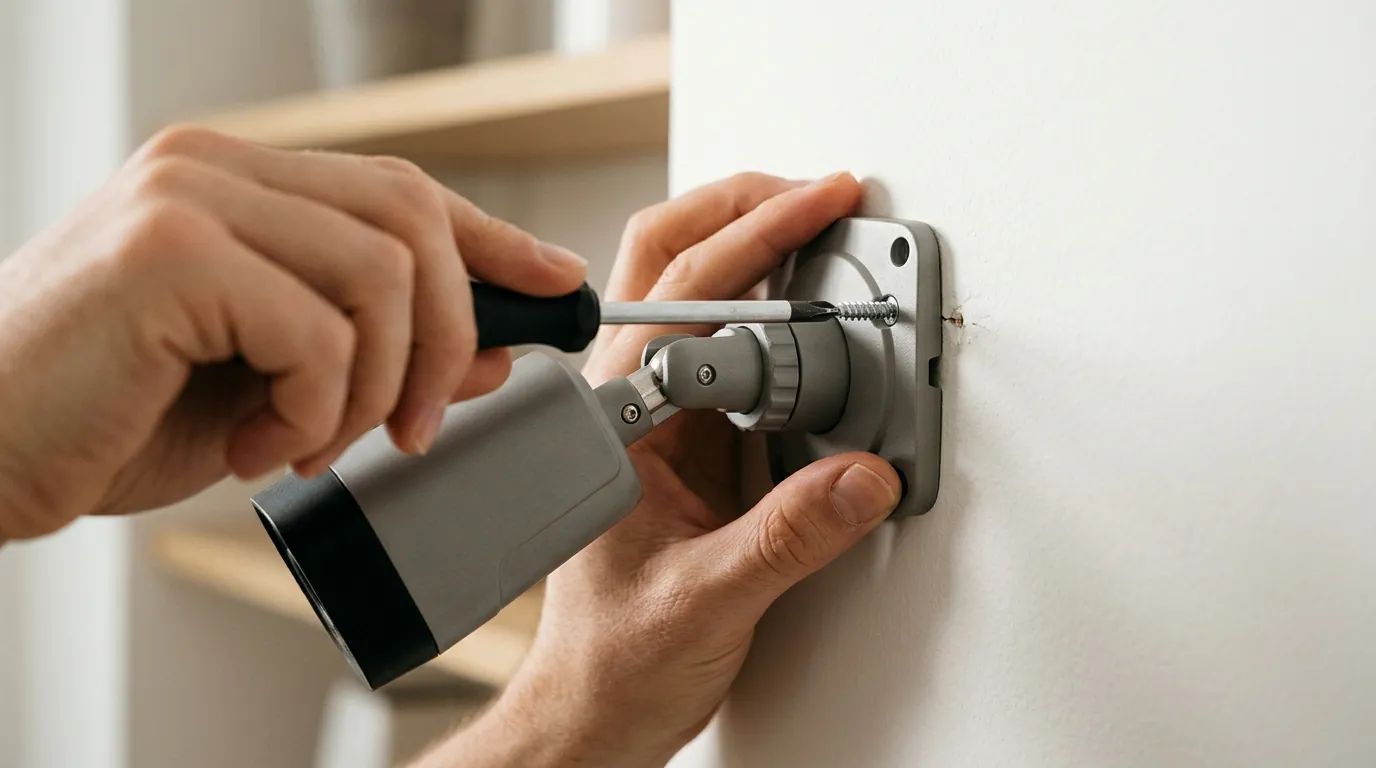
For those looking to move beyond a single camera, the next step is often exploring the nuances of networking and specialized hardware.
Advanced Local Setups
If you are managing more than four 4K cameras, a standard home Wi-Fi router may struggle with the internal traffic. Moving to a PoE vs Wi-Fi system offloads the data to a dedicated switch, ensuring your home Netflix streaming isn’t interrupted by your security system’s data load.
Security Hardening Your Hardware
To truly maximize privacy, advanced users often “VLAN” their security cameras. This involves creating a separate, isolated sub-network that prevents the cameras from talking to other devices on your home network (like your laptop or smart fridge). You can find more on this in our guide to security camera privacy policies and data hardening.
Frequently Asked Questions
Can I view my local storage footage when I’m away from home?
Yes. Most modern 4K local storage cameras (Reolink, Eufy, Tapo) use encrypted P2P (peer-to-peer) technology. The app on your phone connects directly to the camera or hub at home via an encrypted tunnel, allowing you to stream recorded clips without those clips ever being stored on the manufacturer’s cloud.
What happens to the footage if someone steals the camera?
If the footage is stored only on a microSD card inside the camera, the footage is lost. To prevent this, it is recommended to use a system with a “local hub” (like eufy HomeBase or Reolink Home Hub) that stays safely inside your house, or to set up an RTSP/ONVIF stream to a private NAS (Network Attached Storage) device.
Do 4K cameras require a special type of SD card?
Yes. 4K video generates a high volume of data that must be written quickly and constantly. You should look for “High Endurance” microSD cards with a Class 10, U3, and V30 rating. Standard cards will likely fail within a few months of use in a 4K security environment.
Will a 4K camera slow down my home Wi-Fi?
In a local storage setup, the camera only uses your Wi-Fi’s “upload” bandwidth when you are actively watching the live feed or clips remotely. However, if the camera is constantly syncing to a local hub over Wi-Fi, it can consume significant internal bandwidth. For 2026, look for cameras supporting Wi-Fi 6 or Wi-Fi 7 to minimize this impact.
Sources
- Reolink — Argus 4 Pro Official Specs — https://reolink.com/product/argus-4-pro/
- eufy Security — HomeBase 3 (S380) Storage Capabilities
- RTINGS — Security Camera Resolution and Sensor Testing
- SD Association — SD Bus Speed and Video Speed Classes — https://www.sdcard.org/developers/sd-standard-overview/speed-class/
- The Verge — Eufy Privacy Policy Update and Encryption
- Reolink — Continuous Battery Recording (Altas PT Ultra) — https://reolink.com/product/altas-pt-ultra/