
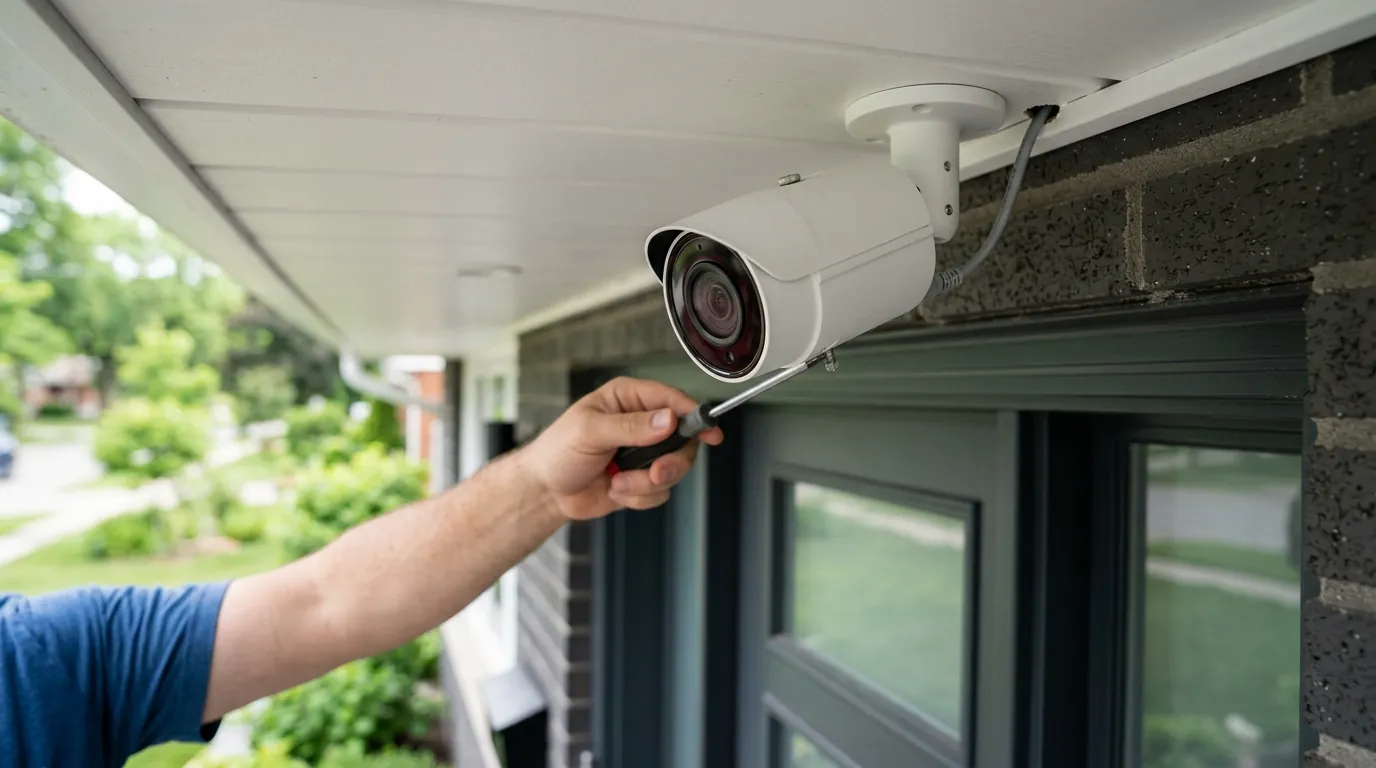
Arlo Pro VMC4030 Factory Reset Failure: July 2026 Fix Guide
Owners of the original Arlo Pro (VMC4030) are increasingly finding themselves locked out of their hardware as the camera enters its third year of official “End-of-Life” status. If your legacy camera has suddenly dropped offline and refuses to re-sync, you are likely encountering the widespread server-side registration errors reported throughout the summer of 2026.
In July 2026, Arlo Pro (VMC4030) reset failures are caused by a server-side serial number error or the lack of a physical reset button. To reset, “Remove” the device in the Arlo app and re-sync to your VMB4000/4500 base station.
What it means
Related: Home Assistant Alexa Media Player Broken in 2026? Fixes & Alternatives · Ring Stick Up Cam Solar Charging Issues: 2026 Troubleshooting Guide · Blink Outdoor 4 Motion Detection Delay: What You Need to Know
The Arlo Pro (VMC4030) is a legacy 720p device that reached official End-of-Life (EOL) on April 1, 2023, according to Arlo’s published EOL policy. While these cameras were designed to function beyond that date, the “factory reset failure” appearing in July 2026 represents a critical breakdown in the handshake between the aging hardware and the modern Arlo Secure cloud infrastructure.
A factory reset failure on this specific model typically manifests in two ways:
- The Discovery Loop: The camera enters sync mode (blinking blue), but the Arlo Secure app fails to “discover” the device during the pairing process.
- The Registration Lock: The app claims the camera is still “assigned to another account,” even if you have owned it since its 2016 launch.
Unlike newer Arlo models, the VMC4030 does not have a pinhole reset button. On a Pro 4 or Pro 5, a physical button press forces the hardware back to its out-of-the-box state. On the VMC4030, the “reset” is actually a cloud-side command. When you “Remove Device” from the Arlo app, the server sends a signal to the Base Station to de-authorize that specific MAC address. In 2026, users are reporting “Ghost Cameras”—devices that have been removed from the user’s dashboard but remain “locked” in Arlo’s backend database, preventing them from being re-added.
Reset Method Comparison: Legacy vs. Modern
| Feature | Arlo Pro (VMC4030) | Arlo Pro 4/5 | Arlo Essential (Gen 1) |
|---|---|---|---|
| Physical Reset Button | None (Sync button only) | Pinhole Button | Sync Button (15-sec hold) |
| Reset Logic | Cloud-initiated removal | Hardware-level wipe | Local firmware reset |
| Max Resolution | 720p | 2K / 4K | 1080p |
| Primary Connection | Base Station (VMB4000/4500) | Direct Wi-Fi or SmartHub | Direct Wi-Fi |
| EOL Status (2026) | Expired (April 2023) | Supported | Supported |
The EOL Reality in 2026
By July 2026, the VMC4030 is effectively a “zombie” device. While the hardware may still be physically capable of capturing video, Arlo no longer provides firmware updates or security patches for this model. This means that any failure in the reset process is often met with a support response suggesting a hardware upgrade rather than a technical fix. The 720p resolution, once industry-standard, now struggles against the bit-rate requirements of the modern Arlo Secure app (v6.26.0), leading to frequent timeouts during the sync process.
Symptoms of a Failed Reset
If you are troubleshooting a VMC4030, watch for these specific behaviors:
- Rapid Blinking Amber: The camera is experiencing a hardware error or a critical battery voltage drop (common in 10-year-old cells).
- Solid Blue for 5 Seconds, then Off: The camera thinks it has synced, but the Base Station has rejected the handshake.
- The “No Device Found” Screen: The most common July 2026 error, where the app times out despite the camera being in sync mode.
Why it exists
The surge in reset failures in mid-2026 isn’t a coincidence; it is the result of a “perfect storm” of server-side glitches and hardware degradation.
The 2026 Serial Number Glitch
In May 2026, Arlo confirmed an internal server-side “product returns process error.” This glitch mistakenly flagged thousands of legacy serial numbers—primarily from the VMC4030 and VMC3030 lines—as “returned to vendor.” When a serial number is flagged this way, Arlo’s security protocols automatically disconnect the device from its associated account and prevent it from being re-registered. This was intended to prevent stolen or “open box” returns from being resold and used, but it has inadvertently swept up legitimate long-term owners.
Firmware Incompatibility (App v6.26.0)
The June 2026 update to the Arlo Secure app (v6.26.0) introduced updated authentication protocols designed for the Pro 5S and Ultra 2 series. These protocols require a faster “handshake” than the VMC4030’s aging processor can provide. Because the VMC4030 firmware hasn’t been updated since 2023, it cannot “speak” the new language of the app, leading the software to assume the reset has failed or the device is unresponsive.
Hardware Fatigue: When Buttons Give Out
We must also consider the physical age of these units. The VMC4030 uses a mechanical sync button located on the top of the housing. After a decade of exposure to UV rays and temperature fluctuations, the plastic membranes often become brittle. A “reset failure” is frequently just a “button failure”—the user presses the button, but the internal contact doesn’t hold for the required 2 seconds to trigger Discovery Mode.
Subscription Pressure
Arlo’s business model has shifted entirely toward the “Arlo Secure” subscription. The VMC4030 was the last flagship model to offer “7-day free cloud storage” for the life of the product. In 2026, maintaining the legacy backend servers for these non-revenue-generating users is a lower priority for the brand. This has led to slower authentication times for legacy devices, causing the app to time out during the sync process before the legacy server can verify the camera’s ID.
Timeline of Arlo VMC4030 Milestones
- October 2016: Arlo Pro (VMC4030) Launches.
- 2018: Production ceases in favor of the Arlo Pro 2.
- April 1, 2023: Official EOL (End of Life) reached; security updates cease.
- May 2026: “Product Returns” server error flags legacy serial numbers.
- June 2026: Arlo Secure App v6.26.0 breaks legacy handshake protocols.
How it works under the hood
To understand why a reset fails, you must understand how the VMC4030 communicates. Unlike modern cameras that talk directly to your home Wi-Fi router, the VMC4030 is a “slave” device to an Arlo Base Station (typically a VMB4000 or VMB4500).
The Base Station Dependency
The VMC4030 uses a proprietary 2.4GHz 802.11n RF link. When you press the “Sync” button, the camera sends out a low-power beacon. The Base Station must also be in “Discovery Mode” (triggered via the app or its own physical sync button) to hear this beacon.
The reset failure often happens at the Encryption Key Exchange. During a reset, the Base Station and Camera must generate a new set of keys. If the Base Station is running modern 2026 firmware but the camera is stuck on 2023 firmware, the “handshake” fails because the encryption standards are no longer perfectly aligned.
Why “Removing” is the only “Reset”
Because there is no factory reset button on the VMC4030, the “identity” of the camera is stored in two places:
- Local NVRAM: A small amount of non-volatile memory on the camera that remembers the last Base Station it talked to.
- Arlo Cloud Database: A record on Arlo’s AWS-hosted servers that ties your email address to the camera’s MAC address.
A true “factory reset” requires both of these to be cleared. If you remove the camera from the app but the Arlo Cloud fails to update its database (due to the May 2026 glitch), the camera is effectively “orphaned.” It thinks it is free to pair, but the cloud thinks it still belongs to its “old” self.
Power Management and Sync Failure
Resetting and syncing are the most power-intensive tasks a VMC4030 performs. The camera requires a minimum of 3.7V from its rechargeable battery to initiate the high-power RF sync beacon. Many reset failures in 2026 are actually caused by “voltage sag.” An old battery might show 100% charge in the app, but the moment it tries to sync, the voltage drops below the threshold required to maintain the RF link, causing the camera to reboot mid-sync.
Real-world implications
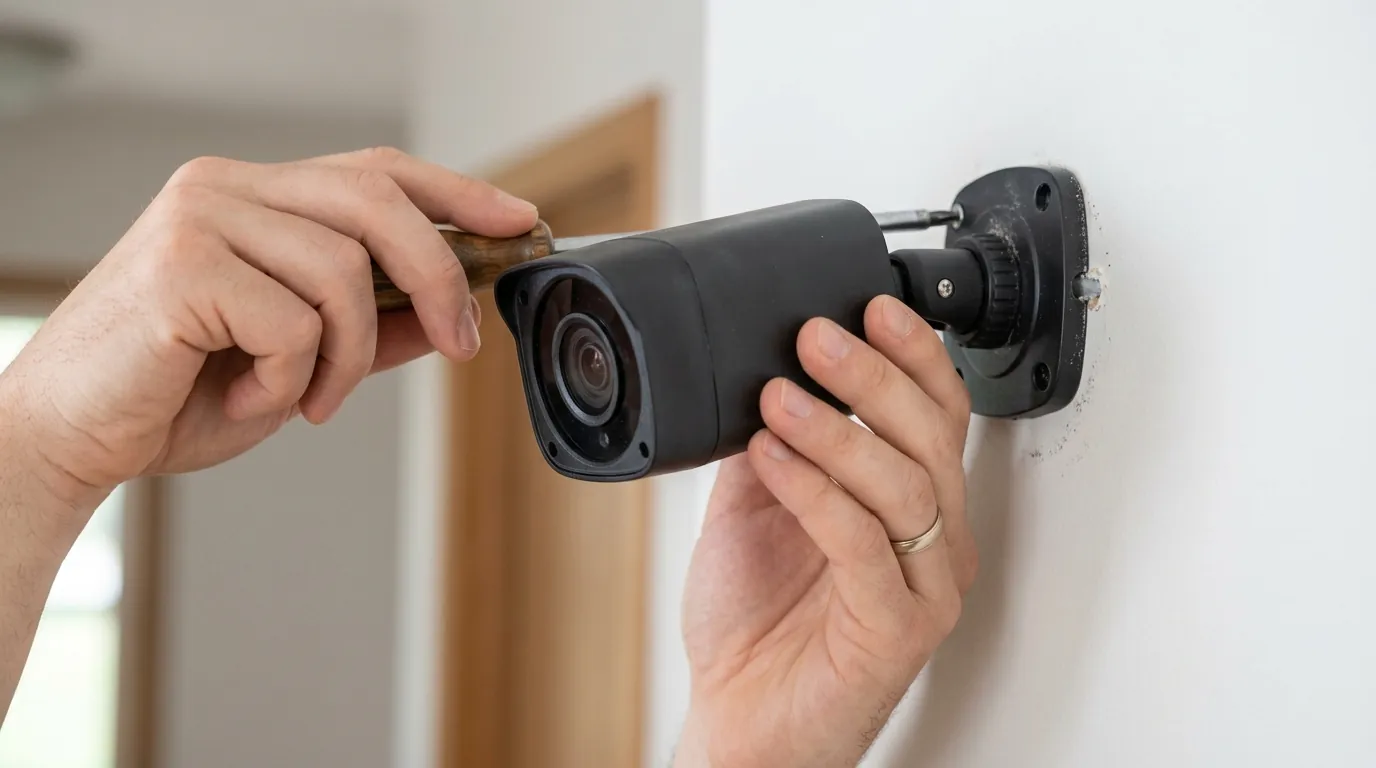
If you cannot resolve the reset failure on your VMC4030, you face several immediate risks and decisions regarding your home security setup.
Security Vulnerabilities
Running EOL hardware in 2026 is a calculated risk. The VMC4030 relies on WPA2 encryption protocols that have not been patched since 2023. While your Base Station may receive updates, the “last mile” of wireless communication between the camera and the hub is potentially vulnerable to exploits discovered in the last three years.
The “Brick” Risk and E-Waste
If a VMC4030 fails to re-sync after a reset, it becomes a “brick.” There is no local-only mode for these cameras; they cannot be used as standalone webcams or integrated into third-party NVRs (Network Video Recorders) without a successful Arlo cloud handshake. Arlo support typically does not offer repairs for EOL hardware; instead, they offer a “loyalty discount” on new hardware, usually in the $150-200 range for a Pro 5S kit.
Subscription Loss: The “Grandfathered” Trap
This is the most critical implication for long-term users. The VMC4030 is prized for its “Free 7-Day Cloud Storage.” However, many users report that after a successful (but difficult) re-sync in 2026, the Arlo app prompts them to “Upgrade to Arlo Secure.” In some cases, the act of re-adding the camera triggers a change in account status that can inadvertently void your grandfathered free storage, forcing you into a monthly paid plan.
Used Market Warning
In 2026, you can find used VMC4030 units for under $50 on platforms like eBay or Mercari. Quvii strongly advises against these purchases. Due to the registration locks and the “Serial Number Glitch,” many of these units are sold because the previous owner couldn’t get them to sync. Without the original owner “Removing” the device from their specific account, a factory reset is impossible for the new buyer.
Decision Framework: Should You Fix or Replace?
| If you are… | Your Priority | Recommendation |
|---|---|---|
| A Renter | Low cost, easy move | Replace. Switch to a standalone Wi-Fi camera (like Eufy or Reolink) to avoid Base Station headaches. |
| A Homeowner | Long-term reliability | Upgrade. Move to the Arlo Pro 5S or Ultra 2 but check for “SmartHub” compatibility for local storage. |
| The “Free Storage” Hunter | No monthly fees | Fix. Exhaustively try the “Battery Pull + App Removal” method to keep your grandfathered status. |
| High-Security User | Privacy/Data Integrity | Replace. EOL hardware lacks 2024-2026 security patches. It is no longer “secure.” |
Common misconceptions
As the VMC4030 ages, “troubleshooting folklore” has spread through forums, often leading to more harm than good.
The 15-Second Reset Myth
A common piece of advice on Reddit is to “hold the sync button for 15 seconds to factory reset.” This is false for the VMC4030. This maneuver works for the Arlo Pro 3, Pro 4, and Essential series. On a VMC4030, holding the sync button for more than 5 seconds does nothing more than a 2-second press, and in some cases, it can trigger a “stuck button” error that puts the camera into a boot loop.
Wi-Fi vs. Base Station Confusion
Many users attempt to fix reset failures by moving their Wi-Fi router closer to the camera. This is a misunderstanding of the hardware. The VMC4030 does not connect to your Wi-Fi. It connects to the Arlo Base Station. If you are having sync issues, the distance between the camera and the Base Station is what matters. In fact, placing the camera too close to a high-powered Wi-Fi 7 router (common in 2026) can cause RF interference that prevents the sync handshake.
The “Cloud Lag” Misdiagnosis
Users often assume a reset is needed because their motion alerts are delayed by 10-20 seconds. In July 2026, this lag is almost always a cloud-processing issue on Arlo’s side, specifically regarding the AI “Smart Alerts” (Person/Vehicle detection). Resetting the local hardware will not fix server-side processing delays.
LED Status Guide for VMC4030
- Blinking Blue (Slow): In sync mode, searching for Base Station.
- Blinking Blue (Fast): Successfully synced (this is what you want).
- Blinking Amber (Slow): Low battery.
- Blinking Amber (Fast): Sync failed or hardware error.
- Solid Amber: Critical firmware error or hardware failure.
Further reading
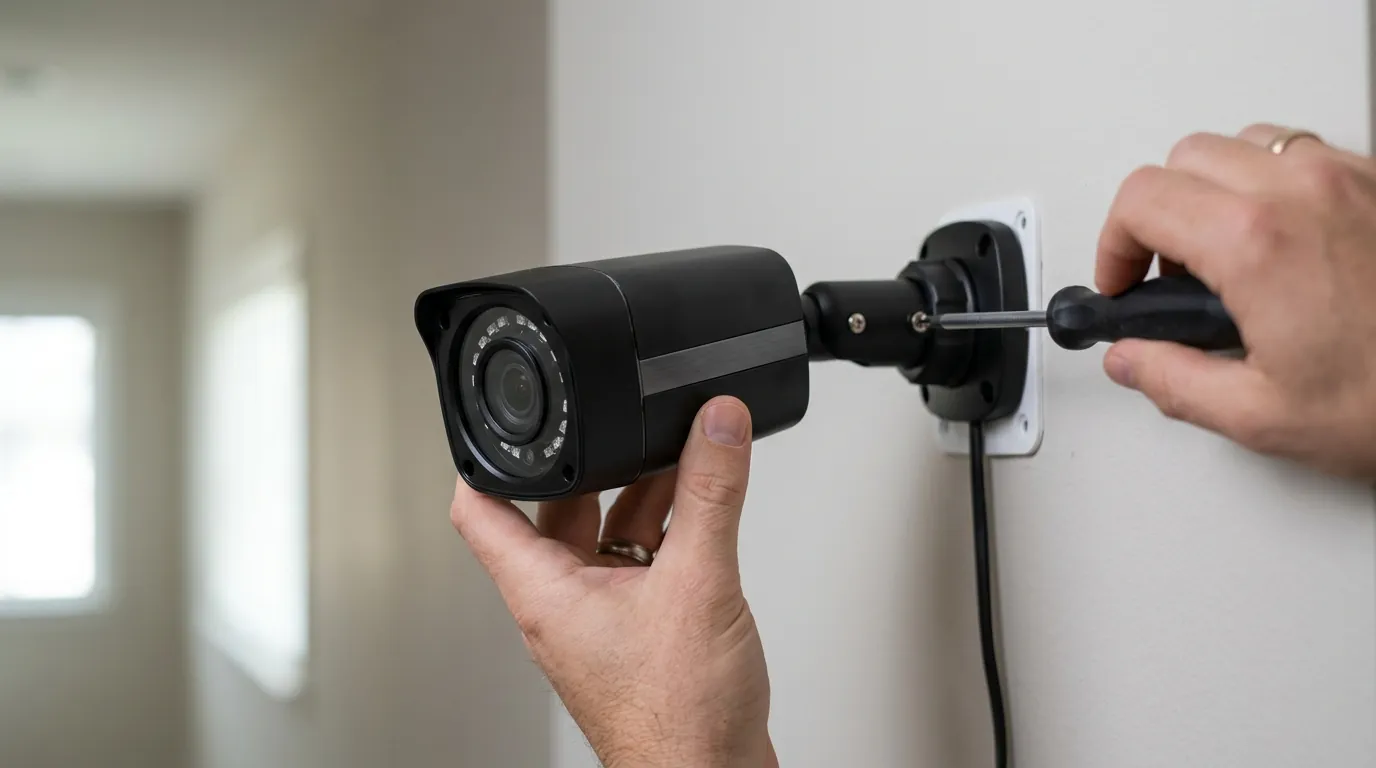
If your VMC4030 is truly dead, or if you managed to sync it but want to avoid future cloud-dependency issues, consider these technical pivots.
Transitioning to Local Storage
To bypass Arlo’s cloud-side reset failures in the future, many users are migrating their legacy cameras to a VMB4540 or VMB5000 SmartHub. These hubs support “Direct Storage Access,” allowing you to record to a USB drive or microSD card. While this doesn’t fix the registration process, it ensures that if Arlo’s legacy cloud servers go dark, your footage remains accessible locally. Note that VMC4030 compatibility with local-only viewing is limited compared to newer models.
Vendor-Neutral Alternatives
If the July 2026 “Serial Number Glitch” has soured your experience with Arlo, the market for subscription-free security cameras has matured significantly. Brands like Eufy and Reolink offer 2K and 4K resolutions with local AI processing, avoiding the “cloud-tethered identity” issues that plague the VMC4030. When comparing Arlo vs Eufy for local storage, remember that Eufy’s HomeBase 3 acts similarly to the Arlo Base Station but does not require a subscription for basic person detection.
Total Cost of Ownership (TCO) Analysis: 3-Year Outlook
Keeping a legacy VMC4030 might seem “free,” but the TCO in 2026 tells a different story:
- Legacy Path: $0 hardware + $0 sub + $40 replacement battery (every 2 years) + Risk of data loss = ~$60 over 3 years.
- New Arlo Path: $180 hardware + $12.99/mo Arlo Secure = ~$647 over 3 years.
- Subscription-Free Path (Eufy/Reolink): $120 hardware + $0 sub = ~$120 over 3 years.
Quvii tracks these trade-offs across the category to help you decide when “free” hardware becomes more expensive than a modern replacement.
Frequently Asked Questions
Can I reset an Arlo Pro VMC4030 without the app?
No. Because the VMC4030 lacks a physical factory reset button, you cannot “wipe” it without access to the Arlo account it is currently synced to. You can only trigger a “sync” mode locally; the actual registration reset must happen on Arlo’s servers when the device is removed from the app.
Why is my Arlo Pro blinking amber even with a full battery?
In 2026, this is often a sign of “voltage sag” in aged lithium-ion batteries. While the battery may hold a charge, it can no longer provide the peak current required for the camera’s RF transmitter. Try syncing the camera while it is plugged into its official Arlo power adapter to see if the amber blinking stops.
Does Arlo still support the VMC4030 in 2026?
Technically, no. The VMC4030 reached End-of-Life (EOL) on April 1, 2023. While Arlo allows them to continue operating on their cloud, they no longer provide firmware updates, security patches, or technical support for hardware failures.
How do I fix the “Device is assigned to another account” error?
This is usually caused by the May 2026 serial number glitch. You must contact Arlo Support and provide proof of ownership (like a screenshot of your original purchase or a photo of the serial number on the camera). They may be able to manually “whitelist” the serial number in their database, though success rates for EOL devices are low.
Sources
- Arlo End-of-Life Policy — https://kb.arlo.com/000063018/Arlo-End-of-Life-Policy
- Arlo Pro (VMC4030) Official Support Page — https://www.arlo.com/en-us/support/product/VMC4030
- How to Reset Arlo Devices — https://kb.arlo.com/1051525/How-do-I-reset-my-Arlo-Base-Station-to-factory-settings
- Arlo Community: Legacy Camera Sync Issues
- FCC ID Filing for VMC4030 (RF Specs) — https://apps.fcc.gov/oetcf/eas/reports/ViewExhibitReport.cfm?mode=Exhibits&RequestTimeout=500&calledFromFrame=N&application_id=u%2FmU6pY8N%2Bv09R7Xp%2BvU6A%3D%3D&fcc_id=2APLE18300388