
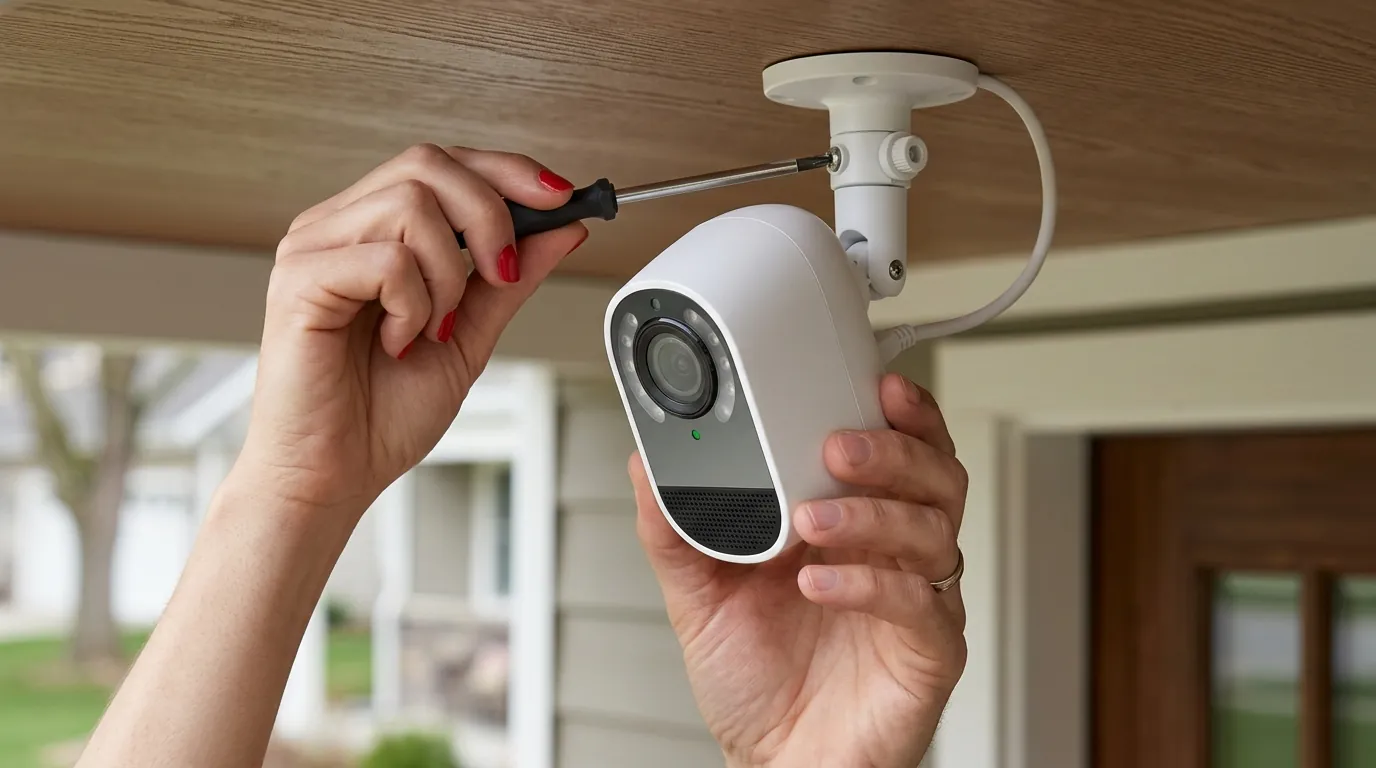
Arlo Pro 5S 2K Night Vision Stuck On: Causes & 2026 Fixes
When your Arlo Pro 5S 2K fails to transition out of night vision, it transforms from a high-definition security tool into a source of visual frustration, often rendering daytime footage nearly useless with a persistent pink haze or monochrome filter. This guide examines why the mechanical IR cut filter fails and provides the technical steps required to restore your 2K image quality in 2026.
If your Arlo Pro 5S 2K is stuck in night vision, it is likely a mechanical IR cut filter failure or a light sensor glitch. Try a power cycle or a “calibrated thump” to the housing; if hardware fails, consider the Reolink Argus 4 Pro.
What it means
Related: Fix Your Overheating Security Camera: Summer Solutions & Prevention · Outdoor Security Cameras: Protecting Summer Guest Privacy · Arlo vs. Ring for Summer Cabin Security: Off-Grid & Subscription-Free
When an Arlo Pro 5S 2K is “stuck” in night vision, the camera is failing to physically or logically transition between its low-light and daylight operating modes. In a healthy unit, the camera uses an internal sensor to detect ambient light levels; once a specific lux threshold is crossed, the camera should retract its Infrared (IR) cut filter and disable the 850nm IR LEDs.
Identifying the ‘Pink Tint’ vs. ‘B&W’ Glitch
The visual symptoms usually fall into two distinct categories, each pointing toward a slightly different failure state of the internal hardware:
- The Pink/Purple Tint: This occurs when the IR cut filter is physically stuck in the “Off” position (retracted) during broad daylight. Because the camera’s CMOS sensor is naturally sensitive to infrared light, the absence of the filter allows IR rays from the sun to flood the sensor, resulting in a surreal, neon-pink or purple hue across green foliage and dark clothing.
- The Monochrome (B&W) Day Image: This happens when the camera’s software remains in “Night Mode” despite the sun being up. In this state, the IR LEDs may still be firing, and the camera has switched its processing to black and white, even if the filter has successfully moved.
| Image State | IR Cut Filter Position | IR LEDs | Typical Cause |
|---|---|---|---|
| Normal Daylight | Engaged (Covering Sensor) | Off | Correct Operation |
| Pink/Purple Tint | Stuck Retracted | Off/On | Mechanical Solenoid Failure |
| B&W Day Image | Stuck Retracted | On | Light Sensor Obstruction/Firmware Bug |
| Pitch Black Night | Stuck Engaged | On | Mechanical Solenoid Failure |
How to Check IR LED Status in 2026
In 2026, the Arlo Secure App (v4.x) provides a “Device Power” and “Video Settings” menu where users can manually toggle Night Vision. To verify if your hardware is responsive:
- The Phone Camera Trick: Open your smartphone’s camera and point it at the Arlo Pro 5S lens in a dark room. Most smartphone cameras can see the faint purple glow of the 850nm IR LEDs. If you see the glow during the day while the camera is supposedly in “Day Mode,” the logic board is not cutting power to the IR array.
- The Click Test: Listen closely to the camera when you toggle Night Vision on and off in the app. You should hear a faint, audible “click.” This is the sound of the magnetic solenoid physically sliding the glass filter into place. No click usually indicates a mechanical seizure.
Why it exists
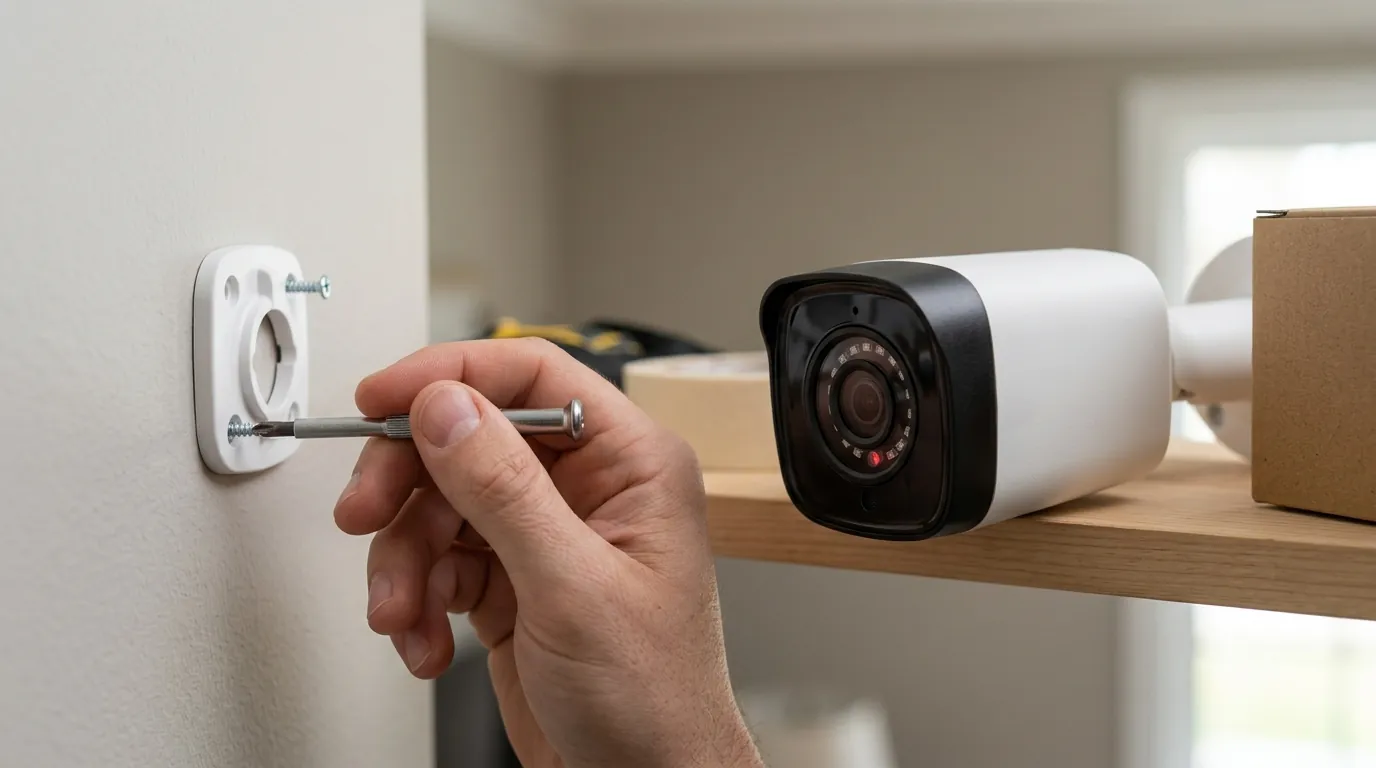
The Arlo Pro 5S 2K is a sophisticated piece of optoelectronics, but it relies on a surprisingly old-school mechanical component: a tiny piece of treated glass moved by a magnet.
The Solenoid and Mechanical Wear
The primary culprit is the IR Cut Filter (ICR) assembly. Inside the lens housing, a small solenoid (an electromagnetic coil) moves the filter back and forth. Over time, or due to extreme temperature fluctuations—common for outdoor cameras—the lubricant on the sliding track can gum up, or the plastic housing can slightly warp. This causes the filter to “stick” halfway or fail to move at all when the voltage pulse is sent. According to community consensus on r/Arlo, units exposed to direct afternoon sun are more prone to this mechanical fatigue.
Firmware v1.060.x and the Light Sensor Bug
While mechanical failure is common, software logic also plays a role. The Arlo Pro 5S 2K relies on an ambient light sensor (ALS) to trigger the mode switch.
- Firmware Logic: Recent firmware versions, including iterations of the v1.060.34.0 series, have been noted in Arlo Community forums for being “sticky” regarding lux thresholds. If the camera is mounted under a deep eave or in a shadowed corner, the software may decide the light is insufficient to trigger “Day Mode,” even if the surrounding yard is bright.
- Environmental Obstruction: Salt spray (in coastal areas), spider webs, or even a fine layer of pollen over the ALS window can trick the camera into thinking it is perpetually nighttime.
Arlo Pro 5S 2K Firmware Stability Notes (2024-2026):
- v1.060.34.0: Known for improved dual-band Wi-Fi stability but introduced “Night Vision Toggle” lag for some users.
- v1.060.36.x (2025): Addressed “ghost” IR LED activation on battery-optimized profiles.
- v1.080.x (Current 2026): Focuses on Matter protocol compatibility; IR filter transition logic remains largely unchanged from previous builds.
How it works under the hood
To understand the fix, one must understand the physics of the Pro 5S architecture.
Lux Thresholds and Sensor Logic
The Pro 5S 2K sensor is designed to provide high-dynamic-range (HDR) footage. During the day, the IR cut filter blocks light wavelengths above ~700nm. When the light sensor detects levels dropping below approximately 5 to 10 lux, the camera’s CPU initiates a “Night Event.”
- The CPU sends a high-current pulse to the solenoid.
- The solenoid pulls the IR filter away from the sensor.
- The image processor switches to a monochrome mode to reduce noise.
- The IR LEDs are energized.
Power Management in the Pro 5S Architecture
The Pro 5S 2K utilizes a dual-band Wi-Fi radio (2.4GHz and 5GHz). High-performance 5GHz streaming requires significant power. If the battery is below 15% or if the camera is operating in a “Low Power Mode,” the system may prioritize the Wi-Fi connection over the mechanical movement of the IR filter. This is why many users find that their night vision issues “magically” resolve after a full battery charge.
The “Color Night Vision” feature on the Pro 5S 2K is not a different sensor mode, but rather a software override. When the integrated spotlight is activated, the camera keeps the IR cut filter engaged (the “day” position) and uses the visible white light to illuminate the scene, allowing the sensor to process color.
Real-world implications
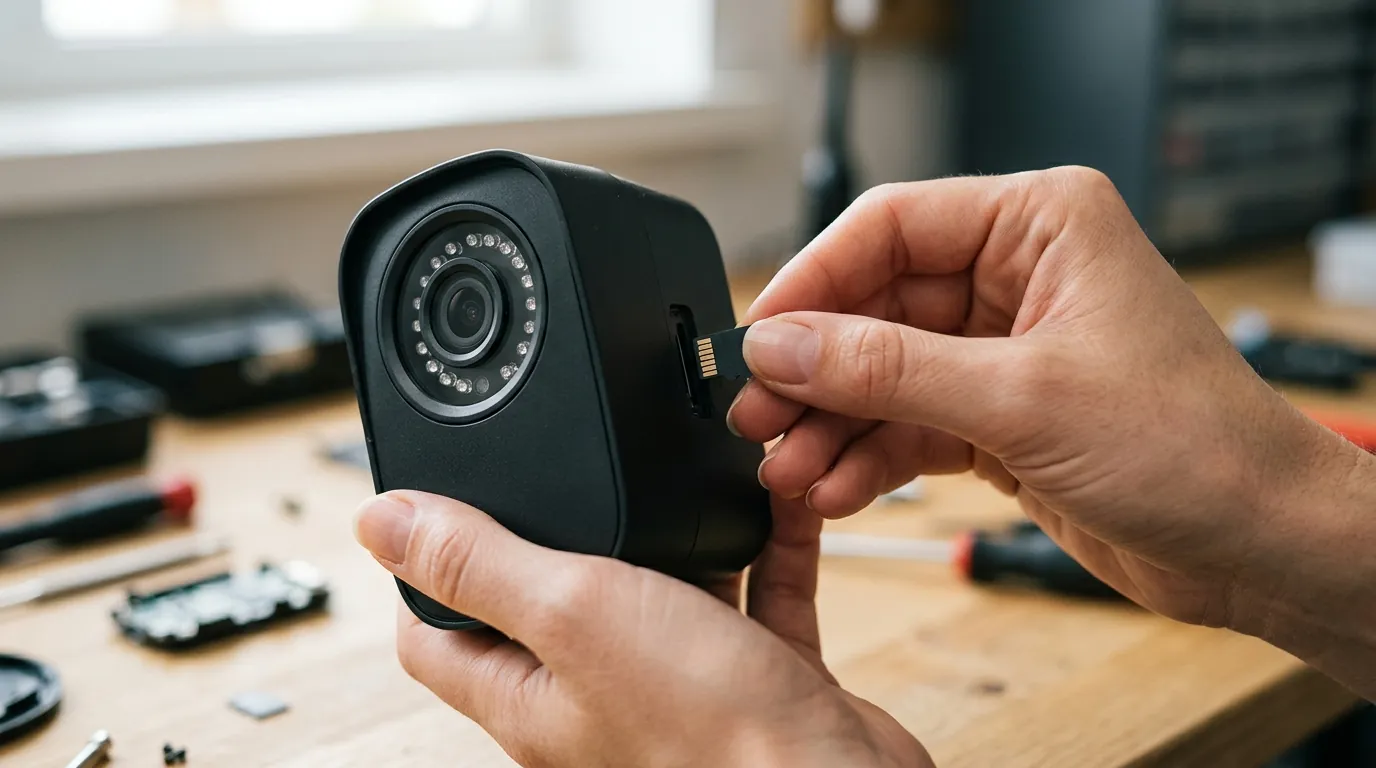
A camera stuck in night vision is more than a visual nuisance; it is a security liability.
Security Degradation
The loss of color during the day is critical. If an incident occurs, “a person in a gray hoodie” is far less useful to law enforcement than “a person in a bright red hoodie.” Furthermore, the IR filter being stuck “off” during the day leads to “blooming”—where bright areas of the image (like a license plate or a face in the sun) become a white, featureless blur because the sensor is being over-exposed by infrared light.
Battery Drain
If the IR LEDs are stuck in the “on” position during the day, the battery life of the Pro 5S 2K will plummet. Under normal conditions, the Pro 5S is rated for several months of use. With the IR array running 24/7, you may find the camera dead within 72 to 96 hours.
The Replacement Decision
If basic troubleshooting—rebooting via the app and a full charge—fails, you are facing a mechanical failure. In 2026, the cost of professional repair for an out-of-warranty Arlo often exceeds the cost of a new unit.
Troubleshooting Flowchart: The 2026 Protocol
- Software Reset: Toggle “Night Vision” OFF in the Arlo Secure app. Wait 30 seconds. Toggle ON.
- Power Cycle: Remove the battery for 60 seconds. Reinsert and allow it to resync.
- The “Calibrated Thump”: While the camera is active, give the side of the housing a firm (but not damaging) tap with the heel of your hand. This can often dislodge a stuck solenoid.
- The Magnet Trick: Run a small, strong magnet around the lens assembly. This can sometimes manually pull the internal solenoid back into its track.
- Factory Reset: Use the sync button to return to factory defaults.
- Replace: If the pink tint persists, the hardware is end-of-life.
Decision Framework: Repair vs. Replace
| If you are… | Recommendation |
|---|---|
| A Renter | Stick with Arlo; the ease of the magnetic mount is worth the occasional hardware swap. |
| A Homeowner (Low Maintenance) | Switch to the Reolink Argus 4 Pro. It uses a “ColorX” F/1.0 aperture sensor that provides full color at night without an IR filter or spotlight, eliminating this mechanical failure point entirely. |
| Already in the Arlo Ecosystem | If you have 5+ cameras and a Smarthub, buy a single replacement Pro 5S during a sale (typically in the $150-200 range). |
| Security Focused | Upgrade to the Arlo Ultra 2 (4K). While it also uses an IR filter, the higher resolution offsets some of the B&W identification issues. |
Common misconceptions
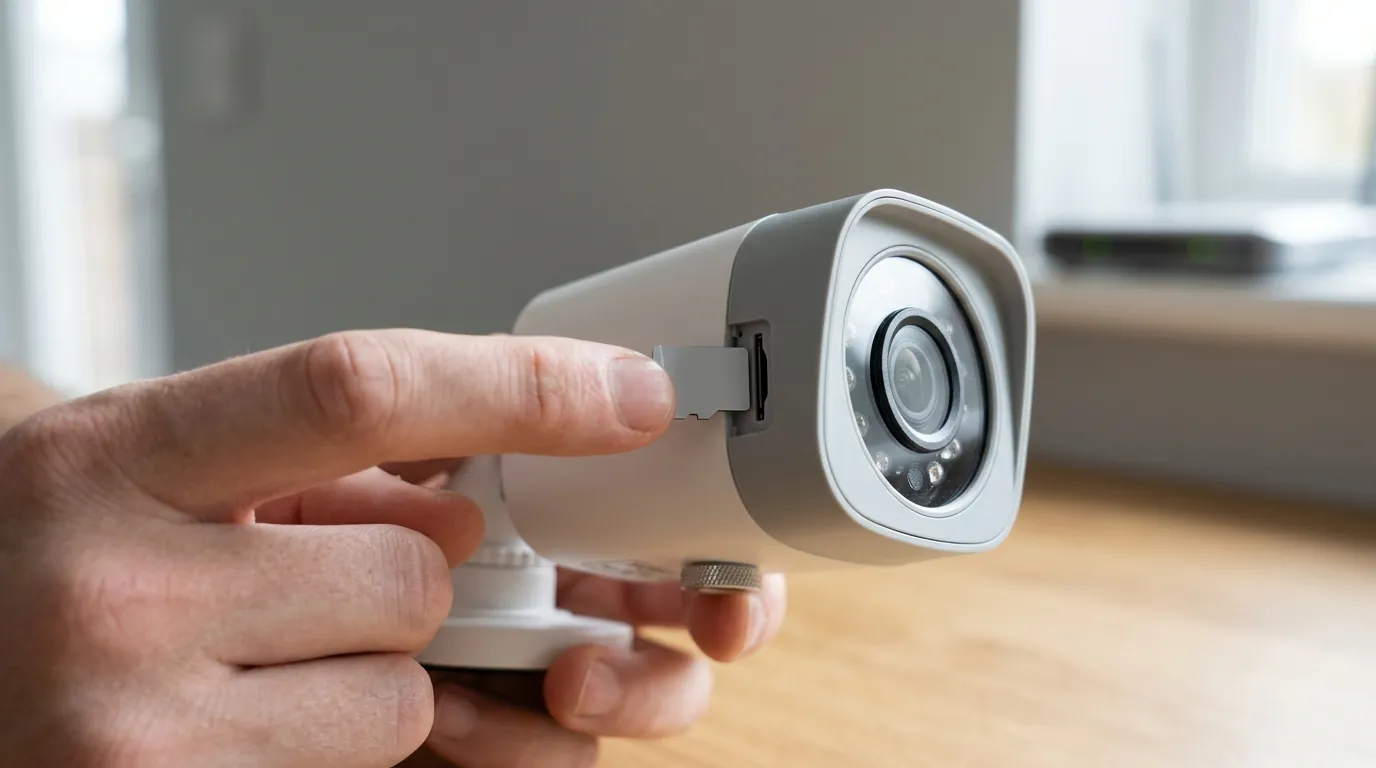
Software Fix vs. Hardware Reality
A common misconception found on support forums is that a “Factory Reset” is a guaranteed cure. While a reset can fix a logic bug where the camera thinks it’s dark, it cannot fix a piece of glass that is physically wedged in a plastic track. If you hear no “click” when toggling the setting, no amount of software resetting will fix the camera.
The ‘Magnet Trick’ Myth
You will often see advice to “hit the camera with a hammer” or “use a massive magnet.” While a “calibrated thump” is a legitimate mechanical troubleshooting step, using an industrial-strength magnet can permanently de-magnetize the solenoid or damage the CMOS sensor’s delicate wiring. Use only small household magnets if attempting this.
Total Cost of Ownership (TCO) Analysis
When deciding whether to fix or replace your Arlo Pro 5S 2K, consider the 3-year TCO. Arlo cameras are relatively affordable upfront, but the “feature paywall” is significant.
3-Year Cost Breakdown (Arlo Pro 5S 2K):
- Hardware: ~$200 - $250 (Single Camera)
- Arlo Secure Subscription (Single Camera, 2026): ~$7.99/mo x 36 months = ~$287
- Total: ~$487 - $537
In contrast, a subscription-free brand like Reolink or Eufy may have a higher hardware cost (~$220) but a $0 subscription fee, leading to a 3-year TCO of just $220.
Further reading
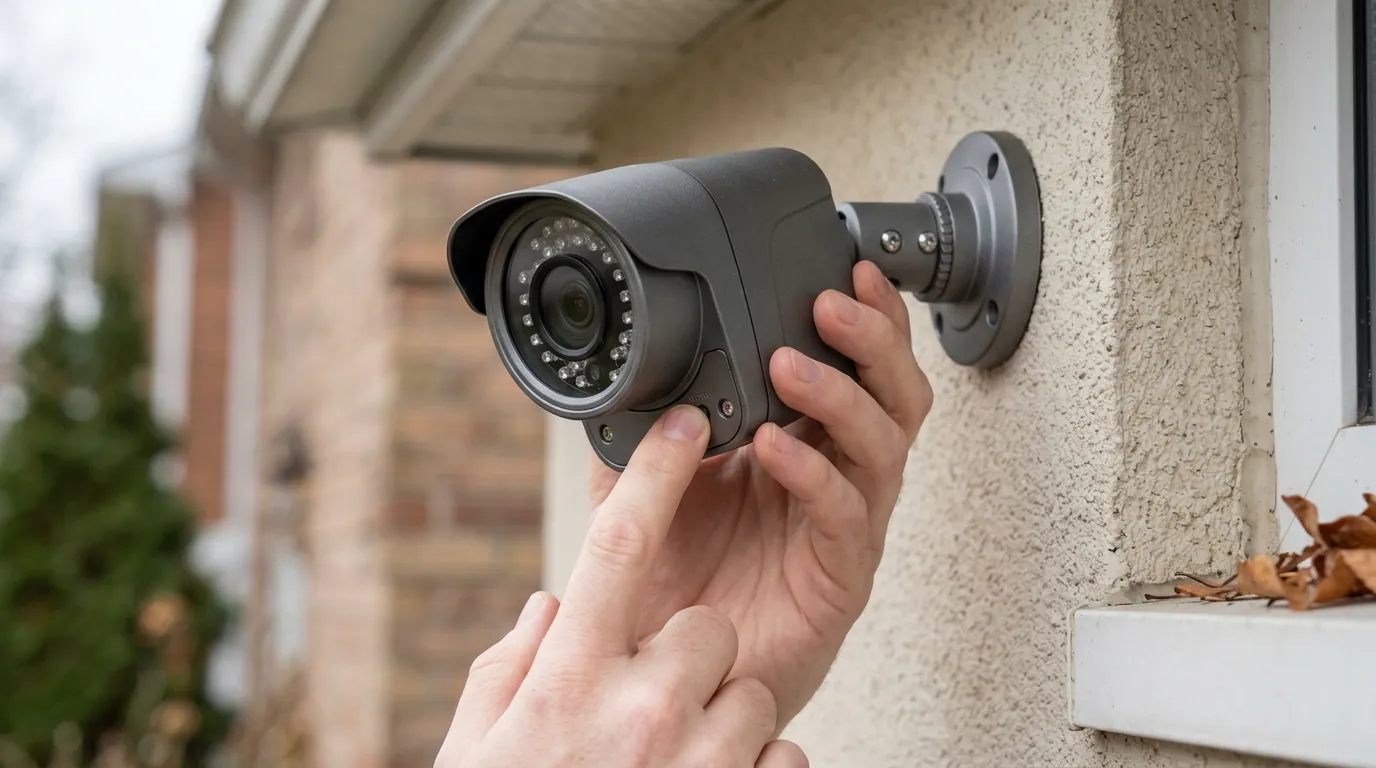
Maximizing Arlo Pro 5S Lifespan
To prevent the IR filter from sticking in the future, avoid mounting the camera in locations with extreme heat-soak (like directly under a black metal roof). Heat is the primary enemy of the lubricants used in the ICR assembly. Additionally, ensure your camera is running the latest firmware via the Arlo Secure app to benefit from any “soft start” voltage pulses Arlo may implement to keep the solenoid limber.
Privacy and Subscriptions in 2026
As of 2026, Arlo continues to uphold its Privacy Pledge, stating they do not sell user data and require a warrant for police access to footage. However, most advanced features—including AI Object Detection (Person, Vehicle, Animal) and Cloud Activity Zones—remain locked behind the Arlo Secure subscription. If you wish to avoid these fees, you can use an Arlo Smarthub (VMB5000) for local microSD recording, though this disables the “remote preview” thumbnails in the app.
Frequently Asked Questions
Why is my Arlo camera screen pink during the day?
A pink or purple screen usually means the IR cut filter is stuck in the “off” position. This allows infrared light to hit the sensor, which the camera interprets as pink or purple. A firm tap on the side of the camera can often vibrate the filter back into place.
Can I turn off night vision on Arlo Pro 5S?
Yes. In the Arlo Secure app, go to Settings > My Devices > [Camera Name] > Video Settings > Night Vision. You can toggle it off entirely, though this will result in a pitch-black image at night unless you have external floodlights.
How long do Arlo Pro 5S cameras last?
Most consumer-grade outdoor cameras have a functional lifespan of 3 to 5 years. Mechanical components like the IR cut filter and the chemical health of the lithium-ion battery are typically the first parts to fail.
Does Arlo Secure cover a stuck IR filter?
If you have an active Arlo Secure Plus or Safe & Secure Pro plan in 2026, you may be eligible for an extended warranty that covers mechanical failures. Standard Arlo Secure plans typically do not extend the manufacturer’s one-year hardware warranty.
Sources
- Arlo Official Support: Night Vision Troubleshooting — https://kb.arlo.com/1133110/How-do-I-troubleshoot-night-vision-issues
- Arlo Privacy Pledge & Transparency Report — https://www.arlo.com/en-us/about/privacy/default.aspx
- Reolink Argus 4 Pro Product Specs — https://reolink.com/product/argus-4-pro/
- Reddit HomeSecurity: “Arlo Pink Tint Fix” Thread — https://www.reddit.com/r/Arlo/