
Arlo Essential Firmware Updates: Addressing Recent Issues & What to Know
Managing the software that powers your home security system is a balancing act between maintaining cutting-edge protection and avoiding the technical glitches that can arise from new code deployments. As of June 2026, Arlo Essential users are navigating a landscape where firmware stability is as critical as the hardware itself.
Quick Answer: While no widespread, officially acknowledged “June 2026” specific firmware issue for Arlo Essential cameras has been identified, users have reported significant problems with recent updates in the preceding months of 2026, including cameras becoming unresponsive (“bricked”) or losing functionality, sometimes linked to subscription changes.
What it means
Related: Eufy Security Camera Privacy Policy Update 2026: What You Need to Know · Blink Camera Offline? June 2026 Troubleshooting Guide · Google Nest Camera Firmware Update Failed: Solutions & Causes
Firmware serves as the foundational operating system for your Arlo Essential camera. Unlike the Arlo Secure app on your phone, which provides the user interface, firmware lives on the camera’s internal hardware chip. It dictates how the image sensor interprets light, how the PIR (Passive Infrared) sensor detects motion, and how the Wi-Fi radio maintains a handshake with your router or SmartHub.
As of June 2026, Arlo continues to push periodic updates to its Essential product line to address emerging cybersecurity threats and optimize battery life. However, the “Essential” brand now encompasses several distinct hardware generations, which can lead to confusion regarding which update applies to which device.
Defining Camera Firmware
Firmware is “low-level” software. If the firmware is corrupted during an update, the camera may lose its ability to boot up entirely—a state commonly referred to in the tech community as “bricking.” Because Arlo Essential cameras are often mounted in high, hard-to-reach locations, a failed firmware update is more than a digital glitch; it is a physical maintenance burden.
Arlo Essential Models and Their Firmware
The current Arlo Essential lineup for 2026 includes:
- Arlo Essential Outdoor Camera (2nd Generation, 2K): The current flagship of the budget line, often identified by its VMC3050 model number.
- Arlo Essential XL (2nd Generation): Features an integrated extended battery.
- Arlo Essential Pan & Tilt (2nd Generation): An indoor-focused model with mechanical rotation.
- Legacy Arlo Essential (1st Generation): The 1080p VMC2030 models, which are increasingly seeing “End of Life” (EOL) policy shifts that affect firmware support.
Reports from the Arlo Community forums suggest that firmware versions starting with 1.090 or 2.0.x have been the primary focus of stability discussions in the first half of 2026.
Why it exists
Manufacturers do not release firmware updates merely to change version numbers; these updates are expensive to develop and riskier to deploy than app-level changes. For Arlo, firmware updates serve four primary purposes.
Enhancing Security and Stability
Security is the most frequent driver for updates. As hackers discover new vulnerabilities in WPA3 encryption or specific chipset protocols, Arlo must patch the firmware to prevent unauthorized access to your video feeds. According to Arlo’s Product Security page, firmware updates are the primary vehicle for deploying “military-grade” encryption fixes.
Introducing New Features
Updates can occasionally unlock hardware potential that was dormant at launch. For example, the 2nd Generation Essential cameras received firmware tweaks in early 2026 to improve the latency of “Cross-Triggering,” where one camera tells another to start recording. These updates refine the communication protocols between the camera and the Arlo Secure cloud.
Resolving Known Issues
Bug fixes are the “maintenance” side of firmware. If users report that cameras are dropping Wi-Fi connections every 48 hours or that the spotlight is triggering during the day, a firmware patch is designed to recalibrate the logic governing those sensors. In the months leading up to June 2026, Arlo released several patches specifically aimed at reducing “false positive” motion alerts caused by swaying shadows.
How it works under the hood
The process of updating an Arlo Essential camera is designed to be invisible, but understanding the mechanics can help you identify where a failure occurs.
Automatic vs. Manual Updates
By default, Arlo cameras are programmed to check for updates automatically. This typically occurs in the early morning hours, between 3:00 a.m. and 5:00 a.m., to ensure the camera is not interrupted while recording a daytime event. If an update is available, the camera downloads the packet to its temporary memory before initiating the install.
Users can also check manually by navigating to:
Settings > My Devices > [Select Camera] > Device Info > Firmware > Update.
Technical Requirements for Updates
For a firmware update to succeed, the camera must meet specific environmental criteria:
- Battery Level: The camera generally requires at least 15% to 20% battery life. If the battery dies mid-update, the firmware may be partially written, which usually bricks the device.
- Signal Strength: A stable upload speed of at least 1-2 Mbps is required. Frequent “packet loss” during the download phase can cause the update to fail or time out.
- Power Consistency: For Essential cameras plugged into a solar panel or outdoor charging cable, the update logic ensures that power is steady before proceeding.
Understanding LED Indicators
During a firmware update, the small LED on the front of the Essential camera provides a status report. According to the Arlo Essential Support documentation, an alternating blue and amber blink indicates a firmware update is in progress. If the LED turns solid amber, it may indicate an update failure or a low-battery warning.
Real-world implications
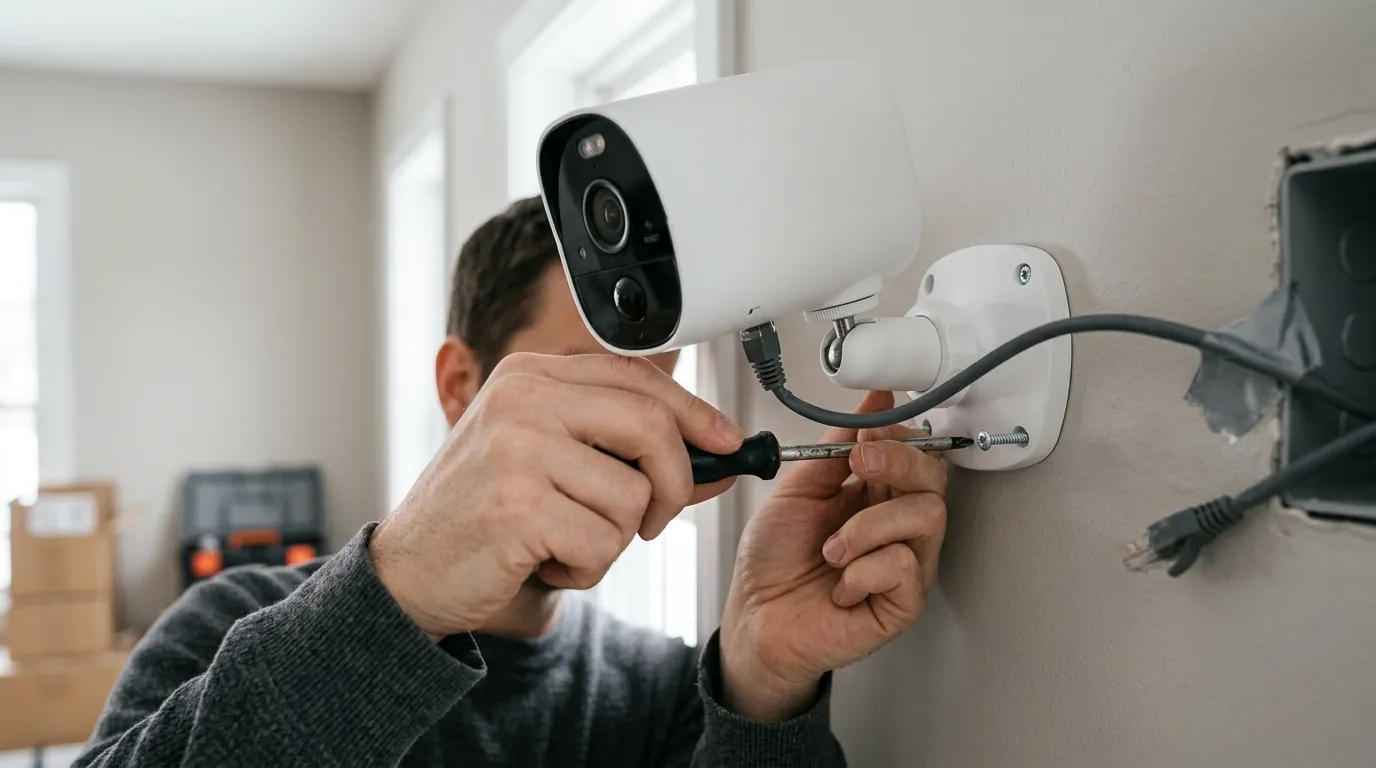
The impact of firmware updates in 2026 has been a mixed bag for the Arlo community. While many users experience seamless transitions, a vocal minority has faced significant hurdles.
Benefits of Timely Updates
When an update works as intended, users see improved “Time to First Frame” (TTFF)—the speed at which the live view appears after clicking play in the app. Updates in early 2026 have also focused on HDR (High Dynamic Range) tuning for the Essential Outdoor 2K, helping to prevent “blown out” faces in direct sunlight.
Potential Risks and Reported Failures (Early 2026)
In the first half of 2026, threads on r/Arlo have highlighted a recurring issue where cameras fail to reconnect to the Wi-Fi network after a firmware reboot. This “post-update offline” status often requires the user to physically climb a ladder, remove the camera, and perform a factory reset by holding the sync button for 15 seconds.
Impact on Subscription Features and Device Longevity
A point of contention in June 2026 remains the “feature paywall.” Some users have noted that firmware updates have transitioned certain local processing tasks to the cloud, effectively requiring an Arlo Secure subscription for features that were previously perceived as “on-device,” such as basic person detection.
| Feature | Arlo Essential (1st Gen) | Arlo Essential 2K (2nd Gen) |
|---|---|---|
| Resolution | 1080p | 2K (2560 x 1440) |
| Field of View | 130° | 130° |
| Connectivity | 2.4GHz Wi-Fi | 2.4GHz Wi-Fi |
| Power Type | Integrated Battery | Integrated Battery |
| 3-Year TCO (Est.) | Hardware ( | Hardware ( |
| Local Storage | Requires SmartHub | Requires SmartHub |
Note: Pricing reflects the “Arlo Secure” single-camera or multi-camera plans which generally range from $5 to $13 per month as of mid-2026.
Arlo’s Privacy Stance on Firmware and Data
Arlo maintains a relatively strict privacy policy compared to some competitors. In their Privacy Pledge, they state that firmware is designed to encrypt video data locally before it ever reaches the cloud. They also claim they do not sell user data to third parties and require a warrant for law enforcement access to footage.
Decision Framework: Managing Your Updates
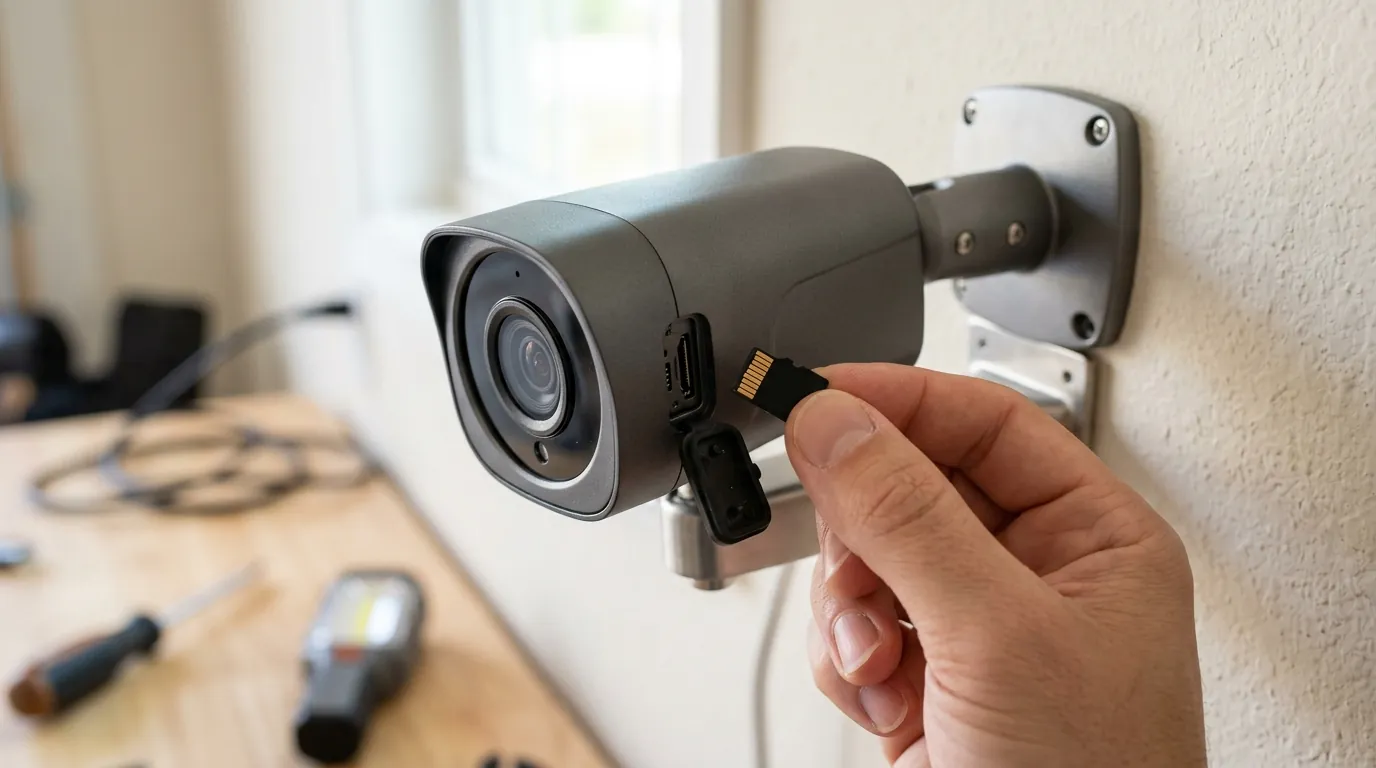
How you handle firmware depends on your specific use case and risk tolerance.
- The “Set it and Forget it” Homeowner: If your cameras are easily accessible, keep automatic updates ON. The security benefits of being patched against the latest exploits outweigh the occasional inconvenience of a manual reset.
- The “Remote Property” Manager: If your cameras are at a vacation home or a site you cannot visit easily, consider turning automatic updates OFF during periods when you won’t be on-site. This prevents a failed update from leaving your property “blind” until your next visit.
- The “Budget-Conscious” User: Be aware that firmware updates for older 1st Gen Essential cameras may gradually nudge you toward the Arlo Secure subscription model to maintain advanced AI features. If you want to avoid monthly fees, you may need to prioritize a different brand or accept the basic motion-alert-only functionality.
Total Cost of Ownership (TCO) Analysis
When purchasing an Arlo Essential 2K in 2026, the sticker price (usually in the $80-$120 range) is only the beginning.
- Year 1: Hardware ($100) + Arlo Secure Plus ($120/yr) = $220
- Year 2: Subscription ($120/yr) = $340 (Cumulative)
- Year 3: Subscription ($120/yr) = $460 (Cumulative) Over three years, the subscription costs nearly quadruple the initial hardware investment. This makes the stability of the firmware even more vital; users are paying a premium for a service that requires the hardware to function perfectly.
Common misconceptions
The ‘Don’t Fix What Isn’t Broken’ Fallacy
Many users believe that if their camera is recording fine, they should never update the firmware. However, security cameras are IoT (Internet of Things) devices. An unpatched camera can be recruited into a botnet or exploited to gain access to your home network. Updates are often about what is happening behind the video feed, not just the video quality itself.
Feature vs. Security Updates
Not every update adds a new “button” to your app. In fact, roughly 70% of firmware releases for the Arlo Essential line are “under-the-hood” maintenance. Users often complain that “nothing changed” after an update, but the improvement may be in the camera’s ability to reject interference from a neighbor’s new Wi-Fi 7 router.
The Myth of Flawless Updates
There is a misconception that if an update fails, the manufacturer did it on purpose (“planned obsolescence”). While updates can be buggy, bricking a device is a customer support nightmare for the brand. Most failures in June 2026 are attributed to local network instability or power interruptions during the installation phase rather than malicious code.
Frequently Asked Questions
How do I know if my Arlo Essential camera is bricked?
If your camera is unresponsive, won’t join your Wi-Fi even after a battery pull, and shows a solid amber LED or no LED at all when plugged into power, it may be bricked. Your first step should be a factory reset by holding the sync button for 15 seconds while the camera has power.
Can I roll back an Arlo firmware update if it causes issues?
No. Arlo does not currently provide a mechanism for users to “downgrade” firmware to a previous version. Once an update is installed, you must wait for a subsequent patch from Arlo to resolve any new bugs.
Why did my Arlo Essential camera stop recording to the cloud after the June 2026 update?
This is rarely a firmware “bug” and usually a subscription issue. Arlo firmware updates often refresh the camera’s “entitlements.” If your Arlo Secure trial expired or your payment method failed, the update may have simply triggered the camera to stop cloud recording as per your current account status.
Does the Arlo Essential 2K require a Base Station for updates?
No. The Essential line is designed to connect directly to your 2.4GHz Wi-Fi network. While it can be paired with a SmartHub (VMB4540 or VMB5000), it does not require one to receive firmware updates.
Sources
- Arlo Support: What do the LEDs on my Arlo camera mean? — https://kb.arlo.com/000039100/What-do-the-LEDs-on-my-Arlo-camera-mean
- Arlo Official Site: Arlo Secure Subscription Plans — https://www.arlo.com/en-us/arlo-secure.html
- Arlo Privacy Pledge — https://www.arlo.com/en-us/about/privacy-center/
- Arlo Community Forums: Essential Series Discussions
- Reddit r/Arlo: Firmware Update Issues Thread — https://www.reddit.com/r/arlo/