
Arlo Camera Battery Draining Fast? 2026 Causes & Fixes
The convenience of a wire-free security system vanishes the moment you find yourself climbing a ladder every ten days to swap batteries. While modern wireless cameras have made significant strides in efficiency, “battery anxiety” remains the primary friction point for the Arlo ecosystem in 2026.
Quick Answer: Arlo battery drain is typically caused by high-traffic motion triggers, weak Wi-Fi signal (RSSI lower than -60dBm), or extreme cold. Reducing motion sensitivity, narrowing the Field of View (FOV) to exclude street traffic, and offloading the connection to an Arlo SmartHub can extend battery life from a few weeks to over six months.
What it means
In the context of 2026 home security standards, “fast” battery drain is defined as any performance that falls significantly short of the manufacturer’s operational window. Arlo typically advertises a 6-month battery life based on an average of 4,000 seconds of motion recording per year (roughly 5 minutes of video per day). If your camera requires a charge every 1–2 weeks, it is experiencing a critical drain.
Symptoms of critical drain
- The 10% Daily Drop: A healthy Arlo camera in a low-traffic area should lose less than 1% per day. Seeing a double-digit drop daily indicates the camera is failing to enter “Deep Sleep” mode.
- Delayed Notifications: When a battery is struggling with power delivery (often due to cold or age), the “wake-up” time for the processor increases, leading to notifications that arrive after the subject has already left the frame.
- Frequent ‘Offline’ Status: As the battery voltage drops, the Wi-Fi radio is often the first component to be throttled, causing the camera to drop off the network even if the app shows 15-20% remaining.
2026 Model-Specific Benchmarks
The following table compares current Arlo flagship specifications against real-world community benchmarks observed in typical suburban environments.
| Model | Resolution | Claimed Life | Real-World Expectation (Moderate Traffic) | Primary Power Draw |
|---|---|---|---|---|
| Arlo Pro 6 | 2K / 4K | 6 Months | 3–4 Months | Dual-band Wi-Fi Polling |
| Arlo Ultra 3 | 4K HDR | 6 Months | 2–3 Months | Image Processing / 4K Encoding |
| Essential XL Gen 2 | 2K | 12 Months | 7–9 Months | Integrated Battery Capacity |
| Arlo Pro 5S | 2K | 8 Months | 4–5 Months | Low-power Wi-Fi management |
Data synthesized from Arlo.com product specifications and community testing data from r/Arlo.
The 48-Hour Cliff: When to suspect a hardware defect
If a camera drains from 100% to zero within 48 hours despite having no recorded clips, this is rarely a settings issue. This “cliff” usually indicates a hardware short, often caused by moisture ingress in the charging port or a degraded lithium-ion cell that can no longer hold a nominal voltage. In these cases, firmware resets rarely work, and warranty replacement is the standard path.
Seasonal Slump: How 2026 winter temperatures impact Lithium-Ion
Lithium-ion batteries rely on liquid electrolytes to move ions. When temperatures drop below 32°F (0°C), internal resistance increases. In 2026, while Arlo’s battery chemistry has improved, the physical limitations of cold weather remain. A camera that lasts 6 months in July may only last 6 weeks in a Minnesota January. If your battery “dies” at 30% in the cold, it hasn’t lost its charge; it has lost the ability to deliver the current required to start a Wi-Fi transmission.
Why it exists
To understand why the battery drains, one must understand the “Always-Ready” Paradox. A wireless camera is never truly “off.” It must keep its Passive Infrared (PIR) sensor powered at all times to detect heat signatures, and it must keep its Wi-Fi radio in a low-power “listening” state to receive commands from the app.
Network Friction: The RSSI Factor
The single greatest “invisible” battery killer is a weak Wi-Fi signal. If your camera’s Received Signal Strength Indicator (RSSI) is between -65dBm and -80dBm, the Wi-Fi radio must increase its transmission power to punch through the interference. It also takes longer to “handshake” with the router, meaning the camera stays in a high-power state for 5 seconds instead of 1 second for every event.
Environmental Triggers
Arlo cameras use PIR sensors that look for changes in heat. In 2026, while AI filtering has improved, the hardware still “wakes up” the moment it sees a heat change.
- The Driveway Trap: If your camera faces a street, every passing car’s hot engine can trigger the PIR sensor. Even if the Arlo Secure AI decides not to record the clip, the camera has already spent significant energy waking up the processor and checking the image.
- Reflective Surfaces: Sunlight reflecting off a swimming pool or a car windshield can trick the PIR sensor into thinking there is motion, leading to “phantom” triggers.
Wi-Fi 6 and Dual-Band Trade-offs
The newer Arlo Pro 6 and Ultra 3 models support dual-band Wi-Fi (2.4GHz and 5GHz). While 5GHz offers faster speeds for 4K streaming, it has significantly worse wall penetration. A camera connected to 5GHz through two walls will drain its battery much faster than one connected to 2.4GHz, as it struggles to maintain a stable link.
How it works under the hood
The “wake-up” sequence of an Arlo camera is a multi-stage process designed to save energy, but each stage has a specific power cost.
- Stage 1: PIR Detection (Micro-amps): The low-power heat sensor detects movement.
- Stage 2: Processor Wake (Milli-amps): The main CPU boots up to analyze the video feed.
- Stage 3: Wi-Fi Negotiation (High Power): The radio connects to the router or SmartHub.
- Stage 4: Cloud Upload (Peak Power): The camera encodes the video (H.265) and streams it to Arlo’s servers.
The SmartHub Advantage
Using a SmartHub (VMB5000 or VMB4540) instead of connecting directly to home Wi-Fi is the most effective way to solve battery drain. The SmartHub uses a proprietary low-power sub-GHz “heartbeat” to manage the cameras. This protocol is far more efficient than standard Wi-Fi polling. According to independent testing by Wirecutter, cameras connected via a hub can see a 20-30% improvement in battery longevity compared to those on direct Wi-Fi.
Cloud vs. Edge Processing
Arlo Secure 5.0 (the 2026 subscription tier) offloads the heavy lifting of AI analysis (Person, Pet, Vehicle detection) to the cloud. This actually saves battery compared to cameras that attempt to do full AI processing on the local chip. However, this means the camera must upload the clip to the cloud to find out if it was important. If your “Activity Zones” are set incorrectly, the camera is still doing the work of uploading “junk” clips (like swaying trees) before the cloud tells it to stop.
H.265 Compression Efficiency
2026 firmware updates have optimized H.265 (HEVC) encoding. By compressing 4K video more efficiently, the camera spends less time with the Wi-Fi radio “open” during the upload process. However, the initial encoding of a 4K HDR stream still requires roughly 40% more CPU cycles than a standard 1080p stream, making resolution a direct lever for battery life.
Real-world implications
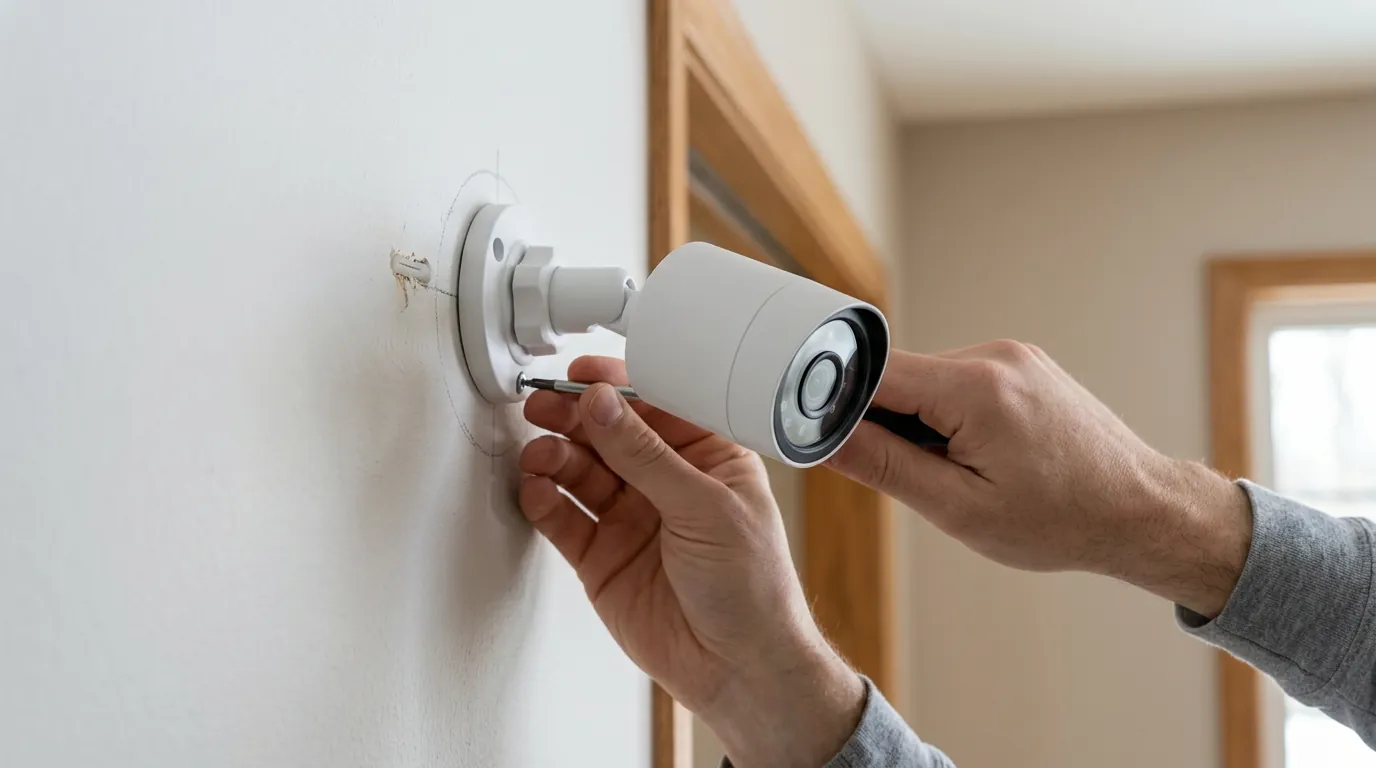
The impact of fast battery drain goes beyond mere annoyance; it creates a fundamental security vulnerability.
Security Gaps and “Ladder Fatigue”
When a battery dies, the home is unprotected. “Ladder fatigue” is a documented phenomenon where users, tired of the constant maintenance, leave a camera dead for weeks at a time. This effectively turns a $200 security device into a plastic lawn ornament.
Total Cost of Ownership (TCO)
The sticker price of an Arlo camera is only a fraction of its 3-year cost. When batteries drain fast, users often invest in accessories to mitigate the issue.
| Expense Category | Estimated 3-Year Cost (2026) | Notes |
|---|---|---|
| Hardware | $150 - $300 | Per camera (Pro 6 or Ultra 3) |
| Arlo Secure Sub | $180 - $360 | $4.99 - $9.99/mo for 3 years |
| Spare Battery | $50 - $70 | Recommended for swap-and-go |
| Solar Panel | $60 - $100 | Essential for high-traffic areas |
| Total TCO | $440 - $830 | Per camera position |
Note: Competitive wired NVR systems often have a higher upfront cost ($800+ for 4 cameras) but zero ongoing battery or subscription costs, leading to a lower 5-year TCO.
The Solar Panel Solution
For many, an Arlo Solar Panel is the only way to achieve “set and forget” operation. However, in 2026, users must ensure the panel receives at least 3–4 hours of direct (not filtered) sunlight. In winter months, or if mounted under a deep eave, a solar panel may only provide a “trickle” that slows the drain rather than keeping the camera charged.
Common misconceptions
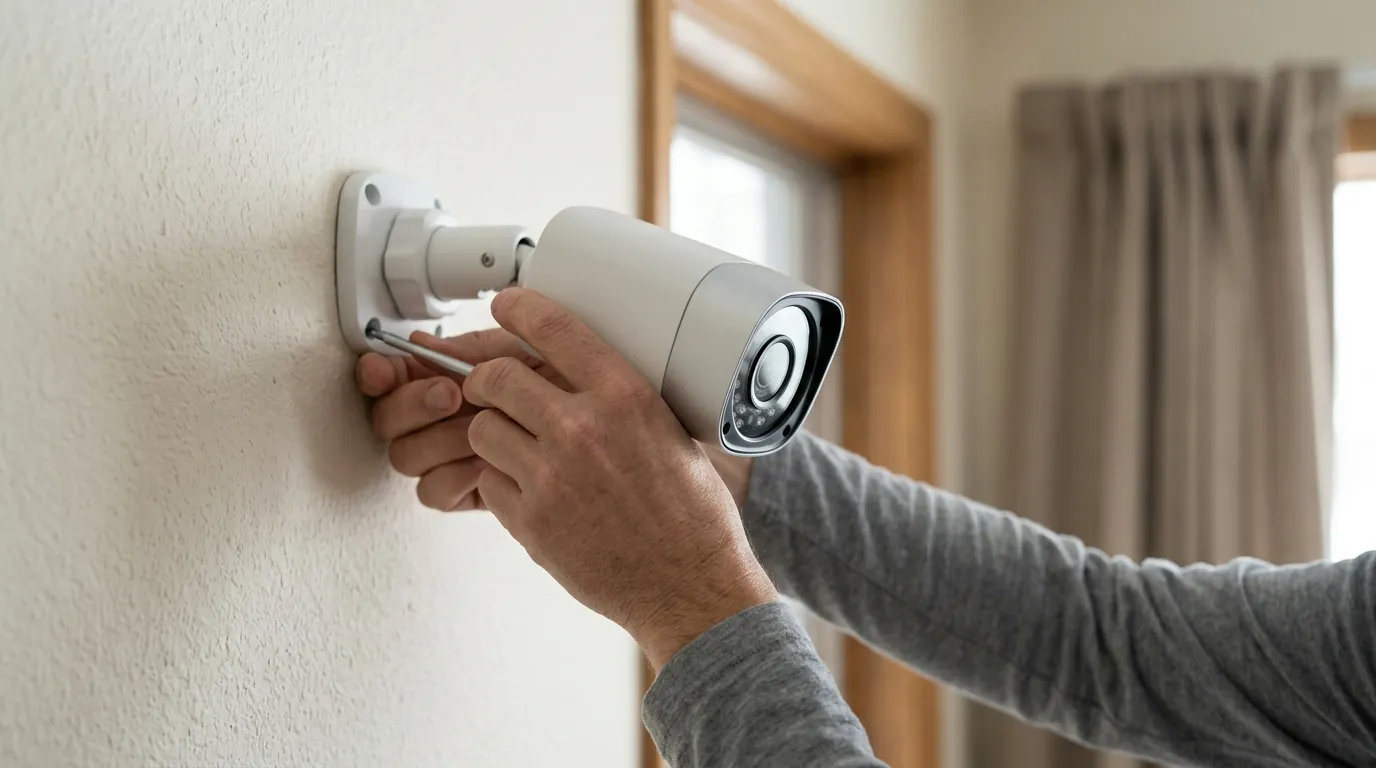
Misconception: “Turning the camera off in the app stops drain.”
Reality: Even when “Disarmed,” the camera’s PIR sensor and Wi-Fi radio remain active so that they can respond to an “Arm” command or a “Live View” request. To truly stop drain, the battery must be physically removed or the camera must be powered down via a hardware switch (available on some Essential models).
Misconception: “Activity Zones save battery.”
Reality: This is the most common misunderstanding of Arlo’s tech. If the camera is running on battery, the PIR sensor “sees” everything in its wide-angle heat map. If motion is detected anywhere, the camera wakes up and looks at the image. Only after waking up does it check if the motion happened inside your Activity Zone. If it’s outside the zone, it discards the clip—but the battery was already used to wake up and check. To save battery, you must use physical masking (moving the camera) or adjust the Motion Sensitivity slider.
Misconception: “Third-party chargers are just as good.”
Reality: Arlo uses a proprietary charging handshake. Many “off-brand” magnetic cables found in the $15-20 range fail to provide the correct amperage or lack the weather-sealing gaskets of the official Arlo cables. This can lead to “Battery not compatible” errors in the app or, worse, moisture damage to the charging pins.
Decision Framework: How to Fix Your Drain
If you are currently facing fast battery depletion, follow this prioritization logic:
- If you are a Renter (No permanent mounting): Focus on the SmartHub. It improves signal strength without requiring you to move the camera to a “less ideal” security spot.
- If you are a Homeowner (High traffic area): Prioritize an Arlo Solar Panel. No amount of setting-tweaking will overcome a camera facing a busy sidewalk.
- If you are in a Cold Climate: Use Dual-Battery Essential XL models or bring cameras inside to charge. Charging a lithium battery while it is below freezing can permanently damage the cells.
- If you have 4K cameras: Drop the recording resolution to 2K. The visual difference is negligible for most residential needs, but the battery savings are substantial.
5-Minute Arlo Battery Optimization Routine
- Check RSSI: Go to Device Settings > Device Info. If the signal is worse than -60dBm, move your router or add a SmartHub.
- Lower Sensitivity: Set Motion Sensitivity to 60-70% rather than 80-100%.
- Adjust Clip Length: Set “Record until activity stops” to a fixed 15-second duration.
- Review Power Management: Ensure “Optimized” or “Best Battery Life” is selected in Video Settings.
- Clean the PIR Lens: Dust or spiderwebs on the sensor can cause the infrared light to scatter, leading to false triggers.
Further reading
- Guide to Arlo SmartHubs: Understanding the range and battery benefits of the VMB5000 in 2026.
- Solar Panel Compatibility: Why the 2026 “Total Security” mounts require specific high-output panels.
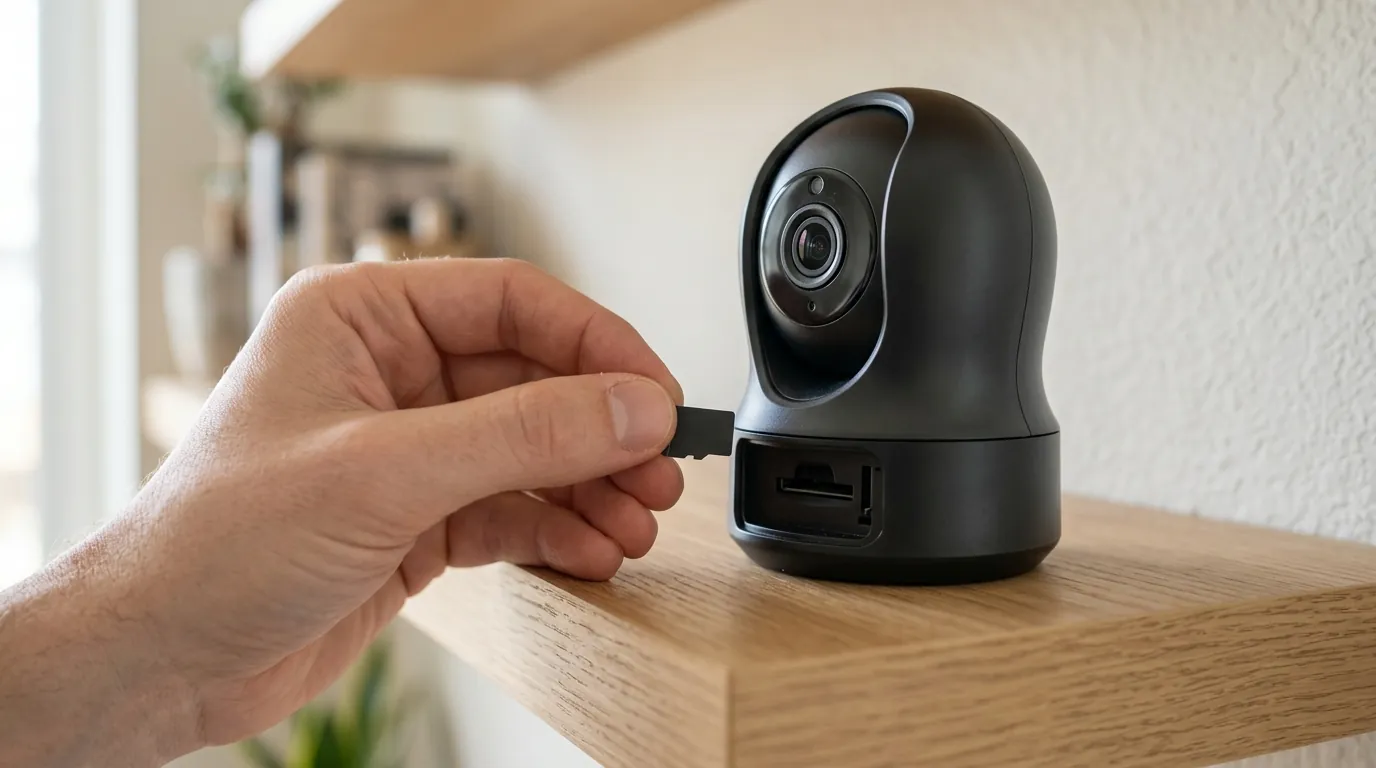
- Local Storage Deep Dive: How to use the SmartHub’s microSD slot to maintain recordings when your Arlo Secure subscription expires.
Sources
- Arlo Official Support — Optimizing Arlo Battery Life
- RTINGS — Wireless Security Camera Power Consumption Tests
- Arlo Community — Battery Drain Discussion & Benchmarks
- FCC ID Search — Arlo Technologies RF Exposure & Power Output Filings
- The Verge — The Reality of 4K Wireless Camera Battery Life