
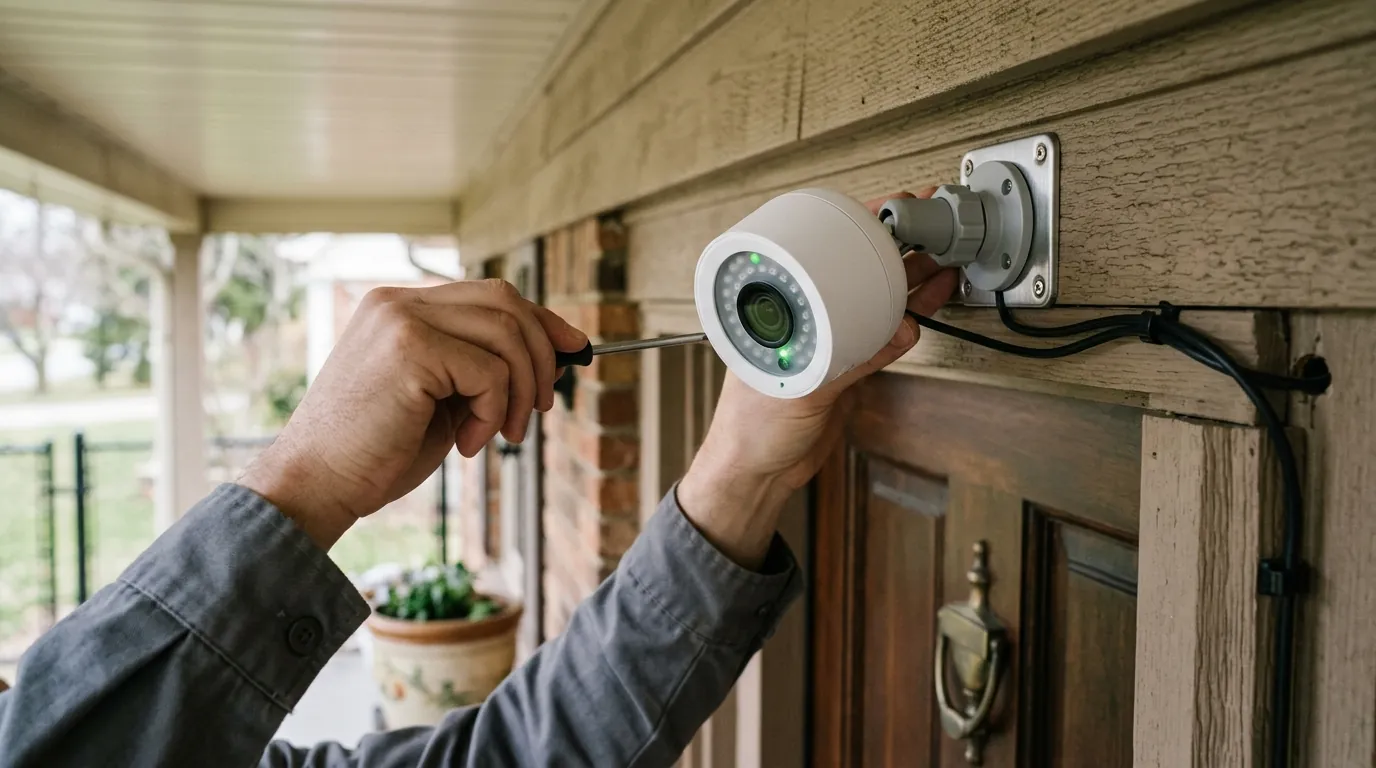
Are Wireless Cameras Safe from Hackers? 2026 Risks & Fixes
As homeowners shift away from complex wired installations, the safety of the wireless signal itself has become the primary concern for modern security.
Quick Answer: Wireless cameras are generally safe from remote digital hijacking if they utilize End-to-End Encryption (E2EE) and Multi-Factor Authentication (MFA). However, they remain uniquely vulnerable to physical “jamming” attacks that can disable recording entirely. For maximum privacy, local-storage brands like Reolink or Eufy are preferred over cloud-heavy incumbents like Ring or Nest, which maintain a permanent internet-facing attack vector.
What it means
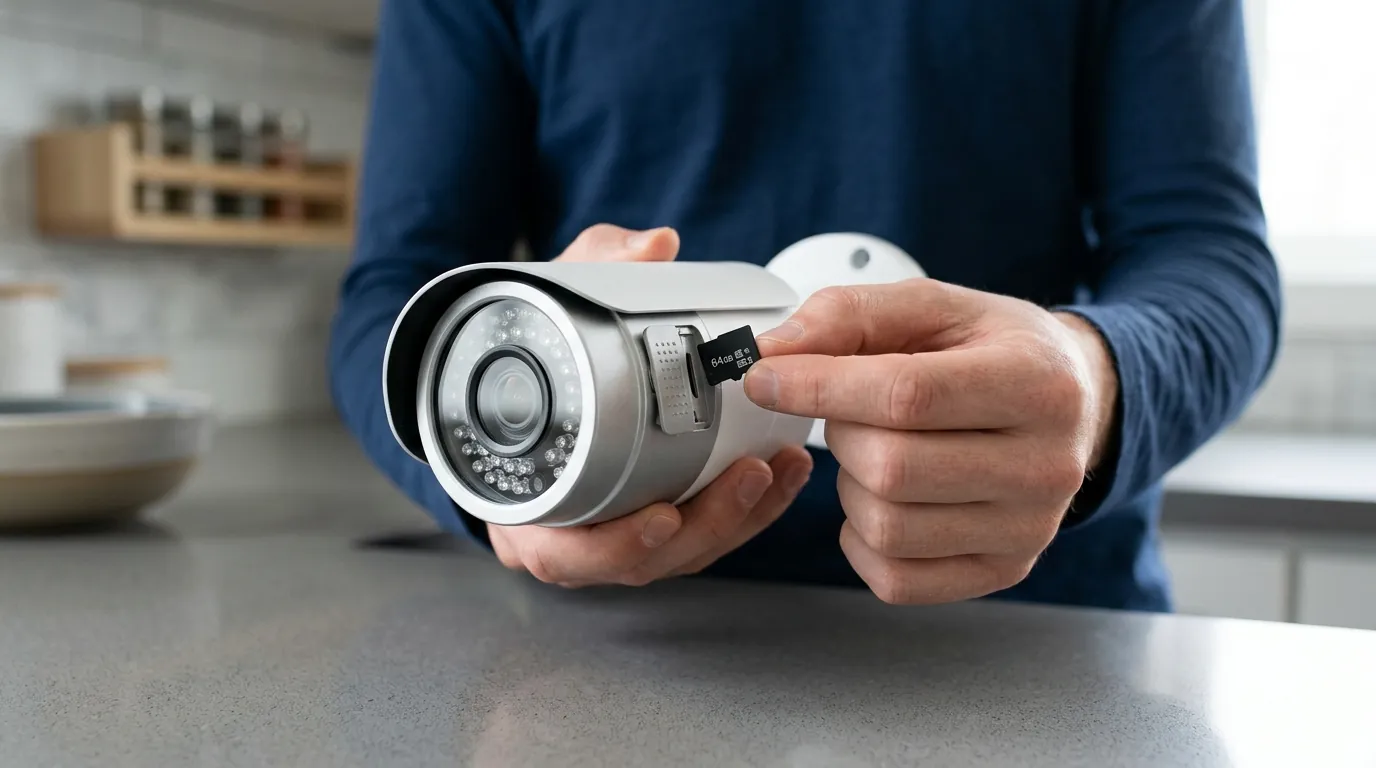
To determine if a camera is “safe,” we must distinguish between two distinct types of security: Digital Privacy and Operational Reliability.
Digital privacy refers to the protection of your video feed from unauthorized eyes. Operational reliability refers to the camera’s ability to actually record when a crime occurs. A wireless camera can be perfectly private (no one can see the feed) but completely “unsafe” if a simple radio jammer prevents it from sending an alert during a burglary.
Privacy vs. Reliability
In 2026, the distinction between “wireless” and “wire-free” is often blurred.
- Wireless cameras (like the Nest Cam Wired) use a power cable but transmit data over Wi-Fi.
- Wire-free cameras (like the Arlo Ultra 2) are battery-powered and transmit data over Wi-Fi.
Both share the same Radio Frequency (RF) vulnerabilities. While a wired Power-over-Ethernet (PoE) system is physically harder to intercept or jam, wireless systems rely on the invisible 2.4GHz, 5GHz, or the newer 6GHz (Wi-Fi 7) spectrums.
The RF Vulnerability Gap
The 2026 threat landscape has shifted. While “bored teenagers” hacking into open webcams was the concern of the 2010s, today’s risks are more sophisticated. Automated “credential stuffing” attacks use leaked passwords from other site breaches to login to camera accounts en masse. Simultaneously, localized signal interference—once the domain of high-end espionage—is now a common tool for neighborhood burglars using cheap, handheld deauthentication devices.
| Feature | Wireless (Wi-Fi) | Wired (PoE/BNC) |
|---|---|---|
| Encryption Standard | TLS 1.3 / AES-256 | AES-256 (Internal) |
| Uptime Guarantee | Vulnerable to RF Jamming | 99.9% (Physical line) |
| Remote Access | Native Cloud/P2P | Via NVR/Gateway |
| Privacy Risk | High (Internet-facing) | Low (Air-gapped possible) |
| Installation | 10-15 Minutes | 2-4 Hours (Pro required) |
[Placeholder: A homeowner looking at a smartphone alert while a wireless camera is visible on the porch eaves, highlighting the connection between device and user.]
Why it exists
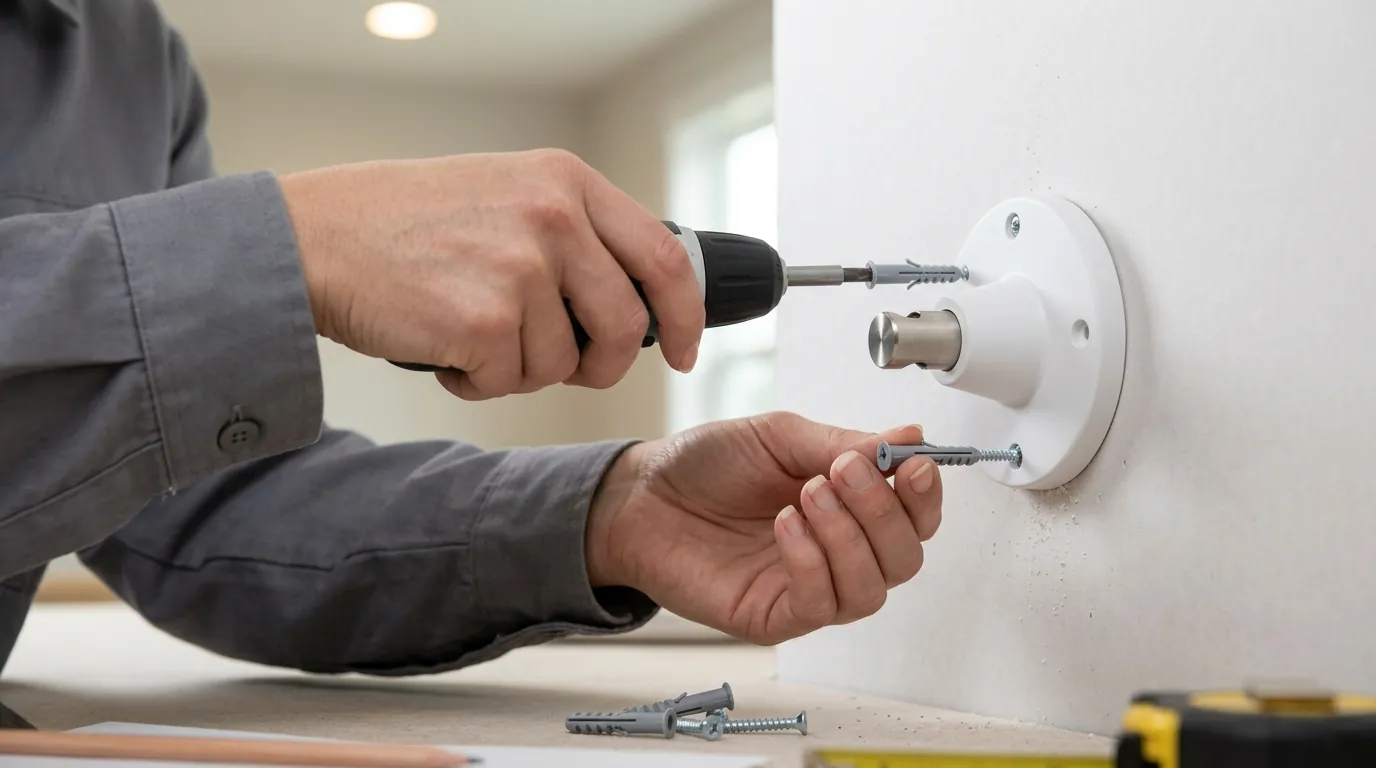
The vulnerability of wireless cameras is a direct byproduct of the “Convenience Paradox.” Consumers overwhelmingly prioritize a 10-minute DIY setup over the security of a closed-circuit system. This demand has forced manufacturers to prioritize ease of use, often at the expense of robust, “local-only” security architectures.
The DIY Revolution
To make cameras “plug and play,” brands must make them accessible through home routers without complex firewall configurations. This is typically achieved through “P2P” (Peer-to-Peer) networking or Cloud Relays. While convenient, this creates a permanent “open door” to the manufacturer’s servers. If those servers are compromised, or if your account credentials are weak, the wireless nature of the camera provides a direct path into your home.
The Cost of Remote Access
Cloud dependency is the single largest security trade-off in the wireless category. Brands like Ring and Nest require a constant connection to the internet to function. This creates a “permanent remote attack vector.” According to recordedfuture.com, the shift in vendor response times to zero-day vulnerabilities has improved, but the fundamental architecture of cloud-reliant cameras remains more exposed than local NVR (Network Video Recorder) systems.
Timeline of Major Security Events (2019–2026):
- 2019: High-profile Ring credential stuffing attacks lead to mandatory 2FA.
- 2022: Eufy privacy controversy regarding unencrypted thumbnails being sent to the cloud.
- 2024: Major firmware exploits found in older Reolink and Hikvision models (patched).
- 2025: Confusion over a Ring “backend bug” that briefly allowed legacy sessions to remain active after password changes.
- 2026: Widespread adoption of Matter 1.3+ standards, aiming to standardize local-control security.
How it works under the hood
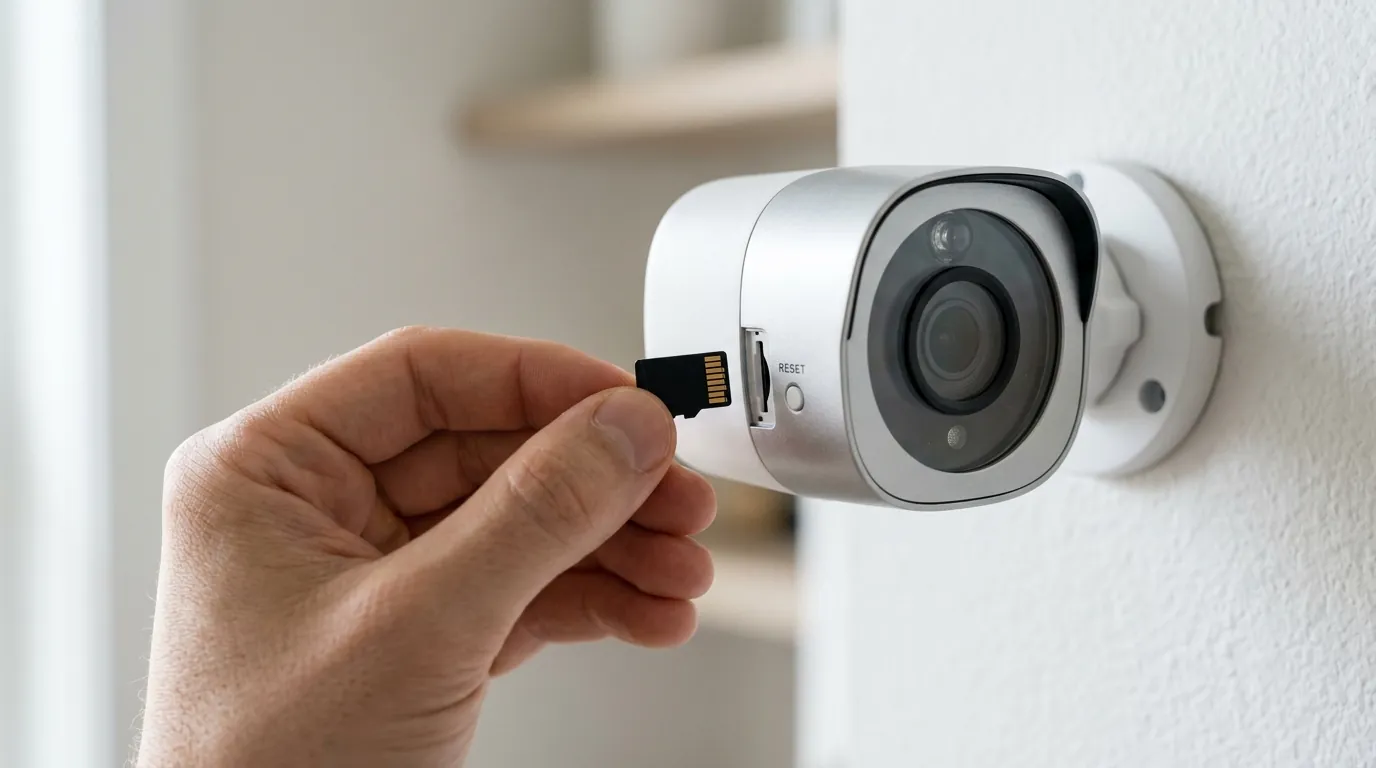
Modern wireless security relies on layers of encryption to protect data as it travels from the camera lens to your smartphone screen.
AES-256 vs. E2EE
Most reputable brands use AES-256 encryption for data “at rest” (on the server) and TLS 1.3 for data “in transit” (moving across the web). However, the gold standard in 2026 is End-to-End Encryption (E2EE).
Without E2EE, the manufacturer holds the “master key” to your footage, meaning they (or a rogue employee) could theoretically view your clips. With E2EE—available on Apple HomeKit Secure Video and advanced tiers of Ring and Eufy—only your authorized mobile device holds the decryption key. Even the manufacturer cannot see the video.
The Role of WPA3 Security
The safety of your camera is also tied to your home router. Older WPA2 protocols are susceptible to “handshake” cracking. Modern cameras supporting WPA3 (standard on Wi-Fi 6 and Wi-Fi 7 devices) utilize “Simultaneous Authentication of Equals” (SAE), which makes it significantly harder for a hacker to sniff your Wi-Fi password from the driveway.
Matter and Thread: 2026 Security Standards
In 2026, the Matter protocol has become a cornerstone of security. Matter-certified cameras use a “local-first” approach, allowing the camera to talk to your smart home hub (like a HomePod or SmartThings station) without necessarily sending data to a manufacturer’s cloud. This reduces the “attack surface” by keeping video traffic within your home network.
[Placeholder: A technical infographic showing the difference between ‘In-Transit Encryption’ and ‘End-to-End Encryption’ using a padlock metaphor.]
Real-world implications
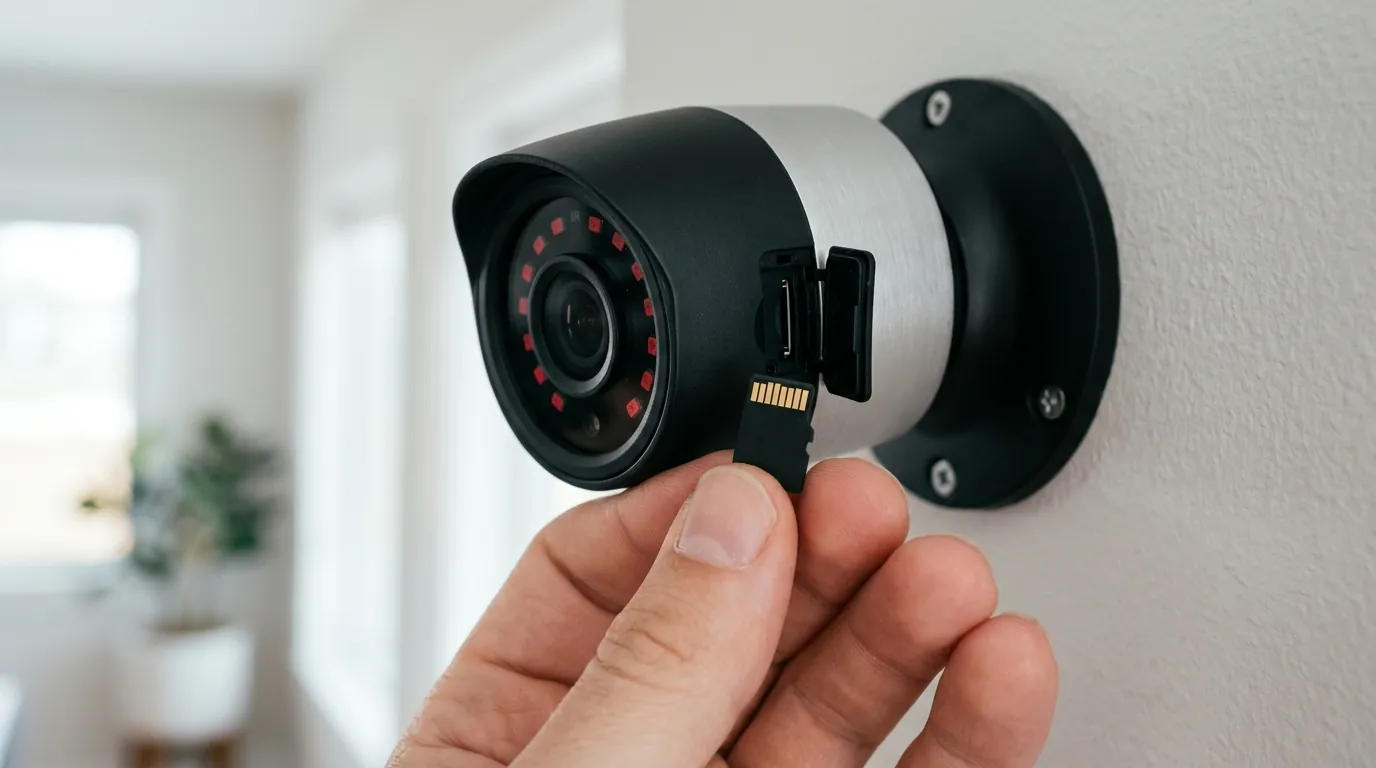
While digital “hacking” gets the headlines, the most common 2026 security failure for wireless cameras is Wi-Fi Jamming.
The Rise of the $20 Jammer
Burglars have adapted to the wireless trend. Deauthentication (de-auth) attacks work by flooding a camera with “disconnect” commands, forcing it off the Wi-Fi network. Because the camera cannot reach the cloud, it cannot send an alert or record the clip to the server.
- 2.4GHz Signals: Highly vulnerable; easily jammed from 50+ feet away.
- 5GHz Signals: Moderately vulnerable; shorter range but harder to flood.
- 900MHz (Wi-Fi HaLow): Used by some 2026 long-range cameras; significantly more resistant to consumer-grade jammers due to frequency hopping.
Privacy and the Law: The Warrantless Loophole
A significant “safety” concern is legal, not digital. Both Amazon (Ring) and Google (Nest) have historically maintained “emergency” policies that allow them to share footage with law enforcement without a warrant or user consent. While Amazon sunset its “Request for Assistance” tool in 2024, their 2026 transparency reports indicate that “emergency requests” are still honored in cases of perceived immediate danger.
Account Takeovers (ATO)
Most “hacks” are actually Account Takeovers. If you use the same password for your security camera as you do for a compromised retail site, hackers can use “botnets” to try thousands of credentials per second. This is why Multi-Factor Authentication (MFA) is no longer optional—it is the single most important barrier to entry.
[Placeholder: A close-up of a modern Wi-Fi router interface showing the ‘WPA3’ security setting being enabled.]
Common misconceptions
The Local Storage Myth
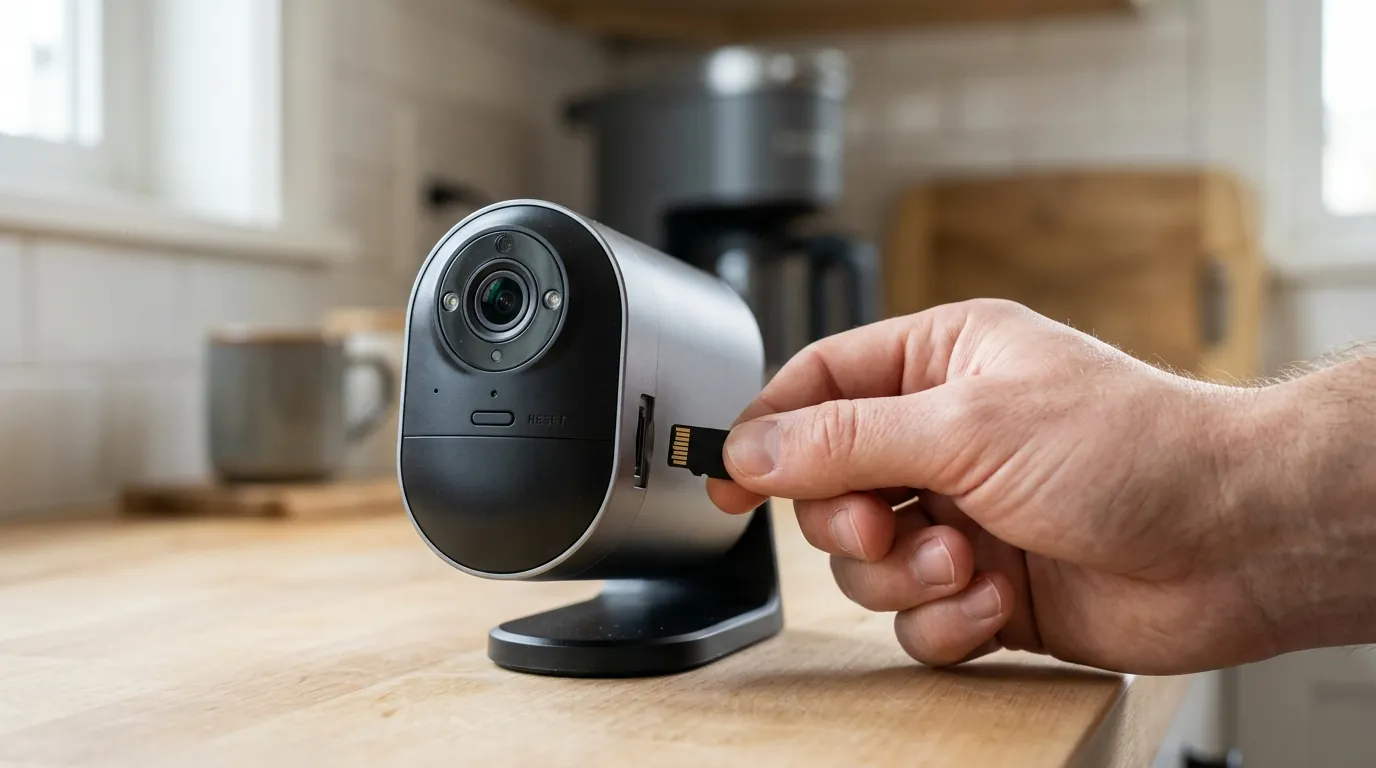
A common belief is that “local storage is 100% hack-proof.” This is false. If your Reolink NVR or Eufy HomeBase is connected to the internet so you can view it on your phone, it is still an IP-based target. While it doesn’t store footage on a corporate server, the “bridge” that allows you to see the feed from your office is a potential entry point for hackers if the firmware is not updated.
Physical vs. Digital Security
We often worry about a hacker in Russia, but the physical security of the camera is just as vital. Many wireless cameras have a “Reset” button that is easily accessible. If a thief can reach the camera, they can often reset it to factory defaults, wiping the local SD card and removing it from your account in seconds.
Checklist: 5 Signs Your Camera Has Been Compromised
- Unexpected Panning: The camera head moves or “homes” when you aren’t using the app.
- Strange Noises: Two-way audio static or voices coming from the camera speaker.
- Unauthorized Logins: Your app shows an active session from an unrecognized IP address or device.
- Slow Performance: Significant lag in the feed that isn’t explained by your ISP’s speed.
- Modified Settings: Motion zones or notification schedules have been changed without your input.
Decision Framework: Which System is Right for You?
Choosing a “safe” camera depends on which risk you fear most: a hacker seeing your kids, or a burglar jamming your signal.
- If you are a Renter: Prioritize Wireless with E2EE. Since you cannot run wires, choose a brand like Ring (with E2EE enabled) or Apple HomeKit-compatible cameras. The E2EE ensures the landlord or the brand cannot spy on you.
- If you are a Homeowner: Prioritize Local-First Wireless. Use a system like Eufy or Reolink with a dedicated local hub (HomeBase 3 or NVR). This keeps your data off the cloud while still offering DIY ease.
- If you are a Small Business: Prioritize Wired PoE. Wireless is too easily jammed for high-stakes environments. A wired system is the only way to ensure 24/7 recording during a planned break-in.
- If you have No Wi-Fi: Use 4G/5G LTE Cameras. These bypass Wi-Fi jamming entirely by using cellular networks, though they require a monthly data plan.
Total Cost of Ownership (TCO)
When evaluating safety, consider the “Feature Paywall.” Many brands lock their best security features (like E2EE or AI detection) behind monthly subscriptions.
| Brand | Hardware Cost (Avg) | 3-Year Sub Total | Total 3-Year Cost | Privacy Tier |
|---|---|---|---|---|
| Ring | $150–200 | $150–300 | $300–500 | Cloud-First (E2EE optional) |
| Nest | $150–200 | $240–450 | $390–650 | Cloud-First |
| Reolink | $100–180 | $0 (Local) | $100–180 | Local-First |
| Eufy | $150–250 | $0 (Local) | $150–250 | Local-First |
Note: Pricing bands are estimates based on 2026 market averages. Subscription costs assume “Plus” or “Professional” tiers for multiple cameras.
Further reading
To secure your wireless system, we recommend three immediate steps:
- Enable MFA: Use an authenticator app (like Authy or Google Authenticator) rather than SMS-based codes.
- Isolate Your Cameras: Use your router’s “Guest Network” or a dedicated VLAN to keep cameras separate from your home computer and NAS.
- Update Firmware: Check for updates monthly; manufacturers like Reolink and Arlo frequently release patches for newly discovered “Known Exploited Vulnerabilities” (KEV).
Quvii tracks these trade-offs across the category to help you decide when “good enough” wireless is actually safe enough for your home.
Sources
- Ring Privacy & Security — https://ring.com/privacy
- Reolink Security Center
- CISA Known Exploited Vulnerabilities Catalog — https://www.cisa.gov/known-exploited-vulnerabilities-catalog
- Wi-Fi Alliance: WPA3 Security — https://www.wi-fi.org/discover-wi-fi/security
- FCC ID Search (RF Compliance) — https://www.fcc.gov/oet/ea/fccid
- RTINGS Security Camera Testing
- Recorded Future: IoT Threat Landscape — https://www.recordedfuture.com