
Yoosee App Scam: Forced 'Kingshot' Game Installs & Deleted Footage
Reports of forced software installations and deleted local recordings have surfaced among users of the Yoosee mobile app in June 2026, signaling a significant security risk for owners of budget-tier cameras. If your security app is prompting you to install “Kingshot” or any other third-party game to maintain access to your footage, your data and device security are at immediate risk.
Quick Answer: In June 2026, Yoosee app users reported a ‘scam’ where the app forces the installation of a game called ‘Kingshot.’ Refusing the install allegedly results in deleted camera recordings and disabled functionality. Disconnect these cameras immediately.
What happened
Related: Wyze Cam v4 Overheating: June 2026 Heatwave Survival Guide · Eufy Security Cloud Storage Pricing Changes 2026: What You’ll Pay · Eufy Security App 4.8.0 Login Issues: Fixes & Legacy App News
In early June 2026, a surge of user reports across community platforms, most notably on r/HomeSecurity, detailed an aggressive new “ultimatum” within the Yoosee mobile application. Users who opened the app to check their live feeds were met with a non-dismissible pop-up requiring the installation of a third-party mobile game titled “Kingshot.”
The ‘Kingshot’ Ultimatum
According to user transcriptions of the prompt, the app informs users that “to optimize cloud synchronization and continue supporting free storage features,” the installation of the Kingshot partner application is mandatory. Unlike typical mobile advertisements, which can be closed after a few seconds, this prompt lacks an “X” or “Skip” button. Users report that clicking outside the box or restarting the app simply brings the prompt back, effectively locking the user out of their camera’s management interface.
Reports of Deleted Local Footage
The most alarming aspect of this June 2026 incident is the reported retaliation against users who attempt to bypass the prompt. Several members of the Yoosee community forums have claimed that after force-closing the app multiple times or attempting to use an older APK version, their cameras’ microSD cards were remotely wiped.
One user on Reddit documented that their 128GB card, which held two weeks of continuous recording, was found to be empty with a “File System Error” immediately following the “Kingshot” prompt appearance. Furthermore, once the prompt is triggered, motion alerts and push notifications appear to be disabled until the “partner software” is verified as installed on the smartphone.
App Store and Community Backlash
The latest app version (v6.43.1), released in the first week of June 2026, appears to be the primary delivery vehicle for this tactic. Consequently, the Yoosee app’s ratings on major app stores have plummeted to 1-star averages, with thousands of reviews citing “extortion” and “malware-like behavior.” Gwelltimes, the Shenzhen-based developer behind the Yoosee platform, has not issued an official statement as of mid-June, though some users report receiving automated support emails suggesting the game installation is a “required security update for the 2026 firmware cycle.”
Why it matters for buyers
This incident serves as a stark reminder of the “hidden cost” associated with ultra-cheap, white-label security cameras found on global marketplaces like Amazon, Temu, and Shopee. These devices, often sold in the $20-$50 range, rely on a centralized infrastructure provided by Gwelltimes or Cloudlink.
The Trap of ‘Free’ Apps
When a consumer buys a $25 camera with no monthly subscription fee, the manufacturer must find alternative ways to fund server costs and app development. While brands like Ring or Nest use transparent (though often expensive) subscription models, “free” apps like Yoosee are increasingly turning to aggressive monetization. This transition from simple banner ads to forced bloatware—often referred to as “malvertising”—represents a breakdown in the trust between the security provider and the homeowner.
Data Sovereignty and Remote Access Risks
The ability of a manufacturer to remotely wipe a local microSD card is a massive red flag for security camera privacy. It proves that even if you choose not to use “the cloud,” the manufacturer maintains a persistent back door to your hardware. In this ecosystem, you do not truly own your data; you are merely renting access to it at the whim of the app developer’s current business model.
Recent Security Advisories on Foreign App Security
A recent security advisory regarding foreign-developed IoT applications specifically highlighted those that require excessive permissions or bundle third-party executable code. The advisory noted that aggressive data collection in “low-cost security ecosystems” could facilitate malicious code injection, potentially turning a smartphone into a node in a botnet or allowing keyloggers to capture sensitive banking information. The “Kingshot” incident aligns perfectly with the behaviors warned about in this security report.
Comparison: Subscription vs. Ad-Supported vs. Local-First
The following table compares the typical operational models for consumer cameras in 2026.
| Feature | Ad-Supported (Yoosee/Generic) | Subscription (Ring/Arlo) | Local-First (Reolink/Amcrest) |
|---|---|---|---|
| Entry Price | Around $25 - $45 | Around $60 - $180 | Around $50 - $150 |
| Monthly Fee | $0 (Forced Ads/Bloatware) | $5 - $15+ per month | $0 |
| Data Sovereignty | Low (Remote wipe possible) | Medium (Cloud-dependent) | High (User-controlled) |
| App Stability | Unpredictable | High | High |
| Primary Risk | Malware/Privacy loss | Feature paywalls | Higher setup complexity |
Impact on existing owners
For those who already have Yoosee-compatible cameras installed, the risks extend beyond just losing access to video footage.
Malware Risks from Forced Installs
The “Kingshot” game is not a verified utility; it is a third-party application with unknown code. Forced installations of this nature can introduce spyware or botnet code to your smartphone. Once installed, such apps often request permissions for contacts, location, and “draw over other apps,” which can be used to intercept passwords or sensitive messages.
Privacy Policy Red Flags
A review of the Yoosee privacy policy, updated April 30, 2026, reveals troubling language. The policy now explicitly states that the app may “collect and share device identifiers, app usage statistics, and installed package lists with third-party advertising and gaming SDKs to maintain service availability.” This confirms that the app is actively scanning your phone for other installed software and sharing that data with unknown entities.
The Reliability Crisis for Small Businesses
Small business owners who rely on these cameras for liability protection are in a precarious position. If an incident occurs (such as a slip-and-fall or a theft) and the app has deleted the footage because the owner refused to play a mobile game, the business faces a total loss of evidence. This could lead to insurance claim denials or compliance failures for businesses required to maintain 30 days of backup footage.
Network Risks
Yoosee cameras are notorious for “phoning home” to servers located in mainland China. They use Peer-to-Peer (P2P) tunneling to bypass your router’s firewall, making them accessible from the internet without port forwarding. While convenient, this June 2026 update shows that this tunnel is being used to push malicious commands (like the “wipe SD card” command) directly to the hardware inside your home.
| Security Metric | Value / Status | Source |
|---|---|---|
| BeVigil Security Score | 5.5 / 10 (Critical) | BeVigil App Search |
| Permissions Required | 42 (including Location/Storage) | Yoosee v6.43.1 Manifest |
| Encryption Type | AES-128 (Partial) | Manufacturer Spec Sheet |
| ONVIF Support | Varies by hardware | Community Testing |
What to do now
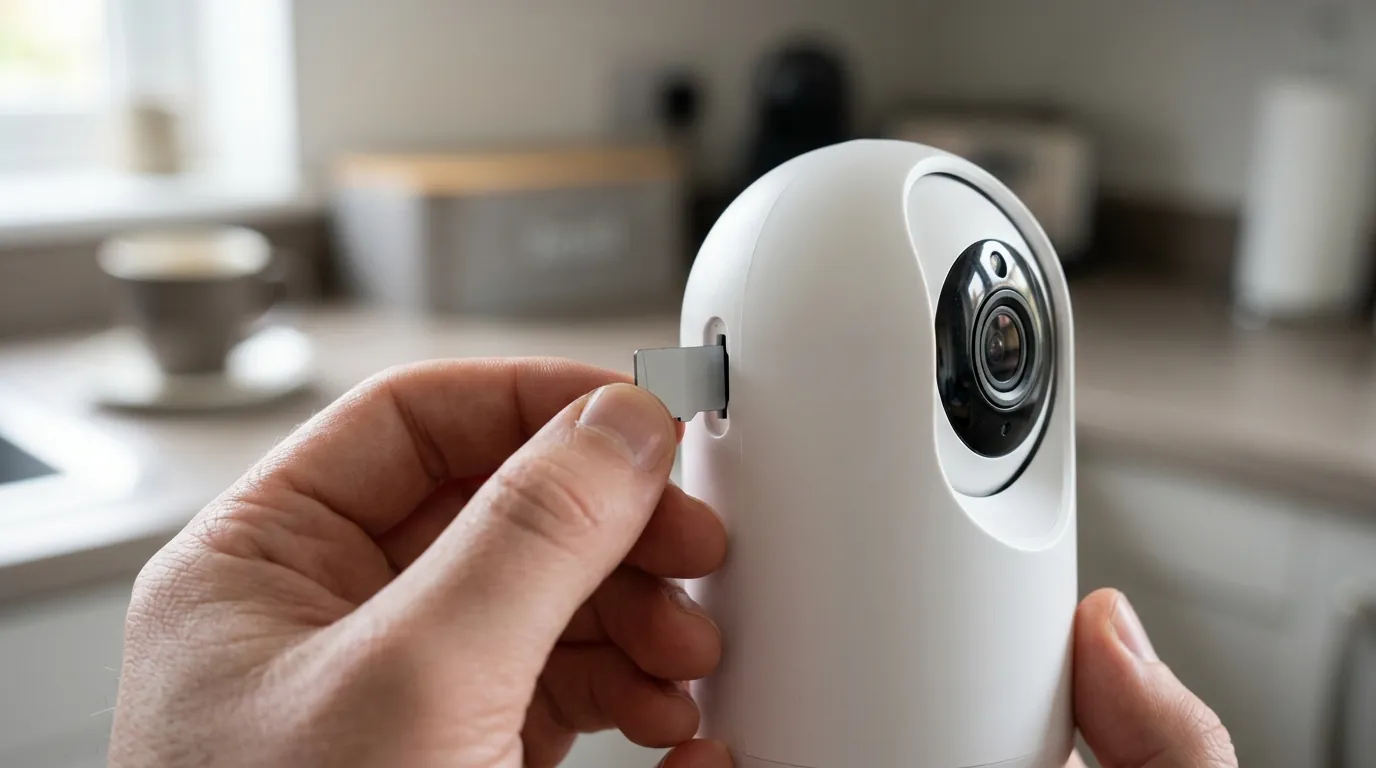
If you are currently prompted by the Yoosee app to install “Kingshot,” do not comply. The immediate threat to your smartphone’s integrity outweighs the utility of the camera feed.
How to Isolate Your Security Traffic
If you cannot replace the cameras immediately, you must isolate them.
- Block Internet Access: Use your router’s settings to block the camera’s MAC address from accessing the WAN (Wide Area Network).
- Use a ‘Sandbox’ Device: If you must use the app, install it on an old phone that has been factory reset and contains no SIM card, no contacts, and no personal accounts.
- VLAN Tagging: Place the cameras on a dedicated IoT VLAN (Virtual Local Area Network) so they cannot communicate with your primary computers or NAS.
Switching to Third-Party VMS
Many Yoosee cameras are actually ONVIF compatible, even if the documentation doesn’t highlight it. You can attempt to add the camera to a secure, third-party Video Management System (VMS) like Blue Iris (Windows) or Scrypted (Mac/Linux/Raspberry Pi). This allows you to view and record the stream without ever opening the Yoosee app. To check for ONVIF compatibility, use a tool like “ONVIF Device Manager” on a PC connected to the same network.
Vetting Your Next Camera Purchase
When replacing these units, prioritize “Local-First” brands. A local-first camera is one that functions fully without an internet connection and does not require a proprietary cloud app for basic recording.
Decision Framework: What should you buy next?
- If you are a renter: Prioritize “No-Drill” battery cameras from brands like Reolink or Eufy. Ensure you choose models that support local microSD recording but check current 2026 reviews for any similar “ad-supported” pivots.
- If you are a homeowner: Invest in a Power-over-Ethernet (PoE) system with a dedicated NVR (Network Video Recorder). This removes the dependency on mobile apps for storage.
- If you are a small business: Use professional-grade hardware (Amcrest, Hanwha, or similar) that complies with NDAA standards to ensure your footage is admissible in court and your network remains secure.
Total Cost of Ownership (TCO) Analysis
A “cheap” camera often ends up being more expensive over a 3-year period when you account for the risks.
- Yoosee Generic ($30): $30 hardware + $0 sub + $??? (Cost of identity theft or lost evidence) + $60 (Replacement cost when the app becomes unusable). 3-Year Total: $90+ and high risk.
- Subscription Brand ($80): $80 hardware + $180 ($5/mo subscription). 3-Year Total: $260.
- Local-First Brand ($100): $100 hardware + $20 (High-end High-Endurance SD card) + $0 sub. 3-Year Total: $120.
The “Local-First” model remains the most cost-effective and secure path for those looking for subscription-free security cameras.
Frequently Asked Questions
Can I just ignore the Kingshot prompt and keep using the app?
In the June 2026 version (v6.43.1), reports indicate the prompt is “persistent,” meaning it overlays the entire interface. You cannot view live video or access settings without interacting with the prompt. Furthermore, ignoring it may lead to the camera disabling motion recording features.
Will factory resetting my Yoosee camera fix the problem?
A factory reset will clear the camera’s settings, but it will not change the app’s behavior. As soon as you re-add the camera to the Yoosee app, the “Kingshot” prompt will likely reappear because the requirement is tied to the app version and your account, not the camera’s local firmware.
Are all cheap cameras on Amazon affected by this?
No, but any camera that uses the Yoosee, ICSee, or UBox apps is subject to the whims of those specific developers. Always check which app a camera requires before purchasing. If the app has a history of aggressive advertising or forced installs, avoid the hardware regardless of how high the Amazon star rating appears.
Sources
- Yoosee Official Site — https://yoosee.app/
- Reddit r/HomeSecurity Community — https://www.reddit.com/r/homesecurity/
- Forbes: Security Camera Privacy Guide — https://www.forbes.com/advisor/home-improvement/security-camera-privacy/
- BeVigil App Security Database — https://bevigil.com/search
- ONVIF Conformant Product Search — https://www.onvif.org/conformant-products/
- Wirecutter: Best Home Security Cameras