
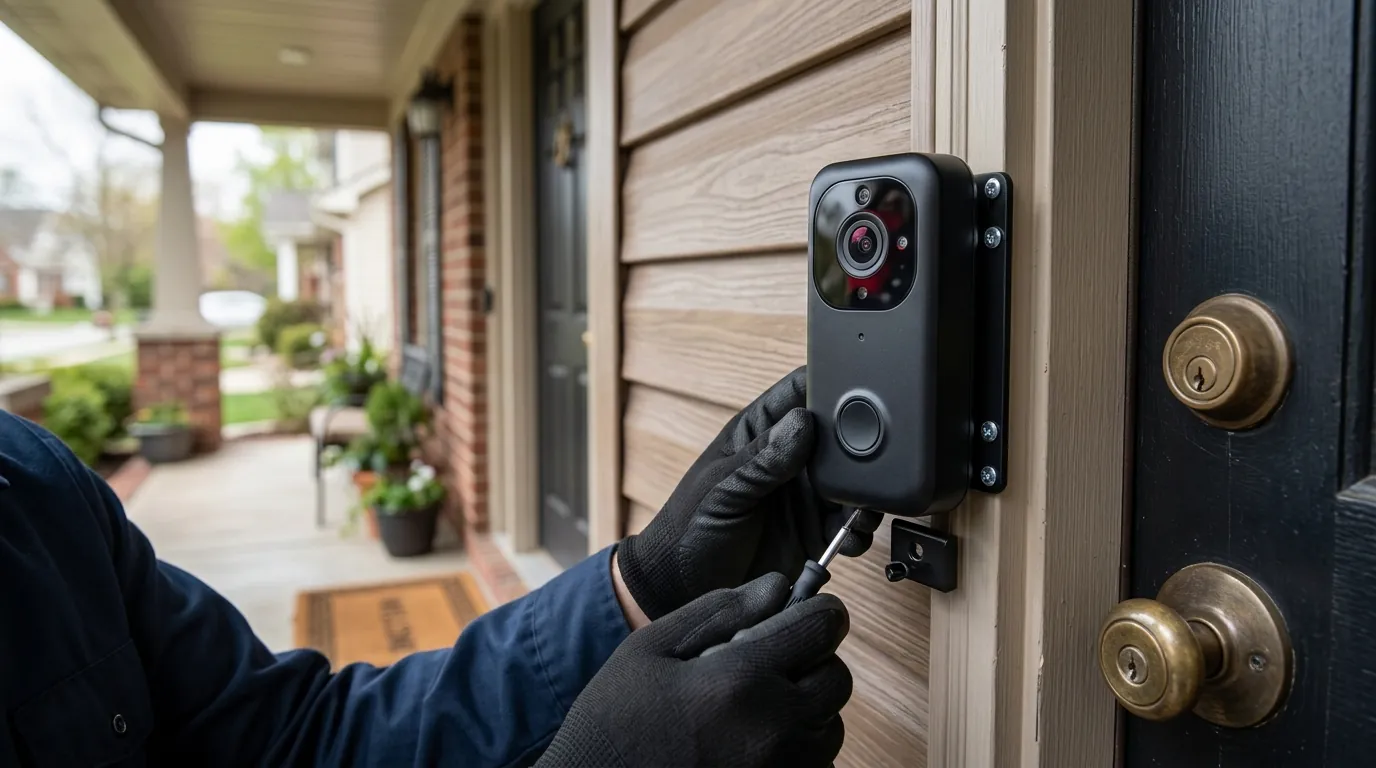
Wyze Doorbell HomeKit Function Broken? 2026 Fixes & Tips
Integrating a budget-friendly Wyze doorbell into an Apple HomeKit ecosystem remains a popular “power user” move, but the reliance on unofficial bridges means that functionality can vanish overnight following a simple firmware or API update.
Quick Answer: Wyze doorbells lack native HomeKit support. “Broken” functions usually stem from outdated Homebridge/Scrypted plugins or Wyze API changes. Update your bridge software, refresh your API tokens, or switch to a native option like the Aqara G4 for permanent stability.
The symptom
Related: Eufy Doorbell P2P & Motion Detection Failure: September 2026 Fixes · Wyze App 3.21 Device Groups Not Opening? Here is the Fix · Ring Doorbell Alexa Live View Not Loading? 6 Ways to Fix It (2026)
When a Wyze doorbell’s HomeKit integration fails, the failure usually manifests in the Apple Home app rather than the Wyze app. Because the connection relies on a middleman—typically a Homebridge or Scrypted server—the “break” occurs in the translation of data between Wyze’s cloud and Apple’s local network protocol.
Common symptoms reported by users in mid-2026 include the camera tile showing a red “Not Responding” status or an endless “Connecting” spinner. Even when the live stream is functional, the “doorbell” aspect often fails: the physical button is pressed, but the HomePod mini doesn’t chime, and the Apple TV picture-in-picture notification never appears. Furthermore, users with iCloud+ plans may find their HomeKit Secure Video (HKSV) timeline empty, even though the Wyze app shows successful event recordings.
HomeKit ‘No Response’ vs. Wyze App Connectivity
The first diagnostic step is determining if the issue is local or cloud-based. If the doorbell is accessible and streaming in the official Wyze app (v3.0.x or later), the hardware and Wyze’s cloud servers are functioning. The “No Response” error in Apple Home specifically indicates a breakdown at the bridge level. According to community logs on r/wyzecam, this is frequently tied to the bridge server being unable to authenticate with Wyze’s updated OAuth2 endpoints.
Ghost Presses and Notification Lag
A more frustrating symptom is the “ghost press” or significant notification lag. In these instances, the HomeKit integration isn’t technically “broken,” but the latency exceeds Apple’s timeout threshold. If a doorbell press takes more than 5–10 seconds to reach the Home Hub (Apple TV or HomePod), HomeKit may discard the trigger entirely. This is often caused by high CPU usage on the bridge host (e.g., an older Raspberry Pi 3) or a congested 2.4GHz Wi-Fi band.
| Error Code/Symptom | Probable Cause | Primary Workaround |
|---|---|---|
| API Error 2001 | Unauthorized/Token Expired | Refresh API Key/Secret in Bridge Config |
| API Error 403 | Web Application Firewall (WAF) Block | Update Plugin to latest User-Agent version |
| “Not Responding” | mDNS Discovery Failure | Restart Home Hub and Bridge Server |
| HKSV “No Recordings” | Fragmentation/Stream Incompatibility | Force 1080p resolution in Scrypted/Homebridge |
| Handshake Timeout | 2FA Authentication Loop | Disable and Re-enable Wyze 2FA |
What’s likely happening
Wyze does not officially support HomeKit. Every integration currently used—whether via Homebridge, Scrypted, or Hoobs—is a reverse-engineered workaround. When these functions “break,” it is rarely a hardware failure and almost always a software shift.
The ‘Unofficial’ Nature of Wyze-HomeKit Integration
The bridge software (like the homebridge-wyze-smart-home plugin) mimics a mobile device logging into your Wyze account. In early 2026, Wyze implemented stricter API rate limiting and updated their security headers to prevent unauthorized bot access. While intended to protect user accounts, these changes often inadvertently break the plugins used by the HomeKit community.
Impact of Wyze 2FA and Security Updates
Wyze has moved toward mandatory Two-Factor Authentication (2FA). Older versions of HomeKit plugins were designed for simple email/password login. If your plugin version is older than v0.5.50, it likely cannot handle the 2FA handshake, leading to a permanent “Not Responding” state. Furthermore, recent firmware updates for the Wyze Video Doorbell v2 (v4.51.1.xxxx) altered the local RTSP (Real-Time Streaming Protocol) paths that Scrypted relies on for low-latency streaming.
Comparison of Bridge Stability (Mid-2026)
As of mid-2026, Scrypted has overtaken Homebridge as the preferred method for Wyze-HomeKit integration, specifically for doorbell users.
- Scrypted: Offers superior HKSV support and faster “time-to-first-frame.” It handles Wyze’s 2K-to-1080p downscaling more efficiently, which is critical for HomeKit stability.
- Homebridge: Easier to set up but prone to “No Response” errors during high-traffic periods. The
homebridge-wyze-smart-homeplugin (currently v0.5.58) remains the standard for non-video triggers, but video stability has lagged behind Scrypted.
Quick fixes (in order of likelihood)
Before diving into complex network configurations, follow this sequence of rapid fixes that resolve approximately 80% of Wyze-HomeKit breakages.
The 60-Second Reboot Strategy
- Power Cycle the Bridge: Restart your Raspberry Pi, NAS, or PC running Homebridge/Scrypted.
- Restart the Home Hub: Use the Home app to restart your primary Apple TV or HomePod. This forces a fresh mDNS (Multicast DNS) scan of your network.
- Power Cycle the Doorbell: If using the Wyze Doorbell v2, flip the breaker or disconnect the chime wire for 10 seconds.
Updating Bridge Dependencies
Ensure you are running the latest version of your chosen plugin. For Homebridge users, the jfarmer08/homebridge-wyze-smart-home repository is the primary source for updates.
- Check Version: Ensure you are on v0.5.58 or higher (released mid-2026 to address the latest API shifts).
- Node.js Update: HomeKit bridges in 2026 require Node.js v20.x or later. Running an outdated Node version can cause the plugin to crash silently.
Refreshing Wyze API Credentials
If you see “Login Failed” or “401 Unauthorized” in your logs, your API token has likely expired or been revoked.
- Log into the Wyze Developer Portal.
- Generate a new API Key and API Secret.
- Copy these into your bridge configuration (Homebridge UI -> Config).
- Restart the bridge.
Deeper diagnostics
If quick fixes fail, the issue likely lies in how the video stream is being transcoded or how the bridge is communicating over your local network.
Decoding API Error 2001 and 2002
In the Scrypted or Homebridge console logs, look for specific HTTP error codes.
- Error 2001: This indicates that the bridge successfully reached Wyze, but the doorbell itself is reporting as “offline” to the cloud. This is often a Wi-Fi signal issue at the door.
- Error 2002: This is a “Device Busy” error. It occurs when the bridge tries to pull too many simultaneous streams. HomeKit Secure Video requires one stream for analysis and one for live viewing; if the Wyze app is also open, the doorbell may reject the bridge’s request.
mDNS Troubleshooting with Discovery Apps
HomeKit relies on mDNS (Bonjour) to “see” the bridge. If your doorbell works in the Wyze app but shows “No Response” in HomeKit, the bridge might be invisible to your Apple devices.
- Download a tool like Discovery - DNS-SD Browser.
- Look for the
_hap._tcpservice. - If your Homebridge/Scrypted server doesn’t appear here, your router may be “siloing” the device on a different subnet or blocking mDNS traffic.
Bitrate and Resolution Management
The Wyze Video Doorbell v2 and Doorbell Pro record in 2K resolution. However, HomeKit is strictly limited to 1080p for HKSV. If your bridge is passing the raw 2K stream to HomeKit, the Apple Home app will often hang on “Connecting” before failing. In your Scrypted settings, ensure “Transcoding” is enabled to force the stream down to 1080p at 15-20fps.
When to contact support
Because this setup involves third-party workarounds, “Support” is a split responsibility.
Wyze App vs. HomeKit: Identifying the Culprit
- Contact Wyze Support: Only if the camera is failing in the official Wyze app. If the camera won’t connect to Wi-Fi or the physical button doesn’t trigger the Wyze chime, it is a hardware or official firmware issue. Check the Wyze Service Status Page for widespread cloud outages.
- Consult GitHub: For bridge-specific issues, check the Issues tab on GitHub. Developers and community members usually post workarounds for API breakages within 48 hours of an incident.
Community Support Resources
The Wyze-HomeKit community is most active on the r/Homebridge and r/Scrypted subreddits. When posting for help, always include your plugin version, Node.js version, and a sanitized log (remove your actual API keys).
How to prevent it
The “bridge-break-fix” cycle is an inherent part of using non-native hardware. To achieve a “set it and forget it” smart home, you must either harden your current network or migrate to native hardware.
The Case for Native HomeKit/Matter Doorbells
If you find yourself troubleshooting your Wyze bridge every few months, the most cost-effective fix is often replacing the hardware. As of 2026, the Aqara Video Doorbell G4 remains the benchmark for budget HomeKit doorbells.
- Native Support: No Homebridge or Scrypted required.
- HKSV Integration: Supports Apple’s encrypted cloud storage and face recognition natively.
- Price Point: Usually found in the $120 range, which is often cheaper than the combined cost of a Wyze doorbell plus a dedicated Raspberry Pi for bridging.
Hardening Your Smart Home Network
If you choose to stay with Wyze, take these steps to minimize future downtime:
- Static IP Assignment: Assign a static IP to your doorbell and your bridge server in your router settings. This prevents connection drops during DHCP renewals.
- Disable Auto-Updates: In the Wyze app, disable “Auto-Update” for firmware. Only update the doorbell firmware manually after checking the Homebridge/Scrypted forums to ensure the new version doesn’t break RTSP or API access.
- Dedicated 2.4GHz SSID: Many modern routers use “Smart Connect” to merge 2.4GHz and 5GHz bands. Wyze doorbells often struggle with this. Creating a dedicated 2.4GHz-only SSID for your cameras can significantly reduce “No Response” errors.
Comparison: Bridged Wyze vs. Native Aqara (2026)
| Feature | Wyze Doorbell v2 (Bridged) | Aqara G4 (Native) |
|---|---|---|
| HomeKit Setup | Complex (Homebridge/Scrypted) | Simple (Scan QR Code) |
| Reliability | Moderate (API Dependent) | High (Native Protocol) |
| Resolution | 2K (Downscaled to 1080p) | 1080p Native |
| Power Type | Wired Only | Battery or Wired |
| Subscription | Cam Plus (Optional) | None (HKSV Included) |
| Estimated Cost | Under $50 (Hardware only) | Around $120 |
Issue Timeline (2026)
- January 12, 2026: Wyze implements OAuth2 security refresh; Homebridge plugin v0.5.52 breaks for users without 2FA.
- February 5, 2026: Wyze Doorbell v2 firmware v4.51.1.xxxx released; Scrypted users report RTSP stream stuttering.
- March 20, 2026: Plugin v0.5.58 released, stabilizing API calls and resolving “Error 403” Forbidden blocks.
- Current Status: Integration is stable on Scrypted v0.111.x and Homebridge v1.8.x, provided users utilize the latest API keys.
Frequently Asked Questions
Why does my Wyze doorbell show ‘No Response’ only when I’m away from home?
This usually indicates an issue with your Apple Home Hub (Apple TV or HomePod) rather than the doorbell. When you are away, your iPhone communicates with the Home Hub, which then talks to the bridge. If the Home Hub is on a different Wi-Fi band or has “Private Relay” settings interfering with local traffic, the connection will fail.
Can I get HomeKit Secure Video (HKSV) on a Wyze doorbell?
Yes, but only through Scrypted or specific Homebridge plugins like homebridge-camera-ui. Note that HKSV is resource-intensive; you will need a powerful host like a Raspberry Pi 4/5 or a dedicated mini-PC to handle the real-time video transcoding required by Apple.
Does the Wyze Video Doorbell v1 work with HomeKit?
The v1 (vertical) doorbell is the most difficult to integrate because it lacks a local RTSP stream. It relies entirely on cloud-polling, which is slower and more prone to API breakages than the v2 or Pro models. For HomeKit users, the v2 is a significantly better choice if staying within the Wyze ecosystem.
Is there a way to fix the ‘No Response’ error without a computer?
No. Because Wyze does not support HomeKit natively, you must have a “bridge” device (a computer, Raspberry Pi, or NAS) running 24/7 to maintain the connection. If that device is off or the software is crashed, the “No Response” error will persist.
Sources
- Wyze Service Status Page — https://support.wyze.com/hc/en-us/articles/360015961031-Service-Status-Known-Issues
- GitHub: homebridge-wyze-smart-home — https://github.com/jfarmer08/homebridge-wyze-smart-home
- Scrypted Wyze Plugin Documentation — https://www.scrypted.app/
- Apple HomeKit Accessory Requirements — https://developer.apple.com/homekit/
- Reddit: Wyze HomeKit Troubleshooting Thread — https://www.reddit.com/r/wyzecam/