
Wyze Camera Outages & Overheating During June 2026: What You Need to Know
The summer of 2026 has brought more than just rising temperatures; it’s also highlighted critical issues for some Wyze security camera owners, particularly a significant recall for the Wyze Solar Cam Pan and reports of various connectivity problems. Understanding these incidents is crucial for both current owners and potential buyers navigating the complexities of home security.
In June 2026, Wyze issued a recall for its Solar Cam Pan (model WYZESCPWH) due to a serious fire and burn hazard caused by incorrect installation instructions leading to battery puncture and overheating. While not a widespread system outage directly linked to a heatwave, this recall addresses a critical overheating risk for a specific product. Users may also experience general connectivity issues unrelated to this recall or environmental heat.
What happened
Related: Google Nest Community Migration Outage 2026: What You Need to Know · Eufy Camera Firmware Update Issues: What Buyers Need to Know (June 202 · Are Smart Locks Safe During Power Outages in 2026? What Buyers Need to
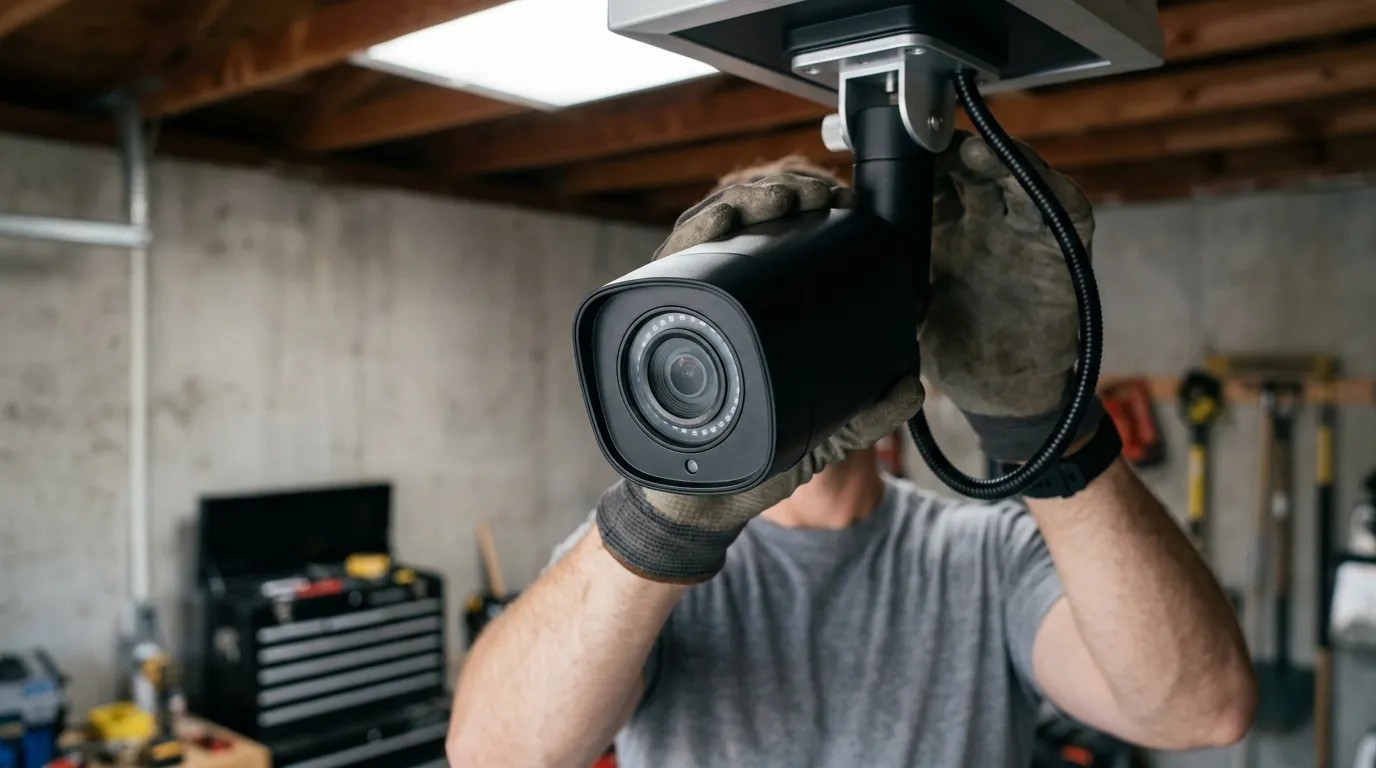
In June 2026, Wyze initiated a recall for its Solar Cam Pan security camera, specifically model WYZESCPWH, due to significant fire and burn hazards. The core of the problem stemmed from incorrect assembly instructions provided with the camera, which could lead users to inadvertently puncture the internal lithium-ion battery with a long flat-head screw during installation. This accidental puncture could cause the battery to rapidly overheat, posing a serious safety risk.
The U.S. Consumer Product Safety Commission (CPSC) reported a total of 13 incidents involving the recalled cameras overheating. Among these, six reports described units exploding or catching fire, and another six detailed minor burn injuries to users. The recall affected approximately 321,360 units sold in the U.S. and an additional 2,560 units in Canada. These cameras were sold between October 2025 and April 2026 through various retailers, including Amazon and Walmart, as well as directly from Wyze’s website.
Prior to the formal recall, Wyze had already taken steps to address concerns, disabling setup support for the Solar Cam Pan in April 2026 while actively collaborating with the CPSC on a comprehensive safety review. It is important to note that this recall is distinct from a widespread system outage directly caused by a heatwave. While individual devices may experience performance issues in extreme temperatures, the Solar Cam Pan recall is a specific product defect. For context, the Wyze Cam v4, a different model, has an operating temperature range of -4°F to 122°F (-20°C to 50°C).
Separately, Wyze users reported various app and device connectivity issues in March and April 2026. Wyze acknowledged these as service disruptions unrelated to environmental factors like a heatwave and worked to resolve them. These incidents highlight the multifaceted nature of security camera reliability, encompassing both hardware safety and consistent cloud service performance.
Why it matters for buyers
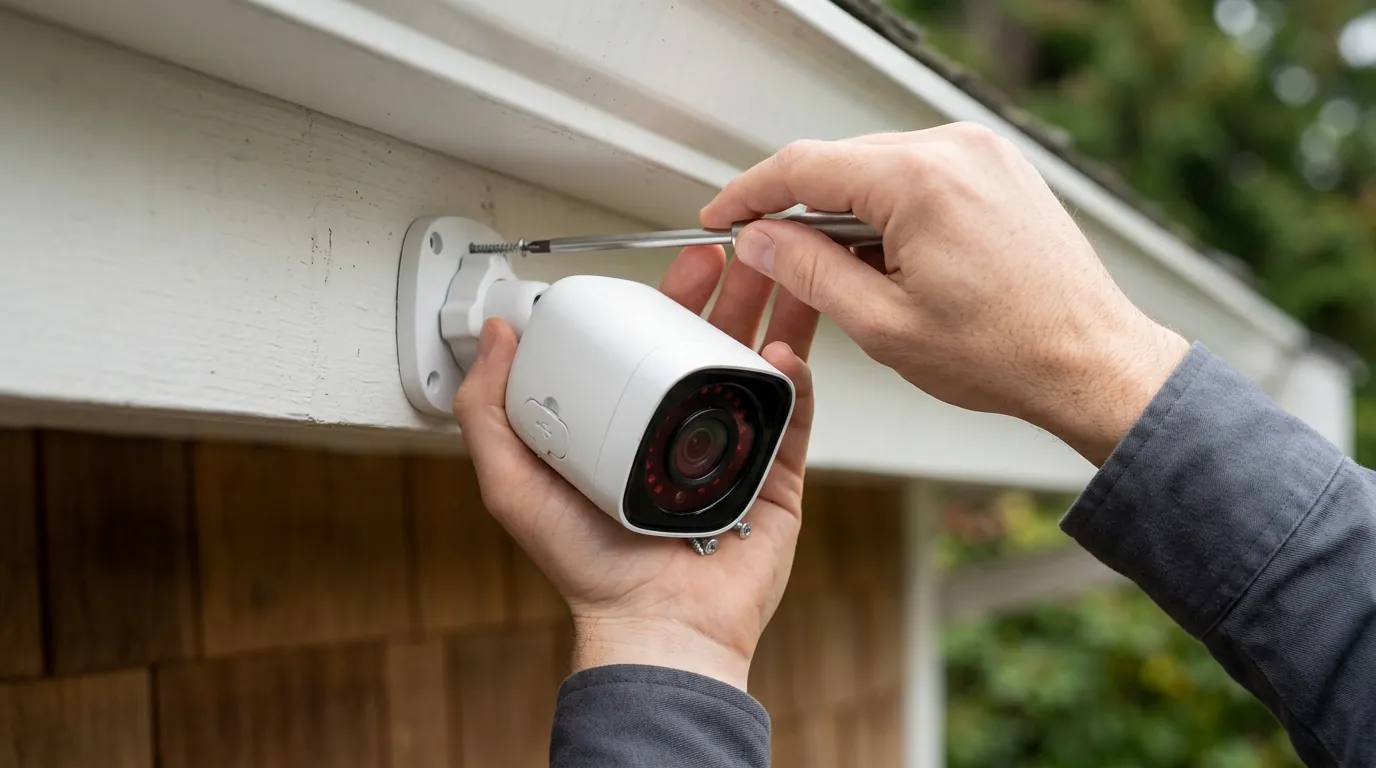
The Wyze Solar Cam Pan recall underscores the critical importance of product safety and clear, unambiguous installation guidelines for all security camera purchases. For consumers investing in home security, this incident serves as a stark reminder of the need for cameras designed not only to perform their surveillance functions but also to withstand various environmental conditions and potential human error during setup.
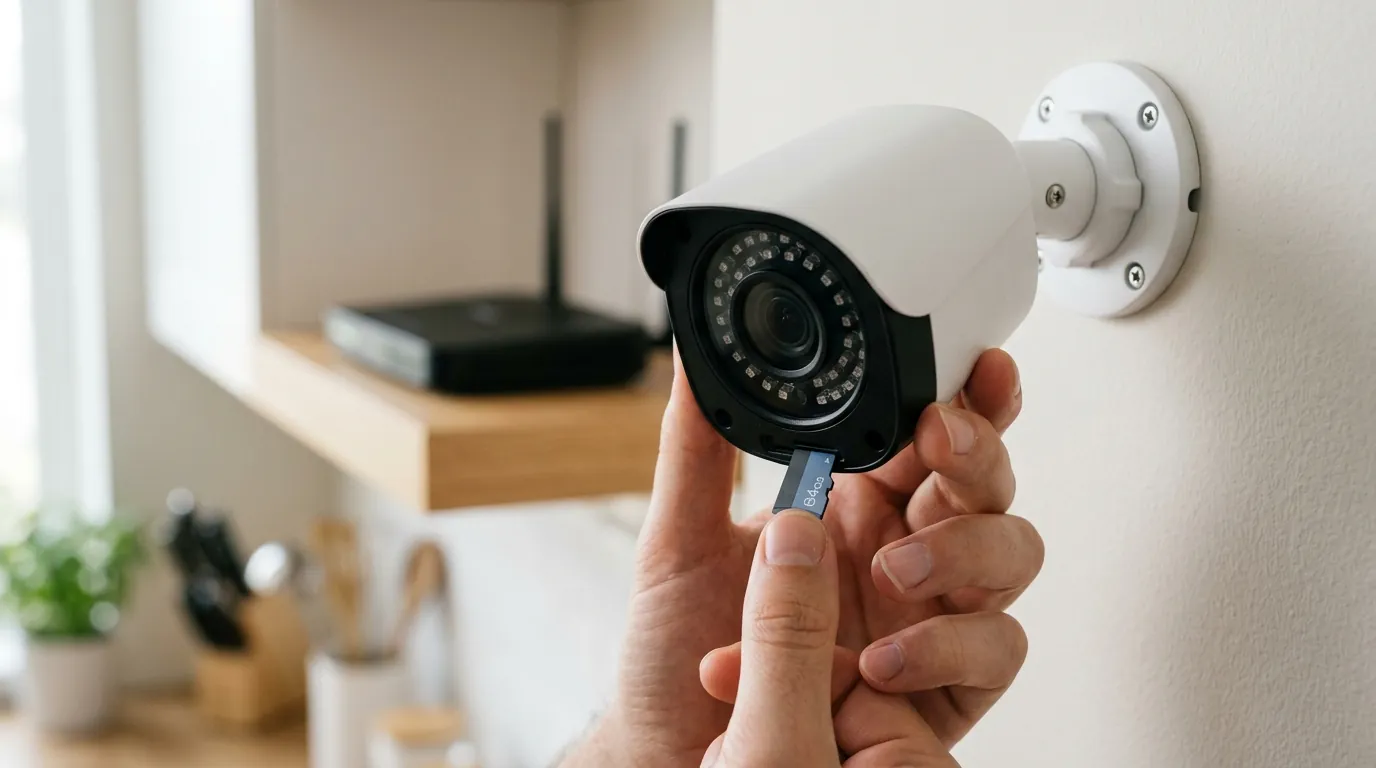
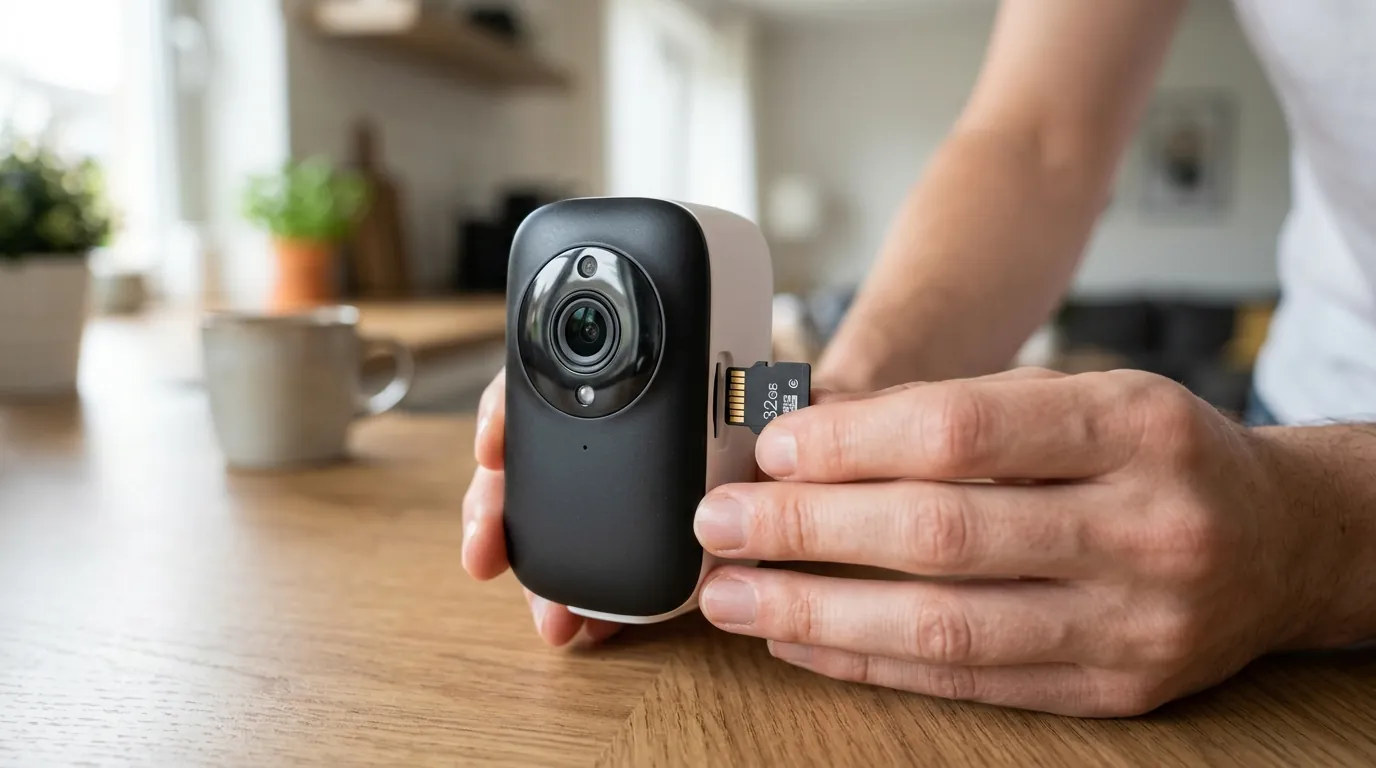
The event reinforces the value proposition of security cameras offering robust local storage options. While cloud services provide convenience, reliance solely on them means that service disruptions, device failures, or even product recalls can leave users without critical footage. Cameras that support local storage, such as microSD cards, offer a crucial backup, ensuring recordings continue even if the device goes offline from the cloud or the internet connection drops.
Buyers frustrated with subscription-heavy incumbents like Ring, Nest, or Arlo often turn to brands like Wyze for their more affordable entry points and often less subscription-dependent models. However, this recall prompts a re-evaluation of the balance between low cost and potential safety or reliability risks. It highlights that an attractive price point should not overshadow fundamental considerations of product design and user safety.
Furthermore, the incident emphasizes the need for brands to maintain transparent privacy policies and a strong commitment to data handling. Wyze states in its privacy policy that they do not sell user data for money. However, like many companies, they may disclose certain data for interest-based advertisements. For consumers, understanding these nuances is vital when choosing a security camera system that aligns with their privacy expectations. The recall serves as a broader reminder to scrutinize a company’s practices beyond just product features and price.
Impact on existing owners
For Wyze Solar Cam Pan (WYZESCPWH) owners:
If you own a Wyze Solar Cam Pan, model WYZESCPWH, it is imperative to immediately stop using the recalled camera to prevent potential fire and burn hazards. You can verify your camera’s model number, WYZESCPWH, which is typically located on the back of the device.
Wyze Labs has provided several options for affected customers: a free replacement camera with a solar panel accessory, a full refund for the original purchase price (which was around $80), or a gift card. It is crucial to follow Wyze’s instructions for the proper disposal of the recalled lithium-ion battery-powered camera, adhering to all local and state regulations for electronic waste.
Wyze can be reached toll-free at 888-832-7226, via email at recall@wyze.com, or through their dedicated recall page at wyze.com/SCPrecall.
For owners of other Wyze cameras experiencing offline issues:
If you own a different Wyze camera model and are experiencing offline issues, unrelated to the Solar Cam Pan recall, you should attempt basic troubleshooting steps. These include power cycling the camera by unplugging it and plugging it back in, and restarting your home router. It’s important to note that remote troubleshooting for devices that appear offline is often not possible.
Always check the official Wyze service status page (support.wyze.com/servicestatus) for any ongoing widespread outages or known issues affecting the Wyze app or services. Ensuring your camera’s firmware is up to date is also a critical step, as updates frequently include stability and connectivity improvements.
If your camera has a microSD card installed and local recording enabled, it may still be recording footage even if it appears offline in the app or if cloud services are experiencing disruptions. This highlights the benefit of local storage as a backup.
What to do now
If you own a Wyze Solar Cam Pan (WYZESCPWH), prioritize participating in the recall immediately. Follow all instructions provided by Wyze regarding the return or disposal and the chosen remedy (replacement, refund, or gift card). This is a critical safety measure.
For all security camera buyers, evaluate product safety and reliability beyond initial cost. Look for clear, comprehensive installation instructions and research a manufacturer’s track record for proactively addressing safety concerns and product defects. Independent reviews and consumer safety reports can provide valuable insights.
Prioritize cameras with robust local storage capabilities. Many Wyze Cams, such as the Wyze Cam v3 and v4, support microSD cards up to 256GB for continuous or event-only recording without a subscription. This provides a critical backup during internet or cloud outages, ensuring you don’t miss important events.
Consider security camera systems that offer strong offline functionality. Brands like Eufy, Reolink, and TP-Link Tapo/Kasa are often recognized for their emphasis on local storage options and less reliance on mandatory subscriptions for core features, offering greater control and resilience against service interruptions.
Research camera operating temperature ranges and weather resistance (IP ratings) to ensure devices are suitable for your local climate, especially during extreme weather events like heatwaves. For example, the Wyze Cam v4 is IP65 rated, indicating it is dust-tight and protected against water jets. This information is crucial for outdoor installations.
Review a brand’s privacy policy and data security practices thoroughly. Understand how your data is collected, stored, and shared. Look for features like AES 256-bit encryption for data in transit and at rest, and support for two-factor authentication (2FA) to protect your account from unauthorized access. Wyze indicates the use of AES 256-bit encryption for data.
For existing Wyze owners, keep an eye on official Wyze communication channels such as their service status page (support.wyze.com/servicestatus) and support forums for updates on any service disruptions or product advisories. This ensures you are informed about potential issues affecting your devices.
Security Camera Feature Comparison
| Feature | Wyze Cam v3 Pro | Wyze Cam v4 | Wyze Cam Pan v3 | Wyze Outdoor Cam v2 |
|---|---|---|---|---|
| Resolution | 2K (2560x1440) | 2K (2560x1440) | 1080p | 1080p |
| IR Night Vision Range | Up to 30 ft | Up to 30 ft | Up to 30 ft | Up to 25 ft |
| Local Storage | MicroSD (up to 256GB) | MicroSD (up to 256GB) | MicroSD (up to 256GB) | MicroSD (up to 32GB) |
| Cloud Storage | Cam Plus subscription | Cam Plus subscription | Cam Plus subscription | Cam Plus subscription |
| Subscription Cost/yr (Cam Plus) | Around $20-30/year | Around $20-30/year | Around $20-30/year | Around $20-30/year |
| Power Type | Wired (USB) | Wired (USB) | Wired (USB) | Battery (rechargeable) |
| Operating Temperature | -4°F to 122°F | -4°F to 122°F | -4°F to 113°F | -4°F to 113°F |
| Weather Resistance (IP Rating) | IP65 | IP65 | IP65 | IP65 |
Decision Framework: Choosing Your Security Camera
To navigate the crowded security camera market, consider your specific needs and environment:
- If you’re a renter concerned about easy installation and portability: Prioritize battery-powered cameras with magnetic mounts and local storage options to avoid drilling and minimize reliance on cloud services. Look for models with good Wi-Fi range.
- If you’re a homeowner seeking continuous surveillance for key areas: Prioritize wired cameras for consistent power and reliable connectivity. Look for models with 24/7 continuous recording capabilities to a local microSD card or Network Video Recorder (NVR), and consider robust weatherproofing for outdoor use.
- If you own a small business requiring detailed monitoring and archival: Prioritize high-resolution cameras (2K or 4K) with ample local storage (large capacity microSD or NVR support) and advanced motion detection features. Evaluate professional installation options and consider systems with multiple camera management capabilities.
- If you have unreliable Wi-Fi or no internet at your monitoring location: Prioritize cameras with strong standalone local recording to microSD cards and the ability to operate without a constant internet connection. Some cellular-enabled cameras might also be an option, though they come with their own data plan costs.
Total Cost of Ownership (TCO) for a Wyze Camera (3-Year Estimate)
Understanding the long-term cost of a security camera involves more than just the initial purchase price. Here’s a hypothetical 3-year TCO breakdown for a single Wyze Cam, considering hardware and optional subscription services:
Scenario: One Wyze Cam v4 with a Cam Plus subscription and a 64GB microSD card.
-
Hardware Cost (Initial):
- Wyze Cam v4: Around $30-40
- 64GB microSD card: Around $10-20 [information unavailable]
- Subtotal (Hardware): Around $40-60
-
Subscription Cost (Cam Plus, 3 Years):
- Cam Plus (annual plan): Around $20-30 per year
- Total for 3 years: $60-90
- Note: Cam Plus offers features like unlimited length cloud recordings, person detection, vehicle detection, and package detection. Without it, you get 12-second event recordings with a 5-minute cooldown.
-
Cloud Storage Fees (Included in Cam Plus):
- The cost of cloud storage is bundled into the Cam Plus subscription. There are no separate additional fees for cloud storage beyond the subscription itself.
-
Feature Paywall Trap:
- Wyze, like many brands, uses subscriptions to unlock advanced features. Without Cam Plus, the Wyze Cam v4 will provide basic motion detection, 12-second cloud event recordings with a 5-minute cooldown, and continuous local recording to a microSD card. Features like full-length event recording, smart detection (person, vehicle, pet), and faster event notifications are behind the Cam Plus paywall. This means that while the camera functions without a subscription, its full capabilities are tied to the ongoing monthly or annual fee.
Estimated 3-Year Total Cost of Ownership:
- Hardware: $40-60
- Cam Plus (3 years): $60-90
- Total: Around $100 - $150
This estimate demonstrates that while the initial hardware cost of Wyze cameras is low, the addition of a subscription significantly increases the long-term financial commitment, especially if you desire the full suite of smart features. Buyers should factor in these recurring costs when comparing different security camera systems.
Frequently Asked Questions
What should I do if my Wyze camera is offline but not the recalled Solar Cam Pan?
If your Wyze camera, other than the Solar Cam Pan (WYZESCPWH), is offline, first try basic troubleshooting like power cycling the camera and restarting your Wi-Fi router. Then, check the official Wyze service status page (support.wyze.com/servicestatus) for any reported outages or known issues. Ensure your camera’s firmware is up to date, as this can often resolve connectivity problems.
Can extreme heat cause my Wyze camera to stop working or go offline?
Yes, extreme temperatures can affect the performance of electronics, including security cameras. Most Wyze cameras have specified operating temperature ranges; for example, the Wyze Cam v4 operates between -4°F and 122°F (-20°C to 50°C). Exceeding these limits, especially in direct sunlight during a heatwave, could lead to overheating, temporary shutdowns, or reduced functionality.
Is my Wyze camera still recording if it’s offline in the app?
If your Wyze camera has a microSD card installed and local recording is enabled (either continuous or event-based), it should continue to record footage to the card even if it loses its internet connection or appears offline in the Wyze app. You would need to physically remove the microSD card and view the footage on a computer to access these recordings.
How does Wyze handle my privacy and data security?
Wyze states they do not sell user data for money. They use AES 256-bit encryption for data in transit and at rest to protect your information. However, like many online services, they may share certain data for purposes like interest-based advertisements. It’s always recommended to review their current privacy policy on wyze.com for the most up-to-date information.
What is the difference between local and cloud storage for Wyze cameras?
Local storage, typically via a microSD card inserted directly into the camera, allows your camera to record video footage directly onto the card without needing an internet connection or a subscription. Cloud storage, often part of a Wyze Cam Plus subscription, uploads video recordings to Wyze’s servers over the internet, allowing you to access them remotely via the app. Local storage provides a backup if internet or cloud services fail, while cloud storage offers remote access and often more advanced features.
Sources
- abc10.com — Wyze Solar Cam Pan recalled after reports of batteries exploding, catching fire []
- androidcentral.com — Wyze Solar Cam Pan recall: What you need to know []
- androidcentral.com — Wyze Solar Cam Pan recall: What you need to know []
- cbs19.tv — Wyze recalls Solar Cam Pan due to fire, burn hazards []
- cpsc.gov — Wyze Recalls Solar Cam Pan Security Cameras Due to Fire and Burn Hazards [https://www.cpsc.gov/Recalls/2026/Wyze-Recalls-Solar-Cam-Pan-Security-Cameras-Due-to-Fire-and-Burn-Hazards]
- cbs8.com — Wyze recalls Solar Cam Pan due to fire, burn hazards []
- companiesbehavingbadly.com — Wyze Solar Cam Pan Recalled []
- 10tv.com — Wyze recalls Solar Cam Pan due to fire, burn hazards []
- cnet.com — Wyze Solar Cam Pan Recall: What You Need to Know []
- isdown.app — Is Wyze Down Right Now? [https://isdown.app/status/wyze]
- hindustantimes.com — Wyze security cameras offline: Users report outage, company issues apology []
- modemguides.com — Wyze Camera Offline: Troubleshooting and Fixes []
- wyze.com — Wyze Outdoor Camera v2 [https://www.wyze.com/products/wyze-cam-outdoor-v2]
- wyze.com — Wyze Cam Pan v3 [https://www.wyze.com/products/wyze-cam-pan-v3]
- wyze.com — Wyze Cam Pan v3 [https://www.wyze.com/products/wyze-cam-pan-v3]
- wyze.com — Wyze Cam Outdoor v2 [https://www.wyze.com/products/wyze-cam-outdoor-v2]
- wyze.com — Wyze Cam Pan v3 [https://www.wyze.com/products/wyze-cam-pan-v3]
- wyze.com — My Camera is Offline [https://support.wyze.com/hc/en-us/articles/360029705972-My-Camera-is-Offline]
- wyze.com — Wyze Cam v3 Pro []
- wyze.com — Wyze Cam v3 Pro []
- wyze.com — Wyze Cam v3 Pro []
- wyze.com — How to Update Your Wyze Camera’s Firmware [https://support.wyze.com/hc/en-us/articles/360037595172-How-to-Update-Your-Wyze-Camera-s-Firmware]
- wyze.com — Wyze Cam v4 [https://www.wyze.com/products/wyze-cam-v4]
- wyze.com — Wyze Cam v3 [https://www.wyze.com/products/wyze-cam-v3]
- wyze.com — Privacy Policy []
- wyze.com — Wyze Cam Outdoor v2 [https://www.wyze.com/products/wyze-cam-outdoor-v2]
- mozillafoundation.org — What is AES 256-bit encryption? []
- securenesthub.com — Wyze Privacy Policy [https://www.securenesthub.com/wyze-privacy-policy/]
- wyze.com — Wyze Cam Plus []
- safehome.org — Wyze Home Security Review 2026 []
- security.org — Wyze Camera Reviews 2026 []
- security.org — Wyze Camera Reviews 2026 []