
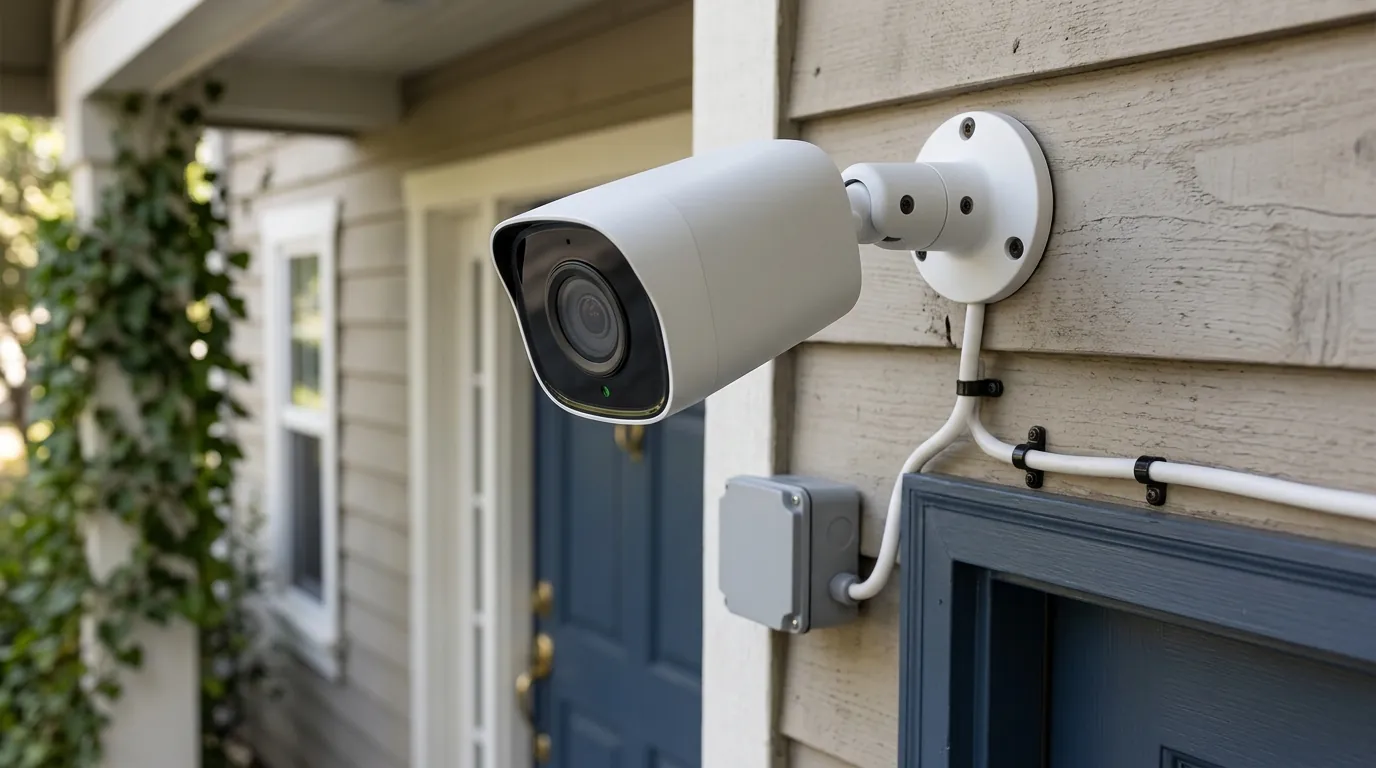
Wyze Cam v4 Overheating: June 2026 Heatwave Survival Guide
High-temperature alerts are flooding user forums as the June 2026 heatwave pushes budget hardware beyond its physical limits. For owners of the Wyze Cam v4, the combination of record-breaking ambient heat and direct solar radiation is causing a surge in thermal shutdowns and sensor artifacts.
📝 Editorial Note: This guide is AI-assisted and game data evolves rapidly. Please cross-reference with in-game information. Updated: 2026-06-29.
Quick Answer: The June 2026 heatwave is causing Wyze Cam v4 units to exceed their 122°F operating limit, leading to thermal shutdowns and purple image tints. Update to firmware v4.52.x and move cameras out of direct sunlight immediately.
What happened
Related: Eufy Security Cloud Storage Pricing Changes 2026: What You’ll Pay · Eufy Security App 4.8.0 Login Issues: Fixes & Legacy App News · Eufy Security Camera Offline: Troubleshooting & What to Do in June 202
As a massive “heat dome” settles over the Southwestern United States and the Great Plains in June 2026, consumer-grade security cameras are facing a brutal reliability test. The Wyze Cam v4, while popular for its affordability, is currently at the center of a spike in hardware failure reports. Users in regions like Phoenix, Las Vegas, and Dallas are reporting that their units are frequently dropping offline as internal temperatures spike well above the manufacturer’s rated threshold.
Thermal Shutdown vs. Connectivity Drops
There is a distinct difference between a Wi-Fi signal drop and a thermal shutdown. During this heatwave, Wyze Cam v4 owners are seeing “Device Offline” status in the Wyze App not because of router issues, but because the camera’s processor has reached its thermal ceiling. When the internal temperature exceeds safe operating parameters, the camera initiates a hard shutdown to prevent permanent damage to the logic board. Once the unit cools down, it may enter a “boot loop,” where it attempts to restart, generates more heat, and shuts down again before a stable connection is established.
The ‘Purple Tint’ Phenomenon: Sensor Damage or Stuck IR Filter?
One of the more alarming symptoms reported on r/wyzecam and the Wyze Official Forum is the appearance of a permanent purple or magenta tint on the 2.5K video feed. This is often caused by the IR-cut filter—a small physical shutter that moves in front of the sensor—becoming physically stuck due to heat-induced expansion of the plastic housing. In more severe cases, prolonged exposure to temperatures above 130°F can cause “pixel rot” or permanent discoloration of the CMOS sensor itself, rendering the camera’s color reproduction inaccurate even after it cools down.
Distinguishing v4 Heat Issues from the Solar Cam Pan Recall
It is critical to distinguish these thermal performance issues from the recent regulatory action involving other Wyze hardware. On June 4, 2026, a voluntary recall was issued for the Wyze Solar Cam Pan (Model WYZESCPWH) due to potential fire risks associated with battery punctures in extreme heat (see CPSC.gov for official filings). The Wyze Cam v4 is a wired, non-battery camera and is not part of that recall. However, the v4’s current struggle is one of operational reliability rather than a catastrophic fire hazard.
Firmware v4.52.x and Stability
Wyze has been rolling out iterations of the v4.52.x firmware throughout early June to improve how the camera handles high-demand tasks during heat spikes. While these updates attempt to optimize power consumption and reduce internal heat generation, they cannot override the laws of physics. If the ambient air is 115°F and the camera is in direct sunlight, no firmware update can prevent the internal temperature from exceeding the 122°F limit.
| Location (June 2026) | Peak Ambient Temp | Wyze Cam v4 Rated Limit | Status |
|---|---|---|---|
| Phoenix, AZ | 118°F | 122°F | Critical Risk |
| Las Vegas, NV | 116°F | 122°F | Critical Risk |
| Dallas, TX | 109°F | 122°F | High Risk |
| Los Angeles, CA (Inland) | 104°F | 122°F | Moderate Risk |
Note: Direct sunlight can add 20-30°F to the camera’s internal temperature above the ambient air temperature.
Why it matters for buyers
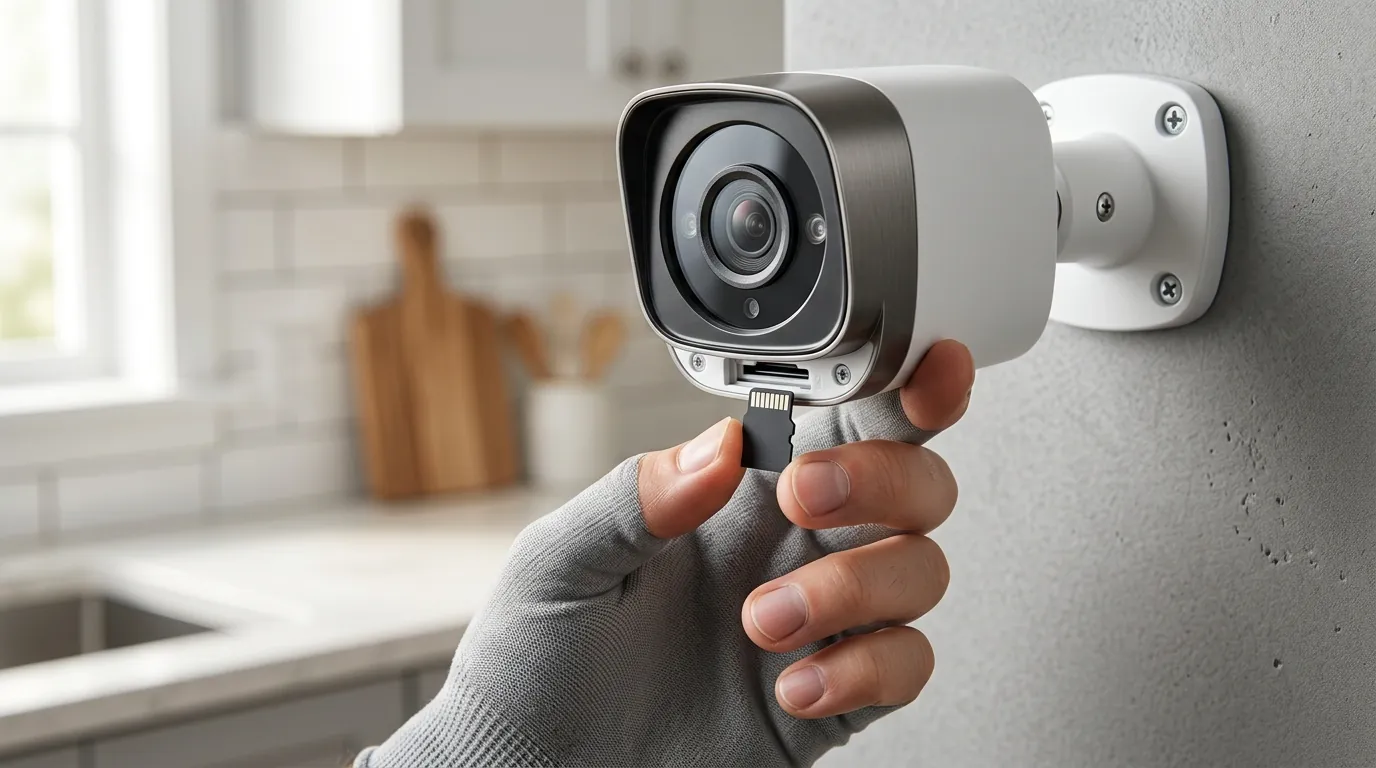
For those currently shopping for outdoor security, the June 2026 heatwave serves as a “stress test” that reveals the limitations of budget-tier hardware. While a $35 camera is an attractive entry point, the total cost of ownership increases significantly if the device must be replaced every two summers due to heat-induced sensor degradation.
Reliability Gap
A security camera is most necessary when you are away from home, often during summer vacations. If a camera fails because the afternoon sun hits it, it creates a critical monitoring blind spot exactly when the homeowner is least able to reset the device manually. This reliability gap is the primary reason professional installers often steer clients toward “industrial-lite” hardware that features higher thermal tolerances and metal housings designed to dissipate heat.
Hardware Longevity
The Wyze Cam v4 uses a polycarbonate (plastic) housing. While durable against rain (IP65 rating), plastic is an insulator, not a conductor. It traps heat inside the unit. Continuous exposure to internal temperatures near or above 130°F accelerates the degradation of internal solder joints and causes the seals around the lens to become brittle. Over time, this leads to “fogging” or moisture ingress once the weather eventually turns rainy.
Price vs. Performance
The v4 is positioned as a budget-friendly powerhouse with 2.5K resolution. However, maintaining that resolution requires significant processing power, which generates heat. Competitors like the Reolink Altas PT Ultra or the Eufy Cam S330 are significantly more expensive—often in the $150-$250 range—but they often include larger heat sinks or more efficient chipsets that can handle higher ambient temperatures.
Warranty Limitations
It is important to review the Wyze Warranty Policy. Wyze typically offers a 1-year limited warranty. However, most consumer electronics warranties include clauses regarding “misuse” or “operating the device outside of specified environmental conditions.” If a camera is mounted in a location that regularly exceeds 122°F, a warranty claim for a heat-damaged sensor may be denied.
Decision Framework: Choosing the Right Camera for Your Climate
| If your situation is… | Prioritize this feature… | Recommended Action |
|---|---|---|
| Renter (Temporary) | Low Upfront Cost | Buy Wyze v4 but mount only in full shade. |
| Homeowner (Extreme Heat) | High Thermal Rating | Look for cameras rated for 131°F (55°C) or higher. |
| Business/Critical Security | Active Cooling/Metal Housing | Invest in PoE (Power over Ethernet) cameras with metal bodies. |
| No Eaves/Full Sun | Battery-Free/High-End Optics | Avoid budget plastic cameras; use a dedicated sunshield. |
Impact on existing owners
If you already own a Wyze Cam v4, the heatwave may be manifesting in ways that aren’t immediately obvious as a “failure” but are still degrading your security.
Feature Throttling
To prevent total shutdown, the v4’s firmware may engage in thermal throttling. This can result in:
- Reduced Frame Rates: The camera may drop from its standard 20 FPS to 10 or 15 FPS, causing “choppy” video.
- Spotlight Disablement: The integrated 72-lumen spotlight generates significant heat. The system may refuse to turn the light on if the internal temperature is already high.
- Bitrate Compression: To save on processing, the camera may lower the video bitrate, leading to blocky or pixelated images during the hottest parts of the day.
MicroSD Card Corruption
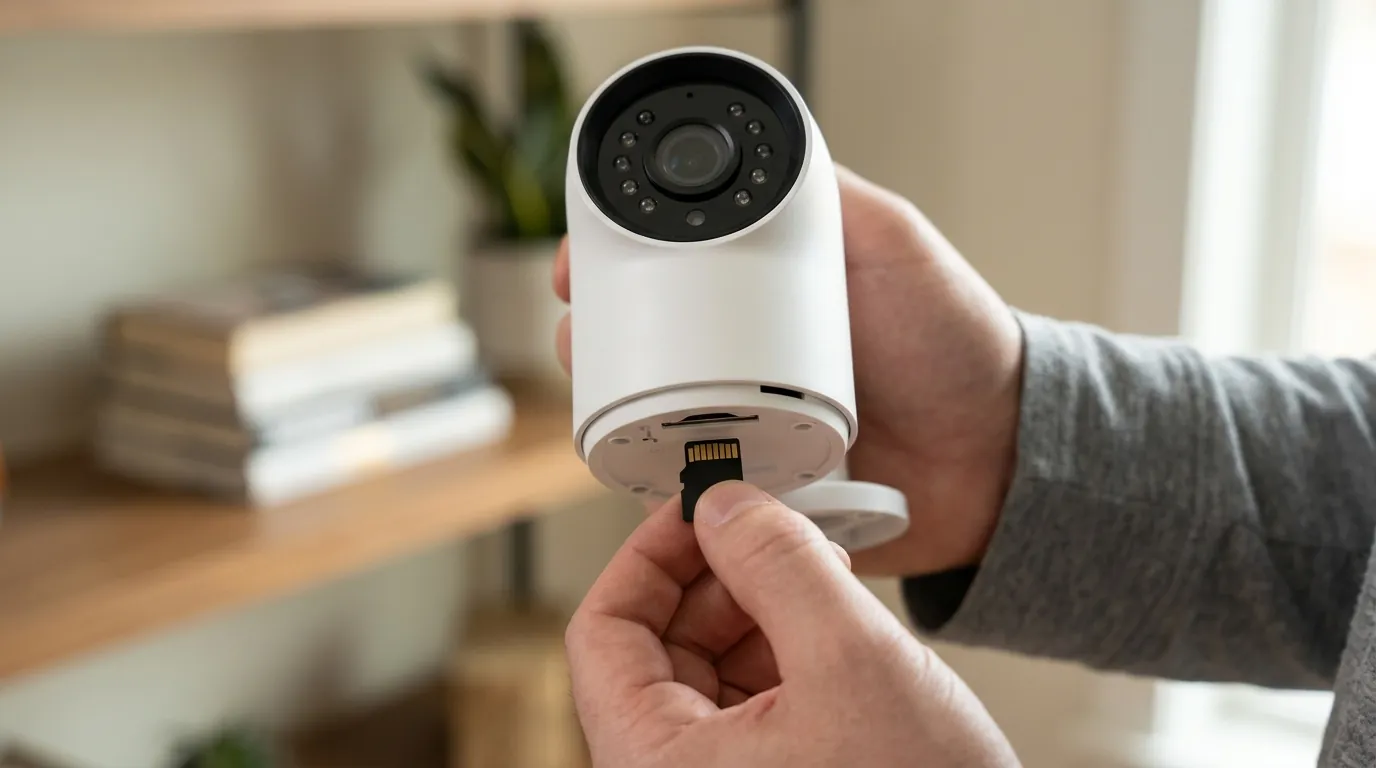
Heat is the number one killer of local storage. Many users are reporting “SD Card Not Found” errors. This occurs because the MicroSD slot is located near the processor. Standard SD cards are not designed for 120°F+ environments. As the card warps or the NAND flash memory overheats, the file system can become corrupted, resulting in the loss of critical event footage. For those using local storage, switching to a “High Endurance” card rated for extreme temperatures is mandatory in 2026.
Privacy Mode Glitches
The June 2026 heatwave has coincided with reports of cameras getting stuck in “Privacy Mode.” This appears to be a software glitch exacerbated by hardware stress, where the camera fails to “wake up” after a scheduled privacy period or an app command. Often, the only fix is a physical power cycle, which is difficult if the camera is mounted high on a ladder in the sun.
Total Cost of Ownership (TCO) Over 3 Years
When evaluating the v4, consider the 3-year cost compared to “higher-end” alternatives:
- Hardware: ~$35
- Subscription (Cam Plus): ~$20/year x 3 = $60
- Replacement: If the unit fails every 18 months due to heat, add another $35.
- Total: ~$130. In contrast, a $150 camera with better thermal management and no subscription (local AI) may actually be cheaper over the same period.
What to do now
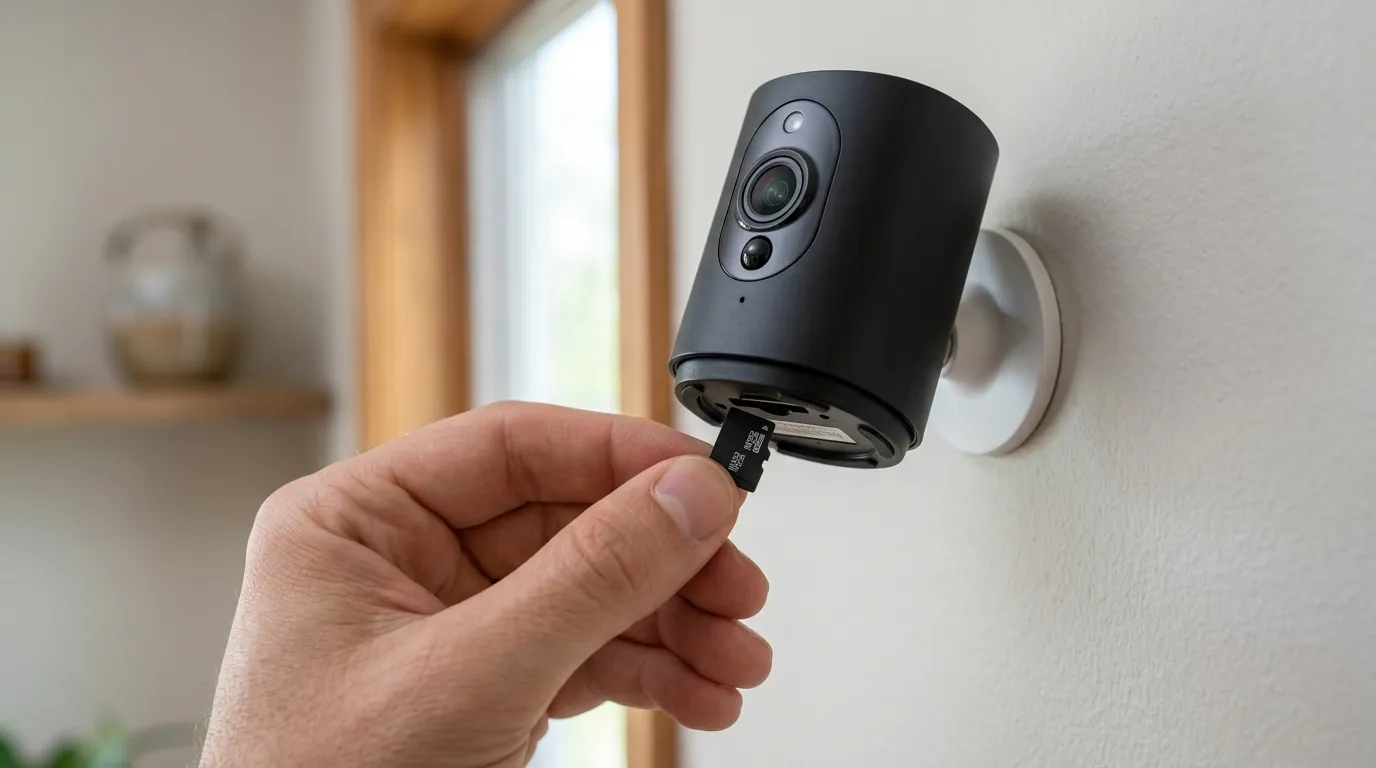
If your Wyze Cam v4 is struggling with the June 2026 heatwave, immediate intervention can prevent permanent hardware failure.
Immediate Relocation
The most effective fix is moving the camera. A camera mounted on a south-facing white vinyl fence will absorb significantly more heat than one mounted under a deep north-facing eave. If you cannot move the camera, try to create “passive cooling” by ensuring there is at least an inch of air gap between the camera mount and the wall, allowing air to circulate behind the unit.
DIY Cooling Solutions
Third-party manufacturers on platforms like Amazon sell silicone “skins” or plastic “sun hoods” for the Wyze Cam series. While silicone skins can protect against scratches, they can actually trap heat. Instead, look for rigid plastic shields that act like an umbrella, providing shade without touching the camera body. This creates an air gap that prevents the “solar oven” effect.
Firmware & App Updates
Ensure your Wyze App is updated to version 3.16 or higher (released June 25, 2026). This version includes improved “Device Health” diagnostics that can sometimes show you the signal strength and connectivity history, helping you determine if a drop-off was heat-related. Check for the latest stable firmware in Settings > Device Info > Firmware Upgrade.
The ‘Magnet Trick’
If your camera has developed a persistent purple tint, the IR-cut filter may be physically stuck. Some users have successfully fixed this by taking a strong magnet (like a neodymium fridge magnet) and sliding it across the top and sides of the camera housing while it is powered on. This can manually pull the internal filter back into its correct position. If this doesn’t work, the sensor may be permanently heat-damaged.
Power Management
Use only the original 5V/1A power adapter provided by Wyze. While it may be tempting to use a high-wattage “fast charger” from a smartphone, these can sometimes deliver slightly higher voltages or different amperages that increase the thermal load on the camera’s internal voltage regulator.
How to Check Thermal Status in Wyze App 3.16
- Open the Wyze App and select your Cam v4.
- Tap the Settings (gear icon) in the top right.
- Navigate to Device Info.
- Look for the Signal Strength and (if available in your region’s firmware) the Thermal Status indicator.
- If the status shows “High,” consider turning off “Record to MicroSD” temporarily to reduce processor load until the ambient temperature drops.
Top 3 Third-Party Sunshades for Wyze Cam v4
- Universal Security Camera Shield: A “roof-style” plastic cover that mounts above the camera.
- Adjustable Gutter Mounts: These allow you to tuck the camera higher under the gutter line for maximum shade.
- Custom 3D-Printed Vented Cases: Available on Etsy, these replace the standard housing with one featuring more ventilation holes (note: this voids the IP65 weatherproofing).
Frequently Asked Questions
Can I use a fan to cool my outdoor Wyze Cam?
While a fan would technically work, it is not practical for most outdoor setups due to weather exposure. A better solution is to use a passive sunshield or move the camera to a location with better natural airflow and shade.
Does Wyze Cam Plus contribute to overheating?
The subscription itself doesn’t cause heat, but the features it enables—like continuous cloud uploading and AI person detection—keep the processor running at a higher capacity. During a heatwave, disabling “Event Recording” for non-essential motions can help the camera run cooler.
Is the purple tint covered under warranty?
If the purple tint is caused by a hardware defect in the IR-cut filter within the first year, it is typically covered. However, if Wyze determines the unit was operated in temperatures exceeding 122°F, they may classify it as environmental damage.
How do I know if my SD card is failing from heat?
If your playback timeline has “gaps,” if the app says “No SD Card installed,” or if the video files are unplayable/corrupted, the card is likely overheating. Switch to a SanDisk High Endurance card for better heat resistance.
Sources
- Wyze Cam v4 Official Specifications — https://www.wyze.com/products/wyze-cam-v4
- CPSC Recall Notice (Wyze Solar Cam Pan) — https://www.cpsc.gov/Recalls/2026/Wyze-Recalls-Solar-Cam-Pan-Due-to-Fire-Hazard
- Wyze Support: Troubleshooting Connectivity — https://support.wyze.com/hc/en-us/articles/360031128391-Camera-is-offline
- RTINGS: Best Outdoor Security Cameras
- Reddit r/WyzeCam Community Discussions — https://www.reddit.com/r/wyzecam/