
Wyze Cam v4 Cloud Storage: 2026 Subscription Changes & Costs
Wyze has long been the standard-bearer for “affordable” smart home security, but a series of major service overhauls in early 2026 has fundamentally changed the value proposition for the Wyze Cam v4.
Quick Answer: As of March 2026, Wyze Cam Plus Annual has increased to $29.99/camera. The 4-camera bundle is discontinued, replaced by Cam Unlimited ($99/year) and a new 60-day ‘Pro’ tier ($199/year) featuring AI Video Search.
What happened
Related: Google Nest Community Forum Deletion June 30: Save Your Data · Wyze Solar Cam Pan Recall 2026: How to Check Your Model · Is the Google Nest App Still Working in 2026? Sunset Dates & Migration
For years, Wyze maintained a disruptive pricing model that undercut giants like Ring and Nest. However, the landscape shifted on March 2, 2026, when Wyze implemented its most aggressive subscription restructuring to date. This move signals a pivot from a hardware-first company to a services-oriented platform, directly impacting the long-term costs of the Wyze Cam v4.
The March 2026 Price Hike Details
The most immediate change for v4 owners is the price of Cam Plus. The annual rate for a single-camera license moved from $19.99 to $29.99. While a $10 increase may seem marginal, it represents a 50% jump in recurring costs. This tier remains the baseline for users who want “unlimited” event clip length and person/vehicle/pet detection. Without this, the v4 is limited to basic motion alerts with a “cool-down” period between recorded clips, unless the user relies entirely on local storage.
The Death of the Multi-Camera Bundle
In a move that frustrated long-term community members, Wyze officially retired the legacy 4-camera bundle, which was previously priced at $49.99 per year. This bundle was the “sweet spot” for many suburban homeowners. Under the new 2026 structure, these users are being funneled toward “Cam Unlimited.” If an owner with four cameras chooses to pay per-device instead of upgrading to Unlimited, their annual bill effectively doubles from approximately $50 to $120.
Introducing Cam Unlimited Pro & Wyze Intelligence
To justify higher price ceilings, Wyze introduced “Cam Unlimited Pro.” At $19.99 per month or $199.99 per year, this tier is aimed at power users and small businesses. The primary draw is the extension of cloud video retention from 14 days to 60 days.
Furthermore, Wyze has moved its most advanced “Wyze Intelligence” features behind this Pro paywall. This includes:
- AI Video Search: A generative AI tool that allows users to type queries like “Did a person in a red shirt walk by?” to scan hours of footage in seconds.
- NBD (No Big Deal) Filter: An advanced refinement of motion tagging designed to suppress “nuisance” alerts like shadows or swaying trees more effectively than standard sensitivity sliders.
2026 Wyze Service Tiers Comparison
| Feature | Cam Plus (Single) | Cam Unlimited | Cam Unlimited Pro |
|---|---|---|---|
| Annual Cost | ~$30 per camera | ~$100 (up to 99 cams) | ~$200 (up to 99 cams) |
| Cloud Retention | 14 Days | 14 Days | 60 Days |
| Clip Length | Unlimited | Unlimited | Unlimited |
| AI Detection | Person, Package, Pet | Person, Package, Pet | Full Wyze Intelligence |
| AI Video Search | No | No | Yes |
| VerifiedView | Included | Included | Included |
Why it matters for buyers
The 2026 subscription changes have narrowed the gap between Wyze and its “premium” competitors. When the hardware cost of the Wyze Cam v4 (around $35–$40) is combined with the new service fees, the total cost of ownership (TCO) begins to rival systems that were previously considered much more expensive.
Total Cost of Ownership in 2026
When evaluating a security camera, the sticker price is often a distraction. The real cost is the hardware plus five years of service. For a single Wyze Cam v4, the 5-year TCO has risen from roughly $135 in 2024 to approximately $185-190 in 2026.
For a 4-camera household, the shift is even more dramatic. Previously, a user could run four cameras for five years for about $400 (hardware + legacy bundle). Today, that same setup requires the Cam Unlimited plan, bringing the 5-year TCO to roughly $650. While still lower than a 4-camera Nest Aware setup, the “budget” lead Wyze once enjoyed is evaporating.
5-Year TCO Comparison (4-Camera Setup)
| Brand/Model | Hardware Cost (Total) | Annual Sub (2026) | 5-Year TCO |
|---|---|---|---|
| Wyze Cam v4 | ~$150 | ~$100 (Unlimited) | ~$650 |
| Eufy Cam C120 | ~$160 | $0 (Local AI) | ~$160 |
| Ring Stick Up Cam | ~$240 | ~$100 (Ring Home) | ~$740 |
| Reolink E1 Pro | ~$200 | $0 (Local AI) | ~$200 |
The Hidden Cost of In-App Purchases
A critical warning for 2026 buyers: the “App Store Tax.” If you subscribe to Cam Plus or Unlimited through the Wyze app on an iPhone or Android device, the prices are roughly 30% higher to cover platform fees charged by Apple and Google. For example, Cam Unlimited is often listed at around $130 in-app, whereas it remains $99 on the Wyze web portal. This discrepancy is often buried in the fine print during the setup process.
Feature Gatekeeping: Is AI Search Worth the Premium?
The Cam Unlimited Pro tier introduces “AI Video Search,” a feature that uses large language models to index video metadata. While impressive in demonstrations, its utility depends on the user’s specific needs. For a typical homeowner checking for a package, the standard 14-day history and person detection are usually sufficient. The Pro tier is increasingly positioned as a “convenience” upgrade rather than a security necessity, yet it represents the only way to get 60-day cloud history—a feature many competitors offer at lower price points.
Impact on existing owners
Existing Wyze Cam v4 owners are currently navigating a transition period that requires active management to avoid unexpected charges.
Handling the Renewal Transition
Users who were previously on the $50/year 4-camera bundle will find that their plans do not automatically “grandfather” into the $99 Unlimited plan at the old price. Instead, upon the next renewal date after March 2, 2026, Wyze’s system defaults to individual camera billing unless the user manually selects the Unlimited plan via the web portal. If left unmanaged, a 4-camera setup could jump to nearly $120/year ($29.99 x 4) instead of the $99 Unlimited rate.
Firmware 4.52.9.6119: Stability vs. Speed
The March 2026 firmware update (version 4.52.9.6119) was released to support the new AI search features and the “VerifiedView” security architecture. VerifiedView is a critical privacy update; it uses hashed user IDs to ensure that cloud footage is cryptographically locked to the owner’s account, preventing unauthorized access even in the event of a server-side breach.
However, independent community testing on platforms like r/Wyze suggests that this firmware has increased “time-to-stream.” On the v4 hardware, users have reported that the initial handshake between the app and the camera now takes 1.5 to 2 seconds longer than on previous versions, likely due to the additional decryption steps required by the new security protocols.
The ‘Lite’ Exclusion: Why Your v4 Won’t Get Free Clips
A common point of confusion for those upgrading from older Wyze Cam v2 or v3 units is “Cam Plus Lite.” This legacy “name-your-price” service, which offered 12-second cloud clips for free or a small donation, is strictly limited to cameras released before 2022. The Wyze Cam v4 is hardware-locked out of this plan. For v4 owners, there is no “free” cloud video option; it is either a paid subscription or local recording to a microSD card.
What to do now
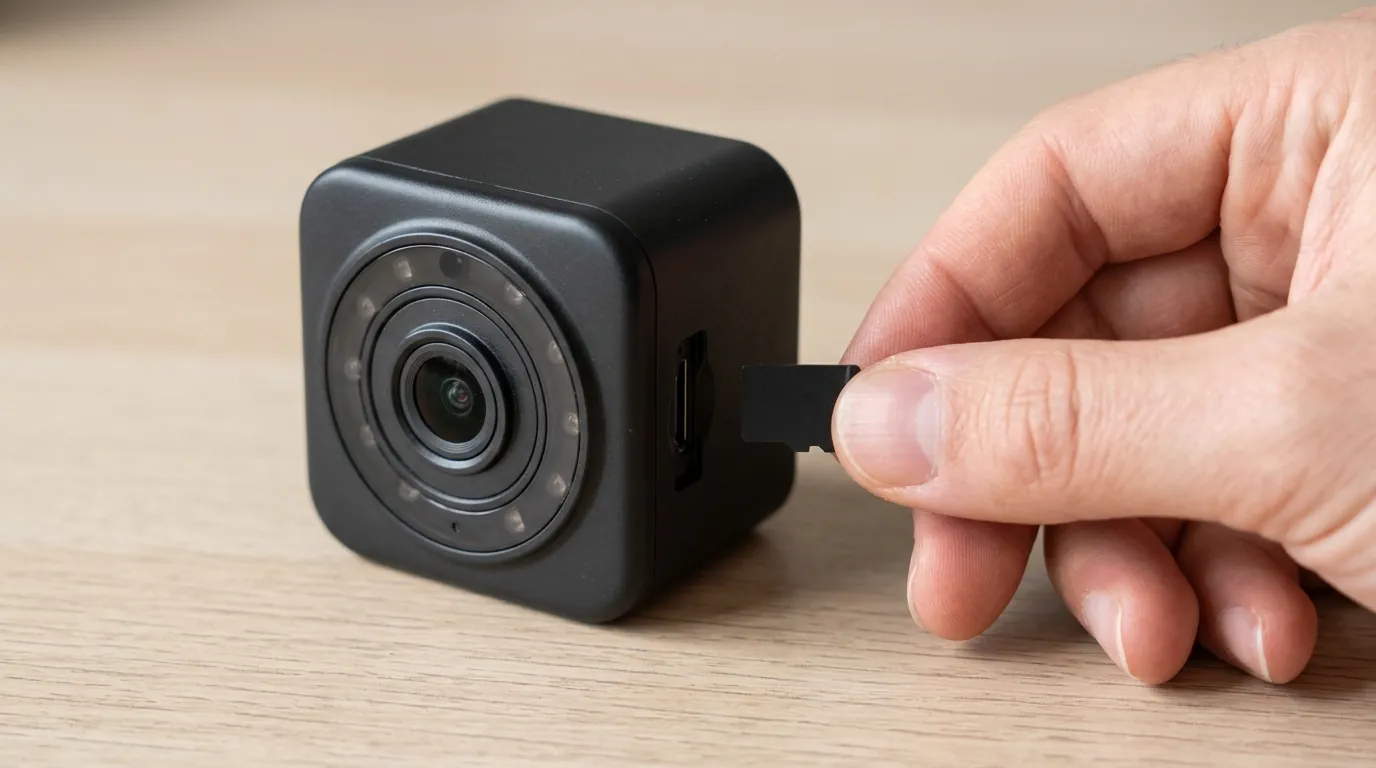
The 2026 landscape requires a more strategic approach to using Wyze hardware. To maintain the “budget” benefit of the brand, users should pivot toward local-first storage strategies.
The Web Portal Hack for Lower Rates
To avoid the mobile platform markups, users should never subscribe through the app. Always log in to my.wyze.com to manage subscriptions. This ensures you are paying the base rate rather than the inflated “App Store” price. Additionally, Wyze frequently offers “loyalty” discounts on the web portal for users migrating from legacy plans that are not visible in the mobile app interface.
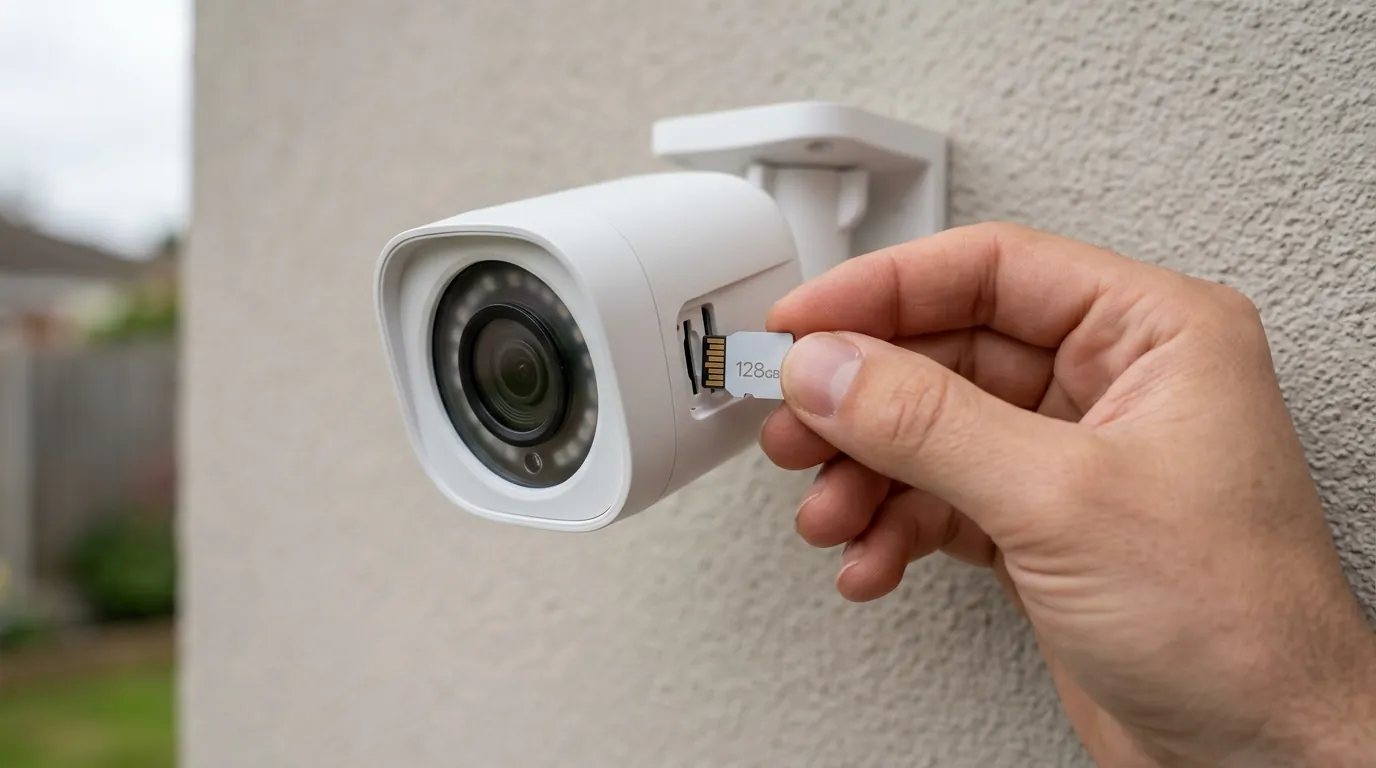
Maximizing the 256GB MicroSD Slot
The Wyze Cam v4 officially supports microSD cards up to 256GB. In 2026, this is the most effective way to bypass subscription hikes. By using a high-endurance card, you can record 2.5K footage continuously, providing a safety net if the 14-day cloud clip is insufficient.
MicroSD Capacity Chart: Wyze Cam v4 (2.5K Resolution)
| Card Size | Continuous Recording (Approx.) | Recommended Card Type |
|---|---|---|
| 128GB | 7–9 Days | High Endurance (Class 10/U3) |
| 256GB | 15–18 Days | High Endurance (Class 10/U3) |
| 512GB | [Information Unavailable]* | Not officially supported |
*While some users report 512GB cards working, Wyze does not officially support them, and firmware 4.52.9.6119 has been known to cause formatting errors on cards exceeding 256GB.
2026 Alternatives: When to Jump Ship
If the move to a $100–$200 annual subscription model feels like a betrayal of Wyze’s original mission, several 2026 alternatives offer better long-term value:
- For Renter/Single Cam: The Eufy Indoor Cam C120 remains a strong competitor, offering on-device AI person detection with no monthly fee.
- For Homeowners: Reolink’s Wi-Fi 6 line (like the E1 Pro or Argus series) provides robust local AI and works seamlessly with NVRs, completely removing the “cloud tax.”
- For Security Purists: If you are already resigned to paying $100/year, the Ring Home (formerly Protect) ecosystem offers more mature professional monitoring integration than Wyze currently provides.
Frequently Asked Questions
Does the Wyze Cam v4 work without a subscription in 2026?
Yes, but with significant limitations. Without Cam Plus, you receive motion alerts but no cloud-stored video clips. You must install a microSD card to view recorded footage. Furthermore, advanced AI detection (Person/Pet/Vehicle) is disabled, meaning you will receive alerts for every movement, including trees and shadows.
What is Wyze VerifiedView?
VerifiedView is a security feature introduced in early 2026. It embeds a hashed ID into the video stream that is unique to your account and hardware. Its primary purpose is to prevent unauthorized viewing of cloud footage by third parties or Wyze employees, ensuring that only the authenticated account holder can decrypt the video.
Can I still use TinyCam Pro with the new 2026 firmware?
Recent updates in firmware 4.52.9.6119 have tightened API restrictions to support the new subscription tiers. While TinyCam Pro still functions, many users report that “Webview” must be enabled in the Wyze account for the stream to remain stable, and some third-party integrations may experience more frequent timeouts than in previous years.
Sources
- Wyze Official: Service Plans and Pricing 2026
- FCC ID 2AUIUWYZEC4: Wyze Cam v4 Radio Frequency Report
- RTINGS: Wyze Cam v4 Review & Test Results
- The Verge: Wyze Overhauls Subscription Tiers Amid Rising Costs
- Wyze Support: MicroSD Card Compatibility and Sizes