
Why Are People Covering Security Cameras with Tape? Latest 2026 News
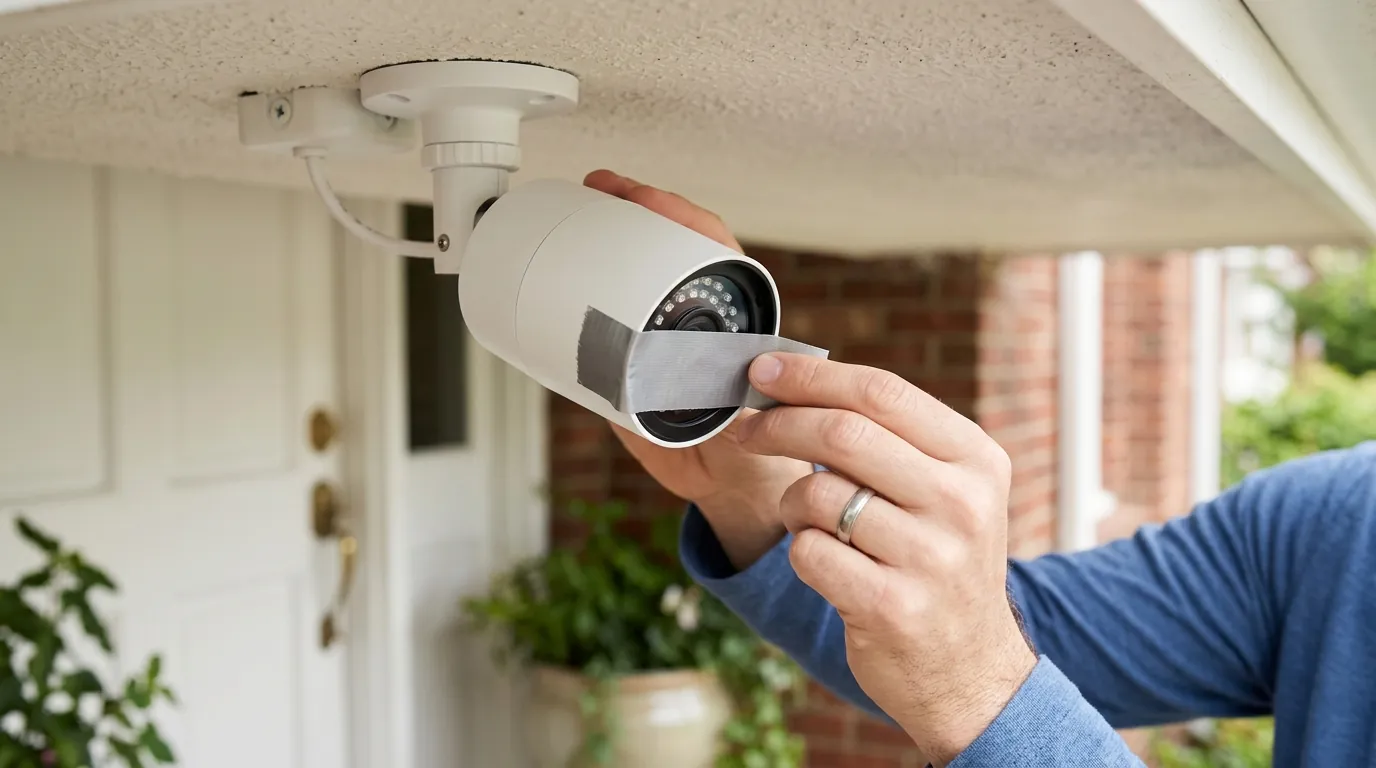
The sight of a high-tech security camera obscured by a low-tech piece of silver duct tape has become a definitive image of the 2026 surveillance landscape. Whether it is a homeowner protecting their living room from hackers or a federal agent obstructing a doorbell camera during a raid, the act of “taping over” signifies a growing friction between recording technology and physical privacy.
Quick Answer: People are covering security cameras with tape due to recent incidents like federal agents obstructing cameras, burglars physically tampering with devices, and ongoing concerns about hacking vulnerabilities (e.g., Tapo DoS flaw) and general privacy risks, prompting immediate physical measures.
What happened
Related: Reolink Argus 4 Pro Firmware Update Issues: 2026 Guide · Wyze Cam v4 Power Adapter Recall: 2026 Status & Safety Guide · How to Install a Doorbell Camera in an Apartment (2026 Guide)
The trend of covering security cameras has shifted from a niche privacy habit to a mainstream news cycle in 2026, driven by a combination of legal controversies, hardware vulnerabilities, and evolving criminal tactics.
Federal Agents and Camera Obstruction
In late 2025 and early 2026, documented incidents involving federal agents—including ICE and the Secret Service—have sparked national debate. During several high-profile operations, agents were recorded using adhesive tape to cover residents’ Ring and Nest doorbell cameras before knocking or entering the premises. According to reports from The Guardian, these actions raise significant Fourth Amendment concerns regarding the obstruction of private recording devices on private property. While law enforcement often cites “officer safety” and the need to prevent suspects from monitoring tactical movements, civil rights advocates argue that disabling a homeowner’s security system without a specific warrant for the device itself constitutes an illegal trespass and a violation of due process.
Tapo Camera DoS Vulnerability (CVE-2026-1315)
On the digital front, a critical security flaw identified as CVE-2026-1315 has left thousands of users vulnerable. Discovered in January 2026, this denial-of-service (DoS) vulnerability specifically affects the TP-Link Tapo C220 v1 and Tapo C520WS v2 cameras. According to research synthesized by SentinelOne, the flaw allows an unauthenticated attacker on the local network to send a malformed packet that crashes the device’s communication stack. This doesn’t just reboot the camera; it can persistently disable the device’s ability to record or stream until a manual hard reset is performed. For many owners, covering the lens with tape has become a temporary physical “fail-safe” to ensure that if the camera is compromised or frozen, it cannot be used as a pivot point for further network intrusion or unauthorized viewing.
Criminal Tampering and Covert Surveillance
Burglars have also adapted to the ubiquity of smart home security. Law enforcement agencies in Southern California and Florida have reported a rise in “camera blinding” tactics, where intruders use duct tape or spray-on “invisible” infrared-blocking films to neutralize cameras before a break-in.
More disturbingly, a new trend involves criminals using the “tape method” in reverse. As reported by 9News, burglars have been caught burying mobile phones in residents’ front lawns. These phones are wrapped in waterproof duct tape with only the camera lens exposed through a small hole. These devices are used to monitor the daily routines of homeowners via remote streaming, allowing criminals to identify the exact window of time a house is unoccupied.
Ongoing Privacy Concerns and Hacking Risks
The long-standing practice of covering indoor cameras—similar to the common habit of taping over laptop webcams—remains a primary driver. High-profile data breaches and “credential stuffing” attacks continue to plague the industry. When a user’s account is compromised, a hacker can theoretically view live feeds from inside the home. For many, a physical piece of tape is the only 100% reliable guarantee against unauthorized remote viewing, regardless of how many “software privacy modes” a manufacturer claims to offer.
Why it matters for buyers
For those currently shopping for a security system, these events underscore that a camera is only as secure as its weakest point—whether that point is a software bug or a physical lens.
Prioritizing Physical and Digital Security Features
The 2026 market has seen a sharp divide between cameras that offer “Privacy by Design” and those that rely on software-only solutions. Buyers are increasingly looking for physical privacy shutters—mechanical covers that slide over the lens when the camera is set to “off.”
Comparison: Camera Brands by Privacy Features (2026)
| Brand | Local Storage Option | Encryption Standard | Physical Shutter Available? |
|---|---|---|---|
| Arlo | Yes (via Base Station) | AES-128 / E2EE | Yes (Essential Indoor) |
| Eufy | Yes (HomeBase 3) | AES-128 / E2EE | Yes (Indoor Cam S350) |
| Ring | No (Cloud-primary) | AES-128 / E2EE | No (Software-only) |
| TP-Link Tapo | Yes (microSD) | AES-128 | No (Software-only) |
| Reolink | Yes (NVR/SD) | AES-128 | No (Software-only) |
Understanding Data Privacy and Cloud Policies
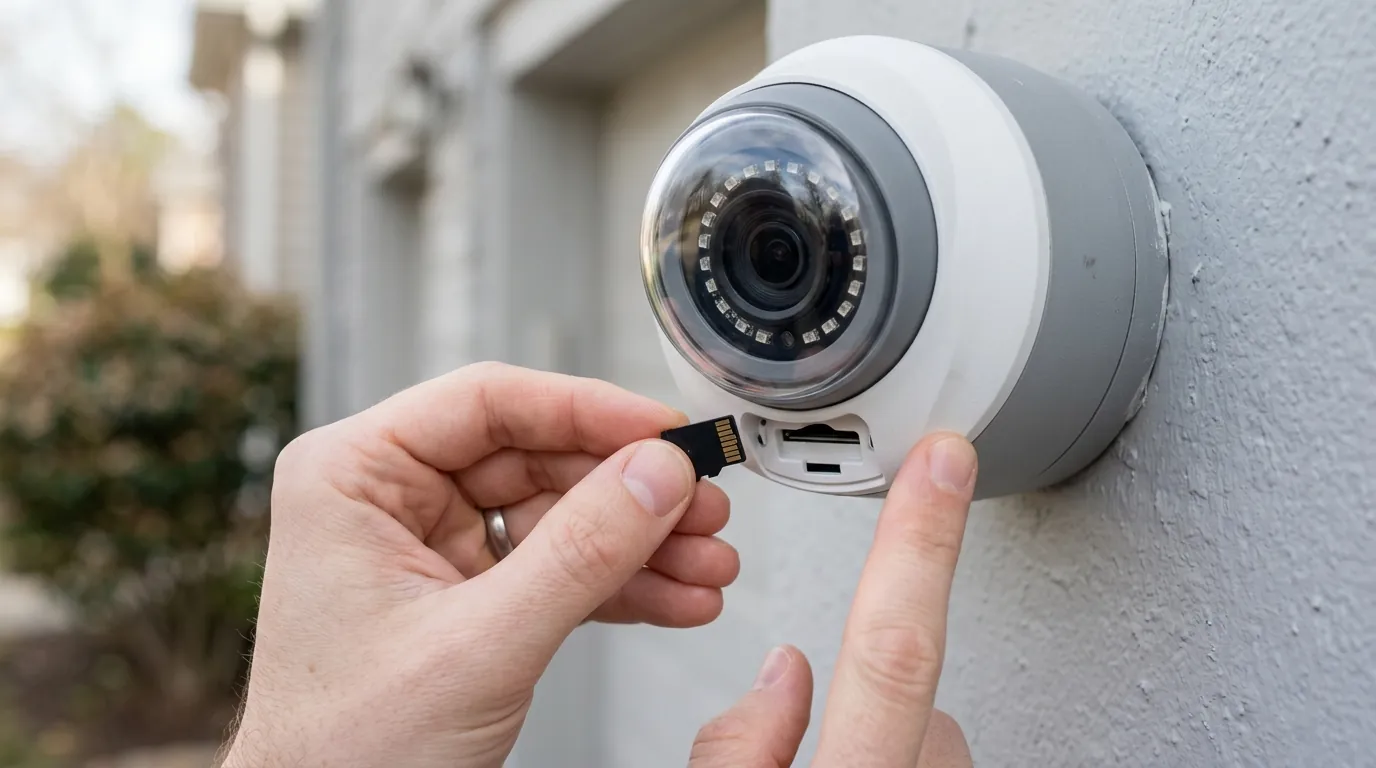
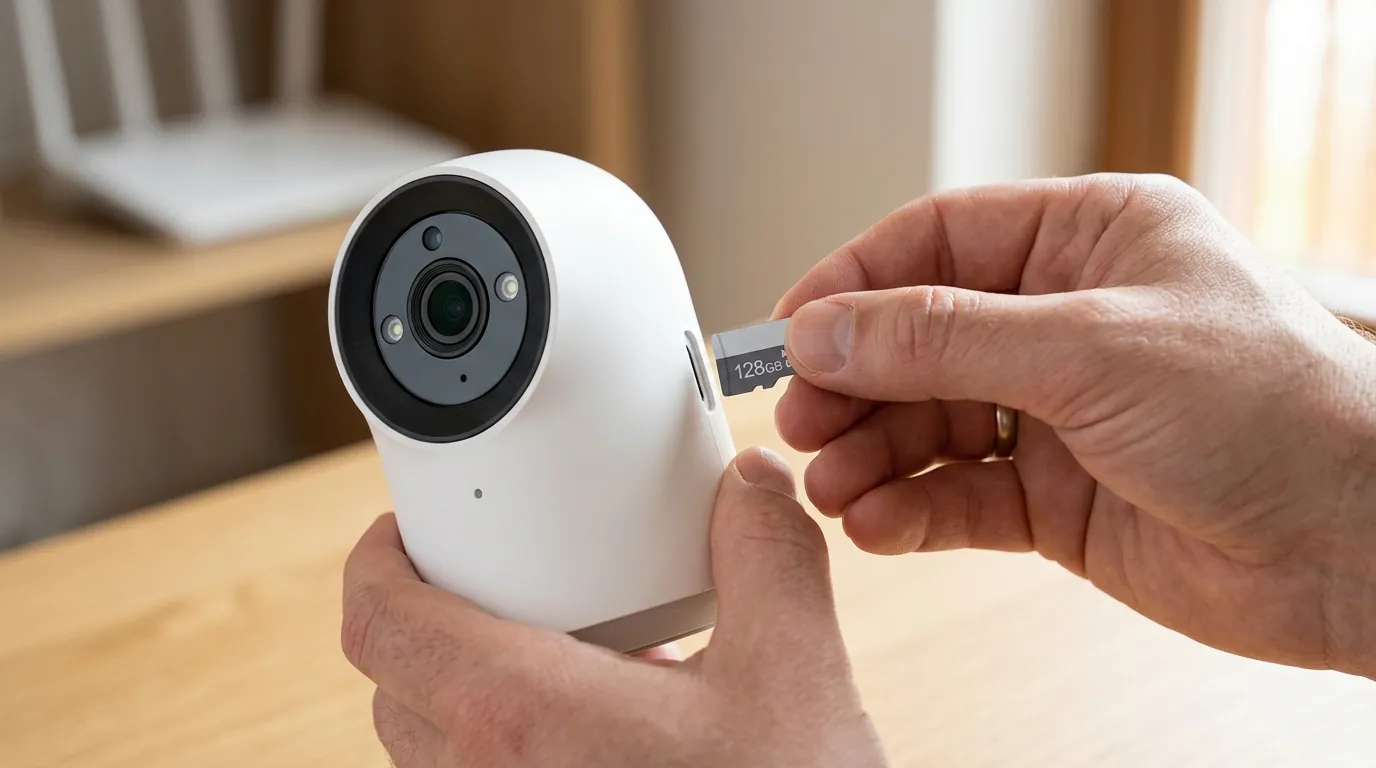
The “tape trend” is a direct response to a lack of trust in cloud providers. Buyers must differentiate between “Cloud-First” and “Local-First” ecosystems. Cloud-first brands (like Ring and Nest) often have policies that allow for law enforcement cooperation without a warrant in “emergency” situations, though Ring recently updated its policy to limit this. Local-first brands (like Reolink or Eufy) store footage on a hard drive or SD card inside your home, making it significantly harder for third parties—or hackers—to access the data without physical possession of the hardware.
The Importance of Firmware Updates
The Tapo CVE-2026-1315 flaw highlights that a camera is a living piece of software. If a manufacturer has a poor track record of patching vulnerabilities, the hardware becomes a liability. When shopping, check the manufacturer’s support page to see how frequently they release firmware updates for older models. A “cheap” camera that stops receiving security patches after 12 months is significantly more expensive in the long run if it leads to a network breach.
Legal Considerations for Camera Placement and Recording
Buyers should be aware that while they have the right to record on their own property, those rights can be challenged by authorities. Understanding the “Expectation of Privacy” laws in your specific state is crucial. For example, in many jurisdictions, you cannot record audio without consent, even on your own porch, if the person being recorded has a reasonable expectation of privacy. This legal ambiguity is part of why some owners choose to physically disable or cover cameras during sensitive conversations or when visitors are present.
Spec Table: Camera Models with Physical Privacy Shutters
| Model | Shutter Type | Price Band | Primary Storage |
|---|---|---|---|
| Arlo Essential Indoor | Mechanical (Automatic) | Under $100 | Cloud |
| Eufy Indoor Cam S350 | Dual Lens (Software/Tilt) | $150-200 | Local (HomeBase) |
| Bosch Eyes Indoor Camera II | Retractable Lens | $200-250 | Cloud/Local |
| Eve Cam | Software-only (HomeKit) | $100-150 | iCloud |
Impact on existing owners
If you already own a security system, the news of 2026 requires a proactive audit of your home’s digital and physical defenses.
Immediate Action for Vulnerable Cameras
Owners of the TP-Link Tapo C220 v1 and C520WS v2 must take immediate action to mitigate the CVE-2026-1315 vulnerability.
- Check Firmware: Open the Tapo app, go to Device Settings -> Firmware Update. Ensure you are on the latest version released after January 2026.
- Isolate the Device: If an update is not yet available, consider moving these cameras to a “Guest Network” to prevent a local attacker from using the DoS flaw to move laterally into your main computers or phones.
Physical Security and Tamper Prevention
To prevent criminals from taping over your cameras, placement is everything.
- Mount High: Outdoor cameras should be mounted at least 9 feet high, making them difficult to reach without a ladder.
- Use Enclosures: For cameras at eye level, use anti-tamper metal housings that make it difficult to apply tape or spray-on blockers to the lens.
- Dual Coverage: Overlap your camera fields of view. If an intruder tries to tape over Camera A, Camera B should capture the act.
Re-evaluating Digital Privacy and Data Access
Existing owners should revisit their brand’s privacy policy. For instance, Ring’s Transparency Report details how many law enforcement requests they receive annually. If you are uncomfortable with the potential for third-party access, 2026 is the year to consider migrating to a system that supports End-to-End Encryption (E2EE). When E2EE is enabled, only your mobile device holds the “key” to decrypt the video; not even the manufacturer can view the footage.
Enhancing Network Security for IP Devices
A camera is a gateway to your network.
- Change Defaults: If you are still using the “admin” password that came in the box, your camera is likely already listed on a botnet.
- Enable 2FA: Two-factor authentication is the single most effective way to prevent account takeovers.
- Disable UPnP: Ensure Universal Plug and Play is turned off on your router to prevent cameras from automatically opening ports to the public internet.
Benchmark: Network Security Checklist for IP Cameras
- Firmware updated to 2026 security patch levels.
- Unique, 16+ character password per camera account.
- Multi-factor authentication (MFA/2FA) enabled.
- Cameras assigned to a dedicated VLAN or Guest Network.
- UPnP and “Remote Web Management” disabled in router settings.
- Motion alerts configured for “Tamper/Obstruction” (if supported).
Knowing Your Rights Regarding Surveillance Footage
If law enforcement attempts to cover your cameras, it is important to remain calm. While you may not be able to physically stop them during an active operation without risking arrest, you should document the incident. In many states, the destruction or obstruction of private property by government agents without a specific warrant is grounds for legal action or the suppression of evidence. Consult with a legal professional regarding the “Right to Record” laws in your specific municipality.
What to do now
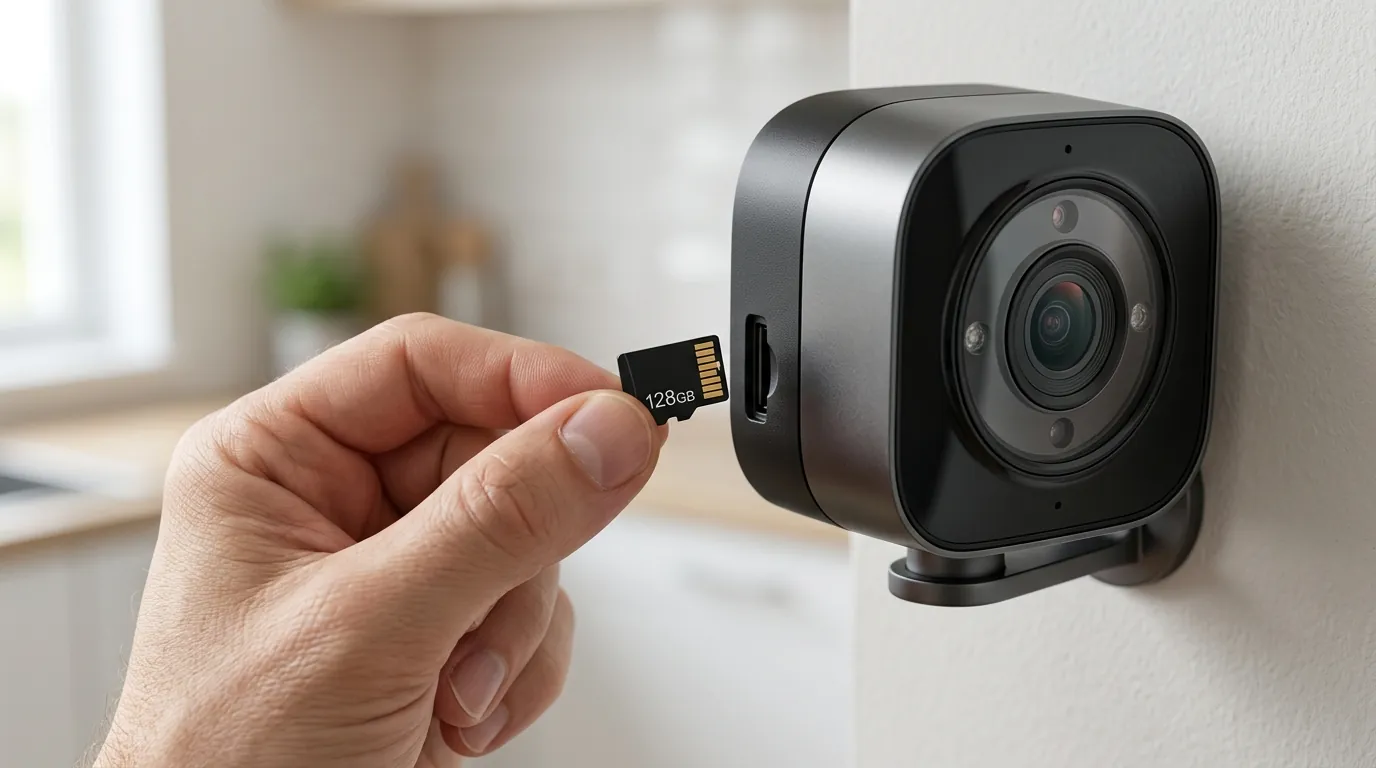
Navigating the complexities of 2026 surveillance requires a balanced approach between technology and physical common sense.
Physical Protection Strategies
For indoor cameras, don’t rely solely on “Privacy Mode.” If your camera lacks a physical shutter, aftermarket sliding covers (similar to those used for webcams) are available for a few dollars. For outdoor cameras, ensure they are out of arm’s reach. If you are a renter and cannot drill holes to mount cameras high, consider “window-mounted” cameras that look out through the glass from the inside, making them impossible for an intruder to tape over.
Firmware Updates and Account Security
Set a recurring calendar reminder to check for firmware updates every 90 days. Most modern apps (Eufy, Ring, Arlo) will send a push notification when an update is available, but these can be easily missed.
Advanced Network Hardening
If you have more than three cameras, consider a dedicated Network Video Recorder (NVR). Systems from brands like Reolink or Amcrest allow you to keep your cameras completely off the internet. They record to a local hard drive, and you only connect them to the web if you specifically want remote viewing. This effectively “tapes over” the digital lens of the internet, preventing remote hackers from ever seeing your feed.
Managing Privacy Settings and Data
Review your “Data Retention” settings. Many users keep years of footage in the cloud unnecessarily. Set your system to auto-delete footage after 14 or 30 days. This limits the “blast radius” if your account is ever compromised. Additionally, disable audio recording in common areas unless absolutely necessary; audio is often more legally sensitive than video.
Understanding Your Legal Landscape
Familiarize yourself with the “Plain View Doctrine.” Generally, if a camera can see something from a public vantage point (like the sidewalk), it is legal. However, if your camera is angled to see into a neighbor’s bedroom window, you may be liable for “Invasion of Privacy.” Use the “Privacy Masking” feature in your camera’s app to black out neighbors’ windows or sensitive areas of your own home.
Exploring Local Storage Solutions
The shift away from subscriptions is a major trend in 2026. By choosing cameras with local storage, you avoid the “Feature Paywall” and keep your data under your own roof.
Decision Framework: Which System Fits Your Situation?
| If you are a… | Prioritize… | Recommendation |
|---|---|---|
| Renter | Portability & No-Drill | Window-mounted cameras or battery-powered doorbells. |
| Homeowner | Long-term TCO | PoE (Power over Ethernet) cameras with a local NVR. |
| Small Business | Tamper Resistance | High-mounted dome cameras with IK10 impact ratings. |
| Privacy Advocate | Physical Security | Cameras with mechanical shutters and E2EE. |
Total Cost of Ownership (TCO) Analysis (3-Year Estimate)
When buying, the sticker price is often misleading.
- Ring Battery Doorbell: $100 (Hardware) + $180 (Ring Protect Basic @ $5/mo for 36 months) = $280 Total.
- Arlo Essential Indoor: $80 (Hardware) + $288 (Arlo Secure @ $8/mo for 36 months) = $368 Total.
- Eufy Indoor Cam S350: $190 (Hardware) + $0 (Local Storage) = $190 Total.
The “tape trend” is more than just a meme; it is a signal that consumers are reclaiming control over their environments. Whether through a piece of adhesive or a sophisticated local-storage NVR, the goal remains the same: ensuring that your security system works for you, and only you.
Frequently Asked Questions
Can I get in trouble for taping over a neighbor’s camera?
Yes. While you have a right to privacy, you do not have the right to touch or tamper with someone else’s property. If a neighbor’s camera is pointed into your private space (like a bathroom or bedroom), the legal remedy is to contact local law enforcement or file a civil suit for invasion of privacy, rather than physically obstructing the device.
Does tape damage the camera lens?
Standard duct tape or packing tape can leave a sticky residue that may permanently cloud the plastic lens cover or degrade the anti-reflective coating. If you must cover a lens, use a dedicated “webcam cover” or a piece of painter’s tape (masking tape), which uses a less aggressive adhesive.
Why do federal agents cover doorbell cameras?
Law enforcement agencies often cite “tactical necessity” and “officer safety.” They argue that if a suspect can see agents approaching on a smartphone, they may destroy evidence or prepare an ambush. However, the legality of this practice is currently being challenged in federal courts as a violation of property rights.
Is a software “Privacy Mode” as good as tape?
No. A software-based privacy mode relies on the device’s firmware to stop the stream. If the device is compromised by a vulnerability like CVE-2026-1315, a hacker could potentially bypass the software command. Only a physical shutter or a piece of tape provides a 100% guarantee that light is not reaching the sensor.
Sources
- [The Guardian — Police and Camera Obstruction]
- [SentinelOne — CVE-2026-1315 Vulnerability Report]
- [9News — Burglars Using Hidden Phones in Lawns]
- [TP-Link Tapo Official Support — Firmware Security Advisories]
- [Eufy Privacy Policy — Encryption and Local Storage] — https://www.eufy.com/privacy-commitment
- [Ring Transparency Report — Law Enforcement Requests]