
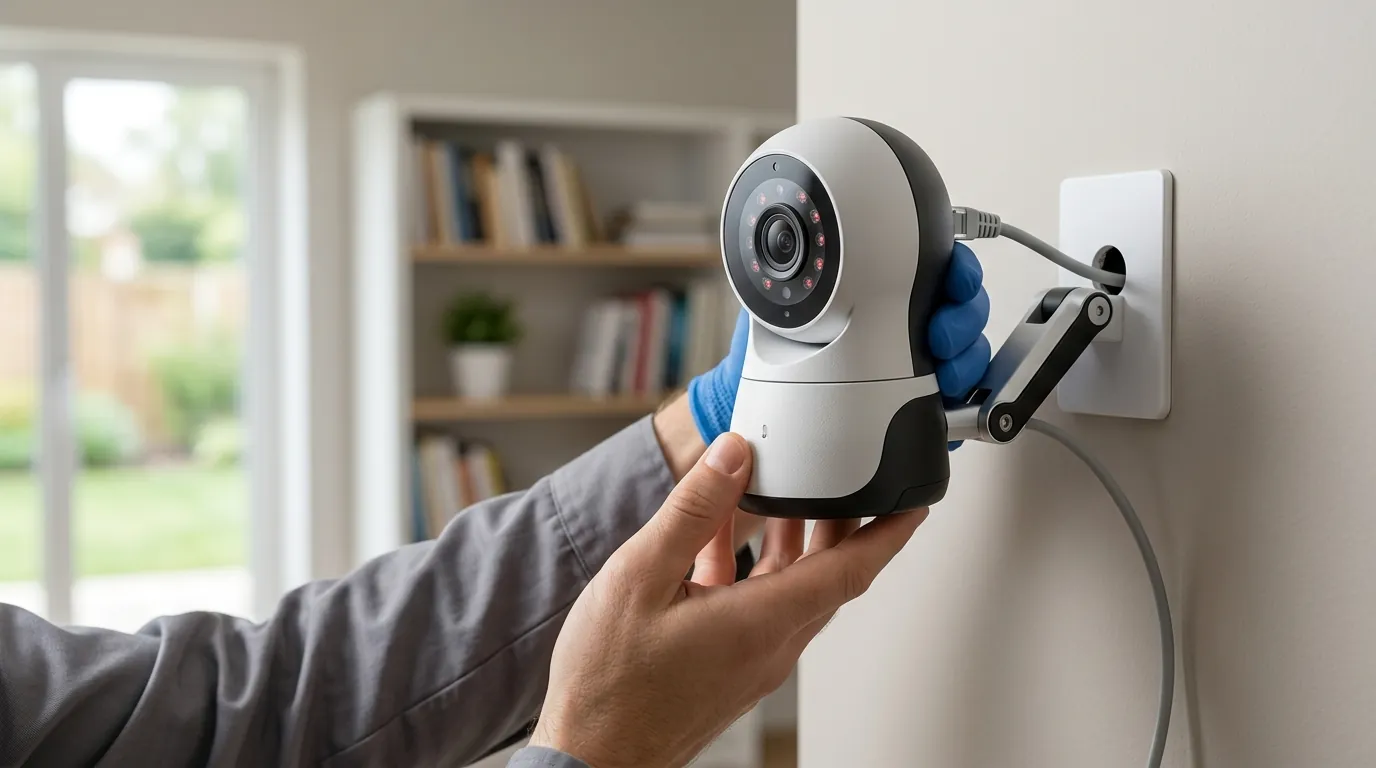
Why Are My Wyze Cameras Offline? June 2026 Outage & Update Guide
If you woke up to a “Device Offline” icon in your Wyze app this week, you are not alone. A convergence of cloud infrastructure failures and mandatory security updates has left a significant portion of the Wyze ecosystem dark as of June 17, 2026.
Quick Answer: As of June 17, 2026, Wyze cameras are appearing offline due to a major AWS outage on June 16 and a mandatory app update (v3.15.0). Update your Wyze app immediately and power cycle your devices to restore the connection.
What happened
Related: Arlo Secure App 6.26.0 Firmware Issues: Fixes & Workarounds · Wyze Cam v4 Cloud Storage: 2026 Subscription Changes & Costs · Google Nest Community Forum Deletion June 30: Save Your Data
The widespread connectivity issues currently plagueing Wyze users are the result of three distinct but overlapping events: a major cloud service disruption, a security-mandated firmware/app handshake change, and a significant hardware recall.
The June 16 AWS Disruption
On the morning of June 16, 2026, Amazon Web Services (AWS) experienced a significant disruption in the US-East-1 and US-West-2 regions. Because Wyze relies almost exclusively on AWS for its “heartbeat” checks—the signal that tells the app your camera is active—millions of devices dropped their connections simultaneously. While AWS reported a resolution late on June 16, many Wyze cameras failed to automatically reconnect, requiring a manual token refresh that can only be triggered by a hard power cycle.
The ‘VerifiedView’ Firmware Conflict
Coinciding with the outage, Wyze pushed a mandatory app update, version 3.15.0.876. This update introduces “VerifiedView,” a new end-to-end encryption protocol designed to prevent the unauthorized stream-sharing issues that the brand faced in previous years. According to Wyze Support Documentation, cameras that received the automatic firmware update for VerifiedView are now incompatible with older versions of the Wyze app. If your phone has not updated to v3.15.0, the app will report the camera as “Offline” because it cannot complete the new security handshake.
Wyze Solar Cam Pan Recall (Model WYZESCPWH)
On June 4, 2026, Wyze, in conjunction with the Consumer Product Safety Commission (CPSC), issued a voluntary recall for the Wyze Solar Cam Pan (Model WYZESCPWH). The recall stems from reports of the integrated lithium-ion battery overheating during peak summer temperatures, posing a fire risk. As part of the recall mitigation, Wyze has remotely disabled the charging capabilities of these units via cloud command. If you own this specific model, your “offline” status may be the result of a depleted battery that can no longer be recharged for safety reasons.
| Event | Date | Impact | Required Action |
|---|---|---|---|
| AWS Cloud Outage | June 16, 2026 | Global connection loss | Hard power cycle |
| VerifiedView Update | June 16, 2026 | App/Firmware mismatch | Update App to v3.15.0.876 |
| Solar Cam Pan Recall | June 4, 2026 | Battery fire risk | Discontinue use; contact Wyze |
[Image Spec: A frustrated homeowner checking their smartphone while standing near a Wyze Cam v4 mounted on a porch, with the phone screen showing an ‘Offline’ error message. Aspect Ratio: 16:9]
Why it matters for buyers
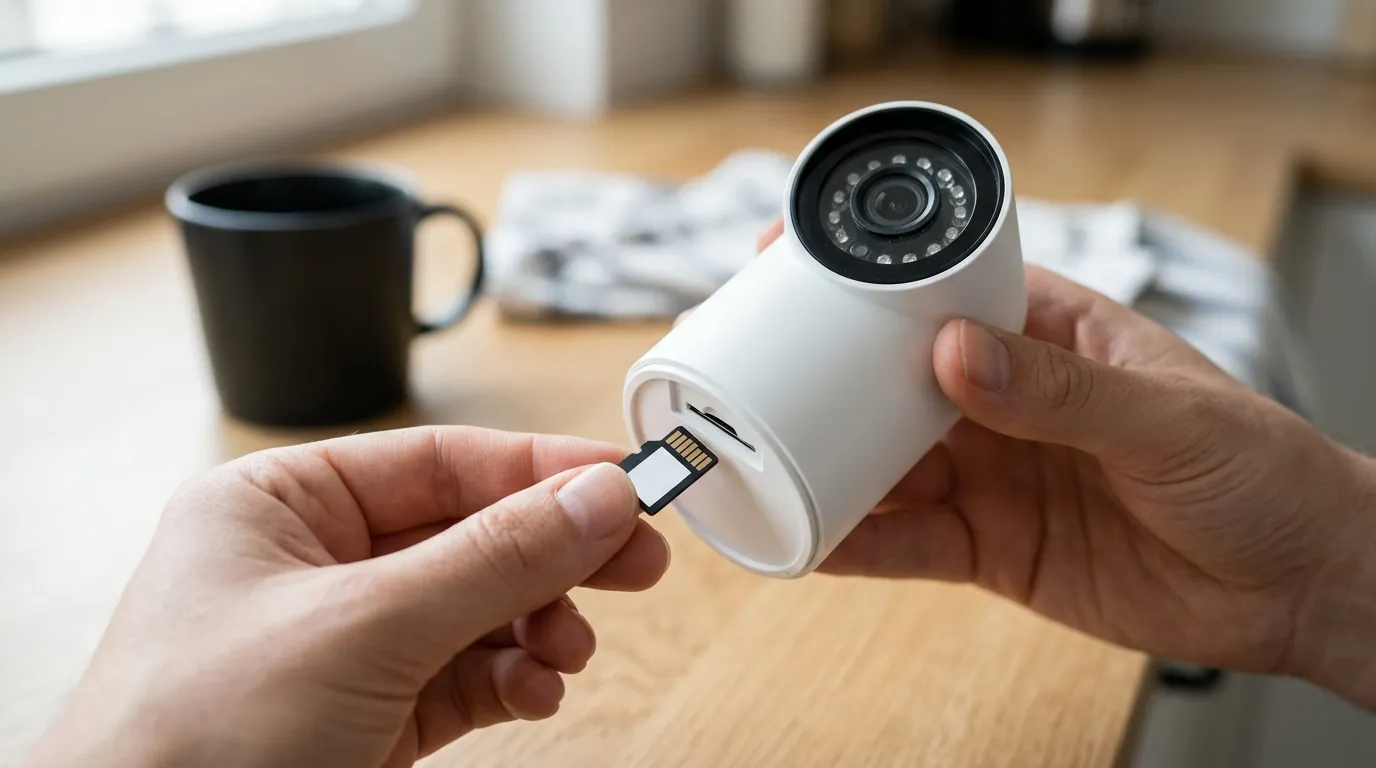
For those currently shopping for a security system, the June 2026 outage serves as a critical case study in the architecture of home security.
The Hidden Cost of Budget Cloud Cameras
Wyze has built its reputation on high-spec hardware at an entry-level price point—the Wyze Cam v4 typically retails in the $35-40 range. However, this low “buy-in” price is subsidized by a heavy reliance on cloud infrastructure. Unlike “local-first” systems (such as those from Reolink or Ubiquiti), Wyze cameras are essentially “thin clients.” When the central server (AWS) or the proprietary app handshake (VerifiedView) fails, the hardware becomes a paperweight.
Prospective buyers must decide if the $100-150 savings per camera is worth the risk of losing their security feed during a regional internet or cloud outage.
Hardware Longevity and App Compatibility
The June 2026 update has also highlighted a growing issue: “app-based obsolescence.” The v3.15.0 update requires 64-bit architecture and modern operating systems (Android 10+ or iOS 15+). Users who use older tablets as dedicated security monitors have found their hardware suddenly incompatible. This means the “Total Cost of Ownership” (TCO) for a Wyze system may include the cost of upgrading your mobile devices every few years to maintain access to your cameras.
Reliability Comparison: Cloud vs. Local
| Feature | Wyze Cam v4 (Cloud-Dependent) | Reolink Altas PT (Local-First) | Eufy S220 (Hybrid) |
|---|---|---|---|
| Resolution | 2.5K (QHD) | 4K (UHD) | 2K |
| Storage | Cloud + MicroSD (limited) | Local NVR / MicroSD | HomeBase 3 (Local) |
| Offline Function | No Live View / No Alerts | Full Local Recording | Local Recording Only |
| Subscription | $3/mo (Cam Plus) | Optional | Optional |
| Price Band | Under $50 | $150-200 | $100-150 |
Impact on existing owners
The June events have caused more than just a temporary loss of live video; they have disrupted the core utility of the security system.
Subscription Service Interruptions
Even users paying for “Cam Plus” or “Cam Unlimited” tiers reported a total loss of “Event” recordings during the AWS outage window. Because Wyze’s AI detection (person, vehicle, pet) happens in the cloud rather than on the device, the cameras were unable to categorize or save clips to the cloud. For subscribers, this represents a service failure for a paid product.
The ‘App Gap’: When Your Phone Is Too Old for Your Camera
Community reports on r/Wyze indicate that users with 32-bit Android devices or older tablets (common for budget “wall-mounted” dashboards) can no longer download the v3.15.0 app. This has created an “App Gap,” where the camera is functioning and the firmware is updated, but the user has no way to view the feed. This move toward 64-bit exclusivity is a growing trend in 2026 as manufacturers prioritize security protocols like VerifiedView over backward compatibility.
Safety Concerns and Automation Failures
For those with smart home integrations, the outage was particularly disruptive. Wyze Rules—such as “Turn on porch light when Cam v4 detects motion”—failed to execute because the trigger requires a cloud handshake. This “single point of failure” meant that users who rely on their cameras for safety automations were left in the dark, literally and figuratively.
What to do now
If your cameras are still showing as offline, follow this prioritized checklist to restore your system.
Immediate Connection Fixes
- Update the App: Open the Google Play Store or Apple App Store and search for Wyze. Ensure you are on version 3.15.0.876 or higher. This is the most common fix for the “VerifiedView” handshake error.
- Hard Power Cycle: Do not just restart the camera via the app (which won’t work if it’s offline). Physically unplug the power cable from the back of the camera. Wait 30 full seconds to allow the capacitors to discharge, then plug it back in. This forces the camera to request a new security token from the AWS servers.
- Check the “Status Light”:
- Solid Red: The camera is powered but cannot connect to Wi-Fi.
- Flashing Blue: The camera is connecting to the cloud.
- Solid Blue: The camera is online (if the app still says offline, the issue is your phone’s cache).
How to Handle the Solar Cam Pan Recall
If you own the Wyze Solar Cam Pan (Model WYZESCPWH), you should stop using it immediately, even if it appears to be working.
- Identify: Check the sticker on the bottom of the camera for the model number.
- Action: Visit the Wyze Recall Portal to register your serial number. Wyze is currently offering a choice between a full refund (in the form of a digital gift card) or a discounted upgrade to the Wyze Cam Pan v3 with a separate, non-integrated solar panel.
Future-Proofing Your Setup with Local Storage
To prevent a total loss of footage during the next AWS outage, we recommend the following “Local-First” strategy:
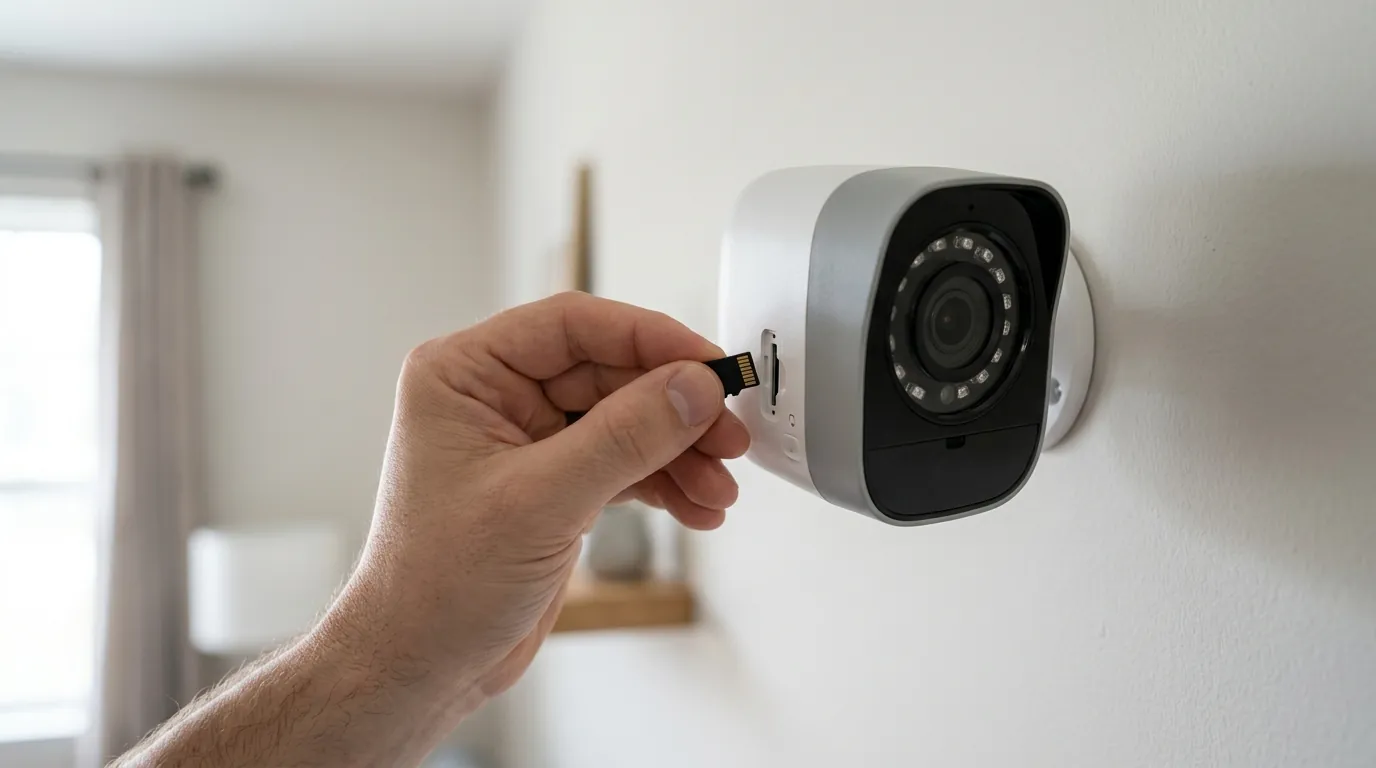
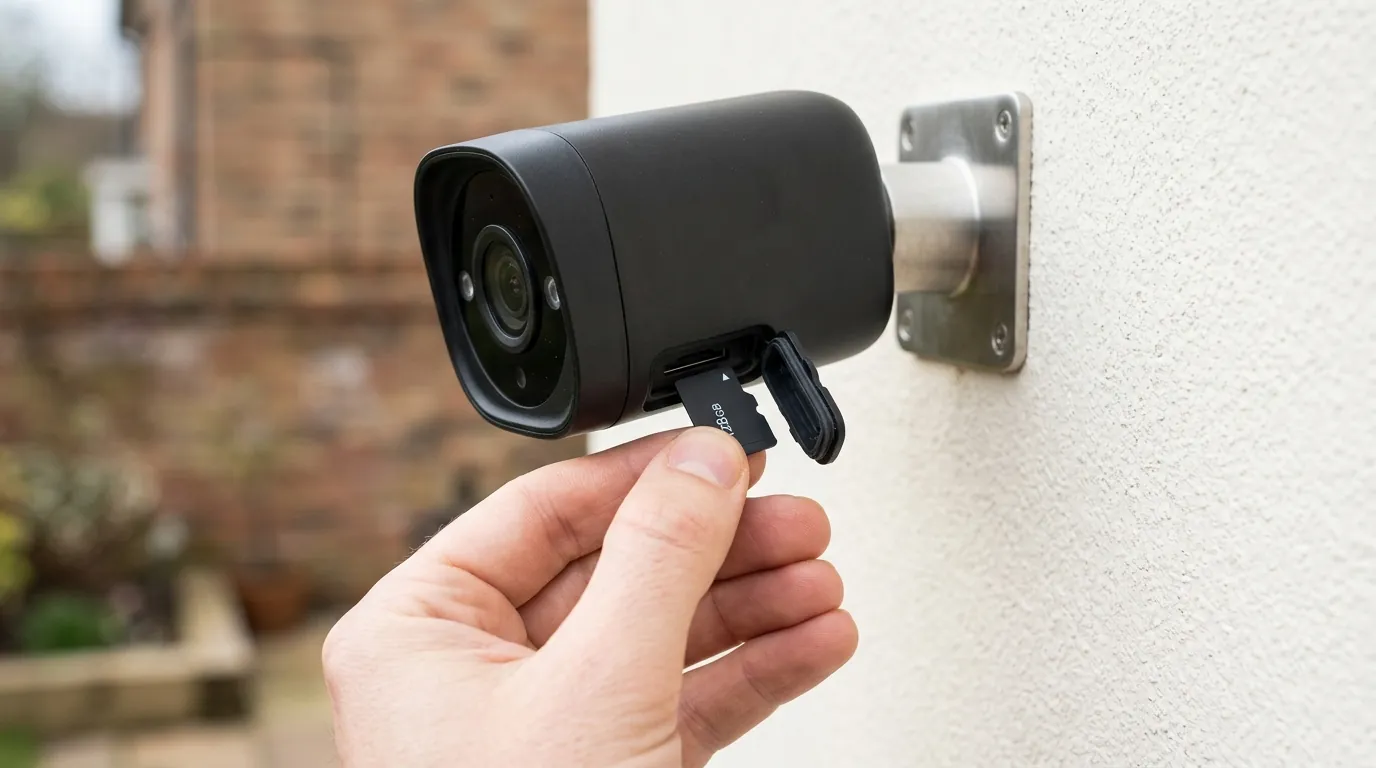
- Install High-End MicroSD Cards: The Wyze Cam v4 supports up to 256GB cards. Ensure you use “High Endurance” cards (Class 10, U3, V30) designed for continuous video writing.
- Enable ‘Record to MicroSD’: In the camera settings, ensure “Continuous Recording” is toggled on. This ensures the camera keeps recording to the card even if the cloud connection is severed.
- Consider an NVR: For critical areas, consider a system that supports ONVIF or RTSP protocols, allowing you to record to a local Network Video Recorder (NVR) that doesn’t require an internet connection to function.
Decision Framework: Should You Stay or Switch?
| If you… | Then… |
|---|---|
| Are a Renter on a Budget | Stay with Wyze. The $35-40 entry price is unbeatable, and the June outage is a rare (though frustrating) event. Just ensure your phone is modern enough to run the latest app. |
| Need 100% Reliability | Switch to a Local NVR. Look at brands like Reolink or Lorex. These systems record to a hard drive in your home and will work even if the internet is completely cut. |
| Want “Smart” without the Cloud | Switch to Eufy or Apple HomeKit. These platforms do more “Edge AI” processing on the device or a local hub, reducing the dependency on giant cloud outages. |
| Own a Solar Cam Pan | Return it Immediately. Do not risk a battery fire. Use the refund to transition to a wired Cam v4 or a different brand. |
Total Cost of Ownership (3-Year Estimate)
When comparing the “cheap” Wyze option to more expensive competitors, the 3-year TCO is the most accurate metric.
- Wyze Cam v4:
- Hardware: ~$35
- Cam Plus Subscription ($3/mo): $108
- High-End 128GB SD Card: ~$20
- Total: ~$163
- Reolink Altas PT (No Subscription):
- Hardware: ~$160
- Subscription: $0
- SD Card (Included or ~$20): $20
- Total: ~$180
The gap between a “budget” cloud camera and a “premium” local-storage camera is often less than $20 over three years. Owners should weigh whether the increased reliability of a local-first system is worth the higher upfront cost.
Frequently Asked Questions
Why did my Wyze camera stop recording to the cloud but the SD card still works?
Cloud recording requires a successful “handshake” with Wyze’s AWS servers. During the June 2026 outage, these servers were unavailable, so the camera had nowhere to send the video clips. However, local recording to an SD card happens entirely within the camera’s hardware and does not require an internet connection, which is why your local footage remained intact.
Can I roll back my Wyze app to an older version to fix the “Offline” error?
While it is technically possible on Android to sideload older APKs, it is not recommended. The June 2026 “VerifiedView” update is a security requirement. If your camera’s firmware has already updated to the new protocol, an older version of the app will be unable to decrypt the video stream, and the camera will remain “Offline” regardless of the app version.
Is the Wyze Solar Cam Pan recall mandatory?
While the CPSC calls it a “voluntary recall,” it is strongly advised that you comply. The battery fire risk is associated with thermal runaway in the integrated solar-battery housing. Wyze has already begun pushing firmware that limits charging to prevent fires, which effectively renders the “Solar” aspect of the camera non-functional.
How do I know if my phone is too old for the new Wyze app?
The Wyze app v3.15.0 requires a 64-bit processor and a minimum of Android 10 or iOS 15. If you search for “Wyze” in your app store and the app does not appear, or it says “Your device is no longer compatible,” your hardware is likely 32-bit or running an outdated OS that cannot support the new security protocols.
Sources
- Wyze Official Support: 2026 Firmware & App Release Notes — https://support.wyze.com/hc/en-us/articles/2026-update-notes
- AWS Health Dashboard: June 16 Service Disruption Summary — https://health.aws.amazon.com/health/status
- CPSC Recall Notice: Wyze Solar Cam Pan (WYZESCPWH) — https://www.cpsc.gov/recalls/2026/wyze-solar-cam-pan-recall
- RTINGS: Wyze Cam v4 vs. The Competition (2026 Update)
- Wyze Privacy Policy: VerifiedView Encryption Standards