
Wemo Smart Video Doorbell Drops Off HomeKit? Fixes for 2026
For many Apple HomeKit users, the Wemo Smart Video Doorbell was the first major option to support HomeKit Secure Video (HKSV) out of the box. However, as of 2026, many owners are finding the “No Response” status is more common than a working video feed.
Quick Answer: Wemo doorbell drops are typically caused by insufficient transformer voltage (16-24V AC required), thermal shutdown in direct sunlight, or 5GHz Wi-Fi interference. Because Belkin officially retired the Wemo app and cloud services on January 31, 2026, the device now functions as a local-only HomeKit accessory. Ensure your Home Hub (Apple TV or HomePod) is on the latest version of tvOS/HomePodOS and check that your transformer is rated for at least 30VA to maintain stability.
The symptom
Related: Eufy E340 Doorbell Mechanical Chime Not Working? Fixes & Tips · Tapo C200 Offline After Firmware Update? 2026 Fix Guide · Eufy E340 Doorbell Livestream Not Loading? 6 Fixes (2026)
The most frustrating aspect of the Wemo Smart Video Doorbell (Model WDC010) is that it rarely “fails” completely; instead, it enters a state of intermittent unavailability that renders it useless for security. Owners typically report that the physical button continues to trigger the indoor mechanical chime, but the digital ecosystem collapses.
The primary symptoms of a failing Wemo connection include:
- The ‘No Response’ Status: This appears in the Apple Home app on iPhone, iPad, and Mac. While other HomeKit devices (like smart plugs or lights) remain responsive, the doorbell tile is grayed out.
- The Notification Gap: You may hear your doorbell ring at the door, but your iPhone fails to send a notification, and your HomePod does not announce a visitor.
- Daylight Drop-offs: The camera works flawlessly at 2:00 AM but becomes unresponsive between 11:00 AM and 4:00 PM, often coinciding with peak sun exposure on the front door.
- LED Indicators: The small status light on the doorbell provides the most accurate diagnostic data.
Identifying ‘No Response’ vs. ‘Offline’
In the HomeKit ecosystem, “No Response” is a specific error indicating that the Home Hub (your Apple TV or HomePod) cannot communicate with the doorbell over the local network. This is distinct from the device being “Offline” in the traditional sense. A “No Response” error often means the doorbell is powered on and “thinks” it is connected, but the mDNS (Multicast DNS) handshake required for HomeKit has failed.
The ‘Spinning Wheel’ of Death in HomeKit Secure Video
When you tap the doorbell tile in the Home app, you may see a thumbnail that is several hours old. Upon clicking it, a spinning loading icon appears indefinitely. This “Spinning Wheel” usually indicates that the Wemo WDC010 has sufficient power to maintain a Wi-Fi heartbeat but lacks the sustained amperage or thermal headroom to initiate a high-definition HKSV stream.
| LED Pattern | Meaning | Action Required |
|---|---|---|
| Solid Blue | Connected and functioning normally | None |
| Solid White | Booting up or starting up | Wait 2 minutes for initialization |
| Flashing Red | Wi-Fi connection lost | Check router distance or 2.4GHz/5GHz interference |
| Solid Red | Hardware error or Thermal Shutdown | Allow unit to cool; check transformer voltage |
| Flashing White | Ready for HomeKit setup | Re-add to Home app if previously deleted |
What’s likely happening
As of 2026, the Wemo Smart Video Doorbell faces a “perfect storm” of hardware limitations and ecosystem shifts. Because Belkin discontinued the Wemo App and Cloud backend on January 31, 2026, the device no longer checks in with manufacturer servers. It relies entirely on your local network’s ability to maintain a HomeKit bridge.
The Heat Factor: Why Wemo Struggles in Summer
The Wemo WDC010 is a compact unit with a black plastic faceplate—a design that absorbs significant solar radiation. According to user reports on r/HomeKit, the unit is prone to thermal throttling when ambient temperatures exceed 95°F (35°C). When the internal processor reaches its thermal limit, it disables the Wi-Fi radio to prevent permanent hardware damage, leading to the “No Response” error.
HomeKit Hub Handover Glitches
HomeKit Secure Video relies on a “Home Hub” to process video locally. If you have multiple Apple TVs and HomePods, HomeKit will occasionally hand over the “Primary Hub” responsibilities from one device to another. If the Wemo is communicating with an Apple TV in the basement, but the hub role moves to a HomePod Mini in the kitchen, the mDNS path can break. This is a common cause of the Wemo dropping off while other devices stay online.
Wi-Fi Frequency Conflicts
The Wemo WDC010 supports both 2.4GHz and 5GHz Wi-Fi bands. While 5GHz is faster, its range is significantly shorter and it struggles to penetrate exterior walls (brick, stucco, or siding). Many modern mesh routers use “Band Steering” to force devices onto 5GHz. If the Wemo is forced onto a weak 5GHz signal rather than a strong 2.4GHz signal, the connection will drop whenever there is minor interference.
| Component | Minimum Requirement | Recommended for 2026 Stability |
|---|---|---|
| Voltage | 16V AC | 24V AC |
| Power (VA) | 10VA | 30VA or 40VA |
| Wi-Fi Signal | -70 dBm RSSI | -60 dBm or better |
| Firmware | 1.0.16 (Final) | 1.0.16 (Final) |
Quick fixes (in order of likelihood)
Before dismantling your doorbell or calling an electrician, follow these steps to reset the software handshake between the Wemo and HomeKit.
Restarting your HomeKit Architecture
Often, the doorbell is fine, but the Home Hub is “stuck.”
- Open the Home App.
- Tap the three dots (…) and select Home Settings.
- Go to Home Hubs & Bridges.
- Identify which device is listed as the “Connected” hub.
- Unplug that specific Apple TV or HomePod for 30 seconds, then plug it back in. This forces a new election for the primary hub and often clears stale mDNS caches.
Power Cycle the Doorbell
If the Home Hub restart fails, you must cold-boot the camera. Since the Wemo WDC010 is hardwired, the easiest way is to flip the breaker in your electrical panel labeled “Doorbell” or “Front Entry” for 30 seconds. This forces the hardware to re-initialize its Wi-Fi handshake.
Forcing a 2.4GHz Connection
If your router allows for separate SSIDs (e.g., “Home_WiFi” and “Home_WiFi_5G”), move your iPhone to the 2.4GHz network and re-setup the Wemo. If you use a mesh system like eero or Nest Wi-Fi that doesn’t allow separate SSIDs, you can temporarily disable the 5GHz band in the router settings (often called “Troubleshooting Mode” or “Legacy Mode”) while the Wemo reconnects. This ensures it latches onto the more stable 2.4GHz frequency.
Checking for Firmware Updates
As of early 2026, the Wemo app is no longer functional. The final stable firmware for the WDC010 is version 1.0.16. If your device was not updated prior to the January 31, 2026 shutdown, you may be unable to update it further, as Belkin has removed the update servers. You can check your current version in the Apple Home app by tapping the Doorbell Tile > Settings Cog > Accessory Details.
Deeper diagnostics
If quick fixes don’t prevent the doorbell from dropping off again within 24 hours, the issue is likely physical: either power delivery or signal strength.
Testing Your Transformer’s VA Rating
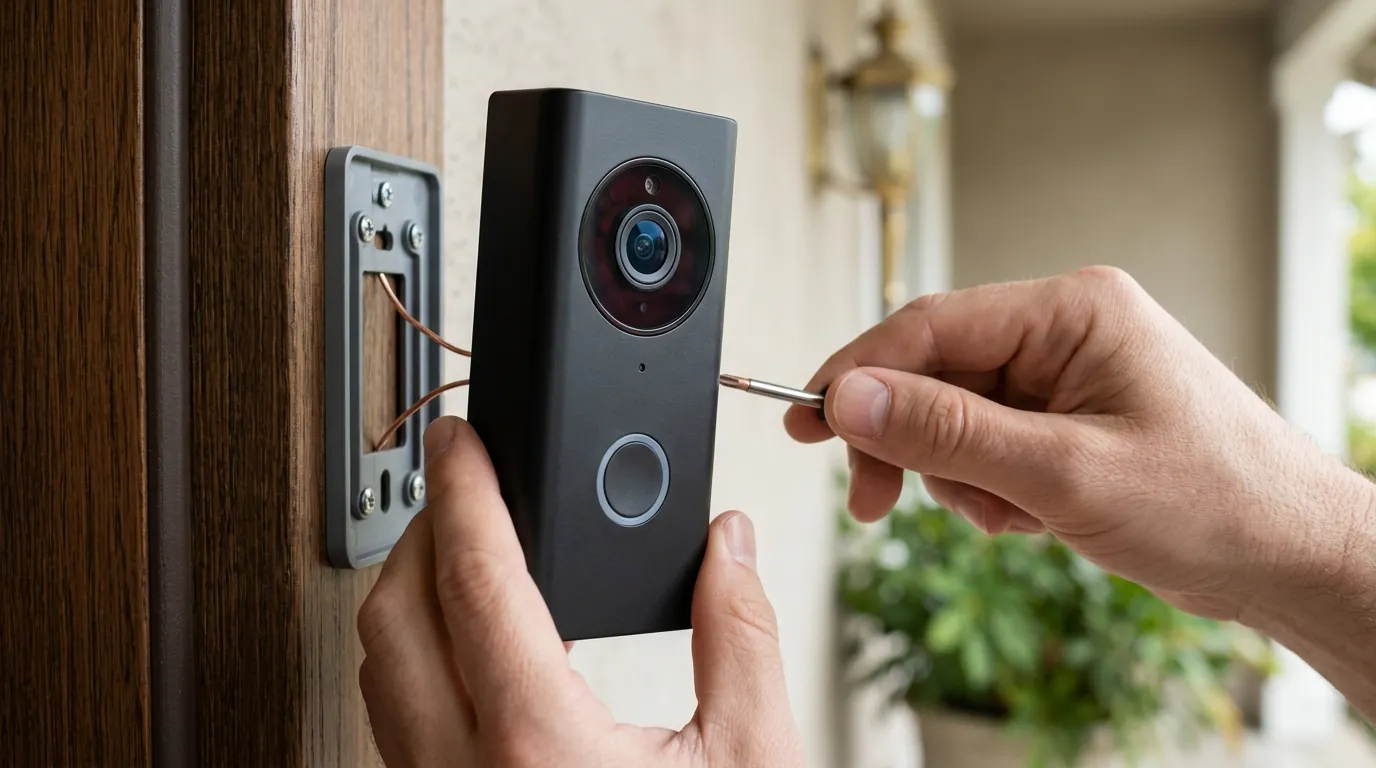
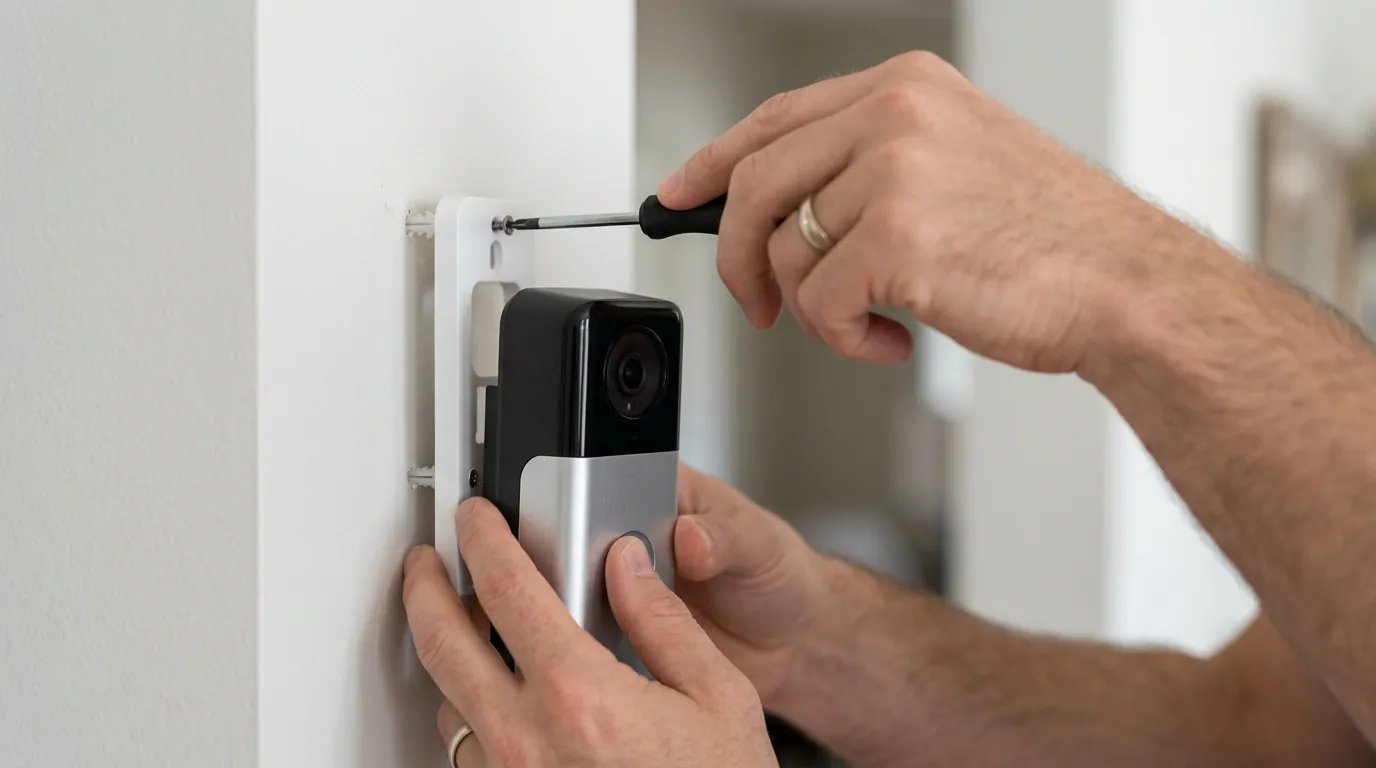
Most American homes built before 2010 use a 16V/10VA transformer. While 16V is technically enough to “turn on” the Wemo, 10VA (Volt-Amps) is insufficient to power a camera, an IR night-vision array, and a Wi-Fi radio simultaneously while also ringing a mechanical chime.
To diagnose this, you will need a digital multimeter:
- Set the multimeter to AC Voltage.
- Touch the probes to the two screws on the back of the doorbell.
- Have someone press the doorbell button.
- Watch for “Voltage Sag.” If the reading drops below 16V when the button is pressed, your transformer is underpowered and is causing the camera to reboot.
Analyzing Network Interference
Even if your phone shows “full bars” at the front door, the doorbell’s internal antenna is much smaller. Use a Wi-Fi analyzer app (like Airport Utility on iOS or Wi-Fi Analyzer on Android) to check the RSSI (Received Signal Strength Indicator) at the mounting spot.
- -30 to -60 dBm: Excellent signal.
- -60 to -70 dBm: Marginal; likely to cause “No Response” errors during high traffic.
- -70 dBm and lower: Unstable; the Wemo will frequently drop off HomeKit.
When to Replace the Hardware
If you have verified 24V power and a -55 dBm Wi-Fi signal, yet the “No Response” error persists (especially during warm weather), the WDC010 may have internal hardware degradation. Given that Wemo has exited the camera space as of 2026, warranty support is increasingly difficult to obtain.
In these cases, we recommend transitioning to a more robust HKSV-compatible doorbell. The Aqara Smart Video Doorbell G4 (typically in the $120-$150 range) is a frequent recommendation in the r/HomeSecurity community. It uses a dedicated Wi-Fi chime repeater that sits inside the house, effectively acting as a bridge to ensure the camera outside doesn’t have to fight through the exterior wall’s interference.
When to contact support
Belkin’s support for the Wemo line has transitioned into a “maintenance phase” following the 2026 app retirement.
- Warranty Windows: The Wemo Smart Video Doorbell typically carries a 1-year limited warranty from the date of purchase. If you purchased your unit in late 2025, you might still be covered.
- Evidence Gathering: Before calling, take a screenshot of the “No Response” screen and a photo of your transformer’s labels (showing the V and VA ratings).
- Contact Info: Belkin support can be reached at 1-800-223-5546. However, be aware that since the Wemo cloud is offline, support staff may only be able to offer hardware troubleshooting rather than software fixes.
As of mid-2026, there are no active recalls for the WDC010, though Belkin has issued service bulletins regarding the app shutdown, advising users that the device is now “HomeKit-exclusive.”
How to prevent it
Stabilizing a HomeKit camera requires “over-provisioning”—providing more power and signal than the minimum specs suggest.
Power Hardening for Security Cameras
The single most effective way to stop the Wemo from dropping off HomeKit is to replace your doorbell transformer with a 24V/40VA model. These are available at most hardware stores for the $20-$40 range. The higher VA rating ensures that even when the camera is recording a high-bitrate event at night (with IR lights on), there is plenty of “headroom” so the voltage doesn’t sag and cause a disconnect.
Install a Doorbell Heat Shield
If your doorbell faces the afternoon sun, the black casing will overheat. Third-party silicone covers or plastic “roof” shields can provide enough shade to reduce the surface temperature by 10-15 degrees. This is often the difference between a working camera and a “No Response” error during a July heatwave.
Optimizing HomeKit Network Traffic
To ensure the Home Hub never loses the doorbell’s “handshake,” consider these network tweaks:
- Static IP Reservation: Log into your router and assign a permanent IP address to the Wemo. This prevents the “No Response” error that occurs when a DHCP lease expires and the doorbell takes a new IP that the Home Hub hasn’t recognized yet.
- Dedicated IoT VLAN: If your router supports it, put all HomeKit devices on a 2.4GHz-only IoT VLAN. This reduces congestion from high-bandwidth devices like laptops and 4K streaming sticks.
Recommended 2026 Transformer Specs Table
| Spec | Standard Transformer | Recommended Upgrade |
|---|---|---|
| Output Voltage | 16V AC | 24V AC |
| Power Capacity | 10VA | 40VA |
| Compatibility | Mechanical chimes only | Mechanical, Digital, and Smart Cameras |
| Stability Impact | High risk of reboots | Maximum HKSV stability |
By addressing the power delivery and thermal environment, most Wemo Smart Video Doorbell owners can maintain a stable HomeKit connection well into 2026, even without the original manufacturer app.
Frequently Asked Questions
Can I still set up a Wemo Doorbell if I don’t have the Wemo App?
Yes. As of 2026, the Wemo Smart Video Doorbell supports “HomeKit Direct” setup. You simply scan the HomeKit QR code on the back of the unit or in the manual using the Apple Home app. The doorbell will join your Wi-Fi network directly through the Apple ecosystem without needing a Wemo account.
Why does my Wemo doorbell work on my phone but not on my Apple TV?
This usually indicates a “Hub Mismatch.” Your iPhone might be communicating with the doorbell over the local 2.4GHz network, while your Apple TV (acting as the Home Hub) is on a different subnet or a 5GHz band that is experiencing packet loss. Restarting the Apple TV usually forces it to re-establish the HKSV stream.
Does the Wemo Smart Video Doorbell require a subscription in 2026?
The Wemo itself does not have a subscription fee, but to use HomeKit Secure Video (recording and cloud storage), you must have an Apple iCloud+ plan. The 50GB plan supports one camera, while higher tiers support unlimited cameras. Since the Wemo cloud is shut down, there is no other way to record video.
What should I do if my Wemo doorbell is flashing red?
A flashing red light means the doorbell has lost its Wi-Fi connection. If it doesn’t resolve itself within 5 minutes, power cycle the unit at the breaker. If the flashing red light returns frequently, you likely have a weak Wi-Fi signal at the door or your router’s mDNS settings are blocking the HomeKit handshake.
Sources
- Belkin Official Support — Wemo Smart Video Doorbell, WDC010 User Guide
- Apple Support — Set up HomeKit Secure Video on all your devices
- Reddit r/HomeKit — Wemo Doorbell No Response Megathread
- RTINGS — Wemo Smart Video Doorbell Review and Technical Testing