
Vacant Home Security: 2026 Risks & Smart Camera Monitoring Tips
Leaving a home vacant, whether for an extended vacation, a seasonal stay, or during a property sale, introduces distinct security vulnerabilities that demand a specialized approach to monitoring. In 2026, the landscape of vacant home security is shaped by evolving criminal tactics and advancements in smart camera technology, making informed decisions more critical than ever.
Quick Answer: To secure a vacant home in 2026, prioritize subscription-free security cameras with local storage, AI-powered detection, and long battery life or solar charging. Consider systems like eufyCam S4 or Reolink Argus 4 Pro for reliable, privacy-focused monitoring without monthly fees.
What happened
Related: Why Are People Covering Security Cameras with Tape? Latest 2026 News · Reolink Argus 4 Pro Firmware Update Issues: 2026 Guide · Wyze Cam v4 Power Adapter Recall: 2026 Status & Safety Guide
Vacant properties are increasingly targeted for theft, vandalism, and unauthorized occupation, facing unique risks beyond standard occupied homes. These residences often present as easy targets due to a lack of visible activity, mail accumulation, and reduced lighting, signaling to potential intruders that the property is unattended.
Rising Vulnerabilities of Unoccupied Properties
Statistics underscore the heightened risk. In 2024, 779,542 burglaries were reported in the U.S., with residential properties accounting for nearly two-thirds of these incidents. Homes without security systems are significantly more vulnerable, estimated to be 300% more likely to be burglarized. A substantial portion of burglaries occur during daytime hours, between 10 AM and 3 PM, precisely when homes are often unoccupied for work or errands. This risk is amplified for homes that are vacant for extended periods.
Beyond criminal activity, vacant homes are susceptible to undetected maintenance issues. A burst pipe, an electrical short, or even a pest infestation can go unnoticed for weeks or months, leading to extensive and costly damage before discovery. These non-criminal threats highlight the need for comprehensive monitoring solutions that extend beyond basic intrusion detection. The financial implications can be severe, with insurance claims for water damage, for example, often exceeding the cost of a robust monitoring system.
The Shift Towards Proactive Security
The security landscape is shifting towards AI-driven detection, proactive deterrence, and reliable connectivity to reduce false alarms and enable faster responses. Traditional motion sensors often trigger alerts from animals or environmental factors, leading to “alert fatigue” where owners become desensitized to notifications. Modern cameras, however, leverage artificial intelligence to differentiate between people, vehicles, and animals, significantly improving the accuracy of alerts and focusing attention on genuine threats. This evolution is crucial for vacant homes, where every alert needs to be genuinely actionable. Furthermore, integrated systems can now offer proactive deterrence through features like two-way audio, integrated spotlights, and sirens, allowing owners to respond remotely and potentially deter intruders before a break-in occurs. The emphasis is now on preventing incidents rather than merely recording them.
Why it matters for buyers
For buyers seeking to secure a vacant home, the choice of security camera system has significant implications for both effectiveness and long-term cost. Understanding key features like local storage, AI detection, power options, and privacy policies is paramount.
Avoiding the Subscription Trap: Local Storage Solutions
Subscription-free cameras with local storage are crucial for avoiding ongoing fees and maintaining data privacy. Many popular camera brands require monthly or annual subscriptions for cloud storage, advanced features, and even basic functionalities like accessing recorded video history. Over time, these subscription costs can far exceed the initial hardware investment.
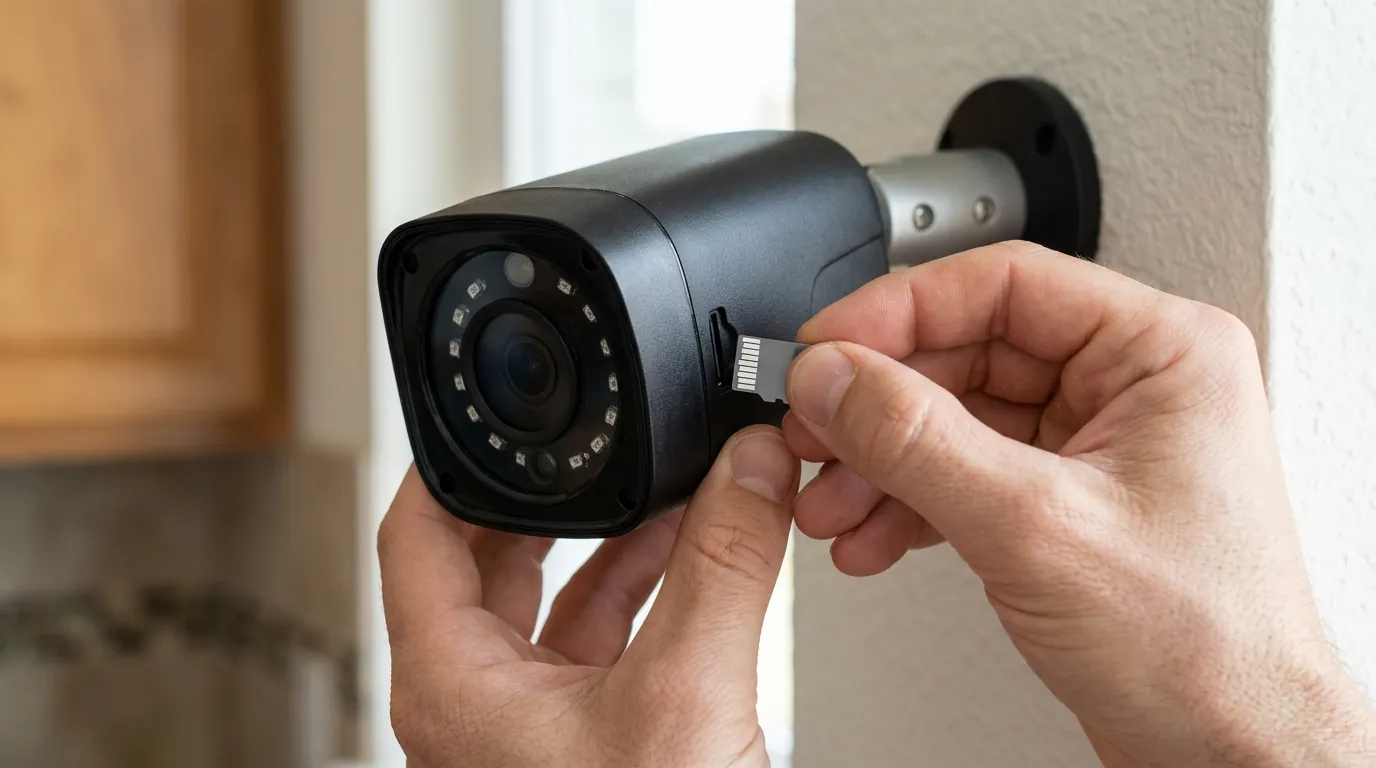
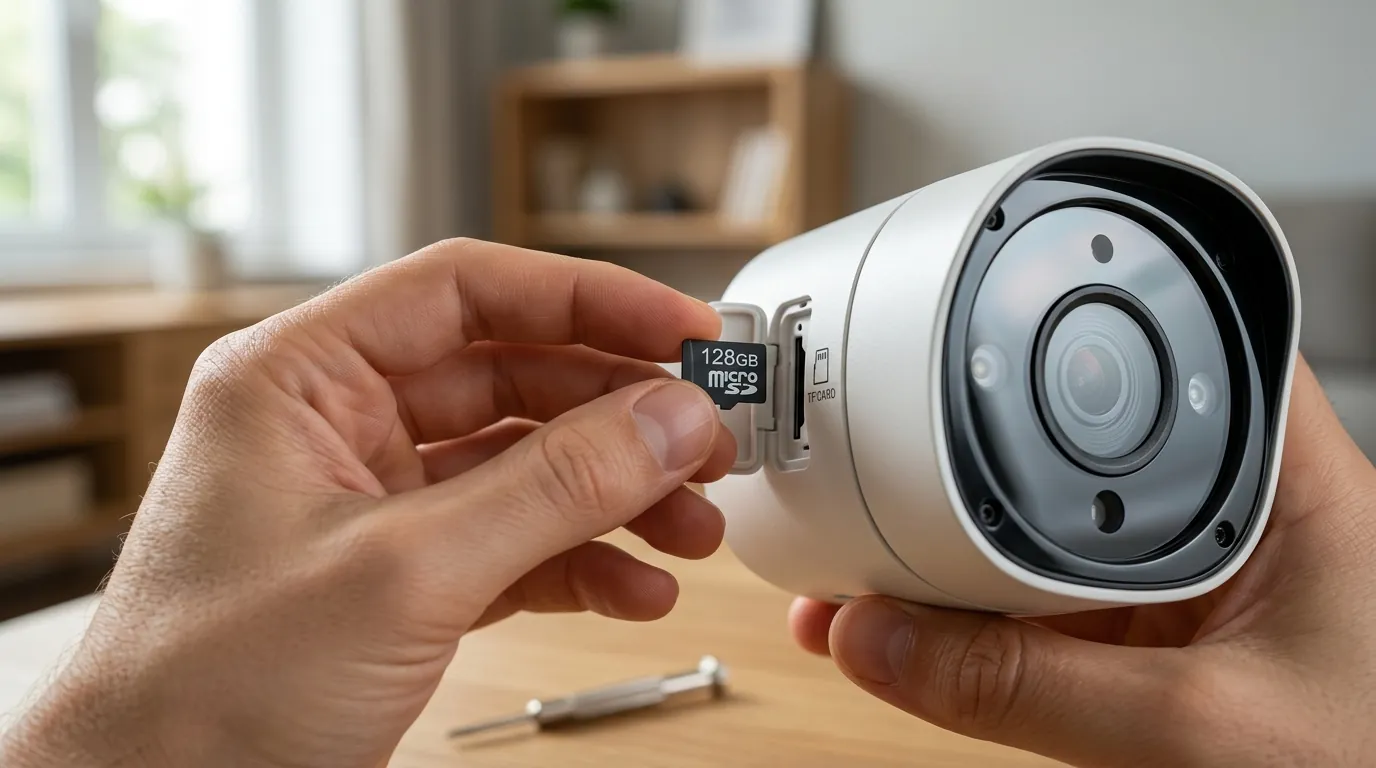
Local storage, typically via a microSD card in the camera or an integrated hub (like a eufy HomeBase), allows footage to be stored directly on-site, eliminating recurring cloud fees and ensuring continuous recording even during internet outages. This approach also grants the homeowner full control over their data, preventing footage from residing on third-party servers where it could be vulnerable to breaches or accessed without explicit consent.
For example, the eufyCam S330 (eufyCam 3) offers 16GB of built-in eMMC local storage on its HomeBase 3, expandable up to 16TB via an external hard drive, with no monthly fees for basic features and local storage. Similarly, Reolink cameras often support microSD card storage, providing a robust subscription-free option.
Smart Detection for Real Threats, Not False Alarms
AI-powered detection is a critical feature for monitoring vacant properties, as it significantly reduces false alarms caused by non-threats. Cameras equipped with AI can distinguish between people, vehicles, and animals, sending alerts only when a relevant event occurs. This precision is invaluable for vacant homes, where owners cannot quickly verify every alert. Advanced AI can also detect packages, differentiate between familiar and unfamiliar faces, and even recognize specific sounds, further refining alert accuracy. This capability means fewer unnecessary notifications, reducing alert fatigue and ensuring that genuine security breaches receive immediate attention.
Powering Remote Monitoring: Battery & Solar Innovations
Long battery life and solar charging capabilities are essential for cameras in vacant homes, minimizing the need for frequent maintenance visits. Wired cameras require consistent power, which might not be practical or available in every vacant property scenario. Battery-powered cameras offer flexibility in placement but necessitate periodic recharging. The integration of solar panels, either built-in or as an accessory, transforms many battery cameras into self-sustaining units, providing continuous power without manual intervention.
For instance, the eufyCam S330 (eufyCam 3) boasts a 13,400 mAh battery with an integrated solar panel that can provide “eternal power” with just 2 hours of direct sunlight per day. Reolink offers several solar-powered cameras, such as the Argus 3 Pro and Argus 4 Pro, which can be paired with a Reolink Solar Panel for uninterrupted operation. This feature is particularly beneficial for properties that are remote or lack easily accessible power outlets.
Cellular connectivity options further extend monitoring capabilities to properties without reliable Wi-Fi, offering flexibility for remote locations or during internet service interruptions. Cameras like the Reolink Go series utilize 4G LTE cellular data to transmit footage, making them ideal for construction sites, cabins, or homes where traditional internet is unavailable. These typically require a separate data plan, which adds a recurring cost, but provides a vital link where no other option exists.
Ensuring Data Privacy and Security
Prioritizing cameras with end-to-end encryption and transparent privacy policies is fundamental to protecting sensitive footage from a vacant home. End-to-end encryption ensures that video streams are encrypted on the device and can only be decrypted by the authorized user, preventing unauthorized interception. Brands like eufy emphasize local processing and encryption, aiming to keep user data private.
It is crucial for buyers to review the privacy policies of camera brands before purchase. Some companies may collect and use aggregated data, or even share footage with law enforcement agencies without a warrant, depending on their terms of service and legal agreements. A brand’s transparency report can provide insight into how often they comply with law enforcement requests. Opting for brands that prioritize local storage and processing often correlates with stronger privacy postures.
Camera Feature Comparison: Subscription-Free Models (2026)
| Feature | eufyCam S330 (eufyCam 3) | Reolink Argus 4 Pro | Wyze Cam v4 |
|---|---|---|---|
| Resolution | 4K (8MP) | 4K (8MP) | 2K (2560x1440) |
| Night Vision | Color Night Vision, Spotlight | Color Night Vision (Dual-Lens) | Color Night Vision |
| Local Storage | HomeBase 3 (16GB eMMC, expandable to 16TB) | Up to 128GB microSD card | Up to 256GB microSD card |
| Subscription Cost/yr | None (for local storage) | None (for local storage) | Optional Cam Plus (~$20-60/yr) |
| Power Type | Battery (13,400 mAh) + Solar Panel | Battery (5200mAh) + Optional Solar Panel | Wired (USB-C) |
| AI Detection | Person, Vehicle, Pet, Facial Recognition | Person, Vehicle, Pet | Person, Package (with Cam Plus) |
| Field of View | 135° | 180° (Dual-Lens) | 115° |
| Two-Way Audio | Yes | Yes | Yes |
| Cellular Option | No | No (Reolink Go series offers cellular) | No |
Decision Framework: Choosing the Right Camera for Your Vacant Home
- If you’re a renter with limited modification options: Prioritize wireless, battery-powered cameras with local storage (microSD) that are easy to install and remove. Look for models with strong Wi-Fi connectivity if available, or consider cellular cameras if Wi-Fi is not permitted or reliable.
- If you’re a homeowner with reliable Wi-Fi: Focus on systems with a central hub offering expandable local storage (e.g., eufy HomeBase) and AI-powered cameras with solar charging for minimal maintenance. High-resolution cameras with wide fields of view are beneficial.
- If you’re a homeowner without reliable Wi-Fi or have a remote property: Cellular-enabled cameras (e.g., Reolink Go series) are essential. Factor in the ongoing data plan cost. Ensure the camera has robust battery life, ideally with solar panel compatibility.
- If you’re a budget-conscious buyer prioritizing privacy: Seek out cameras with built-in microSD card slots and strong encryption. Be wary of systems that heavily rely on cloud services, as these often come with hidden subscription costs for full functionality.
Total Cost of Ownership (TCO) for 3 Years
Considering the 3-year real cost of a security camera system for a vacant home goes beyond the initial sticker price. It encompasses hardware, potential subscription fees, and the value of features locked behind paywalls.
Scenario 1: Subscription-Free System (e.g., eufyCam S330 + HomeBase 3)
- Hardware Cost: Around $500-700 (for a multi-camera kit and HomeBase)
- Subscription Fees: $0 (for local storage and core features)
- Cloud Storage Fees: $0 (if relying solely on local storage)
- Feature Paywall: Minimal to none, as AI detection and other advanced features are typically included with the hardware.
- 3-Year TCO Estimate: Around $500-700
Scenario 2: Subscription-Based System (e.g., Arlo Essential Spotlight Camera)
- Hardware Cost: Around $100-150 per camera (plus potential hub cost, depending on model)
- Subscription Fees: Arlo Secure plans typically range from around $5-15 per month per camera or for multiple cameras for basic features, or around $10-20 per month for unlimited cameras and advanced features. Let’s estimate an average of $10/month for one camera, or $100-120/year.
- Cloud Storage Fees: Included in the subscription, but often limited to a certain number of days or resolution unless on a higher tier.
- Feature Paywall: Advanced AI detection, rich notifications, and extended video history are often locked behind the subscription plan. Without it, functionality can be severely limited.
- 3-Year TCO Estimate: $100-$150 (hardware) + $300-$360 (3 years of subscription) = Around $400-510 (for a single camera over three years). For a multi-camera setup, this cost escalates quickly.
Scenario 3: Hybrid System (e.g., Wyze Cam v4 with optional Cam Plus)
- Hardware Cost: Under $50 per camera.
- Subscription Fees: Optional Cam Plus for advanced AI and longer cloud storage, around $20-60/year per camera or for a bundle.
- Cloud Storage Fees: Included with Cam Plus. Limited free cloud storage (12-second clips, 5-minute cooldown) without subscription.
- Feature Paywall: Person detection, package detection, and longer event recording are often behind the Cam Plus paywall.
- 3-Year TCO Estimate: $50 (hardware) + $60-180 (3 years of optional subscription) = Around $110-230 (for a single camera over three years).
Conclusion on TCO: While subscription-based cameras might have a lower initial sticker price, their total cost of ownership over three years can easily surpass that of subscription-free systems, especially for multiple cameras or if advanced features are desired. For vacant homes, where continuous, reliable monitoring is paramount, avoiding the “feature paywall” trap by choosing local storage solutions often proves more cost-effective and privacy-friendly in the long run.
Impact on existing owners
Existing owners of security camera systems for vacant homes face a different set of considerations. Rather than an initial purchase decision, the focus shifts to evaluating the current setup, identifying vulnerabilities, and leveraging available upgrades to enhance security and privacy.
Evaluating Your Current Security Setup
Existing owners should assess their current camera systems for vulnerabilities, especially regarding local storage, AI detection capabilities, and battery performance. Questions to consider include:
- Does my system offer reliable local storage, or am I entirely reliant on cloud services?
- How old is my camera system, and does it have modern AI capabilities like person, vehicle, or pet detection?
- What is the real-world battery life of my wireless cameras, and is solar charging an option?
- When was the last time I updated my camera’s firmware?
- Am I aware of my camera brand’s current privacy policy, especially regarding data sharing?
Older systems might lack advanced AI features that differentiate between threats and nuisance movements, leading to alert fatigue. This can result in important alerts being overlooked. Similarly, older batteries may degrade, requiring more frequent recharging or replacement, which is inconvenient for a vacant property.
Upgrading for Enhanced Intelligence and Efficiency
Reviewing and updating firmware is vital to access new security features, patch vulnerabilities, and improve performance. Manufacturers frequently release firmware updates that introduce new AI algorithms, enhance night vision, improve battery efficiency, and address security flaws. Neglecting these updates can leave a system vulnerable to exploits and prevent it from operating at its full potential.
For systems that are several years old, a hardware upgrade might be necessary to gain access to features like 4K resolution, advanced AI, or integrated solar charging that were not widely available at the time of purchase. Many newer cameras offer significantly better image quality, wider fields of view, and more robust weather resistance, directly impacting their effectiveness in monitoring a vacant home.
Beyond Cameras: Integrating Smart Home Devices
Consider integrating smart home devices like water leak sensors and smart lighting to enhance overall vacant home security beyond just cameras. Cameras provide visual surveillance, but smart sensors can detect other critical issues.
- Water Leak Sensors: Placed near water heaters, sinks, and toilets, these devices can send immediate alerts to your phone if a leak is detected, potentially preventing catastrophic water damage. Brands like Flo by Moen, Govee, and Aqara offer reliable leak detection solutions.
- Smart Lighting: Automated smart lights can be programmed to turn on and off at varying times, mimicking occupancy and deterring potential intruders. Many smart lighting systems can be integrated with security cameras or motion sensors for a more responsive deterrent.
- Smart Locks: While not directly camera-related, smart locks allow for remote access control and monitoring of entry, providing an additional layer of security and convenience for contractors or trusted visitors.
- Temperature/Humidity Sensors: These can alert you to extreme conditions that might indicate HVAC failure, preventing issues like frozen pipes in winter or mold growth in humid environments.
Integrating these devices creates a layered defense, providing a more comprehensive security and monitoring solution for a vacant property.
Revisiting Privacy Policies and Data Sharing
Existing owners must understand the privacy policies of their current camera brands, as some may share footage with law enforcement without warrants. Policies can change over time, and what was acceptable when the camera was purchased might have evolved. Brands like Ring, for example, have faced scrutiny over their policies regarding sharing video with law enforcement without user consent in emergency situations.
It is prudent to review the manufacturer’s official privacy policy on their website at least annually. Look for clauses related to data collection, storage, third-party sharing, and cooperation with law enforcement requests. If a brand’s policy is no longer acceptable, it might be a strong reason to consider switching to a system that prioritizes user privacy and local data control.
What to do now
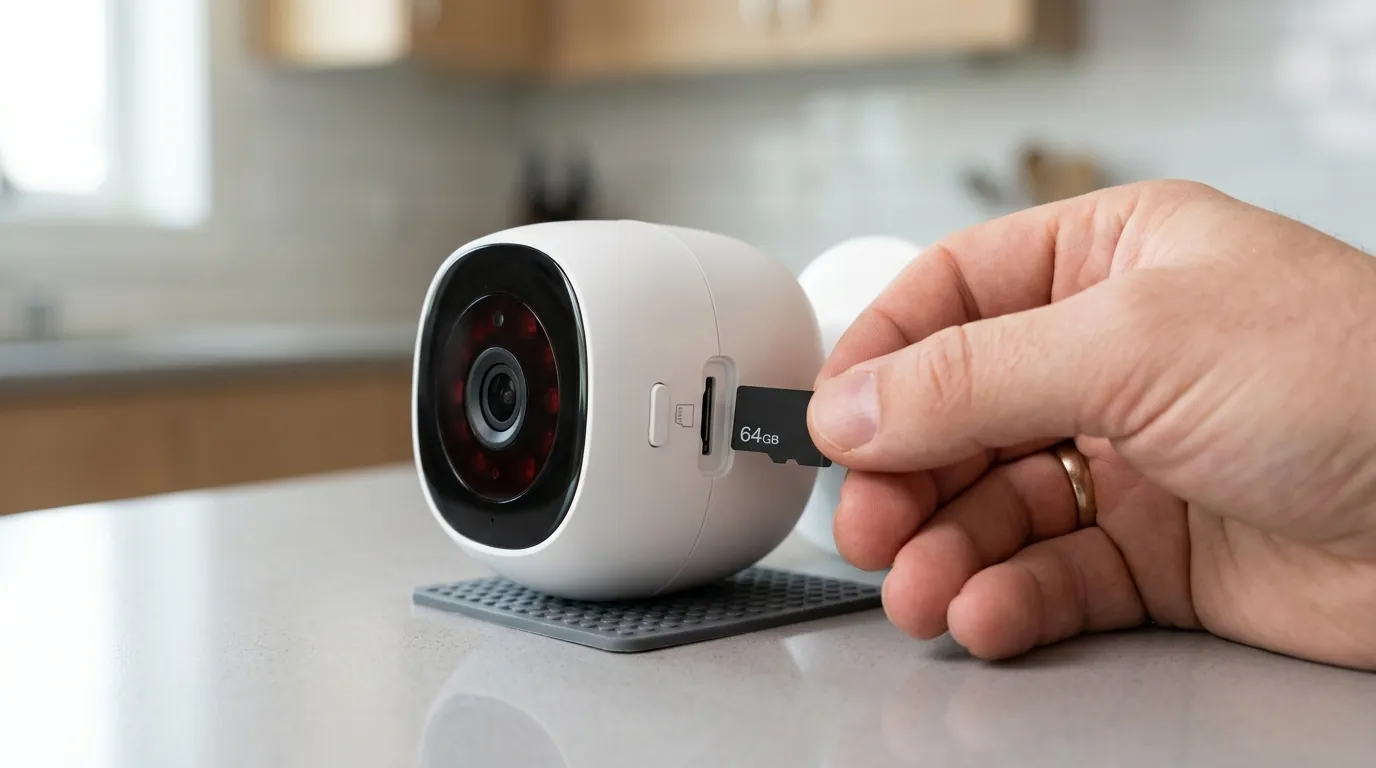
Securing a vacant home in 2026 requires a proactive and multi-faceted approach. Implementing a comprehensive security strategy that combines physical deterrents with smart camera monitoring is key to deterring intruders and gaining peace of mind.
Developing a Layered Security Strategy
Implement a comprehensive security strategy that includes physical deterrents, updated locks, and clear trespassing notices alongside camera systems.
- Physical Deterrents: Ensure all doors and windows are securely locked. Consider adding deadbolts, reinforced strike plates, and security film to vulnerable windows. Trim overgrown bushes and trees that could provide cover for intruders.
- Exterior Maintenance: Maintain the property’s exterior to give the appearance of occupancy. This includes regular lawn care, mail collection (or forwarding), and snow removal.
- Security Signage: Clearly display “No Trespassing” signs and decals indicating the presence of a security system. This acts as a deterrent and can strengthen legal recourse if an incident occurs.
- Updated Locks: Replace old or easily picked locks with high-security options. Smart locks can also provide remote monitoring and control.
Strategic Camera Placement for Maximum Coverage
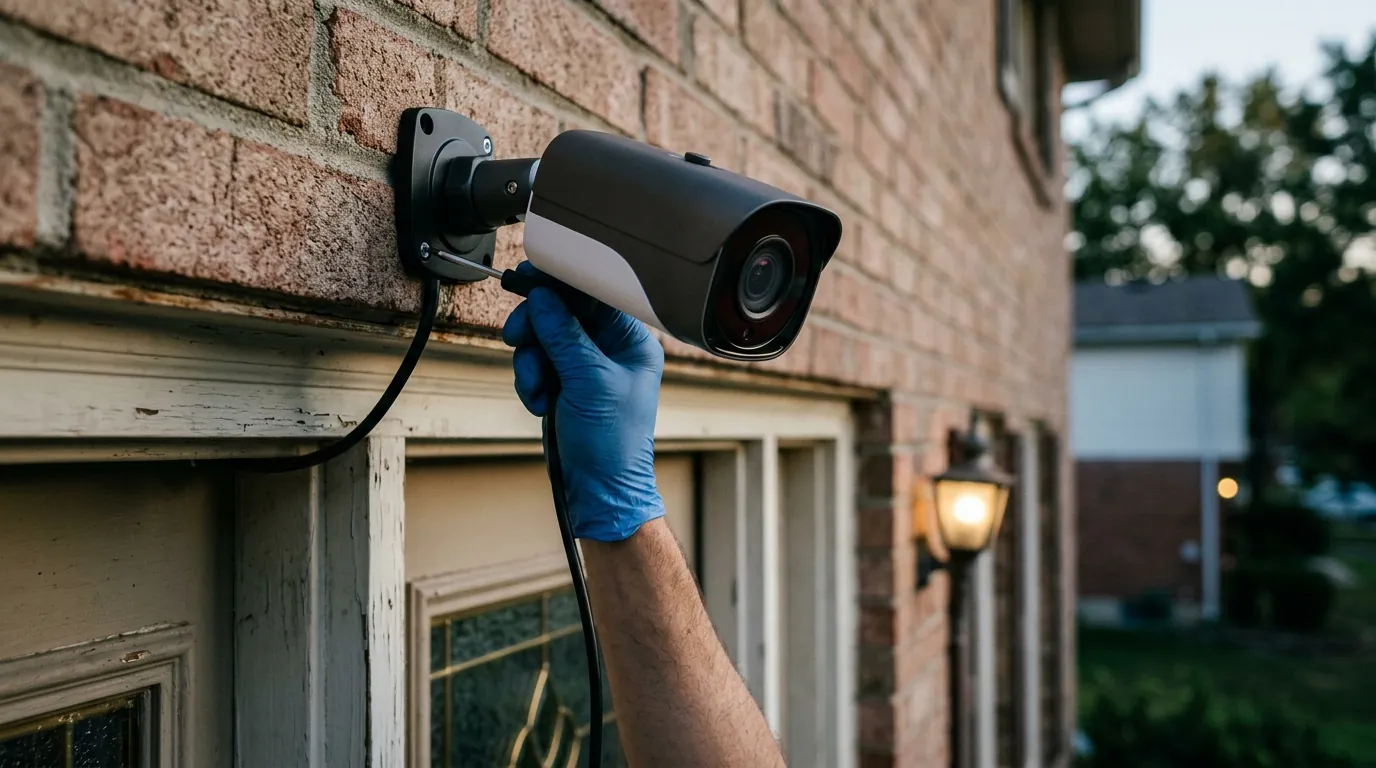
Strategically place cameras at entry points (doors, windows, garage) and high-traffic areas, ensuring optimal height and angle to capture identifiable details while avoiding blind spots.
- Front Door: The most common entry point. Place a camera to capture faces and license plates of anyone approaching.
- Back Door/Side Entrances: Often less visible, these entrances are also common targets. Ensure coverage.
- Garage: Secure garage doors and any entry points from the garage into the home.
- Ground-Floor Windows: Especially those at the rear or sides of the house, which might be obscured from street view.
- Driveway/Yard: Cover main access routes onto the property.
- Optimal Height: Generally, cameras should be mounted 8-10 feet high to prevent tampering and provide a clear overhead view, while still being low enough to capture facial features.
- Angle: Aim for a wide field of view that covers the entire entry point and immediate surroundings. Test the angle to eliminate blind spots. Avoid pointing cameras directly at strong light sources to prevent glare.
Navigating Legal and Privacy Guidelines
Adhere to legal considerations for security cameras, including state-specific audio recording laws, privacy expectations, and signage requirements.
- Audio Recording Laws: Many U.S. states have “two-party consent” laws for audio recording, meaning all parties must consent to being recorded. While this typically applies to conversations where there’s a reasonable expectation of privacy, it’s safer to disable audio recording on outdoor cameras or ensure clear signage if audio is enabled.
- Expectation of Privacy: Generally, there is no expectation of privacy in public spaces or areas visible from public spaces. However, pointing cameras into a neighbor’s private yard or windows could lead to legal issues. Ensure your cameras only monitor your property.
- Signage Requirements: Some jurisdictions may require clear signage indicating the presence of video surveillance. Even where not legally mandated, it serves as an effective deterrent.
Ongoing Maintenance and Best Practices
Regularly check camera functionality, network security (WPA3, strong passwords), and review footage access permissions.
- Regular Functionality Checks: Periodically check camera feeds to ensure they are online, recording, and have a clear view. Test motion detection and alerts.
- Network Security: Ensure your home Wi-Fi network uses WPA3 encryption for the strongest protection against unauthorized access. Use strong, unique passwords for your Wi-Fi router and all camera accounts. Enable two-factor authentication (2FA) wherever possible.
- Firmware Updates: Set up automatic firmware updates or regularly check for and install them manually to benefit from security patches and new features.
- Access Permissions: If multiple users have access to the camera system (e.g., family members, trusted neighbors), regularly review and update their access permissions. Remove access for anyone who no longer needs it.
- Local Storage Management: If using microSD cards, periodically check their health and ensure they are not full. Consider backing up critical footage to another secure location.
By combining robust camera systems with smart home integration, physical deterrents, and diligent maintenance, vacant homeowners can significantly mitigate security risks in 2026 and beyond.
Frequently Asked Questions
What is the best type of camera for a vacant home?
The best cameras for a vacant home are typically wireless, battery-powered (ideally with solar charging), offer high-resolution video (2K or 4K), include AI-powered person/vehicle detection, and provide local storage options (microSD or a hub with expandable storage) to avoid subscription fees.
How can I monitor a vacant home without Wi-Fi?
For vacant homes without reliable Wi-Fi, cellular security cameras (e.g., Reolink Go series) are the most effective solution. These cameras operate on 4G LTE data networks and require a separate data plan, allowing them to transmit video and alerts remotely.
Is local storage truly more private than cloud storage?
Yes, local storage is generally considered more private because your video footage is stored directly on a physical device at your property, rather than on third-party servers. This reduces the risk of data breaches and unauthorized access by external entities or law enforcement without your explicit consent.
Do I need a subscription for security cameras?
Many security cameras offer basic functionality without a subscription, especially those with local storage. However, some brands (like Ring and Arlo) lock advanced features, cloud storage, and extended video history behind paid monthly plans. Subscription-free options often provide a more cost-effective and privacy-focused solution for vacant homes.
What are the legal considerations for placing security cameras on a vacant property?
Legally, you can typically place cameras to monitor your own property, especially areas visible from public spaces. However, be mindful of state laws regarding audio recording (many require two-party consent) and avoid pointing cameras into neighbors’ private spaces. Clear signage indicating surveillance can also be a good practice.
Sources
- The Zebra — Home Burglary Statistics https://www.thezebra.com/resources/research/home-burglary-statistics/
- Boyd Security — Vacant Home Security: Protecting Unoccupied Properties
- SafeHome.org — Home Security Statistics
- SafeHome.org — When Do Most Burglaries Occur?
- Hello Oval — Water Leak Sensor
- Morningstar.com — Why Are Water Damage Claims Rising?
- Coram AI — AI for Security Cameras
- ADT — How Smart Security Helps Deter Crime
- PCMag — The Best Home Security Cameras That Don’t Require a Subscription
- SmartEye CCTV — Local Storage vs. Cloud Storage
- Modem Guides — Cloud Storage vs. Local Storage for Security Cameras
- eufy.com — eufyCam 3 (S330)
- Reolink.com — Reolink Argus Series https://reolink.com/product/argus-3-pro/ (Used for general Reolink local storage, specific Argus 4 Pro info might be on a newer page or review)
- Security.org — Best AI Security Cameras
- CamCampTech — Solar Powered Security Camera
- Reolink.com — Reolink Solar Panel
- Reolink.com — 4G LTE Cameras https://reolink.com/product/reolink-go-pt-ultra/
- Backstreet Surveillance — End-to-End Encryption https://www.backstreet-surveillance.com/blog/end-to-end-encryption-for-security-cameras-what-it-is-and-why-it-matters/
- The Gadgeteer — eufy Security S330 eufyCam 3 review
- Zealous Advocate — Ring Camera Footage & Police https://www.zealousadvocate.com/legal-issues/ring-camera-footage-police/
- Reolink.com — Reolink Argus 4 Pro https://reolink.com/product/argus-4-pro/
- Wyze.com — Wyze Cam v4 https://www.wyze.com/products/wyze-cam-v4
- Wyze.com — Cam Plus Subscription
- CNET — Wyze Cam v4 Review
- Wyze.com — Cam Plus Features https://support.wyze.com/hc/en-us/articles/360037597112-What-is-Cam-Plus
- Arlo.com — Arlo Secure Plans https://www.arlo.com/en-us/accessories/service-plans
- CCTV Camera World — Importance of Firmware Updates
- Site Armor Solutions — Why Upgrade Your Security Camera System
- Moen.com — Flo Smart Water Monitor and Shutoff https://www.moen.com/flo
- Govee.com — Govee Water Leak Detector
- Security.org — Smart Lighting Security
- Go Abode — Smart Locks https://goabode.com/smart-home-security/smart-locks/
- Go Abode — Temperature Sensor https://goabode.com/smart-home-security/sensors/temperature-sensor/
- CNET — Ring Shares Videos With Police: What to Know
- Cm3inc.com — Physical Security https://www.cm3inc.com/blog/physical-security
- North Power Security — Importance of Security Signage
- PVR Blog — Best Height for Security Cameras
- OOSSXX — Security Camera Audio Recording Laws
- Cam Security Surveillance — Security Camera Laws https://camsecuritysurveillance.com/blogs/news/security-camera-laws
- Go Abode — WPA3 https://goabode.com/resources/what-is-wpa3/