
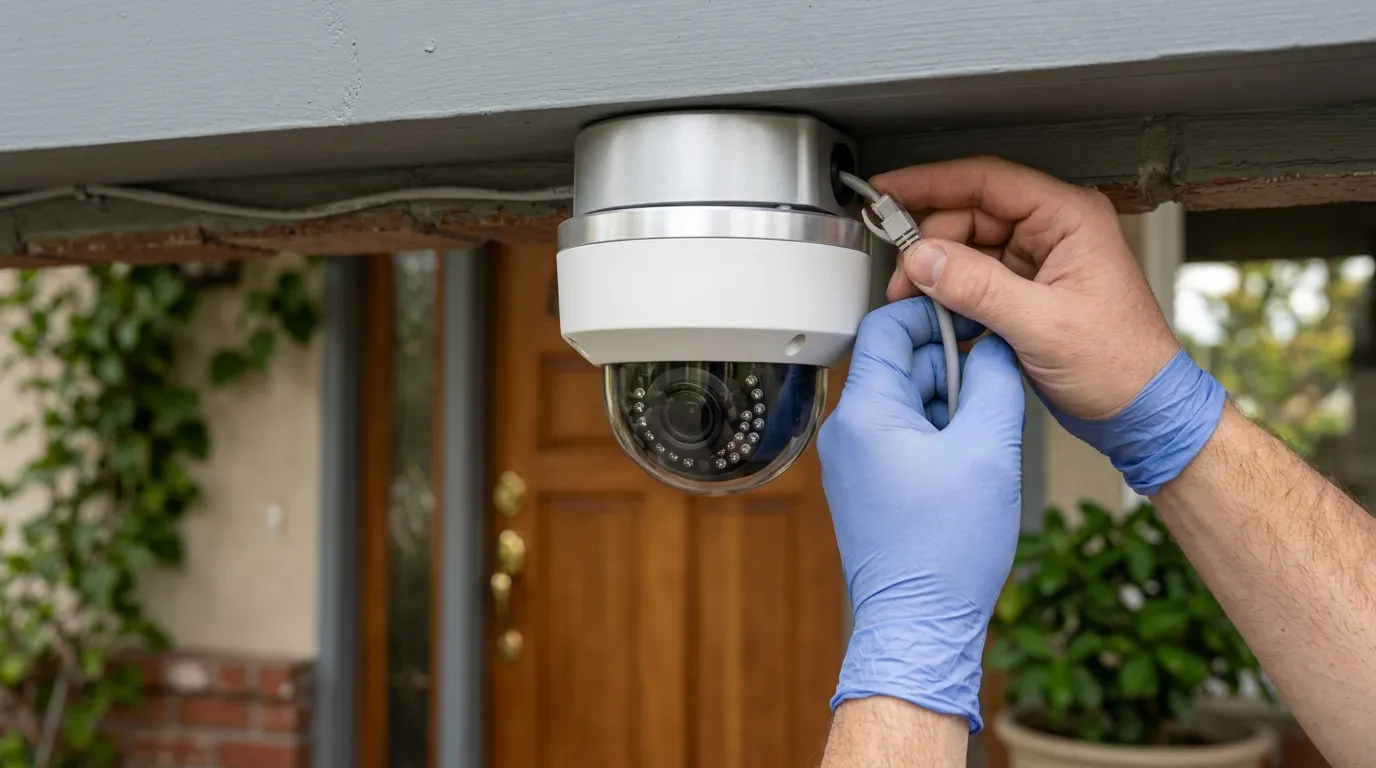
Ubiquiti UniFi Protect CVE-2026-3482: Critical Patch Guide
Ubiquiti has issued an urgent security advisory for its UniFi Protect surveillance ecosystem, requiring immediate firmware updates to prevent potential unauthorized access to camera feeds.
Quick Answer: Ubiquiti’s July 2026 Bulletin 066 addresses critical flaws in UniFi Protect (CVE-2026-55115, CVSS 9.9). Users must update the Protect Application to version 7.1.83 or later and UniFi OS to 5.1.12+ to prevent unauthorized camera access.
What happened
Related: EZVIZ HP7 Home Assistant Stream Fails: 2026 Firmware & Fixes · Nest Camera Wi-Fi Dropping After 2026 Update? Causes & Fixes · Ring Doorbell Subscription Price Increase 2026: Best Alternatives
On July 2, 2026, Ubiquiti published Security Advisory Bulletin 066, a comprehensive disclosure covering 25 distinct vulnerabilities across the UniFi ecosystem. While the bulletin spans multiple product lines, the most severe impacts are concentrated within the UniFi Protect application and the UniFi OS consoles that host it.
The centerpiece of this alert is CVE-2026-55115, which carries a CVSS (Common Vulnerability Scoring System) score of 9.9. This is a critical-tier Server-Side Request Forgery (SSRF) vulnerability. In practical terms, it allows a user with “View Only” or other low-level privileges to trick the server into executing commands with full administrative authority. This escalation path effectively renders internal permission structures moot until the patch is applied.
Additionally, the bulletin details CVE-2026-54407 (CVSS 8.6) and CVE-2026-54409 (CVSS 7.5). These flaws involve API security bypasses. Security researchers discovered that under certain network configurations—specifically those where “Remote Access” is enabled via the UniFi Cloud portal—unauthenticated attackers could potentially intercept or redirect API calls to view live camera streams without valid credentials.
These vulnerabilities affect UniFi Protect Application versions 7.1.77 and earlier. The following table summarizes the required migration path for affected systems.
Table 1: Affected Versions vs. Patched Versions (July 2026)
| Software Component | Affected Versions | Required Patch Version | Primary Vulnerability Addressed |
|---|---|---|---|
| UniFi Protect Application | 7.1.77 and earlier | 7.1.83 or later | CVE-2026-55115 (SSRF) |
| UniFi OS (Consoles) | 5.0.x and earlier | 5.1.12 or later | CVE-2026-34908 (Platform) |
| UniFi Protect iOS/Android | 2.22.x and earlier | 2.24.0 or later | API Auth Bypass |
| UniFi G4/G5 Camera Firmware | [Included in Protect Update] | 4.72.x or later | Remote Code Execution (RCE) |
The Scope of Bulletin 066
Unlike previous minor patches, Bulletin 066 is a “stack” update. Because UniFi Protect runs as an application on top of UniFi OS, the vulnerabilities are present at both the application layer and the operating system layer. Ubiquiti’s Security Advisory portal indicates that patching the Protect application alone may not fully mitigate the risk if the underlying UniFi OS remains on an older version, as the OS handles the authentication handshake for remote users.
Technical Breakdown: SSRF and Auth Bypass
The SSRF vulnerability (CVE-2026-55115) is particularly dangerous for small businesses that utilize multi-user access. If an employee has access to view a single camera, they could theoretically use this flaw to access the entire NVR’s configuration, delete footage, or create new administrative accounts. The API bypasses (CVE-2026-54407/09) are more concerning for residential users, as they target the mechanism that allows the UniFi mobile app to connect to the home console from across the internet.
Why it matters for buyers
For years, Ubiquiti has marketed UniFi Protect as a “local-first” alternative to cloud-centric brands like Ring, Arlo, or Google Nest. The core value proposition is that your video never leaves your premises and is not subject to the security whims of a third-party cloud provider. However, Bulletin 066 serves as a reminder that local hardware is not a “set and forget” security solution; it requires active management.
The Myth of the ‘Air-Gapped’ Security Advantage
Many buyers choose UniFi because they believe it can be air-gapped (disconnected from the internet). While true in theory, most users rely on “Remote Access” for mobile notifications and off-site viewing. Once Remote Access is enabled, the UniFi Console establishes a persistent connection to Ubiquiti’s cloud brokers. This connection becomes a potential entry point for the vulnerabilities described in Bulletin 066.
In 2026, the distinction between “Cloud” and “Local” security is often more about where the data is stored rather than how the system is accessed. A local NVR with an unpatched API vulnerability is just as exposed as a cloud camera with a weak password.
Potential for ‘Lateral Movement’
One of the unique risks of the UniFi ecosystem is its integration. A single UniFi OS Console (like a UDM-Pro) often manages cameras (Protect), Wi-Fi (Network), and even office phones (Talk). An attacker gaining access to the Protect application via CVE-2026-55115 could potentially move laterally into the Network application, allowing them to intercept traffic on the entire home or business network. This makes the UniFi ecosystem a “high-value target” compared to standalone camera systems that don’t share hardware with the core router.
Impact on Remote Access Users
If you are a buyer who prioritizes privacy, you must weigh the convenience of the UniFi mobile app against these recurring security bulletins. For users who do not want to manage firmware updates, a “subscription-free security camera” that uses simpler P2P encryption or a strictly local VPN-only access model may be more appropriate.
Decision Framework: Is UniFi Protect Right for You?
| If you are a… | Prioritize… | Recommendation |
|---|---|---|
| Renter | Portability & Ease | Consider standalone Wi-Fi cameras (e.g., Reolink or Eufy) to avoid NVR maintenance. |
| Homeowner | Long-term Value | UniFi is excellent if you are willing to perform monthly firmware audits. |
| Small Business | Granular Permissions | Essential to patch immediately; the SSRF flaw specifically targets multi-user environments. |
| Privacy Purist | Zero Cloud Exposure | Disable “Remote Access” in UniFi settings and use WireGuard or Tailscale for remote viewing. |
Impact on existing owners
The vulnerabilities in Bulletin 066 affect nearly the entire modern UniFi hardware lineup. This includes the ubiquitous Dream Machine Pro (UDM-Pro), the UDM-SE, the dedicated Network Video Recorders (UNVR and UNVR-Pro), and the newly released 2026 UNAS-Pro series, which combines NAS storage with Protect capabilities.
Is Your Console Vulnerable?
To verify your status, log into your UniFi Console locally (via its IP address) or via unifi.ui.com. Navigate to Console Settings > Updates. If your UniFi OS version is below 5.1.12, your system is at risk.
Existing owners should be aware that even if they do not use the specific “Protect” application, other vulnerabilities in Bulletin 066 (such as CVE-2026-34908) affect the base OS. Therefore, the update is mandatory for all UniFi OS Console users, regardless of their camera setup.
Signs of Potential Compromise
Security researchers at Bishop Fox have noted that SSRF attacks can be difficult to detect in standard logs. However, UniFi owners should check their “System Logs” for the following red flags:
- Unauthorized Account Creation: Any new administrative or “Limited Admin” accounts that you did not personally create.
- Unusual API Calls: Logs showing internal IP addresses (like 127.0.0.1) making requests to the
/api/author/api/s/default/cmd/systemendpoints. - Failed Login Spikes: A sudden increase in failed login attempts from external IP addresses, which may indicate an automated script attempting to exploit the API bypass.
If you suspect a compromise, patching alone may not be sufficient. Researchers suggest that attackers could have forged session tokens that remain valid even after a reboot. In such cases, a full “Sign Out of All Sessions” and a password reset for all administrative users is necessary.
What to do now
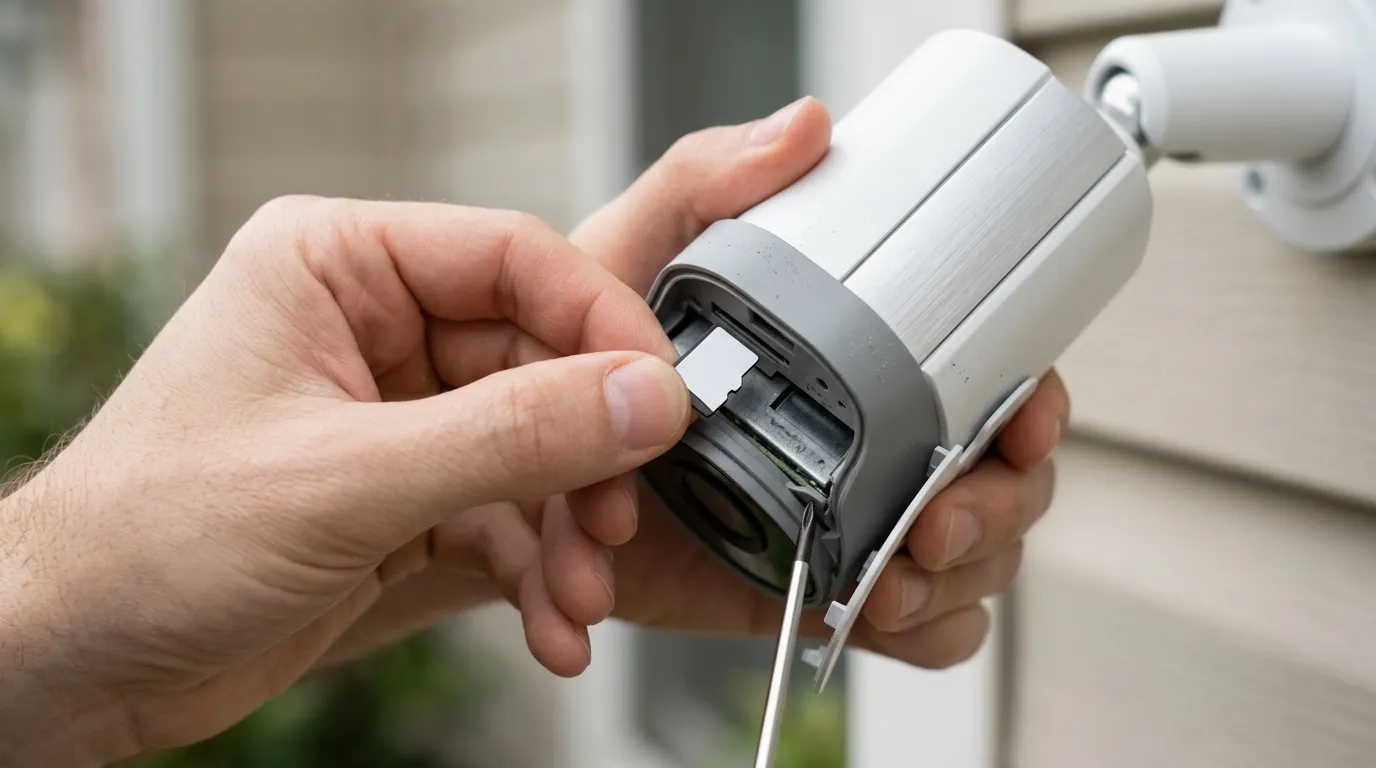
Immediate action is required for all UniFi Protect administrators. Follow this workflow to secure your system.
The Patching Workflow
- Backup Your Configuration: Before updating, navigate to Settings > System > Backups and download a configuration backup to your local computer.
- Update UniFi OS First: Navigate to the main Console Settings and trigger the update to UniFi OS 5.1.12 or later. This provides the secure foundation for the application updates.
- Update UniFi Protect: Once the OS is updated, go to the Applications tab and update Protect to version 7.1.83 or later.
- Verify Camera Firmware: After the Protect application restarts, it will automatically push firmware updates to your cameras. Ensure all cameras show “Up to Date” in the Devices tab.
- Rotate Credentials: As a precaution, change the passwords for all local admin accounts and ensure Multi-Factor Authentication (MFA) is enabled for all UI.com cloud accounts.
Total Cost of Ownership (TCO) Analysis
Maintaining a prosumer NVR system like UniFi involves “hidden” costs—primarily the time and technical literacy required to manage security lifecycle events like Bulletin 066.
| Cost Component | UniFi Protect (3-Year) | Typical Cloud Brand (3-Year) |
|---|---|---|
| Hardware (4 Cameras + NVR) | $800 - $1,200 | $400 - $600 |
| Storage (HDD/SSD) | $100 - $200 | Included (Cloud) |
| Subscription Fees | $0 | $360 - $600 ($10-15/mo) |
| Maintenance Time | 12-18 Hours (Firmware/Security) | 1-2 Hours (Auto-updates) |
| Total 3-Year Cost | $900 - $1,400 | $760 - $1,200 |
While UniFi is often touted as the “cheaper” option because it lacks a monthly fee, the TCO is comparable to cloud brands when you factor in the hardware premium and the “management tax” of handling critical security patches.
Value vs. Alternatives: When to Switch
If the complexity of Bulletin 066 feels overwhelming, it may be time to consider whether a prosumer NVR fits your lifestyle. For many users, a high-performance standalone alternative like the Reolink Altas PT Ultra offers 4K local recording to an SD card without the need for a central OS console that requires frequent security patching.
UniFi remains the gold standard for users who want deep integration and granular control, but that control comes with the responsibility of rapid response to vulnerabilities like CVE-2026-3482 and CVE-2026-55115.
Frequently Asked Questions
Does this vulnerability affect UniFi cameras used with RTSP on other NVRs?
If you are using UniFi cameras in “Standalone Mode” via RTSP with a third-party NVR (like Blue Iris or Scrypted), the cameras themselves may still be vulnerable to lower-level exploits mentioned in Bulletin 066. However, the critical SSRF and API bypasses are specific to the UniFi Protect Application and UniFi OS. You should still update the camera firmware to the latest version available on the Ubiquiti Downloads page.
Can I fix this by just turning off the internet to my NVR?
Disconnecting your UniFi Console from the internet (air-gapping) will mitigate the remote API bypass vulnerabilities. However, it will not protect you from the SSRF vulnerability (CVE-2026-55115) if an attacker or a compromised device already has access to your local network. Patching is the only definitive fix.
Will my footage be deleted when I update?
No. Updating the UniFi OS or the Protect Application does not affect the video data stored on your hard drives. However, it is always best practice to ensure your “Recordings” are healthy before starting an update, as a system reboot is required.
What if my UniFi Console is too old to receive UniFi OS 5.1.12?
Ubiquiti has designated several older consoles (such as the original 1st-generation Cloud Key) as “Legacy” or “Vintage.” If your hardware cannot run the required firmware versions, it is no longer secure for use with Remote Access enabled. You should either replace the hardware or strictly limit its access to a local-only, non-internet-connected VLAN.
Sources
- Ubiquiti Security Advisory Bulletin 066 — https://ui.com/introduction/security
- UniFi Protect Application Release Notes — https://community.ui.com/releases
- Bishop Fox Cybersecurity Research Blog — https://www.bishopfox.com/blog
- CVE Program Database (MITRE) — https://cve.mitre.org
- RTINGS Security Camera Testing Methodology