
Ubiquiti UniFi OS Security Vulnerabilities (June 2026): Full Guide
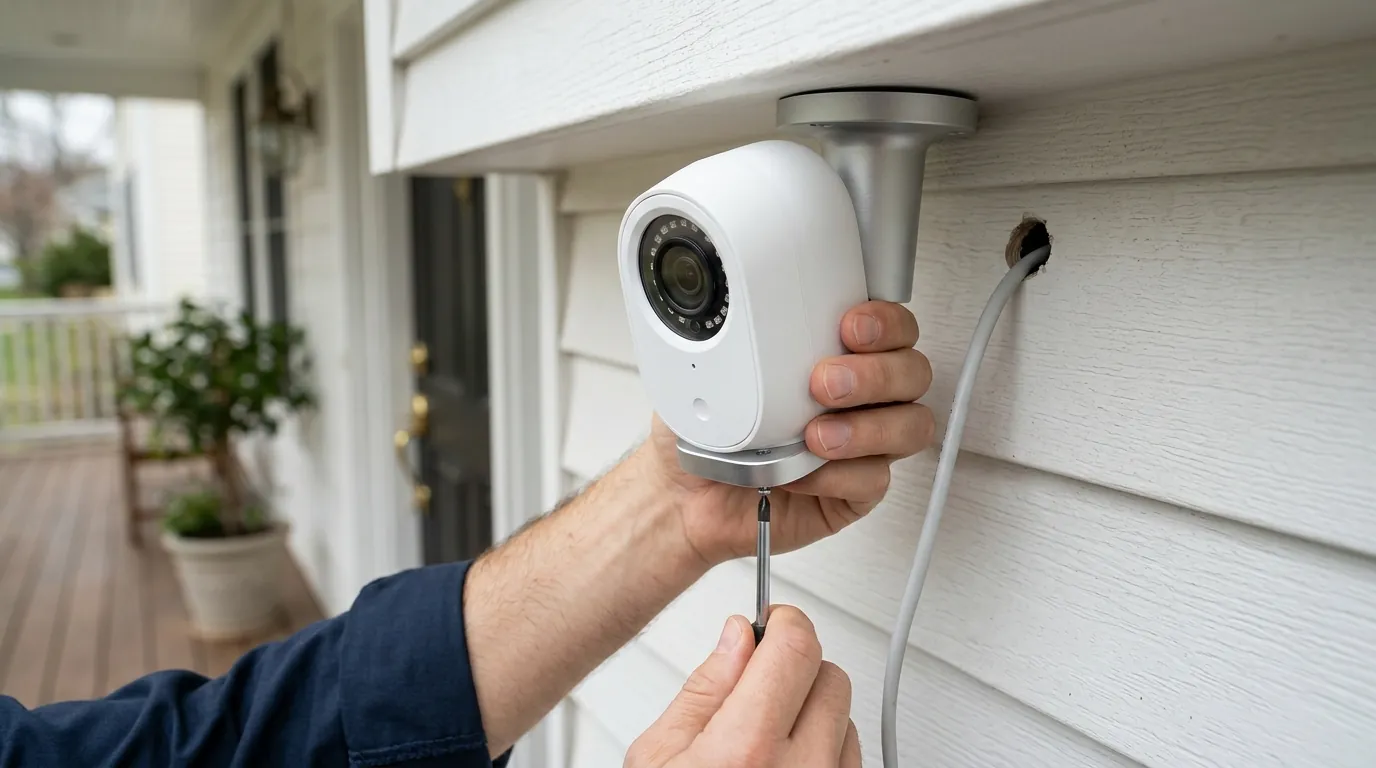
For owners of Ubiquiti UniFi hardware, June 2026 has become a critical month for network and physical security management. A series of maximum-severity vulnerabilities has forced a mandatory update cycle across the entire UniFi ecosystem, from network video recorders (NVRs) to smart locks and cameras.
Quick Answer: Update UniFi OS to 5.1.19+ and UniFi Protect to 7.1.83+ immediately. Critical flaws (CVE-2026-34908, CVE-2026-50746) allow unauthenticated root access to NVRs and cameras. If you use UniFi Access or Connect, you must also update to version 4.2.29 and 3.4.20, respectively, to close remote command injection gaps.
What happened
Related: Eufy vs. Ring vs. Arlo: The Summer 2026 Security Camera Showdown · Ring vs. Ubiquiti UniFi 2026: The New Cost of Home Security · How to Fix the Eufy Security ‘Push Channel’ Silent Error
In June 2026, the Cybersecurity and Infrastructure Security Agency (CISA) added three critical Ubiquiti vulnerabilities—CVE-2026-34908, CVE-2026-34909, and CVE-2026-34910—to its Known Exploited Vulnerabilities (KEV) catalog. This designation is reserved for flaws with documented evidence of active exploitation in the wild, signaling that attackers are actively scanning for and compromising unpatched UniFi consoles.
The primary vulnerabilities involve a combination of improper access control and path traversal. In a typical attack scenario, an unauthenticated user on the same network (or the public internet, if the management portal is exposed) can bypass the login screen and navigate the file system. This allows for the escalation of privileges to “root” status—the highest level of administrative control—effectively giving the attacker total command over the host device and any connected cameras or sensors.
Ubiquiti released Security Advisory Bulletin 065 on June 10, followed by a more comprehensive Bulletin 066 on July 2. These bulletins detailed over 25 total CVEs discovered during subsequent internal audits and third-party research by firms like Field Effect. Among these was a CVSS 10.0 flaw (CVE-2026-50746) within the UniFi Connect application, which allows for remote command injection without any user interaction or prior authentication.
The CISA KEV Listing
When a vulnerability enters the CISA KEV catalog, it is no longer a theoretical risk. For small businesses and government contractors, patching becomes a legal or compliance requirement. The June 2026 listing highlights that attackers have automated scripts capable of identifying UniFi OS versions 5.1.18 and earlier. Once identified, these scripts can exfiltrate configuration files, which often contain sensitive data like Wi-Fi passwords, local user credentials, and SSH keys.
Technical Breakdown: From Path Traversal to Root Access
The most dangerous aspect of the June 2026 flaws is the “unauthenticated” nature of the exploits. Usually, an attacker needs a compromised password to move through a network. However, CVE-2026-34908 exploits a weakness in how UniFi OS handles API requests. By crafting a specific URL string, an attacker can trick the system into serving files from the root directory rather than the intended web-server directory.
Once an attacker gains root access via path traversal, they can:
- Install Persistent Backdoors: Even if the owner later changes their password, the attacker’s “web shell” remains active.
- Disable Logging: The attacker can hide their presence by turning off the system’s ability to record login attempts or configuration changes.
- Pivot to Cameras: Using the root access on the NVR, the attacker can move laterally to individual cameras, viewing live feeds or deleting historical footage.
Table 1: Key June 2026 Vulnerabilities Summary
| CVE ID | CVSS Score | Vulnerability Type | Affected Application | Fixed Version |
|---|---|---|---|---|
| CVE-2026-34908 | 9.8 | Path Traversal / Auth Bypass | UniFi OS | 5.1.19 |
| CVE-2026-50746 | 10.0 | Remote Command Injection | UniFi Connect | 3.4.20 |
| CVE-2026-54407 | 8.8 | Camera API Auth Bypass | UniFi Protect | 7.1.83 |
| CVE-2026-34909 | 7.5 | Improper Access Control | UniFi Access | 4.2.29 |
| CVE-2026-34910 | 9.1 | Remote Code Execution | UniFi OS | 5.1.19 |
Why it matters for buyers
Ubiquiti has long been the preferred choice for “prosumers”—homeowners and small business owners who want professional-grade features without the recurring monthly fees of Ring, Nest, or Arlo. However, this “no-subscription” local storage model comes with a distinct trade-off: the user is the IT manager.
The Risk of the ‘Management Plane’
When you buy a subscription-based camera like a Ring, the “management plane” (the software that controls the cameras) is managed by Amazon. When a security flaw is found in the cloud, Amazon patches it centrally. With Ubiquiti, the management plane lives on your hardware (the UDM-Pro, UNVR, etc.). If you do not proactively update the firmware, your entire security stack remains open to any exploit discovered by the research community.
The June 2026 vulnerabilities are particularly damaging because they target the management plane itself. An attacker with root access isn’t just looking at one camera; they control the NVR that manages every camera, door lock, and Wi-Fi access point in the building. For a small business, this could mean an attacker remotely unlocking a front door via UniFi Access or disabling the security cameras before a physical break-in.
Local Storage vs. Network Exposure
The appeal of UniFi is that footage is stored locally on hard drives you own, rather than on a third-party server. This is excellent for privacy, but it creates a paradox: to view that “local” footage on your phone while away from home, the NVR must be reachable via the internet.
Data from Censys suggests that as of June 2026, approximately 100,000 UniFi consoles are directly exposed to the public internet. For these users, the June vulnerabilities are not just a risk; they are an invitation. If a device is internet-facing and running an outdated version of UniFi OS, it is likely already being scanned by botnets looking to exploit CVE-2026-34908.
Table 2: Security Model Comparison
| Feature | Ubiquiti UniFi | Subscription Brands (Ring/Nest) |
|---|---|---|
| Storage Location | Local (HDD/SSD) | Cloud Servers |
| Monthly Fees | $0 | $10–$15+ per month |
| Patching Responsibility | User / Manual or Auto-Update | Vendor (Automatic Cloud Patching) |
| Remote Access Risk | High (If port-forwarded/exposed) | Low (Handled by encrypted relay) |
| Management Plane | On-Premise Console | Vendor Cloud |
Impact on existing owners
The June 2026 security crisis affects virtually the entire modern UniFi lineup. This includes legacy favorites and the newest high-performance consoles. If your device runs UniFi OS, it is likely affected.
Is My NVR Vulnerable?
The following hardware models are confirmed to be vulnerable if running UniFi OS versions earlier than 5.1.19:
- Dream Machine Series: UDM-Pro, UDM-SE, and the flagship UDM-Beast.
- NVR Series: UNVR and UNVR-Pro.
- Gateway Consoles: The compact UCG-Max and UCG-Ultra.
- Legacy Hardware: UDM (Base) and UDR (Dream Router).
For UniFi Protect users specifically, version 7.1.77 and earlier contain an authentication bypass on camera API endpoints (CVE-2026-54407). This flaw allows an attacker to intercept camera streams directly from the network without needing the NVR’s administrative password.
The ‘In the Wild’ Exploitation Reality
Reports from the r/HomeSecurity and r/Ubiquiti communities indicate that compromised systems often show subtle signs of intrusion before a total lockout occurs. Owners have reported:
- Unexpected “SSH Login” notifications in the UniFi OS log.
- The creation of new, unauthorized local users with names like “support” or “admin_test.”
- Unexplained spikes in CPU usage on the UDM-Pro or UNVR, potentially indicating the installation of crypto-mining software or botnet agents.
Because these flaws were exploited before the patches were widely available, simply clicking “Update” today may not be enough. If an attacker gained root access in early June, they could have installed a persistent backdoor that survives a firmware update.
What to do now
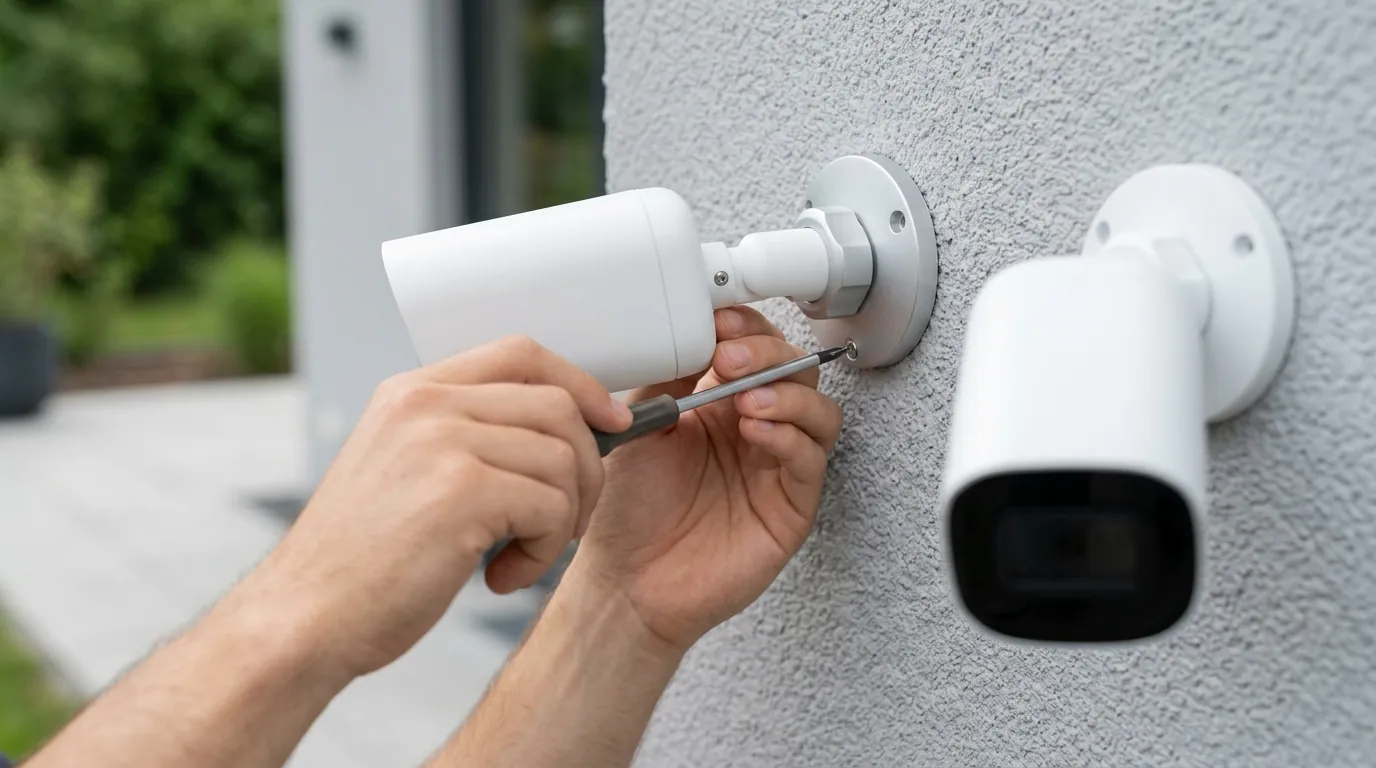
If you own an affected UniFi system, you must treat this as an active security incident rather than a routine maintenance task.
Step-by-Step Patching Guide
- Check Versions: Log into your UniFi Console. Navigate to Settings > OS Settings. Check your UniFi OS version.
- Update OS: If you are below 5.1.19, trigger the update immediately.
- Update Applications: Once the OS is updated, go to the Applications tab. Ensure UniFi Protect is at 7.1.83 or higher, UniFi Access is at 4.2.29 or higher, and UniFi Connect is at 3.4.20 or higher.
- Verify Hardware: Ensure your individual cameras and door hubs also receive their respective firmware updates, which are pushed automatically by the updated Protect and Access applications.
Rotating Secrets and Evicting Intruders
Because root-level access was possible, the integrity of your current credentials must be questioned.
- Change All Passwords: Change the password for every local user account.
- Rotate SSH Keys: If you have SSH enabled, generate new keys and delete the old ones. If you don’t use SSH, disable it entirely in the OS settings.
- Audit Users: Check the “Users” list for any accounts you did not create.
- Review Remote Access: If you do not absolutely need to view your cameras from outside your home, disable “Remote Access” in the UniFi OS settings. This closes the bridge to the UI.com cloud and significantly reduces your attack surface.
Network Hardening
To prevent future vulnerabilities from exposing your cameras, follow the “Management VLAN” best practice. Move your UniFi NVR and cameras to a dedicated Virtual LAN (VLAN) that is isolated from your primary home Wi-Fi and guest networks. This ensures that if a guest’s laptop is infected with malware, the malware cannot easily “see” or attack the camera system.
Table 3: Decision Framework for Security Camera Buyers
| If you are… | Priority | Recommendation |
|---|---|---|
| A Renter | Portability & Ease | Use standalone Wi-Fi cameras with built-in SD cards; avoid complex NVR stacks. |
| A Privacy-Conscious Homeowner | Data Sovereignty | Continue with Ubiquiti but disable remote access and use a VPN (like WireGuard) for remote viewing. |
| A Small Business Owner | Reliability & Liability | Patch UniFi immediately; consider a dual-homed setup where cameras are on a physically separate switch. |
| Fatigued by Updates | Low Maintenance | Switch to a “set-and-forget” local system like the Reolink Altas PT Ultra (around $200), which offers 4K local recording without a centralized OS management plane. |
Considering a Switch?
For some users, the frequent “emergency” patching required by the UniFi ecosystem is a burden. If you want local storage without the complexity of managing a full UniFi OS stack, there are alternatives. The Reolink Altas PT Ultra (priced in the $150–$200 range) is a standalone 4K camera that records continuously to a local microSD card. Because it does not require a centralized NVR or “management plane” to function, it lacks the single point of failure (and the single point of exploitation) that hit Ubiquiti this month.
Total Cost of Ownership (3-Year Estimate)
When comparing these systems, look beyond the sticker price.
- Ubiquiti (UDM-Pro + 3 Cameras + 8TB HDD): Around $800–$1,000 upfront. $0/month. 3-year TCO: $1,000.
- Subscription Brand (3 Cameras + Cloud Plan): Around $450 upfront. $120/year subscription. 3-year TCO: $810.
- Standalone Local (3 Reolink Altas + SD Cards): Around $600 upfront. $0/month. 3-year TCO: $600.
While Ubiquiti eventually becomes cheaper than subscription models, the “cost” is paid in the time spent monitoring security advisories and performing manual system recovery. Quvii tracks these trade-offs across the category to help buyers decide if the local-storage benefit outweighs the management responsibility.
Frequently Asked Questions
Can I just use a strong password to protect against these June 2026 flaws?
No. Several of the June 2026 vulnerabilities, including CVE-2026-34908 and CVE-2026-50746, are “unauthenticated” flaws. This means the attacker can bypass the login screen entirely. A strong password only protects you once the software is patched; it does nothing to stop an attacker who is using a path-traversal exploit to go “around” the login gate.
If I don’t use UniFi Connect or Access, am I safe?
Not entirely. While the CVSS 10.0 flaw is specific to the Connect application, the core UniFi OS vulnerabilities (CVE-2026-34908) affect the base operating system used by UniFi Protect (cameras) and Network. You must update the OS to 5.1.19 regardless of which specific applications you have installed.
Does updating my UDM-Pro also update my cameras?
Updating the UniFi Protect application on your console will generally trigger firmware updates for the connected cameras. However, you should manually verify this in the “Devices” tab of UniFi Protect. Each camera should show “Up to Date” to ensure that camera-specific API vulnerabilities (like CVE-2026-54407) are closed.
Is it safe to use UniFi’s “Remote Access” feature now?
Once you have patched to UniFi OS 5.1.19 and Protect 7.1.83, the known June 2026 exploits are mitigated. However, “Remote Access” still relies on Ubiquiti’s cloud infrastructure as a relay. For the highest security, many experts recommend disabling “Remote Access” and instead using the built-in Teleport VPN or a self-hosted WireGuard VPN to access your cameras remotely.
Sources
- Ubiquiti Security Advisory Bulletin 065 — https://ui.com/introduction/security-advisories/bulletin-065
- Ubiquiti Security Advisory Bulletin 066 — https://ui.com/introduction/security-advisories/bulletin-066
- CISA Known Exploited Vulnerabilities Catalog — https://www.cisa.gov/known-exploited-vulnerabilities-catalog
- Field Effect Security Research: Ubiquiti Exploit Analysis
- Censys Data: Internet Exposed UniFi Consoles
- Bleeping Computer: Critical CVSS 10 Flaw in UniFi Connect