
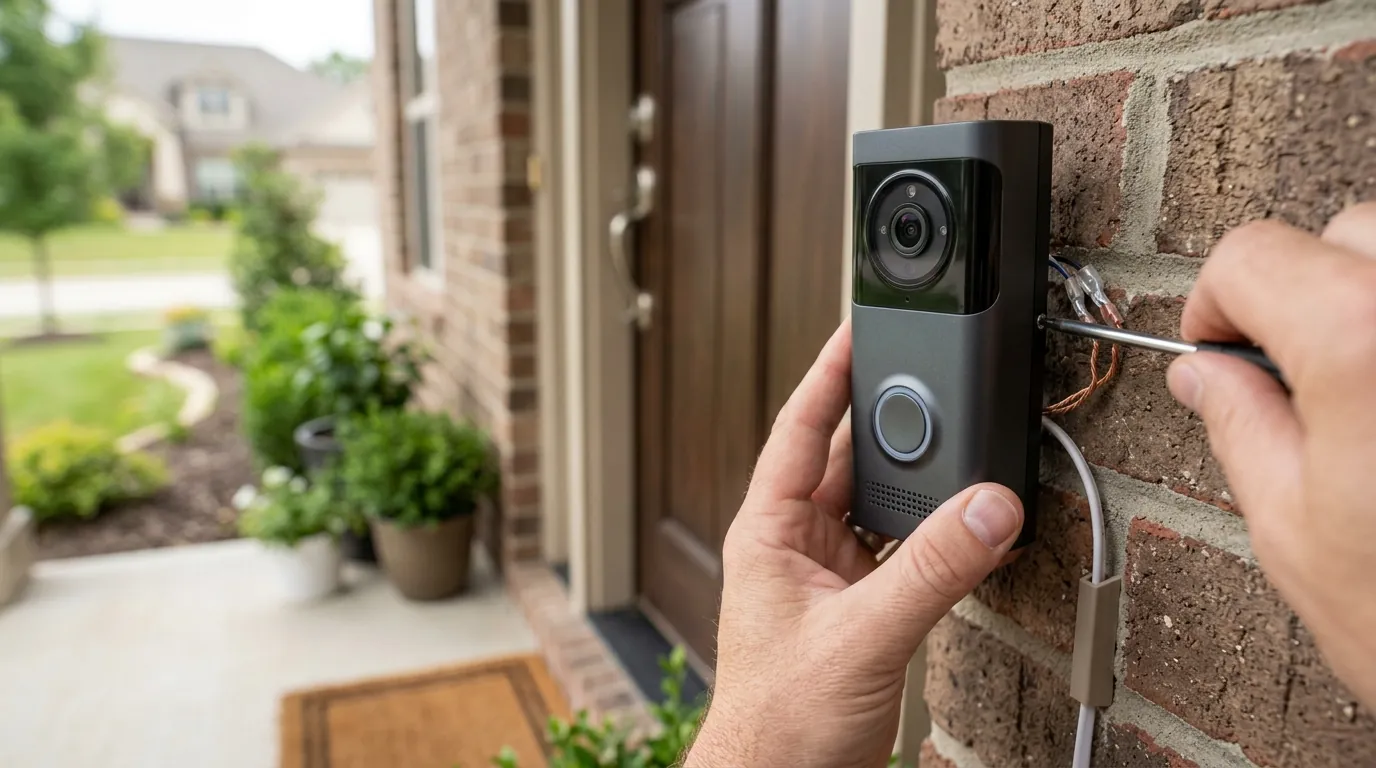
Tuya WiFi Video Doorbell: 2026 Setup & Integration Guide Updates
Navigating the landscape of white-label smart home technology requires a clear understanding of the underlying platform that powers hundreds of different brands. As of mid-2026, the Tuya ecosystem remains the primary engine for affordable, feature-rich video doorbells, though recent updates have significantly changed how these devices interact with the wider smart home.
Setting up a Tuya WiFi video doorbell typically involves downloading the Tuya Smart or Smart Life app, connecting to a 2.4 GHz Wi-Fi network, and following in-app pairing instructions, often using a QR code. Recent 2026 updates from Tuya Smart, including enhanced ‘Hey Tuya’ features and expanded support for Matter and Home Assistant, are significantly improving integration possibilities for consumers.
What happened
Related: Choosing Monitored Security Without Smart Features (2026 Guide) · Josh.ai AI X OS Update: Boosting Smart Home Camera Intelligence · Ring Camera Motion Detection Not Working in July 2026: What to Know
The landscape for Tuya-powered devices underwent a major shift in the first half of 2026. Tuya Smart, the global IoT platform provider, has moved aggressively to transition from a simple “app-to-device” controller into a more sophisticated AI-driven ecosystem.
The Rise of Tuya-Powered Doorbells
Tuya does not typically sell doorbells under its own name to consumers. Instead, it provides the “brain”—the firmware, cloud backend, and app—to thousands of manufacturers. This white-label model has led to a market saturation of affordable WiFi doorbells found on platforms like Amazon, AliExpress, and in big-box retailers under brands such as Geeni, Nedis, and Woox. By 2026, this dominance has made Tuya the de facto standard for budget-conscious security, offering features like human detection and cloud storage at a fraction of the cost of proprietary competitors.
2026 Tuya Global Developer Summit Highlights
At the April 2026 Tuya Global Developer Summit, the company unveiled significant upgrades to its “Hey Tuya” AI life assistant. This update marked a strategic pivot toward “AI Home” and “AI Energy” ecosystems. For doorbell users, this means the platform is moving toward proactive services—such as identifying frequent visitors by voice or gait—rather than simply sending a generic motion alert. The summit also introduced “AI universal panels,” which are revamped dashboard interfaces within the app designed to consolidate security feeds more intuitively.
Expanding Interoperability: Matter and Home Assistant
Perhaps the most critical update for 2026 is the expanded hardware compatibility. Tuya has deepened its commitment to Matter, the industry-standard interoperability protocol. While early Matter implementations were limited to simple on/off switches, the 2026 firmware updates for Tuya doorbells now support video streaming over Matter to compatible hubs. Additionally, Tuya has streamlined its official integration with Home Assistant, addressing years of community complaints regarding the complexity of API keys and developer accounts.
Why it matters for buyers
For the consumer, the Tuya ecosystem represents a “high-feature, low-cost” entry point into home security, but it comes with specific trade-offs that differ from closed systems like Ring or Google Nest.
Affordability Meets Expanding Compatibility
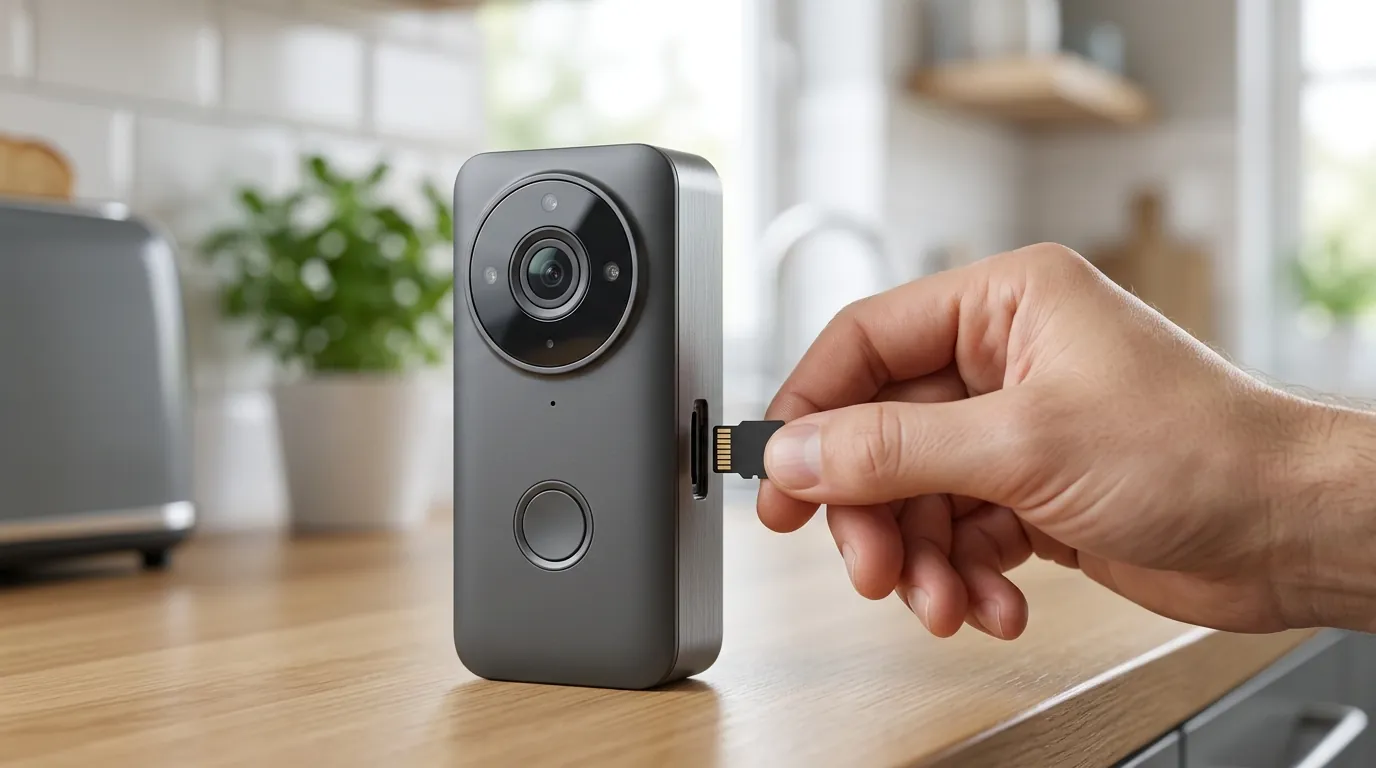
New buyers in 2026 can find Tuya-based doorbells in the $50-100 range that offer 2K resolution, local microSD storage, and no mandatory monthly fees. Unlike closed ecosystems that “lock” features like person detection behind a paywall, many Tuya manufacturers include these AI features in the base hardware cost. The addition of Matter support means a buyer is no longer “trapped” in the Tuya Smart app; they can potentially view their doorbell feed on an Apple HomePod or a Google Nest Hub without the lag issues that plagued previous generations.
Navigating Cloud Dependency and Brand Variation
Despite the move toward Matter, most Tuya doorbells remain cloud-dependent for their initial setup and remote notifications. If the Tuya servers or your internet connection go down, the doorbell’s “smart” features often cease to function, even if the device is powered. Furthermore, because Tuya is a platform used by many different hardware factories, the physical build quality (weatherproofing, button durability, battery life) varies wildly. A $40 “Tuya” doorbell from an unknown vendor may use lower-quality plastics and lenses than a $90 version from a more established brand like Eufy or Reolink, even if the app interface looks identical.
The Importance of a Smooth Setup
Understanding the technical requirements upfront is the difference between a 5-minute installation and an afternoon of frustration. Tuya devices are notoriously strict about Wi-Fi frequencies. While the world is moving toward Wi-Fi 6 and 7, the majority of Tuya doorbells in 2026 still rely exclusively on 2.4 GHz bands for their superior range through exterior walls.
Decision Framework: Is a Tuya Doorbell Right for You?
| If you are a… | Prioritize… | Why? |
|---|---|---|
| Renter | Battery-powered / Adhesive mount | Easy removal; no wiring required. |
| Homeowner | Hardwired (16-24V AC) | Constant power for “Pre-roll” recording and no charging. |
| Privacy Advocate | Local SD Card + Matter | Keeps footage off the cloud; uses local protocols. |
| Power User | Home Assistant Integration | Allows for complex automations (e.g., flashing lights when the bell rings). |
Impact on existing owners
If you already own a Tuya-compatible doorbell, the 2026 updates provide both opportunities and new responsibilities regarding privacy and device maintenance.
New Integration Possibilities for Current Devices
Existing owners should check for firmware updates within the Tuya Smart or Smart Life app. Many devices manufactured in late 2024 and 2025 are receiving “bridge” updates that allow them to participate in the new “Hey Tuya” AI ecosystem. This can unlock features like voiceprint recognition, which allows the doorbell to announce specifically who is at the door based on previous interactions, provided the user opts into the updated Tuya Privacy Policy.
Addressing Ongoing Performance and Notification Challenges
A persistent issue for Tuya users, particularly those on Android devices like Samsung’s Galaxy line, is the “delayed notification” problem. This is often caused by aggressive battery optimization settings in the mobile OS. In 2026, Tuya introduced a “Full-Screen Notification Access” request within the app to help bypass these restrictions, but owners must manually enable this in their phone’s settings to ensure they don’t miss a visitor.
Understanding Tuya’s Evolving Privacy Landscape
Tuya updated its global privacy policy in January 2026. While the company maintains that it does not “sell” personal data to third parties, the scope of data collection has expanded to include “voice information” and “behavioral patterns” to power the new AI features. Owners should review their “Data Management” tab in the app to see which third-party service providers (such as AWS or Azure) are hosting their encrypted video fragments.
Total Cost of Ownership (3-Year Projection)
When buying a Tuya doorbell, the “sticker price” is rarely the final cost. Here is how the 3-year TCO typically breaks down for a mid-range Tuya device in the $150-200 range (hardware + accessories).
| Category | Local Storage Path | Cloud Subscription Path |
|---|---|---|
| Hardware | Around $80 | Around $80 |
| Storage Media | $15 (128GB High-Endurance SD) | $0 |
| Monthly Fee | $0 | $4.99/mo (Basic AI Plan) |
| 3-Year Total | Around $95 | Around $260 |
Note: While the local path is cheaper, cloud subscriptions often include theft protection (replacing the doorbell if it’s stolen) and longer video history.
What to do now
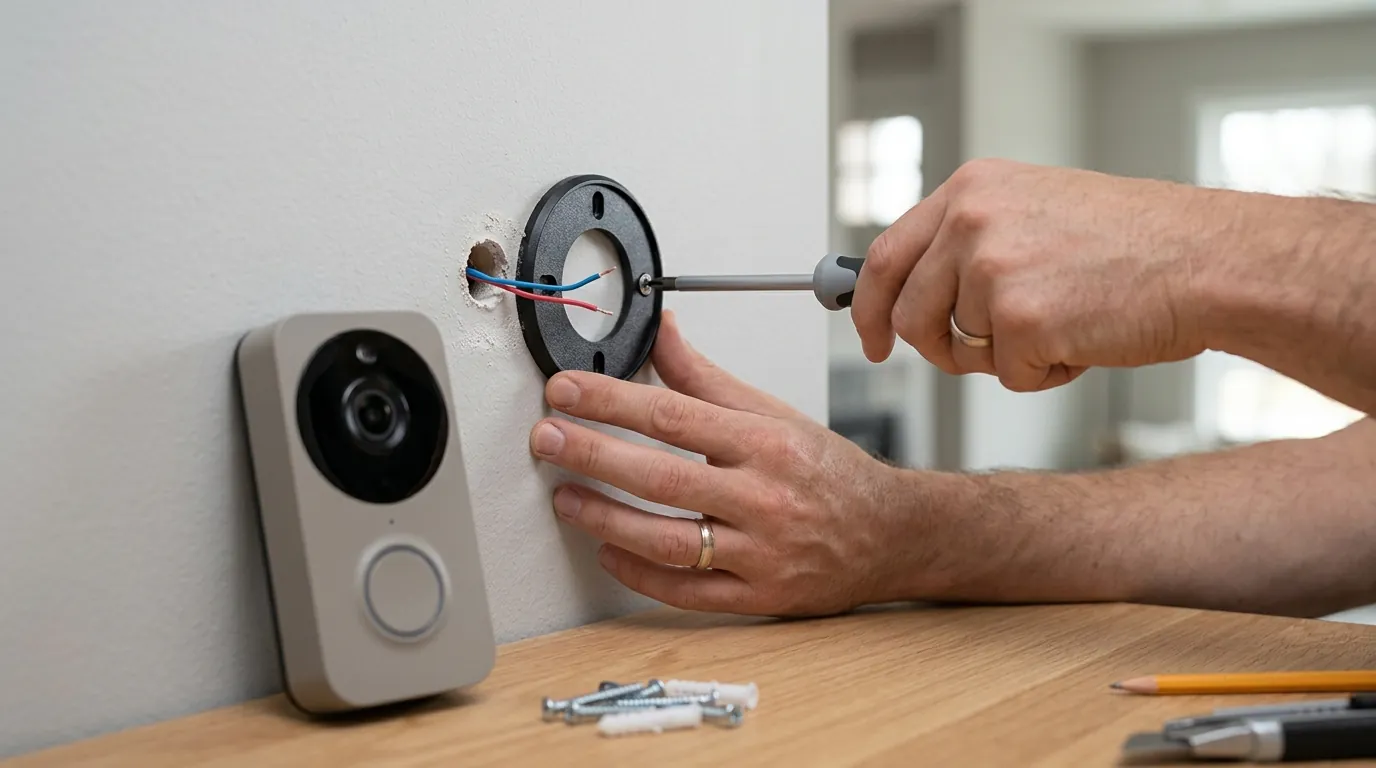
Setting up a Tuya doorbell in 2026 is more streamlined than in previous years, but following a specific sequence is vital for security and stability.
Getting Started: Pre-Installation and App Setup
- Check Wi-Fi: Ensure your smartphone is connected to a 2.4 GHz Wi-Fi network. If you have a “Smart” or “Mesh” router that combines 2.4 GHz and 5 GHz, you may need to temporarily disable the 5 GHz band or create a separate 2.4 GHz guest network for the setup process.
- Charge the Device: Even if you plan to hardwire the doorbell, fully charge the internal battery via USB first. This prevents the device from shutting down during a critical firmware update.
- Download the App: Use the official “Tuya Smart” or “Smart Life” app. Both are developed by Tuya; Smart Life is generally considered the more “consumer-centric” version with broader third-party support.
Connecting Your Doorbell to Wi-Fi
The most reliable pairing method in 2026 is the QR Code Method:
- Power on the doorbell and wait for the status light to flash (usually red) or for the voice prompt “Waiting for configuration.”
- In the app, tap the ”+” icon > Add Device > Security & Video Surveillance > Smart Doorbell.
- Enter your Wi-Fi credentials. The app will generate a QR code on your phone screen.
- Hold your phone 6–10 inches in front of the doorbell lens. Once it beeps, tap “I heard a prompt” in the app.
Configuring Essential Settings and Features
Once connected, immediately adjust these three settings:
- Detection Sensitivity: Set PIR (Passive Infrared) to “Medium” or “Low” if your door faces a busy street to avoid battery drain from false alerts.
- Power Management: Enable “Low Battery Alarm” at 20% to ensure you have time to charge it before it goes dark.
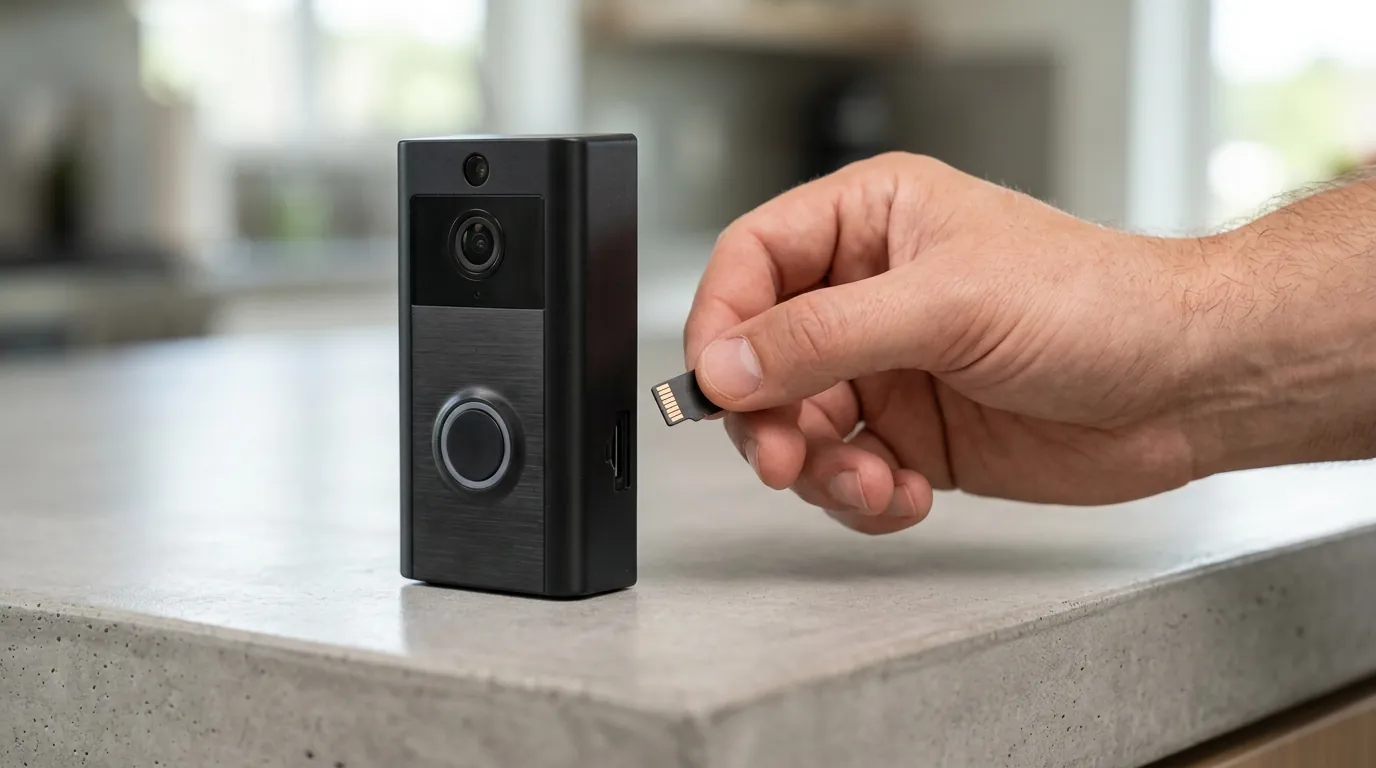
- Storage Settings: If using an SD card, format it within the app immediately to ensure the file system is compatible.
Integrating with Smart Home Ecosystems
- Alexa/Google Home: Within the Tuya app, go to “Me” > “Third-Party Voice Services.” Link your account. You can then say, “Alexa, show me the front door” on an Echo Show.
- Home Assistant: Use the official Tuya integration. In 2026, this requires scanning a QR code in the Home Assistant dashboard using the Tuya app, which automatically imports all compatible sensors and the video stream.
- Matter: For Matter-certified Tuya doorbells, locate the Matter QR code on the device body or in the app’s device info. Scan this within your Apple Home or Google Home app to add it as a native device.
Solving Common Setup and Notification Problems
| Issue | Likely Cause | Solution |
|---|---|---|
| QR Code won’t scan | Screen glare or smudge | Clean the doorbell lens; adjust phone brightness to 80%. |
| No notifications | OS Battery Optimization | Go to Phone Settings > Apps > Smart Life > Battery > Set to “Unrestricted.” |
| Video lag/stutter | Weak Wi-Fi signal | Install a 2.4 GHz Wi-Fi extender within 15 feet of the door. |
| Offline frequently | DHCP Lease/IP Conflict | Assign a “Static IP” or “Manual Lease” to the doorbell in your router settings. |
Protecting Your Privacy: Key Considerations
To secure your device, avoid using the “default” password if the app prompts you to set a device-specific one. Enable Two-Factor Authentication (2FA) in the Tuya app settings; this is the single most effective way to prevent unauthorized access to your camera feed. Finally, if you are concerned about data leaving your home, use a Matter-compatible setup which allows for more localized control of the video stream.
Frequently Asked Questions
Can I use a Tuya doorbell without a subscription?
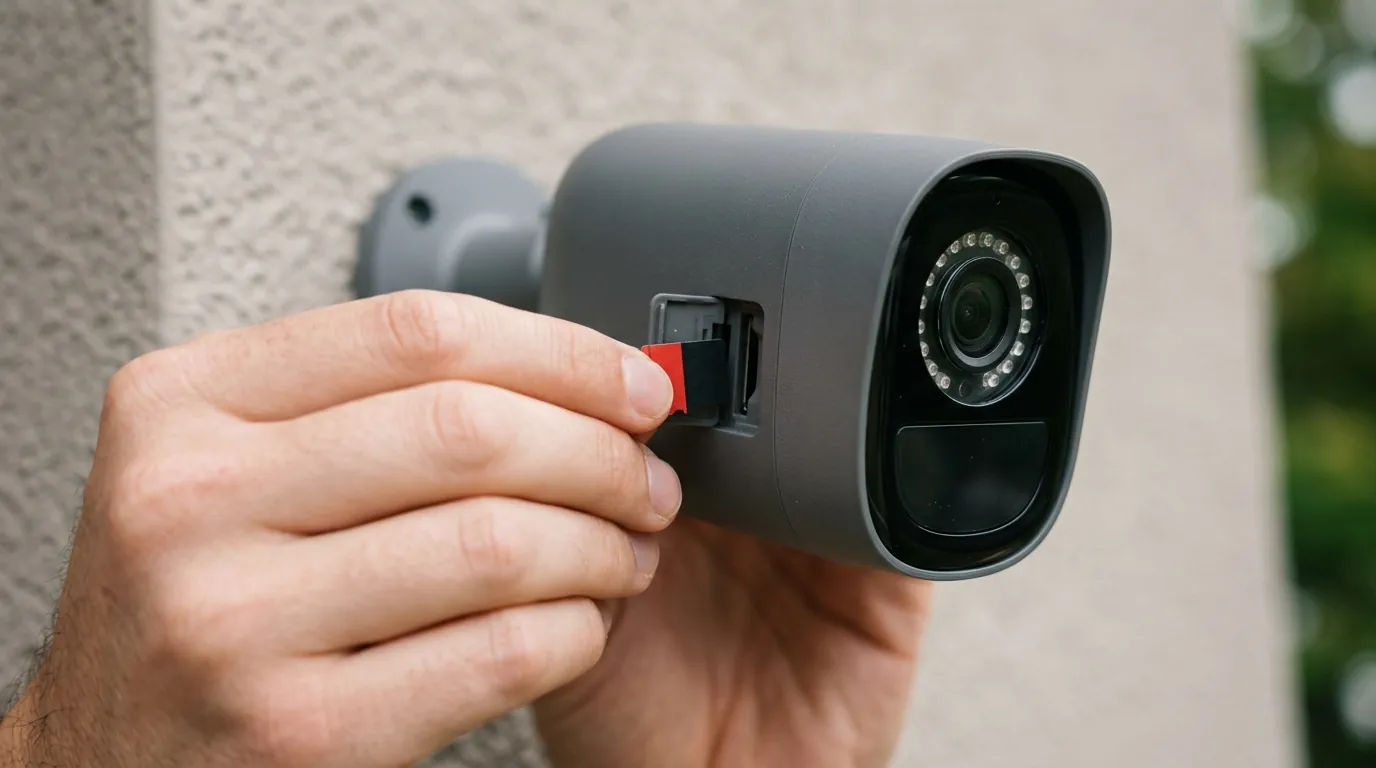
Yes, most Tuya-powered doorbells include a microSD card slot for local storage. This allows you to record motion events and door ring history without paying for a monthly cloud plan. However, without a subscription, you may lose access to “Rich Notifications” (which show a thumbnail on your lock screen) and extended AI features like facial recognition.
Why does my Tuya doorbell only support 2.4 GHz Wi-Fi?
2.4 GHz Wi-Fi has a longer wavelength than 5 GHz, allowing it to penetrate through heavy exterior materials like brick, stone, and wood more effectively. Since doorbells are mounted outside, the stability of a 2.4 GHz connection is generally preferred over the higher speed but shorter range of 5 GHz.
Is “Smart Life” or “Tuya Smart” the better app for my doorbell?
Both apps are nearly identical as they are both maintained by Tuya. “Smart Life” is often preferred by home automation enthusiasts because it tends to support a wider variety of third-party “white-label” devices and has slightly better integration with IFTTT and other automation platforms. You should not use both apps simultaneously for the same device.
How do I fix delayed notifications on my Samsung phone?
On Samsung devices, go to Settings > Apps > Smart Life (or Tuya Smart) > Battery. Select “Unrestricted.” Additionally, go to Settings > Apps > Special Access > Appear on Top and ensure the app is toggled on. This prevents the Android operating system from “killing” the app’s background process to save power.
Sources
- Tuya Smart Official — https://www.tuya.com
- Tuya Developer Platform — https://developer.tuya.com
- RTINGS Security Camera Reviews — https://www.rtings.com
- Smart Life App Support — https://www.smart-life-app.com
- Matter Standard Documentation — https://csa-iot.org