
Tapo C425 Battery Drain: What the June Update Means for Your Camera
The convenience of a wire-free security camera can quickly turn to frustration when battery life falls short. Owners of the Tapo C425 battery camera are increasingly reporting significant battery drain issues following a recent firmware update in June 2026, leading to a scramble for solutions and raising questions for prospective buyers.
Following a recent June firmware update, some Tapo C425 battery camera owners are reporting significantly reduced battery life, with cameras draining much faster than their advertised “up to 300 days” and requiring more frequent recharging. This issue primarily affects the camera’s convenience and reliability, potentially leading to missed recordings if not addressed promptly.
What happened
A firmware update for the Tapo C425 battery camera was reportedly rolled out in June 2026, intended to improve performance or add features. Shortly after this update, a number of users began reporting a noticeable and rapid decline in their camera’s battery life, with some experiencing drain rates far exceeding typical usage patterns. Instead of the advertised “up to 300 days” of battery life, users are reporting durations as short as a few weeks or even days, requiring frequent recharging. Initial community discussions suggest potential causes could include increased background activity, altered motion detection sensitivity, or changes in Wi-Fi communication protocols introduced by the new firmware.
The June 2026 Firmware Rollout
While TP-Link’s official channels typically detail firmware updates, community discussions and user reports indicate a significant firmware rollout for the Tapo C425 battery camera around June 2026. These updates are usually designed to enhance camera functionality, security, or overall stability. However, in this instance, the update appears to have had an unintended side effect on battery performance for a segment of users.
Reported Symptoms: Rapid Battery Drain
The most prominent symptom reported by affected users is a drastic reduction in battery life. The Tapo C425 is marketed with a battery life of “up to 300 days” on a single charge, based on specific usage conditions such as 10-20 event recordings per day. However, users are now observing their cameras requiring recharging much more frequently, in some cases every few weeks or even just days, depending on usage and environment. This contrasts sharply with the expected long-term, low-maintenance operation of a wire-free camera.
Community Speculation on Causes
Community discussions across platforms like Reddit’s r/HomeSecurity and r/TpLink suggest various potential causes for the accelerated battery drain. Speculation includes increased background processes, higher power consumption for Wi-Fi communication, or more aggressive motion detection algorithms that keep the camera awake and recording more often. Some users also suggest that new features or optimizations introduced in the firmware might be inadvertently consuming more power than anticipated, leading to the rapid depletion of the camera’s 9050 mAh rechargeable battery.
Why it matters for buyers
The Tapo C425 is marketed as a wire-free camera with long battery life, a key selling point for flexible placement without constant recharging. This issue directly undermines that core benefit. Prospective buyers considering the Tapo C425 for its convenience and low maintenance may find themselves facing unexpected frequent charging, turning a “set-and-forget” device into a high-maintenance one. Reduced battery life means the camera could run out of power at critical moments, potentially missing important security events. The need for more frequent charging could also lead to additional costs if users opt for a solar panel accessory (available separately) to mitigate the issue, which typically adds to the overall price. This situation highlights the ongoing challenge with subscription-heavy incumbents (Ring, Nest, Arlo) where battery performance is often tied to cloud features, but also demonstrates that even ‘no subscription’ cameras can face reliability issues due to firmware.
Reliability Concerns for New Installations
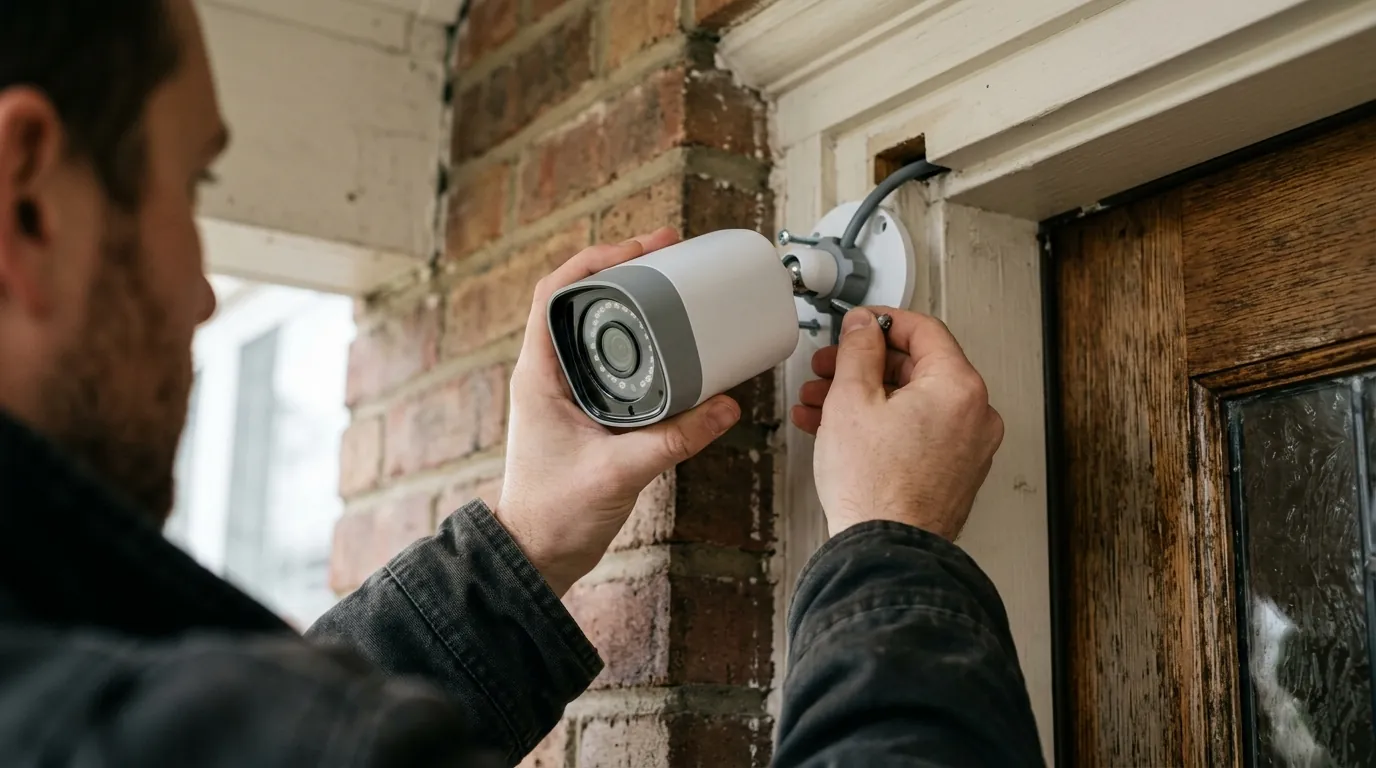
For individuals looking to purchase and install a new security camera, the reported battery drain issues with the Tapo C425 introduce significant reliability concerns. The primary appeal of a battery-powered camera like the C425 is its ability to be placed almost anywhere without the need for power outlets, offering flexible coverage. If the camera’s battery depletes quickly, its ability to provide continuous surveillance is compromised, potentially leaving blind spots in a home or small business security setup.
Unexpected Maintenance & Hidden Costs
A camera designed for “up to 300 days” of battery life is expected to be a low-maintenance device. However, if the June 2026 update causes the battery to drain in a matter of weeks, new owners will face the unexpected chore of frequent recharging. This additional maintenance can be particularly inconvenient for cameras mounted in hard-to-reach locations. Furthermore, to counteract this issue, new buyers might feel compelled to purchase a Tapo A200 solar panel, which is sold separately, adding around $50-60 to the total cost of ownership. This negates some of the initial cost-effectiveness of a battery-powered camera.
Impact on Camera Placement Flexibility
The promise of wire-free operation is intrinsically linked to placement flexibility. A long battery life allows users to install the camera in optimal surveillance spots without worrying about constant power access. If battery performance is significantly degraded, users might be forced to choose less ideal locations closer to power outlets for easier recharging, or invest in solar panels, thereby limiting the very flexibility that made the C425 an attractive option in the first place.
Impact on existing owners
Existing Tapo C425 owners who installed the June update are experiencing significant frustration due to the sudden increase in charging frequency. Many owners purchased the C425 for its long battery life (up to 300 days under specific conditions), and the current drain rates are far below expectations. Troubleshooting steps often involve checking camera settings like motion detection sensitivity, activity zones, and Wi-Fi signal strength, as these factors heavily influence battery consumption. Some users have reported that optimizing settings, such as reducing ‘Wake-up Times’ (event detection and AI filtering) and ‘Time of Use’ (live streaming/playback), can help, but may not fully resolve the post-update drain. Contacting Tapo support is a necessary step for affected owners to report the issue and seek official guidance or potential firmware rollbacks/fixes. For those severely impacted, investing in a Tapo A200 solar panel (sold separately) might become a necessity to maintain continuous operation, despite the initial appeal of a wire-free setup.
Troubleshooting Steps for Current Owners
For current Tapo C425 owners experiencing rapid battery drain, several troubleshooting steps can be taken to potentially mitigate the issue:
- Check Firmware Version: Ensure your camera is running the latest firmware. Sometimes, a subsequent patch might be released to address bugs from a previous update.
- Review Activity Zones: Adjusting activity zones to focus only on critical areas can reduce unnecessary motion detection and recording, thereby conserving battery life.
- Adjust Motion Detection Sensitivity: Lowering the motion detection sensitivity can decrease the number of “Wake-up Times,” where the camera activates to record an event.
- Optimize “Working Mode”: Within the Tapo app, navigate to the camera settings and explore “Working Mode” options. Switching to a “Power Saving Mode” can prioritize battery longevity over continuous monitoring or frequent alerts.
- Evaluate Wi-Fi Signal Strength: A weak Wi-Fi signal can cause the camera to work harder to maintain a connection, leading to increased battery consumption. Ensure your camera is within a strong Wi-Fi range.
- Limit Live View and Playback: Frequent live streaming or playing back recorded footage, referred to as “Time of Use,” can significantly drain the battery. Minimize these activities where possible.
When to Contact Tapo Support
If, after attempting the above troubleshooting steps, the battery drain issues persist, contacting TP-Link Tapo customer support is the next crucial step. Be prepared to provide detailed information, including:
- Your camera’s exact model (Tapo C425).
- The current firmware version installed on your device.
- Specific observations regarding battery life, such as how quickly it drains and under what conditions.
- A list of all troubleshooting steps you have already performed.
Providing comprehensive details will help support agents diagnose the problem more effectively and potentially offer solutions, such as a specific fix, a firmware rollback option, or a replacement if the issue is hardware-related.
Considering a Solar Panel Accessory
For existing owners who rely heavily on the wire-free nature of their Tapo C425 and find the frequent recharging disruptive, the Tapo A200 solar panel accessory offers a practical solution. This solar panel is designed to continuously charge the C425, providing a steady power supply and significantly reducing the need for manual recharges. While it represents an additional investment (typically in the $50-60 range), it can restore the “set-and-forget” convenience that is a hallmark of battery-powered security cameras, especially for cameras placed in high-traffic areas or locations with ample sunlight.
What to do now
For Prospective Buyers
Carefully monitor community forums (like r/HomeSecurity or r/TpLink) and review sites for updated information on the Tapo C425’s battery performance post-June update. Consider waiting for an official resolution or exploring alternative battery-powered cameras with proven reliability. Before making a purchase, it’s prudent to check recent user reviews specifically addressing battery life and firmware stability.
For Current Tapo C425 Owners
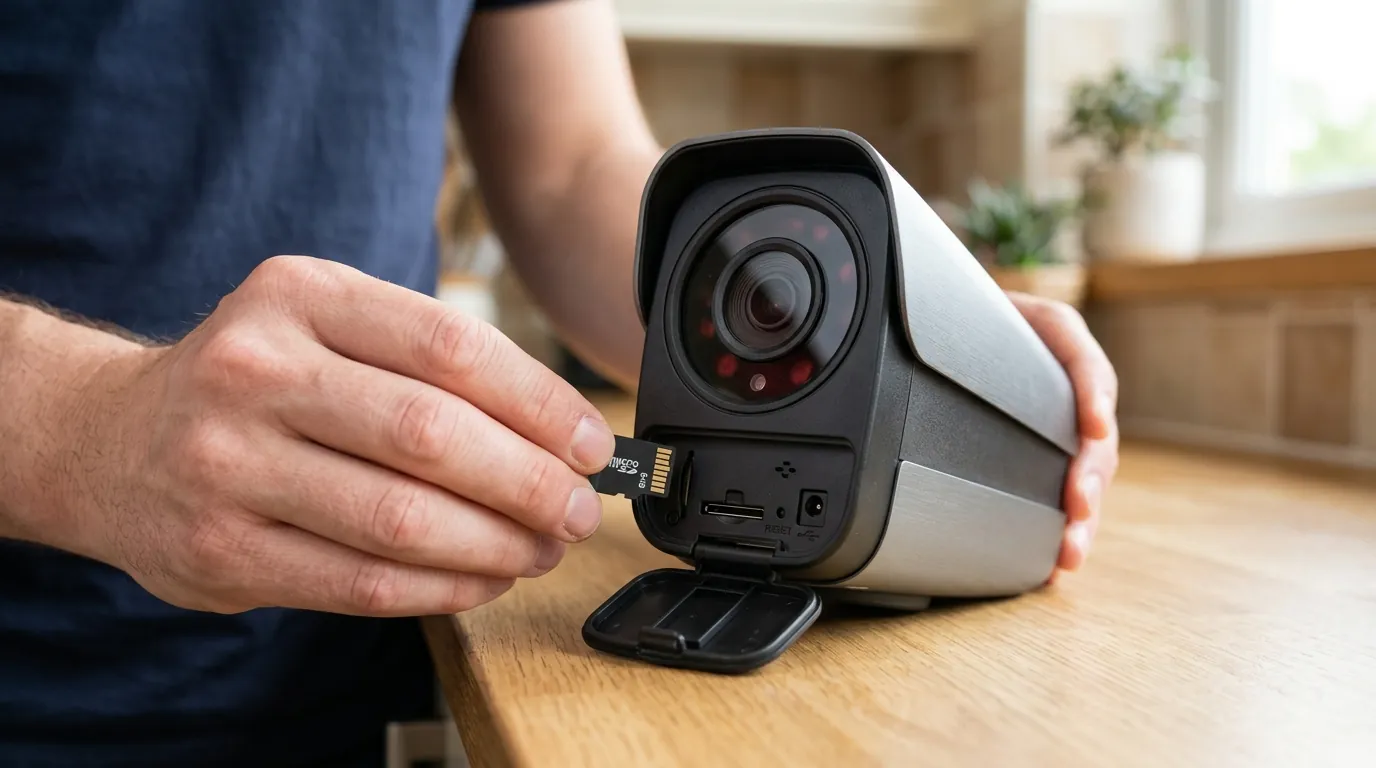
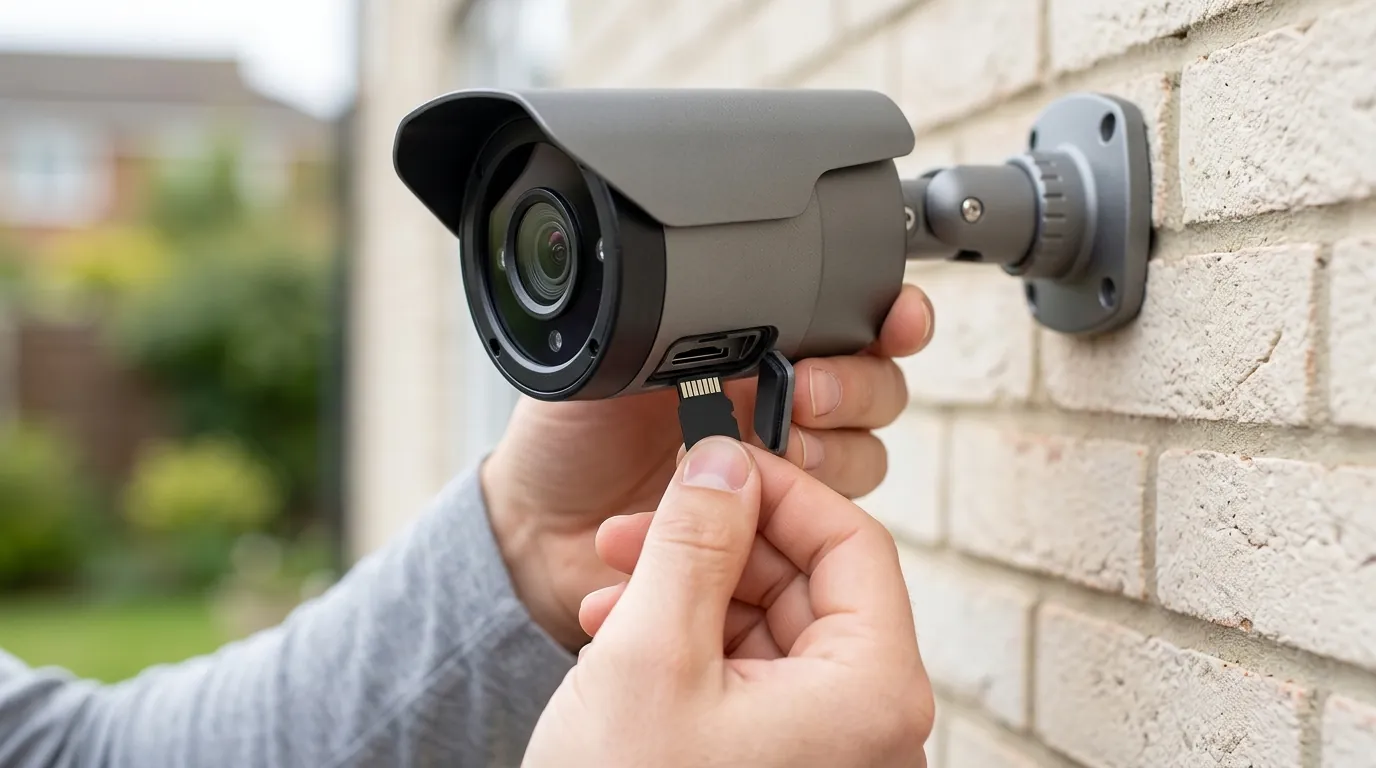
First, check your Tapo app for any newer firmware updates that might address the battery drain issue. Ensure your camera’s firmware is always up to date for bug fixes and performance improvements. Review your camera’s ‘Battery Status’ in the Tapo app to identify specific usage patterns (e.g., high ‘Wake-up Times’ or ‘Time of Use’). Adjust motion detection sensitivity, create privacy zones to reduce unnecessary recordings, and ensure strong Wi-Fi connectivity. If issues persist, contact TP-Link Tapo customer support with detailed information, including your camera’s firmware version, usage statistics, and troubleshooting steps already taken. Consider purchasing the Tapo A200 solar panel to provide continuous charging and alleviate battery concerns, especially for cameras in high-traffic areas. Remember that Tapo cameras offer local storage via microSD card (up to 512GB) as an alternative to cloud storage, which can offer greater privacy and avoid subscription fees, though it doesn’t directly impact battery drain from firmware issues.
Monitoring for Official Solutions
Keep an eye on official TP-Link Tapo announcements, support pages, and community forums for any statements or further firmware releases addressing the battery drain. Manufacturers often release patches to resolve unexpected issues arising from updates. Engaging with the community can also provide valuable insights and shared solutions from other affected users.
Decision Framework: Choosing a Battery Security Camera
When evaluating battery-powered security cameras, your specific needs will dictate the best choice.
- If you prioritize maximum battery life and minimal maintenance: Look for cameras with larger battery capacities (e.g., 9000+ mAh) and strong community feedback on long-term performance. Consider models that offer effective power-saving modes or solar panel compatibility.
- If local storage and privacy are paramount: Prioritize cameras with built-in microSD card slots and robust encryption. Always review the brand’s privacy policy regarding data handling and third-party sharing.
- If you need 24/7 recording or high-traffic area monitoring: A battery camera might not be ideal. Consider wired cameras or battery models with continuous solar charging for reliable, uninterrupted surveillance.
- If budget is a primary concern but you want features: Weigh the initial camera cost against potential recurring subscription fees and the cost of accessories like solar panels to understand the total cost of ownership.
Total Cost of Ownership (TCO) for Battery Cameras
Understanding the long-term cost of a security camera involves more than just the initial purchase price. Here’s a breakdown comparing typical TCO factors for the Tapo C425 and a competitor:
| Factor | Tapo C425 (Example) | Ring Stick Up Cam Battery (Example) |
|---|---|---|
| Initial Camera Cost | Around $80-100 | Around $100 |
| Optional Solar Panel | Tapo A200: Around $50-60 | Ring Solar Panel: Around $50-60 |
| Local Storage (microSD) | Up to 512GB (user-supplied, around $15-50) | Via Ring Alarm Pro (requires subscription) |
| Cloud Storage (1-Cam/Year) | Tapo Care: Around $39.99/year | Ring Protect Basic: Around $49.99/year |
| 3-Year TCO (No Cloud) | ~$80-100 (camera) + ~$50 (solar) + ~$25 (SD card) = ~$155-175 | ~$100 (camera) + ~$50 (solar) + ~$150 (3 yrs sub) = ~$300 |
| 3-Year TCO (With Cloud) | ~$80-100 (camera) + ~$50 (solar) + ~$120 (3 yrs sub) = ~$250-270 | ~$100 (camera) + ~$50 (solar) + ~$150 (3 yrs sub) = ~$300 |
This table illustrates that while the Tapo C425 offers local storage without a mandatory subscription, opting for cloud storage or a solar panel can increase its overall cost. Cameras like the Ring Stick Up Cam Battery often require a subscription for essential features like video recording, leading to a higher recurring cost over time. These “feature paywalls” are a critical consideration for long-term budget planning.
Security Camera Comparison Table
| Feature | Tapo C425 | EufyCam S220 SoloCam | Reolink Argus 4 Pro | Ring Stick Up Cam Battery |
|---|---|---|---|---|
| Resolution | 2K QHD (2560 x 1440) | 2K (2048 x 1080) | 4K UHD (3840 x 2160) | 1080p HD |
| IR Range | Up to 49 ft (15m) | Up to 26 ft (8m) | Up to 33 ft (10m) | Up to 25 ft (7.6m) |
| Local Storage | MicroSD (up to 512GB) | 8GB eMMC (non-removable) | MicroSD (up to 128GB) | Via Ring Alarm Pro (subscription required) |
| Subscription Cost/yr | Tapo Care: Around $39.99 (1-cam) | Eufy Security Cloud: Around $29.99 (1-cam) | Reolink Cloud: Around $49.99 (1-cam) | Ring Protect Basic: Around $49.99 (1-cam) |
| Power Type | 9050 mAh Rechargeable Battery (Wire-Free) | 6500 mAh Rechargeable Battery (Wire-Free) | 5000 mAh Rechargeable Battery (Wire-Free) | 5200 mAh Quick-Release Battery Pack (Wire-Free) |
| Battery Life (Advertised) | Up to 300 days | Up to 3 months | Up to 6 months | Up to 6-12 months (variable) |
| Field of View | 150° Diagonal | 130° Diagonal | 170° Diagonal | 130° Diagonal |
Frequently Asked Questions
Is the Tapo C425 truly wire-free?
Yes, the Tapo C425 is designed as a wire-free battery-powered camera, allowing for flexible placement without needing a power outlet. It operates on a rechargeable 9050 mAh battery.
Does the Tapo C425 require a subscription?
No, the Tapo C425 does not require a subscription for basic functionality. It supports local storage via a microSD card (up to 512GB) for recorded video. Optional cloud storage and additional features are available through the Tapo Care subscription service.
How long should the Tapo C425 battery last?
Under optimal conditions and typical usage (10-20 event recordings per day), the Tapo C425 is advertised to have a battery life of up to 300 days. Actual battery life can vary significantly based on factors like recording frequency, live view usage, Wi-Fi signal strength, and environmental temperature.
Can I use a solar panel with the Tapo C425?
Yes, the Tapo C425 is compatible with the Tapo A200 solar panel, which is sold separately. This accessory can provide continuous charging to the camera, significantly extending its operational time and reducing the need for manual recharging.
Is Tapo C425 footage encrypted?
Tapo states that its cameras use encryption to protect user data, including video footage. Cloud storage for Tapo Care is hosted on Amazon Web Services (AWS) in the United States, and data is transmitted using encryption protocols.
Sources
- TP-Link — Tapo C425 Product Page:
- B&H Photo Video — TP-Link Tapo C425 Battery-Powered Outdoor 2K QHD Wi-Fi Security Camera: https://www.bhphotovideo.com/c/product/1792985-REG/tp_link_tapo_c425_tapo_c425_2k_qhd_wire_free.html
- Walmart — TP-Link Tapo C425 2K QHD Wire-Free Smart Security Camera: https://www.walmart.com/ip/TP-Link-Tapo-C425-2K-QHD-Wire-Free-Smart-Security-Camera-9050mAh-Battery-Color-Night-Vision-IP66-AI-Detection-Local-Cloud-Storage-Works-with-Alexa-Google-Home/2567958564
- Basic-Tutorials.com — TP-Link Tapo C425 review: The battery cam with a huge battery:
- TP-Link — Tapo Care Subscription Plans:
- Digital Camera World — Reolink Argus 4 Pro review: https://www.digitalcameraworld.com/reviews/reolink-argus-4-pro-review
- Reolink — Argus 4 Pro Product Page:
- Ring — Stick Up Cam Battery Product Page: https://ring.com/products/stick-up-cam-battery
- Ring — Ring Alarm Pro:
- ImpulseGamer — Ring Stick Up Cam Battery Review:
- Ring — Ring Protect Plans: https://ring.com/protect-plans
- TP-Link — Tapo A200 Solar Panel Product Page:
- TP-Link — Tapo Security & Privacy FAQs: https://www.tp-link.com/us/support/faq/3241/
- TP-Link — TP-Link Privacy Policy: https://www.tp-link.com/us/about-us/privacy/
- Reddit — EufyCam S220 SoloCam battery capacity discussion: https://www.reddit.com/r/EufyCam/comments/11r3z8v/eufy_s220_solocam_battery_size/