
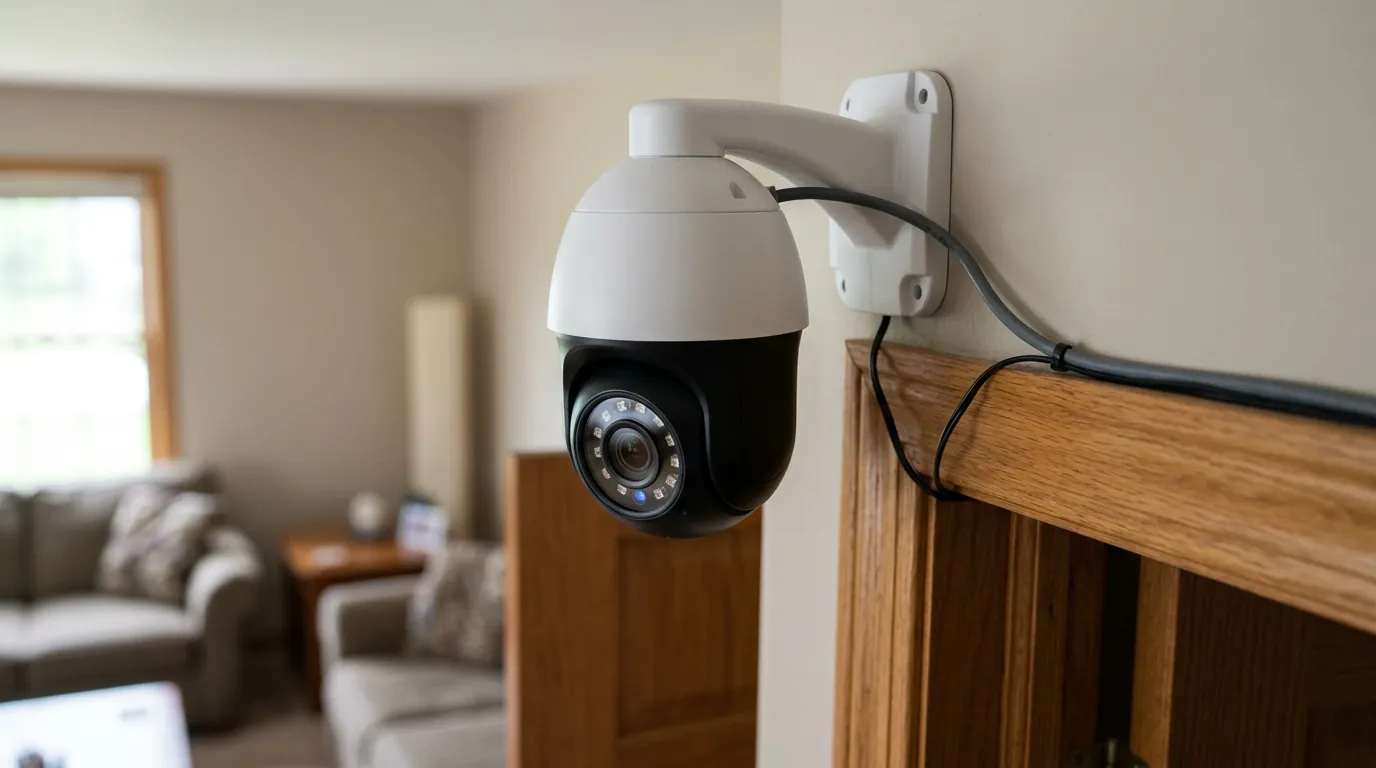
Tapo C210 Pan/Tilt Motor Noise After Firmware Update: What to Know
For owners of the TP-Link Tapo C210, the quiet operation of its pan-and-tilt mechanism is a primary selling point, but recent reports of mechanical noise following firmware updates have raised questions about software-driven hardware fatigue.
Quick Answer: While there isn’t a widely acknowledged official bug directly linking Tapo C210 firmware updates to the introduction of pan/tilt motor noise, some users have reported mechanical sounds or movement issues with their C210 cameras. Firmware updates are generally intended to improve performance and fix bugs, but can sometimes correlate with new or exacerbated issues. Owners experiencing motor noise after an update should ensure both the camera firmware and the Tapo app are up to date, perform basic troubleshooting like restarting and resetting, and contact TP-Link support if the problem persists.
What happened
Related: Ring Camera Not Notifying or Streaming in July 2026: What to Know · Arlo Doorbell Motion & Recording Issues: What to Know in July 2026 · Frigate NVR Detection Crashing After GPU Upgrade: 2026 Fixes
The Tapo C210 is a staple in the budget-friendly indoor security market, favored for its 2K resolution and 360-degree horizontal rotation. However, a subset of the user base has recently documented a shift in the acoustic profile of the camera’s internal motors. These reports often surface immediately following a firmware update, leading to a community-driven investigation into whether software changes are impacting the physical longevity or operational smoothness of the pan/tilt assembly.
User-Reported Mechanical Anomalies
Users on community platforms like r/Tapo and the TP-Link Community forums have described several distinct types of noise. The most common is a “clicking” or “rattling” sound that occurs when the camera reaches the end of its vertical or horizontal range. Others have noted a high-pitched whine that persists while the motor is in motion, which was allegedly absent when the device was first unboxed.
In some instances, the noise is accompanied by jerky movements. Instead of a fluid 360-degree sweep, the camera may stutter or “hunt” for its position, suggesting that the firmware’s calibration of the stepper motor may be out of sync with the physical limits of the plastic housing. While mechanical wear is a factor for any device with moving parts, the timing of these issues—often coinciding with the installation of new firmware versions—suggests a potential software-hardware mismatch.
The Role of Firmware Updates
Firmware updates for the Tapo C210, such as the widely deployed versions in the 1.3.x range, are designed to enhance security protocols, improve motion tracking accuracy, and refine the Tapo Care cloud integration. However, firmware also controls the voltage and step-timing sent to the pan/tilt motors.
If a firmware update modifies the “acceleration” or “deceleration” curves of the motor to make tracking more responsive, it can inadvertently put more stress on the gears. This can lead to the “grinding” sounds reported by users if the motor attempts to move the lens assembly faster than the mechanical tolerances allow. TP-Link frequently releases “hotfix” updates to address these minor calibration errors, but the gap between an initial bug and a fix can be a period of frustration for owners.
Why it matters for buyers
For a prospective buyer, the Tapo C210 represents a balance between high-end features and an entry-level price point. When reports of motor noise emerge, it challenges the perceived value of the device, particularly for those using the camera in sensitive environments.
Impact on User Experience and Product Reliability
The Tapo C210 is frequently used as a baby monitor or a pet camera. In these scenarios, silence is a functional requirement. A clicking motor can wake a sleeping infant or startle a pet, effectively defeating the purpose of a “discreet” indoor monitor. Furthermore, persistent mechanical noise is often a precursor to total hardware failure. If the gears are grinding due to a software-induced calibration error, the lifespan of the pan/tilt mechanism—a core feature of this model—may be significantly shortened.
Buyers in 2026 are increasingly wary of “planned obsolescence” or software updates that degrade hardware performance. While there is no evidence that TP-Link is intentionally degrading these units, the lack of a “roll-back” feature for firmware means that if an update introduces noise, the user is stuck with a noisier device until the next official patch is released.
Trust in Firmware Stability and Manufacturer Support
The security camera market is currently split between high-cost, subscription-heavy brands and budget-friendly, local-storage-first brands like Tapo. TP-Link has built significant trust by offering robust hardware without mandatory monthly fees. However, that trust relies on the manufacturer’s ability to maintain software stability.
When a firmware update causes a physical change in how the device operates, it highlights the “black box” nature of modern IoT devices. Buyers prioritize brands that are transparent about “known issues” and provide clear paths for technical resolution. The responsiveness of TP-Link’s support team in acknowledging motor calibration issues is therefore a key metric for buyer confidence.
Impact on existing owners
Existing owners are the ones most directly affected by firmware-related shifts in motor performance. For someone who has integrated a C210 into their home security ecosystem, a sudden increase in noise is more than just an annoyance; it can be a security and privacy concern.
Disruption to Camera Functionality
The primary impact is on the camera’s audio-sensing capabilities. Most Tapo cameras, including the C210, feature two-way audio and sound detection. If the motor itself is generating a loud clicking or grinding noise during a “Patrol” mode or while tracking an object, it can trigger false “Sound Detected” alerts. This creates a feedback loop where the camera’s own movement creates the “noise” that it then alerts the user about, leading to notification fatigue and reduced trust in the system’s accuracy.
Troubleshooting Burden and Potential for Replacement
When a camera begins making noise, the burden of proof falls on the owner to determine if the issue is software or hardware. This typically involves:
- Performing multiple factory resets.
- Re-calibrating the pan/tilt range in the app.
- Recording video evidence of the noise to send to support.
For many users, this time investment is significant. If the camera is determined to have a hardware defect exacerbated by a firmware update, owners must navigate the warranty process. According to TP-Link’s warranty policy, devices typically carry a limited warranty, but shipping costs for returns can sometimes approach the cost of simply buying a new unit, especially for budget-tier cameras.
Ongoing Privacy Considerations
Privacy is a perennial concern for indoor camera owners. Some users have expressed worry that “unusual motor behavior” after an update could indicate unauthorized access or a change in how the camera’s “Privacy Mode” (where the lens tilts down into the housing) is handled. While motor noise is almost certainly a mechanical/calibration issue rather than a security breach, any “unexpected behavior” following a software change naturally leads to skepticism regarding data handling and device control.
| Feature | Tapo C200 | Tapo C210 | Tapo C225 |
|---|---|---|---|
| Resolution | 1080p (2MP) | 2K (3MP) | 2K QHD (4MP) |
| Pan/Tilt Range | 360° H / 114° V | 360° H / 114° V | 360° H / 149° V |
| Motor Type | Standard Stepper | Standard Stepper | High-Speed Silent |
| Local Storage | Up to 128GB | Up to 256GB/512GB* | Up to 512GB |
| AI Detection | Motion Only | Person/Motion | Person/Pet/Cry/Vehicle |
| Price Band | Under $30 | Around $35-$45 | $60-$80 |
*Note: Newer hardware revisions of the C210 have increased microSD support. Check your specific V1/V2/V3 hardware version on the bottom label.
What to do now
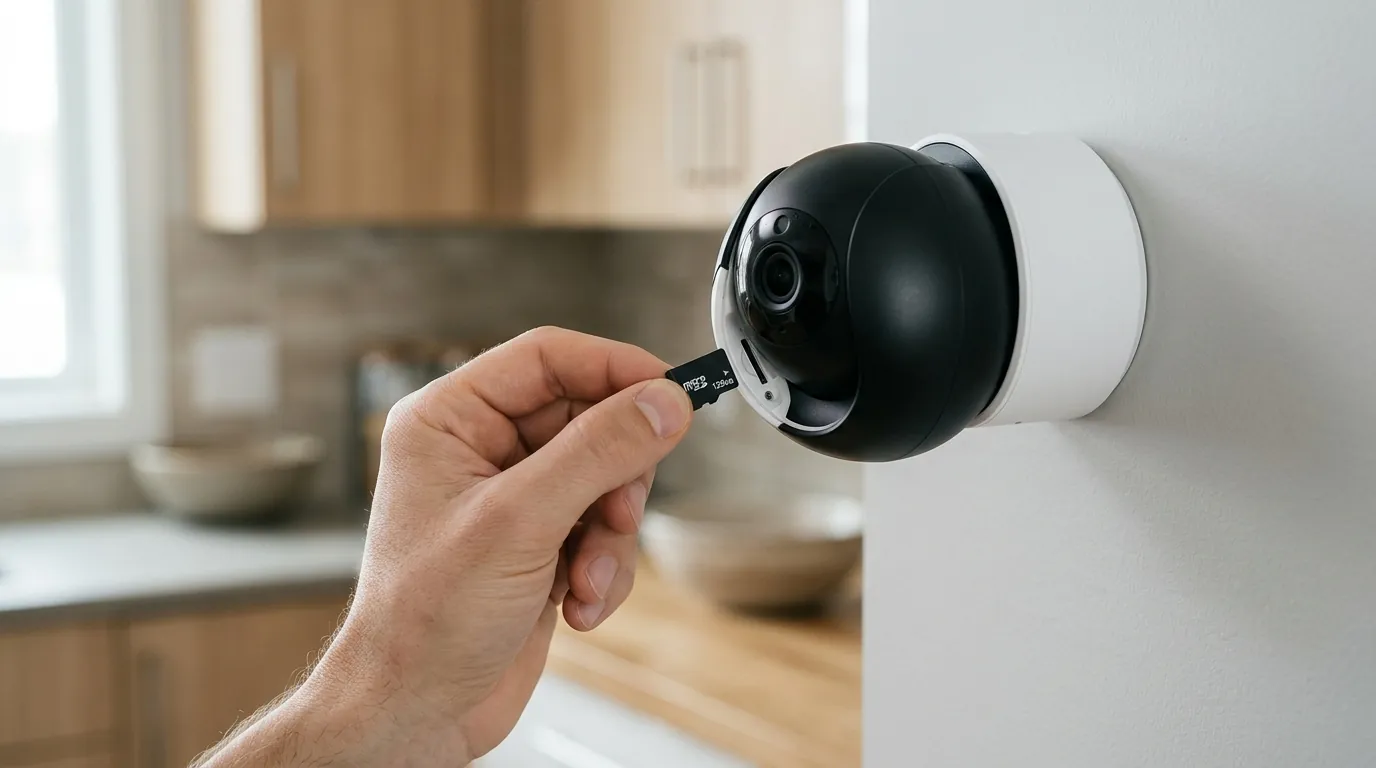
If your Tapo C210 has started making noise after a recent update, follow this structured troubleshooting path to determine if the issue is a temporary software glitch or a permanent hardware failure.
Step-by-Step Troubleshooting Guide
- Check for Latest Firmware and App Updates: Open the Tapo app, go to Camera Settings > Firmware Update. TP-Link often releases “silent” patches that address motor calibration. Ensure your Tapo App is also updated via the App Store or Google Play, as the app controls the calibration commands sent to the camera.
- Restart the Camera: Use the “Reboot Camera” function in the app or physically unplug the device for 60 seconds. This clears the volatile memory and can reset the motor controller’s current position.
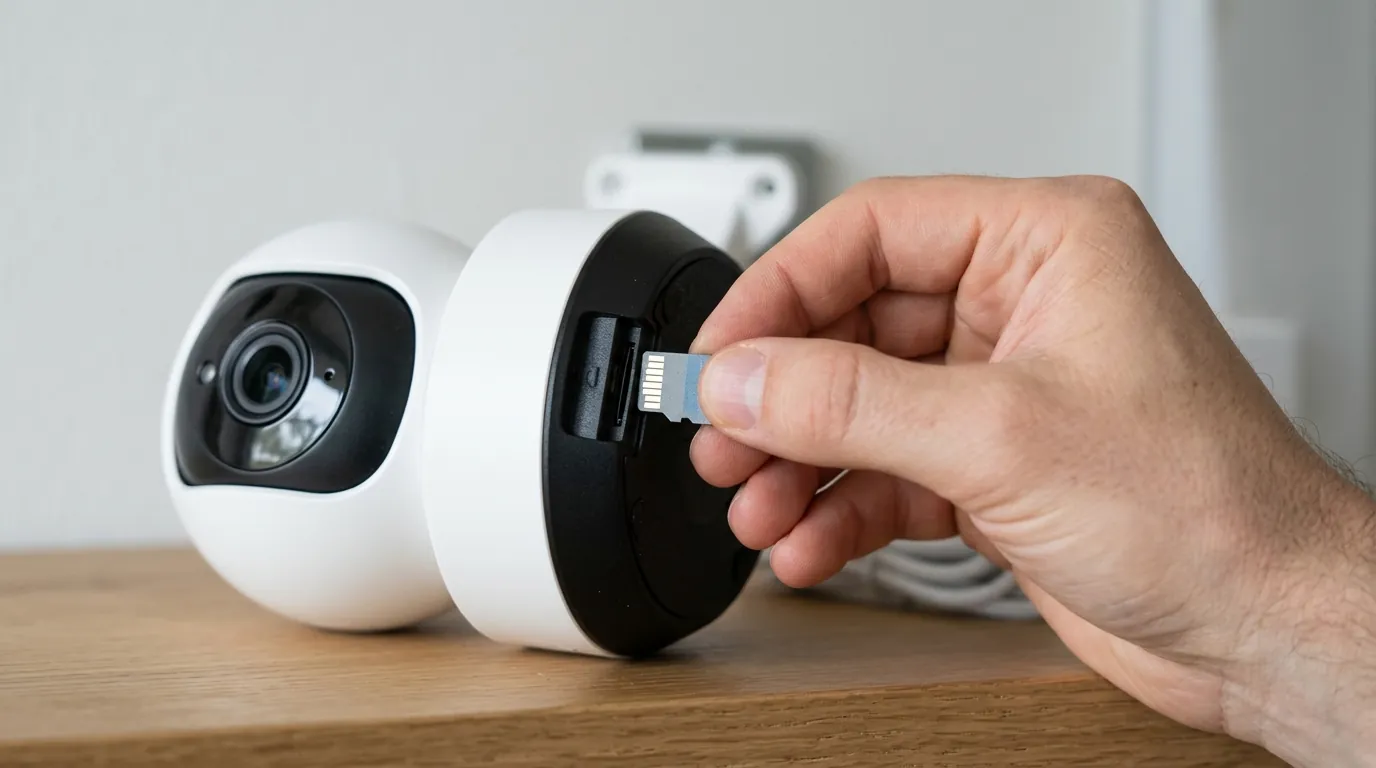
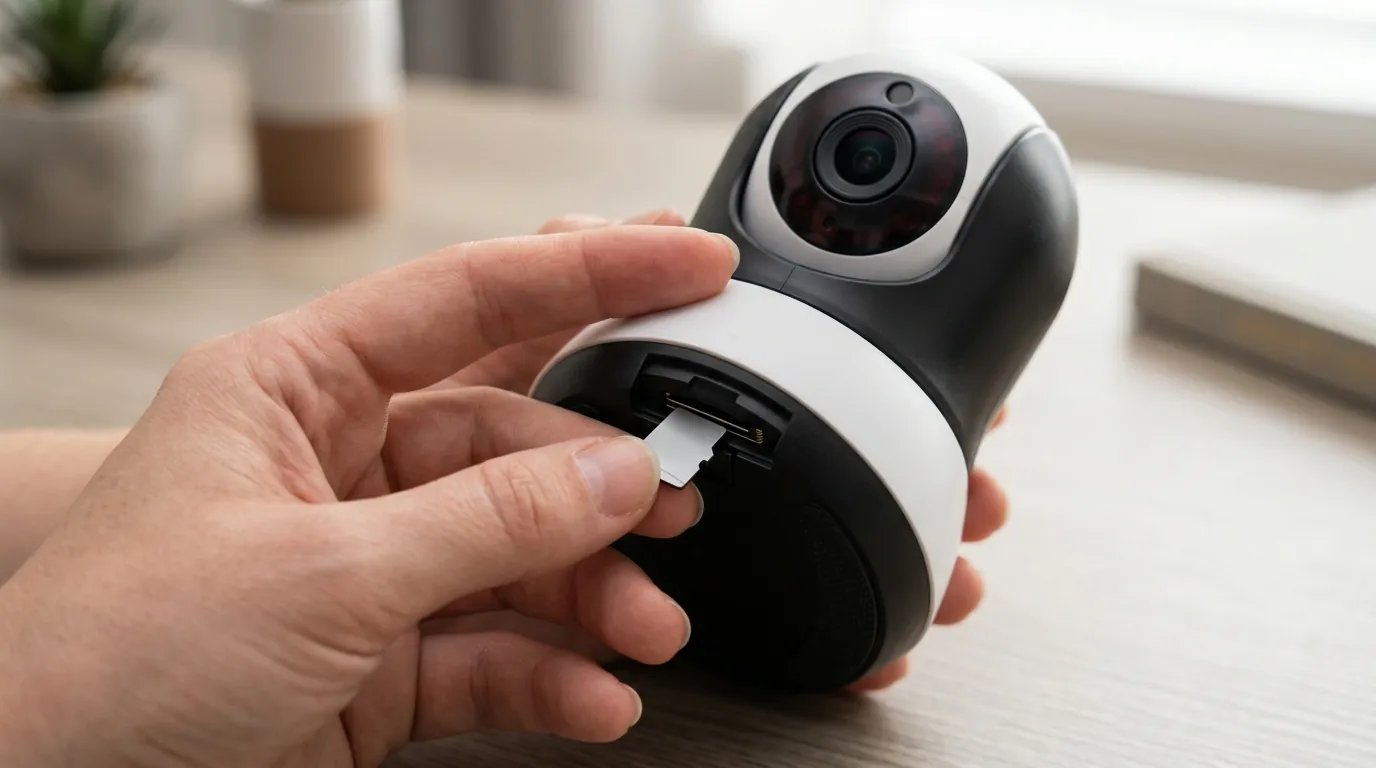
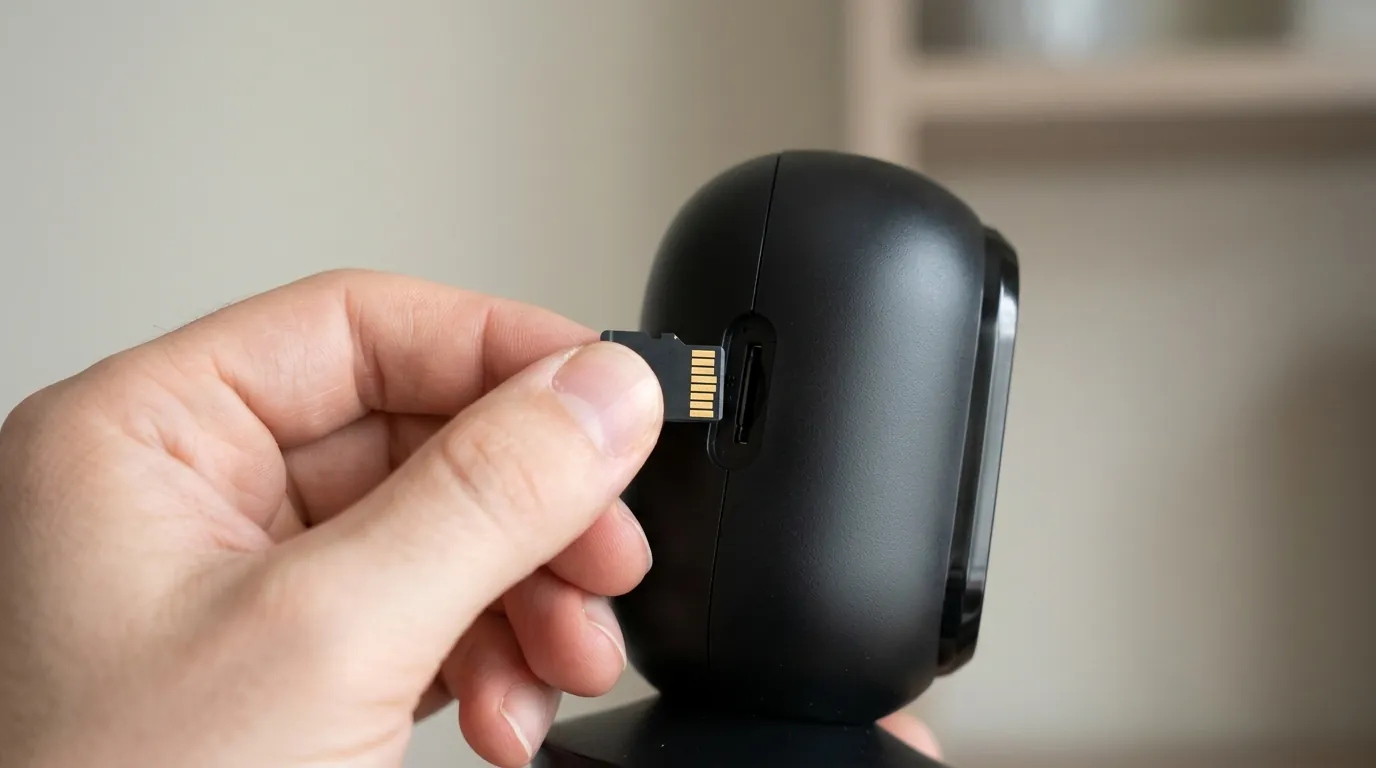
- Perform a Factory Reset: This is the “nuclear option” for software issues. Locate the reset button (usually near the microSD slot, requiring you to tilt the lens upward). Hold it for 10 seconds until the LED blinks red. You will need to set up the camera as new in the app.
- Calibrate Pan/Tilt: This is the most effective fix for motor noise. In the Tapo app, navigate to Camera Settings > Pan & Tilt > Pan & Tilt Correction. The camera will perform a full range of motion to find its physical limit switches. This often resolves “clicking” at the ends of the rotation range.
- Test in “Privacy Mode”: Toggle Privacy Mode on and off. If the noise only occurs during this specific transition, the issue is likely with the vertical tilt limit.
When to Contact Support
If the noise persists after a factory reset and calibration, it is likely a mechanical issue or a specific firmware bug that requires developer intervention. Reach out to TP-Link Technical Support with the following information:
- Model and Hardware Version (e.g., C210 V2.0).
- Current Firmware Version (e.g., 1.3.11).
- MAC Address (found in Camera Settings > Device Info).
- A video clip of the camera moving, with the audio clearly capturing the grinding or clicking sound.
Understanding Your Options
If you are a Renter: Prioritize the “Pan & Tilt Correction” tool. Since you may move the camera frequently between apartments, ensuring the motor isn’t hitting an obstacle (like a wall or a curtain) is vital, as the C210 doesn’t have sophisticated “obstacle detection” and will simply grind against the motor until it times out.
If you are a Homeowner/Business Owner: If the camera is mounted upside down on a ceiling, gravity puts different stresses on the pan/tilt gears. Ensure the “Invert Image” setting is on, and check that the mounting bracket isn’t overtightened, which can slightly warp the plastic base and cause motor friction.
If you are using it for a Nursery: If the noise persists, consider upgrading to the Tapo C225. It features a “Starlight” sensor and a significantly quieter motor assembly designed specifically for environments where silence is mandatory.
Total Cost of Ownership (TCO) Analysis
When evaluating the Tapo C210, the “sticker price” is only part of the equation. Mechanical reliability impacts the 3-year cost significantly.
- Hardware Cost: Around $35-$45.
- Local Storage: A high-end 256GB “High Endurance” microSD card (recommended for 2K video) will cost around $25-$35.
- Subscription (Optional): Tapo Care Basic is approximately $3.49/month per camera. Over 3 years, this adds ~$125 to the cost.
- Replacement Risk: If the motor fails out of warranty (usually after 1-2 years), the TCO effectively doubles as you must purchase a new unit.
3-Year Estimated Cost (Local Storage Only): ~$70. 3-Year Estimated Cost (With Tapo Care): ~$195.
Compared to brands like Ring or Nest, where the 3-year TCO often exceeds $300 due to mandatory subscriptions, the Tapo C210 remains a value leader—provided the hardware remains functional.
Decision Framework: Is the C210 still right for you?
- If you need absolute silence (Nursery/Office): Prioritize the Tapo C225 or Eufy Indoor Cam S350. The C210’s budget motors are prone to audible stepping sounds.
- If you want a “set it and forget it” local storage solution: The C210 is excellent. Just be prepared to perform a “Pan & Tilt Correction” after every major firmware update to keep the gears aligned.
- If you are worried about firmware-induced issues: Look for cameras with “Firmware Rollback” capabilities (common in prosumer brands like Reolink) or stick to stationary (non-pan/tilt) cameras like the Tapo C110, which have no moving parts to fail or make noise.
Quvii tracks these trade-offs across the category to help buyers navigate the balance between low entry costs and long-term device stability.
Frequently Asked Questions
Can I downgrade my Tapo C210 firmware if it becomes noisy?
No, TP-Link does not currently support official firmware rollbacks for the Tapo consumer line. If an update causes issues, you must wait for a subsequent update or contact support for a potential beta fix.
Does the Tapo C210 have a “Silent Mode” for the motors?
There is no specific “Silent Mode” in the settings. However, you can reduce noise by disabling “Motion Tracking” and “Patrol Mode,” which limits the frequency of motor movement.
Why does my camera click when it gets dark?
This is usually not the pan/tilt motor, but the IR Cut Filter. When the camera switches to Night Vision, a physical filter slides over the lens, creating a distinct “click.” This is normal operation for almost all security cameras.
How often should I calibrate my pan/tilt camera?
It is good practice to run the “Pan & Tilt Correction” in the app settings once every few months or immediately after a power outage or firmware update to ensure the motor’s “zero point” is correctly aligned.
Sources
- TP-Link Tapo C210 Official Product Page
- TP-Link Community: C210 Motor Noise Discussion
- Reddit r/Tapo: Firmware Update Issues Thread
- Tapo Care Subscription Tiers and Pricing
- TP-Link Warranty and Replacement Policy