
Swann Security Camera Firmware Patch July 2026: Update Now
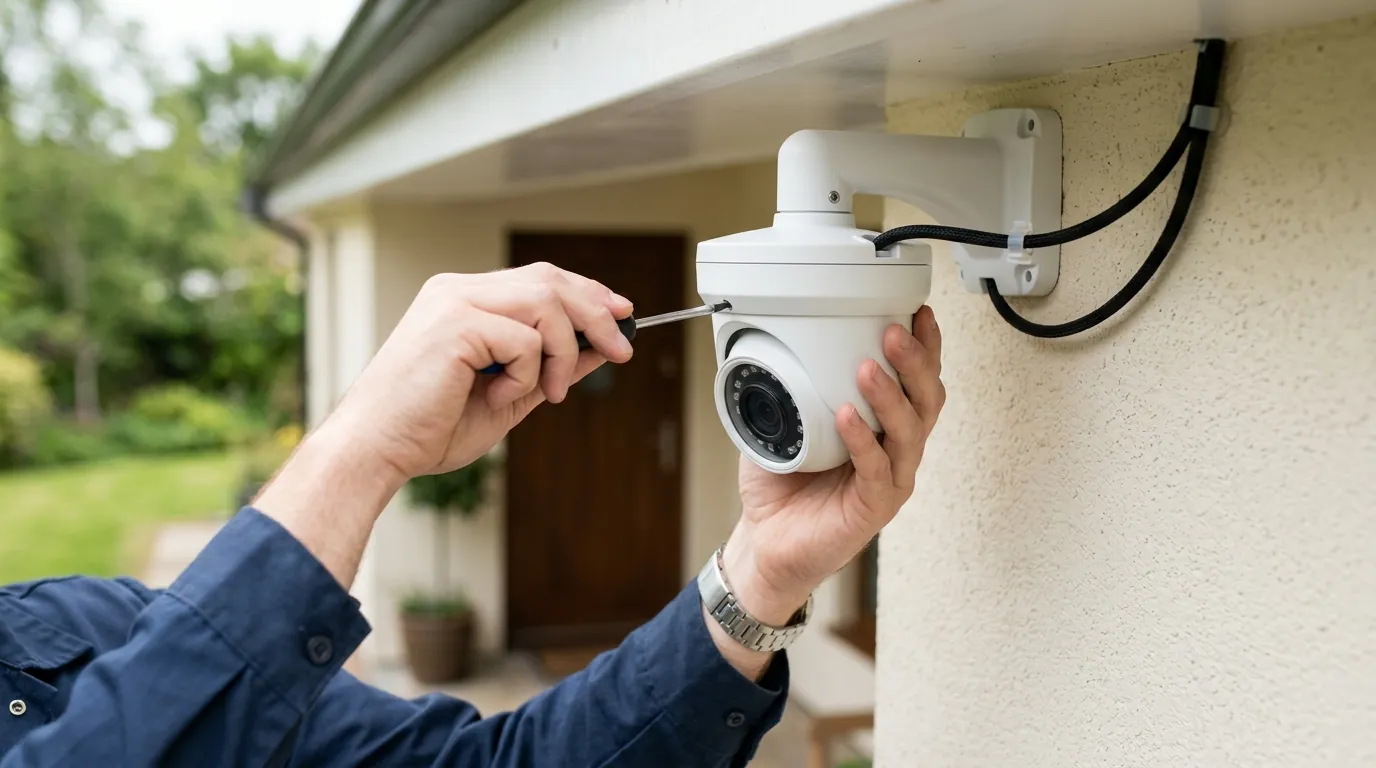
Owners of Swann security systems should take immediate action to update their hardware following a critical security advisory issued in July 2026. This update addresses a significant vulnerability in the communication protocols used between local recorders and remote viewing applications.
Quick Answer: Swann released a critical security firmware update in July 2026 for NVR, DVR, and MaxRanger4K recorders. To secure your system, navigate to Setup > Advanced > Auto-Upgrade on your recorder and select ‘Check Now’ immediately.
What happened
Related: Swann Security Camera Default Password Risks: 2026 Guide · Kasa Smart Plug & Camera Vulnerability: CVE-2026-9770 Explained · Eufy Home Assistant Integration: Fixing 2026 Motion Push Failures
In July 2026, Swann issued a formal security advisory regarding an “Upcoming Security Update” aimed at its primary recorder lines. This move follows internal and third-party audits identifying potential weaknesses in how local recorders (NVRs and DVRs) authenticate with the Swann Security App during remote viewing sessions. The patch is designed to overhaul the communication protocols that facilitate “Edge-to-App” handshakes, ensuring that video streams remain encrypted and inaccessible to unauthorized actors.
The update is categorized as a “Critical Security Patch.” While Swann has not publicly disclosed a specific CVE (Common Vulnerabilities and Exposures) number for a confirmed breach in 2026, the proactive release aims to close a loophole that could theoretically allow for unauthorized remote access or “session hijacking.” This is particularly relevant for the MaxRanger4K™ series, which utilizes long-range 900MHz HaLow technology, as well as the ubiquitous NVR-8580 and DVR-5580 systems.
The July 2026 Security Advisory
The advisory specifies that the vulnerability exists within the P2P (Peer-to-Peer) discovery mechanism used by the Swann Security ecosystem. In older firmware versions, the handshake between the mobile app and the local recorder could be intercepted or spoofed under specific network conditions. The July 2026 patch introduces a mandatory certificate-based authentication layer, which Swann claims will neutralize the risk of unauthenticated remote access.
Historical Context: Learning from the 2018 OzVision Flaw
This is not the first time Swann has addressed protocol-level vulnerabilities. In 2018, security researchers discovered a flaw in the OzVision cloud platform used by Swann and other manufacturers. That vulnerability allowed researchers to switch camera feeds by simply changing a serial number in the communication packet (Infosecurity Magazine, 2018). The July 2026 update represents a modern iteration of these security efforts, moving away from legacy third-party cloud handshakes toward a more robust, Swann-managed secure “Edge” architecture.
Firmware Version Comparison (Projected July 2026)
| Model Series | Pre-Patch Version | Post-Patch (July 2026) | Primary Change |
|---|---|---|---|
| MaxRanger4K (NVW-MR4K) | v1.0.12 or lower | v1.1.26 | Encrypted HaLow Handshake |
| NVR-8580 / 8780 | v8.1.0-2025 | v8.2.26 | TLS 1.3 Implementation |
| DVR-5580 | v8.0.1-2024 | v8.1.26 | Secure P2P Discovery |
| All-in-One Wireless | v4.5.x | v5.0.26 | App Authentication Revamp |
Why it matters for buyers
For those currently shopping for a security system, the July 2026 patch highlights a critical trade-off in the “local storage vs. cloud storage” debate. Swann is a leader in the subscription-free market, offering systems that store footage locally on a hard drive rather than charging monthly fees for cloud hosting. However, this “Edge” infrastructure places the burden of security maintenance on the owner.
Unpatched firmware can lead to “Error Code 2026” (Credential Mismatch) in the Swann Security app. More alarmingly, as noted in the [InfraTrust Pulse July 2026 report], unauthenticated remote vulnerabilities are the primary target for modern botnets. If a recorder is left on outdated firmware, it becomes a potential gateway into the home network.
The Risks of ‘Set and Forget’ Security
Many buyers choose Swann because they want a system they can install and ignore. This “set and forget” mentality is dangerous in 2026. As AI-driven brute-force attacks become more common, the static passwords and legacy protocols of 2020-era recorders are no longer sufficient. Buyers must be willing to engage with the “Advanced” settings of their recorders at least once a quarter to ensure they are protected against evolving threats.
Privacy Implications of Unsecured NVRs
Privacy is the primary driver for local storage. By keeping footage on a physical hard drive in your home, you avoid the risks associated with third-party cloud breaches or police cooperation without a warrant (a frequent criticism of brands like Ring). However, if the NVR itself has a firmware vulnerability, that privacy is an illusion. The July 2026 patch is essential because it secures the only “bridge” between your private data and the public internet: the remote viewing protocol.
Security Architecture Comparison (2026 Standards)
| Feature | Local NVR (e.g., Swann) | Cloud-Only (e.g., Arlo/Nest) |
|---|---|---|
| Data Ownership | 100% User-Controlled | Vendor-Controlled |
| Remote Access Risk | High (if unpatched) | Moderate (Vendor-managed) |
| Subscription Cost | $0 (usually) | $120–$240/year |
| Internet Dependency | Record without Wi-Fi | Requires constant Wi-Fi |
| Security Maintenance | User-Responsible | Vendor-Automated |
Impact on existing owners
The most immediate impact for current Swann owners is a potential loss of remote connectivity. As Swann migrates its cloud handshake servers to the new, secured July 2026 standard, recorders running legacy firmware may fail to authenticate. This often manifests as “Error Code 2026” or a “Connection Failed” message when trying to view cameras away from home.
Troubleshooting Error Code 2026
In the context of the July 2026 update, Error Code 2026 is specifically tied to a protocol mismatch. The Swann Security App (updated via the iOS App Store or Google Play) will attempt to use the new encrypted handshake. If the recorder is still running the old firmware, the “credentials” (the digital certificates) will not match, and the connection will be dropped. Users should also verify that their “Server Port” is still set to the default (typically Port 9000), as some manual configurations may conflict with the new security protocols.
How to Check Your Current Firmware Version
To determine if you need the patch, you must access the recorder’s local interface (the menu shown on a TV or monitor connected directly to the NVR/DVR):
- Use the mouse to right-click and select Main Menu.
- Navigate to System > Information.
- Look for Software Version (or Firmware Version).
- Compare your version number against the “Post-Patch” versions listed in the table above.
Step-by-Step Checklist for Identifying EOL Hardware
Swann’s hardware lifecycle generally spans 5 to 7 years. Systems older than this may be classified as End of Life (EOL) and will not receive the July 2026 patch.
- Check the Model Number: If your recorder starts with “DVR4-” or “NVR4-” (e.g., DVR4-4575), it is likely legacy hardware.
- App Compatibility: Does the system use the “Swann Security” app (blue icon) or the older “HomeSafe View” or “SwannView Plus” apps? Only systems compatible with the modern Swann Security app are receiving the July 2026 security overhaul.
- Release Date: Systems manufactured before 2019 are generally ineligible for critical security updates in 2026.
What to do now
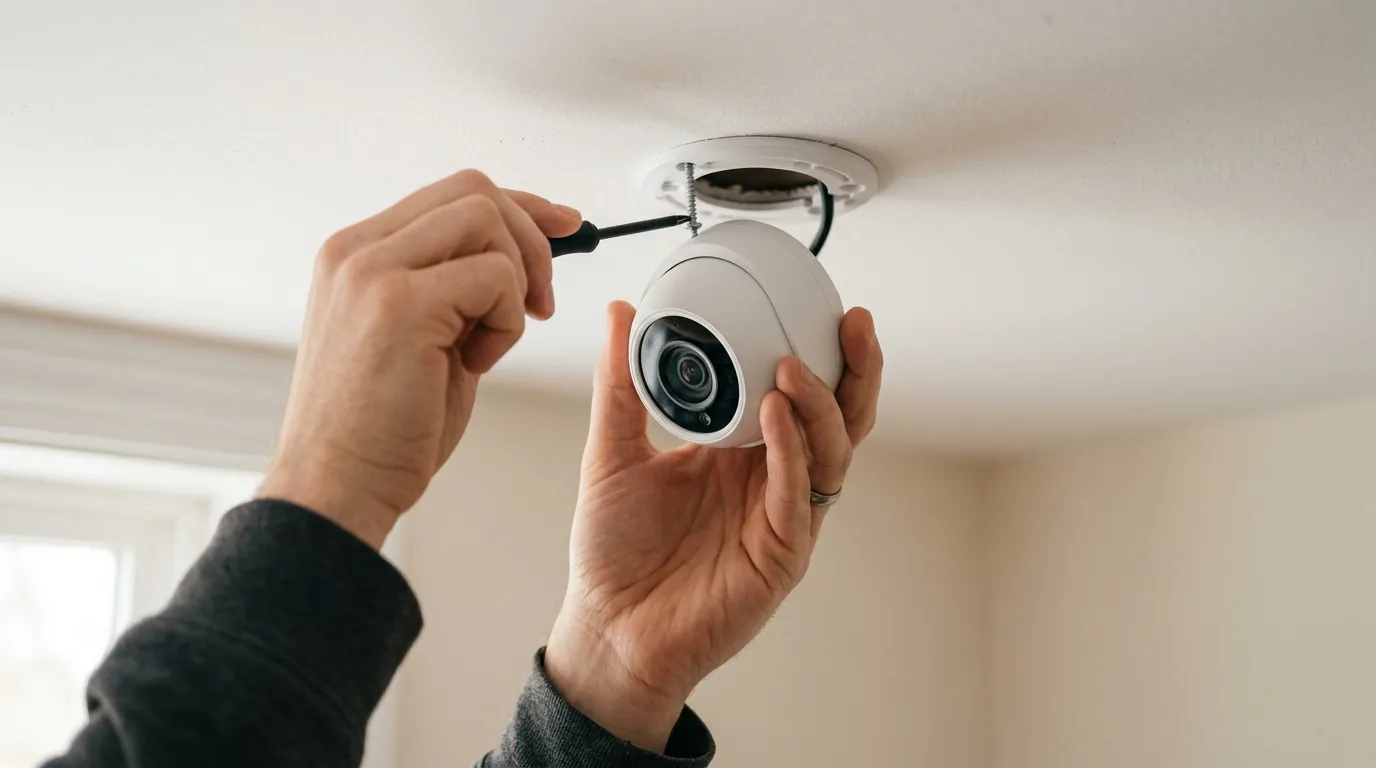
If your system is compatible, you should apply the update immediately. There are two primary ways to do this: via the local recorder interface or manually via a USB drive.
Step-by-Step: Updating Your Swann Recorder
Method A: The Local UI (Recommended)
- Ensure your recorder is connected to your router via Ethernet.
- Go to Menu > Setup > Advanced > Auto-Upgrade.
- Ensure “Check for update on boot” is enabled.
- Click Check Now.
- If an update is found, select OK. The system will download, install, and reboot. Do not power off the unit during this process.
Method B: Manual USB Update If your recorder is in a “dead zone” or has limited internet bandwidth, you may need to use a PC:
- Visit the Swann Support Center.
- Search for your specific model number and download the firmware file (usually a
.swor.imgfile). - Format a USB flash drive to FAT32.
- Copy the file to the root directory of the USB drive.
- Insert the drive into the USB port on the recorder and navigate to Menu > Maintenance > Upgrade.
When to Replace Your Aging Security System
If your hardware is EOL and cannot receive the July 2026 patch, your system is effectively “open” to any vulnerabilities discovered in the legacy protocols. In 2026, the risk of unpatched IoT devices is significantly higher than in previous decades.
Decision Framework: Should You Upgrade?
- Renter / Small Apartment: If your current Swann Wi-Fi cameras are EOL, consider a hardware refresh to the latest all-in-one wireless units. The cost is low (under $100 per camera), and security is significantly improved.
- Homeowner (Rural/Large Property): If you are using old wireless cameras with poor range, the MaxRanger4K is the recommended upgrade path. It uses 900MHz HaLow technology to reach up to 2,000 feet, and it is the flagship for the July 2026 security standards (Swann MaxRanger4K Specs).
- Business / High-Security: If you have an unpatchable NVR, replace the head unit (the recorder) but keep your existing PoE (Power over Ethernet) cameras. Most Swann 4K PoE cameras are ONVIF-compliant and will work with a newer, secured NVR-8580 or NVR-8780.
Total Cost of Ownership (TCO) Analysis
When considering an upgrade or a new purchase in 2026, look beyond the sticker price. Swann’s value proposition is the lack of a “feature paywall.”
| Expense Category | Swann 4-Camera 4K System | Subscription-Based Competitor |
|---|---|---|
| Initial Hardware | $450–$600 | $300–$450 |
| Monthly Subscription | $0 | $10–$20 |
| 3-Year Total Cost | $450–$600 | $660–$1,170 |
| Privacy Risk | User-managed (Requires Updates) | Third-party managed |
While the initial hardware cost for a Swann system is higher, the three-year TCO is significantly lower. However, that “savings” comes with the responsibility of performing the July 2026 firmware update to keep the system viable.
Quvii tracks these trade-offs across the category, and the July 2026 Swann advisory serves as a reminder that “subscription-free” does not mean “maintenance-free.” By taking ten minutes to update your firmware today, you ensure that your local storage remains private and your remote access stays secure.
Frequently Asked Questions
Why is my Swann app showing “Error Code 2026”?
Error Code 2026 is typically a protocol mismatch error. Following the July 2026 security update, the Swann Security app requires a new encrypted handshake that older firmware versions do not support. Updating your recorder’s firmware to the latest version (e.g., v8.2.26 for NVRs) should resolve this connection issue.
Can I update my Swann camera firmware through the phone app?
While some newer Wi-Fi cameras allow for “Over-the-Air” (OTA) updates via the app, most Swann NVR and DVR systems require you to initiate the update through the recorder’s local interface using a monitor and mouse. Navigate to Setup > Advanced > Auto-Upgrade to check for updates directly on the machine.
Is my old Swann DVR still safe to use if it doesn’t get the 2026 update?
If your DVR is more than 5-7 years old and no longer receives firmware patches, it is technically “unsecured” against modern remote access vulnerabilities. While it will still record locally to your hard drive, we recommend disabling “P2P” or “Cloud” access in the settings to prevent unauthorized remote viewing, or upgrading to a modern, supported recorder.
What is the default port for Swann security cameras in 2026?
Swann systems typically use Port 9000 for media streaming and remote app connectivity. During the July 2026 update process, ensure your port configuration has not been altered, as the new secure handshake protocols rely on standard port assignments to function correctly with the Swann Security cloud.
Sources
- Swann Security — Security Advisory & Firmware Updates
- Swann — MaxRanger4K Long Range Wireless System Specifications
- Infosecurity Magazine — Swann Fixes Major Security Flaw in OzVision Tech
- RTINGS — Swann Security Camera Reviews and Lab Testing
- Reolink — NVR vs Cloud Storage: Security and Cost Comparison