
Smart Lock Vulnerability: Are New Magnetic Tools a Threat?
As homeowners transition to keyless entry, a new wave of anxiety has emerged regarding the physical and digital resilience of smart locks. Recent security demonstrations have highlighted a niche but startling vulnerability: the use of high-powered neodymium magnets to manipulate internal locking components. While the prospect of a silent, tool-free entry is concerning, the reality of the 2026 threat landscape is more nuanced, involving a complex interplay between mechanical integrity and cybersecurity.
Quick Answer: While some older or poorly designed smart locks, particularly those with external relays, have demonstrated vulnerabilities to strong magnets, modern smart deadbolts from reputable manufacturers are generally designed with internal logic and motor-driven mechanisms that significantly reduce this specific risk. However, smart locks remain susceptible to other common vulnerabilities like outdated firmware, weak digital security, and inadequate physical construction, making a comprehensive security approach essential.
What happened
Related: Reolink Argus 4 Pro: Key Features & Why It Matters for Buyers · Eufy FamiLock E40: Facial Recognition Smart Lock with Built-in 2K Came · Vacant Home Security: 2026 Risks & Smart Camera Monitoring Tips
The conversation around magnetic vulnerabilities in smart locks reached a fever pitch following several high-profile security analyses where researchers used specialized rare-earth magnets to bypass electronic deadbolts. This exploit targets the physical physics of the locking mechanism rather than the software. By applying a high-intensity magnetic field to specific points on the lock’s exterior housing, an attacker could potentially shift internal metal components—specifically solenoids or relays—without needing a key or a digital code.
The Alleged Exploit and Its Mechanism
Historically, the vulnerability was most prevalent in “first-generation” smart locks or budget-oriented models that utilized a solenoid-driven design. In these units, an electromagnet moves a metal pin to engage or disengage the lock. If the solenoid is not properly shielded with ferrous material (like Mu-metal), an external neodymium magnet can “pull” the pin just as effectively as the internal coil.
Modern, high-end smart locks from brands like Schlage and Yale have largely mitigated this by moving toward motor-driven gear systems. In a motor-driven lock, the physical force required to rotate the drive gear and move the deadbolt is significantly higher than what a handheld magnet can exert through a door. Furthermore, manufacturers have increasingly moved logic processing and critical mechanical components to the interior side of the door, placing the physical barrier of the door itself between the attacker’s magnet and the lock’s “brain.”
Evolving Smart Lock Threat Landscape in 2026
As we move through 2026, the threat landscape has shifted from “brute force” magnetic attacks to more sophisticated digital vectors. While magnetic tools remain a niche concern for specific unshielded models, the average household now faces an estimated 15 to 20 cyberattack attempts on their IoT devices daily. The primary concerns have broadened to include:
- Bluetooth Relay Attacks: Attackers use signal boosters to “trick” a lock into thinking a resident’s phone is nearby, triggering an auto-unlock.
- SSL/TLS Vulnerabilities: Poorly implemented encryption in mobile apps can allow hackers to intercept authentication tokens during the “handshake” between the phone and the lock.
- Cloud Platform Breaches: As many locks rely on manufacturer servers for remote access, a breach at the corporate level can expose thousands of user accounts simultaneously.
- Physical Bypass of Cheap Components: A significant vulnerability often overlooked is the physical quality of the lock’s bolt and cylinder. Many “smart” locks prioritize electronics over metallurgy, using zinc alloy components that can be snapped with a standard pipe wrench, regardless of how “unhackable” the software is.
Why it matters for buyers
For those shopping for a smart lock in 2026, the “smart” features should be considered secondary to the device’s primary function: being a high-quality lock. A digital lock is only as secure as its weakest physical component. Buyers must look past the marketing “flash” and evaluate the hardware’s structural integrity.
Prioritizing Physical and Digital Robustness
The most reliable indicator of a lock’s physical strength is its ANSI/BHMA (American National Standards Institute/Builders Hardware Manufacturers Association) rating. A Grade 1 rating is the highest, indicating the lock can withstand significant forced entry attempts, including hammer blows and prying. Many consumer-grade smart locks are only Grade 2 or Grade 3, which may be insufficient for high-risk entry points.
Digital robustness is equally critical. Buyers should prioritize locks that utilize AES 256-bit encryption—the same standard used by financial institutions—and support multi-factor authentication (MFA) for their associated apps. With the rollout of the FCC’s U.S. Cyber Trust Mark in late 2024 and 2025, consumers can now look for this “shield” logo to identify products that meet baseline federal cybersecurity standards.
Understanding Data Privacy and Manufacturer Policies
Smart locks collect a surprising amount of data, including precise logs of when you enter and leave your home. Before purchasing, it is vital to review the manufacturer’s privacy policy. Key questions include:
- Is data stored locally or in the cloud? Local storage (e.g., on a Matter hub or the lock itself) is generally more private.
- Does the brand share data with police? Some brands, like Ring, have faced scrutiny for their data-sharing practices with law enforcement, though many have since moved to “opt-in” or “warrant-only” models.
- Is biometric data (fingerprints) encrypted on-device? Reputable brands like Eufy and Aqara state that fingerprint data is stored in a secure enclave on the hardware and never uploaded to the cloud.
Seamless Integration with Your Home Security Camera System
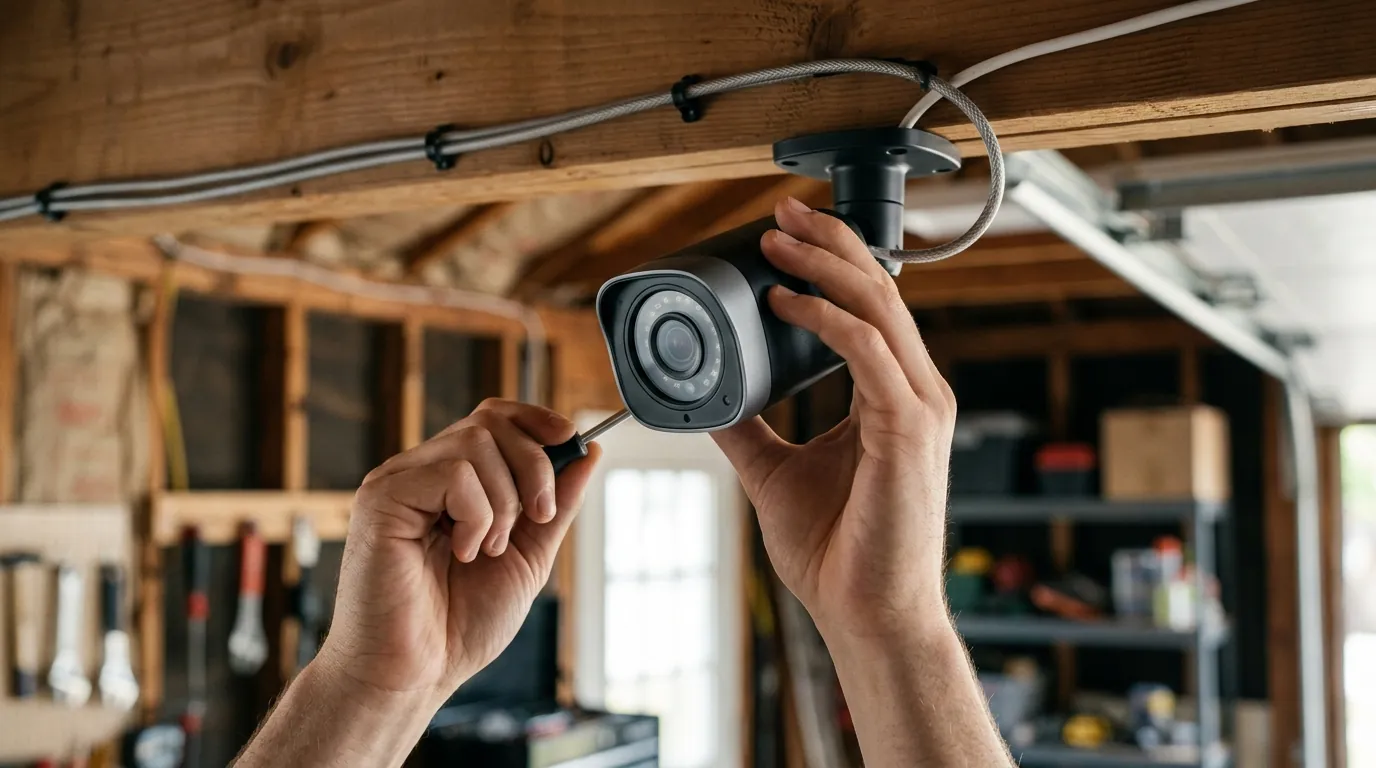
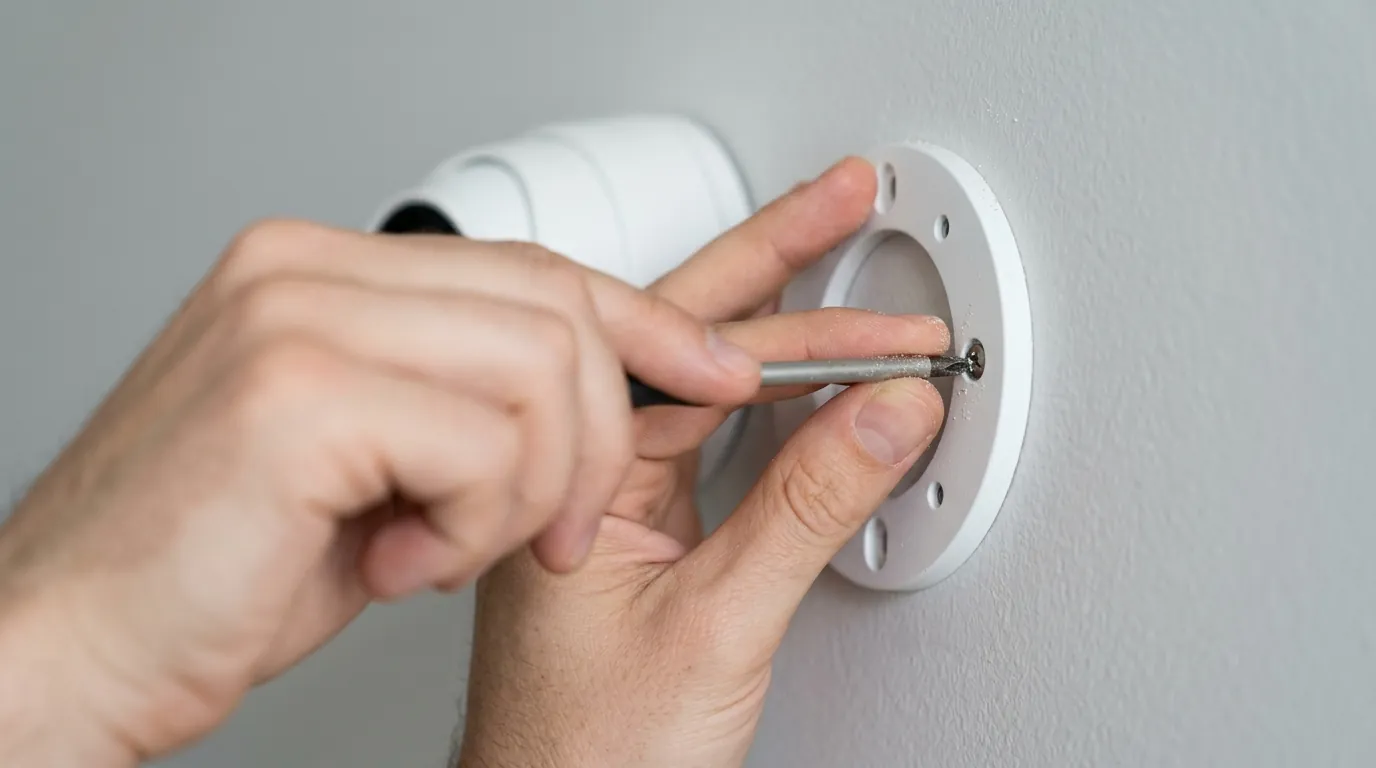
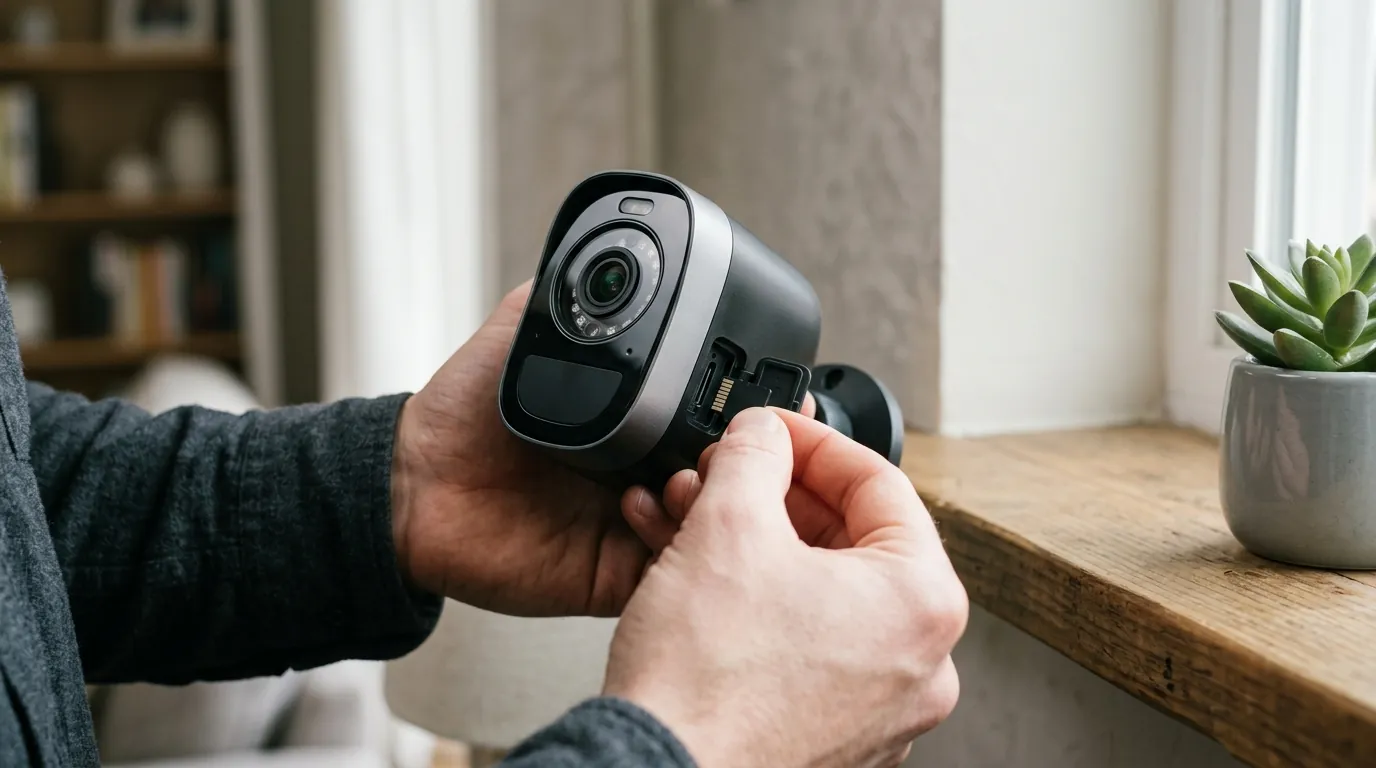
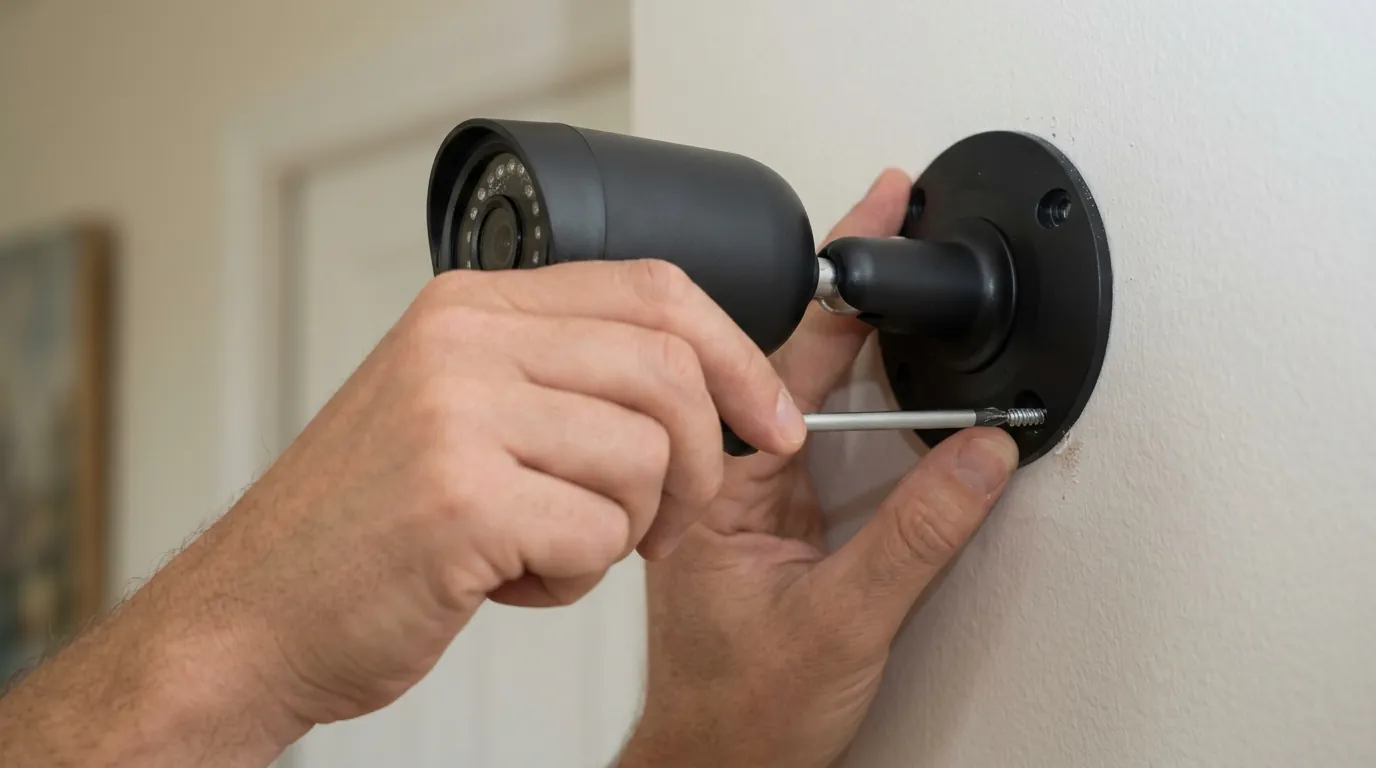
A smart lock should not exist in a vacuum. In 2026, the most effective security setups integrate the lock with a smart home security system. For example, a “Smart Lock + Video Doorbell” automation can trigger a camera to record the moment a lock is tampered with or an incorrect PIN is entered. This layered approach ensures that even if a magnetic tool or a digital exploit is attempted, the homeowner receives an immediate visual alert.
Smart Lock Security Comparison (2026 Models)
| Model | ANSI Grade | Connection Protocol | Storage Type | 3-Year TCO (Est.) |
|---|---|---|---|---|
| Schlage Encode Plus | Grade 1 | Wi-Fi / Thread | Cloud | Around $330 |
| Yale Assure Lock 2 | Grade 2 | Bluetooth / Wi-Fi | Cloud | $200–$300 |
| Aqara U200 | [Information Unavailable] | Thread (Matter) | Local / Hub | Around $270 |
| Eufy Video Smart Lock S330 | Grade 2 | Wi-Fi | Local (HomeBase) | Around $350 |
| August Wi-Fi Smart Lock | Retrofit (Uses existing) | Wi-Fi | Cloud | Around $230 |
Note: TCO (Total Cost of Ownership) includes hardware and estimated battery replacements. None of these models currently require a mandatory monthly subscription for basic locking/unlocking.
Impact on existing owners
If you already own a smart lock, you are not necessarily “stuck” with a vulnerable device. Most modern vulnerabilities are addressed via software patches, provided the owner takes the time to maintain the device.
The Critical Need for Firmware Updates
Outdated firmware is the single most common entry point for hackers. In 2026, many IoT devices are still running software with known “day-zero” vulnerabilities because users ignore update notifications. For example, Wyze and August have historically released patches for vulnerabilities that could have allowed unauthorized access to lock logs or even the unlock command itself.
Regularly checking for firmware updates for security devices is no longer optional. If your lock supports “Automatic Updates,” ensure this feature is enabled. If not, set a monthly calendar reminder to check the app for a “New Version Available” badge.
Assessing and Mitigating Digital Vulnerabilities
One of the most convenient features—“Auto-Unlock”—is also a potential security hole. This feature uses Bluetooth proximity to unlock the door as you approach. However, in high-traffic areas or apartment complexes, a “Ghost Opening” can occur if the Bluetooth signal jitters while you are inside the house, potentially leaving your door unlocked while you sleep.
To mitigate this:
- Disable Auto-Unlock if you live in a high-density area.
- Use Geo-fencing so the lock only prepares to unlock when you are within a specific radius (e.g., 200 feet) of your home.
- Enable MFA: Ensure that your lock’s account requires a code from an authenticator app or SMS to log in.
Strengthening Physical Security and Backup Measures
Regardless of how advanced your lock is, the door frame is often the weakest link. A magnetic tool won’t work on a deadbolt, but a well-placed kick might.
- Reinforce the Strike Plate: Replace the standard 1-inch screws in your strike plate with 3-inch hardened steel screws that reach the wall stud.
- Physical Key Backup: Always choose a smart lock that retains a physical keyway. In the event of an electronic failure, a cyberattack that disables the app, or a dead battery, a physical key is your only guaranteed way inside.
- Inspect for Wear: Check the “throw” of your deadbolt. If it doesn’t extend fully into the frame because the door is misaligned, the lock’s security features (including magnetic resistance) may be compromised.
What to do now
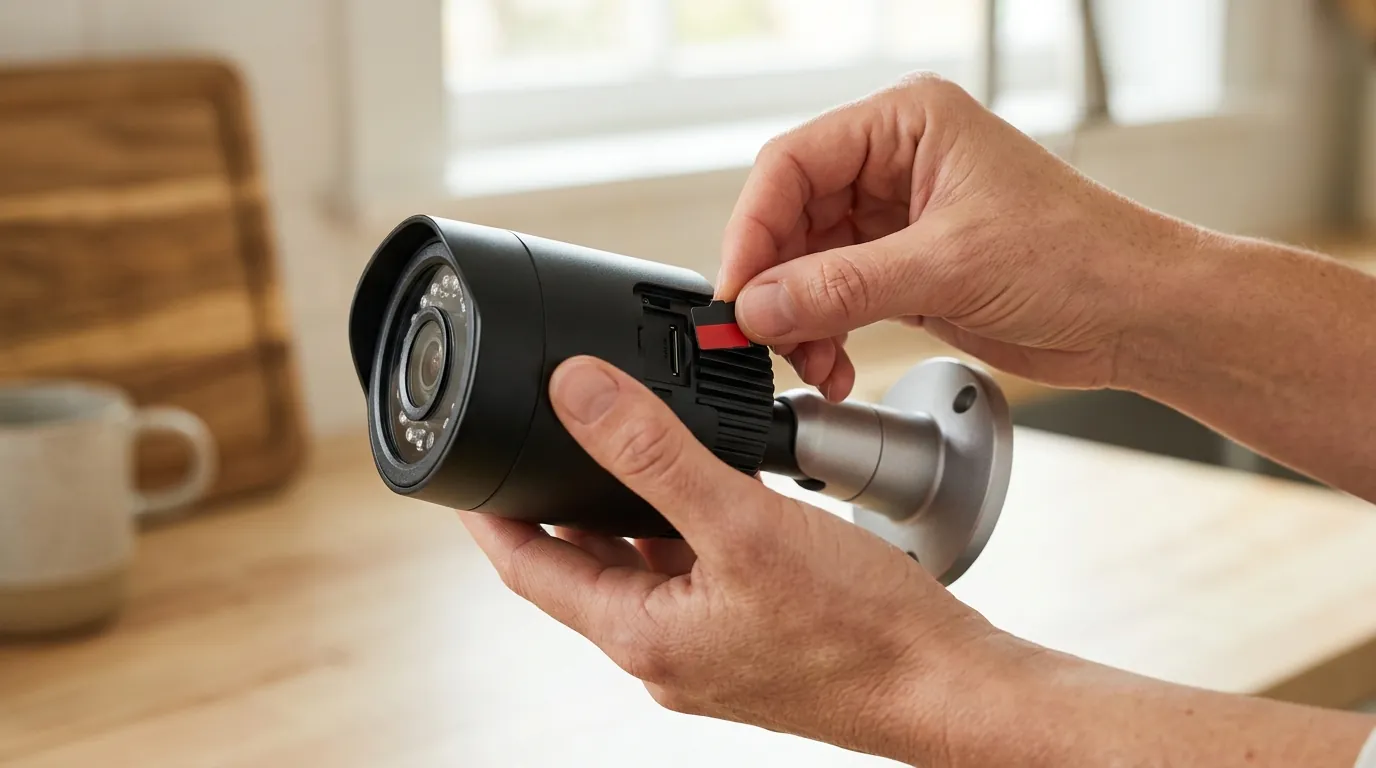
Securing your home requires a proactive stance. If you are concerned about magnetic tools or digital hacking, follow this checklist to harden your entry points.
Immediate Actions for Enhanced Security
- Update Everything: Open your smart lock app right now and check for firmware updates.
- Change Default PINs: If your lock came with a default “1234” or “0000” code for setup, change it immediately to a unique, non-sequential number.
- Isolate Your Network: If your router supports it, move your smart locks and privacy-sensitive smart home devices to a separate Wi-Fi network (VLAN). This prevents a compromised laptop or phone from being used as a bridge to attack your locks.
- Audit Access: Review the list of “Guest Keys” in your app. Revoke access for former dog walkers, contractors, or ex-tenants.
Smart Lock Buying Guide: Prioritizing Resilience
When purchasing a new lock, use this decision framework to find the right balance of security and convenience:
- If you are a Renter: Prioritize “Retrofit” locks like the August Wi-Fi Smart Lock or Aqara U200. These fit over your existing thumbturn, allowing you to keep the landlord’s original key and Grade 1 hardware while adding smart features.
- If you are a Homeowner: Prioritize ANSI Grade 1 deadbolts. The Schlage Encode Plus is widely considered the gold standard for physical durability and integrates natively with Apple Home Key (NFC).
- If you are on a Budget: Look at the Wyze Lock Bolt or Ultraloq U-Bolt Pro. These often sacrifice Wi-Fi (using Bluetooth only) which actually increases security by removing the lock from the open internet, though it limits remote access.
- If you prioritize Privacy: Choose a lock that supports Matter over Thread. This allows the lock to communicate locally with your smart home hub without ever needing to “talk” to a manufacturer’s cloud server.
Decision Framework: Choosing Based on Scenario
| Scenario | Recommended Feature | Why? |
|---|---|---|
| High-Crime Area | ANSI Grade 1 + No Exterior Keyway | Maximizes physical resistance; eliminates lock-picking/bumping. |
| Frequent Guests/AirBnB | Wi-Fi + Built-in Keypad | Allows remote code generation and easy entry without apps. |
| Tech-Savvy / Privacy First | Matter over Thread Support | Ensures local control and future-proof interoperability. |
| Family with Kids | Fingerprint (Biometric) | Easiest for children to use without remembering codes or carrying keys. |
Ongoing Vigilance and Smart Home Security Best Practices
The “set it and forget it” mentality is dangerous in the age of connected hardware. To stay secure, you must remain an active participant in your home’s defense. This includes staying informed about security advisories from reputable sources like CISA and independent testers.
Total Cost of Ownership (TCO) is also a factor often ignored. Over three years, a “cheap” lock that requires frequent battery changes or a monthly subscription for “Activity History” can end up costing more than a premium, subscription-free model. Always calculate the 3-year cost (Hardware + Batteries + Subscriptions) before committing to an ecosystem.
By combining high-grade mechanical hardware with disciplined digital habits, you can ensure that your smart lock remains a formidable barrier against both the magnetic tools of today and the cyber threats of tomorrow.
Frequently Asked Questions
Can a strong magnet really open my smart lock?
It depends on the design. Older or cheaper locks that use a simple solenoid (an electromagnetic pin) can sometimes be manipulated by a powerful neodymium magnet. However, most modern, high-quality smart locks use motor-driven gear assemblies that are physically resistant to magnetic pulling, making this exploit ineffective against reputable brands like Schlage or Yale.
What is the safest smart lock protocol: Wi-Fi, Bluetooth, or Thread?
Thread is generally considered the most secure and efficient protocol for 2026. It operates locally (reducing cloud-based hacking risks), uses AES encryption, and is the backbone of the Matter standard. Bluetooth is secure but has limited range, while Wi-Fi is the most convenient for remote access but consumes more battery and has a larger “attack surface” because it is directly connected to the internet.
Does a smart lock make my home easier to hack?
A smart lock adds a digital layer of risk, but it also adds security features that traditional locks lack, such as real-time entry alerts and the ability to revoke “keys” instantly. As long as you use strong passwords, enable multi-factor authentication (MFA), and keep your firmware updated, the risk of a digital “hack” is statistically much lower than the risk of a traditional physical break-in via a window or a kicked-in door.
What should I do if my smart lock’s manufacturer goes out of business?
If a manufacturer shuts down its cloud servers, you may lose remote access and the ability to update your lock. This is why choosing locks that support local protocols like Matter or Zigbee is beneficial; these locks can continue to function through a local hub (like Home Assistant or an Apple HomePod) even if the manufacturer’s servers go dark.
Sources
- Schlage — https://www.schlage.com/en/home/smart-locks.html
- Yale Home Privacy Policy
- FCC Cyber Trust Mark — https://www.fcc.gov/cybertrustmark
- RTINGS Smart Lock Reviews
- The Verge: Matter Explained
- CISA IoT Security Guide