
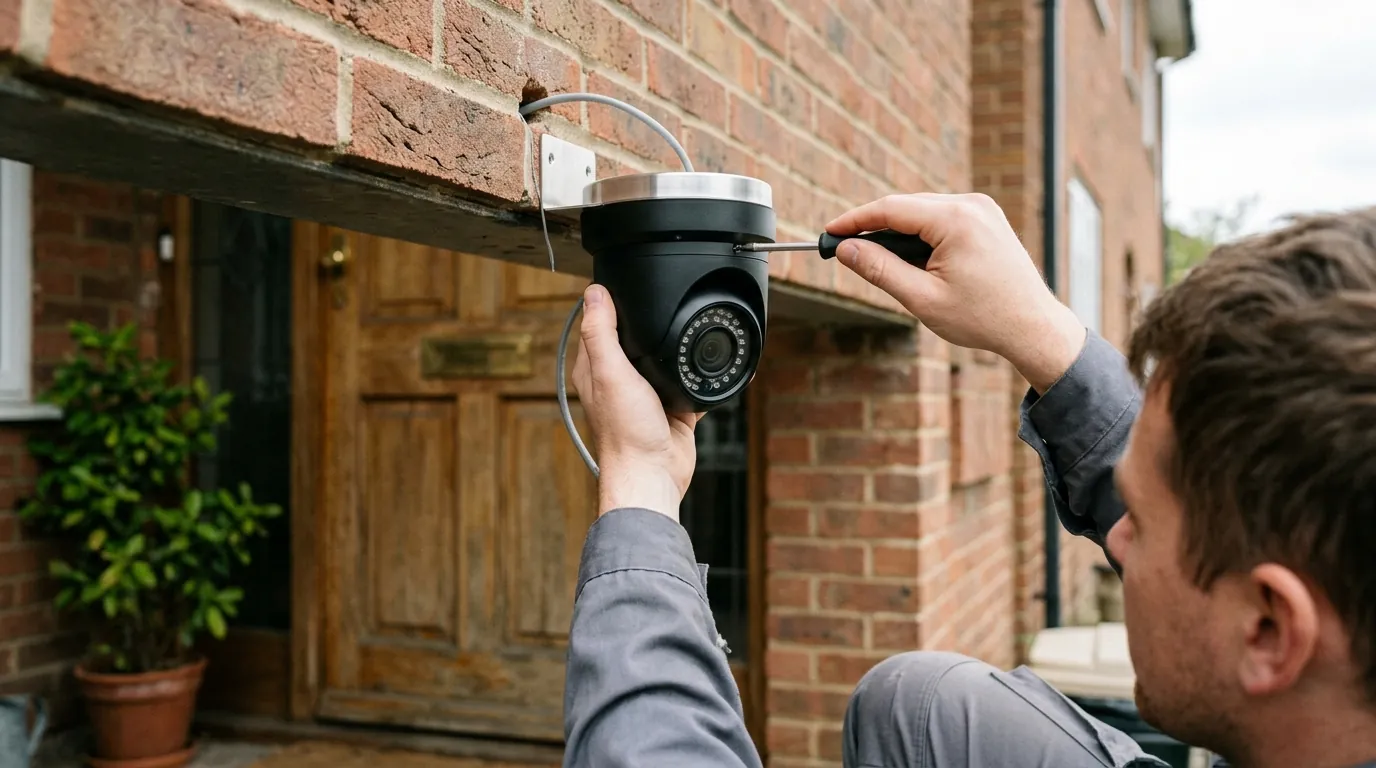
Ring vs. Ubiquiti UniFi 2026: The New Cost of Home Security
The choice between a “set it and forget it” cloud system and a high-performance local network has never been more polarized than it is in 2026.
Quick Answer: In 2026, Ring remains the king of convenience with its new ‘Solo’ and ‘Multi’ plans, but Ubiquiti’s G6 Edge series has eliminated the need for a separate NVR, making local, subscription-free 4K security more accessible than ever. While Ring offers lower upfront costs for renters, homeowners increasingly favor UniFi to escape the “subscription tax” and benefit from superior local AI processing.
What happened
Related: How to Fix the Eufy Security ‘Push Channel’ Silent Error · Fix: Eufy Security Push Notifications Failing in Home Assistant (2026) · Eufy Security Push Channel Bug: Why Your Device Events Are Silent
The landscape for home security shifted significantly in early 2026 as both market leaders overhauled their core value propositions. Ring, under Amazon’s ecosystem, moved to simplify its recurring revenue model while doubling down on cloud-based AI. Simultaneously, Ubiquiti addressed its biggest barrier to entry—the requirement for a dedicated Network Video Recorder (NVR) or Cloud Gateway—by moving the “brains” of the system directly into the camera housing.
Ring’s 2026 ‘Pro Intelligence’ Rebrand
Ring completed its long-anticipated subscription overhaul in 2026, rebranding its tiers to align with modern AI usage. The legacy “Protect” plans have been replaced by the Solo, Multi, and Pro tiers. This shift was largely driven by the rollout of “Pro Intelligence,” a cloud-side AI engine that enables natural language “Video Search.” Instead of scrolling through timelines, users can now type queries like “show me the delivery driver with the red hat” into the Ring app. However, this feature is strictly gatekept behind the higher-priced tiers, effectively making the hardware a secondary consideration to the software service.
| Feature | Ring Solo | Ring Multi | Ring Pro |
|---|---|---|---|
| Monthly Cost | Around $5 | Around $10 | Around $20 |
| Device Support | 1 Camera | Up to 10 Cameras | Unlimited + Alarm |
| Video Search | Basic (Person/Package) | Advanced (Natural Language) | Full AI Suite |
| Storage | 180 Days Cloud | 180 Days Cloud | 180 Days Cloud + Edge |
| Professional Monitoring | No | No | Included |
Ubiquiti G6 Edge: The NVR-Optional Revolution
Ubiquiti disrupted the market in Q1 2026 with the release of the ‘G6 Edge’ lineup. Historically, UniFi Protect required a dedicated console like a Dream Machine or an NVR. The G6 Edge series utilizes an ARM A76-based processor directly on the camera, providing enough compute power to handle AI detection and storage management locally. These cameras now feature high-endurance internal storage slots and can operate as standalone units, manageable via the UniFi Protect app without any additional hardware. This “NVR Tax” has effectively vanished for entry-level users who want to start with one or two cameras.
Ubiquiti G6 Edge Standalone Specs:
- Processor: Quad-core ARM Cortex-A76 (A76-based)
- AI Performance: [Information unavailable] TOPS (estimated at 4-6 based on previous G5 benchmarks)
- Storage: Dual-stream recording to high-endurance microSD (up to 1TB)
- Resolution: 4K at 30FPS standard across the Edge line
- Power: PoE (Power over Ethernet) with a new USB-C alternative for indoor models
Privacy remains a flashpoint in 2026. Ring’s Super Bowl ‘Search Party’ advertisement, which touted the ability for neighbors to collaborate on tracking “suspicious” individuals across entire neighborhoods, sparked a significant privacy backlash. This led to a public flip-flop on law enforcement data-sharing partnerships. While Ring had previously scaled back its “Request for Assistance” tool, the 2026 policy updates introduced new “exigent circumstance” clauses that allow for data sharing with partners like Flock Safety and Axon under specific, loosely defined emergency conditions.
Why it matters for buyers
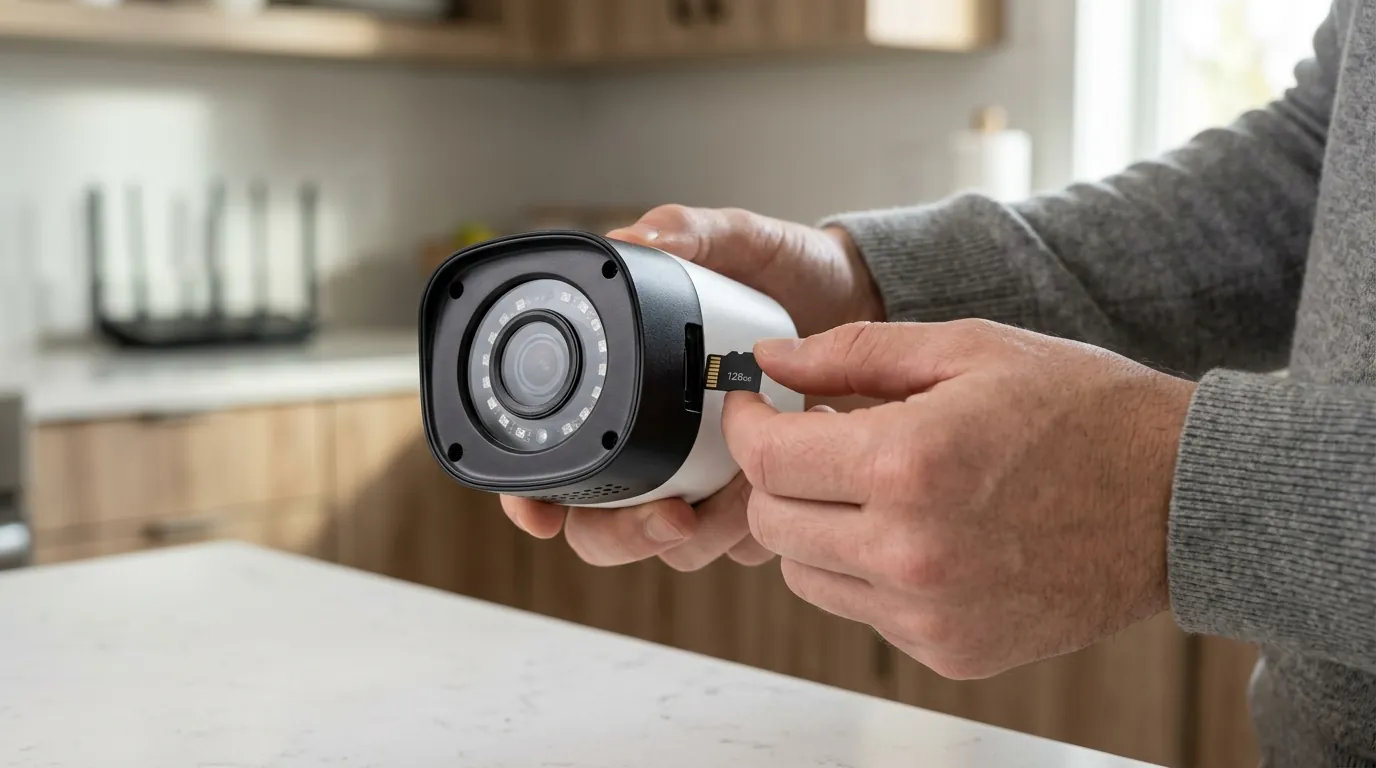
For the average consumer, the choice between Ring and UniFi in 2026 is no longer just about Wi-Fi vs. Ethernet; it is a fundamental decision regarding data ownership and long-term financial commitment.
The 5-Year ‘Subscription Tax’ Calculation
The Total Cost of Ownership (TCO) has become the primary metric for savvy buyers. While a Ring system is significantly cheaper on day one, the 2026 subscription hikes have pushed the “break-even” point closer than ever before.
5-Year TCO Comparison (4-Camera 4K Setup):
- Ring System: 4x Ring Spotlight Cam Pro (around $800) + Ring Multi Subscription for 5 years (around $600) = Total: Around $1,400.
- Ubiquiti UniFi System: 4x G6 Edge Turret (around $1,000) + 4x High-Endurance SD Cards (around $150) + No Subscription = Total: Around $1,150.
In this scenario, the UniFi system becomes the cheaper option at approximately the 24-month mark. This calculation does not account for the potential resale value of UniFi hardware, which historically remains high, whereas Ring hardware is often tied to the original owner’s account and has a shorter functional lifespan due to battery degradation.
AI at the Edge vs. Cloud
The 2026 performance gap is most noticeable in AI latency. Ubiquiti’s G6 series performs Face ID, License Plate Recognition (LPR), and animal detection locally on the camera’s A76-based silicon. This results in near-instant notifications (sub-500ms). Ring’s “Pro Intelligence” features require the video clip to be uploaded to the cloud, processed by Amazon’s servers, and then sent back as a notification. In real-world testing by independent outlets like RTINGS, this creates a latency gap of 2 to 5 seconds, which can be the difference between catching a porch pirate and seeing the back of their car driving away.
Privacy: The Axon/Neighbors Law Enforcement Flip-Flop
Privacy-conscious buyers must navigate Ring’s complex relationship with law enforcement. Despite public-facing marketing about user control, Ring’s 2026 Privacy Policy continues to allow for the release of footage to authorities without a warrant in “emergency” situations. Furthermore, the integration with Axon and Flock Safety—companies that specialize in automated license plate readers (ALPR) and police body cams—has created a “neighborhood-wide” surveillance mesh that many find intrusive.
In contrast, UniFi Protect remains 100% local. Ubiquiti does not have a “law enforcement portal.” Your footage is encrypted on your own hardware, and unless you manually export a clip and hand it over, no third party—including Ubiquiti itself—has access to the stream.
Installation Friction
Ring remains the clear leader for renters and those in older homes where running cable is impossible. The 2026 Ring lineup continues to offer robust battery-powered options that can be mounted with adhesive or simple brackets. Ubiquiti has attempted to bridge this gap with the “G6 Instant,” a Wi-Fi-based camera that records back to a local gateway (or its own SD card), but it still requires a consistent power source via a wall outlet. For those who cannot drill holes for PoE (Power over Ethernet) cables, Ring’s ecosystem is the only viable professional-grade choice.
Impact on existing owners
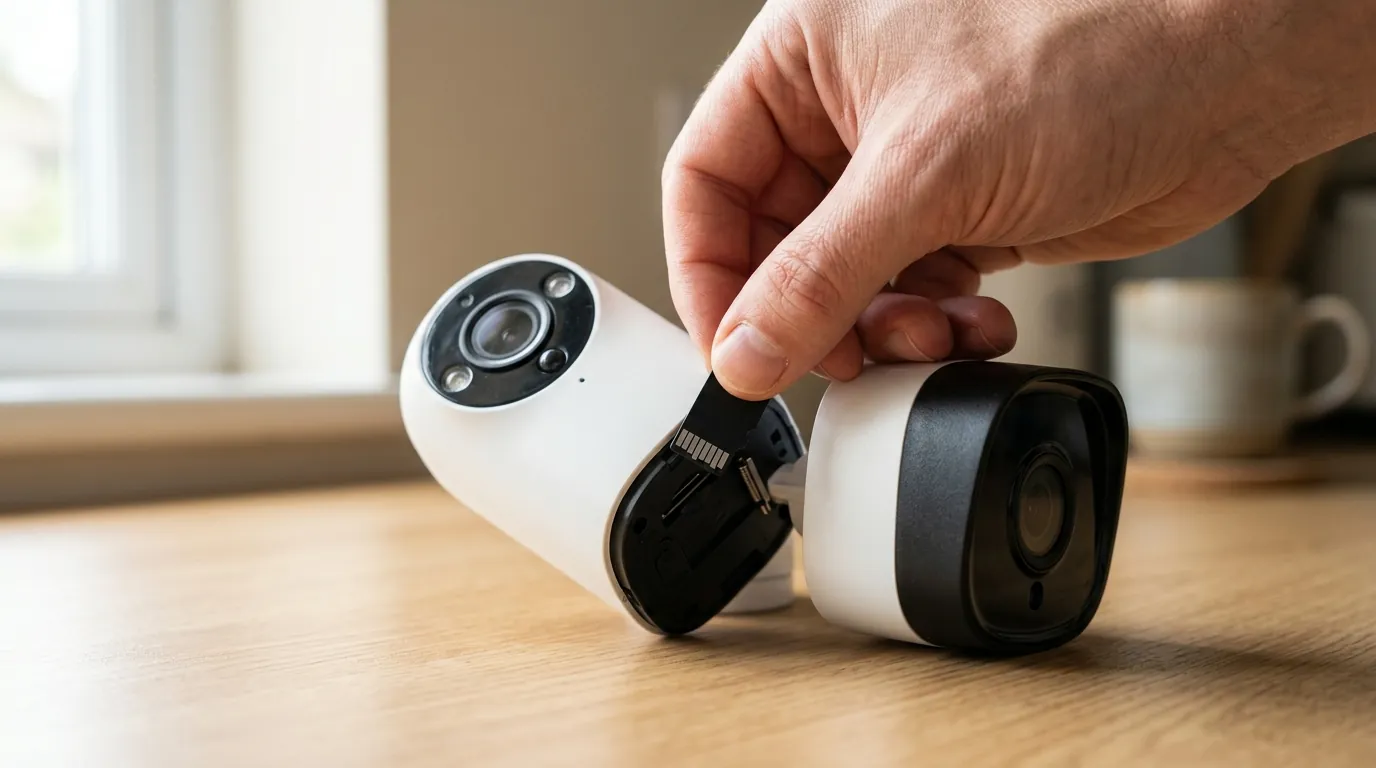
The 2026 updates have left many long-term users at a crossroads, particularly those with older hardware.
Legacy Ring Hardware and the ‘Solo’ Plan Trap
Owners of Ring hardware manufactured before 2024 are finding themselves increasingly pushed toward the ‘Solo’ plan. In a move to clear out legacy cloud overhead, Ring has limited the “Multi” and “Pro” AI features (like natural language Video Search) to newer “Pro” and “Plus” designated hardware. If you own an original Ring Video Doorbell or a first-generation Stick Up Cam, you may find that your 2026 subscription bill has increased, but your feature set has remained stagnant or even decreased as newer AI-driven filters are disabled for older chips.
Furthermore, Ring Alarm Pro users face a specific challenge in 2026. The cost for “Internet Backup” (cellular failover) has been decoupled from the standard subscription in some regions, making the system significantly more expensive to maintain as a primary home router and security hub.
UniFi’s Backward Compatibility Promise
Ubiquiti has taken the opposite approach. With the introduction of “EdgeAI Workflows,” owners of older G4 and G5 cameras can still benefit from the 2026 AI search features, provided the cameras are connected to a modern 2026-era Cloud Gateway (such as the Cloud Gateway Max). The gateway handles the heavy lifting that the older camera’s internal chip cannot. This commitment to a 10-year support lifecycle remains a major selling point for those who view security as a long-term infrastructure investment rather than a disposable gadget.
| System Status | Ring (Legacy) | UniFi (Legacy) |
|---|---|---|
| Firmware Updates | Limited to security patches | Full feature parity where possible |
| AI Feature Access | Requires new hardware | Enabled via Gateway upgrade |
| Subscription Requirement | Mandatory for most features | Zero |
| Hardware Longevity | 3-5 years (Battery/Support) | 7-10 years (Wired/Support) |
What do now
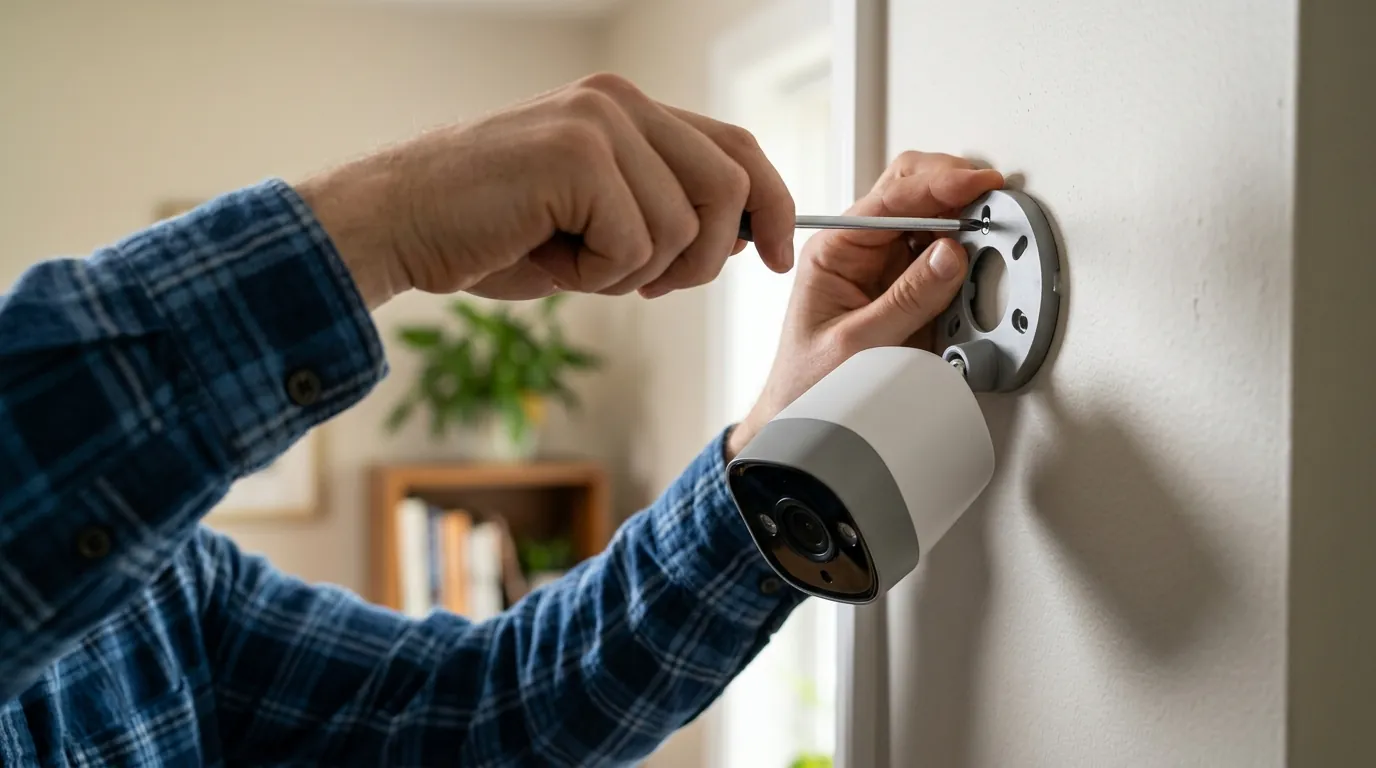
Navigating the 2026 security market requires matching your specific living situation to the right ecosystem.
For Renters and Low-Complexity Users
If you live in an apartment or only need to monitor a single front door, stick with Ring. The Ring Solo plan (around $5/mo) is a manageable expense for the convenience of a battery-powered doorbell. However, we recommend avoiding the “Multi” tier unless you truly need more than three cameras. Once you hit the four-camera mark, the “subscription tax” begins to outweigh the convenience of the hardware.
For Homeowners: The ‘Subscription Exit’ Strategy
If you are tired of the $200+ annual bill for your security system, the 2026 migration path to UniFi is the most cost-effective it has ever been. You do not need to replace your entire system at once.
- Start with the Entry Point: Purchase a single UniFi Protect G5 Turret Ultra or a G6 Edge camera. These provide the best “bang for buck” in the current market, offering 2K or 4K resolution and high-endurance local storage.
- Replace High-Traffic Feeds First: Replace your most active Ring camera (usually the driveway or front door) with a UniFi unit. This reduces your reliance on Ring’s cloud for your most sensitive data.
- Choose Your Gateway: If you decide to expand beyond two cameras, invest in a UniFi Cloud Gateway Max. It acts as your router, firewall, and NVR, providing a centralized place for all your footage with no monthly fees.
Decision Framework: Ring vs. Ubiquiti
- Prioritize Ring if: You are a renter, you need a 5-minute DIY setup, or you want professional monitoring integrated into your camera app.
- Prioritize Ubiquiti if: You own your home, you want 4K video without compression artifacts, you demand 100% privacy from law enforcement, or you want to save $1,000+ over the next decade.
The 2026 market has made one thing clear: convenience has a compounding cost, and privacy has a hardware requirement. Whether you choose the seamless cloud of Ring or the powerful local edge of UniFi, ensure you are calculating the cost of the software, not just the sticker on the box.
Frequently Asked Questions
Does UniFi Protect really have no monthly fees?
Yes. Once you purchase the hardware (camera and an NVR or SD card), there are zero recurring costs for storage, AI detection, or remote access. Ubiquiti provides its cloud-brokered remote access service for free, which allows you to view your local footage from anywhere in the world via the Protect app.
Can I use Ring cameras without a subscription in 2026?
Technically, yes, but the functionality is severely limited. Without a Solo, Multi, or Pro plan, Ring cameras generally only provide a live view and basic motion notifications. You will not have access to recorded clips, Video Search, or any AI-driven person/package detection, making the camera significantly less useful for security.
Is PoE installation difficult for a standard homeowner?
While more complex than a battery-powered camera, PoE (Power over Ethernet) installation has become more accessible. It involves running a single Ethernet cable from your router or switch to the camera. This cable provides both power and data. Many homeowners choose to hire a local low-voltage technician for the initial run, which typically costs between $150 and $300 per drop.
How does Ring’s “Video Search” compare to UniFi’s AI?
Ring’s Video Search is a generative AI tool that allows for natural language queries (e.g., “Find the person carrying a box”). It is very user-friendly but relies on cloud processing. UniFi’s AI is more traditional but faster; it categorizes events by “Person,” “Vehicle,” or “Animal” and allows you to filter by specific faces or license plates instantly on your own hardware.
Sources
- Ring Official: Protect Plan Tiers and Features
- Ubiquiti: UniFi Protect G6 Edge Series Technical Specifications
- RTINGS: Security Camera Latency and AI Testing
- The Verge: Ring and Police Data Sharing Policy Updates 2024-2026
- FCC ID Search: Ubiquiti G6 Edge Processor Filings
Quvii tracks these trade-offs across the category to provide independent buying intelligence.