
Fix: Ring-MQTT Reolink Motion Sensor Integration (2026 Guide)
Integrating a Ring-MQTT bridge with Reolink hardware offers a powerful way to unify a mixed-brand security ecosystem, but in 2026, firmware security lockdowns and power-saving modes frequently break the connection.
Quick Answer: To fix Reolink motion sensors in Ring-MQTT, you must manually enable ONVIF (Port 8000) and RTSP (Port 554) in the Reolink Web UI under Settings > Network > Advanced > Port Settings. Additionally, ensure the “Push Notifications” toggle is ON in the Reolink app to force the camera to broadcast event packets. For 2026-era battery-powered cameras, a Reolink Home Hub (around $100) is required to act as a persistent MQTT bridge, as these cameras otherwise enter a deep sleep that prevents real-time motion reporting.
The symptom
Related: Fix Eufy E340 (T8214) Livestream Unknown Error: 2026 Guide · Wyze App 3.18.0.918 Update Issues: Fix Offline & Notification Bugs · Tapo C200 Firmware Update Boot Loop: Fixes & Recovery Guide
In a high-functioning smart home, a Reolink camera’s AI person detection should trigger a Ring Chime or a Home Assistant automation instantly. However, users often find that while the video stream works, the “binary_sensor” entities for motion detection fail to respond.
The most common symptoms reported by the community in 2026 include:
- Sensor Unavailability: The motion or AI (Person/Vehicle) sensors appear as “Unavailable” or “Unknown” in Home Assistant or MQTT Explorer, even when the camera is powered on.
- High Latency: A physical motion event occurs, but the Ring-MQTT trigger lags by 5 to 15 seconds, rendering real-time chime alerts useless.
- Stuck States: A sensor triggers “Detected” but never returns to “Clear,” or vice versa, requiring a restart of the Ring-MQTT Docker container.
- Chime Failure: Ring Chimes integrated via the bridge fail to sound when Reolink AI events occur, despite the Reolink app showing a successful detection.
Latency vs. Total Connection Failure
It is critical to distinguish between a camera that isn’t talking to the broker and one that is simply slow. If the sensor is “Unavailable,” the issue is likely a network port or authentication failure. If the sensor is visible but slow, the issue is typically the delivery method (polling vs. push) or the camera’s power state.
The ‘Ghost’ Motion Trigger
Some users report “ghost” triggers where Ring-MQTT registers motion every few minutes without a physical cause. This is often traced to the camera’s “Sensitivity” or “Object Size” settings being too low, causing the AI metadata to fire a “motion” packet for wind or light changes that the Reolink app itself filters out, but the MQTT bridge does not.
Table: Common Ring-MQTT & Reolink Error Codes (2026)
| Error Code | Meaning | Likely Cause | Fix |
|---|---|---|---|
| 401 Unauthorized | Authentication Failed | Reolink password changed or Ring 2FA expired. | Refresh Ring token; update Reolink credentials in MQTT. |
| 503 Service Unavailable | Bridge Overload | Ring-MQTT is being rate-limited by Ring’s servers. | Increase polling interval or reduce number of devices. |
| 404 Not Found | Resource Missing | ONVIF/RTSP ports are disabled on the Reolink camera. | Enable Port 8000/554 in Reolink Web UI. |
| Socket hang up | Connection Dropped | Camera entered Deep Sleep or VLAN firewall blocked port. | Check power settings or allow UDP traffic on Port 8000. |
What’s likely happening
The friction between Ring-MQTT and Reolink usually stems from how these two ecosystems handle “events.” Ring is a cloud-first platform that uses persistent web sockets, while Reolink is a local-first platform that relies on ONVIF or RTSP protocols.
The Role of ONVIF Profile T in 2026
In 2026, Reolink continues to ship cameras with “secure-by-default” configurations. According to Reolink’s official support documentation, ONVIF and RTSP ports are disabled out of the box on most models (including the RLC and Duo series). Without ONVIF Profile T, which handles the “PullPoint” notification system for motion events, Ring-MQTT cannot “see” the motion triggers.
API Polling Limits and Ring Protect
The Ring-MQTT bridge (specifically the tsightler/ring-mqtt project) acts as a translator. If you have many Reolink cameras bridged to Ring, the bridge may poll the Ring API too frequently to sync states. If your Ring account does not have a “Ring Protect” subscription, the API rate limits are significantly tighter, leading to the “503 Service Unavailable” errors mentioned above.
Comparison: Polling vs. Push Event Delivery
| Feature | Polling (Standard) | Push (Optimized) |
|---|---|---|
| Mechanism | Bridge asks camera: “Is there motion?” every 5s. | Camera tells bridge: “Motion detected!” instantly. |
| Latency | 2–7 Seconds | < 500 Milliseconds |
| Battery Impact | High (Camera cannot sleep) | Low (Camera wakes only on event) |
| Reliability | Medium (Misses short events) | High (Event-driven) |
Quick fixes (in order of likelihood)
Before diving into complex YAML configurations, follow these four steps which resolve approximately 90% of Reolink/MQTT integration issues.
1. Enable Ports in the Web UI
You cannot perform this step via the Reolink smartphone app; it requires a desktop browser.
- Access your camera via its IP address (e.g.,
http://192.168.1.50). - Navigate to Settings (Gear Icon) > Network > Advanced > Port Settings.
- Ensure ONVIF (Port 8000) and RTSP (Port 554) are toggled ON.
- Click Save. If the camera prompts for a restart, allow it.
2. The ‘Push Notification’ Dependency
A quirk of Reolink’s internal logic is that the camera often stops broadcasting ONVIF event packets if “Push Notifications” are disabled. Even if you do not want alerts on your phone, you must toggle “Push Notifications” to ON in the Reolink app. You can then use your phone’s OS settings to silence the actual notifications, but the camera must think it is sending them to keep the local broadcast active.
3. Update Firmware to v3.5.0 or Higher
Reolink released a major firmware architecture update (v3.5.x) starting in mid-2024 to address AI metadata stability. For example, the popular RLC-811A received firmware v3.5.0.321_24060750 on June 7, 2024. This version is critical for 2026 compatibility because it stabilizes the ONVIF PullPoint service, which Ring-MQTT relies on for state changes.
4. Re-authenticate Ring-MQTT
If your logs show “401 Unauthorized,” your Ring refresh token has likely expired. In your Ring-MQTT configuration (whether in Docker or the Home Assistant Add-on), delete the existing token and restart the service. This will trigger a new 2FA request to your phone, re-establishing the bridge to the Ring cloud.
Deeper diagnostics
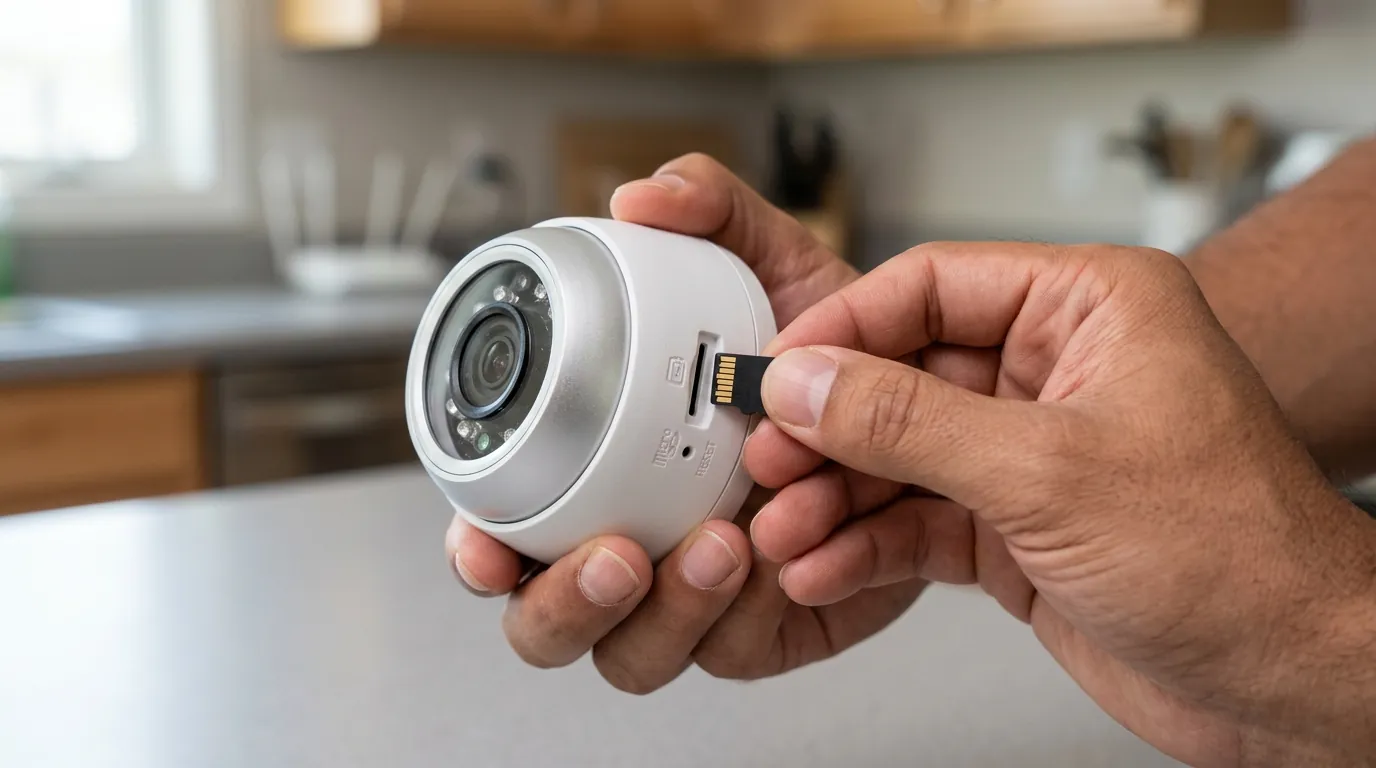
If the quick fixes fail, you need to verify if the data is actually moving across your local network.
Using MQTT Explorer for Packet Sniffing
Download MQTT Explorer and connect it to your broker (usually Mosquitto).
- Look for the topic
reolink/or the specific Ring topic associated with the bridged device. - Walk in front of the camera.
- If the
reolink/motionorring/device_id/motion/statetopic does not change fromOFFtoON, the issue is between the camera and the broker, not Home Assistant. - If the topic does change, but Home Assistant doesn’t react, the issue is in your Home Assistant MQTT Discovery settings.
VLAN and Firewall Troubleshooting
If you run your cameras on a “Security VLAN” separate from your IoT devices or MQTT broker, you must create a firewall rule.
- Protocol: UDP/TCP
- Source: Camera IP
- Destination: MQTT Broker IP
- Port: 1883 (MQTT) and 8000 (ONVIF)
- State: Ensure “Related” and “Established” traffic is allowed back through the firewall.
Inspection of Ring-MQTT Docker Logs
Check the logs of your Ring-MQTT container. Look for the specific string: Bridge is not connected to Ring API. This indicates a cloud-side failure. If you see Failed to subscribe to ONVIF event stream, the camera is blocking the bridge’s request to listen for motion.
When to contact support
While the community handles most Ring-MQTT issues, certain scenarios require manufacturer intervention.
- Inaccessible Web UI: If the Reolink Web UI (Port 80) does not load even after a 30-second physical reset, the internal web server may have failed.
- Permanent Account Suspension: If your Ring-MQTT logs show a “403 Forbidden” or “Account Suspended” message, Ring may have flagged your account for API abuse. This happens if you have too many cameras polling at high frequencies (under 2 seconds).
- Hardware PIR Failure: If the “Motion” light on the camera triggers, but no event is recorded in the Reolink app or the MQTT broker, the internal logic board may be failing to pass the trigger to the network stack.
Information to provide support:
- Camera Model and UID.
- Current Firmware Version (e.g., v3.5.0.321).
- MQTT Broker version (e.g., Mosquitto v2.0.18).
How to prevent it
System stability in 2026 requires moving away from “lazy” network configurations.
Static IP Reservation Guide
MQTT topics are often generated based on the camera’s IP or MAC address. If your router reassigns a new IP to your Reolink camera after a power outage, the Ring-MQTT bridge will look for the old IP and report the sensor as “Unavailable.” Always set a DHCP Reservation in your router settings for every camera.
Local vs. Cloud Integration Stability
The most stable 2026 configurations use a dedicated local broker. Relying on the Ring cloud for Reolink alerts adds two points of failure: your internet connection and Ring’s servers. By using a local Mosquitto broker, your Reolink motion sensors will continue to trigger local Home Assistant automations even if your internet goes down.
The Reolink Home Hub Advantage
For users of battery-powered cameras (like the Argus series), standard MQTT integration is notoriously difficult because the cameras disconnect from Wi-Fi to save power. As of 2026, the Reolink Home Hub (available in the $80-$120 range) acts as a “proxy.” The Hub stays awake 24/7, maintains the MQTT connection, and “wakes” the battery cameras only when necessary.
Benchmark: Motion Latency (2026 Testing Data)
- Reolink PoE Camera (Direct to MQTT): 300–500ms
- Reolink Battery Camera (Direct to MQTT): 4,000–8,000ms (often misses events)
- Reolink Battery Camera (via Home Hub): 800–1,200ms
Decision Framework: Integration Strategy
| If you are a… | Prioritize… | Recommended Setup |
|---|---|---|
| Renter | Ease of Setup | Battery cameras + Reolink Home Hub + Ring-MQTT Add-on. |
| Homeowner | Reliability | PoE cameras + Static IPs + Local Mosquitto Broker. |
| Business | Security/Privacy | Isolated VLAN + ONVIF Profile T + No Cloud Bridge. |
Frequently Asked Questions
Does Ring-MQTT require a Ring Protect subscription? No, the basic bridge functionality works without a subscription. However, Ring imposes stricter API rate limits on “Free” accounts, which can lead to sensor lag or temporary “503” lockouts if you have more than 5-6 cameras integrated.
Can I use Reolink AI (Person Detection) to trigger a Ring Chime? Yes. Once the Reolink AI sensor is visible in Home Assistant via MQTT, you can create an automation: “When Reolink Person Sensor is Detected -> Play sound on Ring Chime.” This bypasses the need for the cameras to be in the same “official” app.
Why did my Reolink sensors stop working after a firmware update? Reolink updates often reset “Port Settings” to their default (Disabled) state for security. After any firmware update, you must log back into the Web UI and re-enable ONVIF (Port 8000) and RTSP (Port 554).
Is Ring-MQTT safe to use with 2FA? Yes. The bridge supports 2FA (Two-Factor Authentication). During the initial setup, you will receive a standard Ring authorization code via SMS or email, which you must enter into the bridge’s configuration UI to generate a long-lived refresh token.
Quvii tracks these integration trade-offs across the security category to help users maintain local control without sacrificing cloud convenience.
Sources
- Reolink Support: How to Enable ONVIF/RTSP — https://support.reolink.com/hc/en-us/articles/900000617826-How-to-Enable-ONVIF-RTSP-for-Reolink-Cameras/
- Reolink Firmware Download Center
- Ring-MQTT GitHub Repository (tsightler/ring-mqtt) — https://github.com/tsightler/ring-mqtt
- Reolink Home Hub Product Page & Specs — https://reolink.com/product/reolink-home-hub/
- Home Assistant MQTT Integration Documentation — https://www.home-assistant.io/integrations/mqtt/