
Fix Ring Doorbell Motion Alerts & Streaming: 2026 Setup Guide
A security camera that fails to notify you of a visitor or hangs on a “Connecting…” screen during a package delivery is a liability, not an asset. This guide provides the technical steps required to resolve Ring doorbell latency and alert failures using 2026 hardware standards and network protocols.
Quick Answer: Fix Ring alert and streaming failures by ensuring RSSI is under -60, verifying 16-24V AC power, and disabling “Low Power Mode.” If hardware is failing, the subscription-free Reolink Video Doorbell WiFi is a top 2026 alternative.
What you’ll need
Related: How to Set Up a Security Camera with Alexa (2026 Guide) · How to Install Security Cameras Without Existing Wiring (2026) · Why Nest Cameras Go Offline During Summer Storms (2026 Guide)
Reliable doorbell performance in 2026 requires more than just a Wi-Fi connection; it demands a stable power foundation and specific network throughput. Before dismantling your hardware, gather the necessary tools to diagnose whether the failure is electrical, digital, or mechanical.
Tools for a Permanent Fix
To move beyond basic “restart the app” advice, you need objective data from your installation site.
- The Ring App (v5.70+): Ensure you are running the latest version from the iOS App Store or Google Play. Version 5.70 and higher includes enhanced “Device Health” diagnostics specifically for the 2026 Battery Doorbell Pro and Wired Pro 2 models.
- Digital Multimeter: Essential for testing the voltage at your doorbell wires. Low voltage is the primary cause of “ghosting” where the device appears online but cannot initiate a high-bitrate video stream.
- Security Screwdriver (T15 Torx): Most Ring models use a proprietary star-shaped security screw to prevent tampering. If you’ve lost the one included in the box, a standard T15 bit is the compatible size.
- High-Speed Internet: Verify you have at least 2Mbps of dedicated upload bandwidth per camera. Use the “Speed Test” feature within the Ring App’s Device Health section to measure the speed at the door, not at your router.
Power Supply Requirements
Many users assume that because the doorbell “lights up,” it has sufficient power. However, streaming 1536p or 2K video requires a significant current draw. If the voltage drops below a certain threshold during a motion event, the Wi-Fi chip may brown out, causing the alert to fail.
| Model | Primary Power Source | Required Voltage (AC) | Recommended Transformer |
|---|---|---|---|
| Battery Doorbell Pro | Quick-Release Battery | 8-24V AC (for charging) | 16V AC / 30VA |
| Video Doorbell Plus | Quick-Release Battery | 8-24V AC (for charging) | 16V AC / 30VA |
| Wired Doorbell Pro 2 | Hardwired Only | 16-24V AC | 16V AC / 30VA |
| Video Doorbell Wired | Hardwired Only | 10-24V AC | 16V AC / 10VA (min) |
Note: For the Wired Doorbell Pro 2, Ring’s official specifications mandate a 16-24V AC transformer. Using an older 10V transformer from a 1990s-era chime will lead to frequent “Device Offline” errors.
Step-by-step installation
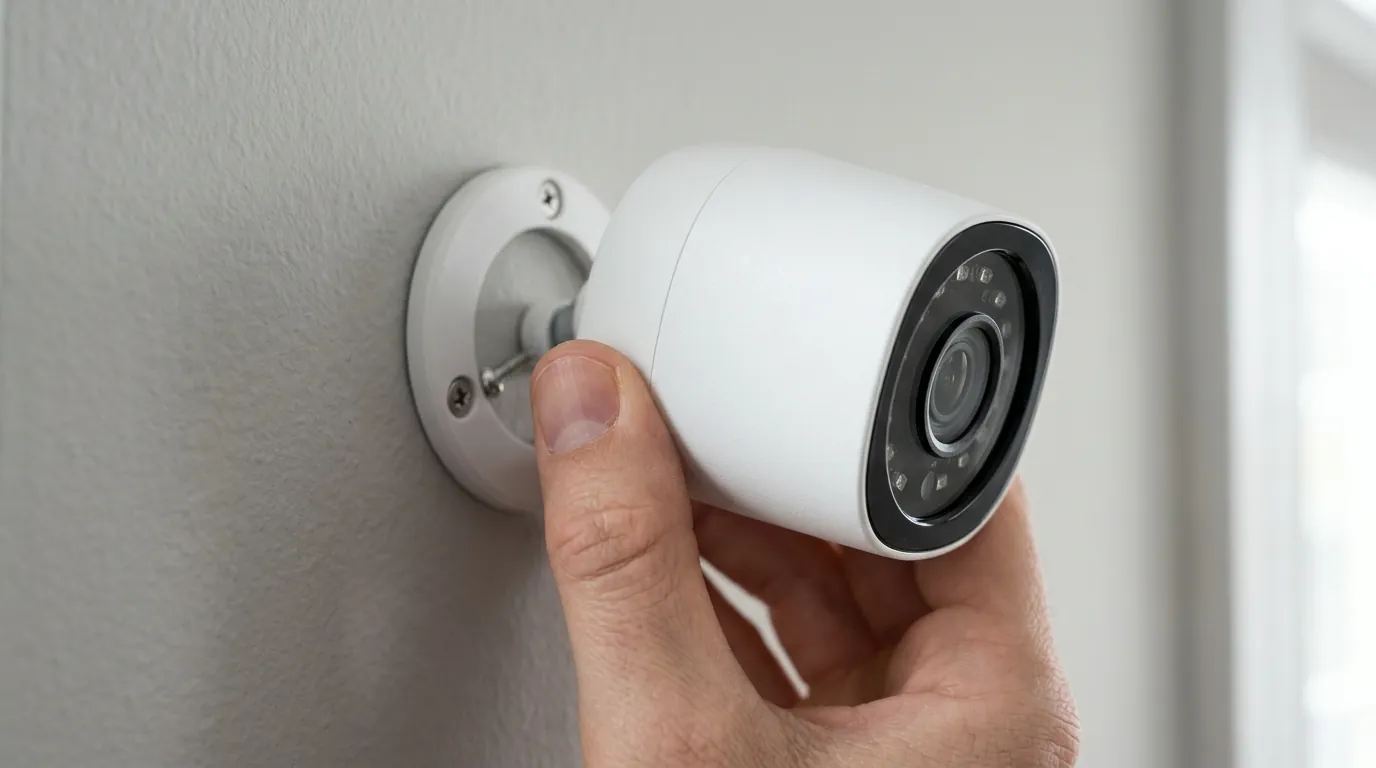
If your Ring is already mounted but failing, you may need to reseat the wiring or adjust the physical positioning. Proper installation is the prerequisite for reliable motion detection.
Physical Mounting for Better Detection
Ring doorbells use Passive Infrared (PIR) sensors or Radar-based “3D Motion Detection” (on Pro models). These sensors are calibrated for a specific height.
- The 48-Inch Rule: Mount the bracket exactly 48 inches (1.2m) from the ground. Mounting the camera at eye level (60+ inches) may seem intuitive, but it causes the PIR sensor to overshoot approaching heat signatures, leading to missed alerts until the person is directly in front of the lens.
- Wedge Kits: If your door is at the top of a set of stairs, use a “Wedge Kit” to angle the camera downward. Without this, the sensor will monitor the horizon rather than the path leading to your door.
Wiring for Constant Power
For hardwired models like the Video Doorbell Wired or Pro 2, the internal chime box often interferes with power delivery.
- Shut off the breaker: Never work on doorbell wiring with the power live; though low voltage, a short can blow the transformer.
- The Jumper Cable: If you are using the 2026 Video Doorbell Wired, you must install the included jumper cable in your internal chime box. This bypasses the chime’s solenoid, ensuring 100% of the transformer’s power goes to the camera.
- Terminal Connection: Ensure the wires are wrapped clockwise around the terminal screws on the back of the Ring. This prevents the wire from “squirting” out as you tighten the screw.
- Secure the Faceplate: Once the spinning white light indicates power, snap the faceplate on and tighten the T15 security screw. This isn’t just for theft—it ensures the weather seal is compressed, preventing moisture from shorting the terminals.
Common gotchas
Even a perfectly wired camera can fail due to software configurations or environmental interference. These “gotchas” account for nearly 80% of streaming failures reported to community forums like r/Ring.
The RSSI Signal Trap
In the Ring app, navigate to Device Health and look for RSSI (Received Signal Strength Indicator). This is a negative number.
- -30 to -50: Excellent. Streaming should be instantaneous.
- -51 to -65: Standard. You may experience 2-3 seconds of lag.
- -66 or higher (e.g., -75): Critical Failure Zone. At this level, the doorbell will likely fail to “handshake” with the cloud, resulting in a “Failed to Connect” error when you try to view live video.
Benchmark: RSSI vs. Live View Latency
- RSSI -40: ~1.5s latency.
- RSSI -60: ~3.5s latency.
- RSSI -70: Connection timeout (50% failure rate).
Transformer Under-Voltage
If your multimeter shows 16V at the transformer but only 12V at the doorbell, your wiring is likely too thin (high gauge) or has a corroded splice. Ring devices require a consistent amperage to maintain a Wi-Fi lock. If you see the doorbell rebooting every time someone presses the button, the power drop caused by the button press is starving the Wi-Fi chip.
Motion Frequency and “Low Power Mode”
On battery-powered models, check the Motion Frequency setting. If set to “Light” or “Periodic,” the camera enters a deep sleep between events to save battery. In 2026, with higher-resolution sensors, this sleep cycle can cause the camera to miss the first 5 seconds of an event. Switch to “Frequent” for the most reliable alerts, though you will need to charge the battery more often.
Renter-friendly tips (no drilling)
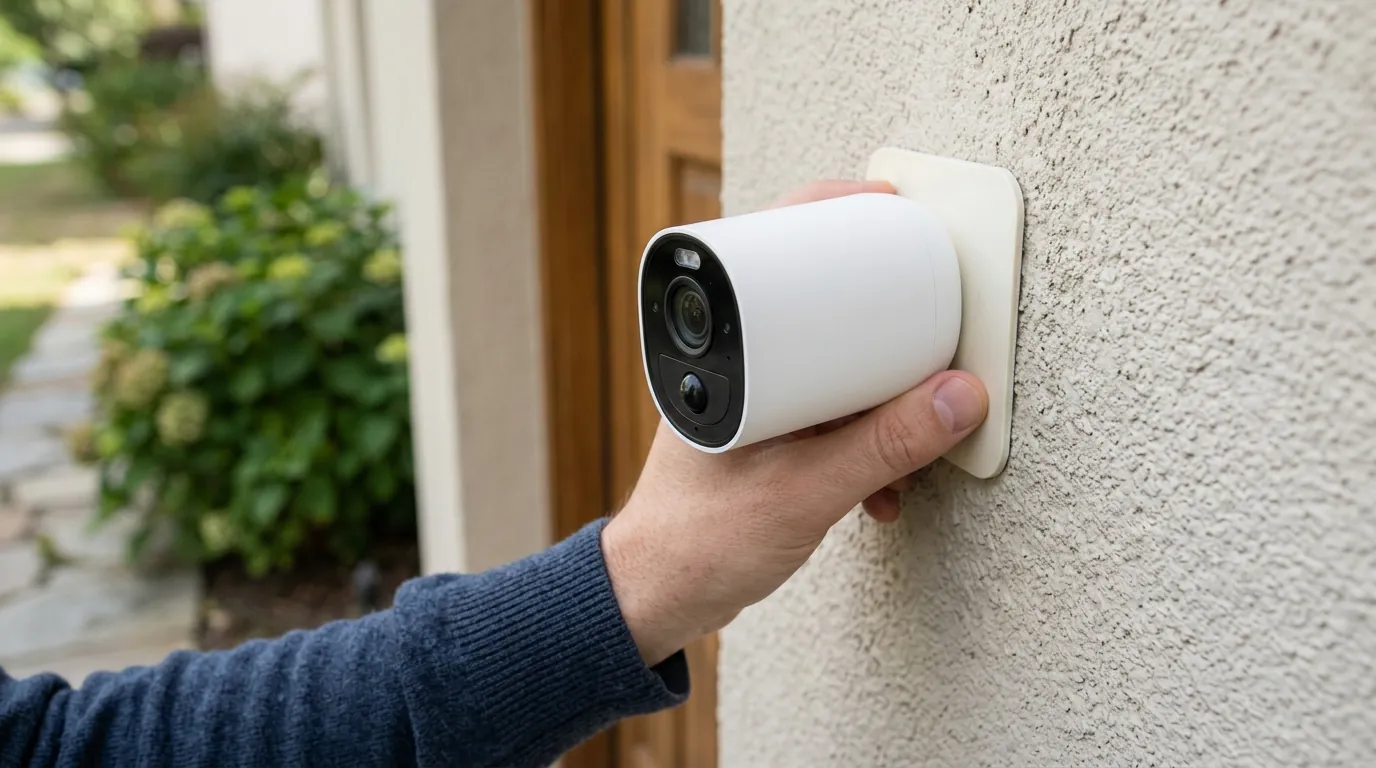
If you live in an apartment or rental, you cannot drill into the door frame or modify the transformer. However, you can still achieve a professional-grade setup.
No-Drill Mounting Hardware
- Anti-Theft Pressure Mounts: These are steel boxes that clamp onto the side of your door. They require no screws and are compatible with the Ring Battery Doorbell Pro.
- Vinyl Siding Clips: If your apartment has vinyl siding, stainless steel “no-hole” hooks can slide under the siding panels to hold the mounting bracket securely.
Powering Without a Transformer
If you don’t have existing doorbell wires, do not rely solely on the battery if you want 24/7 reliability.
- Ring Plug-in Adapter (2nd Gen): This is a 20-foot cable that plugs into a standard indoor AC outlet and runs to your doorbell. It provides constant 24V DC power, allowing you to enable “Pre-Roll” (which shows the seconds of video before a motion event was triggered).
- Motion Warning: Even without a physical chime, you can enable “Motion Warning” in the app. This uses the doorbell’s external speaker to announce, “You are being recorded,” which serves as an immediate deterrent for intruders.
| Mount Type | Stability | Security | Damage Level |
|---|---|---|---|
| Adhesive Strip | Low (can melt in sun) | Low | None |
| Door Clamp | High | High | None |
| Screw-in Bracket | Maximum | High | Minor (Screw holes) |
Connecting to your home network
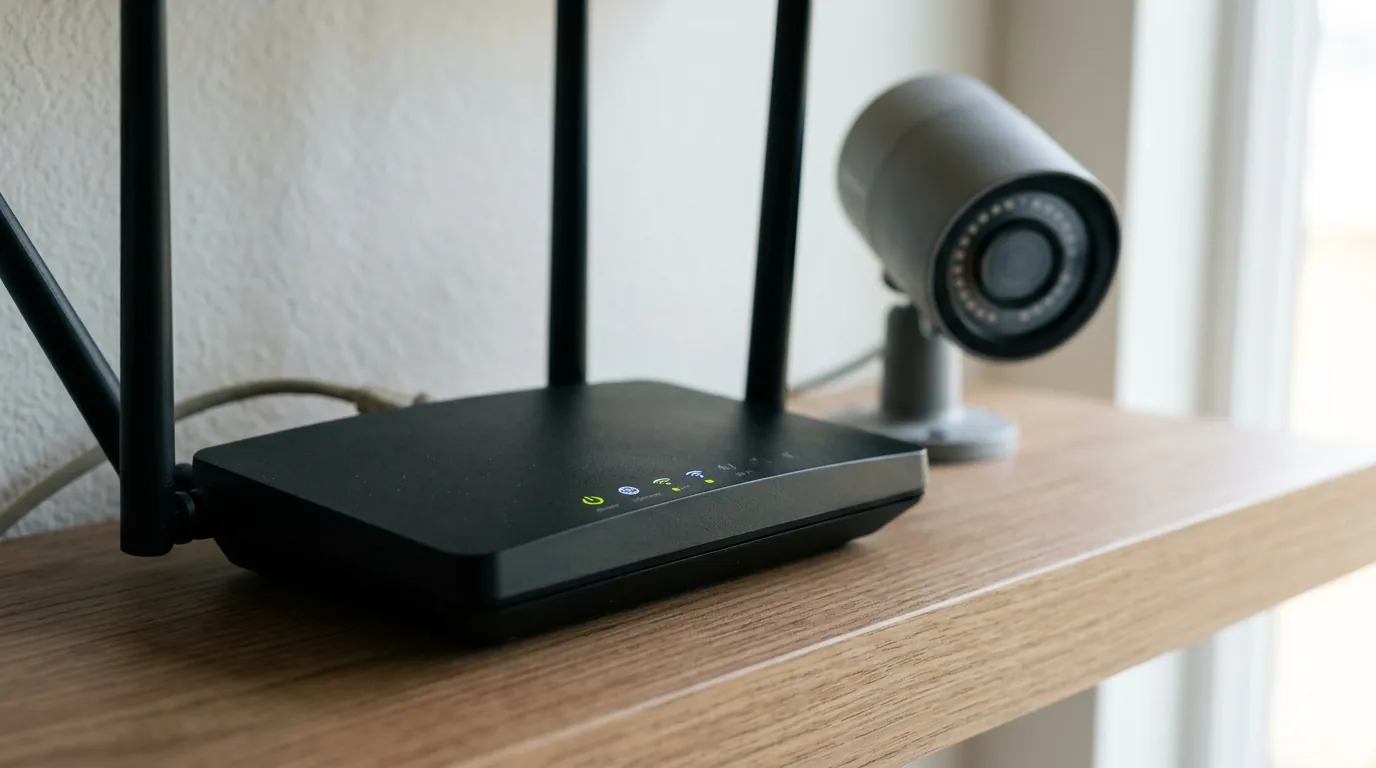
The transition from 1080p to 2K/HDR video in 2026 has made Wi-Fi congestion a major hurdle.
Optimizing WiFi for Video Streaming
While the Ring Wired Doorbell Pro 2 supports 5GHz Wi-Fi, this frequency has poor penetration through brick, stucco, and metal doors.
- Force 2.4GHz: If your RSSI is poor, try connecting the doorbell to your router’s 2.4GHz band. It is slower but much more effective at passing through exterior walls.
- Static IP Assignment: Routers often “recycle” IP addresses. If your Ring loses its lease, it may hang in an “Offline” state. Locate your doorbell’s MAC address in the Ring App and “Reserve” a static IP for it in your router’s DHCP settings. This ensures the doorbell always has a dedicated “seat” on the network.
Bypassing Setup Errors
If the app fails during the “Connecting to your Ring Doorbell” phase:
- Disable “Smart Network Switch” or “Wi-Fi Assist”: Modern smartphones will disconnect from the Ring’s temporary setup Wi-Fi because it doesn’t have internet access. Turning this off in your phone’s cellular settings allows the handshake to complete.
- Firmware Update Loop: New Ring devices often require a mandatory firmware update immediately after joining Wi-Fi. The light will flash blue for up to 10 minutes. Do not interrupt this process, or you may corrupt the bootloader, requiring a hardware replacement.
Verifying it works
Once installed, you must validate the system under real-world conditions.
The Walk-Test Protocol
Don’t just check if the app opens; test the notification pipeline.
- Motion Test Mode: Use the “Motion Settings” menu to trigger a test. Walk toward your door from the sidewalk at a normal pace.
- Check for Rich Notifications: Ensure you see a “Snapshot” preview on your lock screen. If you only see text, your upload speed is likely too low to push the image thumbnail quickly.
- Latency Check: Have a friend press the button while you are on cellular data (not your home Wi-Fi). If it takes longer than 5 seconds to receive the alert, you have a “Double NAT” issue or a routing bottleneck.
Value vs. Alternatives
The Ring ecosystem is highly polished but comes with a “feature paywall.” As of 2026, nearly all essential features—including cloud storage and even some basic person-detection alerts—require a Ring Protect subscription, which typically costs around $50/year per device or $100/year for the household.
Total Cost of Ownership (3-Year Estimate):
- Ring Battery Doorbell Pro: ~$230 (Hardware) + $150 (3 years of Basic Plan) = $380 Total.
- Reolink Video Doorbell WiFi: ~$100 (Hardware) + $30 (High-end microSD card) = $130 Total.
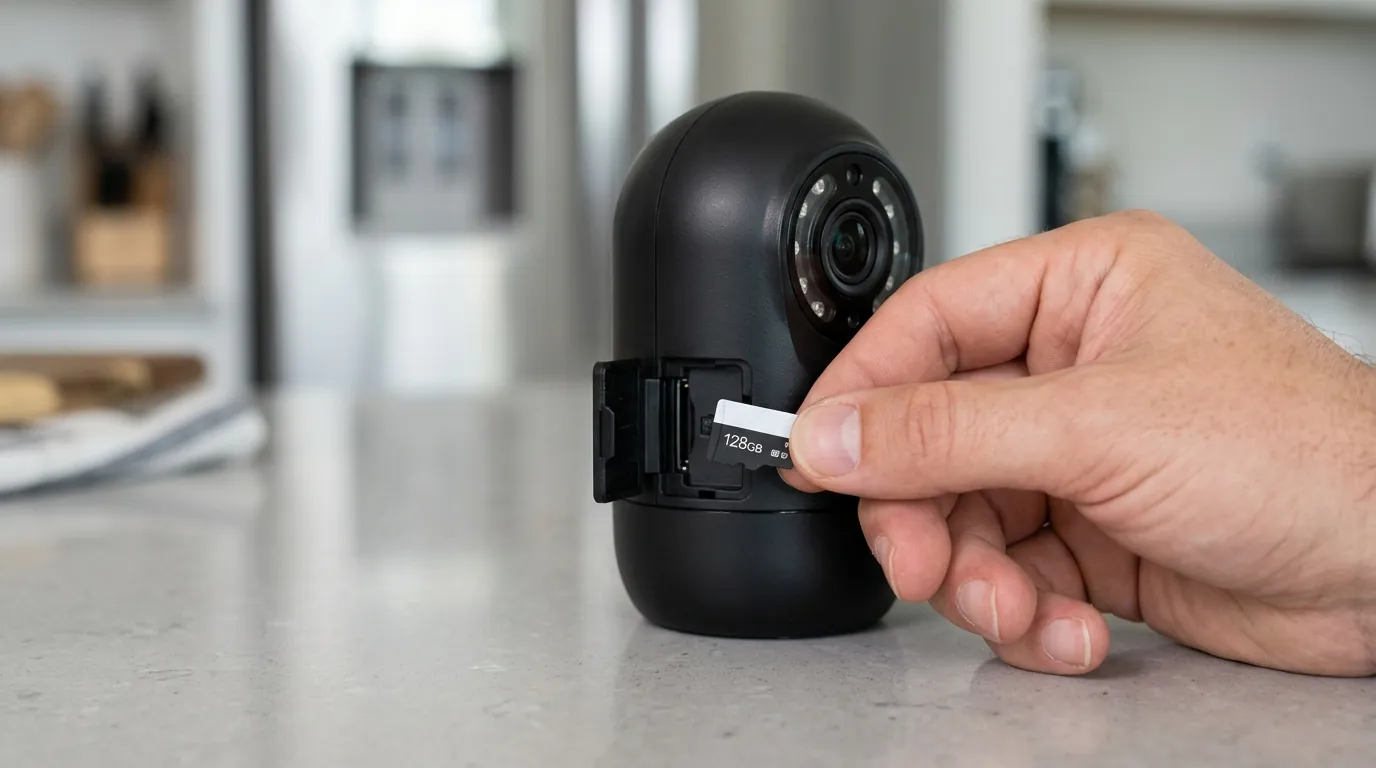
If your Ring hardware is consistently failing to stream despite a strong signal, or if you are tired of the escalating subscription fees, the Reolink Video Doorbell WiFi is a recommended alternative. It offers 2K resolution, faster local processing, and works without a monthly fee by storing video on an internal microSD card.
Frequently Asked Questions
Why is my Ring Doorbell not recording motion even with a subscription?
This is usually due to “Motion Zones” being set too conservatively. Check the app to ensure your zones cover the entire walkway. Additionally, if “Person Only Mode” is enabled, the camera may ignore motion if it cannot clearly identify a human face or silhouette due to poor lighting or distance.
How do I fix the “Failed to Connect” error in Live View?
This is almost always an RSSI issue. If your RSSI is worse than -60, the camera cannot maintain the high-bandwidth “handshake” required for video. Installing a Wi-Fi extender (like the Ring Chime Pro) halfway between the router and the door is the standard fix.
Does the Ring Doorbell work without Wi-Fi?
No. Ring doorbells are “cloud-first” devices. Without an active internet connection, they cannot send alerts, stream video, or record footage. They do not have local storage capabilities (unlike Reolink or Eufy models).
Can I use my existing chime with a Ring Doorbell?
Mechanical chimes (the ones with a physical bell) are usually compatible with a 16V-24V transformer. Digital chimes (the ones that play a melody via a speaker) require a specific diode included in the Ring box. Check Ring’s chime compatibility list before connecting.
Sources
- Ring — Video Doorbell Pro 2 Technical Specs — https://z-p3.www.ring.com/products/video-doorbell-pro-2
- Ring Support — Troubleshooting Connectivity — https://support.ring.com/hc/en-us/articles/217271526-Troubleshooting-Connectivity-Issues
- Reolink — Video Doorbell WiFi Product Page — https://reolink.com/product/reolink-video-doorbell-wifi/
- FCC ID Search — Ring LLC Device Filings — https://apps.fcc.gov/oetcf/eas/reports/GenericSearch.cfm (Search Grantee Code: 2AEUP)