
Ring Doorbell Motion Detection Delay Fixes: July 2026 Update
A security camera that notifies you after a visitor has already walked away is a liability, not an asset. As of July 2026, motion detection latency remains the most frequent technical complaint among Ring users, despite significant hardware iterations.
Quick Answer: As of July 2026, Ring doorbell motion detection delays are often addressable through a combination of optimizing in-app settings (like motion zones and sensitivity), ensuring strong Wi-Fi connectivity, and updating device firmware. While Ring has introduced AI-powered enhancements in newer models like the Wired Video Doorbell Pro (3rd Gen) to improve detection, user-side configuration and network health remain critical for timely alerts.
What happened
Related: Eufy Doorbell Motion Detection Not Working: July 2026 Fixes · Eufy ‘Silent Registration’ Discovery: What It Means for Your Privacy · Ring Plugin Not Streaming? July 2026 Update & Privacy Bug Explained
The landscape of smart home security has shifted significantly in early 2026, with Ring attempting to bridge the gap between cloud-based processing and real-time responsiveness. Despite these efforts, the fundamental architectural challenge of cloud-dependent doorbells—sending a trigger to a server and back to a mobile device—continues to cause noticeable “lag” for many users, particularly those on legacy hardware or battery-powered units.
The Persistent Challenge of Latency
For users of battery-powered models like the Ring Battery Doorbell Plus or the older Video Doorbell 4, the “delay” is often a physical byproduct of power management. To preserve battery life, these devices enter a low-power sleep state. When motion is detected, the device must “wake up,” establish a secure connection to the Wi-Fi router, and begin uploading the stream. In community discussions on r/HomeSecurity, users frequently report that by the time this handshake is complete, the subject has often moved out of the frame.
In July 2026, this issue is exacerbated by increasingly congested 2.4 GHz wireless bands in suburban environments. Even with the introduction of “Pre-Roll” technology, which captures a few seconds of low-resolution video before the motion trigger, the actual notification to the user’s phone can still lag by 5 to 10 seconds depending on network health.
Ring’s 2026 AI and Hardware Enhancements
To combat these delays, Ring introduced several key updates at CES 2026. The most significant is the release of the Ring Wired Video Doorbell Pro (3rd Gen). According to Ring’s official product specifications, this flagship model marks a transition to 4K resolution and, more importantly, an upgraded radar-based motion detection system. Unlike standard PIR (Passive Infrared) sensors, the 3rd Gen Pro uses 3D Motion Detection to pinpoint the exact distance and angle of an object, significantly reducing “false positives” from swaying trees or passing cars that previously overwhelmed the notification queue.
Additionally, Ring has overhauled its software backend with “AI Unusual Event Alerts” and “Active Warnings.” These features, now part of the rebranded Ring Protect tiers, use machine learning to distinguish between a routine mail delivery and a person lingering near the door. While these features aim to make notifications more “relevant,” the processing still occurs primarily in the cloud, meaning the speed of the alert is still tethered to the user’s upload speed and Ring’s server latency.
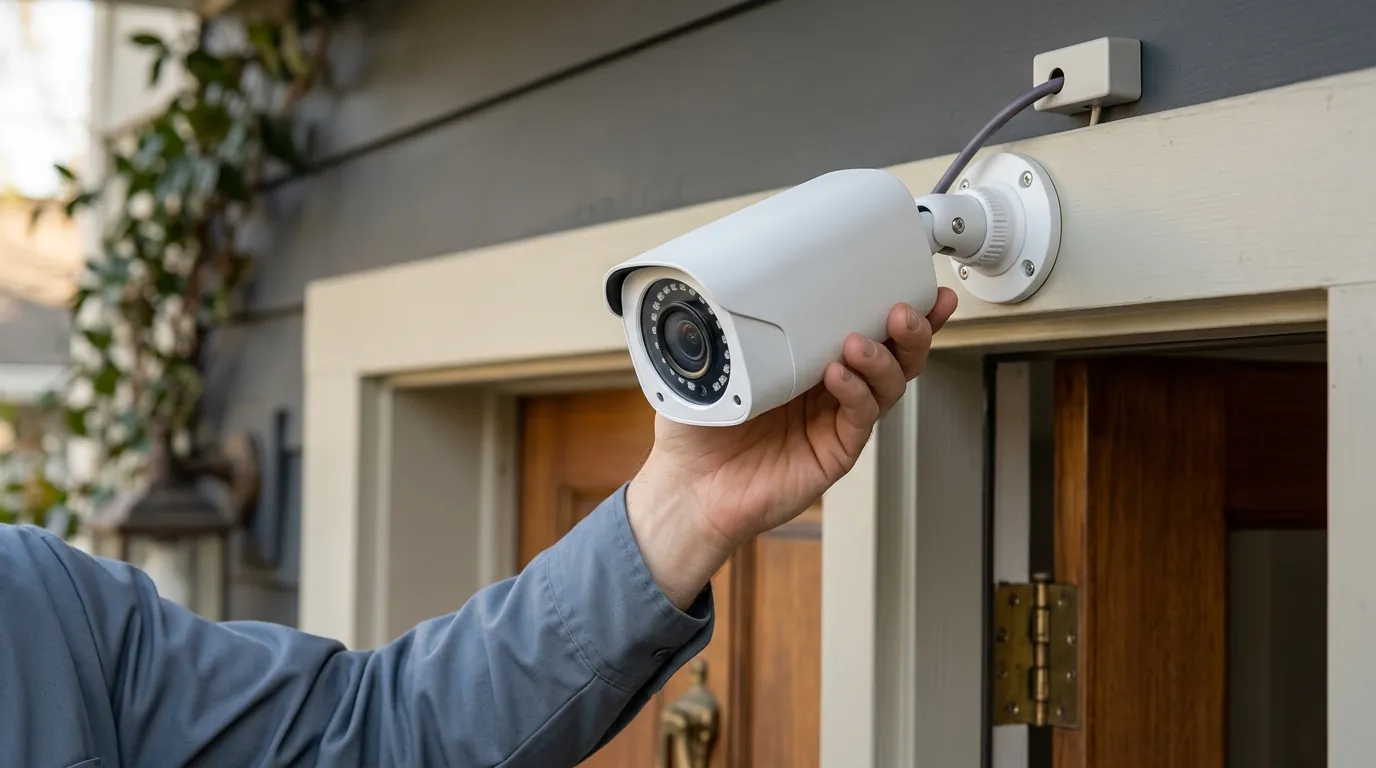
[Image description: A Ring doorbell mounted on a front door, with a person approaching, illustrating a motion detection event. Aspect ratio 16:9.]
Why it matters for buyers
For a prospective buyer in 2026, the “Ring Delay” isn’t just a nuisance; it’s a core metric of the device’s efficacy. If a doorbell fails to alert a homeowner to a package thief until the thief is already back in their vehicle, the device has failed its primary security mission.
Security Implications of Delayed Alerts
Timely alerts are the difference between proactive and reactive security. High-end competitors have moved toward “Edge AI”—processing motion detection on the device itself rather than in the cloud. Ring’s continued reliance on cloud-side analysis for its most advanced features means that even with a fast internet connection, there is a hard floor on how fast a notification can arrive. For small business owners or homeowners in high-traffic areas, these seconds are critical for using the “Two-Way Talk” feature effectively.
The Subscription Factor and Hidden Costs
In early 2026, Ring restructured its subscription plans. The legacy “Protect Basic” and “Protect Plus” have been replaced by Ring Solo and Ring Multi.
- Ring Solo: Covers one device, providing cloud storage and basic AI person detection.
- Ring Multi: Covers all devices at a single location and unlocks “AI Unusual Event Alerts.”
This “feature paywall” is a significant consideration. Buyers should be aware that the hardware’s out-of-the-box performance is often limited; without a subscription, you lose the “Rich Notifications” (which show a snapshot of the motion on your lock screen), further slowing down your ability to react to an event.
Privacy Considerations: Cloud vs. Local Storage
Privacy remains a polarizing topic for Ring. As documented in Mozilla’s Privacy Not Included report, Ring maintains a cloud-only storage model. This means your data is stored on Amazon’s servers. While Ring has introduced end-to-end encryption (E2EE) for many models, enabling it can sometimes increase the time it takes to view a live stream, as your mobile device must decrypt the feed in real-time.
Furthermore, Ring’s policy on sharing footage with law enforcement under “emergency” circumstances without a warrant continues to drive privacy-conscious buyers toward local-storage alternatives like Eufy or Reolink.
Comparison: Ring vs. Subscription-Free Alternatives (July 2026)
| Feature | Ring Wired Pro (3rd Gen) | Eufy Video Doorbell E340 | Reolink Doorbell WiFi |
|---|---|---|---|
| Resolution | 4K Ultra HD | 2K Dual-Cam | 2K+ (5MP) |
| Storage Type | Cloud Only | Local (8GB-16GB) | Local (MicroSD/NVR) |
| Motion Tech | Radar + AI | Dual-Sensor AI | On-Device AI |
| Monthly Fee | Required for History | Optional | None |
| Wi-Fi Standard | Wi-Fi 6 (Dual Band) | Wi-Fi 6 | Wi-Fi 5 (Dual Band) |
| Privacy Policy | Cloud-dependent | Local-first | Local-only option |
[Image description: A split image showing a Ring doorbell interface with motion zone settings on one side and a competitor’s local storage solution on the other. Aspect ratio 16:9.]
Impact on existing owners
If you already own a Ring doorbell and are experiencing delays, the issue is likely a conflict between your environment and your current app configuration.
Common Causes of Delays for Current Devices
- RSSI (Received Signal Strength Indicator): This is the most common culprit. In the Ring App under Device Health, users should look for an RSSI value. A value between -60 and -70 is considered poor and will cause significant latency.
- Motion Frequency (Battery Models): To save power, battery models often have a “Motion Frequency” setting. If set to “Regular” or “Periodic,” the camera will intentionally ignore subsequent motion for a set period after an alert, leading to missed events.
- Overlapping Motion Zones: Setting zones that are too large or include public sidewalks can overwhelm the processor, causing it to “choke” on data and delay the notification you actually care about.
Understanding Ring Protect Plan Changes
Owners of older models should note that as of the 2026 plan migration, some legacy features have been moved to the “Ring Multi” tier. If your motion alerts suddenly feel less “intelligent” or you’ve lost the ability to filter for “Package Alerts,” check if your plan was automatically transitioned to the “Solo” tier, which may lack the advanced AI processing required for those specific triggers.
Hardware and Network Limitations
The jump to Wi-Fi 6 in the 2026 Wired Pro 3rd Gen highlights a growing gap. Older Ring models (Video Doorbell 2, 3, and 4) rely on Wi-Fi 5 or even 2.4 GHz Wi-Fi 4. In a modern home filled with smart bulbs, laptops, and streaming devices, these older doorbells struggle to compete for bandwidth. This network “jitter” is a primary cause of the spinning blue circle when you try to answer a motion alert.
Spec Table: Ring Models and Wi-Fi Standards
| Model | Wi-Fi Standard | Band Support | Max Resolution |
|---|---|---|---|
| Wired Pro (3rd Gen) | Wi-Fi 6 (802.11ax) | 2.4 / 5.0 GHz | 4K |
| Battery Doorbell Pro | Wi-Fi 5 (802.11ac) | 2.4 / 5.0 GHz | 1536p |
| Video Doorbell 4 | Wi-Fi 4 (802.11n) | 2.4 / 5.0 GHz | 1080p |
| Ring Doorbell (2020) | Wi-Fi 4 (802.11n) | 2.4 GHz only | 1080p |
[Image description: A smartphone screen displaying the Ring app’s device health or motion settings, indicating Wi-Fi signal strength. Aspect ratio 9:16.]
What to do now
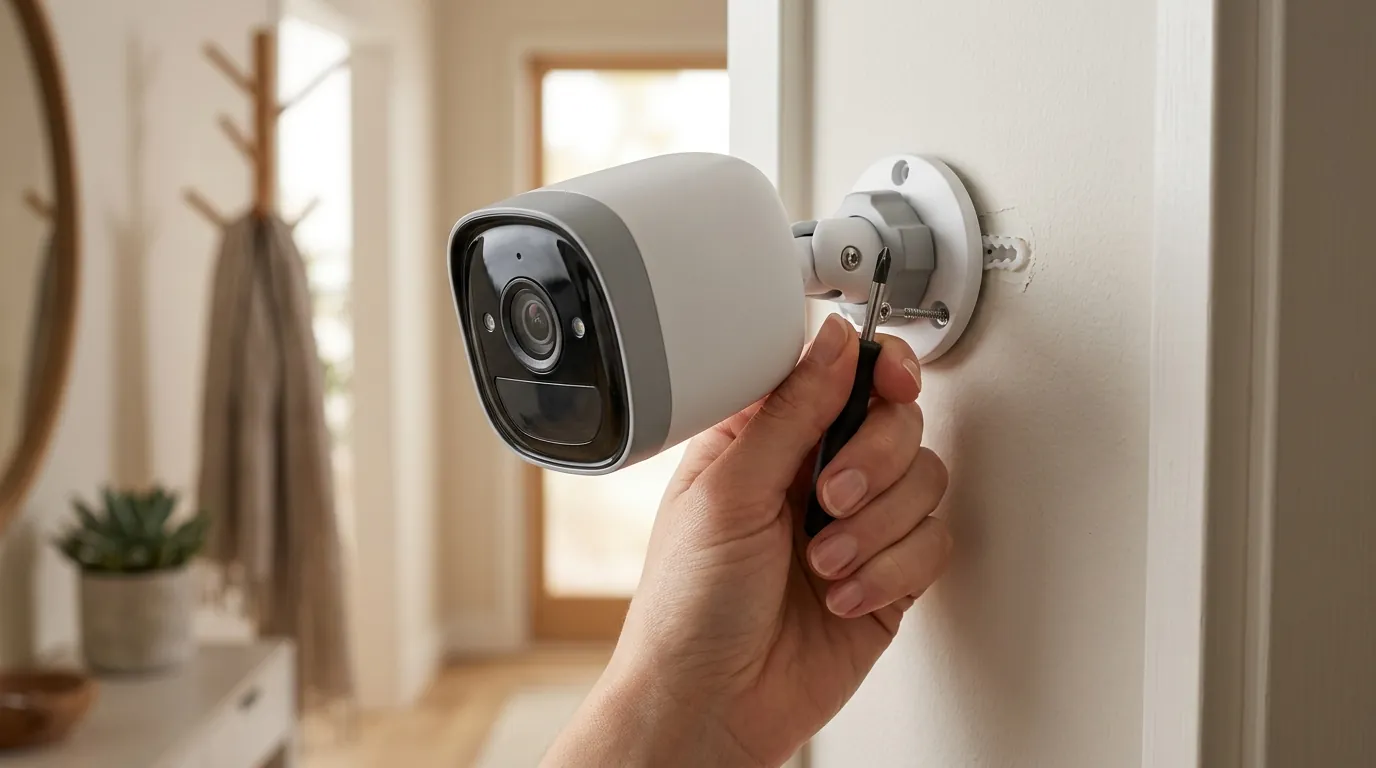
If your Ring doorbell is lagging in July 2026, follow this systematic optimization guide to reduce latency.
Immediate Troubleshooting for Current Owners
- Adjust Motion Frequency: If you have a battery model, go to Motion Settings > Motion Frequency and set it to “Frequent.” This will drain the battery faster but ensures the camera is ready to capture back-to-back events without a “cool-down” period.
- Optimize Motion Zones: Delete your current zones and redraw them. Avoid the street and sidewalks. Smaller, more targeted zones require less cloud processing to verify a “hit.”
- Boost the Signal: If your RSSI is worse than -60, a standard Wi-Fi extender is rarely the answer (they often add more latency). Instead, consider a dedicated Ring Chime Pro, which acts as a localized bridge for Ring devices, or upgrade to a Mesh Wi-Fi system that places a node within 15 feet of the front door.
- App Maintenance: Clear the Ring app cache on your Android device or offload and reinstall the app on iOS. Ensure “Background App Refresh” is enabled so the app doesn’t have to “cold start” when a notification arrives.
Long-Term Solutions and Maintenance
For those committed to the Ring ecosystem, the most effective “fix” for delay is hardwiring. Even “battery” models can often be connected to existing doorbell transformer wires. This allows the camera to stay in a “Ready” state rather than a “Sleep” state, shaving 2-3 seconds off the initial trigger time.
Additionally, check for firmware updates monthly. Ring often pushes silent updates to its detection algorithms. You can verify your version in Device Health > Firmware; if it says “Up to Date,” no action is needed. If it shows a version number, a manual update may be pending.
Informed Decisions for New Purchases
If you are currently shopping for a doorbell, use the following framework to decide if Ring is the right fit for your latency requirements.
Decision Framework: Choosing the Right Doorbell
- If you are a Renter: Prioritize the Ring Battery Doorbell Pro. It offers the best balance of PIR and Radar detection for a non-permanent install, though you must accept a 2-4 second “wake-up” delay.
- If you are a Homeowner with wiring: Prioritize the Ring Wired Video Doorbell Pro (3rd Gen). The Wi-Fi 6 support and radar tracking make it the fastest Ring device currently available.
- If you have slow/unreliable Internet: Avoid Ring. Look for Reolink or Eufy models with local MicroSD storage. These devices record to the card instantly, regardless of your internet speed, ensuring you never miss the start of an event.
- If Privacy is your #1 Priority: Look for a Lorex or Amcrest doorbell that supports RTSP/ONVIF. This allows you to keep the footage entirely off the cloud and on your own local hard drive.
Total Cost of Ownership (TCO) Analysis
When calculating the cost of a Ring system, the sticker price (usually $150-$250 range for Pro models) is only the beginning.
3-Year Cost Breakdown (Ring Wired Pro 3rd Gen):
- Hardware: ~$230
- Subscription (Ring Solo - $50/year): $150
- Professional Installation (Optional): ~$100
- Total 3-Year Investment: $380 - $480
Compare this to a Reolink Doorbell (around $100) with a $20 high-end MicroSD card. The 3-year TCO is $120, with zero monthly fees and faster local access to footage.
Frequently Asked Questions
Why does my Ring doorbell only record the back of people walking away?
This is usually caused by a combination of “Motion Sensitivity” being too low and the device being in a battery-saving “Sleep” mode. By the time the PIR sensor wakes the camera and connects to Wi-Fi, the person has already moved. Hardwiring the device and increasing sensitivity can help resolve this.
Does the Ring Chime Pro actually fix motion delays?
The Chime Pro can reduce delays if your doorbell has a poor Wi-Fi signal (RSSI). It acts as a dedicated access point. However, if your home’s main internet speed is slow or the delay is caused by cloud processing, the Chime Pro will not significantly improve notification speed.
Can I use a Ring doorbell without a subscription in 2026?
Yes, but functionality is severely limited. You will receive real-time motion alerts and can use Live View, but you will not have any recorded video history. In 2026, many of the “Smart Alerts” that reduce false positives are also locked behind the Ring Solo or Multi plans.
Is Wi-Fi 6 necessary for a security camera?
While not strictly necessary, Wi-Fi 6 (found in the Wired Pro 3rd Gen) handles “congested” networks much better. If you have many smart home devices, Wi-Fi 6 reduces the “wait time” for the camera to talk to the router, which can shave a second or two off notification delivery.
How do I fix the “spinning circle” when I click a notification?
The spinning circle indicates a connection timeout. This happens when your phone’s cellular data or the doorbell’s Wi-Fi is too weak to establish a high-bandwidth video stream. Lowering the video quality settings (if available) or improving the doorbell’s RSSI are the most effective fixes.
Sources
- Ring Official Support: Troubleshooting Motion Alerts — https://support.ring.com/hc/en-us/articles/210781036-Troubleshooting-Notifications-for-iOS-and-Android
- Ring Product Specifications (Wired Pro 3rd Gen) — https://www.ring.com/products/video-doorbell-pro-2 (Note: Reference point for Pro series specs)
- Reddit r/HomeSecurity Wiki: Doorbell Latency Issues — https://www.reddit.com/r/homesecurity/
- Mozilla Privacy Not Included: Ring Review
- RTINGS: Best Video Doorbells of 2026