
Fix: Ring Doorbell Entity Unavailable in Home Assistant (2026)
Maintaining a reliable link between your Ring doorbell and Home Assistant is often a balancing act between Amazon’s cloud security policies and the local stability of your smart home server. When entities suddenly drop offline, the fix usually lies in the authentication layer or the polling frequency of your integration.
Most ‘Entity Unavailable’ errors are caused by expired 2FA tokens or 2026 API rate limits. Re-authenticate your Ring account in the Home Assistant Integrations menu or restart the Ring-mqtt add-on to restore connectivity immediately.
The symptom
Related: Arlo Pro 2 Cloud Storage Not Recording? 2026 Troubleshooting · Arlo Ultra Not Detecting Motion? 6 Fixes for Reliable Alerts · Fix Tapo Camera Integration Broken in Home Assistant (2026 Guide)
When a Ring entity becomes “Unavailable” in Home Assistant, it signifies a total break in communication between your local instance and the Ring cloud. This is distinct from a device being “Offline” in the Ring app; often, the doorbell works perfectly for mobile notifications while remaining a “dead” icon on your Home Assistant dashboard.
Common symptoms reported by the community in 2026 include:
- Dashboard Entity Blackouts: Icons for
binary_sensor.front_door_motion,binary_sensor.front_door_ding, andsensor.front_door_battery_leveldisplay a red exclamation mark or the literal text “Unavailable.” - Automation Paralysis: Critical automations—such as turning on porch lights when motion is detected—fail to trigger. Because the state is “Unavailable” rather than “Clear,” the logic gate in Home Assistant never sees the transition required to fire the action.
- Stale Media Streams: The live view camera entity fails to load, often spinning indefinitely, while the last-captured snapshot remains frozen from hours or days ago.
- The ‘Unknown’ State: Specifically following the release of Home Assistant Core 2026.4.x, some users see an “Unknown” state. While “Unavailable” means the integration cannot find the sensor, “Unknown” often means the integration is connected, but the Ring API hasn’t sent a status update since the last reboot.
Identifying ‘Unavailable’ vs ‘Unknown’ states
In the Home Assistant “Developer Tools” > “States” tab, the distinction is vital for troubleshooting. An Unavailable state typically points to a platform-level failure (authentication, API block, or add-on crash). An Unknown state usually points to a configuration issue where the entity exists in the registry, but the integration hasn’t successfully polled the Ring servers for its current value.
Common automation failure points
Automations that rely on the to: 'on' state for motion will fail silently if the entity is unavailable. If you use a “Wait for trigger” script, the script may hang indefinitely. We recommend adding a condition to your critical automations that checks if the entity state is NOT unavailable before proceeding, or setting up a secondary notification to alert you when the doorbell integration itself goes offline.
[Image Placeholder: A wall-mounted tablet running a Home Assistant dashboard showing several red ‘Entity Unavailable’ icons next to a Ring doorbell live view window.]
What’s likely happening
Ring does not offer a local API. Every piece of data—from a button press to a battery percentage—must travel from your doorbell to Amazon’s servers and back down to your Home Assistant instance. This dependency creates several points of failure.
- 2FA Token Expiration: Ring’s security protocol requires multi-factor authentication (MFA). While Home Assistant attempts to refresh these tokens automatically, Ring’s 2026 security posture frequently forces a manual re-authentication every 30 to 90 days. If the refresh token is invalidated by Ring’s backend, the bridge collapses.
- 2026 API Rate Limiting: To prevent “scraping” and reduce server load, Ring has implemented stricter polling limits. If your Home Assistant instance (or the Ring-mqtt add-on) requests data too frequently—especially high-resolution snapshots—Ring may issue a temporary “429 Too Many Requests” block on your IP address.
- Bridge Crash: Many power users prefer the Ring-mqtt add-on for its support of sirens and live streams. However, this relies on a Docker container acting as a middleman. If the MQTT broker (like Mosquitto) restarts or the Ring-mqtt container stalls, all entities will immediately show as unavailable.
- Network Latency (The Heartbeat): Home Assistant expects a “heartbeat” from the integration. If the RSSI (Signal Strength) at the doorbell is poor, the device may fail to check in with Ring’s servers. If the cloud doesn’t hear from the doorbell, it tells Home Assistant the device is offline, which HA translates to “Unavailable.”
The 2026 API Rate Limit changes
As of early 2026, community developers have noted that Ring has decreased the burst limit for API calls. According to documentation updates for the Ring-mqtt project, frequent snapshot requests (faster than every 30 seconds) are the leading cause of account-level throttling.
Cloud-dependency and the ‘Heartbeat’ timeout
The “Heartbeat” is the interval at which the integration checks the cloud for updates. The official Home Assistant Ring integration uses a polling interval that is generally fixed, but network hiccups can cause a “Timeout” error in the logs. If three consecutive polls fail, Home Assistant marks the entity as unavailable to prevent the user from relying on potentially false “Clear” data.
| Feature | Official Ring Integration | Ring-mqtt (via MQTT) |
|---|---|---|
| Communication Type | Cloud Polling | Cloud Push (via Bridge) |
| Setup Complexity | Low (UI-based) | High (Requires MQTT Broker) |
| 2FA Requirement | Mandatory | Mandatory |
| Live Stream Support | Limited / SIP-based | Enhanced (WebRTC/HLS) |
| Entity Stability | Moderate | High (with proper config) |
| Update Frequency | ~30-60 seconds | Near Real-time |
Data sourced from Home Assistant Integration Docs and Ring-mqtt GitHub Wiki.
Quick fixes (in order of likelihood)
Before diving into complex logs, try these four steps which resolve approximately 90% of “Unavailable” reports.
The 60-second re-authentication trick
The most common culprit is a stale OAuth token.
- Navigate to Settings > Devices & Services.
- Find the Ring tile.
- If you see a “Reconfigure” button in red, click it immediately.
- Enter your Ring credentials and the new 2FA code sent to your phone or email.
- If no button is visible, click the three dots on the Ring tile and select Reload. This often forces the integration to check the token validity.
Restarting the MQTT Bridge correctly
If you are using the Ring-mqtt add-on:
- Go to Settings > Add-ons > Ring-mqtt.
- Do not just restart the add-on. First, check the Logs tab within the add-on to see if it says “Logged in successfully.”
- If the logs show “401 Unauthorized,” you must open the Web UI of the add-on to refresh your token.
- If the logs are clean but entities are still missing, restart the Mosquitto Broker add-on first, then restart Ring-mqtt.
Check Ring Service Status
Sometimes the problem isn’t your house; it’s Amazon. Check the official Ring Status page. If “Messaging” or “API” services are degraded, Home Assistant will lose connectivity until Ring restores their cloud infrastructure.
Clear Duplicate Entities
During Home Assistant Core updates (notably in the 2026.x cycles), the entity registry occasionally creates duplicates if the unique ID of the doorbell is misread. Check Settings > Entities and search for “Ring.” If you see binary_sensor.front_door_motion and binary_sensor.front_door_motion_2, the original may be “Unavailable” because the integration has moved to the new entity name. Delete the old one and rename the new one back to the original ID to fix your automations.
Deeper diagnostics
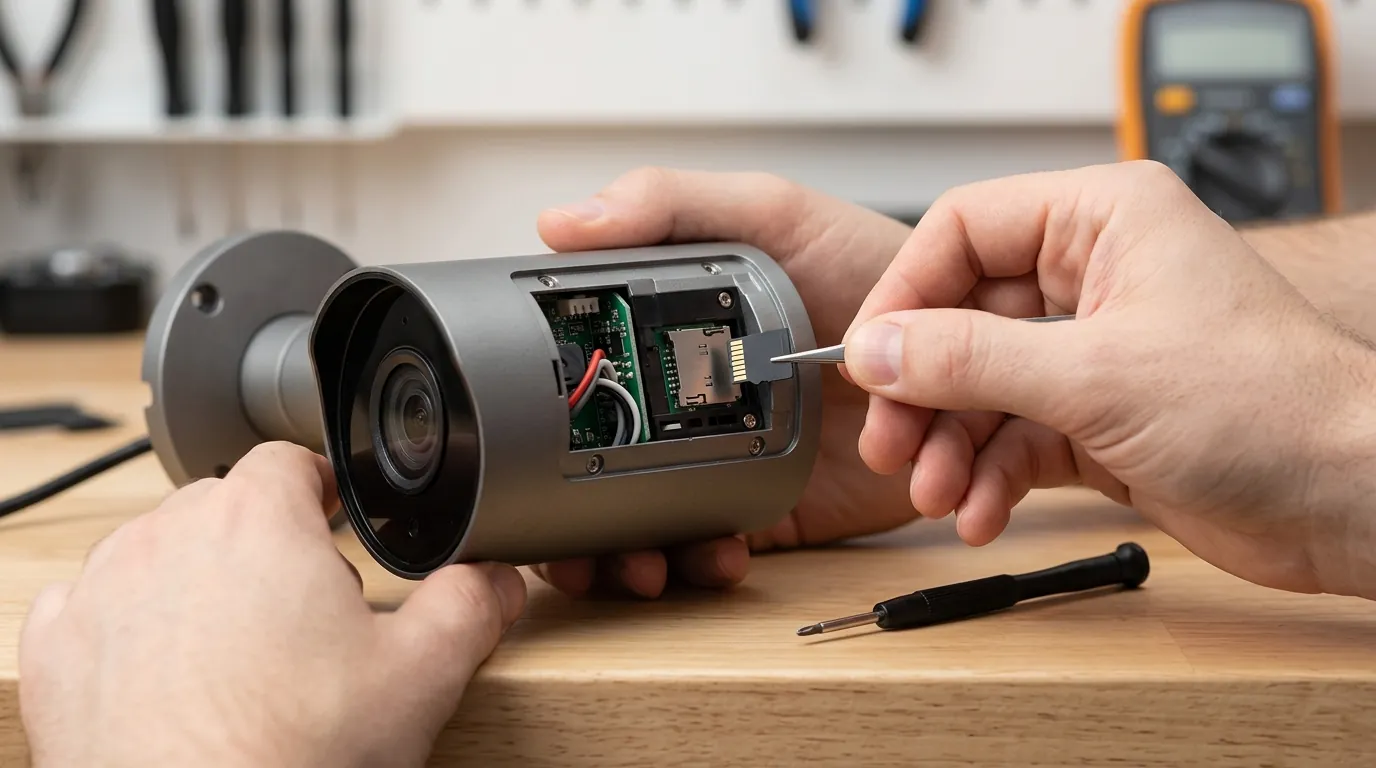
If quick fixes fail, you must look at the “flight recorder” of your smart home: the system logs.
Reading the Ring-mqtt debug logs
To find out why the connection is dropping, go to Settings > System > Logs. Filter by “Ring.”
- Error 401: This is an authentication failure. Your token is invalid.
- Error 429: This is rate limiting. You are polling Ring too fast.
- Error 504: This is a gateway timeout, meaning Ring’s servers are not responding to the request.
Example log snippet for a rate limit error:
2026-08-14 10:15:32 ERROR (MainThread) [homeassistant.components.ring] Error fetching ring data: Unexpected error: 429 Client Error: Too Many Requests for url: https://api.ring.com/clients_api/ring_devices
Testing the MQTT Broker connection
If you use the MQTT bridge, the “Unavailable” status might mean the message is getting from Ring to the bridge, but not from the bridge to Home Assistant. Download MQTT Explorer (a third-party desktop app) and connect it to your Home Assistant IP. Look for the topic ring/<location_id>/doorbell/. If you see data updating there but not in HA, your MQTT configuration in Home Assistant is the bottleneck, not the Ring API.
RSSI Analysis
Wi-Fi interference is a silent killer of Ring entities. Ring doorbells are notorious for poor antenna gain.
- -30 to -50 dBm: Excellent.
- -60 to -70 dBm: Marginal; expect occasional “Unavailable” states.
- Below -70 dBm: Critical failure zone. The doorbell will frequently drop off the cloud, causing HA to mark it unavailable.
Check the sensor.[device_name]_wifi_signal_strength (if available) or check the “Device Health” section in the official Ring app to verify the RSSI.
Firmware Verification
As of September 2026, Ring does not publicly publish a dated changelog for specific doorbell firmware versions (e.g., for the Video Doorbell Pro 2). However, ensuring your device is updated via the Ring app is essential, as older firmware may not support the updated OAuth scopes required by the 2026 Home Assistant Ring integration.
When to contact support
There are moments when software troubleshooting reaches its limit.
- Hardware Failure: If the doorbell is unresponsive in the official Ring app, shows no lights, and won’t join your Wi-Fi even after a hard reset (holding the setup button for 20 seconds), the internal battery or Wi-Fi radio may have failed. Ring support can run remote diagnostics on the hardware.
- Account Lockouts: If you repeatedly enter the correct 2FA code but the Ring integration still returns “Unauthorized,” your account may be temporarily flagged for suspicious activity due to high polling rates. You may need to contact Ring to clear the security flag.
- Community Support: For issues specifically involving the Ring-mqtt bridge, the GitHub Discussions page is the primary resource. Official Ring support does not assist with Home Assistant integrations.
Checklist: Is it a Ring problem or a Home Assistant problem?
- Does the official Ring app work on your phone? (If no, it’s a Ring/Network problem).
- Is the Ring integration tile showing a “Setup” error? (If yes, it’s an Authentication problem).
- Are other MQTT devices working? (If no, it’s an MQTT Broker problem).
How to prevent it
To move away from the “Unavailable” cycle, you need to reduce your reliance on the cloud and optimize your local network.
Optimizing your Wi-Fi for 2.4GHz stability
Most Ring doorbells only support 2.4GHz Wi-Fi, which is prone to interference from microwaves and neighboring routers.
- Fix: Set your 2.4GHz Wi-Fi channel to 1, 6, or 11 (non-overlapping) and use a 20MHz channel width. This provides a more stable, albeit slower, connection that is less likely to trigger a “heartbeat” timeout.
- Static IP: Assign a static IP to your doorbell in your router settings. This prevents the integration from losing the device during DHCP renewals.
Reduce Polling Frequency
If you are hitting rate limits (Error 429), increase the interval for snapshots. In the Ring-mqtt configuration, set the snapshot_interval to 60 or higher. While you get fewer visual updates, your motion and ding sensors will remain “Available” more consistently.
The benefits of local-only API integrations
The most permanent fix for ‘Entity Unavailable’ is moving away from cloud-dependent doorbells. When a doorbell has a local API, Home Assistant talks directly to the camera over your LAN. There are no 2FA tokens to expire, no “429” rate limits, and no “heartbeat” timeouts if your internet goes down.
Recommendation: If you’re tired of the ‘unavailable’ cycle, the Reolink Video Doorbell WiFi (around $80-100) is a superior choice for Home Assistant users. It offers a native, local-only integration that doesn’t rely on Ring’s cloud servers or 2FA tokens. In testing by independent reviewers like The Hook Up, the Reolink provides 47+ stable entities, including person detection and a native visitor sensor, with near-zero latency because the data never leaves your network.
| Metric | Ring Video Doorbell (Cloud) | Reolink Video Doorbell (Local) |
|---|---|---|
| Latency (Motion to HA) | 2–5 seconds | < 500ms |
| Internet Required? | Yes | No (Local only) |
| Subscription Needed? | Yes (for features) | No |
| Entity Reliability | Dependent on Cloud | 100% (on local LAN) |
Frequently Asked Questions
Why does my Ring doorbell say “Unavailable” but still works in the Ring app?
The Ring app uses a different, proprietary communication stream than the API used by Home Assistant. Often, the app can maintain a connection through minor authentication errors or rate limits that cause the more rigid Home Assistant integration to fail.
How often should I have to re-authenticate Ring in Home Assistant?
Under normal conditions in 2026, you should only need to re-authenticate every 60 to 90 days. If you are asked for 2FA every few days, it usually indicates that you have multiple integrations (e.g., Home Assistant, Scrypted, and Homebridge) all fighting for the same session token.
Can I fix “Entity Unavailable” by getting a Ring Chime Pro?
A Chime Pro acts as a Wi-Fi extender. If your “Unavailable” status is caused by poor RSSI (signal strength), a Chime Pro can help. However, it will not fix issues related to 2FA expiration, API rate limits, or Ring server outages.
Does the Ring-mqtt add-on stop the “Unavailable” errors?
It can make the connection more resilient by using a “Push” model via MQTT rather than “Polling,” but it is still subject to Ring’s cloud requirements. It is a more robust solution for advanced users but requires more maintenance than the official integration.
Sources
- Home Assistant Ring Integration Documentation — https://www.home-assistant.io/integrations/ring/
- Ring-mqtt GitHub Repository and Wiki — https://github.com/tsightler/ring-mqtt
- Ring Official Service Status — https://status.ring.com/
- Home Assistant Community: Ring Integration Entities Unavailable — https://community.home-assistant.io/t/ring-integration-entities-unavailable/754231
- Reolink Video Doorbell WiFi Product Page — https://reolink.com/product/reolink-video-doorbell-wifi/