
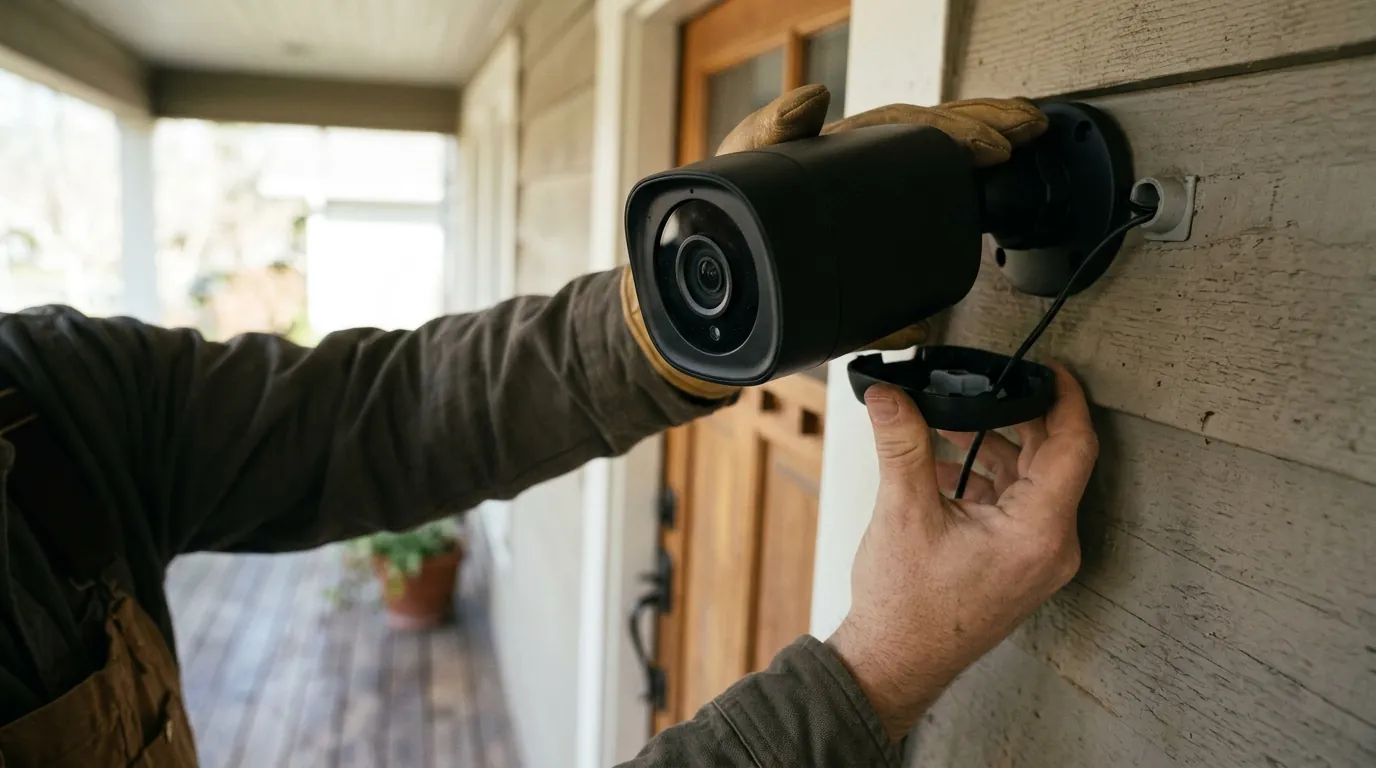
Ring Doorbell Battery Drain: The June 2026 Update Crisis
For many homeowners, the primary appeal of a battery-powered video doorbell is the “set it and forget it” convenience of a wireless installation. However, recent reports from the Ring user community suggest that this convenience is being compromised by a significant increase in power consumption.
Quick Answer: The June 2026 surge in battery drain reports is primarily linked to the widespread rollout of “Alexa+ Greetings” and “Video Descriptions” features within firmware version cam-1.29.11000. These AI-driven tools keep the camera’s processor active for significantly longer durations, reducing the battery life of the Ring Battery Doorbell Pro and Battery Doorbell Plus (2nd Gen) from several weeks to as little as 3–5 days.
The Ring ecosystem has long been the benchmark for consumer-grade video doorbells, balancing ease of use with a robust feature set. However, as Amazon-owned Ring pushes further into the realm of generative AI and advanced motion analysis, the hardware is facing a new challenge: the high energy cost of “smart” features. Since early June 2026, a growing number of users have reported that their flagship battery-powered units are requiring recharges twice a week, sparking a debate over the viability of high-end AI in wireless security devices.
What happened
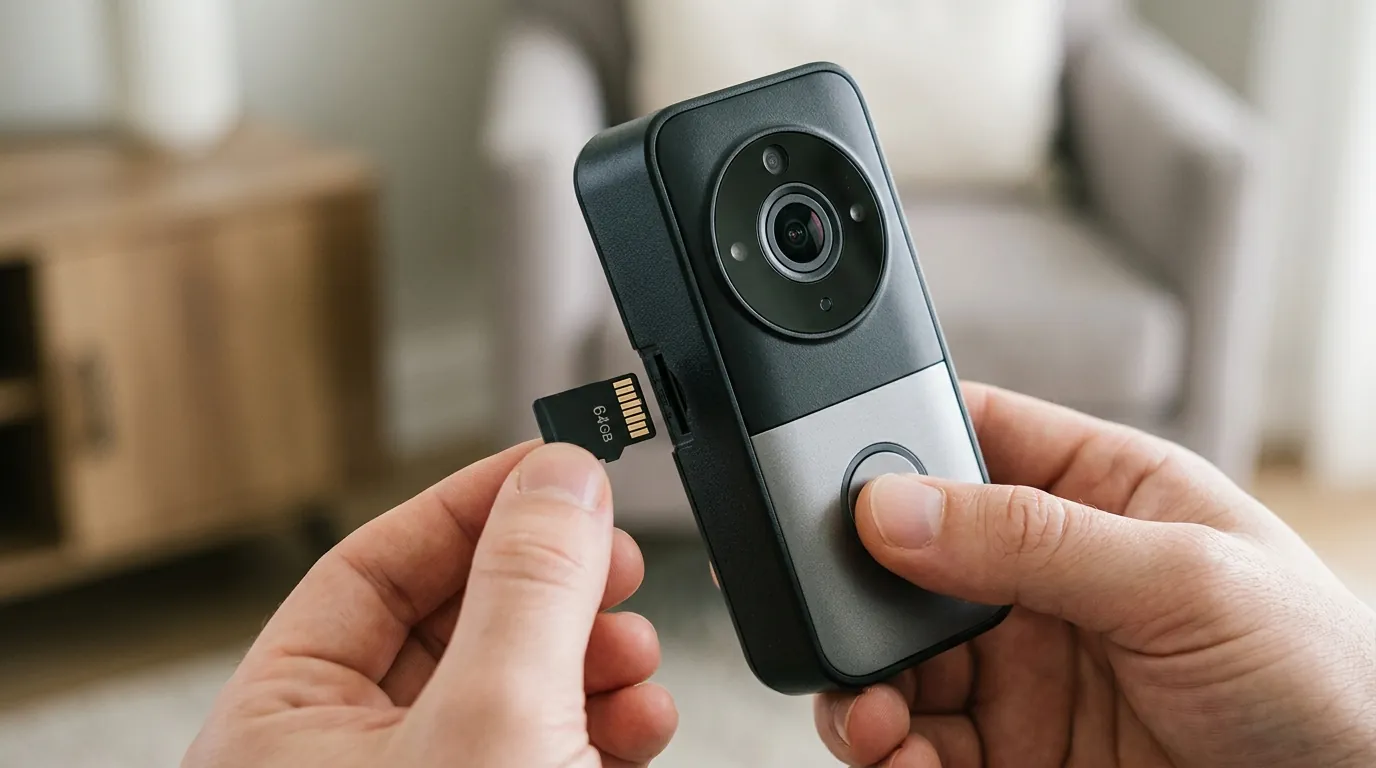
Related: Eufy Security App Login Loop: June 2026 Fixes & Causes · Smart Lock Vulnerability: Are New Magnetic Tools a Threat? · Reolink Argus 4 Pro: Key Features & Why It Matters for Buyers
On June 2, 2026, Ring began a broader push of firmware version cam-1.29.11000 to its high-end battery lineup. While this firmware version was initially sighted in early 2026, the June rollout appears to have activated or optimized several heavy-hitting features that were previously in a limited beta or dormant state.
The AI Culprit: Alexa+ Greetings and Video Descriptions
The primary drivers of the current battery drain are two specific features: Alexa+ Greetings and Video Descriptions.
Alexa+ Greetings uses a more advanced natural language processing model to interact with visitors. Unlike the static “Smart Responses” of previous years, Alexa+ Greetings attempts a more conversational approach, which requires the camera to maintain an active audio and data stream to the cloud for the duration of the interaction.
Video Descriptions, on the other hand, is a visual analysis tool. When the camera detects motion, it doesn’t just record; it analyzes the scene to provide a text-based summary in the notification (e.g., “A person in a red shirt is carrying a package to your door”). To generate these descriptions, the camera’s System-on-Chip (SoC) must remain in a high-power state to process the “Retinal 2K” video feed before or during the cloud upload.
Firmware cam-1.29.11000: The Technical Breakdown
Community reports on platforms like r/Ring indicate that after the firmware update, cameras are failing to return to “Deep Sleep” mode as quickly as they did previously. In the camera industry, battery life is managed through aggressive power states. A doorbell spends 99% of its time in a low-power “hibernation,” waking up only when the Passive Infrared (PIR) sensor or radar (in the Pro models) triggers an event.
With firmware cam-1.29.11000, the “wake time” per event has reportedly increased by 40–60%. This is due to the additional metadata generation required for the new AI features. For a home with 20–30 motion events per day, this extra processing time compounds rapidly, leading to the severe depletion noted by users.
Table 1: Estimated Battery Life (Standard Settings vs. AI-Enabled)
| Model | Pre-Update (Est. Days) | Post-Update (AI Enabled) | Post-Update (AI Disabled) |
|---|---|---|---|
| Battery Doorbell Pro | 30–45 days | 4–7 days | 25–35 days |
| Battery Doorbell Plus (2nd Gen) | 25–40 days | 3–6 days | 20–30 days |
| Ring Video Doorbell (2020 Release) | 60+ days | [N/A - Feature Unsupported] | 50–60 days |
Note: Estimates based on average traffic of 20 events per day. Actual performance varies significantly based on Wi-Fi signal strength (RSSI) and temperature.
Why it matters for buyers
For those currently shopping for a doorbell, the “June update” issues highlight a critical trade-off in the 2026 security market: the conflict between advanced software and limited hardware energy density.
The Hidden Cost of ‘Smart’ Features
The Ring Battery Doorbell Pro (currently in the $230–$250 range) is marketed as a premium solution with “3D Motion Detection” and “Bird’s Eye View.” These features rely on radar technology, which is inherently more power-hungry than standard PIR sensors. When you layer cloud-based AI like Video Descriptions on top of radar-based detection, the energy budget of a standard Quick Release Battery Pack is pushed to its absolute limit.
New buyers often choose these “Pro” models for their precision, but the current firmware state means that using the features you paid for may result in a device that is offline more often than it is online due to charging needs.
Subscription Lock-in vs. Hardware Reliability
Most of the features causing the drain—including Alexa+ Greetings and Video Descriptions—are locked behind a Ring Protect subscription. This creates a frustrating paradox for the consumer: you are paying a monthly fee for “enhanced” features that effectively degrade the hardware’s primary function (staying powered on to monitor your home).
In contrast, competitors like the TP-Link Tapo D225 (typically under $100) and the Reolink Battery Doorbell have taken a different approach. These brands often utilize local AI processing on the device or a dedicated hub. By processing “Person/Vehicle” detection locally without the heavy metadata overhead of Ring’s cloud-AI, they often maintain longer battery cycles even with frequent motion.
Table 2: 2026 Flagship Battery Doorbell Comparison
| Feature | Ring Battery Pro | Tapo D225 | Reolink Battery |
|---|---|---|---|
| Resolution | 1536p (Retinal 2K) | 2K QHD | 2K+ (5MP) |
| AI Processing | Cloud-Based | Local (On-device) | Local (On-device) |
| Subscription Required? | Yes (for AI/Storage) | Optional | No |
| Power Type | Removable Battery | Internal/Wired | Removable Battery |
| Price Band | $230–$250 | $90–$110 | $140–$160 |
Impact on existing owners
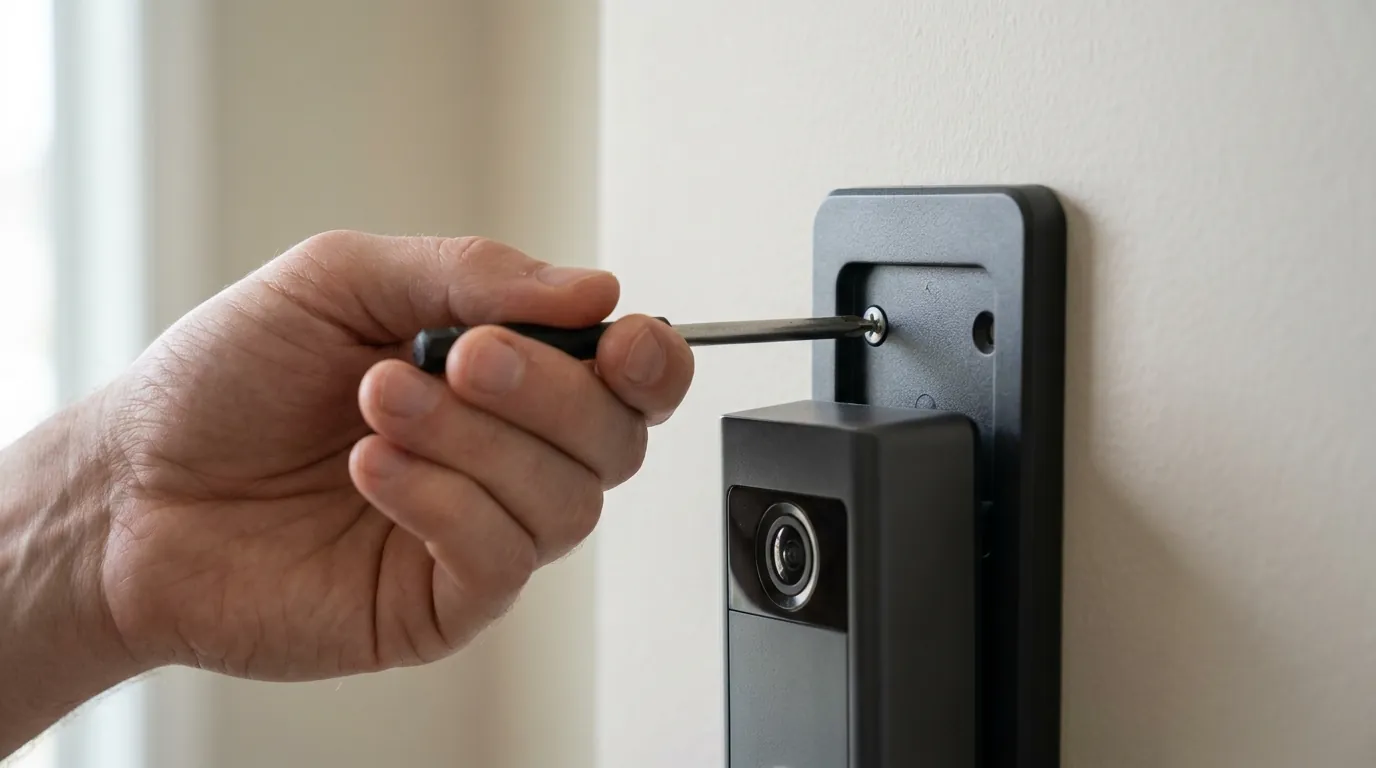
Existing owners of the Ring Battery Doorbell Pro and Plus models are the most vocal about the recent changes. The transition from a monthly charging cadence to a bi-weekly one is not just an inconvenience; it has long-term implications for the hardware.
Real User Experiences: The Frequent Recharge Cycle
On community forums, the sentiment has shifted from praising Ring’s feature set to troubleshooting “power hunger.” Users report that even with “Smart Alerts” configured to only notify for people, the camera’s “System Electronics” power draw—viewable in the Power Settings dashboard—has spiked.
One common thread among users is the inaccuracy of the Ring app’s battery percentage. Some report the device staying at 90% for two days, then plummeting to 20% in a single afternoon. This suggests that the battery’s voltage drop is becoming unpredictable under the high-current demands of the new AI processing tasks.
Hardware Longevity Concerns
Lithium-ion batteries, like the ones used in Ring’s Quick Release Battery Pack, have a finite number of charge cycles (typically 300–500) before their capacity significantly degrades.
- Normal use: 12 charges per year = ~25+ years of theoretical cell life.
- Post-update use: 100+ charges per year = ~3–5 years of cell life.
By increasing the frequency of charging, the June firmware update is inadvertently shortening the lifespan of the physical battery components. Owners may find themselves needing to purchase replacement battery packs (around $30 each) much sooner than anticipated.
What to do now
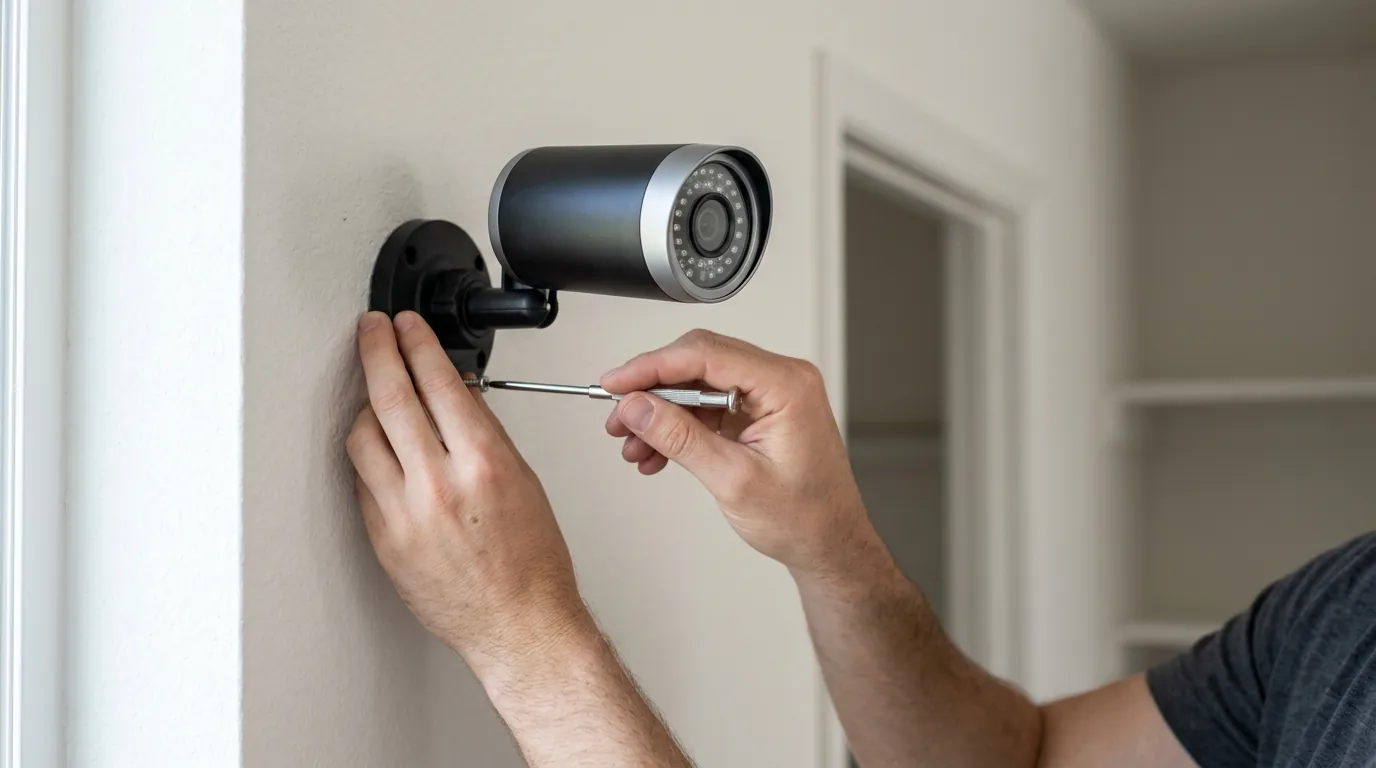
If your Ring doorbell is experiencing rapid drain following the recent updates, you do not necessarily need to replace the unit. There are several software-based mitigations and hardware workarounds to stabilize your power usage.
Step-by-Step: Optimizing Your Settings
To reclaim your battery life, you must reduce the “active” time of the camera’s processor. Follow these steps in the Ring App:
- Disable Video Descriptions: Go to Device Settings > Smart Alerts. Toggle off “Video Descriptions.” This stops the camera from generating the metadata summaries that keep the SoC active.
- Adjust Alexa+ Greetings: If you do not receive many visitors, consider turning off Alexa+ Greetings or setting it to a shorter delay. This reduces the time the camera spends in an active two-way talk state.
- Modify Motion Frequency: Under Motion Settings > Motion Frequency, change the setting to “Periodic” or “Regular.” The “Frequent” setting prevents the camera from entering deep sleep between back-to-back events.
- Check RSSI: In Device Health, look at your Signal Strength (RSSI). If it is higher than -60 (e.g., -70 or -80), your camera is working harder to maintain a Wi-Fi connection, which compounds the battery drain. A Ring Chime Pro can act as a Wi-Fi extender to improve this.
Hardware Workarounds: Solar and Hardwiring
If you want to keep the AI features enabled, you must move away from a purely battery-dependent setup.
- Solar Power: The 2026 Ring USB-C Solar Panel (around $60) is designed specifically for the higher power draw of the Pro and Plus models. In areas with at least 3–4 hours of direct sunlight, this can keep the battery topped off indefinitely.
- Hardwiring: If possible, connect your “Battery” doorbell to existing doorbell transformer wires (8-24V AC). While the device will still run off the battery, the hardwire connection provides a “trickle charge” that offsets the daily drain.
Decision Framework: Is Ring Still Right for You?
- If you are a Renter: Stick with the Ring Battery Pro but disable AI features. The ease of the removable battery is still superior to most competitors for non-permanent installs.
- If you are a Homeowner: Consider hardwiring your Ring or switching to a Reolink or Tapo system with local storage to avoid the subscription and battery hurdles.
- If you have High Traffic: A battery-powered Ring with AI enabled is no longer a viable solution for high-traffic areas. You should prioritize a Wired-only model (like the Ring Wired Doorbell Pro).
Total Cost of Ownership (TCO) Analysis
When choosing a doorbell, the sticker price is only the beginning. Over three years, the Ring Battery Pro is significantly more expensive than “local AI” alternatives.
3-Year Cost Comparison (Estimated)
- Ring Battery Pro: $250 (Hardware) + $180 (Ring Protect Basic for 3 years) + $60 (Solar Panel to fix drain) = $490
- Tapo D225: $100 (Hardware) + $40 (High-end SD Card) = $140
- Reolink Battery Doorbell: $150 (Hardware) + $0 (Local Storage) = $150
Frequently Asked Questions
Why did my Ring battery life drop suddenly in June 2026?
The drop is likely due to the firmware update cam-1.29.11000, which enabled more intensive AI features like Video Descriptions and Alexa+ Greetings. These features require the camera to stay “awake” longer, consuming more power per motion event.
Can I roll back my Ring doorbell firmware?
No, Ring does not allow users to manually roll back firmware versions. Updates are pushed automatically via the cloud. If you are experiencing severe issues, you must wait for a subsequent optimization patch (rumored as v1.30) or contact Ring support for a potential replacement if the battery hardware has failed.
Does the Ring Solar Panel work with the Battery Doorbell Pro?
Yes, but ensure you are using the newer USB-C version of the Solar Panel. The Battery Doorbell Pro and Plus (2nd Gen) have higher power requirements than older models, and older barrel-plug solar panels may not provide enough current to keep up with the new AI features.
Will turning off “Smart Alerts” save battery?
Yes, significantly. By turning off Smart Alerts (specifically “Person” and “Other Motion” filtering), the camera spends less time analyzing the video feed to determine what caused the motion, allowing it to return to a low-power state faster.
Sources
- Ring Support: Troubleshooting Battery Drain
- Ring Protect Plan Features
- Reddit r/Ring: Community Firmware Discussions
- RTINGS: Best Video Doorbells of 2026
- FCC ID Search: Ring LLC Wireless Devices