
Ring Camera Motion & Streaming Issues: What Buyers Need to Know (July 2026)
Reliable home security hinges on the speed between a physical event and a digital alert; when that link breaks, the hardware becomes little more than a wall ornament.
Quick Answer: As of July 2026, while Ring’s official systems are operational, many users continue to report persistent issues with delayed motion detection alerts and unreliable live streaming. These challenges, often linked to Wi-Fi connectivity and app settings, can impact real-time security monitoring and are compounded by ongoing privacy concerns regarding mandatory cloud storage and data sharing.
What happened
Related: Eufy Security Motion Push Notifications: Understanding Recent Failures · Eufy Security & Home Assistant: Latest Integration Issues (June 2026) · Home Assistant 2026.7.0b0: Camera Integration Breaking Changes Explain
As we move through the second half of 2026, the Ring ecosystem remains the most popular choice for consumer-grade DIY security. However, popularity has not insulated the brand from chronic performance complaints that have shifted from “temporary outages” to “persistent service friction.” While the Ring Status Page rarely shows major system-wide downtime, the individual user experience tells a different story of latency and intermittent connectivity.
Persistent Motion Detection Glitches
The most frequent grievance involves “late” notifications. Users on community hubs like r/Ring report that by the time a “Person Detected” alert hits their phone, the subject has already left the frame. This is often caused by the camera’s wake-up latency—the time it takes for a battery-powered unit to transition from a low-power state to active recording. Even with “Advanced Motion Detection” enabled, which uses PIR (Passive Infrared) sensors alongside image processing, environmental factors like heat waves or moving shadows continue to trigger false positives or, worse, cause the system to ignore actual human movement.
Live Streaming Instability
The “Live View” feature, intended for real-time interaction, remains a pain point. Users frequently encounter a “Streaming Error” or a spinning loading icon that lasts for 10–15 seconds. In a security context, a 15-second delay is the difference between intercepting a package thief and watching their getaway vehicle disappear. These issues are often exacerbated by Ring’s heavy reliance on cloud processing; every stream must travel from the camera to Ring’s servers and back to the user’s phone, creating multiple points of potential failure.
Underlying Causes: Beyond Outages
Data from independent network analysis suggests that Ring’s performance is highly sensitive to RSSI (Received Signal Strength Indicator) levels. According to Ring’s own support documentation, an RSSI value worse than -60 often leads to the exact streaming failures reported in July 2026. Furthermore, the increasing density of smart home devices in residential areas has led to 2.4GHz frequency congestion, which disproportionately affects older Ring models that lack 5GHz Wi-Fi support.
Why it matters for buyers
For a prospective buyer in 2026, these issues represent more than just a technical nuisance; they represent a compromise in the “security” part of a security camera. If a device cannot reliably show you who is at the door in real-time, its value as a deterrent and a response tool is significantly diminished.
Compromised Security Reliability
A security system that misses events creates a false sense of safety. Ring’s battery-powered line, including the popular Ring Battery Doorbell Pro, utilizes a “rearm” period to save power. If a second event occurs immediately after the first, the camera may not trigger, leaving a gap in the video timeline. This is a critical consideration for those living in high-traffic areas or small business owners who need continuous monitoring.
The True Cost: Subscriptions and Features
Ring has increasingly moved core features behind the Ring Protect Plan paywall. In 2026, features like “Person Alerts,” “Package Detection,” and even the ability to view recorded clips are unavailable without a monthly fee. This creates a “feature paywall” trap where the hardware price (often in the $150–200 range) is only the entry fee.
D1: 2026 Comparison Table: Ring vs. Subscription-Free Alternatives
| Feature | Ring Battery Doorbell Pro | Eufy Video Doorbell E340 | Reolink Video Doorbell (Wi-Fi) |
|---|---|---|---|
| Resolution | 1536p HD+ | 2K (Dual Cam) | 2K+ (5MP) |
| Storage Type | Cloud Only (Subscription) | Local (8GB-16GB) | Local (MicroSD/NVR) |
| Monthly Cost | Around $5.00/mo (Basic) | $0 | $0 |
| 3-Year TCO | Around $330 - $380 | Around $180 - $220 | Around $100 - $130 |
| AI Detection | Paywalled (Cloud) | On-Device (Free) | On-Device (Free) |
| Source | Ring.com | Eufy.com | Reolink.com |
Privacy Implications and Data Control
Privacy remains a polarizing topic for Ring. While the company has improved transparency, its policy still allows for the sharing of footage with law enforcement in “emergency” situations without a warrant, as detailed in their Law Enforcement Guidelines. Furthermore, while End-to-End Encryption (E2EE) is available, enabling it disables several key features, including the ability to view video on an Echo Show or use the “Rich Notifications” feature. Buyers are essentially forced to choose between maximum privacy and maximum utility.
Impact on existing owners
Current Ring owners facing these issues in July 2026 often find themselves in a cycle of repetitive troubleshooting. The frustration is compounded by the fact that many of these issues are not “broken” hardware, but rather limitations of the cloud-first architecture.
User Experience and Troubleshooting Steps
If you are experiencing the “Live View” hang or missed motion, the following steps are the standard protocol:
- Check RSSI in the Ring App: Navigate to Device Health. If the signal is higher than -60, you likely need a Ring Chime Pro or a mesh Wi-Fi system like Eero to boost the signal.
- Adjust Motion Sensitivity: Ring’s “Motion Zones” can sometimes be too restrictive. Expanding the zones or increasing sensitivity can help, though it will drain the battery faster on non-wired models.
- Firmware Updates: Ensure the device is on the latest firmware. Ring pushes updates automatically, but a device with a poor connection may fail to download them, leading to software bugs.
Subscription Dependence and Data Access
Without an active Ring Protect subscription, your camera is essentially a “dumb” doorbell with a live feed that you must catch in the moment. Existing owners who let their subscriptions lapse lose all access to historical footage. This total reliance on the cloud means that if your internet goes down, your security system goes down with it—there is no local backup for most Ring models.
Navigating Privacy Settings and Data Sharing
Owners should regularly audit their “Control Center” settings within the Ring app. This includes:
- Checking which “Authorized Client Devices” have access.
- Reviewing “Video Sharing” permissions.
- Deciding if the trade-offs of E2EE (losing Alexa integration) are worth the added security.
What to do now
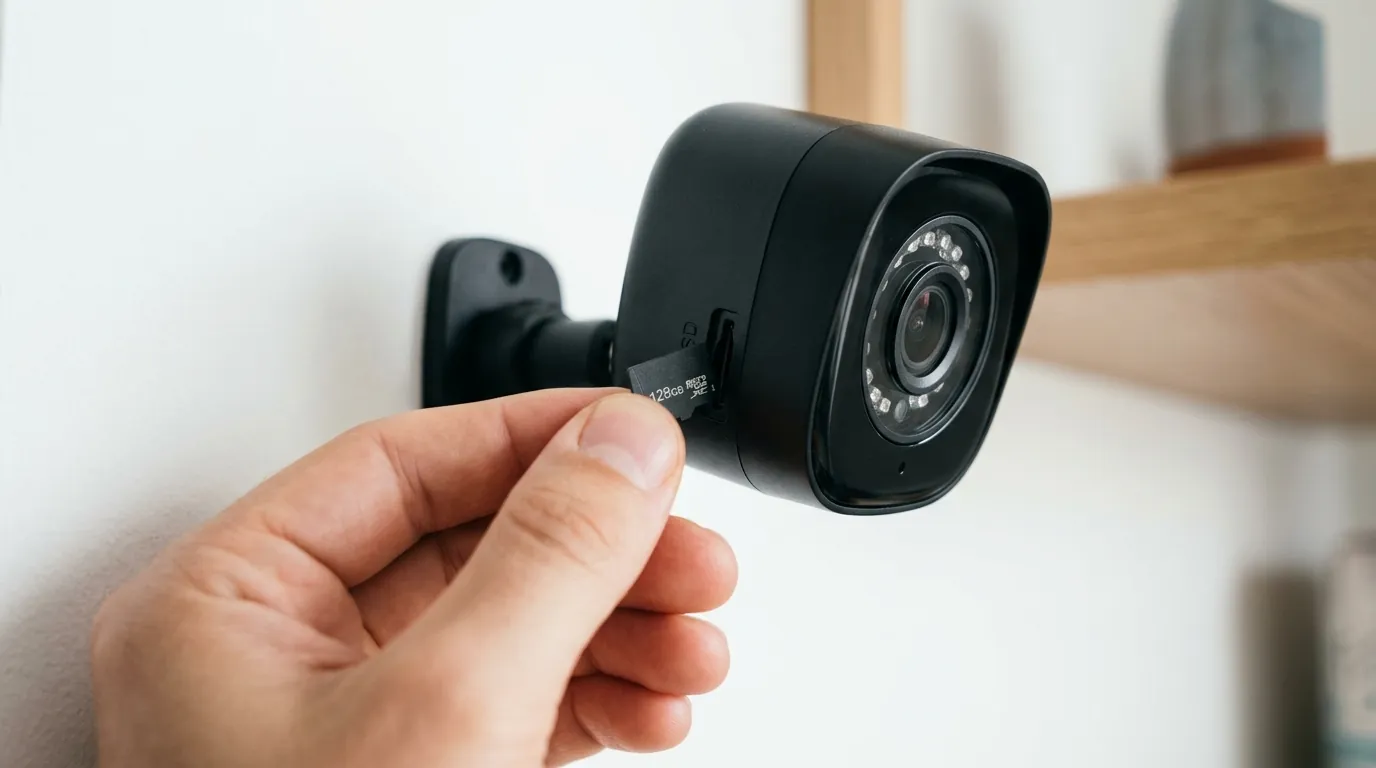
The landscape of home security in 2026 offers more choices than ever. Whether you are looking to fix your current setup or jump ship to a different brand, the path forward depends on your specific needs.
D2: Decision Framework: Choosing the Right System
- If you are a Renter: Prioritize battery-powered Ring or Eufy models. Ring’s ecosystem is excellent for temporary setups, provided you have a strong Wi-Fi signal.
- If you are a Homeowner (Privacy-First): Prioritize brands like Reolink or Lorex. These systems offer local NVR (Network Video Recorder) storage, meaning your footage never leaves your house unless you want it to.
- If you have poor Wi-Fi: Avoid Ring. Look for “Power over Ethernet” (PoE) cameras or systems that support local storage and don’t rely on constant cloud pings for motion detection.
- If you are deep in the Alexa Ecosystem: Stick with Ring, but invest in a dedicated Wi-Fi 6 or 7 router to minimize the streaming latency issues currently reported.
Recommendations for Prospective Buyers
Before purchasing a Ring camera in 2026, evaluate if you are comfortable with the “Total Cost of Ownership” (TCO). As shown in the data table above, a Ring camera can cost nearly double its sticker price over three years once subscription fees are factored in. If you want a “buy once, own forever” experience, look toward Eufy or Reolink.
Actionable Steps for Existing Ring Owners
If you already own Ring hardware and are plagued by July 2026’s streaming issues:
- Optimize your Network: Switch to a 5GHz band if your camera supports it (e.g., Ring Video Doorbell 4 or Pro 2).
- Check for Interference: Ensure your camera isn’t mounted directly on a metal surface or behind thick masonry, which kills signal.
- Monitor Community Fixes: Check the Ring Community Forum for specific firmware version bugs that might be affecting your specific model.
Exploring Alternatives and Future Considerations
The trend in 2026 is moving toward “Edge AI”—cameras that process motion detection on the device itself rather than in the cloud. This reduces latency and improves privacy. Brands like Eufy and Reolink are leading this charge. While Ring remains the most “user-friendly” in terms of app interface, the technical debt of its cloud-heavy infrastructure is becoming more apparent as users demand faster, more reliable performance.
Frequently Asked Questions
Why is my Ring camera taking so long to show Live View?
This is usually caused by high latency between your camera, the Ring cloud servers, and your phone. Common culprits include a weak Wi-Fi signal (high RSSI), network congestion, or the camera being in a deep sleep mode to conserve battery.
Does Ring share my footage with the police without my permission?
Ring’s current policy states they will not share footage with law enforcement without a warrant or your consent, except in “emergency” situations involving imminent danger of death or serious physical injury. You can manage these settings in the Ring Control Center.
Can I use a Ring camera without a monthly subscription?
Yes, but functionality is extremely limited. You will receive motion alerts and can view the “Live View” if you click the notification immediately, but you will not have any recorded video history, person detection, or rich notifications.
How do I fix delayed motion notifications?
Ensure your “Motion Frequency” is set to “Frequent” and check that your “Motion Zones” are not blocked by physical objects. For battery-powered cameras, ensure the battery is above 20%, as some units enter a power-saving mode that slows down detection.
Is Eufy or Reolink better than Ring in 2026?
It depends on your priorities. Eufy and Reolink are generally superior for privacy and long-term costs due to local storage options. Ring remains superior for smart home integration, particularly if you use Amazon Alexa and Echo Show devices.
Sources
- Ring Official Status Page — https://status.ring.com/
- Ring Protect Subscription Tiers — https://ring.com/protect-plans
- Ring Privacy and Law Enforcement
- Understanding RSSI and Signal Strength — https://support.ring.com/hc/en-us/articles/217271526-Understanding-RSSI-and-Wifi-Signal-Strength
- Reddit Home Security Community — https://www.reddit.com/r/homedefense/
- Reolink Product Specifications — https://reolink.com/product/reolink-video-doorbell-wifi/
- Eufy Security Comparison
Quvii tracks these trade-offs across the category to help consumers navigate the increasingly complex smart home security market.