
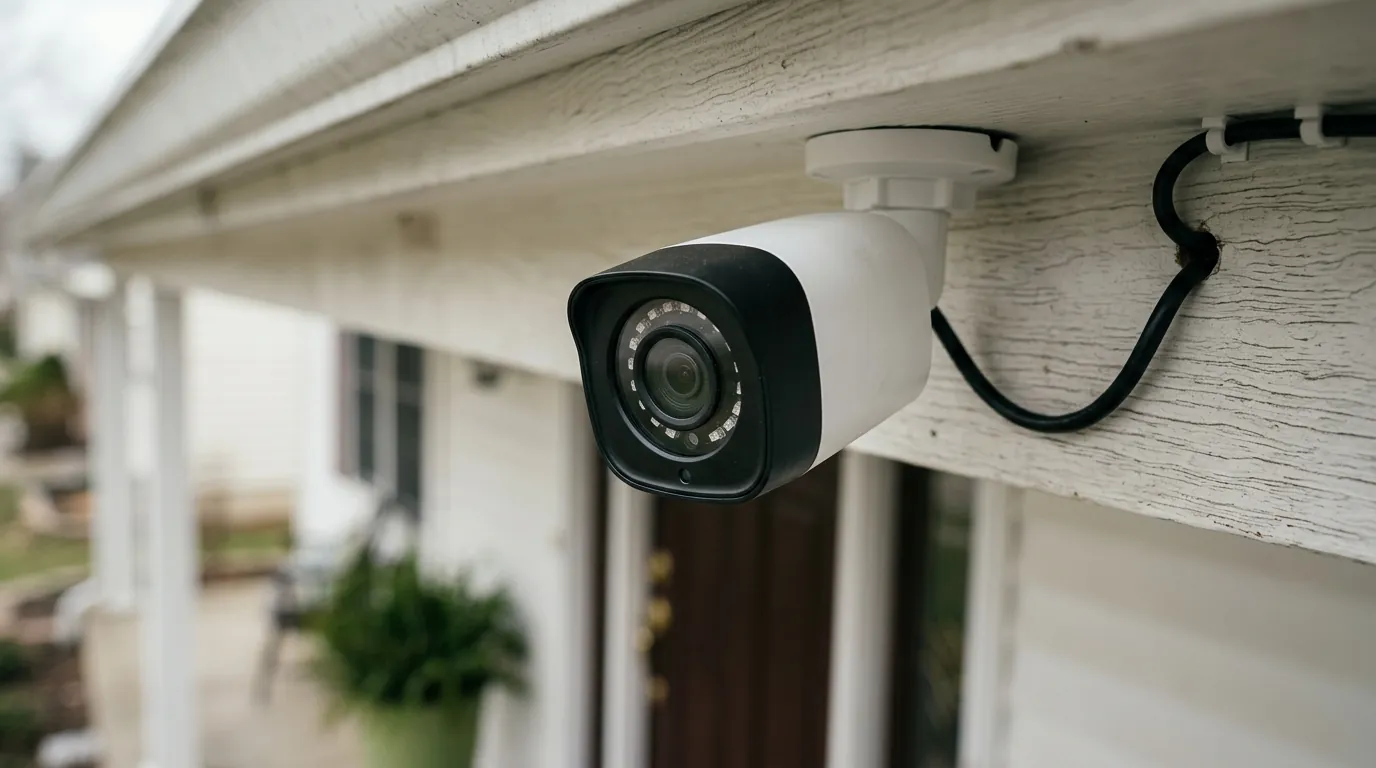
Ring Camera Motion Detection Not Working in July 2026: What to Know
Reliability is the baseline requirement for any security system, yet many homeowners are discovering that their primary line of defense is currently silent.
Quick Answer: As of July 2026, some Ring camera users are reporting intermittent or complete failures in motion detection, affecting various models including doorbells and stick-up cams. This issue may stem from recent firmware updates, app glitches, or server-side changes, potentially impacting security and leading to missed events. Users should first check in-app settings, Wi-Fi connectivity, and ensure firmware is up to date.
What happened
Related: Ring Doorbell Motion Detection Delay Fixes: July 2026 Update · Eufy Doorbell Motion Detection Not Working: July 2026 Fixes · Eufy ‘Silent Registration’ Discovery: What It Means for Your Privacy
In early July 2026, a significant volume of reports surfaced across community hubs like r/Ring and the Ring Community forums regarding a sudden degradation in motion detection reliability. While Ring has not officially declared a system-wide outage on its status page, the symptoms described by users are remarkably consistent across different hardware generations.
Community Reports and Affected Models
Users are reporting “blind spots” where the cameras fail to trigger even when subjects are directly in the center of the frame. Common scenarios include delivery drivers walking up to front doors or vehicles entering driveways without generating a single notification or recorded event. According to user threads on Reddit’s r/Ring, the issue appears most prevalent on the following models:
- Ring Video Doorbell (2nd Gen): Users report a “cooldown” lag where motion is missed if a previous event occurred within the last few minutes.
- Ring Stick Up Cam Battery: Reports of delayed “wake-up” times, where the recording starts only after the subject has left the frame.
- Ring Video Doorbell Pro 2: Some users indicate that “Bird’s Eye View” and 3D Motion Detection (radar-based) are inaccurately filtering out legitimate human movement as “background noise.”
The frustration is compounded by the fact that many of these devices showed high “Device Health” scores and strong RSSI (Received Signal Strength Indicator) values, suggesting the problem is not necessarily localized to the user’s home network.
Potential Causes: Firmware and AI Updates
The timing of these failures coincides with the wider rollout of Ring’s “AI Unusual Event Alerts” and the controversial “Search Party” feature introduced in early 2026. These features rely heavily on server-side processing to distinguish between routine motion (like a swaying tree) and “unusual” activity.
Technical analysis from community contributors suggests that a recent backend update to the AI detection algorithm may be over-filtering motion events. In an effort to reduce “nuisance notifications”—a common complaint for years—the sensitivity threshold for what constitutes a “valid” event may have been tuned too high. Furthermore, Ring’s own support documentation acknowledges that firmware updates are pushed automatically and cannot be rolled back by the user, leaving owners at the mercy of the latest software version.
Why it matters for buyers
For those currently shopping for a security system or considering adding more cameras to their Ring ecosystem, these reports highlight a fundamental risk of cloud-reliant hardware. When the “brains” of the camera live in a remote data center, a single software tweak can render a $200 device effectively useless.
Compromised Security and False Sense of Safety
The primary purpose of a Ring camera is to act as a proactive alert system. If motion detection fails, the camera becomes a passive recording device at best, and a plastic ornament at worst. For a small business owner relying on a Stick Up Cam to monitor an alleyway or a homeowner expecting a notification when a package arrives, the lack of an alert is a critical security gap. This creates a “false sense of safety”—users assume their perimeter is monitored because the app is open and the “Armed” status is active, yet the actual event-triggering mechanism is broken.
The Subscription Dilemma and Privacy Implications
In 2026, Ring’s subscription model, now branded as Ring Home (formerly Ring Protect), has become increasingly gated. Features like “Person Detection” and “Vehicle Detection” are no longer just “pro” additions; they are core to how the camera interprets motion.
| Feature Category | Ring Home Basic | Ring Home Standard | Ring Home Premium |
|---|---|---|---|
| Monthly Cost | Around $5 | Around $10 | Around $20 |
| Person Detection | Yes | Yes | Yes |
| Rich Notifications | Yes | Yes | Yes |
| AI Unusual Events | No | Yes | Yes |
| 24/7 Recording | No | No | Yes (select models) |
| Storage Type | Cloud Only | Cloud Only | Cloud + Edge (select) |
Source: Ring.com Pricing Tiers
When users pay a recurring fee specifically for “Advanced Motion Detection” and the system fails to detect a person standing three feet from the lens, the value proposition collapses. Furthermore, the “Search Party” feature, which uses AI to scan across different users’ cameras to find missing pets or items, raises privacy concerns. If the AI is powerful enough to track a specific object across a neighborhood, yet fails to trigger an alert for a visitor on your own porch, it suggests a prioritization of data-gathering over individual user utility.
Impact on existing owners
If you already own Ring hardware and are experiencing these issues, you are likely facing an immediate security vulnerability. Before assuming the hardware is defective, it is essential to rule out environmental factors that may have changed.
Immediate Security Risks
The most immediate risk is the loss of evidence. Unlike systems with local storage (such as Reolink or Eufy), most Ring cameras do not record unless motion is “verified” by the cloud. If the motion detection fails to trigger, there is no footage to review later. This makes it impossible to provide evidence to police or insurance companies following a theft or vandalism event.
Troubleshooting Steps for Current Ring Users
Before contacting support, follow this technical checklist to ensure your settings are optimized for the current 2026 firmware:
- Check RSSI (Signal Strength): Navigate to Device Health in the Ring app. An RSSI between -40 and -60 is ideal. If it is higher than -70, your camera may be losing the connection required to send motion data to the cloud.
- Verify Motion Zones: Sometimes app updates can “reset” or shift your custom Motion Zones. Ensure your zones are still covering the intended area and haven’t been shrunk to a tiny portion of the screen.
- Adjust Sensitivity: In Motion Settings, move the slider toward “More Motion.” If you have “Smart Alerts” enabled, try toggling “Person Only” to “All Motion” to see if the AI is the culprit for the missed events.
- Power Cycle: For battery-powered units, remove and re-insert the battery. For wired units, flip the breaker for 30 seconds. This forces a hardware reboot and a fresh handshake with your Wi-Fi router.
- Firmware Check: Ensure the app says “Up to Date” under firmware. If it shows a numerical version, search that version on the Ring Community forums to see if other users are reporting bugs with that specific build.
When to Contact Support
If a factory reset (holding the setup button for 20 seconds) does not restore motion detection, the issue is likely either a hardware failure or a corrupted firmware update that requires Ring’s intervention. When calling, have your device’s MAC ID ready and be prepared to provide specific timestamps of missed events. Note that Ring’s standard warranty is one year, though Ring Home Standard and Premium subscribers may have extended coverage for their devices.
What to do now
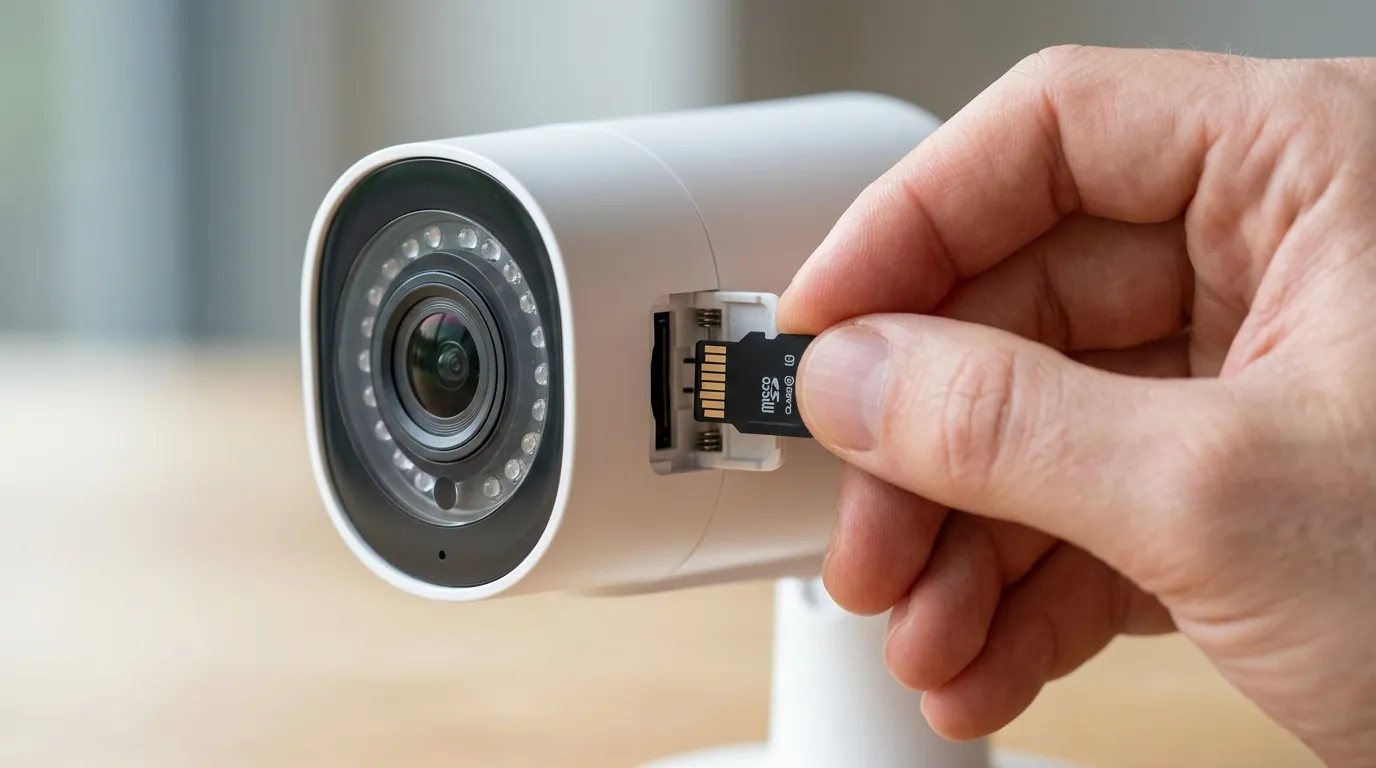
If your Ring setup remains unreliable after troubleshooting, you have two paths: optimization or migration.
Troubleshooting and Optimizing Your Current Ring Setup
To maximize the reliability of a Ring system in 2026, you must minimize the variables that cause detection lag.
- Install a Ring Chime Pro: This acts as a dedicated Wi-Fi extender for Ring devices, often providing a more stable connection than a standard home mesh system.
- Switch to Wired Power: Whenever possible, use a “Plug-in Adapter” or hardwire your cameras. Battery-powered cameras use PIR (Passive Infrared) sensors that are significantly slower and less accurate than the pixel-based detection used when the camera has constant power.
- Disable “Package Detection”: Some users find that having too many “Smart” filters active simultaneously causes the processor to skip frames, leading to missed motion.
Considering Alternatives: Prioritizing Reliability and Privacy
If you find the “subscription tax” and cloud dependency too restrictive, 2026 has seen a surge in “Edge-first” security cameras. These devices process motion detection locally on the camera itself, meaning alerts are faster and do not fail just because a manufacturer’s server is having a bad day.
Decision Framework: Which System Fits You?
- If you are a Renter: Stick with a battery-powered system but consider Eufy. Their doorbells offer local storage with no monthly fees, and their “Dual Cam” models provide better package monitoring without the AI lag often seen in Ring’s cloud processing.
- If you are a Homeowner: Prioritize a hardwired Reolink or Ubiquiti G5 system. These use Power over Ethernet (PoE) or dedicated Wi-Fi channels to record 24/7 to a local NVR (Network Video Recorder). You will never miss a motion event because the camera is always recording, regardless of whether an “alert” was triggered.
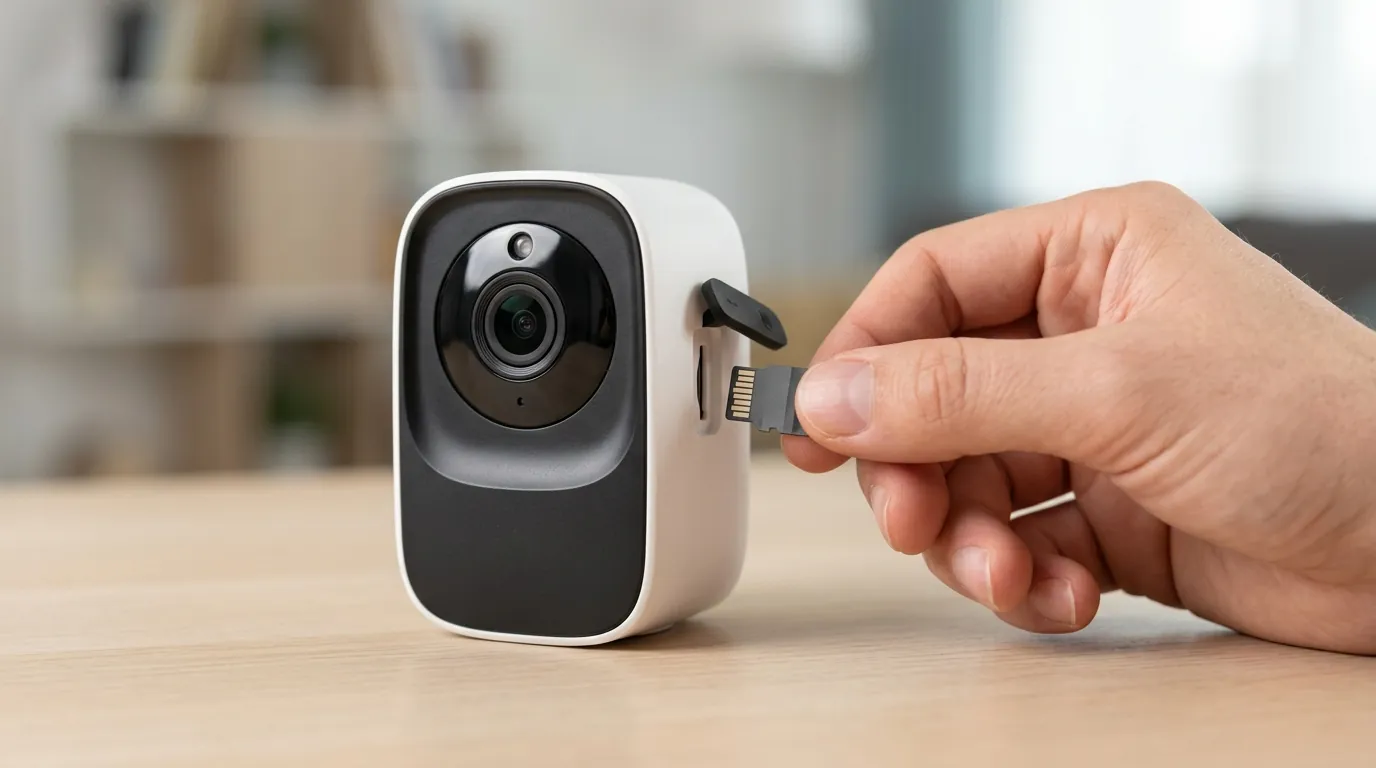
- If you have poor Wi-Fi: Look for cameras with on-board microSD card slots. Even if the Wi-Fi drops, the camera will continue to detect and record motion to the local card.
Total Cost of Ownership (TCO) Analysis
When comparing Ring to its competitors, the hardware price is only the beginning. In 2026, the “feature paywall” is a significant factor in the 3-year total cost.
| Component | Ring (Standard Plan) | Reolink (Local NVR) | Eufy (HomeBase 3) |
|---|---|---|---|
| Hardware (1 Doorbell + 2 Cams) | Around $450 | Around $550 | Around $500 |
| Annual Subscription | Around $120 | $0 | $0 |
| 3-Year Total Cost | Around $810 | Around $550 | Around $500 |
| Reliability Factor | Cloud-Dependent | Local/Constant | Local/Edge AI |
As the table shows, while Ring may have a lower “sticker price” at a big-box retailer, the 3-year cost is nearly 50% higher than local-storage alternatives. If that higher cost doesn’t buy 100% reliability in motion detection, the investment becomes difficult to justify.
Quvii tracks these trade-offs across the category to help buyers navigate a landscape where “smart” features sometimes get in the way of basic security. Whether you choose to stay in the Ring ecosystem or move to a local-storage model, the goal remains the same: a camera that actually sees what happens on your property.
Frequently Asked Questions
Why does my Ring camera record everything except people?
This is often caused by “Smart Alerts” settings. If you have “Person Detection” enabled, the camera may be incorrectly identifying a human as a “generic motion” and filtering it out to save you from a notification. Try changing your settings to “All Motion” to see if the camera begins recording people again.
Can a low battery affect Ring motion detection?
Yes. When a Ring battery drops below 20%, the device may enter a power-saving mode that reduces the frequency of motion polling. This can lead to significant delays in detection or a complete failure to trigger until the battery is recharged.
Does Ring require a subscription for motion alerts?
Basic motion alerts (notifying you that something moved) do not require a subscription. However, features like “Person Detection,” “Rich Notifications” (showing a preview image), and the ability to review recorded clips all require a Ring Home (formerly Ring Protect) plan.
How do I fix the “delayed notification” issue on Ring?
Delayed notifications are usually a result of “Signal Interference” or “Battery Optimization.” Ensure your RSSI is below -60 and check your phone’s settings to ensure the Ring app is not being “put to sleep” by your mobile operating system’s battery saver.
Sources
- Ring Official Support: Troubleshooting Motion Detection — https://support.ring.com/hc/en-us/articles/115003077286-Troubleshooting-Motion-Detection
- Ring Home Subscription Plans and Features — https://ring.com/protect-plans
- Reddit r/Ring Community Discussion on Motion Issues — https://www.reddit.com/r/Ring/
- RTINGS: Ring Video Doorbell Pro 2 Review and Test Data
- FCC ID Filing: Ring Doorbell RF and Wi-Fi Specifications — https://fccid.io/2AEUP-5AT3S3