
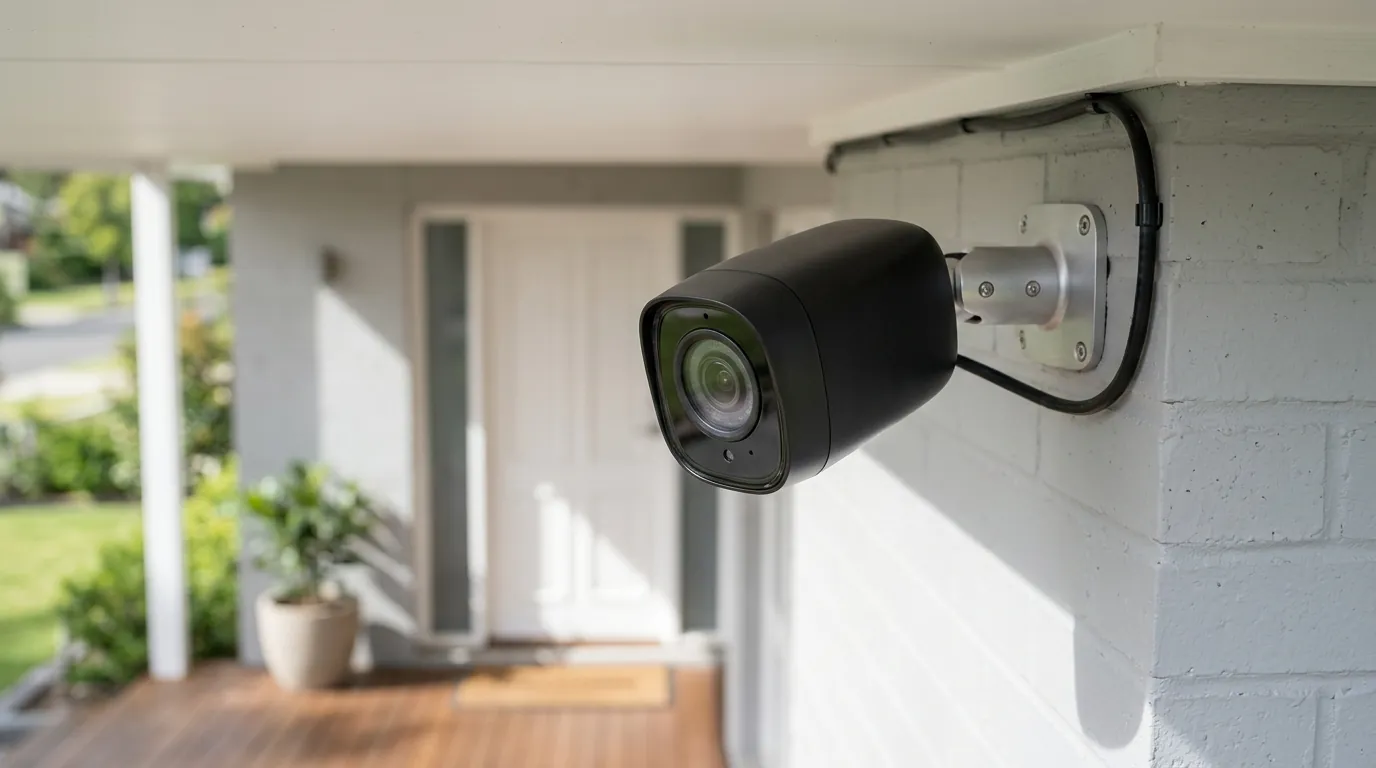
Ring Camera Motion Alerts Not Working: July 2026 Outage & Fixes
A security camera that fails to notify you of an intruder is effectively a high-tech paperweight. In July 2026, a growing number of Ring users are reporting that their devices are doing exactly that—failing to send motion alerts despite showing as “Online” in the app.
Quick Answer: While Ring’s official status page reports all systems operational, many users are experiencing Ring camera motion alert failures and “footage unavailable” errors in July 2026, potentially linked to a recent firmware update. To troubleshoot, immediately check your Ring app for updates, verify device Wi-Fi signal strength (RSSI), and ensure motion detection settings are correctly configured.
What happened
As of early July 2026, the official Ring Status page continues to display a “Green” status across all categories, including Video Doorbell and Camera services. However, this official narrative is increasingly at odds with user reports surfacing on community hubs like r/Ring and r/HomeSecurity.
Owners of various models—ranging from the Ring Video Doorbell Pro 2 to the Stick Up Cam Pro—are describing a systemic failure in the notification pipeline. Specifically, cameras are failing to push alerts to smartphones, and in many cases, the “Event History” shows gaps where motion clearly occurred. When users attempt to view these events, they are often met with a “Footage Unavailable” or “Streaming Error” message.
Data from community forums suggests this instability may stem from a firmware update pushed in late May or early June 2026. This update appears to have introduced a “handshake” issue between the cameras and certain dual-band Wi-Fi routers. Users report that their RSSI (Received Signal Strength Indicator) values—a measure of Wi-Fi signal quality—have plummeted from healthy levels (under -50) to poor levels (above -70) without any physical changes to the environment.
The symptoms are not limited to battery-powered units; even hardwired and solar-powered devices are experiencing random disconnections and “ghost” motion events where the camera triggers but fails to record or notify. This suggests the issue lies in the software’s ability to maintain a stable connection to the Ring cloud servers rather than a simple power deficiency.
Why it matters for buyers
For those currently shopping for a security system, this July 2026 incident serves as a critical case study in “cloud dependency.” Ring cameras are inherently thin clients; they rely almost entirely on Amazon’s servers to process motion, generate alerts, and store video. When that cloud-to-device link is compromised—whether by a buggy firmware update or a server-side glitch—the hardware becomes nearly useless for real-time security.
Reliable motion alerts are the cornerstone of home monitoring. If a camera fails to alert a homeowner to a delivery or a potential trespasser, the primary value proposition of the device is lost. This incident highlights the vulnerability of systems that lack a “local fallback” mechanism. Unlike competitors that offer local AI processing and microSD card storage, Ring cameras generally cannot record or alert if the cloud connection is severed or unstable.
Furthermore, the privacy implications of cloud-only systems remain a point of contention. While Ring has updated its policies to restrict law enforcement’s ability to request footage without a warrant through the Neighbors app, the data still resides on Amazon’s servers. If a system is unstable, users lose control over their own data, often finding themselves unable to access footage they have paid to store.
Comparison: Cloud-Dependent vs. Local-First Systems
| Feature | Ring (Cloud-Dependent) | Local Storage Cameras (e.g., Reolink, Eufy) |
|---|---|---|
| Primary Storage | Ring Cloud (Subscription Required) | Local microSD / NVR (No Subscription) |
| Motion Processing | Server-side (mostly) | On-device AI |
| Offline Functionality | None (No alerts/recording) | Records to SD card during Wi-Fi outages |
| 3-Year TCO | High (Hardware + ~$150-300 fees) | Low (Hardware + microSD card cost) |
| Privacy Control | Managed by Amazon | Managed by User |
Impact on existing owners
Existing Ring owners are currently navigating a “security gap.” For many, the first sign of trouble isn’t an app notification, but the realization that a package was delivered or a car entered the driveway without an alert. This creates a dangerous false sense of security, where the homeowner assumes the perimeter is monitored when it is not.
The frustration is compounded by the troubleshooting process. Because Ring’s official status page does not acknowledge the July 2026 issues, many users spend hours resetting routers and climbing ladders to power-cycle cameras, assuming the fault lies with their individual hardware. This “invisible” outage leads to unnecessary tech fatigue and, in some cases, the premature replacement of perfectly functional hardware.
For those paying for Ring Home (formerly Ring Protect) subscriptions, there is also a financial impact. Users are essentially paying a monthly fee for a service—reliable cloud recording and alerting—that is currently underperforming.
Diagnosing Your Ring Motion Alert Issue
If you are experiencing issues, follow this logic to determine if the fault is your network or the current systemic glitch:
- Check Live View: If Live View works but motion alerts do not, the issue is likely software/firmware related or a “Motion Zone” configuration error.
- Check RSSI: Navigate to Device Health in the Ring app. If the RSSI is higher than -65, your camera is struggling to maintain a connection. If it was fine last month and is bad now, it points to the recent firmware update.
- Check Event History: If the event shows up in the timeline but never sent a notification, check your phone’s “Do Not Disturb” settings and the app’s “Motion Alerts” toggle.
- Check Other Devices: If only one camera is failing, it may be a hardware or local Wi-Fi issue. If all cameras are failing simultaneously, it is a systemic Ring service issue.
What to do now
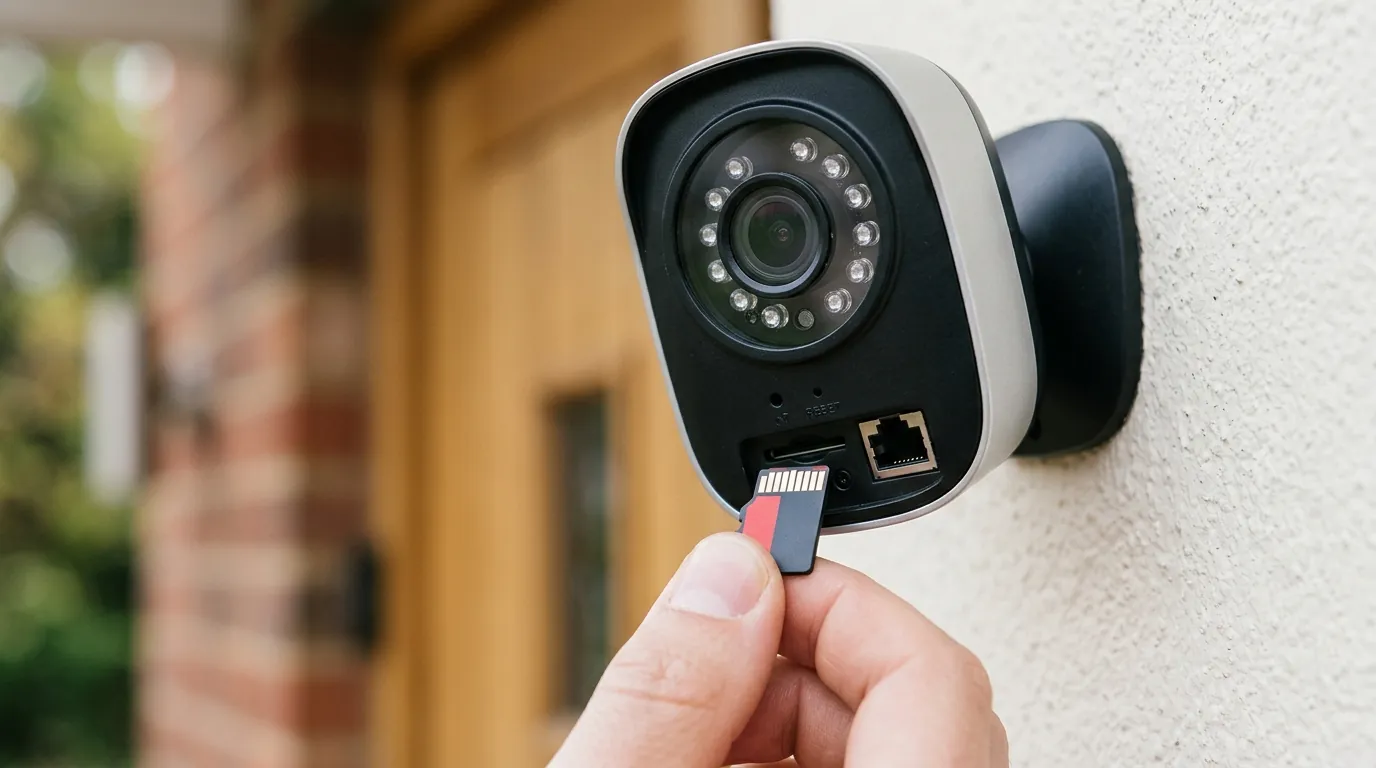
If your Ring camera is currently failing to send alerts, follow these steps in order to restore functionality.
Immediate Troubleshooting Steps
- Force a Firmware Check: While you cannot manually trigger an update, you can force the camera to check for one by “reconnecting” it to Wi-Fi in the Device Health menu. This often prompts the device to pull the latest stable patch.
- Adjust Motion Sensitivity: Some users have found that the recent update changed how “Smart Alerts” (Person Detection) are processed. Try switching to “All Motion” temporarily to see if alerts return.
- Power Cycle the Device:
- Battery/Solar: Remove the battery for 30 seconds and reinsert.
- Wired: Flip the breaker for the camera or unplug it for 30 seconds.
- Check Ring App Permissions: Ensure your smartphone hasn’t automatically “offloaded” the Ring app or revoked notification permissions due to inactivity. This is common in recent iOS and Android updates.
- The “Reinstall” Fix: Uninstall the Ring app from your phone and reinstall it. This clears the local cache and forces a fresh handshake with Ring’s notification servers.
When to Consider a Replacement
If these steps do not resolve the issue and you find the lack of reliability unacceptable for your security needs, it may be time to look at hardware with local redundancy.
A leading alternative in the current market (July 2026) is the Reolink Argus 4 Pro. This camera is currently in the around $150-200 price range and addresses many of the vulnerabilities exposed by the Ring outage.
Key Specs of Reolink Argus 4 Pro:
- Resolution: 4K UHD with dual-lens 180-degree panoramic view.
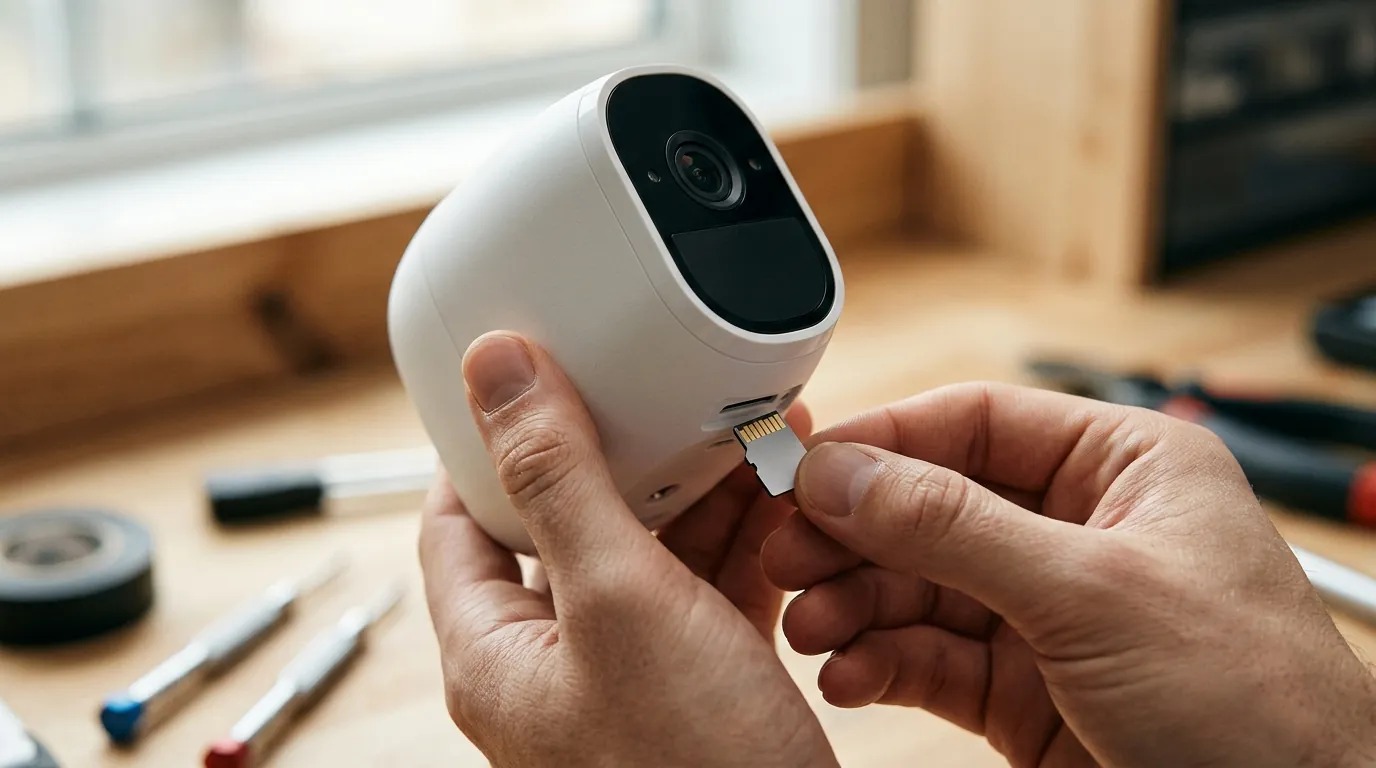
- Storage: Local microSD card support (up to 128GB/256GB), meaning it records even if your Wi-Fi or the manufacturer’s servers go down.
- AI Detection: On-device person, vehicle, and animal detection (no subscription required).
- Connectivity: Dual-band Wi-Fi 6 support for more stable connections in congested areas.
Decision Framework: Which Direction Should You Go?
- If you are a Renter: Stick with Ring but consider a “Chime Pro” to boost the signal. The ease of installation and portability usually outweighs occasional software glitches.
- If you are a Homeowner seeking “Set and Forget” security: Prioritize local storage. Move toward a system like Reolink or Eufy that doesn’t “break” when the cloud has an update error.
- If you have poor Wi-Fi: Avoid cloud-only cameras. Look for “Power over Ethernet” (PoE) options or cameras that record 24/7 to a local NVR (Network Video Recorder).
Total Cost of Ownership (TCO) Analysis
When evaluating whether to stay with Ring or switch, consider the 3-year cost. Most users fall into the “feature paywall” trap, where the low initial price of the camera is eclipsed by cumulative fees.
Ring Stick Up Cam Pro TCO (3 Years):
- Hardware: Around $150-180.
- Subscription (Ring Home Basic): ~$50/year x 3 = $150.
- Total: ~$300-330. (Note: If the subscription lapses, you lose almost all recording functionality).
Reolink Argus 4 Pro TCO (3 Years):
- Hardware: Around $150-200.
- Storage: High-end microSD card (~$20).
- Subscription: $0.
- Total: ~$170-220.
The subscription-free model not only saves roughly $100 over three years but also ensures that your camera remains functional regardless of the manufacturer’s server status or firmware stability.
Frequently Asked Questions
Why is my Ring camera recording but not sending notifications?
This is often caused by “Motion Schedules” or “Smart Alerts” settings in the Ring app. If “Smart Alerts” is set to “Record” but not “Notify” for people or other motion, you will have footage in your timeline without receiving a push alert. Additionally, check your phone’s system settings to ensure the Ring app has “Critical Alerts” or “High Priority” notification permissions.
Does Ring work without a subscription in 2026?
Technically, yes, but the functionality is severely limited. Without a Ring Home (formerly Protect) plan, you can receive motion alerts and view Live View, but you will not have any recorded footage to review after the event has passed. In July 2026, most users find a subscription mandatory for the camera to be useful as a security tool.
How do I fix a “Footage Unavailable” error?
This error typically indicates a break in the data stream between the camera and the cloud. It can be caused by a sudden drop in Wi-Fi upload speed or a server-side timeout. To fix it, try lowering the “Video Quality” settings in the app or moving your Wi-Fi router closer to the camera. If the issue persists across all clips, it is likely a Ring service outage.
What is a good RSSI for a Ring camera?
For reliable motion alerts and 1080p/4K video streaming, an RSSI between -30 and -55 is considered excellent. Once the RSSI climbs above -60, you will likely experience delays in notifications. If it hits -70 or higher, the camera will frequently disconnect and fail to record events entirely.
Sources
- Ring Official Status Page — https://status.ring.com/
- Ring Law Enforcement Guidelines
- Ring Home Subscription Plans — https://ring.com/protect-plans
- Reolink Argus 4 Pro Product Specifications — https://reolink.com/product/argus-4-pro/
- Reddit r/Ring Community Discussions — https://www.reddit.com/r/ring/