
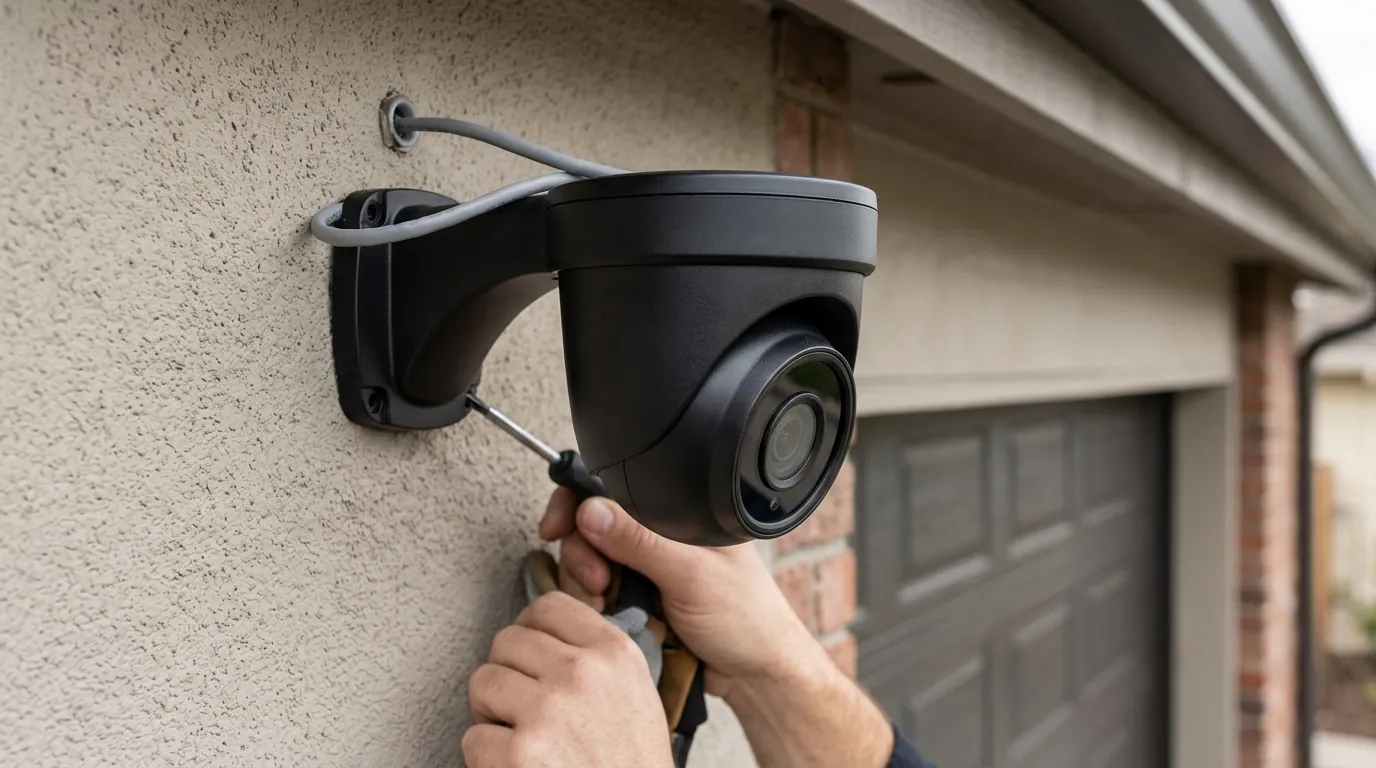
Reolink PoE Camera Firmware: June 2026 Update Status & Common Issues
Maintaining the security and stability of a Power over Ethernet (PoE) surveillance system requires a proactive approach to software maintenance, particularly regarding the firmware that governs image processing and network communication. As of June 2026, Reolink continues to be a primary choice for users seeking a subscription-free ecosystem, though this independence places the responsibility for critical firmware management directly on the owner.
Quick Answer: As of June 2026, no widespread critical issues specific to Reolink PoE camera firmware updates have been broadly reported. However, users occasionally encounter general update challenges such as failed installations, NVR compatibility problems, or inconsistent feature rollouts across devices. It is crucial for owners to follow Reolink’s official update procedures to ensure security and functionality.
What happened
Related: Reolink Doorbell Two-Way Talk Not Working: Causes & Fixes · Reolink Camera Chime & Motion Alerts: 2026 Setup Guide · Ring Camera Motion & Streaming Issues: What Buyers Need to Know (July
Reolink maintains a consistent schedule for firmware releases, aimed at refining AI detection algorithms, patching security vulnerabilities, and expanding the feature sets of their hardware. For PoE camera owners, these updates are the primary vehicle for performance improvements, as the hardware is designed to operate without the mandatory cloud-side processing found in many competing brands.
General Firmware Update Cadence
Reolink typically releases firmware in “waves” rather than a single global push for all devices. This staggered approach allows the manufacturer to monitor for regressions before an update reaches the entire install base. For PoE models like the RLC-811A or the newer 16MP Duo 3 series, updates often focus on the “Smart Detection” sensitivity—improving the camera’s ability to distinguish between a swaying branch and a human intruder.
Specific June 2026 Activity (Doorbell Example)
While the PoE camera line has seen incremental stability patches this month, a notable firmware update (v3.0.0.6460) was recently highlighted for Reolink doorbells. This update introduced “World Cup” themed elements, animated GIF push notifications (available for those on a cloud plan), and enhanced video recording encryption. While this specific version was tailored for doorbells, it signals Reolink’s current development focus: moving toward richer notification data and more robust encryption standards across their entire IP camera portfolio.
Common Firmware Update Challenges
Despite the lack of a “breaking” update in June 2026, the Reolink ecosystem faces recurring technical hurdles during the update process. According to Reolink Support documentation, users frequently encounter three primary error states:
| Error Message | Likely Cause | Resolution |
|---|---|---|
| Update Failed / Timeout | Network instability or high latency during the file transfer. | Use a wired LAN connection; avoid updating over mesh Wi-Fi nodes. |
| Failed to Recognize File Format | Downloading the incorrect firmware for the specific hardware version. | Verify the “Hardware Version” in camera settings (e.g., IPC_523). |
| Device Unresponsive (Bricked) | Power interruption during the “Writing” phase of the update. | Hard reset may be required; contact support if the status light is off. |
A persistent issue noted in community forums like r/reolinkcam is the discrepancy between the Reolink App’s “Auto-Update” feature and the actual availability of firmware. Often, the app will report that a camera is “Up to Date” even when a newer version exists on the official Download Center. This forces power users to manual-flash their devices to access the latest AI improvements.
Why it matters for buyers
For the prospective buyer, Reolink’s approach to firmware is a double-edged sword. Unlike brands that force updates via the cloud (often removing features or changing UI without consent), Reolink offers a level of granular control that appeals to privacy-conscious users and small business owners.
Long-Term Value and Privacy
Reolink’s value proposition is built on the “buy once, own forever” model. By providing regular firmware updates that improve AI detection (such as pet or vehicle identification), the brand extends the functional life of the hardware. This is a critical distinction from “disposable” consumer cameras that may stop receiving security patches after 24 months. Furthermore, Reolink’s Privacy Policy emphasizes that local data remains local, and firmware updates are the primary way the company implements new encryption standards to protect that data from local network intrusions.
Feature Discrepancies and Expectations
Buyers should be aware that “Model X” purchased today may have different firmware capabilities than “Model X” purchased two years ago. Reolink frequently updates the internal chipsets (hardware versions) without changing the external model number.
Table 1: Feature Enablement via Firmware (Common PoE Models)
| Model | Max Resolution | AI Detection (Current) | Local Storage Support | Subscription Required? |
|---|---|---|---|---|
| RLC-811A | 4K (8MP) | Person/Vehicle/Pet | Up to 256GB MicroSD | No |
| Duo 3 PoE | 16MP | Person/Vehicle/Pet/Animal | Up to 256GB MicroSD | No |
| RLC-1212A | 12MP | Person/Vehicle/Pet | Up to 256GB MicroSD | No |
| PoE Doorbell | 5MP | Person/Package/Visitor | Up to 256GB MicroSD | No |
Data synthesized from Reolink Product Specs.
NVR System Compatibility
For those building a comprehensive system, the firmware on the Network Video Recorder (NVR) is just as important as the camera firmware. When Reolink releases a new camera resolution (such as the 16MP Duo 3), older NVRs often require a firmware update to even recognize the video stream. Buyers should ensure their NVR hardware version (e.g., N2MB02 vs. H3MB18) is compatible with the latest cameras.
Total Cost of Ownership (TCO) Analysis
When comparing Reolink to competitors like Ring or Arlo, the firmware-driven local storage model significantly alters the 3-year TCO.
- Reolink PoE System (4 Cameras + NVR):
- Hardware: $500–$700 range.
- Subscription: $0.
- Storage (2TB HDD): Included or around $60.
- 3-Year Total: ~$600–$760.
- Subscription-Based Brand (4 Cameras):
- Hardware: $400–$600 range.
- Subscription ($10/mo): $360.
- 3-Year Total: ~$760–$960.
The “feature paywall” trap is absent here; you do not need a monthly plan to unlock the AI person detection that is delivered via firmware updates.
Impact on existing owners
For those who already have Reolink cameras mounted and running, a firmware update is not a “set it and forget it” event. It carries operational risks that must be managed to avoid system downtime.
Risk of Camera Malfunction
The most severe impact on an existing owner is the “bricked” camera. If a PoE switch power-cycles or a cable is unplugged while the camera is writing to its flash memory, the device may become unbootable. While Reolink hardware is generally resilient, a failed update can occasionally void the ease of a remote fix, requiring the owner to take down the camera for a physical factory reset or a serial-to-USB recovery in extreme cases.
Feature Loss and Performance Degradation
Occasionally, a firmware update intended to fix one issue may introduce another. Owners have reported instances where “Person Detection” sensitivity became too aggressive after an update, leading to a flood of false notifications. Monitoring community feedback on r/HomeSecurity before hitting “Update” is a common best practice among veteran installers.
Troubleshooting Update Failures
If an update fails, the first step is to verify the hardware version. A common mistake is attempting to flash firmware for the “RLC-811A” (Version 1) onto an “RLC-811A” (Version 2). These versions often use different SoC (System on a Chip) architectures and are not cross-compatible.
Decision Framework: When to Update Firmware
- Scenario: Your system is stable and you don’t need new features.
- Recommendation: Wait 2–4 weeks after a new release to ensure no major bugs are reported by the community.
- Scenario: You are experiencing frequent false AI alerts or “Video Loss” errors.
- Recommendation: Update immediately. These issues are often addressed in the latest “General Bug Fixes” changelogs.
- Scenario: You just bought a brand-new camera model released in 2026.
- Recommendation: Check for updates out of the box. Early-production hardware often ships with “beta” grade firmware that is quickly patched.
- Scenario: You are using third-party software (Blue Iris, Home Assistant).
- Recommendation: Check compatibility forums. Sometimes Reolink updates change the ONVIF implementation or RTSP paths, which can break third-party integrations.
NVR System Considerations
Existing owners of Reolink NVRs must remember that the NVR acts as the “brain.” If you update your cameras to a version that uses a new compression codec (like H.265+), but your NVR firmware is outdated, you may see a black screen on your monitor despite the camera being “online.” Always update the NVR firmware first, then the cameras.
What to do now
If you are managing a Reolink PoE system in June 2026, follow these steps to ensure your hardware remains secure and functional without falling victim to common update pitfalls.
Official Sources for Updates
Never download firmware from third-party “driver” websites. The only safe sources are:
- Reolink Download Center: The definitive source for manual update files (.pak format).
- Reolink Windows/Mac Client: Often more reliable for pushing updates than the mobile app.
- Direct Support: If your hardware version isn’t listed, contact Reolink Support.
Safe Update Procedures
To minimize the risk of failure, adhere to this checklist before initiating a firmware flash:
- Check Hardware Version: Go to Settings > Device > Info and note the “Hardware No.”
- Stable Power: Ensure the PoE switch is not under heavy load or connected to an unstable power source.
- Wired Connection: Do not update cameras over a Wi-Fi bridge if they are PoE; ensure they are plugged directly into the NVR or a PoE switch on the same subnet as your computer.
- Backup Settings: While firmware updates usually preserve settings, it is wise to screenshot your “Detection Zone” and “Schedule” pages in case a factory reset is required.
- Transitional Firmware: If your camera is running a version from 2022 or earlier, do not jump directly to a June 2026 release. Consult support to see if an intermediate version is required to bridge the database changes.
Community and Support Engagement
The Reolink community is one of the most active in the consumer security space. If you encounter a “Timeout” error that persists, searching the Reolink Official Forum for your specific hardware number often yields a solution, such as using a different browser or a specific version of the Reolink Client software.
Proactive Maintenance
Firmware management should be a quarterly task. Set a reminder to check the Download Center every three months. Even if no new features are added, the security patches included in these updates are vital for protecting your local network from vulnerabilities that could allow unauthorized access to your video feeds.
By treating firmware as a critical component of the hardware—rather than an optional annoyance—owners can maximize the longevity and reliability of their Reolink PoE surveillance system.
Frequently Asked Questions
Can I downgrade my Reolink firmware if the June 2026 update causes issues?
In most cases, yes. Reolink allows manual flashing of older firmware versions (.pak files) if you have the file saved. However, some major updates that change the underlying file system or security protocols may prevent downgrading. Always keep a copy of your current working firmware before updating.
Why does my Reolink App say “No New Version” when the website has one?
Reolink’s “Auto-Update” and “Check for Update” features in the app rely on a specific server push that often lags weeks or months behind the manual Download Center. For the most current features and security patches, manual installation via the Reolink Client on a PC or Mac is recommended.
Will updating my PoE camera firmware delete my recorded videos?
No. Firmware updates are written to the camera’s internal flash memory, while recordings are stored on the NVR’s hard drive or the camera’s MicroSD card. However, it is always best practice to ensure your NVR has finished writing its current “segment” before rebooting cameras for an update.
Does Reolink charge for firmware updates or AI feature additions?
No. One of Reolink’s primary market advantages is that firmware-based features, including AI person/vehicle detection and pet detection, are provided free of charge. There are no “feature paywalls” or subscriptions required to access the latest software capabilities of the hardware you purchased.
Sources
- Reolink Firmware Download Center
- Reolink Support: Failed to Update Firmware via App — https://support.reolink.com/hc/en-us/articles/360004313273-Failed-to-Update-Firmware-via-Reolink-App/
- Reolink Privacy Policy — https://reolink.com/privacy-policy/
- Reolink RLC-811A Official Specifications — https://reolink.com/product/rlc-811a/#specifications
- Reddit r/reolinkcam Community Wiki — https://www.reddit.com/r/reolinkcam/wiki/index/