
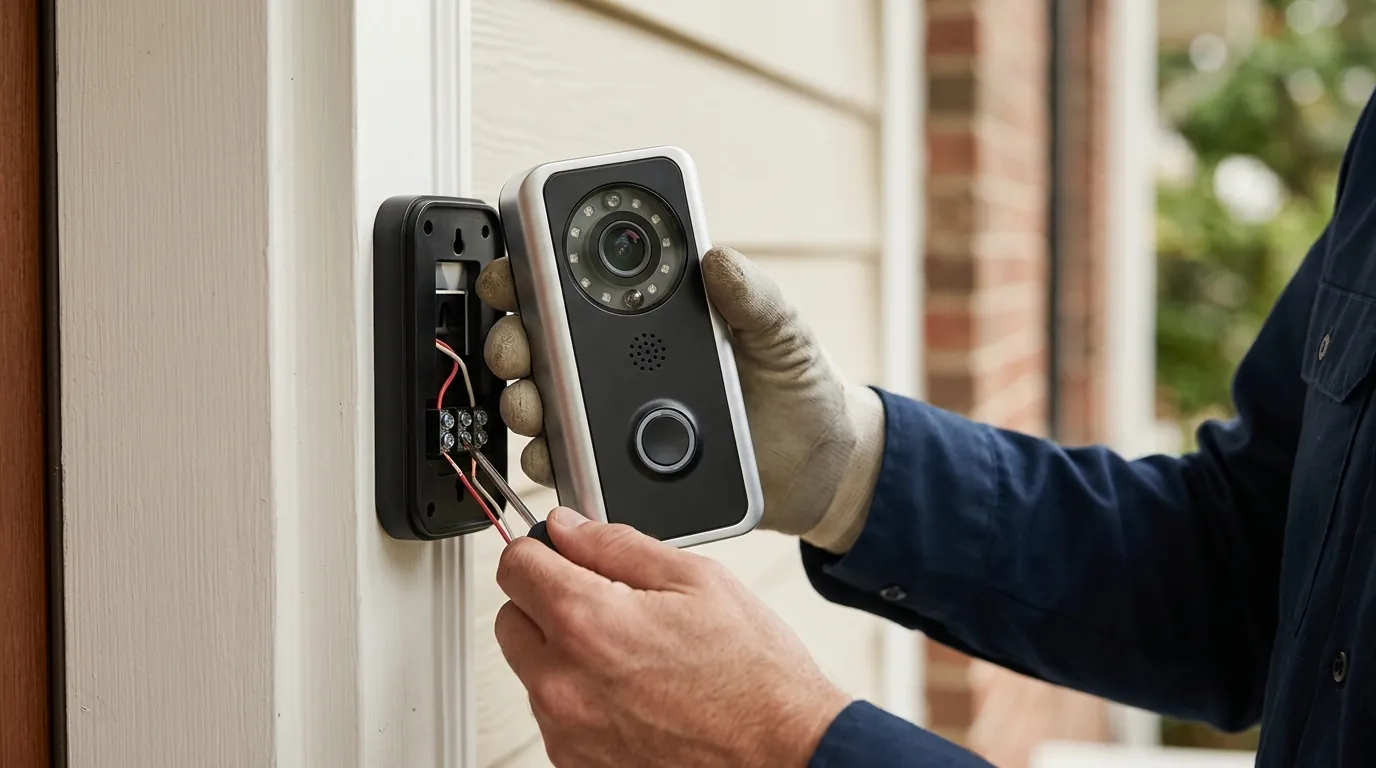
Reolink Doorbell Two-Way Talk Not Working: Causes & Fixes
The frustration of a video doorbell that allows you to see a visitor but prevents you from speaking to them undermines the primary utility of the device. For Reolink owners, “two-way talk not working” has become a persistent troubleshooting topic, particularly for those attempting to bridge the gap between Reolink’s hardware and third-party smart home ecosystems.
Quick Answer: Reolink doorbell two-way talk issues often stem from recent firmware updates that alter audio codecs, conflicts with third-party smart home integrations (like HomeKit, Home Assistant, Frigate, or Scrypted), incorrect app settings, or even inadequate power supply. The latest firmware (v3.0.0.6460 as of June 2026 for WiFi doorbells) claims to fix some bugs, but specific audio fixes are not always detailed in the changelogs. Restoring functionality typically requires verifying audio permissions, updating the Reolink app, or configuring specialized middleware like go2rtc for third-party platforms.
What happened
Related: Reolink Camera Chime & Motion Alerts: 2026 Setup Guide · Ring Camera Motion & Streaming Issues: What Buyers Need to Know (July · Eufy Security Motion Push Notifications: Understanding Recent Failures
For many users, the Reolink Video Doorbell (available in both PoE and WiFi versions) is a top-tier choice due to its 2K+ resolution and lack of mandatory subscription fees. However, community reports on platforms like r/reolink and GitHub indicate that two-way audio is often the most fragile feature in the stack.
Firmware Update Complications
Firmware is the “brain” of the camera, and Reolink frequently pushes updates to improve security and feature sets. However, these updates sometimes introduce regressions. Users have noted that specific versions, such as v3.0.0.3215, occasionally altered how the camera handles audio streams. A common culprit is a shift in the default audio codec—for instance, moving from PCMA to PCMU (G.711u). While the official Reolink app is designed to adapt to these changes, third-party software that “scrapes” or “restreams” the doorbell’s feed often breaks when the codec changes unexpectedly.
| Firmware Version | Release Date | Status | Known Audio Impact |
|---|---|---|---|
| v3.0.0.2033 | Late 2023 | Legacy | Generally stable for basic RTSP. |
| v3.0.0.3215 | Mid 2024 | Common | Reported issues with audio sync and third-party talkback. |
| v3.0.0.6460 | June 7, 2026 | Current | “Fixed known bugs”; improves WiFi stability. |
| v3.0.0.xxxx | [information unavailable] | Beta | Some users report Opus codec testing for lower latency. |
Third-Party Integration Conflicts
Reolink is highly regarded by the “prosumer” community because it supports local protocols like RTSP and ONVIF. However, two-way audio is not natively supported by the standard RTSP protocol used by most surveillance software. To get two-way talk working in Apple HomeKit (via Scrypted) or Home Assistant, users must use middleware like go2rtc. If the doorbell’s firmware changes how it handles the “backchannel” (the audio sent from your phone to the doorbell), these integrations often fail, leaving the user with one-way audio only.
App and Hardware-Related Glitches
Not all issues are high-tech firmware bugs. Frequently, the problem lies in the basic interface. On mobile devices, the Reolink app requires explicit “Microphone” permissions within the iOS or Android settings. If these are toggled off, the “Talk” button may appear to function but will transmit no sound. Furthermore, hardware limitations, such as an insufficient power supply, can cause the doorbell to reboot or drop the audio stream when the speaker draws peak power. Reolink recommends a power supply of 24V AC or 12-24V DC for the WiFi model to ensure all components, including the speaker and IR lights, function simultaneously.
Why it matters for buyers
When a consumer chooses a smart doorbell, they are usually looking for a “gatekeeper.” The ability to tell a delivery driver to leave a package at the side door or to warn off a loiterer is a fundamental security requirement.
Core Security Feature Compromised
Without two-way talk, a video doorbell is essentially just a wall-mounted security camera. The “doorbell” aspect implies interaction. If a buyer cannot communicate with visitors in real-time, the device fails its primary mission. This is particularly critical for those who use the doorbell as a deterrent. According to community consensus on r/HomeSecurity, the ability to project a voice from the house is often more effective at stopping “porch piracy” than simply recording the event.
Smart Home Ecosystem Disruption
Many buyers select Reolink specifically to avoid the “walled gardens” of Ring or Nest. They want their doorbell to show up on their Apple TV via HomeKit or trigger an automation in Home Assistant. If Reolink’s two-way talk is unreliable in these ecosystems, it forces the user back into the official Reolink app, defeating the purpose of a unified smart home. This “ecosystem friction” is a major consideration for buyers who prioritize a single-app experience for their entire home.
Hidden Technical Hurdles
The Reolink doorbell is often marketed as a “plug-and-play” solution, but the reality of its audio implementation can be complex. Prospective buyers should be aware that achieving reliable two-way talk outside of the official app may require significant technical configuration.
Core Feature Comparison: Leading Subscription-Free Doorbells
| Feature | Reolink Video Doorbell (WiFi/PoE) | Eufy Video Doorbell E340 | Amcrest 4MP Doorbell (AD410) |
|---|---|---|---|
| Resolution | 2K+ (5MP) | 2K (Dual Camera) | 2K (4MP) |
| Two-Way Talk | Full-Duplex | Full-Duplex | Full-Duplex |
| Local Storage | MicroSD (up to 256GB) | 8GB Built-in (HomeBase) | MicroSD (up to 128GB) |
| Protocols | RTSP, ONVIF, HTTPS | Proprietary (mostly) | RTSP, ONVIF |
| Power Type | Wired (PoE or 24V AC) | Battery or Wired | Wired (16-24V AC) |
Data sourced from Reolink Spec Sheets and Eufy Support.
Impact on existing owners
For those who already own a Reolink doorbell, a sudden loss of two-way audio is more than a nuisance—it is a degradation of an investment.
Unexpected Feature Loss
The most jarring experience for an owner is waking up to a broken feature. Because Reolink cameras can be set to “Auto-Update,” a new firmware version (like the recent June 2026 release) might install overnight. If that version contains a change to the audio stream handling, an owner might find they can no longer talk to visitors through their Home Assistant dashboard, even though it worked perfectly the day before.
Time and Effort for Resolution
Fixing these issues is rarely a one-click process. Owners often find themselves searching through GitHub issue trackers or Reolink support forums. Troubleshooting may involve:
- Manually downloading firmware
.pakfiles from the Reolink Download Center. - Adjusting
go2rtcYAML configurations to force specific audio codecs. - Testing the doorbell with a multimeter to ensure the transformer is providing at least 24V AC.
Security and Convenience Downgrade
When two-way talk fails, the convenience of the “smart” home evaporates. Owners may miss important deliveries because they couldn’t tell the driver where to go, or they may feel less secure when they cannot verify the identity of a stranger at the door through voice interaction. While the video feed remains active, the loss of the “voice” component significantly reduces the device’s efficacy as a communication tool.
What to do now
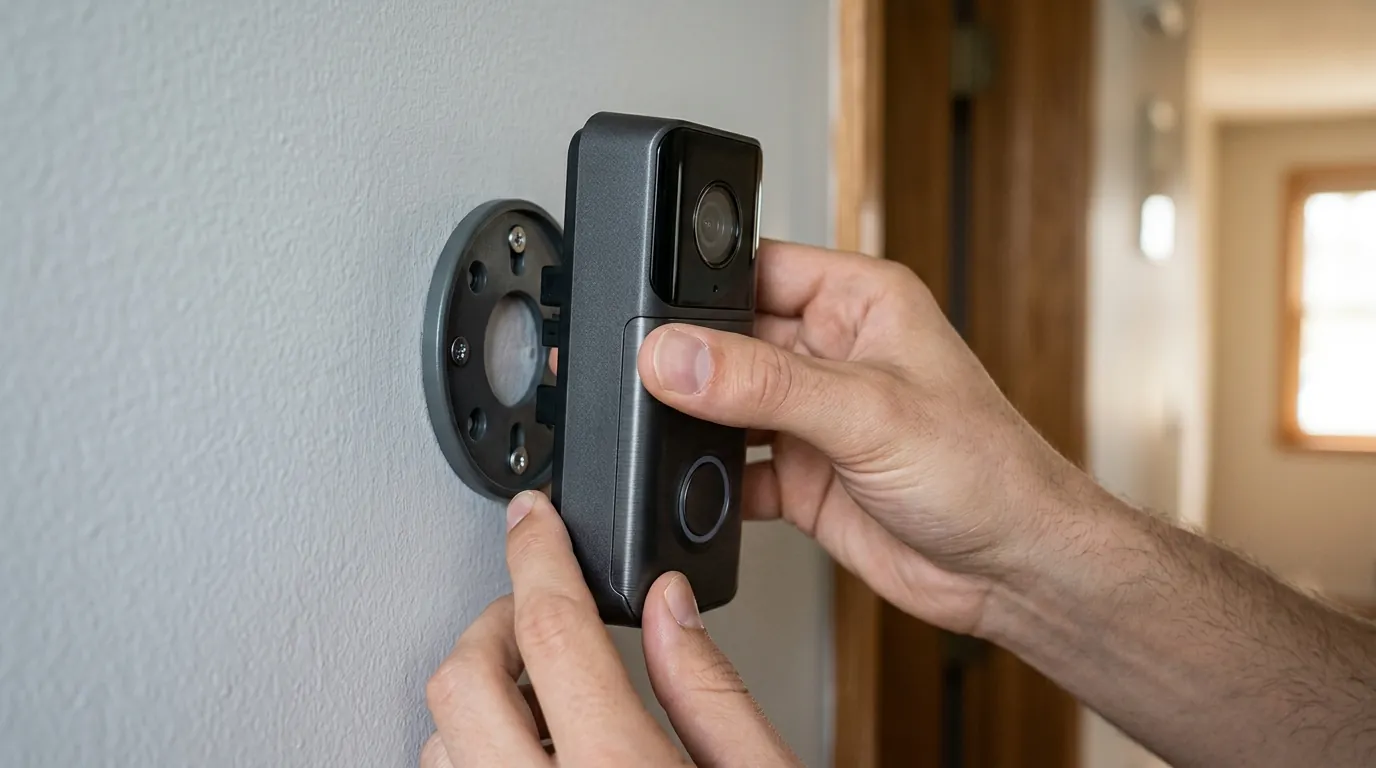
If your Reolink doorbell’s two-way talk is currently failing, follow this structured troubleshooting path to identify and resolve the root cause.
Basic Troubleshooting Steps
Before diving into complex network configurations, rule out the simplest explanations:
- Check App Permissions: Navigate to your smartphone’s settings, find the Reolink app, and ensure “Microphone” access is enabled.
- Enable “Record Audio”: In the Reolink app, go to Device Settings > Audio and ensure the “Record Audio” toggle is ON. This setting often controls the overall audio stream, including two-way talk.
- Check Volume Sliders: Ensure the “Speaker Volume” in the doorbell’s settings is turned up. Also, check your phone’s “Media” or “In-Call” volume while attempting to talk.
- Update the App: Ensure you are running the latest version of the Reolink app from the App Store or Google Play Store. Reolink frequently updates the app to maintain compatibility with new firmware.
Firmware Management and Third-Party Integrations
If you use Scrypted, Home Assistant, or Frigate, your issues are likely protocol-related.
- Verify Firmware: Check your current version against the Reolink Download Center. If you are on an older version, updating to v3.0.0.6460 (June 2026) may resolve “known bugs” related to stream stability.
- Configure go2rtc: For Home Assistant users, ensure you are using the
go2rtcextension. You may need to add a specific line to your config to handle the Reolink backchannel:backchannel: true - Codec Matching: If audio is garbled or one-way, try forcing the codec to
opusorpcmuin your middleware settings. Reolink’s move toward more modern codecs is beneficial for latency but requires your software to be up to date.
When to Contact Support or Consider Alternatives
If you have verified your power supply is providing 24V AC and the official Reolink app still won’t transmit audio after a factory reset, you may have a hardware defect.
Decision Framework: Should You Fix or Switch?
| If you are… | And your issue is… | Recommendation |
|---|---|---|
| A Renter | Audio fails in the official app | Contact Reolink Support for a replacement; check WiFi signal strength. |
| A Homeowner (PoE) | Audio fails only in HomeKit/Scrypted | Update go2rtc and check GitHub for the latest Reolink-specific “backchannel” fixes. |
| A Power User | Constant audio lag or drops | Ensure you are using a dedicated 24V transformer; avoid “shared” doorbell transformers. |
| Seeking Reliability | Persistent firmware bugs | Consider a brand with more mature ONVIF implementations, like Amcrest or Axis (higher cost). |
Total Cost of Ownership (3-Year Estimate)
One reason owners persist in troubleshooting Reolink is the low TCO. Unlike competitors, Reolink does not “paywall” its features.
- Hardware: Around $90–$110 (one-time).
- Subscription: $0 (Local storage on MicroSD or NVR).
- Cloud Fees: $0 (Optional cloud is available but not required for two-way talk).
- 3-Year Total: ~$100.
Compare this to a Ring Video Doorbell Pro 2 (around $250) + a Ring Protect subscription ($50/year), which totals ~$400 over three years. The “technical tax” of troubleshooting Reolink’s two-way talk is often seen as a fair trade-off for the $300 in savings.
Frequently Asked Questions
Why can I hear the visitor, but they can’t hear me?
This is usually a permission issue or a “backchannel” failure. Ensure your smartphone has granted the Reolink app microphone access. If you are using a third-party app like Home Assistant, the software may not be correctly sending your voice data back through the RTSP/ONVIF stream, which requires a specific configuration like go2rtc.
Does the Reolink doorbell require a subscription for two-way talk?
No. Unlike Ring or Arlo, Reolink does not lock two-way communication behind a monthly fee. All communication features are available locally and through the official app for free.
How much power does the Reolink doorbell need for audio?
Inadequate power is a common cause of audio clipping. The Reolink Video Doorbell WiFi requires 24V AC or 12-24V DC. If you are using an old 16V transformer from a traditional doorbell, it may provide enough power for video but fail when the speaker and IR lights activate simultaneously.
Can I use two-way talk on the Reolink PC client?
Yes, the Reolink Client for Windows and macOS supports two-way talk. However, you must ensure your computer has a functioning microphone selected in the app settings and that you have clicked the “Talk” icon to initiate the session.
Sources
- Reolink Official Support — Video Doorbell WiFi Specifications
- Reolink Download Center — Latest Firmware Updates
- Home Assistant Community — Reolink Integration Troubleshooting
- GitHub — go2rtc Project Page (Audio Backchannel)
- Reddit — r/reolink community discussions on doorbell audio