
Reolink Doorbell PoE Firmware Bugs: Current v3.0.0.6460 & Past Issues
For consumers and small businesses relying on smart home security, firmware updates are often a double-edged sword: vital for security and new features, but occasionally introducing disruptive bugs. The Reolink Doorbell PoE, a popular choice for its robust local storage and Power over Ethernet capabilities, has seen its share of firmware-related discussions, with recent attention on version v3.0.0.6460 and past reports of other issues.
📝 Editorial Note: This guide is AI-assisted and game data evolves rapidly. Please cross-reference with in-game information. Updated: 2026-06-18.
Quick Answer: The most recent significant bug affecting the Reolink Doorbell PoE (V1 hardware) is with firmware v3.0.0.6460_2605211898, which has been reported to break the wireless chime functionality. Regarding firmware version 3.0.0.2168, widespread information detailing specific bugs or its official release for the Reolink Doorbell PoE is not readily available in public records as of mid-2026. However, older firmware versions, such as v3.0.0.2033 for the WiFi doorbell and v3.0.0.4662, have had reported issues impacting notifications and image quality.
What happened
Related: How to Protect Your Smart Home Cameras from Summer Heat Damage · Arlo Essential 2K Firmware Update Bricking: What Buyers Need to Know · Ring Facial Recognition Lawsuit: 2026 Impact on Owners & Buyers
The Reolink Doorbell PoE, known for its reliable wired connection and local storage options, has recently faced a notable firmware issue affecting its wireless chime functionality. This is not the first instance where firmware updates have introduced unexpected behavior, prompting users to seek solutions or consider downgrades.
The v3.0.0.6460 Chime Disruption
As of June 2026, users of the Reolink Doorbell PoE, specifically those with V1 hardware (model DB_566128M5MP_P), have reported a significant bug after updating to firmware version v3.0.0.6460_2605211898. The primary symptom is that the wireless chime, which typically pairs with the doorbell, stops triggering when the button is pressed. This issue is widely attributed to a bug that deactivates the 433MHz wireless module responsible for communication with the chime. Without the chime, visitors pressing the doorbell may not be heard inside the home, undermining a core function of the device.
Past Notification and Image Quality Problems
While specific information regarding firmware version 3.0.0.2168 for the Reolink Doorbell PoE and its associated bugs is not widely available in public records or community discussions as of mid-2026, Reolink’s product lines have experienced other firmware-related issues in the past.
For instance, an earlier firmware version, v3.0.0.2033_23041300, was reported to cause all notifications, including those to the Reolink app, to stop working on the Reolink WiFi Doorbell. This issue, reported around May 2023, highlighted how critical firmware stability is for the doorbell’s alerting capabilities.
Furthermore, around August 2025, firmware v3.0.0.4662_2508071282 for the WiFi doorbell was noted by some users to degrade nighttime image quality, particularly when the High Dynamic Range (HDR) functionality was enabled. This suggests that even seemingly minor updates can have an impact on core features like video clarity, which is crucial for security monitoring.
Reolink’s official support pages frequently acknowledge general “doorbell performance issues” and routinely suggest firmware updates as a primary troubleshooting step. While specific bug details for older versions are often generalized in release notes as “fixed some known bugs,” these community reports provide granular insight into the challenges users have faced.
Why it matters for buyers
When considering a Reolink Doorbell PoE, or any security camera system, buyers often prioritize reliability and consistent performance. Firmware issues directly impact these critical aspects, making an informed purchase decision essential.
Impact on Core Security Functions
Firmware bugs can directly compromise the core functionality of a security doorbell. Features like receiving timely alerts on a smartphone, hearing the wireless chime, or capturing clear footage are fundamental to home security. A non-functional chime, as seen with v3.0.0.6460, means missed visitors or deliveries. Similarly, issues like failed notifications, as reported with older firmware, can lead to missed security events, leaving a property vulnerable. For a device designed to provide peace of mind, such malfunctions are significant drawbacks.
Undermining the No-Subscription Advantage
Many consumers choose Reolink for its robust, subscription-free local storage options, often involving an SD card or Network Video Recorder (NVR). This avoids recurring cloud storage fees common with other brands. However, if core features like notifications or chime functionality become unreliable due to firmware bugs, the inherent value proposition of a system that eschews monthly fees is diminished. The expectation is that the hardware, once purchased, will function reliably without ongoing costs, and firmware stability is paramount to upholding this promise. Unexpected troubleshooting or the need for manual intervention due to bugs can detract from the initial cost savings.
Reolink Doorbell PoE Core Features Overview
| Feature | Specification | Notes |
|---|---|---|
| Resolution | 5MP (2560x1920) | High resolution for clear video. |
| Field of View | 180° diagonal | Wide angle for comprehensive coverage. |
| Power Type | Power over Ethernet (PoE) | Single cable for power and data, requiring an Ethernet connection. |
| Local Storage | MicroSD card (up to 256GB), Reolink NVR | No subscription required for local recording. |
| Notifications | Push alerts, email alerts, siren | Customizable alerts for motion detection. Firmware bugs can impact reliability. |
| Wireless Chime | 433MHz wireless | Connects wirelessly to the doorbell for indoor alerts. Affected by v3.0.0.6460 bug. |
| Audio | Two-way audio | Built-in mic and speaker for communication. |
| Night Vision | IR LEDs | Infrared for low-light conditions. Image quality can be affected by firmware (e.g., v3.0.0.4662 HDR bug). |
| Integrations | ONVIF, RTSP, Google Assistant | Allows integration with third-party systems. |
Impact on existing owners
Existing owners of the Reolink Doorbell PoE are directly affected by firmware issues, which can range from minor annoyances to significant security concerns. Understanding these impacts is crucial for effective troubleshooting and device management.
Immediate Functional Failures
Owners of Reolink Doorbell PoE (V1 hardware) who updated to firmware v3.0.0.6460_2605211898 are likely experiencing a non-functional wireless chime. This immediate functional failure means they must rely on alternative notification methods, such as the Reolink app on their smartphone or an NVR alert, or undertake a firmware rollback to restore chime functionality. Such issues disrupt daily life and compromise the convenience a smart doorbell is meant to provide.
Depending on the specific firmware version and hardware model, existing owners might also encounter intermittent or complete failure of push notifications to the Reolink app or connected NVRs. This can lead to missed package deliveries, unawareness of visitors, or, more critically, a failure to detect and respond to potential security incidents. Some users have also reported their PoE doorbell becoming unresponsive and requiring frequent reboots, suggesting underlying stability issues that could be firmware or hardware related.
Long-Term Stability and Security Considerations
Older firmware issues, such as reported poor night vision HDR with v3.0.0.4662, could still affect users who haven’t updated or who rolled back to a version with known image quality problems. This degrades the long-term utility of the device for nighttime monitoring. The burden of troubleshooting, checking power supplies, wiring, and network connections, only to find the issue is firmware-related, adds considerable frustration and time investment for existing owners.
Reolink emphasizes data encryption (AES, RSA, HTTPS) and local storage options to enhance privacy and security. While firmware bugs primarily affect functionality, owners should ensure their firmware is up-to-date for security patches. Reolink regularly updates firmware to address vulnerabilities and improve overall security posture, making timely updates essential, provided they are stable. Staying on outdated, buggy firmware could potentially expose devices to known security risks.
What to do now
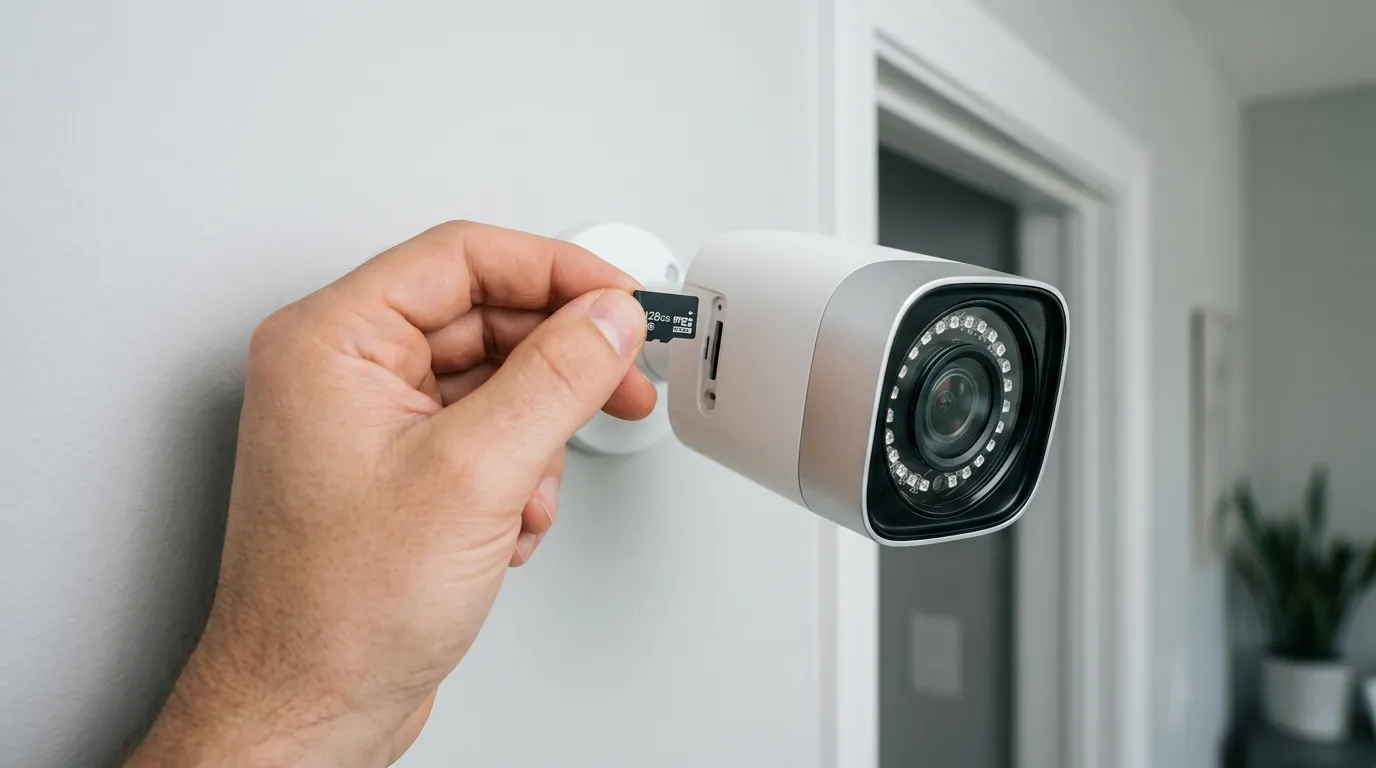
If you own a Reolink Doorbell PoE, especially if you’re experiencing issues, taking proactive steps can help resolve problems and ensure your security system is functioning optimally.
Identifying Your Firmware
The first step is to identify your current firmware version and hardware model. You can typically access this information through the Reolink Client software on your computer, via a web browser by navigating to your doorbell’s IP address, or through a connected Reolink NVR. Look for “System Information” or “Device Info” within the settings. Note down both the firmware version number and the hardware model (e.g., DB_566128M5MP_P).
Once you have this information, compare your firmware version against known issues, particularly the v3.0.0.6460 chime bug for V1 hardware.
Updating or Rolling Back Firmware Safely
If you are affected by the v3.0.0.6460 chime bug, a firmware downgrade to v3.0.0.4662_2508071283 has been reported as a successful fix by some users. Older firmware files can sometimes be found on Reolink’s Download Center or in community archives (though official sources are always preferred).
If you are on a very old or problematic firmware version (such as the reported v3.0.0.2033 with notification issues or v3.0.0.4662 with HDR problems), check the Reolink Download Center for a newer, stable release that specifically addresses these bugs.
Firmware updates or downgrades are typically performed manually. You will need to download the correct .pak file for your specific doorbell model and hardware version from the Reolink Download Center. Then, upload it via the Reolink Client software or the doorbell’s web interface. Always ensure you select the correct firmware file; flashing an incorrect firmware can render your device inoperable.
Seeking Official and Community Support
If you are unsure about which firmware to use, cannot find the correct file, or experience persistent issues after attempting an update or downgrade, contact Reolink’s official support team. They can provide specific guidance for your device and may offer beta firmware versions with fixes not yet publicly released.
Additionally, monitor community forums such as r/reolinkcam on Reddit. These platforms often provide real-time user experiences, workarounds, and announcements regarding new firmware releases or bug fixes from other users. Engaging with the community can offer valuable insights and peer support.
Frequently Asked Questions
How do I check my Reolink Doorbell PoE firmware version?
You can check your Reolink Doorbell PoE’s firmware version via the Reolink Client software on your computer, by logging into the doorbell’s web interface through its IP address, or through a connected Reolink NVR. Navigate to the “System Information” or “Device Info” section in the settings.
Can I downgrade my Reolink doorbell firmware?
Yes, it is often possible to downgrade Reolink doorbell firmware. This typically involves downloading an older .pak firmware file from the Reolink Download Center and uploading it manually through the Reolink Client or web interface. Ensure you select the correct firmware for your specific hardware model to avoid issues.
Does the Reolink Doorbell PoE require a subscription?
No, the Reolink Doorbell PoE does not require a subscription for its core functionalities, including local storage to a microSD card or a Reolink NVR. This allows users to store recordings without recurring monthly fees.
What are the main differences between the Reolink Doorbell PoE and WiFi versions?
The primary difference is the power and data connection. The PoE version uses a single Ethernet cable for both power and data, offering a very stable connection. The WiFi version connects to your home network wirelessly and typically requires a separate power source (e.g., existing doorbell wiring or a power adapter).
How does Reolink handle user data privacy?
Reolink emphasizes local storage options, meaning your video recordings can be kept entirely on a microSD card or NVR at your premises. For cloud services, Reolink states it uses AES-128 encryption for cloud storage and RSA-2048/HTTPS for data transmission, aiming to protect user data.
Sources
- reddit.com — Reolink Doorbell POE - No chime after firmware update 3.0.0.6460
- reddit.com — Reolink Doorbell PoE V1 (DB_566128M5MP_P) Firmware 3.0.0.6460_2605211898 - Chime not working
- reddit.com — Reolink WiFi Doorbell Firmware 3.0.0.2033_23041300 - Notifications not working
- reddit.com — Reolink WiFi Doorbell Firmware 3.0.0.4662_2508071282 - Night Vision HDR degradation
- reolink.com — Reolink Download Center
- reolink.com — Reolink Doorbell PoE Product Page
- reolink.com — Reolink WiFi Doorbell Product Page
- reolink.com — Reolink Support
- reolink.com — Reolink Privacy Policy
- reolink.com — Reolink Security & Privacy FAQs
- github.com — Reolink firmware versions and release notes
- reolink.com — Reolink NVR Features
- reddit.com — Reolink Doorbell PoE Unresponsive
- reolink.com — Reolink Doorbell Troubleshooting