
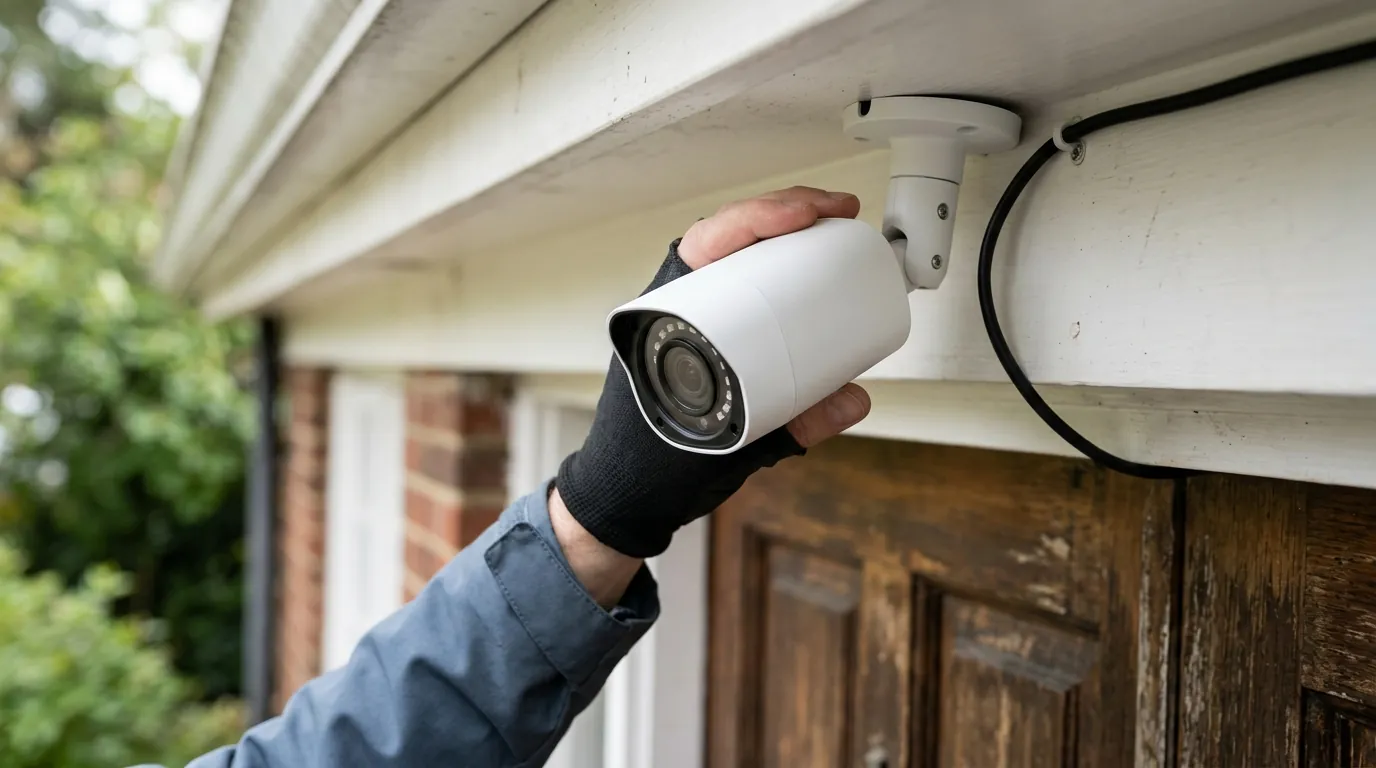
Reolink CVE-2026-57473 Advisory: Critical Home Hub Patch Released
Owners of Reolink Home Hubs and Smart 2K+ Video Doorbells should check their firmware versions immediately following a critical security advisory issued in mid-2026.
Quick Answer: Reolink released firmware v3.3.0.456 in mid-2026 to patch CVE-2026-57473, a critical Home Hub flaw allowing local credential theft. Owners of Home Hubs and 2K+ Video Doorbells should update immediately via the Reolink App.
What happened
Related: Wired vs. Wireless Security Cameras for Apartments: 2026 Guide · Lorex NVR Security Vulnerability CVE-2026-4012: Is Your Footage Safe? · Lorex NVR Firmware Security Patch: July 2026 Release Guide
In early 2026, security researchers identified a significant vulnerability within the ecosystem of Reolink’s local-storage management hardware. The primary concern, designated as CVE-2026-57473, centers on the “netclient” and “factory” services operating within the Reolink Home Hub. These services are responsible for managing communication between the central hub and connected Wi-Fi or PoE cameras.
The discovery prompted a wider audit of Reolink’s 2025 and 2026 product lines, revealing secondary vulnerabilities in the brand’s popular doorbell series. Reolink coordinated with security researchers to release a series of mandatory firmware updates throughout June and July 2026 to close these backdoors.
The Home Hub Credential Flaw (CVE-2026-57473)
CVE-2026-57473 is categorized as a critical local network vulnerability. Technically, the flaw exists because the Home Hub’s internal services do not properly rate-limit or encrypt certain administrative handshake requests on the local area network (LAN).
An attacker who has already gained access to the user’s Wi-Fi—perhaps through a less secure IoT device like a smart bulb or a compromised laptop—can launch a brute-force attack against the Home Hub. Because the “factory” service was left exposed, the attacker could programmatically guess administrative credentials without triggering a lockout. Once the credentials are breached, the attacker gains full control over the Hub, allowing them to view live feeds, delete recordings, or redirect video traffic to an external server.
Video Doorbell IDOR and Session Vulnerabilities
Alongside the Home Hub patch, Reolink addressed two vulnerabilities in the Smart 2K+ Video Doorbell series:
- CVE-2025-55626 (IDOR): An Insecure Direct Object Reference (IDOR) flaw allowed users with low-level access to manipulate URL parameters to view footage or settings belonging to other accounts if the device was linked to a shared Reolink Cloud account.
- CVE-2025-55631 (Session Management): This vulnerability involved “session fixation,” where an attacker could potentially hijack a valid user session because the device failed to invalidate old session tokens after a password change.
| Vulnerability ID | Affected Device | Severity | Primary Risk | Patch Version |
|---|---|---|---|---|
| CVE-2026-57473 | Reolink Home Hub | Critical | Local Credential Theft | v3.3.0.456 |
| CVE-2025-55626 | Smart 2K+ Doorbell | High | Unauthorized Data Access | v3.0.0.4662 |
| CVE-2025-55631 | Smart 2K+ Doorbell | Medium | Session Hijacking | v3.0.0.4662 |
| CVE-2025-55630 | RLC-410W / E1 | High | Command Injection | [Contact Support] |
Why it matters for buyers
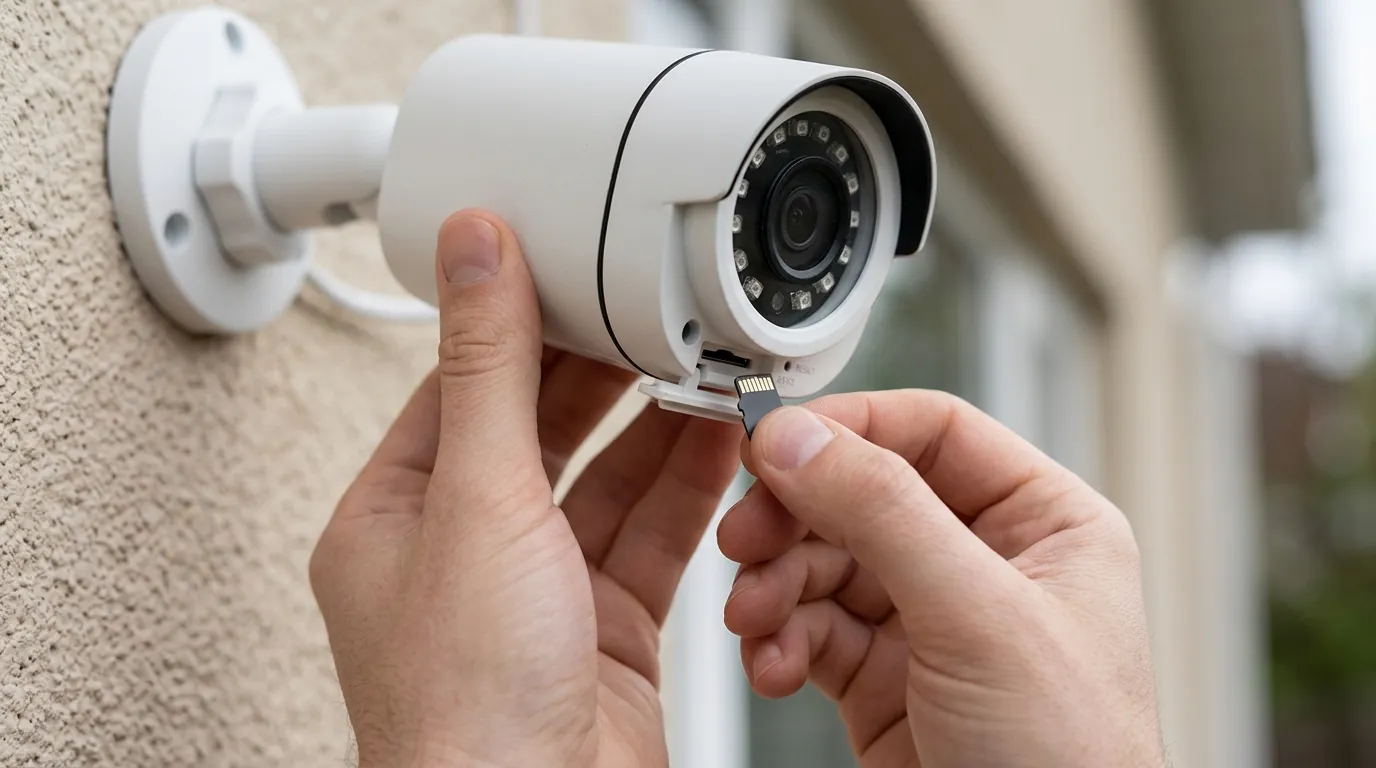
For the consumer security camera market, Reolink occupies a specific niche: the “no-subscription” alternative. While competitors like Ring and Arlo rely heavily on cloud-based security and encrypted off-site storage, Reolink users typically prioritize local storage (SD cards, Home Hubs, or NVRs).
This architectural choice changes the security profile of the system. When you move storage from the cloud to your hallway, the firmware of that local device becomes your primary line of defense.
The Trade-off of Local-First Surveillance
The appeal of local-first surveillance is privacy from the manufacturer and the avoidance of monthly fees. However, CVE-2026-57473 highlights the “lateral movement” risk. In a cloud-based system (like Google Nest), an attacker on your home Wi-Fi cannot easily jump from a smart plug to your camera feed because the camera only talks to a secure Google server.
In a local-first system, the Home Hub is a visible node on your network. If the Hub’s firmware has a flaw in its “netclient” service, any other compromised device in your home can “see” and attack the Hub directly. For buyers, this means that choosing a “private” local system actually requires more active maintenance (firmware updates) than a cloud system where the manufacturer patches the server-side vulnerabilities automatically.
Impact on Small Business vs. Residential Users
For residential users, the risk is primarily a privacy violation—an intruder viewing cameras or knowing when the house is empty. For small business owners using the Reolink Home Hub to manage up to 8 cameras, the risk is higher. A compromised Hub could allow an attacker to disable security feeds during a physical break-in or steal sensitive footage of POS (Point of Sale) terminals where customer PINs might be visible.
Local Storage Security vs. Cloud Security Risks
| Feature | Local Storage (Reolink Home Hub) | Cloud Storage (Ring/Arlo/Nest) |
|---|---|---|
| Data Privacy | High (Data stays on-premise) | Low (Third-party has access) |
| Monthly Cost | $0 | $100 - $200+ per year |
| Attack Vector | Local Network (Lateral Movement) | Account Takeover (Phishing/Cloud Breach) |
| Patching Responsibility | User (Must trigger firmware updates) | Manufacturer (Automatic server patches) |
| Internet Dependency | Low (Can record without WAN) | High (No internet = No recording) |
Impact on existing owners
The 2026 advisory specifically targets the Reolink Home Hub, a relatively new hardware category for the brand designed to bridge the gap between standalone Wi-Fi cameras and full-scale NVR (Network Video Recorder) systems.
Affected hardware
If you own any of the following devices, you are likely affected by the mid-2026 patch cycle:
- Reolink Home Hub: All hardware revisions (including the Home Hub Pro) running firmware versions prior to v3.3.0.456_26031911.
- Smart 2K+ Video Doorbell (Wi-Fi/PoE): Models running firmware older than v3.0.0.4662_2503122283.
- Legacy RLC-410W and E1 Series: These older units are subject to a separate critical flaw (CVE-2025-55630) involving command injection. Users of these legacy models should check the Reolink Download Center to see if their specific hardware version (e.g., IPC_513 or IPC_515) has a 2026 patch available.
Silent exploitation
A critical aspect of CVE-2026-57473 is that it is a “silent” vulnerability. Unlike a virus that might slow down your computer, a brute-force credential attack on a Home Hub provides no outward sign of failure. The Hub continues to record and the app continues to function normally. Without checking the device logs—which most consumer users never do—it is impossible to know if an unauthorized party has gained administrative access.
NVR Compatibility
It is important to distinguish between the Home Hub and the RLN8-410 or RLN16-410 NVRs. While the NVRs use similar software, the CVE-2026-57473 flaw is specific to the “netclient” implementation on the Home Hub hardware. If your cameras are plugged directly into the back of a PoE NVR, they are largely shielded from this specific Hub-based attack, though they still require regular firmware updates to protect against direct camera-level vulnerabilities.
What to do now
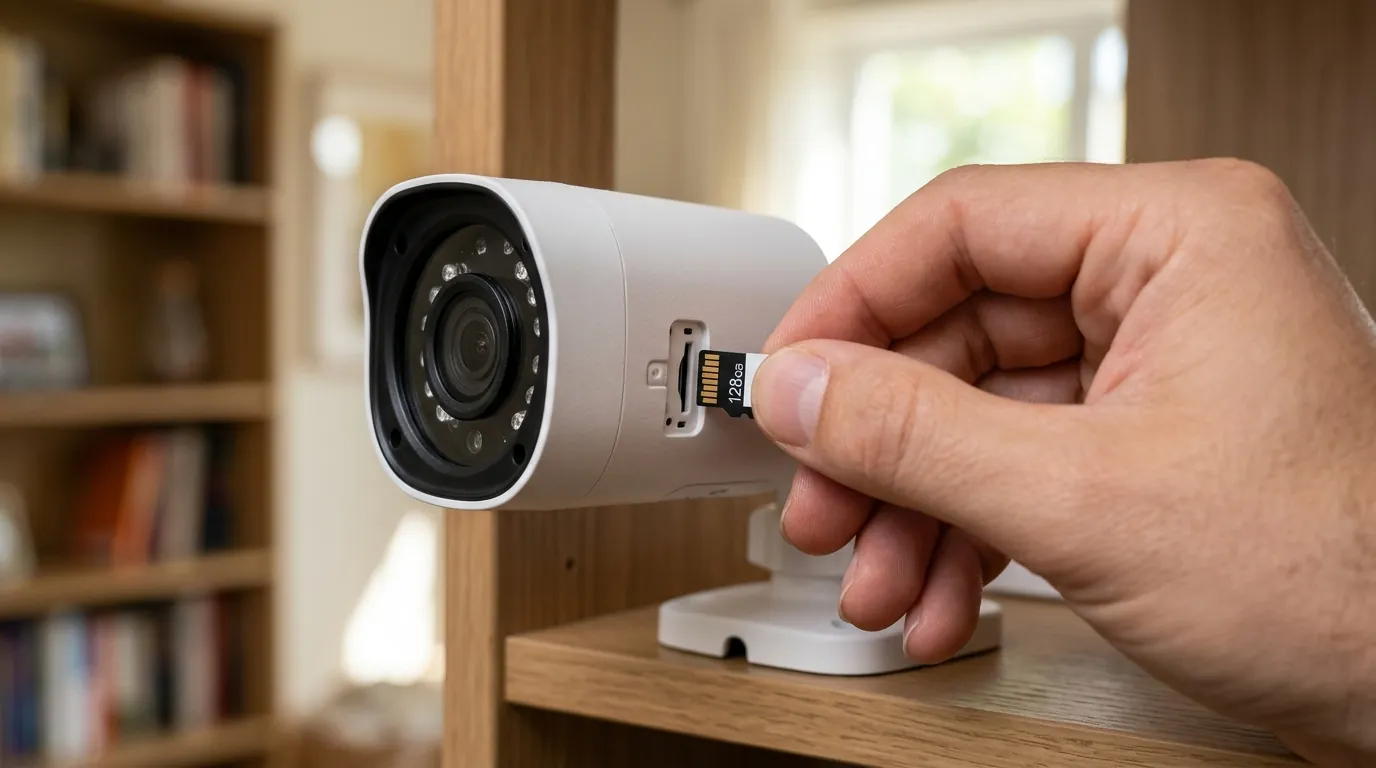
If you are currently using a Reolink Home Hub or a 2K+ Doorbell, follow these steps immediately to secure your environment.
Step-by-Step Firmware Update Guide
While the Reolink App offers an “Auto-Update” feature, it often lags behind the official release by several weeks. For security patches of this severity, a manual update is recommended.
- Identify your Hardware Version: Open the Reolink App, go to Device Settings > Device Info, and note your “Hardware Version” (e.g., H3MB18).
- Visit the Download Center: Go to the Official Reolink Download Center.
- Download the Firmware: Select your model and hardware version. Ensure the firmware version is v3.3.0.456 or higher for the Home Hub.
- Upload via Client: You must use the Reolink Desktop Client (Windows or Mac) to perform a manual update. Go to Settings > System > Maintenance > Upgrade.
- Verify: After the reboot, return to “Device Info” to ensure the build number matches the patch.
Securing Your Local Network Post-Patch
Patching the firmware closes the door, but if your credentials were already compromised, the attacker may still have your password.
- Credential Reset: Immediately change the admin password for your Home Hub. Use a unique, complex password that is not shared with any other account.
- VLAN Isolation: If your router supports it, move all security cameras and the Home Hub to a dedicated Virtual LAN (VLAN). This prevents a compromised “smart” device (like a Wi-Fi coffee maker) from being able to communicate with your security infrastructure.
- Disable UPnP: Ensure Universal Plug and Play (UPnP) is disabled on your router. This prevents the Home Hub from automatically opening ports to the wider internet, which could expose these local vulnerabilities to global scanners.
When to Replace vs. When to Patch
For most users, the v3.3.0.456 patch is sufficient to mitigate the current risks. However, if you are using legacy hardware like the original RLC-410W or early E1 models, you may find that Reolink has ceased issuing firmware updates for your specific hardware revision.
Decision Framework: Should You Upgrade?
| If you are a… | And you own… | Recommendation |
|---|---|---|
| Renter | Smart 2K+ Wi-Fi Doorbell | Patch. The hardware is current and the fix is robust. |
| Homeowner | Home Hub + 4-6 Wi-Fi Cameras | Patch & Isolate. Use a guest network or VLAN to add a layer of safety. |
| Small Business | Legacy RLC-410W Cameras | Replace. Older hardware lacks the processing power for modern encryption standards. |
| High-Security User | Any Hub-based system | Transition to PoE. Move to a wired RLC-811A system with a dedicated NVR for better isolation. |
Total Cost of Ownership (3-Year Projection)
When deciding whether to stick with Reolink and manage these patches or switch to a subscription-based brand, consider the 3-year Total Cost of Ownership (TCO).
- Reolink RLC-811A (4K PoE): Hardware cost is around $100. Over three years, with zero subscription fees and a $50 high-end microSD card or shared Home Hub, the total cost remains around $150 per camera.
- Subscription Competitor (e.g., Ring/Arlo): Hardware cost is around $100-$150. A basic subscription for one camera is roughly $5/month ($180 over 3 years). The total cost scales to $280 - $330 per camera.
The “price” of the Reolink savings is the “labor” of security management. You save $150 per camera, but you must take responsibility for applying firmware patches like the CVE-2026-57473 advisory.
Commercial Recommendation
For users with unpatchable older units or those who want to move away from the Hub-based architecture, the Reolink RLC-811A (available in the $100 range) remains a top recommendation. It offers 4K resolution, 5x optical zoom, and—most importantly—on-device AI processing. By processing motion alerts on the camera itself rather than sending them to a Hub or the cloud, it reduces the “attack surface” of your security system.
Frequently Asked Questions
How do I know if my Reolink camera was hacked?
There is rarely a visible sign. If an attacker exploited CVE-2026-57473, they would have administrative access to your Hub. Signs to look for in the Reolink App logs (if available) include logins from unfamiliar IP addresses or “System Reboot” commands that you did not initiate. The safest assumption is that if you were running old firmware, you should update and change your password immediately.
Does this vulnerability affect cameras using Reolink Cloud?
The Home Hub vulnerability (CVE-2026-57473) is a local network flaw, meaning it affects how the device sits on your home Wi-Fi. It is independent of the Cloud. However, the Doorbell IDOR vulnerability (CVE-2025-55626) specifically affected how data was accessed via the Cloud interface. Both require the latest firmware to be fully resolved.
Can I use Reolink cameras without the internet to stay safe?
Yes. One of Reolink’s strengths is that many of its cameras and NVRs can function on a completely “air-gapped” network (no internet access). If the Home Hub has no internet connection, it cannot be attacked from the outside, and it cannot leak data to the cloud. However, it can still be attacked by other compromised devices on your local network unless you have implemented VLAN isolation.
Sources
- Reolink Security Center
- MITRE CVE Database (CVE-2026-57473) — https://cve.mitre.org/cgi-bin/cvename.cgi?name=CVE-2026-57473
- Reolink Firmware Download Center
- Reolink Privacy Policy & Data Handling (2026) — https://reolink.com/privacy-policy/
- FCC ID Filing for Home Hub (RF/Wi-Fi Specs) — https://apps.fcc.gov/oetcf/eas/reports/GenericSearch.cfm (Search Grantee Code: 2AYHE)