
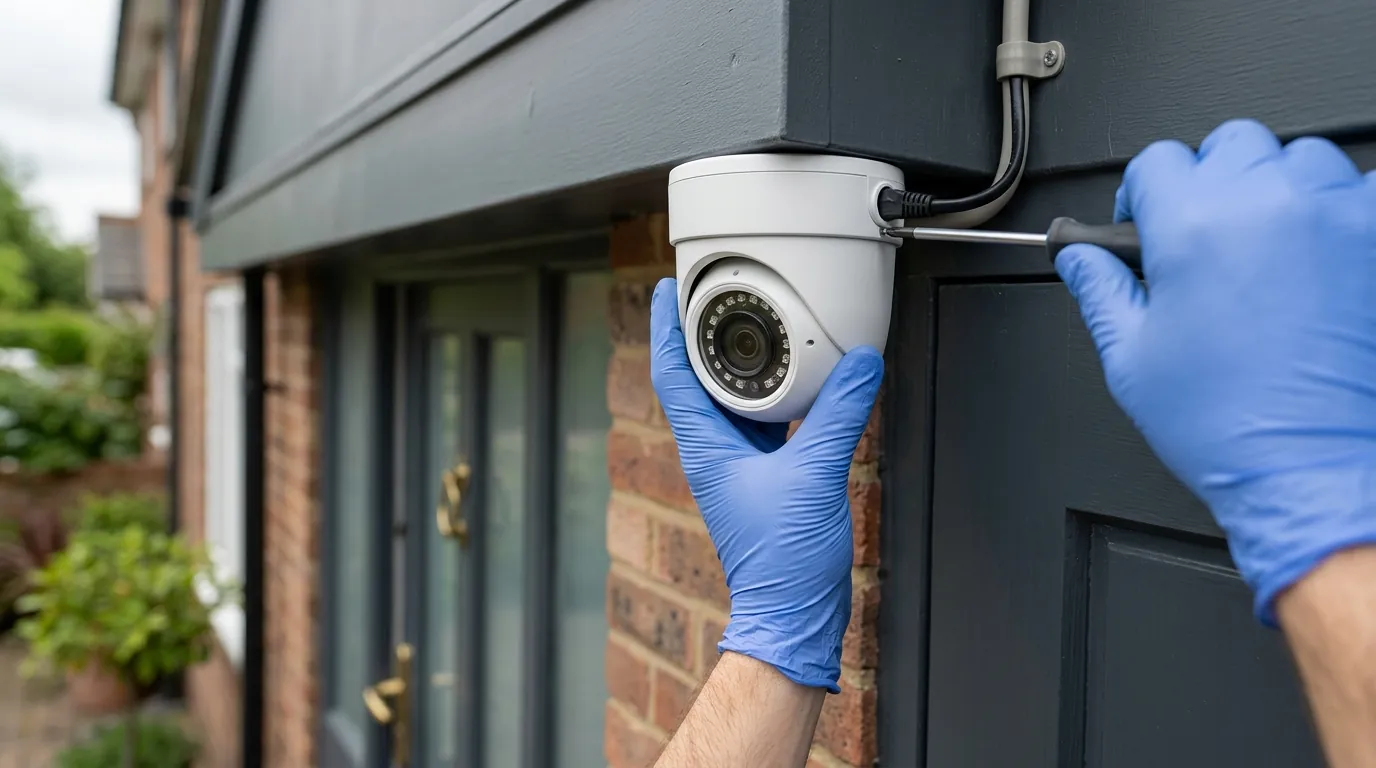
Reolink Camera Chime & Motion Alerts: 2026 Setup Guide
Keeping a close watch on your property requires a security camera system that not only detects activity but also alerts you effectively. Reolink cameras and doorbells offer extensive customization for chime settings and motion alerts, primarily managed through the Reolink App, Client, NVR, or web browser, with advanced AI detection features for person, vehicle, and package recognition to minimize false alarms and provide subscription-free local storage.
What happened
Related: Ring Camera Motion & Streaming Issues: What Buyers Need to Know (July · Eufy Security Motion Push Notifications: Understanding Recent Failures · Eufy Security & Home Assistant: Latest Integration Issues (June 2026)
Reolink has continued to advance its AI-powered smart detection capabilities in 2025-2026, introducing new ReoNeura™ AI features and the Reolink AI Box for enhanced local processing, impacting how motion is detected and alerts are generated across its product lines. These advancements aim to deliver more precise and relevant notifications to users. There have been continuous refinements in motion detection algorithms and customization options across various Reolink camera types, including Power over Ethernet (PoE), Wi-Fi, and battery-powered models, leading to more accurate and efficient alerts.
The expansion of Reolink’s doorbell camera lineup, such as the Video Doorbell Battery, PoE, and WiFi versions, has brought integrated chime systems with more flexible alert options and compatibility considerations. This provides users with diverse choices depending on their power and connectivity needs. Users frequently seek guidance on optimizing diverse chime and motion alert settings across Reolink’s various platforms, including the Reolink App, Client, NVR, and web browser, highlighting an ongoing need for clear configuration instructions.
Why it matters for buyers
Reolink’s commitment to subscription-free advanced detection, utilizing on-device AI for person, vehicle, and package detection, eliminates recurring monthly fees, a significant advantage for budget-conscious consumers. This means that advanced features, often paywalled by competitors, are available without additional cost. Customizable sensitivity, object size filters, and definable detection zones drastically reduce false alarms caused by irrelevant movements like pets or swaying trees, ensuring users receive only meaningful notifications.
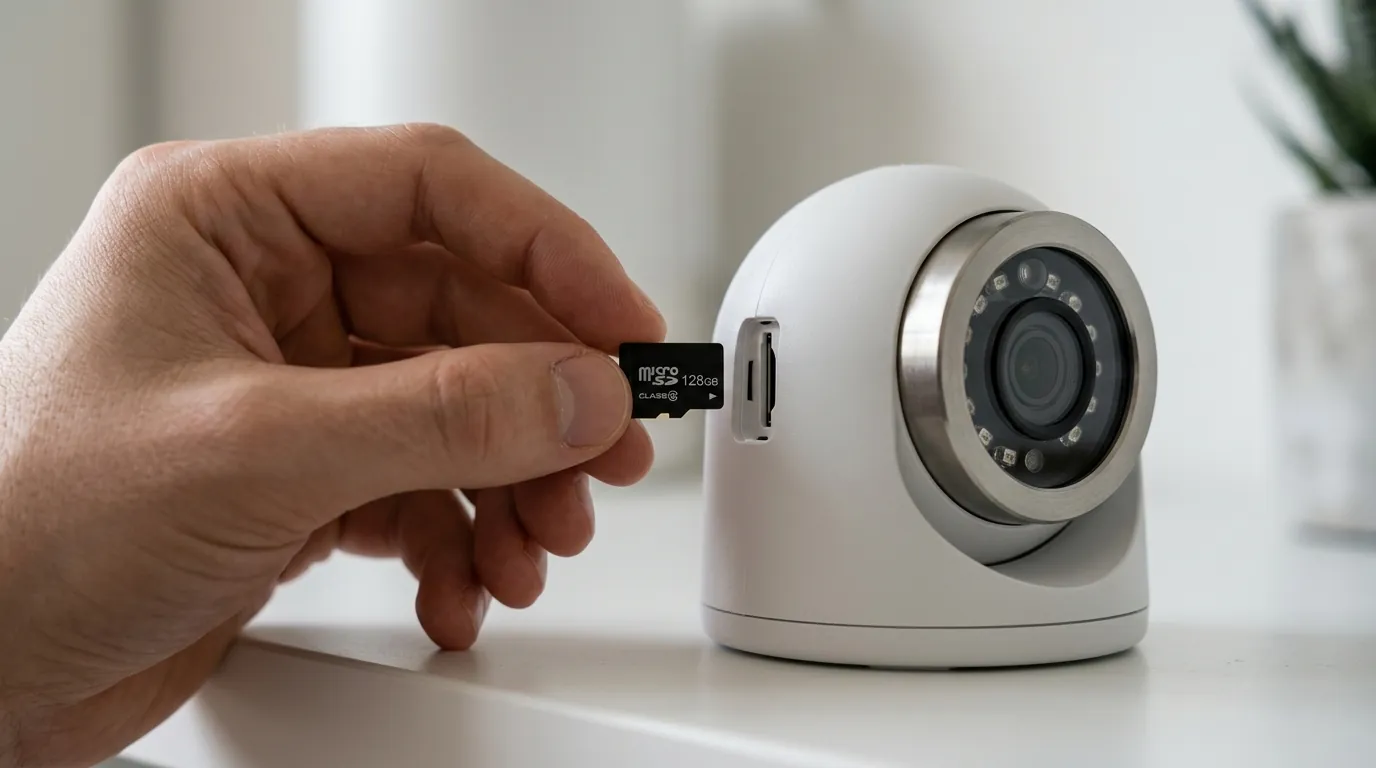
The ability to tailor alert types (push notifications, email, siren, NVR buzzer) and set specific schedules for different detection events provides granular control over security monitoring. This allows users to receive alerts only when and how they prefer. Enhanced home security is provided through flexible local storage options, including microSD cards and Network Video Recorders (NVRs), ensuring video footage remains private and accessible without reliance on cloud services. Reolink offers flexible chime options, including its dedicated wireless chimes and compatibility with many existing wired mechanical or digital doorbells, providing comprehensive visitor alerts throughout the home.
Comparison Chart: Reolink vs. Subscription-Based Competitors
| Feature/Cost | Reolink (Typical) | Ring (Typical) | Nest (Typical) | Arlo (Typical) |
|---|---|---|---|---|
| AI Detection Features (Person/Vehicle/Package) | Included (on-device) | Subscription Required | Subscription Required | Subscription Required |
| Monthly Subscription Cost for AI Alerts | $0 | Around $4-10 | Around $6-12 | Around $5-15 |
| Local Storage Options | microSD card, NVR | Limited/None on most models | Limited/None on most models | Limited/None on most models |
| Cloud Storage Option | Yes (optional, paid) | Yes (paid, included with subscription) | Yes (paid, included with subscription) | Yes (paid, included with subscription) |
Impact on existing owners
Existing Reolink camera owners, particularly those with newer AI-enabled models, benefit from continuous firmware updates that refine detection accuracy, introduce new features, and improve overall system performance. These updates are crucial for maintaining optimal security. Owners may need to periodically review and adjust their motion detection sensitivity, detection zones, and alert schedules, especially after significant firmware updates or when integrating new AI-enabled devices into their setup.
Understanding chime compatibility is crucial for doorbell owners, as newer Reolink doorbell versions may have specific chime compatibility requirements or offer enhanced integration with existing wired chimes. Owners of older, non-AI Reolink cameras can potentially leverage the new Reolink AI Box, an independent hub, to upgrade their system with advanced local AI processing capabilities. This extends the life and functionality of their existing hardware. Reolink’s consistent emphasis on local data processing and user control over privacy settings ensures that existing owners continue to benefit from a security system that prioritizes their data privacy.
Table: Common Reolink Camera Series and Their Typical Motion/Chime Features
| Reolink Series | Typical Motion Detection Features | Typical Chime/Audio Features | Power Type (Common) | Local Storage (Common) |
|---|---|---|---|---|
| RLC Series (e.g., RLC-811A, RLC-510A) | Person/Vehicle Detection, Customizable Zones, Sensitivity, Object Size | Two-way audio, Siren, NVR Buzzer | PoE, DC 12V | MicroSD, NVR |
| Argus Series (e.g., Argus 3 Pro, Argus 4 Pro) | Person/Vehicle Detection, Customizable Zones, Sensitivity, Object Size | Two-way audio, Siren | Battery, Solar Panel | MicroSD |
| E Series (e.g., E1 Outdoor, E1 Zoom) | Person/Pet Detection, Customizable Zones, Sensitivity | Two-way audio, Siren | DC 5V (USB) | MicroSD, NVR |
| Video Doorbell (WiFi/PoE/Battery) | Person/Vehicle/Package Detection, Customizable Zones, Sensitivity | Built-in speaker, Dedicated Wireless Chime, Wired Chime Compatibility (8-24VAC) | PoE, AC 8-24V, Battery | MicroSD, NVR |
What to do now
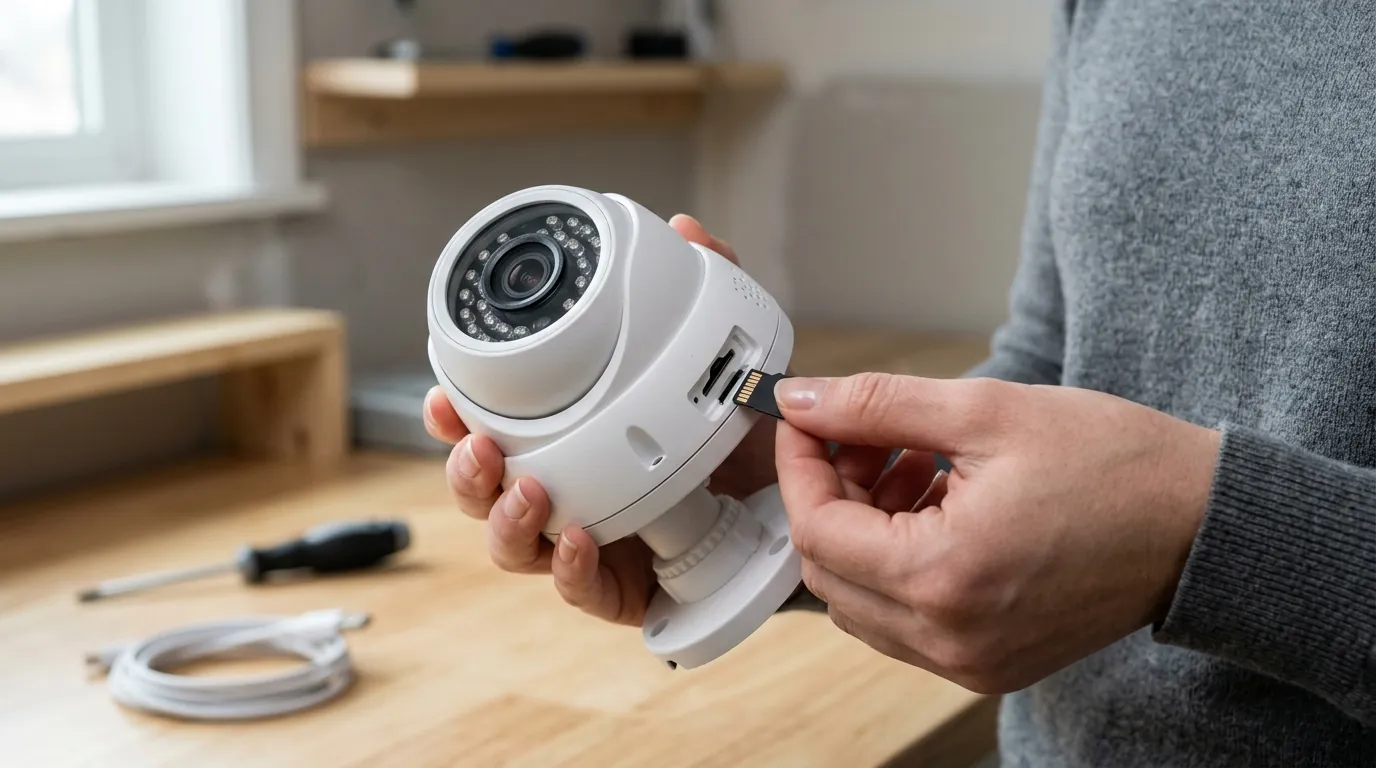
To get the most out of your Reolink security system, proactive management of settings and regular updates are key. Regularly check for and install the latest firmware updates via the Reolink App, Client, or NVR to ensure access to the newest features, security enhancements, and performance improvements.
Optimize motion detection settings by adjusting sensitivity (typically a slider from 1-50 or 1-100) based on your environment and desired alert frequency to prevent missed events or excessive notifications. Define precise detection zones to exclude areas prone to false alarms, such as public sidewalks or swaying foliage, focusing the camera’s attention on critical areas. Configure object size filters for smart detection (person, vehicle, pet) to ensure the camera only triggers alerts for relevant subjects, further reducing unwanted notifications. Set up customized alert schedules to activate specific detection types and notification methods (e.g., push, email, siren) during different times of the day or week, aligning with your security needs.
For Reolink doorbells, ensure proper chime pairing (if not pre-paired) and adjust the chime volume (five levels available) and select from the ten available ringtones via the Reolink App, Client, NVR, or web browser. If using a Reolink battery doorbell with an existing wired chime, verify compatibility and ensure your doorbell transformer meets the specified voltage (8-24 VAC) and current (5-40VA) requirements for proper operation. Explore advanced alert options, including NVR buzzer sounds and camera sirens, to create a multi-layered alert system that responds effectively to detected motion. Review Reolink’s privacy policy and utilize privacy mask features to blur out sensitive areas within the camera’s field of view, enhancing personal privacy.
Updating Your Reolink Firmware
Keeping your Reolink devices updated is crucial for both security and functionality. Firmware updates often introduce new features, improve detection algorithms, and patch security vulnerabilities. You can typically check for and install updates directly through the Reolink App on your smartphone, the Reolink Client software on your computer, or through the web interface if your camera supports it. Always ensure a stable internet connection and sufficient power before initiating a firmware update to prevent interruptions.
Optimizing Motion Detection for Fewer False Alarms
To minimize false alarms, carefully configure your camera’s motion detection settings. Start by adjusting the sensitivity level; a lower sensitivity can reduce triggers from minor movements like leaves or small animals, while a higher setting ensures even subtle activity is caught. Next, define specific motion detection zones, focusing on critical areas and excluding busy public spaces or areas with constant, irrelevant motion. Utilize the smart detection features (person, vehicle, pet detection) to filter out unwanted alerts, ensuring you only receive notifications for significant events.
Configuring Your Reolink Doorbell Chime
Reolink doorbells offer versatile chime options. If you have a dedicated Reolink wireless chime, ensure it is properly paired with your doorbell camera, which can usually be done through the Reolink App. Within the app, you can customize the chime’s volume across five levels and choose from ten different ringtones to suit your preference. For those with existing wired mechanical or digital chimes, verify that your doorbell transformer provides the necessary 8-24 VAC (Volts alternating current) and 5-40VA (Volt-amperes) power to ensure proper integration and functionality.
Leveraging Advanced Alert Options
Beyond standard push notifications, Reolink provides several advanced alert options to enhance your security response. Many cameras feature built-in sirens that can be triggered automatically upon detection or manually through the app, serving as a deterrent. If your camera is connected to a Reolink NVR, you can configure the NVR to emit a buzzer sound when motion is detected, providing an audible alert even if your phone is not nearby. Email alerts with snapshots or video clips can also be set up for a comprehensive notification system.
Reviewing Privacy Settings and Detection Zones
Regularly reviewing your camera’s privacy settings and detection zones is vital for maintaining personal privacy and effective monitoring. Utilize privacy mask features to block out specific areas within the camera’s field of view that you do not wish to record, such as a neighbor’s window or public property. Ensure your detection zones are precisely drawn to focus on areas relevant to your security, avoiding unnecessary surveillance of public spaces. This balance helps ensure you capture critical events while respecting privacy.
Decision Framework: Choosing and Configuring Reolink Alerts
When setting up or purchasing a Reolink camera, your specific needs will dictate the best approach to chime and motion alert configuration.
- If you’re a renter concerned about easy installation and portability: Prioritize battery-powered cameras (like the Argus series) with built-in sirens and push notifications. Ensure you understand the Reolink App’s scheduling features to manage alerts without disturbing neighbors.
- If you’re a homeowner seeking robust, continuous recording and advanced AI: Prioritize PoE or wired Wi-Fi cameras (RLC series) connected to an NVR. Leverage the NVR’s advanced detection features, buzzer alerts, and extensive local storage. Focus on fine-tuning detection zones and object filters for precision.
- If you need a reliable video doorbell with flexible chime options: Prioritize the Reolink Video Doorbell (PoE or Battery, depending on wiring). If you have existing wiring, verify transformer compatibility for your wired chime. Otherwise, plan to use the dedicated Reolink wireless chime and customize its volume and ringtones.
- If you have an older Reolink system and want AI capabilities without buying new cameras: Prioritize investigating the Reolink AI Box to add intelligent detection features to your existing non-AI cameras.
- If you prioritize absolute privacy and local control: Prioritize cameras with microSD card slots and NVR compatibility. Ensure cloud storage is optional or disabled, and make full use of privacy masks to avoid recording sensitive areas.
Total Cost of Ownership (TCO) for Reolink Cameras
Understanding the 3-year Total Cost of Ownership (TCO) is crucial when investing in a security camera system. Reolink generally offers a highly competitive TCO due to its emphasis on subscription-free features and local storage.
Hardware Cost:
- Cameras: Reolink camera prices typically range from around $50 for basic indoor models to over $200 for advanced outdoor PTZ or 4K models. Doorbell cameras are often in the $80-120 range.
- NVR (Optional): An NVR for multiple cameras can cost in the $150-300 range, depending on channels and storage capacity.
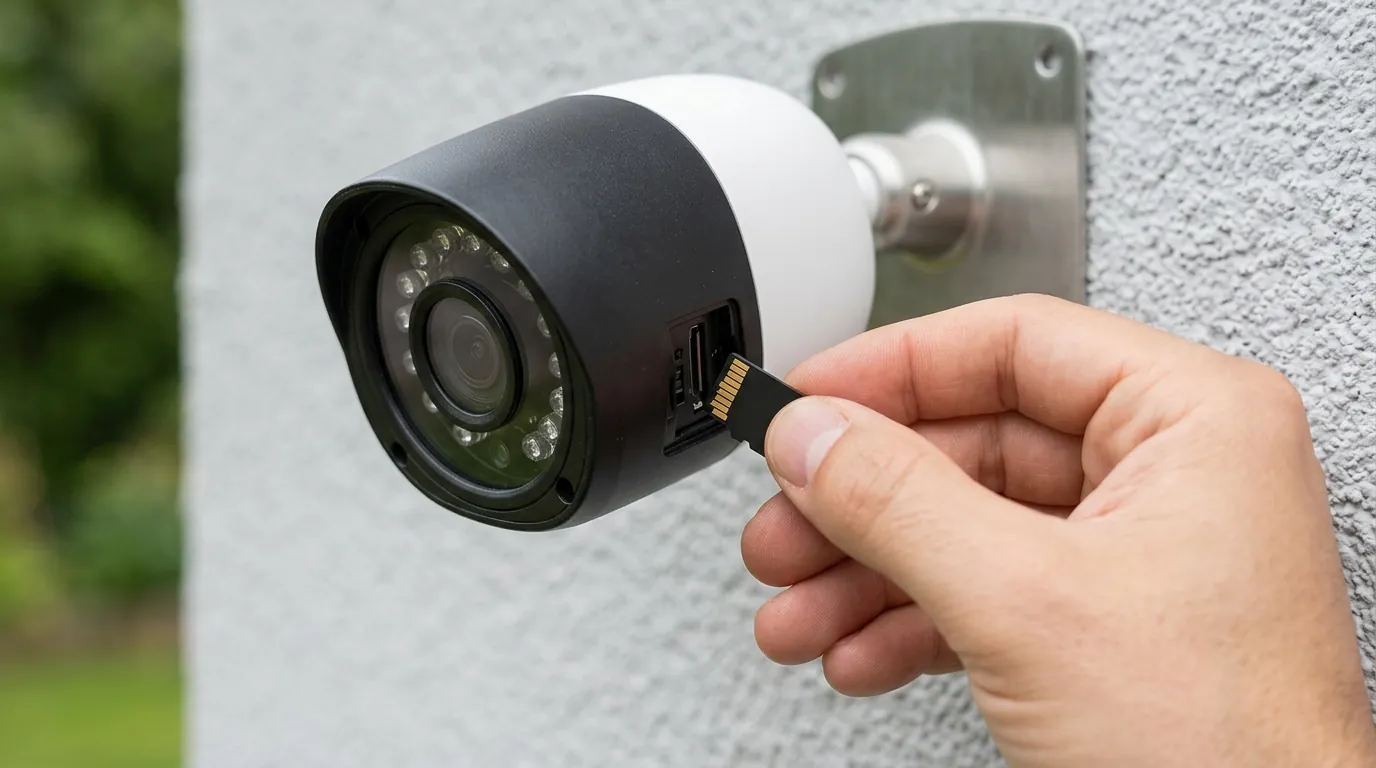
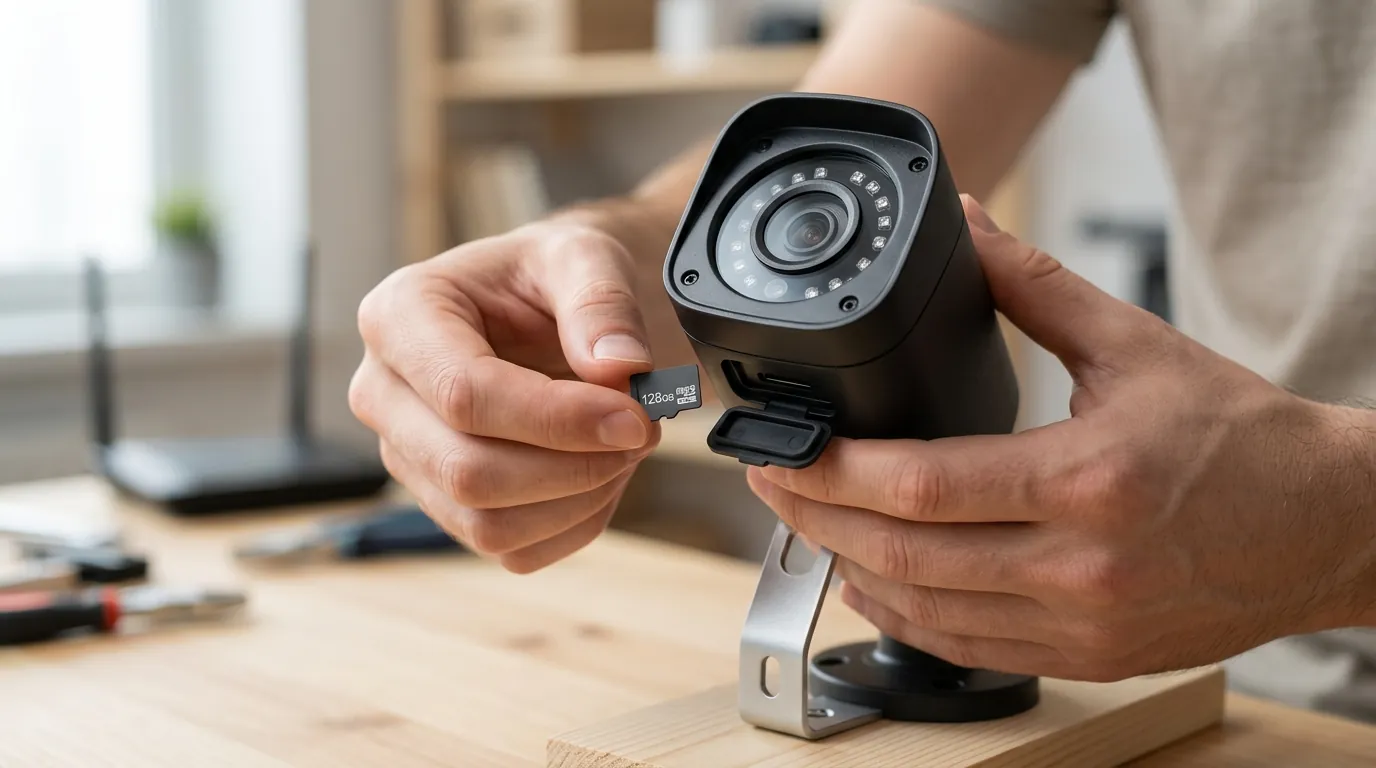
- MicroSD Cards (Optional): High-endurance microSD cards (32GB-256GB) can add $15-50 per camera.
- Accessories: Solar panels (for battery cameras) around $30-50, dedicated wireless chimes around $20-30.
Subscription & Cloud Storage Fees:
- AI Detection: $0 (included with compatible cameras)
- Local Storage: $0 (using microSD or NVR)
- Cloud Storage (Optional): Reolink offers optional cloud plans. For a single camera, a basic plan might be around $3-5 per month, or around $30-50 annually. For multiple cameras or extended history, costs increase. However, this is entirely optional for most users due to robust local storage.
Feature Paywall Trap: Unlike many competitors, Reolink largely avoids the “feature paywall” trap. Core features like person/vehicle/package detection, customizable motion zones, and push notifications are typically included with the camera purchase, without requiring a monthly subscription. This significantly reduces long-term costs compared to brands that lock these essential features behind recurring fees.
Estimated 3-Year TCO Example (for a single AI-enabled outdoor camera with microSD):
- Hardware: Around $100-180 (camera + microSD card)
- Subscription/Cloud: $0 (if relying solely on local storage) or around $90-150 (if opting for a basic cloud plan for 3 years)
- Total 3-Year TCO: Approximately $100-330
This contrasts sharply with many competitors where a similar setup could incur $150-$300+ in subscription fees alone over three years, in addition to the hardware cost.
Frequently Asked Questions
How do I stop getting so many false alarms from my Reolink camera?
To reduce false alarms, access your camera’s settings in the Reolink App or Client. Adjust the motion detection sensitivity to a lower level, define specific detection zones to exclude areas with irrelevant movement (like trees or public sidewalks), and enable smart detection filters for persons, vehicles, or pets to ignore other types of motion.
Can I use my existing wired doorbell chime with a Reolink video doorbell?
Yes, many Reolink wired video doorbells are compatible with existing mechanical or digital chimes. You will need to ensure your doorbell transformer provides power within the specified range, typically 8-24 VAC and 5-40VA. The Reolink App will guide you through the setup and chime type selection.
Do Reolink cameras require a subscription for motion alerts?
No, Reolink cameras generally do not require a subscription for basic motion alerts or advanced AI-powered smart detection (person, vehicle, package). These features are typically processed on-device, allowing for subscription-free alerts and local video storage via microSD card or NVR.
How do I adjust the volume or change the ringtone of my Reolink chime?
For dedicated Reolink wireless chimes, you can adjust the volume (usually five levels) and select from ten different ringtones directly through the Reolink App. Navigate to your doorbell’s settings and look for the “Chime Settings” or similar option to customize these preferences.
What is the Reolink AI Box and how does it help with motion detection?
The Reolink AI Box is an independent device designed to bring advanced local AI processing capabilities (like person/vehicle detection) to older Reolink cameras that do not have these features built-in. It acts as a hub, processing video streams locally to generate more intelligent and accurate motion alerts without needing cloud subscriptions.
Sources
- Reolink.com — https://reolink.com/
- Ring.com — https://ring.com/
- Store.google.com — https://store.google.com/
- Arlo.com — https://www.arlo.com/