
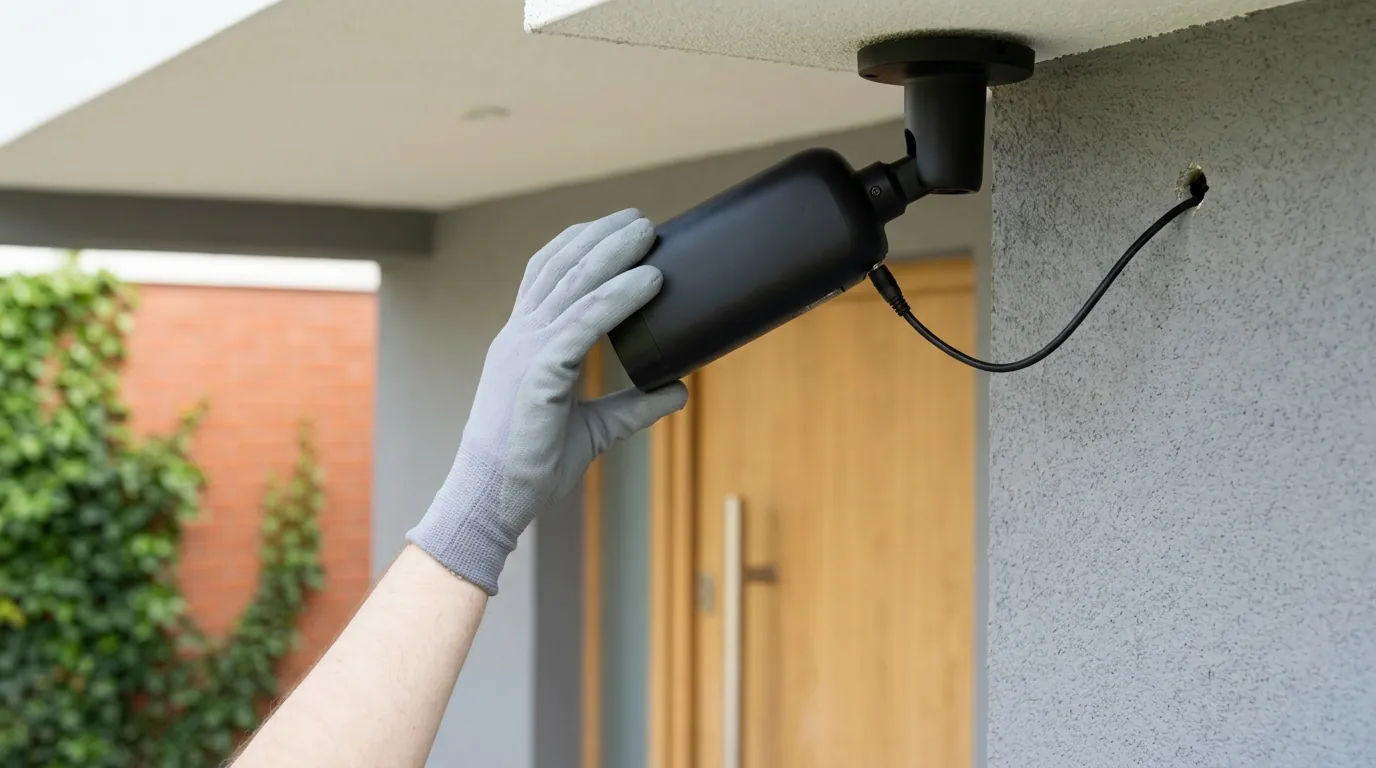
Reolink Battery Doorbell Wake Capture Not Working? 2026 Fixes
A missed visitor or a delivery driver’s departing back is more than an inconvenience—it is a failure of the primary security function of a video doorbell.
Quick Answer: Reolink battery doorbell wake issues are usually caused by PIR sensitivity settings (set to 80+), outdated firmware (ensure v3.0.0.6xxx or later), or a ‘head-on’ mounting angle. For instant capture, adjust the camera to face side-to-side traffic.
Camera Category: Doorbell Search Intent: Informational
The symptom
Related: eufy Doorbell HomeKit Integration Not Working? 2026 Fix Guide · Ring Doorbell Alexa Integration Not Working? 2026 Fix Guide · Fix eufy E340 Doorbell Livestream Errors: 2026 Troubleshooting
The most frustrating aspect of a battery-powered security device is the “ghost” recording—a video clip that triggers too late to capture the actual event. As of August 2026, Reolink users, particularly those with the Gen 2 4K/5MP models, have reported a specific set of behaviors where the doorbell technically “works” but fails to provide actionable security footage.
The most common symptoms include:
- ‘Tail-end’ Capture: The recording begins only after the visitor has finished ringing the bell or is already walking away from the door. You see the back of a head rather than a face.
- Total Misses: Fast-moving delivery drivers who drop a package and leave within 3 to 5 seconds often fail to trigger a recording at all, even with “Person Detection” enabled.
- Notification Latency: You receive a push notification on your smartphone 5 to 10 seconds after the event. By the time you open the “Live View,” the porch is empty.
- Thumbnail Discrepancies: The “Event History” in the Reolink App may show a rich thumbnail of a person, but when you click to play the video, the clip is missing, corrupted, or starts several seconds after the thumbnail image was captured.
The ‘Back of the Head’ Problem
This is a classic symptom of PIR (Passive Infrared) latency. According to Reolink’s technical documentation, the sensor requires a specific amount of heat-signature movement to trigger the “wake” command to the camera’s processor. If the subject is moving quickly or the camera is poorly positioned, the 0.8-second internal wake-up time, combined with network handshake delays, results in the camera recording only the final moments of the encounter.
Notification vs. Recording Lag
It is important to distinguish between the time it takes the camera to start recording and the time it takes to notify your phone. Recording is a local process (to the SD card or Home Hub), while notifications must travel through Reolink’s cloud servers. If the recording itself is starting late, the issue is hardware or firmware-based; if only the notification is late, the issue is likely network or server-related.
[Image Description: A Reolink Battery Doorbell Gen 2 mounted on a brick wall at a 15-degree angle, overlooking a porch walkway where a delivery person is approaching from the side.]
What’s likely happening
To understand why your Reolink doorbell is missing the action, you must understand the trade-offs of battery-powered security. Unlike wired doorbells that are “always on,” battery models exist in a state of “Deep Sleep” to preserve power.
PIR Sensor Physics
The Reolink Battery Doorbell uses a PIR sensor to detect motion. This sensor does not “see” pixels; it detects changes in infrared radiation (heat). PIR sensors are most effective when a heat source moves across their field of view (side-to-side).
When a visitor walks directly toward the camera (head-on), the change in infrared energy across the sensor’s “zones” is minimal. The sensor may not realize there is a person present until they are within 3 to 5 feet of the lens. By the time the PIR sensor triggers the CPU to wake up, the person may already be turning to leave.
The Wi-Fi Handshake Bottleneck
Once the PIR sensor wakes the camera, the device must re-establish its connection with your Wi-Fi router to send a notification or stream to a Reolink Home Hub setup. This “handshake” can take anywhere from 1 to 3 seconds depending on your router’s DHCP settings and signal strength (RSSI). If your Wi-Fi environment is congested, this delay compounds the PIR latency, leading to a total “wake-to-record” time of over 4 seconds—an eternity in a security context.
2026 Gen 2 Sync Issues
Community logs from the borexola/neolink.net GitHub project and Reolink beta forums indicate that 2025/2026 “Gen 2” models (which support 4K resolution) have higher power demands than previous 2K models. When these cameras are synced with a Reolink Home Hub, there is an additional synchronization step where the camera must “check in” with the Hub before the recording is finalized. Firmware bugs in early 2026 versions caused this check-in to delay the SD card write process.
| Component | Wake Latency (Ideal) | Wake Latency (Poor Conditions) |
|---|---|---|
| PIR Sensor Trigger | 0.2 Seconds | 1.5 Seconds (Head-on movement) |
| CPU Wake/Boot | 0.6 Seconds | 1.0 Seconds |
| Wi-Fi Handshake | 0.5 Seconds | 3.0+ Seconds (Low RSSI) |
| Total Capture Lag | 1.3 Seconds | 5.5+ Seconds |
Quick fixes (in order of likelihood)
Before dismantling your mounting hardware, software optimizations can often shave seconds off the capture delay.
Optimizing PIR Sensitivity
The default sensitivity for Reolink battery devices is often set to 60 or 70 to prevent false alarms from swaying trees. However, for a doorbell, this is often too low.
- Open the Reolink App.
- Go to Settings > Alarm Settings > PIR Sensor.
- Increase the sensitivity to 80-100.
- Use the Detection Zone feature to mask out the street or sidewalk, ensuring the sensor only looks at your actual porch area. This allows you to run high sensitivity without constant false alerts from passing cars.
Firmware v3.0.0.6xxx Updates
Reolink released a critical update in April 2026 specifically targeting wake-up latency for Gen 2 battery doorbells. Ensure your device is updated to the following versions or later:
- Gen 2 Battery Doorbell: v3.0.0.6304_26041428 (Released 2026-04-14)
- Reolink Home Hub (if using): v3.3.0.466_26040850 (Released 2026-04-08)
- Gen 1 Battery Doorbell: v3.0.0.3215_2401262240 (Verified stable build)
If your app says “Already the latest version,” double-check the Reolink Download Center manually, as the auto-update feature in the app often lags behind official releases by several weeks.
Adjusting Detection Zones
In the “Alarm Settings,” ensure your “Person” detection zone covers the entire approach path. If you have narrowed the zone to only the area immediately in front of the door, the camera won’t begin its wake-up sequence until the visitor is already in that small box. Expanding the zone to the edge of the camera’s view gives the PIR sensor a “head start” on waking the CPU.
Deeper diagnostics
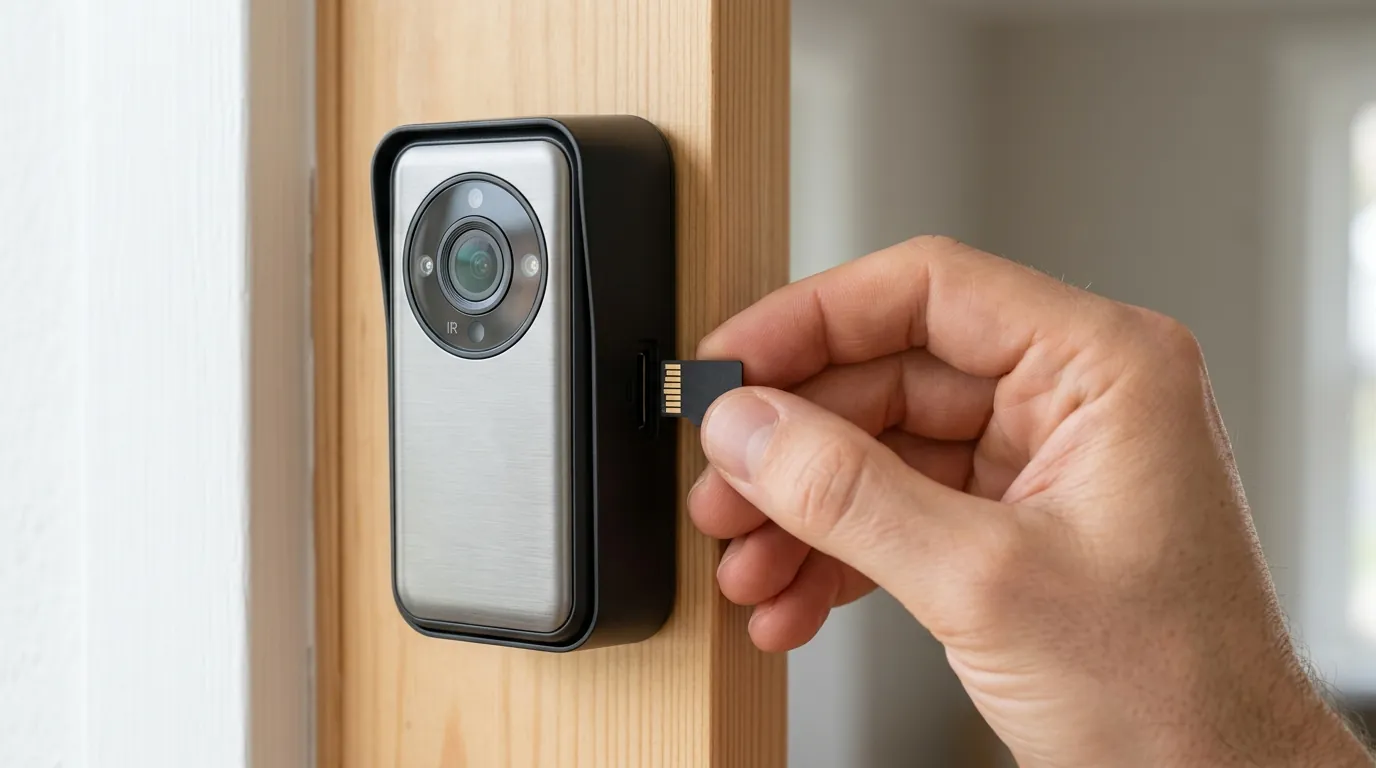
If sensitivity and firmware updates don’t resolve the lag, the issue is likely environmental or related to your storage hardware.
Network Latency & RSSI
A battery camera requires a robust Wi-Fi connection to “talk” to the network quickly upon waking.
- Check your RSSI (Received Signal Strength Indicator) in the Reolink App under Network Information.
- -30dBm to -50dBm: Excellent.
- -60dBm to -70dBm: Marginal; this will cause wake-up lag.
- Below -70dBm: Unusable for reliable capture.
If your RSSI is poor, the camera spends precious seconds re-transmitting data packets. Consider a Wi-Fi extender or moving your router closer to the front door. Additionally, assigning a Static IP to the doorbell in your router’s settings can bypass the DHCP negotiation phase, potentially saving 0.5 to 1 second of wake time.
SD Card Write Speed Lag
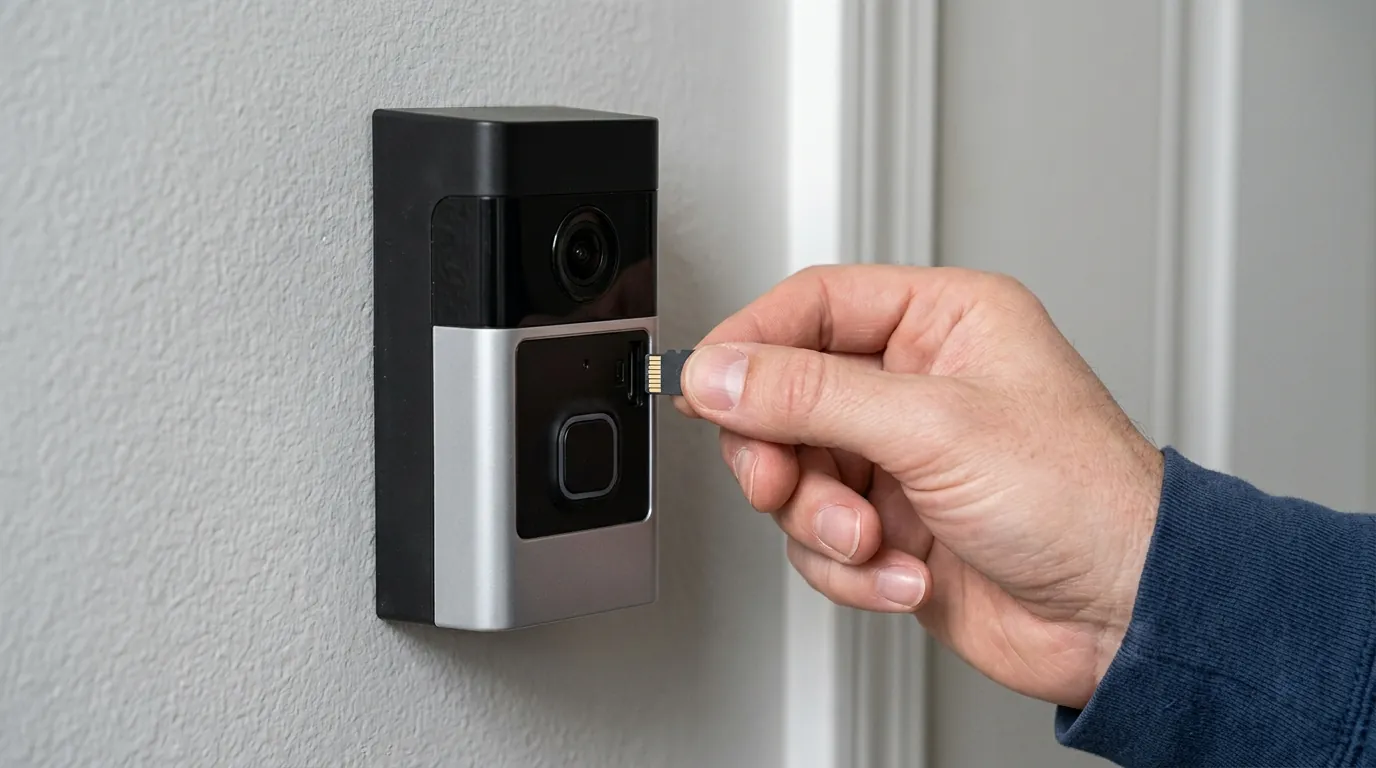
The Reolink Battery Doorbell Gen 2 records at high bitrates (up to 4K/5MP). If you are using an old or low-quality “Class 10” microSD card, the card may not be able to “spin up” and accept the video stream fast enough. We recommend using high-endurance microSD cards with a V30 or U3 rating. These cards have the Input/Output Operations Per Second (IOPS) necessary to handle an immediate 4K stream.
Home Assistant Polling
If you have integrated your doorbell into a smart home platform like Home Assistant using the Reolink integration, ensure you are not “polling” the camera for status updates too frequently. Constant polling prevents the camera from entering a true deep sleep, but it can also cause “state-locking” where the camera is too busy responding to a status request to prioritize a PIR trigger. Use the “Push” or “Webhook” methods for integration rather than active polling.
When to contact support
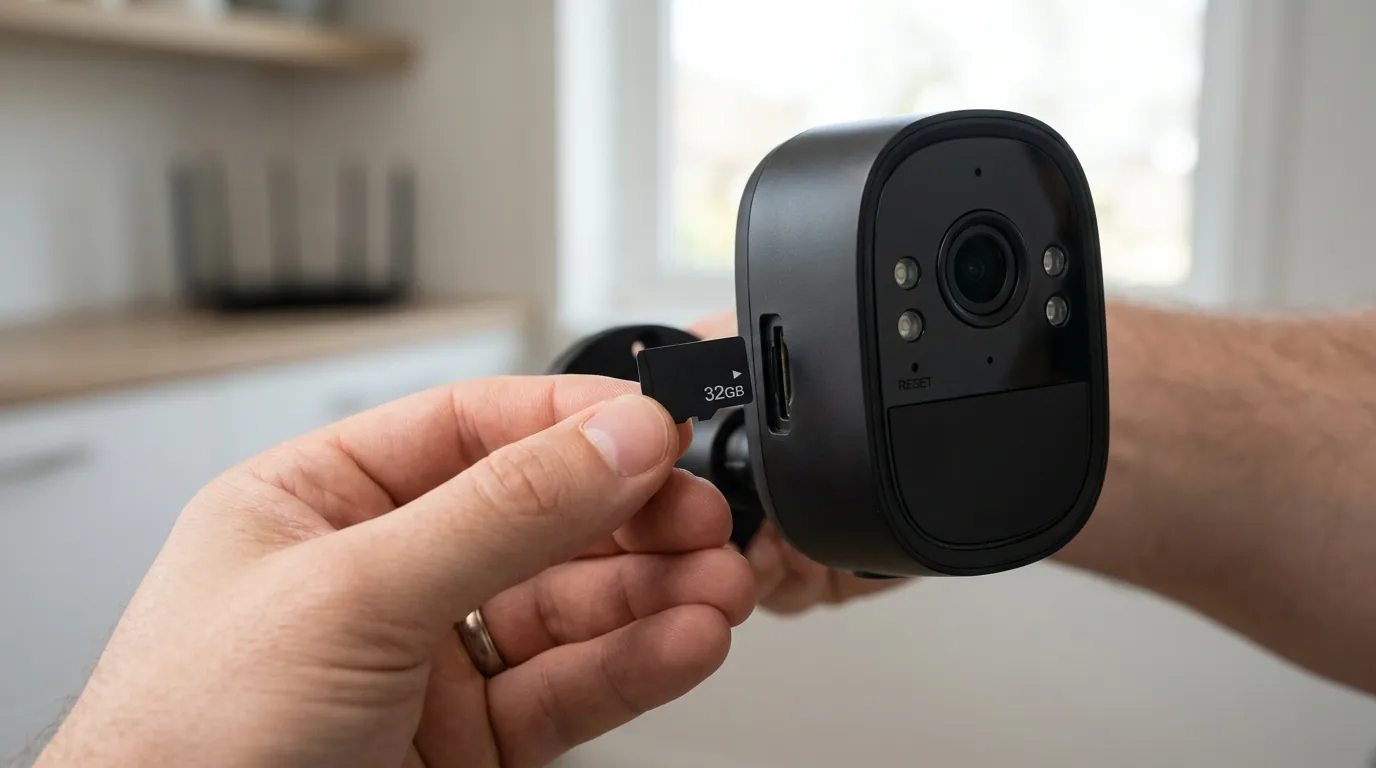
While most issues are configuration-based, hardware failures do occur. You should initiate a warranty claim with Reolink if you observe the following:
- Hardware PIR Failure: The camera fails to trigger a recording even when you walk directly in front of it (within 3 feet) in broad daylight, despite sensitivity being set to 100.
- Rapid Battery Drain: The battery drops from 100% to 0% in under 48 hours with fewer than 10 triggers per day. This often indicates a short in the PIR sensor or a faulty Wi-Fi module that is preventing the camera from sleeping.
- Corrupted Clips: Every recording is a “0kb” file or shows only green/purple digital noise, despite using a verified V30 SD card.
Value vs. Alternatives: The Wired Upgrade
If you have optimized every setting and still find the 0.8-to-1.5-second physical wake-up lag unacceptable for your security needs, it may be time to consider the Reolink Video Doorbell WiFi (Wired version).
Battery technology, by its nature, cannot support “Pre-Roll” (capturing the 3-5 seconds before motion is detected) because the camera lens and processor are powered off. The wired version stays powered 24/7, supports 24/7 continuous recording, and eliminates wake-up lag entirely. For high-traffic areas or critical security points, the wired version is the superior choice.
Warranty Claim Checklist:
- Device UID and Firmware version.
- Screenshot of RSSI signal strength.
- Sample video clip showing the “tail-end” capture.
- Proof of purchase (Reolink offers a 2-year limited warranty).
How to prevent it
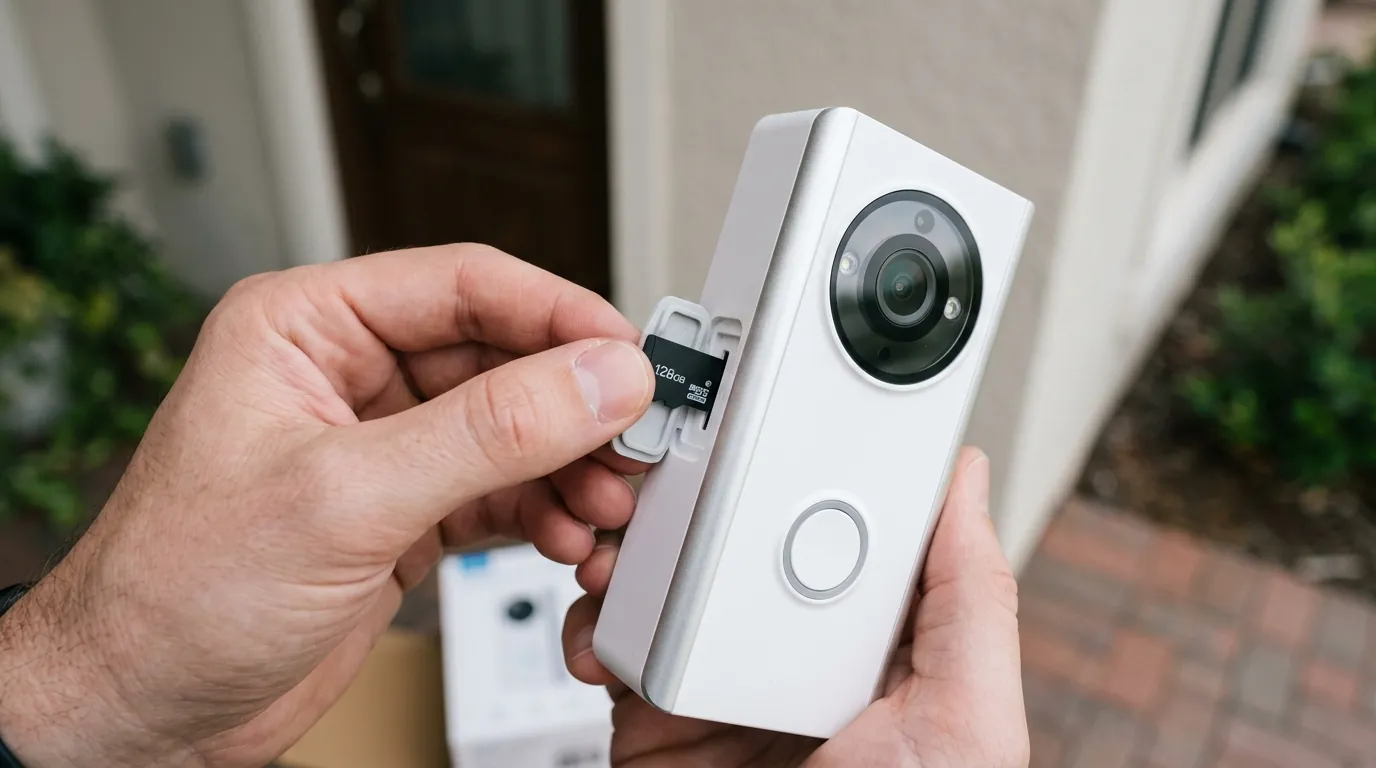
Preventative maintenance and proper installation are the best ways to ensure consistent performance in 2026.
Mounting Angle Optimization
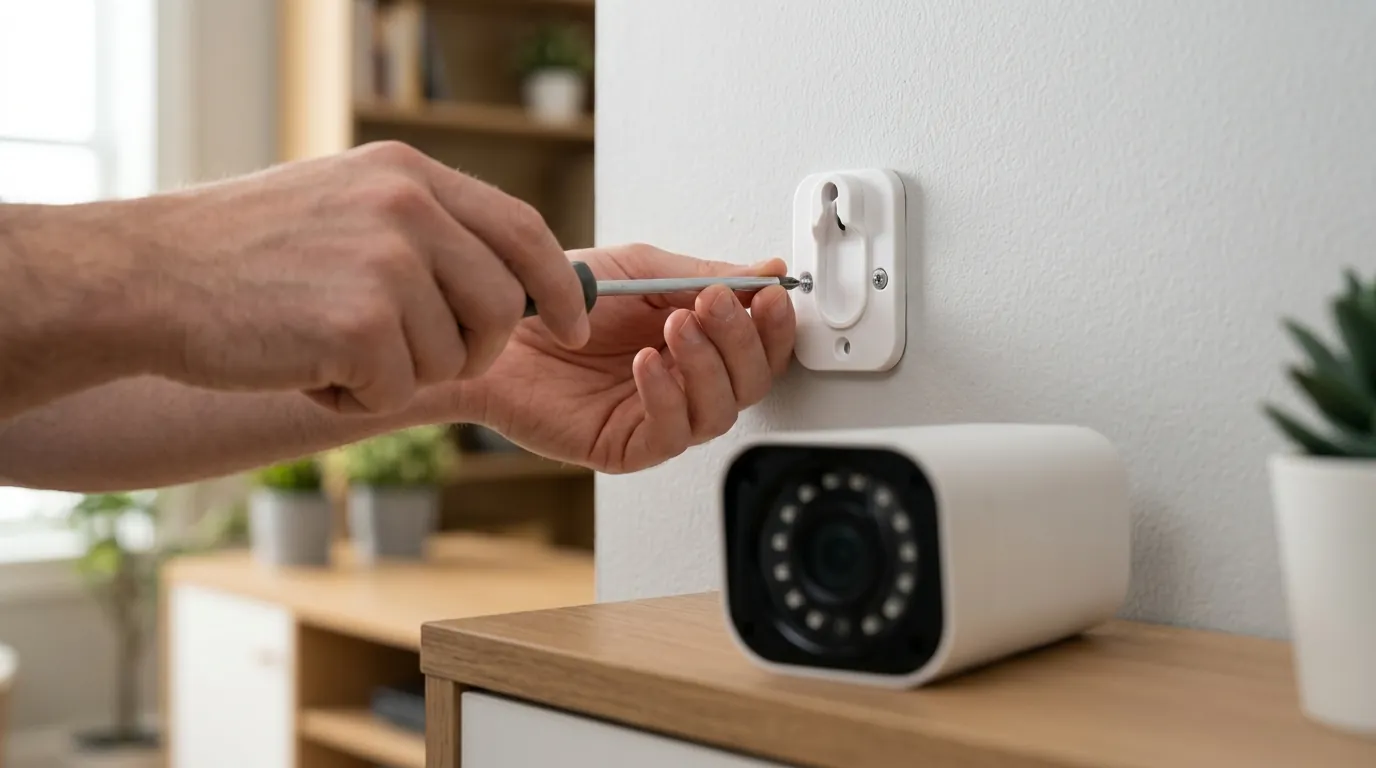
As discussed, PIR sensors hate head-on movement. Reolink includes a 15-degree wedge mount in the box. Use it. Even a slight angle ensures that visitors are crossing the PIR sensor’s “fingers” horizontally as they approach the door. This can reduce trigger latency by as much as 50%.
Solar & Hardwire Power Benefits
While it is a “battery” doorbell, Reolink supports two ways to keep the battery topped off:
- Reolink Solar Panel: If your front door gets direct sunlight, a solar panel keeps the battery near 100%. This allows you to keep PIR sensitivity and recording durations at their maximum settings without worrying about manual recharging.
- RLA-PK1 Power Kit: If you have existing doorbell wiring (8V-24V AC), you can use the RLA-PK1 kit to hardwire the battery doorbell. This provides a constant “trickle charge.” While it still operates as a battery device (it won’t record 24/7), the constant power allows the system to maintain a more “ready” state for the Wi-Fi module.
Lens Maintenance
The PIR sensor is located behind the plastic window (usually below the main camera lens). Over time, spider webs, dust, or hard water spots can accumulate on this window. These obstructions diffuse infrared heat signatures, making it harder for the sensor to “see” a person. Wipe the PIR window with a microfiber cloth once a month to maintain maximum detection range.
Scenario-Based Recommendation Framework
| If you are… | Prioritize… | Recommendation |
|---|---|---|
| A Renter | Ease of Install | Battery Doorbell + 15° Wedge + Sensitivity 90. |
| A Homeowner | Maximum Security | Wired Reolink Doorbell (24/7 Recording). |
| In a High-Traffic Area | Battery Life | Battery Doorbell + Solar Panel + Detection Zones. |
| Using Home Hub | Reliability | Ensure Firmware v3.3.0.466+ on Hub. |
Frequently Asked Questions
Why does my Reolink doorbell only record the back of people’s heads?
This happens because the camera is in a “Deep Sleep” to save battery. The PIR sensor takes about 0.8 seconds to wake the camera, and the Wi-Fi connection takes another 1–2 seconds. By the time recording starts, the person has often already moved past the camera. Increasing sensitivity and using a wedge mount to create a side-to-side movement path are the best fixes.
Does the Reolink Battery Doorbell support “Pre-Roll”?
No. Unlike some competitors that use a low-power secondary sensor for Pre-Roll, Reolink battery doorbells do not keep the camera sensor active. Recording only begins after the PIR sensor is triggered. For “Pre-Roll” or 24/7 recording, you must upgrade to the Reolink Wired Video Doorbell.
Can I use a Reolink Solar Panel with the doorbell?
Yes, the battery-powered doorbell is compatible with the Reolink Solar Panel (Type-C). This is highly recommended if you want to use the highest sensitivity settings and longer recording durations (up to 30 seconds per clip) without needing to remove the doorbell for charging every few weeks.
What is the best SD card for the 4K Gen 2 doorbell?
You should use a “High Endurance” microSD card rated UHS-I, Class 10, V30. The V30 rating ensures a minimum sustained write speed of 30MB/s, which is necessary to prevent lag or corruption when the camera starts a 4K/5MP recording session immediately after waking up.
Sources
- Reolink Support — Introduction to PIR Detection
- Reolink Download Center — Official Firmware Release Logs
- GitHub — borexola/neolink.net Issue Tracker
- Reolink Support — How to Choose a Micro SD Card
Quvii tracks these trade-offs across the category to help you decide between the convenience of battery power and the reliability of wired security.