
Reolink Argus 4 Pro: Key Features & Why It Matters for Buyers
The Reolink Argus 4 Pro represents a shift in battery-powered security, combining a 180-degree panoramic view with high-sensitivity color night vision that doesn’t rely on blinding spotlights. For buyers tired of monthly fees, it offers a high-resolution, wire-free alternative that prioritizes local processing and storage.
The Reolink Argus 4 Pro, released in June 2024, is a 4K wire-free security camera featuring a 180° panoramic view via dual lenses, ColorX full-color night vision without spotlights, dual-band Wi-Fi 6, and free on-device AI detection for people, vehicles, and animals, all without a mandatory subscription.
What happened
Related: Eufy FamiLock E40: Facial Recognition Smart Lock with Built-in 2K Came · Vacant Home Security: 2026 Risks & Smart Camera Monitoring Tips · Why Are People Covering Security Cameras with Tape? Latest 2026 News
In mid-2024, Reolink expanded its battery-powered lineup with the Argus 4 Pro, a flagship model designed to solve two of the most common complaints in the wireless camera market: limited field of view and grainy night vision. By utilizing a dual-lens system, the camera stitches two images together to provide a seamless 180° horizontal perspective, effectively doubling the coverage of standard outdoor cameras.
A standout technical achievement in this release is the integration of ColorX technology. Unlike traditional cameras that use infrared (black and white) or white-light LEDs to “see” in the dark, the Argus 4 Pro uses a large 1/1.8” CMOS sensor and an F/1.0 aperture lens. This hardware combination allows the camera to capture enough ambient light to produce full-color images in near-darkness without activating integrated spotlights.
Connectivity also received a significant upgrade. The Argus 4 Pro is among the first wave of battery-powered cameras to support dual-band Wi-Fi 6 (802.11ax). This protocol is designed to handle the high throughput required for 4K video streaming while maintaining a more stable connection in environments with many competing wireless devices.
Key Specifications at a Glance
The following table outlines the core technical specifications of the Argus 4 Pro based on official manufacturer data.
| Feature | Specification |
|---|---|
| Resolution | 4K UHD (3840 x 2160) at 15fps |
| Field of View | 180° Horizontal, 50° Vertical |
| Night Vision | ColorX (Full color without LEDs); IR available |
| Connectivity | Dual-Band Wi-Fi 6 (2.4GHz / 5GHz) |
| Power Source | 5000mAh Rechargeable Battery; Solar Compatible |
| Local Storage | microSD Card (up to 512GB) |
| Smart AI | Person, Vehicle, Animal Detection (On-device) |
| Weather Resistance | IP66 Rated |
| Audio | Two-way talk; Built-in Siren |
Design and Build Quality
The Argus 4 Pro features a distinct dual-lens housing that is wider than previous Argus models to accommodate the panoramic optics. Despite the increased complexity of the lens array, the unit remains relatively compact and is rated IP66 for weather resistance, meaning it is protected against heavy rain and dust.
The build quality is consistent with Reolink’s higher-end outdoor units, utilizing a durable polycarbonate shell. The camera includes a standard screw-in mount that allows for articulation, though the 180° field of view means that precise aiming is often less critical than with narrower-angle cameras. One notable design change is the removal of the traditional PIR sensor “bump” seen on older models; the Argus 4 Pro relies on advanced image-based detection and optimized low-power sensors to trigger recordings.
Why it matters for buyers
The release of the Argus 4 Pro is significant because it challenges the “subscription-first” business model dominated by brands like Ring, Nest, and Arlo. For the consumer, this camera represents a high-performance hardware purchase that does not require a recurring monthly bill to access its most advanced features.
Cost Savings Over Time
The most compelling argument for the Argus 4 Pro is its Total Cost of Ownership (TCO). While the initial hardware price is higher than some entry-level competitors, the lack of a mandatory subscription for AI alerts and video storage leads to significant savings over a three-year period.
Total Cost of Ownership (3-Year Estimate)
| Expense Item | Reolink Argus 4 Pro | Typical Subscription Camera (e.g., Arlo/Ring) |
|---|---|---|
| Hardware Price | $150–$200 range | $150–$200 range |
| Solar Panel | Often bundled (approx. $30) | $50–$60 |
| Storage Media | $20–$40 (256GB/512GB SD) | $0 (Cloud only) |
| Monthly Sub. | $0 | $120–$180/year ($10–$15/mo) |
| 3-Year Total | $200–$270 | $560–$800+ |
By utilizing local storage via a microSD card, users retain full control over their footage. Reolink’s on-device AI handles person and vehicle detection locally, meaning the camera doesn’t need to send video to the cloud for analysis—a process that typically sits behind a paywall for other brands.
Privacy and Data Security
In an era of increasing concern over cloud security and police access to private footage, the Argus 4 Pro offers a more “sovereign” security model. Because the camera supports high-capacity local storage (up to 512GB), footage never has to leave the local network.
Reolink employs AES-128 encryption for stored data and RSA for key exchange, ensuring that even if the SD card is removed, the footage remains protected if the user has enabled the appropriate security settings. Furthermore, Reolink’s privacy policy states that they do not sell user data to third parties and provide users with the option to opt-out of all cloud-based features entirely.
Decision Framework: Is the Argus 4 Pro Right for You?
Choosing a security camera depends heavily on the specific environment. Use the following scenarios to determine if the Argus 4 Pro fits your needs:
- The “Wide Driveway” Scenario: If you need to monitor a three-car driveway or a wide front yard, prioritize the Argus 4 Pro. Its 180° view can replace two standard 90° cameras, simplifying installation and reducing the number of batteries you need to maintain.
- The “Stealth” Scenario: If you want night security without bright spotlights that annoy neighbors or attract insects, the ColorX technology is a primary reason to choose this model. It provides color detail in the dark using only ambient street or moonlight.
- The “No-Subscription” Scenario: If you refuse to pay a monthly fee to see who is at your door, the Argus 4 Pro is a top-tier choice. Ensure you purchase a high-end “High Endurance” microSD card for the best experience.
- The “Remote Location” Scenario: If the camera will be mounted far from your router (e.g., on a detached garage), the Wi-Fi 6 support is a major benefit, provided you have a Wi-Fi 6 compatible router. It offers better range and penetration than older Wi-Fi standards.
Impact on existing owners
For those already within the Reolink ecosystem or owning older Argus models, the Argus 4 Pro is a substantial iterative leap rather than a minor refresh.
Argus 3 Pro/Ultra Owners: To Upgrade or Not?
The Argus 3 Pro and Argus 3 Ultra have been staples of the “prosumer” battery camera market for years. However, the Argus 4 Pro introduces several hardware-level changes that cannot be added via firmware.
- Field of View: The Argus 3 series typically offers a horizontal field of view around 105° to 125°. Moving to 180° is a massive jump that fundamentally changes how much area one camera can cover.
- Low Light Performance: While the Argus 3 Ultra has 4K resolution, it relies on traditional infrared or spotlights for night vision. The Argus 4 Pro’s F/1.0 aperture sensor is significantly more light-sensitive, resulting in clearer images with less noise in low-light conditions.
- Connectivity: The jump to Wi-Fi 6 is particularly relevant for 4K video. Older models on Wi-Fi 4 or 5 often suffer from “stuttering” live feeds or delayed notifications if the signal is weak.
Is the Upgrade Worth It?
If your current Argus 3 Pro is covering a narrow hallway or a small porch, the upgrade may be unnecessary. However, if you find yourself wishing your current camera could “see just a bit further to the left,” or if you are frustrated by the glare of spotlights at night, the Argus 4 Pro is a justified upgrade.
One concern for existing owners was the battery capacity. The Argus 4 Pro uses a 5000mAh battery, which is smaller than the 6000mAh battery found in some older models. However, Reolink claims that the ColorX technology and more efficient Wi-Fi 6 chip result in a 30% improvement in energy efficiency. Because the camera does not need to power bright white LEDs for night vision, the overall draw on the battery during nighttime events is significantly lower.
Compatibility with Existing Reolink Systems
The Argus 4 Pro remains fully compatible with the existing Reolink App (iOS, Android, Windows, Mac). It also works with the Reolink Home Hub, a central storage and management device released in early 2024. The Home Hub allows Argus 4 Pro owners to offload footage to a centralized local drive, providing a NVR-like experience for battery-powered cameras. It also maintains compatibility with Reolink’s 6W solar panels, which are highly recommended for this 4K model to ensure it remains topped off during high-traffic periods.
What to do now
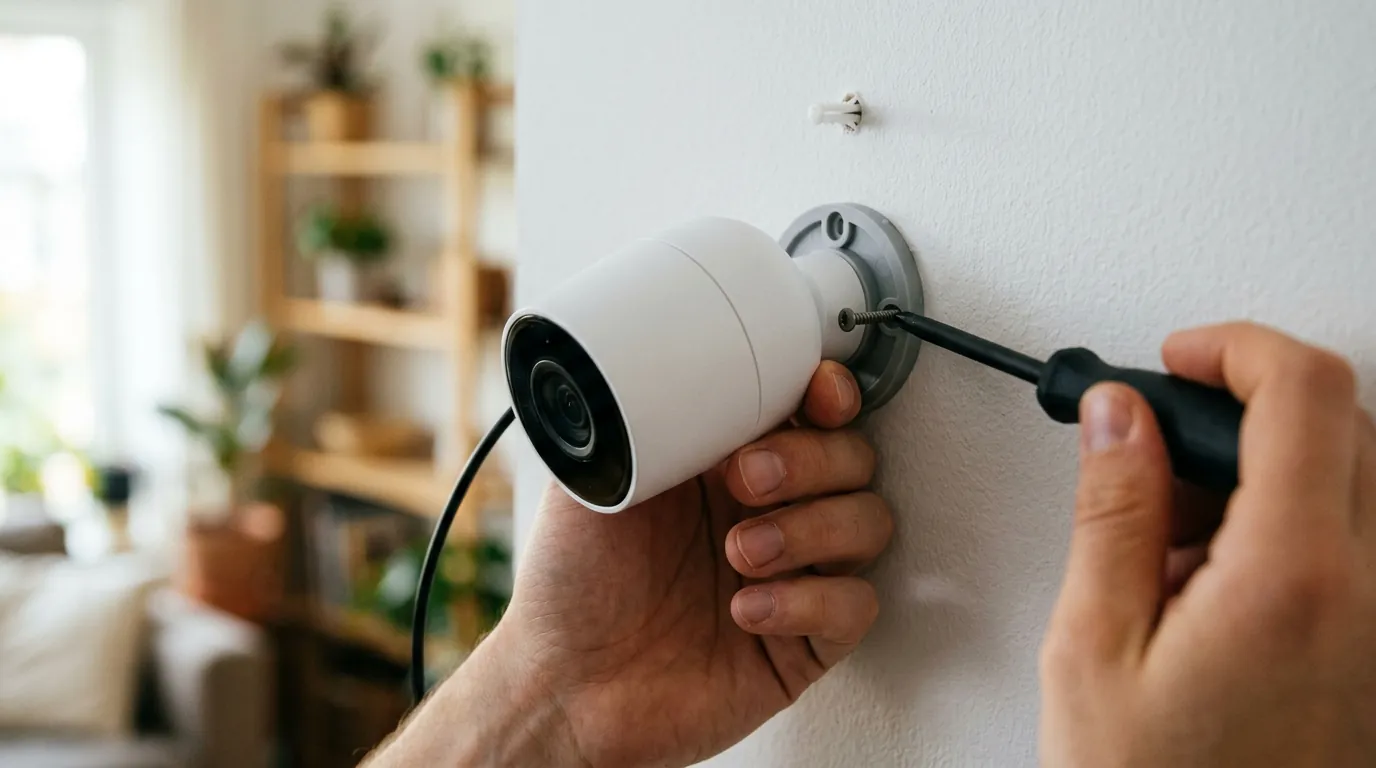
If you are considering the Reolink Argus 4 Pro, your first step should be a site survey of your property.
Assess Your Needs
Measure the area you intend to cover. If the area is wider than 120 degrees, the Argus 4 Pro will likely save you the cost and hassle of installing a second camera. Check your Wi-Fi signal at the mounting location using your smartphone. If the signal is weak, consider upgrading your router to a Wi-Fi 6 model to take full advantage of the camera’s hardware.
Where to Buy and Current Offers
The Reolink Argus 4 Pro is typically positioned in the $150–$200 range. It is frequently sold as a bundle that includes a solar panel.
- Direct from Reolink: Often the best source for bundles and extended warranty options.
- Major Retailers: Amazon and B&H Photo typically carry the unit. Look for “Argus 4 Pro” specifically, as a non-Pro version with lower specs (Argus 4) also exists in some markets.
- MicroSD Card: Do not forget to budget for a high-quality microSD card. For 4K video, a “V30” or “High Endurance” rated card from brands like SanDisk or Samsung is recommended to handle the constant read/write cycles.
Maximizing Your Argus 4 Pro Experience
To get the most out of the new release features, follow these steps after purchase:
- Update Firmware Immediately: Reolink frequently releases “Day 1” or “Month 1” patches that refine the image stitching algorithm for the dual lenses. Use the Reolink App to check for updates during setup.
- Configure AI Sensitivity: While the on-device AI is robust, every environment is different. Spend the first 48 hours tuning the “Detection Zone” and “Sensitivity” sliders to eliminate false alerts from moving trees or shadows.
- Optimize Solar Placement: For a 4K camera with dual lenses, power consumption is higher than 1080p models. Ensure your solar panel receives at least 3-4 hours of direct sunlight daily.
- Review Privacy Settings: Take a moment to set up a strong password and enable Two-Factor Authentication (2FA) within the Reolink App to secure your local footage from unauthorized access.
The Argus 4 Pro stands as a benchmark for what consumer-grade, wire-free security should look like in 2026: wide-angle, high-resolution, and free from the “feature paywalls” that have come to define the industry. While the initial investment is higher than budget-tier cameras, the combination of ColorX night vision and 180-degree coverage provides a level of situational awareness that was previously only available in expensive, wired professional systems.
Frequently Asked Questions
Does the Reolink Argus 4 Pro require a monthly subscription?
No. Unlike brands like Ring or Arlo, Reolink provides all core features—including 4K recording, person/vehicle/animal AI detection, and push notifications—for free. Users can store footage locally on a microSD card (up to 512GB) or a Reolink Home Hub without recurring fees.
How does the 180° view work without distorting the image?
The Argus 4 Pro uses two separate lenses and sensors. The internal processor uses an “image stitching” algorithm to combine the two feeds into a single, seamless panoramic view. This minimizes the “fisheye” distortion commonly seen in single-lens ultra-wide cameras.
Can the Argus 4 Pro record 24/7?
Because it is a battery-powered camera, the Argus 4 Pro is designed for motion-activated recording to conserve energy. It is not intended for continuous 24/7 recording, as this would deplete the battery rapidly. For 24/7 recording, a wired PoE (Power over Ethernet) or plug-in Wi-Fi camera is recommended.
What is ColorX technology and how is it different from standard night vision?
Standard night vision uses infrared light (resulting in black-and-white footage) or bright white LEDs (spotlights) to see in the dark. ColorX uses a specialized F/1.0 aperture lens and a high-sensitivity sensor to capture ambient light, allowing for full-color footage in very low light without needing to turn on any visible lights.
Sources
- Reolink Argus 4 Pro Official Product Page — https://reolink.com/product/argus-4-pro/
- Reolink Privacy Policy — https://reolink.com/privacy-policy/
- PCMag Review: Reolink Argus 4 Pro
- Reolink Support: Choosing a MicroSD Card — https://support.reolink.com/hc/en-us/articles/360005143453-How-to-Choose-a-Micro-SD-Card-for-Reolink-Cameras/
- Digital Camera World: Reolink Argus 4 Pro Launch News