
Reolink Argus 4 Pro Firmware Update Issues: 2026 Guide
Owners of the Reolink Argus 4 Pro often find themselves in a paradoxical situation where their device claims to be “up to date” while missing critical features or suffering from battery drain addressed in newer software builds.
Quick Answer: Many Reolink Argus 4 Pro users report that the app incorrectly shows firmware as “up to date.” To fix bugs like battery drain or missing “Smart Battery” menus, you must often email Reolink support to have the latest 2026 firmware (such as versions succeeding v3.0.0.4978) manually pushed to your device UID.
What happened
The Reolink Argus 4 Pro launched as a flagship battery-powered camera, featuring a dual-lens 180-degree field of view and the “ColorX” F/1.0 aperture for night vision. However, the software ecosystem supporting this hardware has faced significant hurdles in 2025 and 2026, primarily revolving around how updates are distributed and verified.
The ‘Up to Date’ Fallacy
The most common frustration among Argus 4 Pro owners is the Reolink app’s “Check for Update” button. Unlike Reolink’s PoE (Power over Ethernet) cameras, which can often pull updates directly from a global server or be manually updated via a downloaded .pak file, battery-powered cameras like the Argus 4 Pro rely on a staged Over-the-Air (OTA) delivery system.
In many cases, the app will return a “This is the latest version” message even if the camera is running an older build like v3.0.0.3867, while the community on r/ReolinkCam reports newer builds that stabilize Wi-Fi 6 connections or improve PIR (Passive Infrared) motion detection.
Version Fragmentation
As of 2026, there is notable fragmentation between hardware batches. Users purchasing the Argus 4 Pro today may find their devices ship with newer firmware that includes extended post-recording durations (up to 30 or 60 seconds), a feature that was previously restricted or inconsistent on 2024 launch units. Because firmware is often tied to specific hardware revisions, two cameras labeled “Argus 4 Pro” may have different functional ceilings.
The Missing ‘Smart Battery’ Menu
A recurring issue in 2026 involves the “Smart Battery” management menu. In certain firmware iterations, this menu—which allows users to optimize charging thresholds for solar panels—has reportedly disappeared or become inaccessible. This is particularly problematic for users in northern latitudes who rely on precise battery management to keep the 5000mAh internal cell from dropping below critical levels during winter months.
Manual Push Requirement
Because Reolink does not typically host standalone firmware files for battery cameras on their Download Center, users are forced into a “Manual Push” workflow. This requires the user to find their unique 16-character UID (Unique ID) and contact support. Reolink then “whitelists” that specific UID to receive a specific firmware build.
Known Firmware Benchmarks (Argus 4 Pro)
| Version | Status | Key Changes/Issues |
|---|---|---|
| v3.0.0.3867 | Legacy | Initial launch firmware; reported Wi-Fi 6 handshake drops. |
| v3.0.0.4978 | Stable | Improved ColorX night calibration; added better PIR sensitivity controls. |
| [Information Unavailable] | Current 2026 Build | Reported to address “Smart Battery” menu bugs and Home Assistant polling. |
| Hardware ID | [Information Unavailable] | Varies by manufacturing batch; check Device Info for specific string. |
The ‘Push’ Update Bottleneck
The bottleneck exists because battery-powered cameras are designed to stay in a “sleep” state to conserve power. Pushing a global update to millions of sleeping devices could lead to massive failure rates if the update is interrupted by a low battery or a dropped Wi-Fi signal. Consequently, Reolink limits OTA updates to small batches, leaving many users on older, buggier software unless they proactively intervene.
Feature Disparity Between Hardware Batches
Owners have noted that certain AI detection features, such as the precision of “Pet Detection,” seem to perform differently across different hardware IDs. While Reolink maintains the “Argus 4 Pro” branding, internal component swaps (common in the electronics industry due to supply chain shifts) mean that a firmware fix for one unit may not be compatible with another, further complicating the update landscape.
Why it matters for buyers
For those considering a Reolink Argus 4 Pro in 2026, these firmware issues represent more than just a minor inconvenience; they impact the long-term utility and reliability of the security system.
Maintenance Overhead
The primary draw of a battery-powered, local storage camera is the “set and forget” nature of the hardware. However, the need to manually monitor forums and email support for basic stability patches introduces significant maintenance overhead. Buyers who want a maintenance-free experience may find the Reolink ecosystem requires more technical “babysitting” than competitors like Eufy or Arlo.
Wi-Fi 6 Stability
The Argus 4 Pro’s headline support for 802.11ax (Wi-Fi 6) is intended to provide better range and less congestion. However, Wi-Fi 6 is a complex protocol that requires a clean “handshake” between the camera and the router. Outdated firmware has been shown to cause “ghosting” where the camera appears offline in the app but is still physically powered on, a problem often solved only by firmware updates that refine the Wi-Fi sleep/wake cycles.
Battery Longevity
Firmware directly dictates how the PIR sensor and the dual-image processors interact. If the firmware has a bug that causes the camera to wake up too frequently—or stay awake too long after a false trigger—the 5000mAh battery can drain in days rather than months.
Estimated Battery Life by Firmware Optimization
- Unoptimized (v3.0.0.3867): 15–25 days (High traffic area, frequent Wi-Fi 6 drops).
- Optimized (2026 Current): 45–90 days (With solar assistance and refined PIR sensitivity).
- Note: Real-world performance depends heavily on trigger frequency and “ColorX” usage at night.
Resale and Support
The secondary market for security cameras is growing, but the Argus 4 Pro’s update model makes resale tricky. A second-hand buyer may inherit an “orphaned” unit that hasn’t been updated in years. Without the original proof of purchase or access to the previous owner’s support history, getting Reolink to push the latest AI detection improvements to a legacy UID can be a hurdle.
The Hidden Cost of ‘No Subscription’
While Reolink is a leader in subscription-free security cameras, the trade-off is often a less polished software delivery system. Brands like Ring or Nest charge a monthly fee but offer seamless, background firmware updates. With Reolink, the user “pays” for the lack of a subscription with their time spent managing the device’s software health.
Impact on existing owners
Existing owners of the Argus 4 Pro have reported specific technical conflicts in 2026 that go beyond simple “bugs.”
Home Assistant Integration Risks
For smart home enthusiasts, the Reolink Home Assistant integration is a powerful tool. However, recent community reports on r/HomeAssistant suggest that certain 2026 firmware builds for the Argus 4 Pro react poorly to being polled by third-party software. Specifically, if “Manual Recording” entities are enabled in Home Assistant, the camera may fail to enter its deep-sleep state, leading to a 10-20% battery drop per day.
SD Card Controller Failures
A small but vocal group of users has reported that manual firmware pushes have occasionally “bricked” the onboard SD card reader. The camera will report a “Not Formatted” error or “No SD Card Detected” even with high-end Endurance-rated cards. In these cases, the issue is rarely the card itself but a failure in the firmware’s driver for the SD card controller, often requiring a second “fix” push from Reolink support.
ColorX Calibration
The ColorX technology, which uses a massive F/1.0 aperture to pull in light, relies on software-side image processing to manage exposure. Some owners have reported that 2025-2026 updates “blew out” night images, making faces unrecognizable due to over-exposure in low-light environments. Because Reolink does not allow for easy firmware rollbacks on battery cameras, owners are often stuck with poor image quality until the next update cycle.
Support Lag
The requirement to email support@reolink.com creates a 24-48 hour turnaround. For a security product, this lag is significant. If a camera becomes non-functional after an auto-update or due to a known bug, the home is left unprotected while the owner waits for a technician in a different time zone to whitelist their UID.
Decision Framework: Should You Update?
| If your situation is… | Recommendation |
|---|---|
| Renter / Homeowner (Stable System) | Wait. If your camera is currently recording and notifying correctly, do not seek a manual push. |
| Experiencing Battery Drain | Update. Contact support immediately; this is almost always a firmware-related PIR or Wi-Fi wake issue. |
| Using Home Assistant/Scrypted | Research. Check the latest integration notes before updating, as new firmware often breaks API paths. |
| Using Solar Panels | Verify. If you lose the “Smart Battery” menu, you may lose the ability to stop charging at 80% (to preserve battery health). |
What to do now
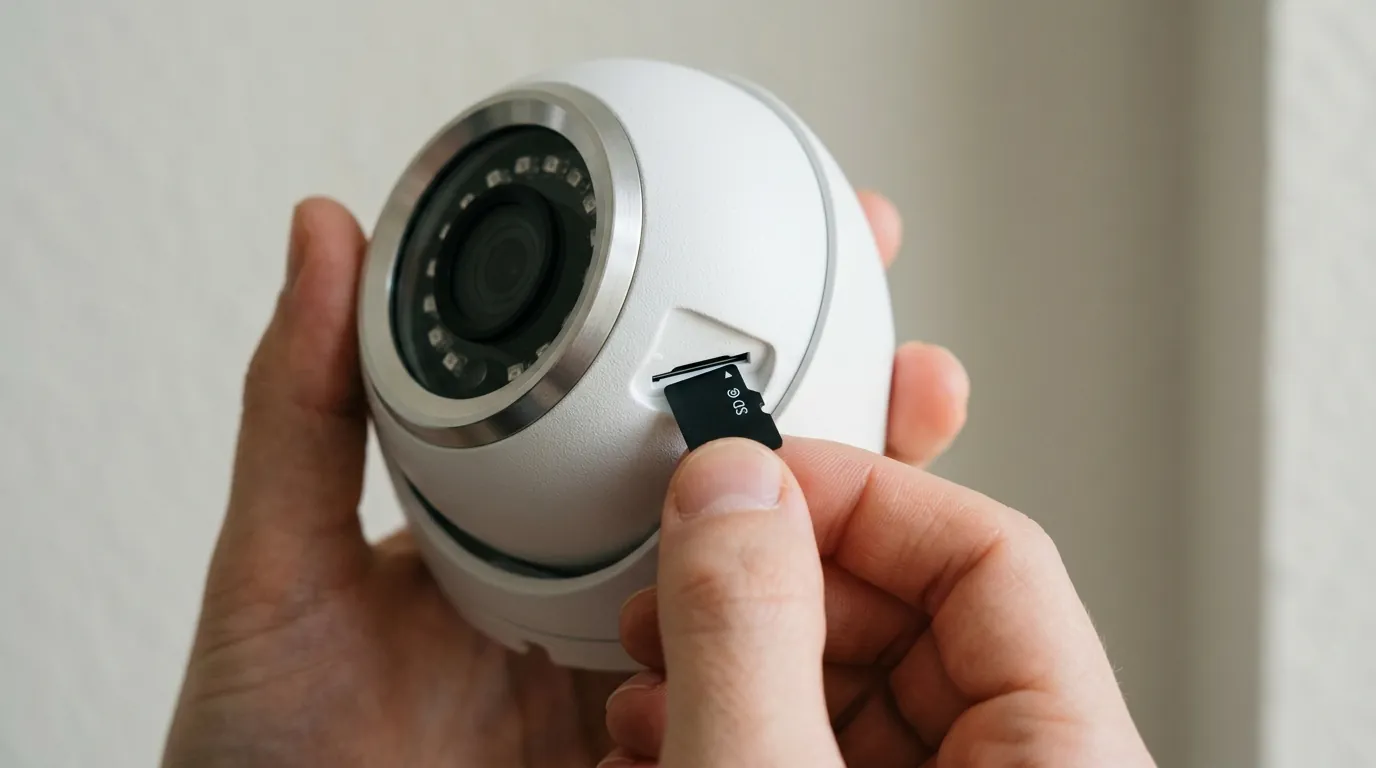
If you own an Argus 4 Pro and suspect you are running outdated or buggy firmware, follow these steps to stabilize your system.
1. Verify Your Hardware and Version
Navigate to Device Settings > Device Info in the Reolink App. Take a screenshot of this page. You need the following three pieces of data:
- Model: Argus 4 Pro
- Hardware No.: (e.g., IPC_566…) [Information unavailable for specific 2026 revisions]
- Firmware Version: (e.g., v3.0.0.4978)
- UID: Your 16-character unique code.
2. How to Request a Firmware Push
Do not wait for the app to find the update. If you are facing issues, use the following template to email support@reolink.com:
Subject: Firmware Push Request: Argus 4 Pro [Your UID]
Body: Hello, I am experiencing [Battery Drain / Wi-Fi Drops / Missing Menus] on my Argus 4 Pro. My current firmware is [Version] and my Hardware No. is [Hardware No.]. Please push the latest stable 2026 firmware to my UID: [Your UID]. I confirm the camera is currently powered on and connected to Wi-Fi.
3. Disable Auto-Update
To avoid the “Smart Battery” menu bug or unintended calibration changes to the ColorX sensor, disable “Auto-Update” in the App settings. Only update when you have a specific problem to solve or when the Reolink community confirms a build is stable.
4. Troubleshooting Post-Update Connectivity
If your camera fails to connect after a firmware update:
- The 5V/2A Rule: Avoid using high-wattage USB-C Power Delivery (PD) fast chargers. Some 2026 firmware versions have shown sensitivity to fast-charging protocols. Use a standard 5V/2A “slow” charger and the original cable to see if the unit recovers.
- Soft Reset: Do not perform a hard factory reset unless instructed by support, as this can sometimes make it harder for the “pushed” firmware to register with the Reolink servers.
Total Cost of Ownership (3-Year Estimate)
When evaluating the Argus 4 Pro against competitors like the Reolink vs Ring debate, consider the total cost including the “maintenance time.”
- Hardware: Around $150–$200.
- Storage: $15–$30 (High-end 128GB/256GB microSD card).
- Power: $0 (Assuming solar panel inclusion).
- Subscription: $0.
- Hidden Cost: 2–4 hours/year of manual firmware management and support communication.
- Total 3-Year Cost: Around $165–$230.
By comparison, a Ring Battery Doorbell Pro may cost $200 upfront but requires a $50/year subscription for basic features, totaling $350 over three years. The Argus 4 Pro remains the more economical choice, provided the owner is willing to navigate the firmware complexities described above.
Frequently Asked Questions
Why doesn’t Reolink just put the Argus 4 Pro firmware on their website?
Reolink generally avoids hosting public firmware files for battery cameras because a manual update via SD card is riskier for these devices than an OTA push. If the battery dies during a manual install, the camera can be permanently bricked. The “push” system allows Reolink to verify the device’s state before initiating the transfer.
Will updating the firmware delete my SD card recordings?
Generally, no. Firmware updates affect the camera’s operating system, not the data stored on the microSD card. However, if the update includes a change to the file system or if the SD card controller bug occurs, you may be prompted to reformat the card, which will delete your footage. Always back up critical clips before requesting a push.
Does the Argus 4 Pro support Wi-Fi 7?
No. As of 2026, the Argus 4 Pro supports Wi-Fi 6 (802.11ax) on both 2.4GHz and 5GHz bands. While it is compatible with Wi-Fi 7 routers, it cannot utilize Wi-Fi 7-specific features like MLO (Multi-Link Operation).
How do I know if my battery drain is a firmware issue or a hardware failure?
If your camera was working fine for months and suddenly began draining 10% or more per day after an update (or after no changes at all), it is likely a firmware “wake-lock” or a PIR sensitivity bug. If the battery refuses to charge past 20% even when plugged into a wall outlet, it is likely a physical cell failure covered under warranty.
Sources
- Reolink Official Support — https://support.reolink.com/hc/en-us/articles/360008743073-How-to-Update-Firmware-for-Reolink-Cameras/
- Reolink Argus 4 Pro Product Page — https://reolink.com/product/argus-4-pro/
- Reddit r/ReolinkCam Community Firmware Archive — https://www.reddit.com/r/ReolinkCam/
- RTINGS Security Camera Reviews
- Home Assistant Reolink Integration Documentation — https://www.home-assistant.io/integrations/reolink/