
AI Surveillance Privacy Risks: What Homeowners Must Know in 2026
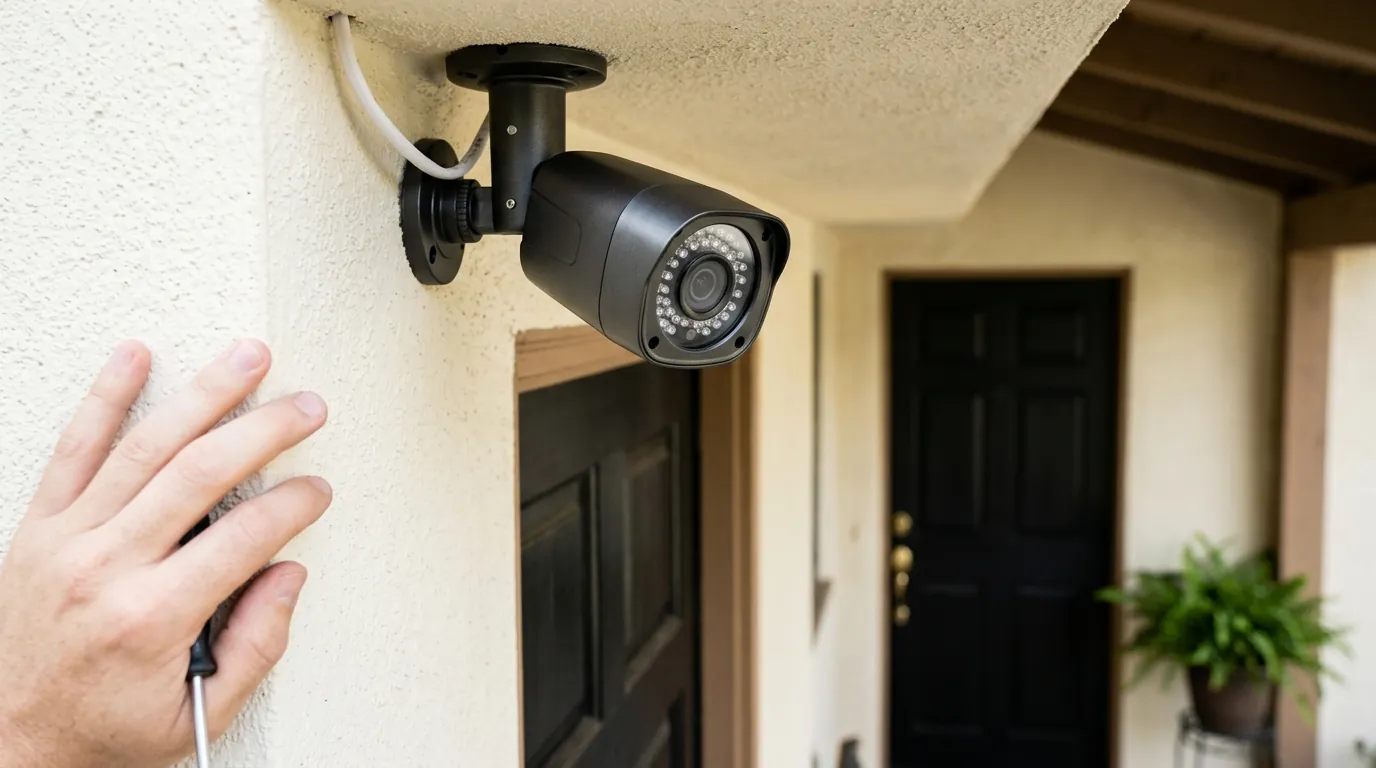
As of 2026, the security camera in your driveway is no longer just a digital eye; it is a sophisticated data processor capable of interpreting human intent, sentiment, and long-term behavioral patterns. While these advancements offer unprecedented convenience, they have introduced a complex web of privacy vulnerabilities that transcend simple hacking risks.
Quick Answer: AI cameras in 2026 risk privacy through behavioral metadata harvesting and “emergency” warrantless cloud access. To protect your data, switch to local Edge AI systems like Reolink or UniFi that process video without cloud transit.
What happened
Related: Ring Camera Overheating: 2026 Heatwave Failures & Fixes · Botslab W101 Window Camera Launch: Dual-Lens 2.5K Security · Eufy Cam E330 Professional Overheating: 2026 Sun Exposure Guide
The landscape of home surveillance underwent a fundamental shift between 2024 and 2026. We moved away from “Passive Recording”—where cameras simply reacted to movement—into the era of “Continuous Interpretation.” In this new paradigm, cameras do not just see a person; they use Generative AI to summarize why that person is there, what they are carrying, and whether their behavior deviates from a “neighborhood norm.”
From Motion Alerts to Behavioral Analysis
By mid-2026, major vendors like Amazon (Ring) and Google (Nest) have fully integrated Large Vision Models (LVMs) into their subscription tiers. Instead of receiving a notification saying “Person detected,” users now receive AI-generated summaries: “A delivery driver appeared frustrated, dropped a package roughly, and spent 40 seconds looking at your side gate.”
This transition requires the camera to upload a constant stream of metadata to the cloud. Even if you do not view the footage, the AI is “watching” and categorizing every interaction to build these summaries. This has turned the home camera into a behavioral sensor, creating a digital paper trail of a homeowner’s private habits, from what time they leave for work to how often they host guests.
The Ring-Axon Partnership: Surveillance by Consent?
A significant shift occurred in late 2025 when Ring, having officially sunsetted its “Request for Assistance” tool in 2024, began deep integrations with third-party public safety platforms like Fusus (an Axon company). While Ring no longer allows police to request footage directly through the Neighbors app, the new “Community Requests” framework allows homeowners to “opt-in” to real-time sharing with local Real-Time Crime Centers (RTCCs).
Privacy advocates, including the Electronic Frontier Foundation, have noted that this creates a “surveillance-by-consent” loophole. Once a camera is linked to these third-party platforms, the data often falls under different retention policies than the original Ring terms of service, making it difficult for users to know who has access to their “behavioral alerts” in real-time.
Lessons from the Wyze Caching Scandal
The risks of cloud-dependency were laid bare by the 2024 Wyze security breach, where a caching error allowed over 13,000 users to see thumbnail images—and in some cases, live video feeds—from cameras belonging to strangers. According to The Verge’s reporting on the incident, the failure was rooted in a spike in traffic that overwhelmed the cloud servers, causing “mixed-up” credentials.
In 2026, as AI summaries require even more frequent cloud check-ins, the “blast radius” of such a caching error has grown. A similar breach today wouldn’t just expose a photo; it could expose an AI-generated log of a family’s entire weekly schedule.
Why it matters for buyers
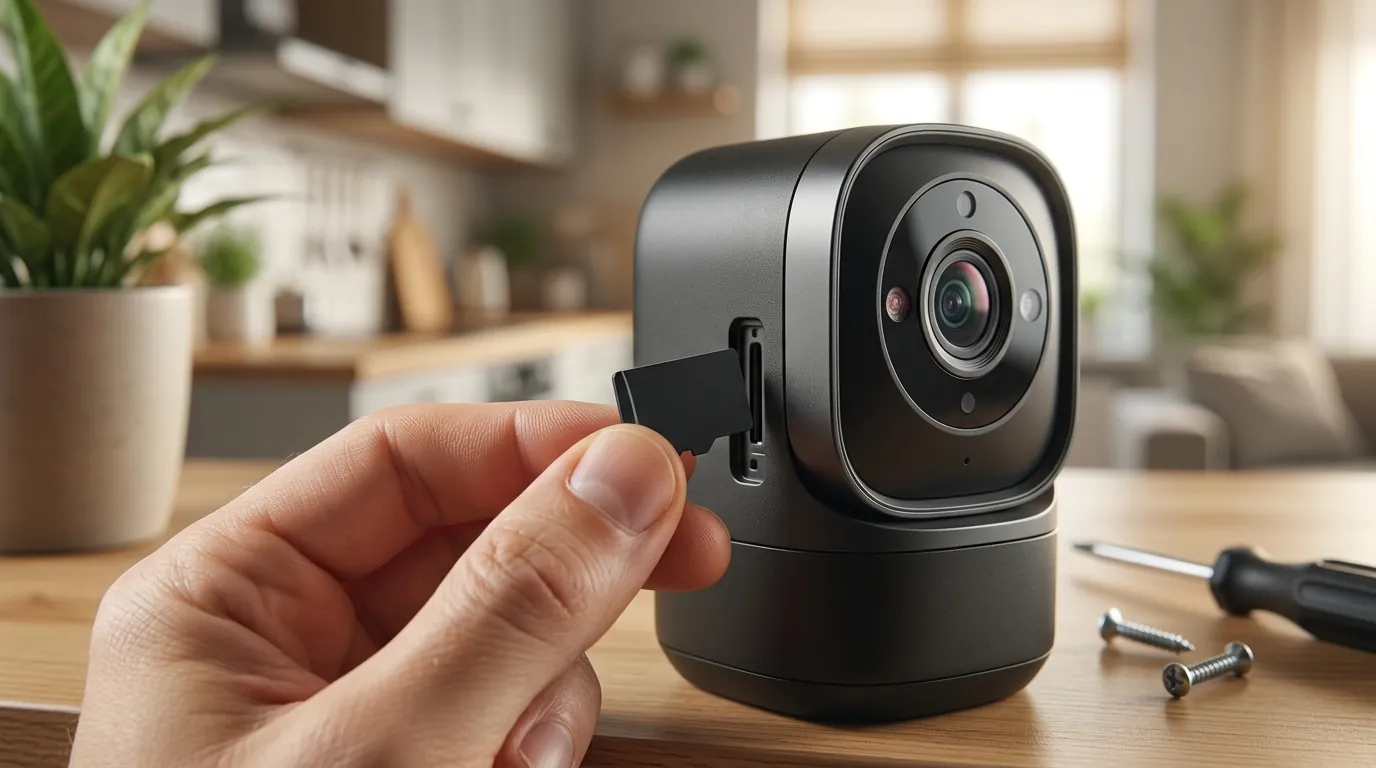
For the modern buyer, the choice is no longer about resolution or night vision; it is about where the “brain” of the camera lives. The 2026 market is split between Cloud AI (which processes data on the vendor’s servers) and Edge AI (which processes data on the camera or a local hub).
Data Path Comparison: Cloud AI vs. Edge AI
| Feature | Cloud AI (Ring/Nest/Arlo) | Edge AI (Reolink/Eufy/UniFi) |
|---|---|---|
| Data Processing Location | Vendor Data Center | Local Hardware (on-device) |
| Video Transit | Constant upload to cloud | Stay on local network (LAN) |
| AI Features | Requires Monthly Sub | No Subscription Required |
| Law Enforcement Access | Possible via “Emergency Request” | Requires physical seizure or local login |
| Response Speed | Dependent on Internet/Ping | Near-instant (Local Milliseconds) |
| Privacy Risk | High (Third-party breach risk) | Low (User-managed security) |
Your Biometrics as Training Data
When you agree to the terms of service for most cloud-based AI cameras, you are often granting the manufacturer a license to use your footage to “improve their algorithms.” In 2026, this means your face, your gait, and even the sound of your dog barking are being used as training data for future AI models. While companies claim this data is anonymized, researchers have repeatedly demonstrated that “de-identified” biometric data can often be re-linked to individuals when combined with other metadata.
The Warrantless Access Reality
One of the most critical privacy risks is the “Emergency Access” loophole. Amazon and Google maintain policies that allow them to provide footage to law enforcement without a warrant if they believe there is an “imminent danger of death or serious physical injury.”
According to Amazon’s own Transparency Reports, the company continues to fulfill dozens of these requests annually. For a buyer, this means that despite your own privacy settings, a third party (the vendor) holds the ultimate “master key” to your video feed.
The Cost of ‘Smart’ Features (TCO)
The “Feature Paywall” has become the standard business model in 2026. Brands like Arlo and Nest sell hardware at a relatively low entry price but lock essential AI features—such as person detection or package alerts—behind monthly subscriptions.
3-Year Total Cost of Ownership (TCO) Example:
- Cloud-Dependent Camera (e.g., Arlo Ultra 2): Hardware ($250-300) + Subscription ($15/mo for 36 months) = ~$790-840.
- Local Edge AI Camera (e.g., Reolink Argus 4 Pro): Hardware ($180-220) + High-End SD Card ($30) = ~$210-250.
The “privacy-first” option is not only more secure; it is significantly cheaper over the long term because you are not paying for the vendor to store and analyze your data.
Impact on existing owners
If you already own a camera system, the privacy landscape has likely changed since you installed it. “Policy Creep” is a documented phenomenon where firmware updates slowly introduce new data-sharing requirements.
Firmware Updates and Silent Consent
In 2025, several major brands introduced “User Experience Improvement Programs” via mandatory firmware updates. These programs often default to “Opt-In,” allowing the camera to share “anonymized scene descriptions” with the manufacturer. This means that even if you aren’t looking at your app, your camera is sending text-based descriptions of what it sees back to the home office. Owners should regularly check the “Privacy” or “Data Security” tab in their camera app to ensure these haven’t been toggled on during an update.
The EOL (End of Life) Security Gap
Legacy hardware, such as the original Wyze Cam v1 or early Ring Doorbell models, has increasingly become a liability. By 2026, many of these devices have reached “End of Life” (EOL) status, meaning they no longer receive security patches. However, because they are still connected to the cloud to function, they represent an unpatched gateway into your home network. AI-driven botnets can now scan for these EOL devices and exploit known vulnerabilities in seconds.
Residual Data: The ‘Nancy Guthrie’ Precedent
A 2026 legal case (often referred to in tech-law circles as the Guthrie Precedent) highlighted the risk of “residual data.” In this case, a homeowner disconnected their cloud-based cameras and sold the home, but the cloud provider retained the “behavioral metadata” (logs of when doors opened/closed) for three years. The court ruled that while the video might be deleted, the metadata generated by the AI is often considered “business data” belonging to the vendor, not the user. This means your “digital ghost” may live in a vendor’s server long after you’ve thrown the camera in the trash.
What to do now
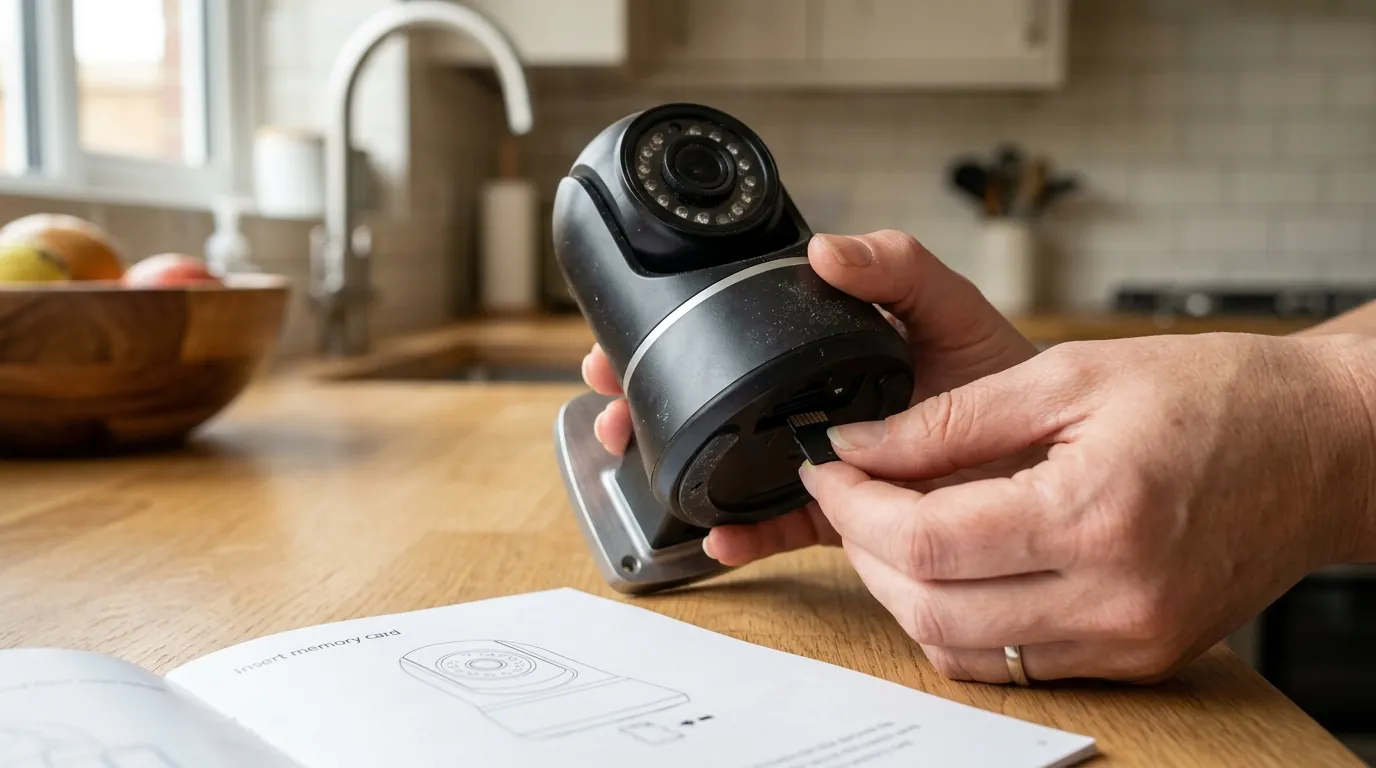
If you are concerned about the trajectory of AI surveillance, there are concrete steps you can take to reclaim your data sovereignty.
Decision Framework: Choosing Your Privacy Level
| If you are a… | Prioritize… | Recommended Path |
|---|---|---|
| Renter | Ease of Setup + Privacy | Eufy with HomeBase 3 (Local AI, no drilling) |
| Homeowner | Long-term Security | Reolink or UniFi (PoE, NVR-based local storage) |
| Small Business | Reliability + Compliance | Synology Surveillance Station (Total data control) |
| Tech Enthusiast | Data Sovereignty | Home Assistant + Scrypted (DIY local-only) |
Switching to Local-First Systems
The most effective way to mitigate AI privacy risks is to move to a “Local-First” architecture. Brands like Reolink and Eufy (specifically when paired with the HomeBase 3) process person and vehicle detection on the device itself.
When a Reolink camera identifies a person, it doesn’t ask a cloud server for help; it uses its internal processor. This allows you to block the camera’s internet access entirely while still receiving alerts on your local Wi-Fi network. According to Reolink’s official specs, their “Smart Detection” features function entirely offline.
Hardening Your Network
For those who must use cloud-connected cameras, “Network Isolation” is essential. By placing your cameras on a VLAN (Virtual Local Area Network), you ensure that if a camera is compromised, the attacker cannot “jump” from the camera to your personal computer or phone.
- Access your router settings.
- Create an “IoT” or “Guest” network.
- Connect all cameras to this isolated network.
- Disable “UPnP” (Universal Plug and Play) on your router to prevent cameras from automatically opening ports to the internet.
Auditing Your Cloud Permissions
If you use Ring or Apple HomeKit, ensure End-to-End Encryption (E2EE) is enabled.
- Ring: Go to Control Center > Video Encryption > Advanced Video Encryption. This ensures that even if Amazon’s servers are hacked, the video files are unreadable without your mobile device’s private key.
- Apple HomeKit Secure Video: This is one of the few consumer cloud options that uses E2EE by default, processing AI on your local HomePod or Apple TV before uploading encrypted fragments to iCloud.
Frequently Asked Questions
Can my security camera see me through windows?
Yes, most AI cameras can detect motion and identify people through glass during the day. However, at night, the reflection of the camera’s own Infrared (IR) lights against the glass usually “blinds” the lens, making it ineffective unless you turn off the IR lights and use external outdoor lighting.
Do “local storage” cameras still send data to the cloud?
Many do. Even if a camera records to an SD card, it may still send “heartbeat” pings or metadata to the manufacturer’s servers for notifications. To ensure zero cloud transit, you must use a system that supports “LAN-only mode” or block the device at the router level.
Is facial recognition legal on home cameras?
In the United States, there is no federal law banning home facial recognition, though some states (like Illinois under BIPA) and the EU (under the AI Act) have strict “informed consent” requirements. Most consumer brands avoid formal “facial recognition” (matching you to a database) in favor of “familiar face alerts” (matching you to a local profile you created).
Sources
- Ring Blog: Update on Neighbors App — https://blog.ring.com/community/update-on-neighbors-app-request-for-assistance-tool/
- The Verge: Wyze Security Breach Report
- Amazon Transparency Report — https://www.amazon.com/gp/help/customer/display.html?nodeId=GZ786S59S7Y3TM9U
- Reolink Official Support: Local AI Processing — https://support.reolink.com/hc/en-us/articles/900000605383-Introduction-to-Smart-Person-Vehicle-Detection/
- Electronic Frontier Foundation (EFF) Surveillance Guide — https://www.eff.org/pages/surveillance-self-defense