
Why Outdoor Cameras Fail in Cold Weather: 2026 Winter Guide
As the winter of 2025-2026 brought record-breaking polar vortex events across the Midwest and Northeast, homeowners discovered a chilling reality: their high-tech security cameras are often the first things to freeze under pressure.
Quick Answer: Most battery-powered cameras are engineered to stop charging at 32°F (0°C) and will initiate a full system shutdown near -4°F (-20°C) to protect the battery from permanent damage. For reliable security in climates that drop below freezing, homeowners should transition to hardwired Power over Ethernet (PoE) systems or specialized models with internal heaters, such as the Reolink RLC-823A or professional-grade Lorex units.
What happened
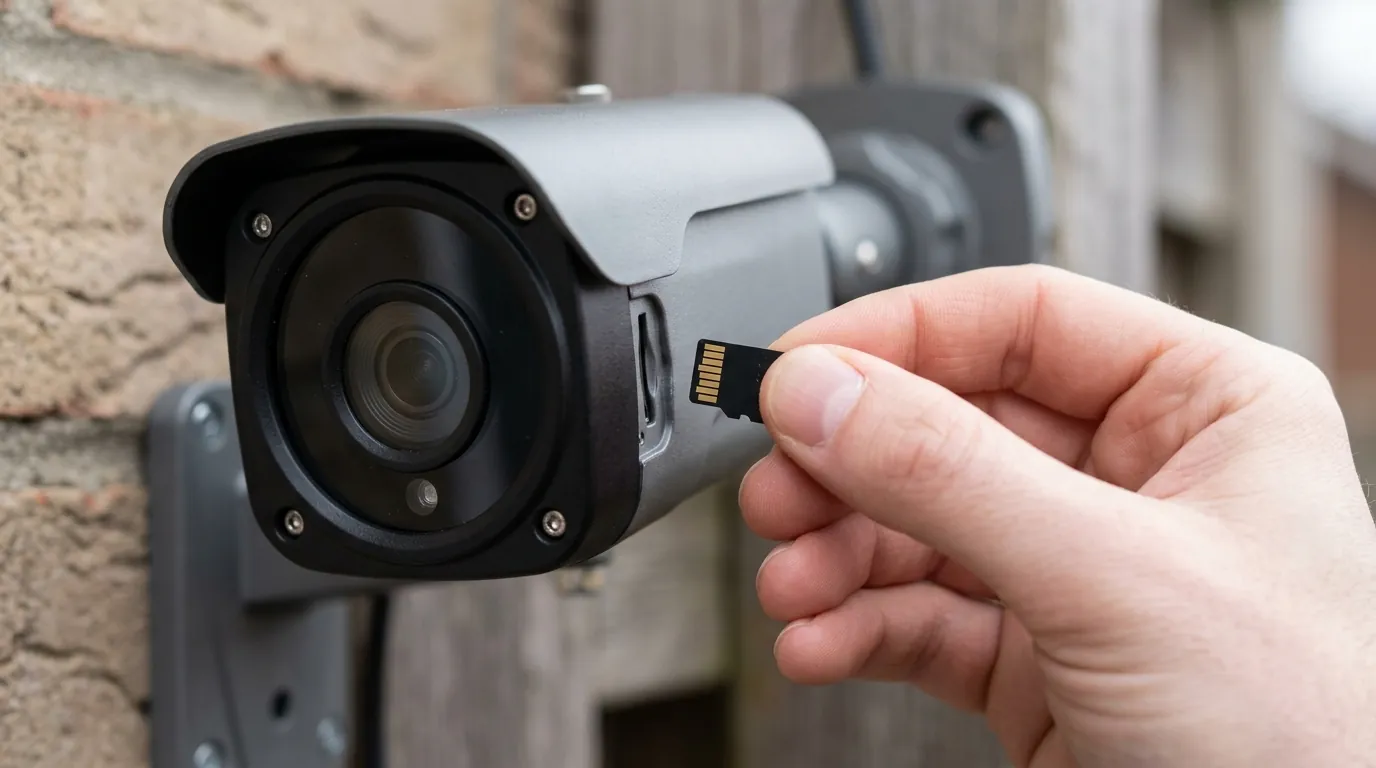
The winter season of 2025-2026 served as a massive field test for the latest generation of “wire-free” security cameras. While brands like Ring, Nest, and Arlo marketed their 2025 lineups as “all-weather,” community forums and support tickets were flooded with reports of cameras going offline exactly when they were needed most—during heavy snowstorms and extreme cold snaps.
This isn’t a software “bug” in the traditional sense; it is a fundamental conflict between modern battery chemistry and physics.
The 32-Degree Charging Wall
Lithium-ion batteries, which power almost every major wireless camera on the market including the Nest Cam (Battery) and the Arlo Pro 5S, cannot be safely charged at temperatures below 32°F (0°C).
If a charger attempts to force energy into a frozen lithium cell, it causes “lithium plating” on the anode. This creates internal shorts that can lead to battery failure or, in extreme cases, thermal runaway. To prevent this, manufacturers hard-code a “Charging Lockout” into the firmware. Even if your camera is connected to a solar panel or a charging cable, the software will reject the incoming power until the internal battery temperature rises above freezing.
2026 Field Reports: Which Brands Failed First?
Data from the 2025-2026 winter cycle indicates that “integrated battery” models—where the battery cannot be swapped out—suffered the most. Users of the Arlo Essential 2nd Gen and the Eufy SoloCam series reported that once the battery hit 0%, the cameras remained “bricks” for weeks because they could not generate enough internal heat to allow a recharge from their solar accessories.
| Model | Rated Op. Temp (Low) | Charging Cut-off | 2026 Firmware Protection |
|---|---|---|---|
| Ring Stick Up Cam Pro | -4°F (-20°C) | 32°F (0°C) | “Power Save” mode disables Pre-Roll |
| Nest Cam (Battery) | -4°F (-20°C) | 32°F (0°C) | Throttles AI/Person Detection |
| Arlo Pro 5S | -4°F (-20°C) | 32°F (0°C) | Disables 2K/4K streaming |
| Eufy S340 (Dual Cam) | -4°F (-20°C) | 32°F (0°C) | Limits PTZ (Pan/Tilt) movement |
| Reolink RLC-823A (PoE) | -14°F (-25°C) | N/A (No Battery) | Full functionality maintained |
Data sourced from Ring Support and Google Nest Specifications.
The ‘Trickle Charge’ Myth: Why Wiring Your Battery Camera Doesn’t Always Help
A common misconception among owners of the Ring Spotlight Cam or Nest Cam is that keeping the device “plugged in” bypasses the battery. In reality, most of these consumer models still run the camera’s primary circuitry off the battery, using the outdoor power cable only to “trickle charge” that battery.
When the temperature hits the 32°F wall, the trickle charge stops. The camera continues to draw power from the battery to stay connected to Wi-Fi. Eventually, the battery drains to zero, and because it is too cold to accept a charge, the camera shuts down entirely—even though it is physically plugged into a wall outlet.
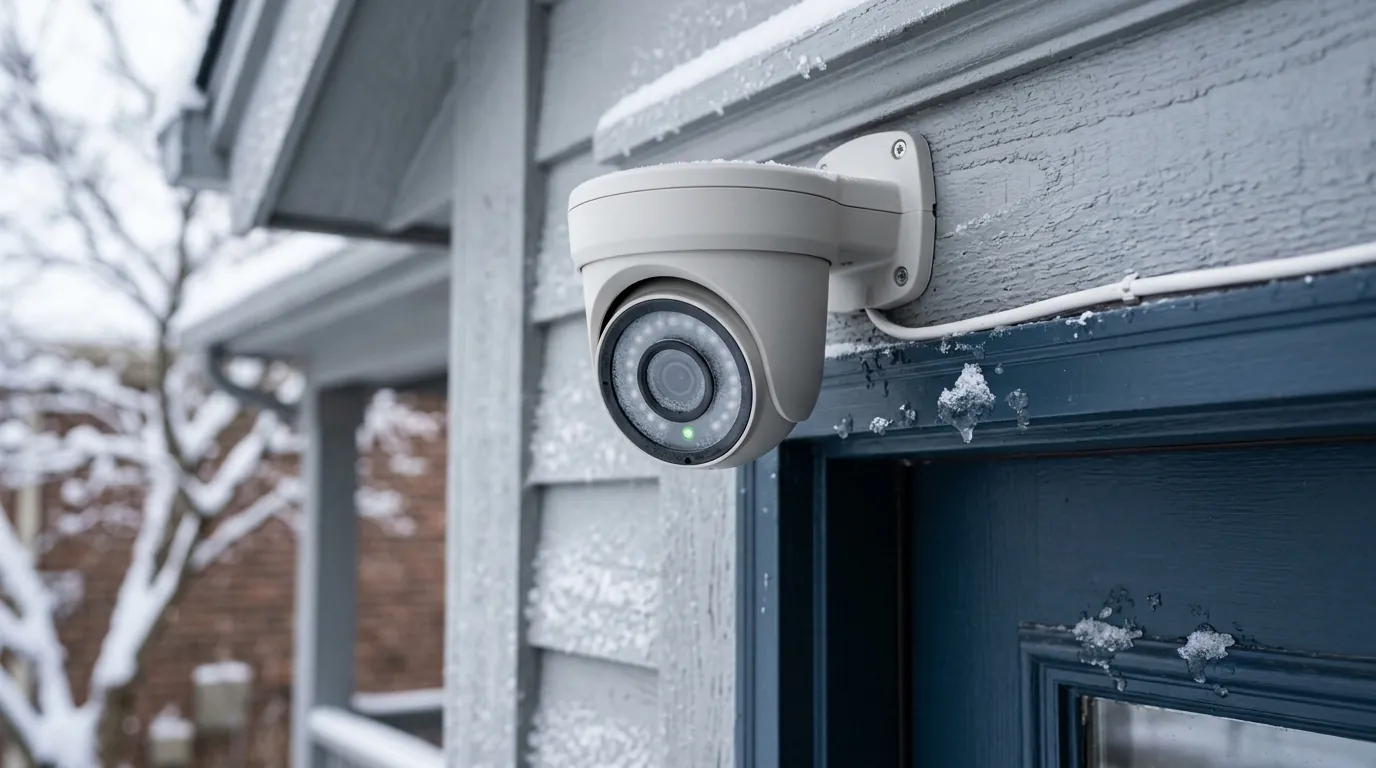
[Image placement: A close-up of a security camera mounted on a residential eave, partially covered in frost and icicles, with a smartphone in the foreground showing a ‘Temperature Too Low’ alert.]
Why it matters for buyers
For the average consumer, the appeal of a “no-wires” installation is high. However, the 2025-2026 winter has highlighted a significant “Reliability Gap.” When you buy a battery-powered camera, you aren’t just buying a security device; you are buying a device with a seasonal expiration date.
The Hidden Cost of Battery Convenience
The “easy install” marketed by major brands often masks a higher Total Cost of Ownership (TCO). In cold climates, a battery that usually lasts six months may only last six weeks.
Battery Drain Acceleration (Benchmark):
- 70°F (21°C): 100% Efficiency (Baseline)
- 32°F (0°C): ~80% Efficiency
- 10°F (-12°C): ~50% Efficiency
- -4°F (-20°C): <20% Efficiency (or shutdown)
At 10°F, the internal resistance of the battery increases significantly, meaning the camera must expend more energy just to perform basic tasks like pinging the Wi-Fi router. This creates a feedback loop: the battery works harder, gets weaker, and dies faster.
Solar Panels in Winter: Low Sun Angles and Snow Cover
Many users attempt to solve the winter power drain by adding manufacturer-branded solar panels. In 2026, these panels are more efficient than ever, but they cannot overcome geography. During winter months, the sun sits lower on the horizon, often failing to hit solar panels mounted under eaves or on the north side of a home. Furthermore, even a thin layer of frost or snow can reduce a solar panel’s output by 90% or more. Combined with the “Charging Lockout” mentioned earlier, solar panels are often decorative rather than functional from December through March.
Subscription Fees for Zero Footage: The Frustration of Winter Downtime
One of the most significant pain points for owners is the “Feature Paywall.” If you pay for Ring Protect or Nest Aware, you are paying a monthly fee for cloud storage and AI detection. If your camera is dead for three weeks during a cold snap, the manufacturer does not provide a pro-rated refund. Owners are essentially paying for a service they cannot access because the hardware is physically incapable of operating in the environment for which it was sold.
Impact on existing owners
If you already own a wireless system, the impact of cold weather goes beyond just a temporary outage. There are long-term mechanical and financial consequences to letting your cameras freeze.
Long-term Battery Health Risks
Repeatedly allowing a lithium-ion battery to discharge to 0% in sub-zero temperatures causes permanent degradation. Each time this happens, the “total capacity” of the battery shrinks. By the time spring arrives, a camera that once lasted six months might only be capable of holding a four-month charge. For models with non-removable batteries, like the Arlo Essential 2nd Gen, this effectively shortens the entire product’s lifespan to just 2-3 winters.
Feature Loss: When Your ‘Smart’ Camera Becomes ‘Dumb’
In 2025, several brands introduced “Thermal Throttling” via firmware updates. To save power when the battery is cold and struggling, the camera will automatically disable high-energy features. You may notice:
- Reduced Motion Sensitivity: The camera stops “looking” for motion as frequently.
- Disabled Local AI: Instead of the camera identifying a “Person” or “Vehicle” on-device, it sends a raw clip to the cloud, increasing latency.
- Resolution Downgrade: A 4K camera may drop to 1080p to reduce the processing load on the ISP (Image Signal Processor).
The Maintenance Burden of Wireless Systems
The “Ladder Problem” is the most visceral impact on owners. When a battery camera dies in January, the owner must climb a ladder in potentially icy conditions, dismount the frozen camera, and bring it inside.
Because the battery is frozen, it cannot be charged immediately. It must “thaw” for 4-6 hours to reach room temperature before the charging lockout is released. This results in a full day of zero security coverage, followed by the risk of re-mounting the camera in the cold.
What to do now
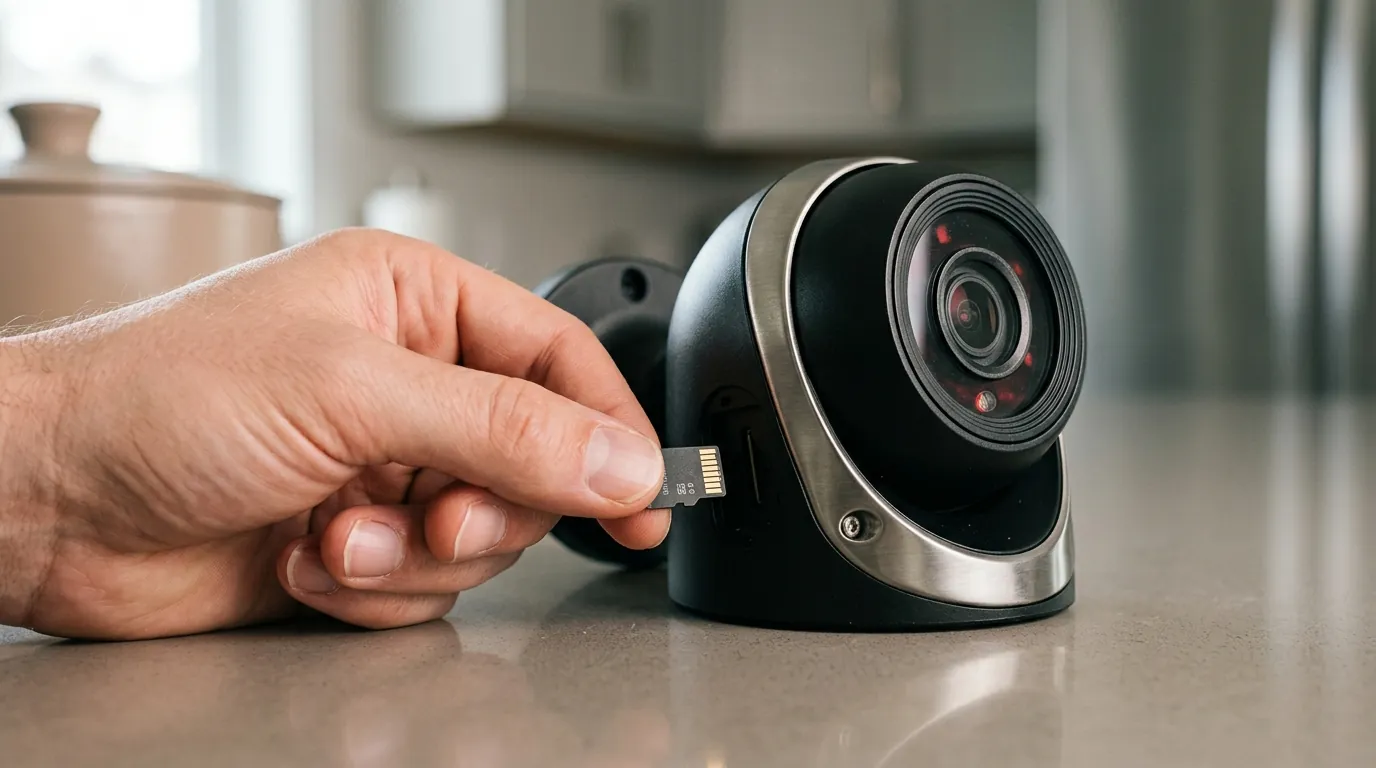
If you live in a region where temperatures regularly dip below freezing, the solution isn’t a better battery—it’s a different power architecture.
Short-Term Survival Tips for Battery Cameras
If you are stuck with your current battery cameras for the rest of the season, try these mitigations:
- Insulated Skins: Silicone covers (available from brands like Wasserstein) can provide a 3-5 degree “buffer” by trapping the small amount of heat generated by the camera’s internal processor.
- Spare Batteries: For brands like Ring and Arlo (Pro series), buy a second battery. Keep it charged indoors. When the outdoor battery dies, do a “hot swap” so the camera is only offline for 60 seconds.
- Lower the Settings: Turn off “Pre-Roll,” reduce the recording length to 10 seconds, and widen the “Motion Frequency” interval to “Periodic” or “Low.”
Why PoE is the Ultimate Cold-Weather Solution
Power over Ethernet (PoE) uses a single Cat5e or Cat6 cable to provide both data and steady electrical power. Because PoE cameras do not rely on chemical batteries, they are immune to the 32°F charging wall. As long as the cable is intact, the camera has a constant flow of electricity.
Furthermore, PoE cameras like the Reolink RLC-series often have higher operating temperature tolerances because they can use that constant power to generate a small amount of internal heat, keeping the lens clear of fog and the sensors operational.
2026 Product Recommendations: Cameras That Don’t Quit
When shopping for a winter-proof system in 2026, look for these specific models or categories:
- The “Heated” Option: Some newer consumer-facing models from Lorex and professional-grade Raythink units now include internal heaters. These activate at 32°F and can keep the camera running down to -40°F.
- The PoE Powerhouse: The Reolink RLC-823A (around $150-200) is a PTZ (Pan-Tilt-Zoom) camera that is frequently cited in the r/HomeSecurity community for its resilience in Canadian winters.
- The Hardwired Budget Pick: The Eufy S4 Max PoE (around $100-130) provides 4K resolution and local AI without the battery headaches.
Decision Framework: Choosing Your Winter Strategy
| If your situation is… | Your Priority Should Be… | Recommended Action |
|---|---|---|
| Renter (No Drilling) | Portability + Spare Power | Buy Ring/Arlo with removable batteries; keep a spare on the charger. |
| Homeowner (Extreme North) | Reliability + Heat | Install PoE cameras (Reolink/Lorex) with Cat6 wiring to a central NVR. |
| Business Owner | 24/7 Uptime | Look for “Heated Lens” models rated to -40°F. |
| No Wi-Fi/Remote Cabin | Low Power + Solar | Use 4G/LTE cameras with oversized external battery banks (10,000mAh+). |
Total Cost of Ownership (3-Year Breakdown)
When comparing a “cheap” battery camera to a “reliable” PoE camera, the math changes significantly over three years.
-
Battery Camera (e.g., Arlo Pro 5S):
- Hardware: ~$200
- Subscription ($15/mo for 3 years): $540
- Replacement Battery (Year 2): ~$50
- Total: $790 (Plus the risk of winter downtime)
-
PoE Camera (e.g., Reolink RLC-811A):
- Hardware: ~$110
- NVR/Local Storage: ~$200
- Subscription: $0
- Total: $310 (Reliable 24/7 recording)
The transition to hardwired security isn’t just about avoiding a dead battery; it’s about ensuring that your home’s “eyes” don’t close the moment the snow starts to fall. While Quvii tracks these trade-offs across the category, the 2026 data is clear: if you can’t trust your camera in a blizzard, it isn’t truly a security camera.
Sources
- Ring Support: Cold Weather and Battery Powered Ring Devices — https://support.ring.com/hc/en-us/articles/115005939463-Cold-Weather-and-Battery-Powered-Ring-Devices
- Google Nest Support: How Nest Cam charges in cold weather
- Arlo Knowledge Base: How does cold weather affect my Arlo camera? — https://kb.arlo.com/000062861/How-does-cold-weather-affect-my-Arlo-camera
- Reolink Product Specs: RLC-823A Operating Temperatures — https://reolink.com/product/rlc-823a/#specifications
- Battery University: Charging at High and Low Temperatures — https://batteryuniversity.com/article/bu-410-charging-at-high-and-low-temperatures