
Nest Camera Wi-Fi Dropping After 2026 Update? Causes & Fixes
A security camera that cannot maintain a connection is little more than a plastic ornament. For thousands of Google Nest users, a mid-2026 firmware rollout has turned high-end monitoring systems into intermittent offline headaches.
Quick Answer: Recent Nest firmware updates (v3.78 for Wifi Pro and mid-2026 camera patches) have caused widespread Wi-Fi drops. Fix this by switching your router to WPA2/WPA3 transitional mode or performing a manual hardware restart.
What happened
Related: Ring Doorbell Subscription Price Increase 2026: Best Alternatives · Early Prime Day 2026 Home Security Deals: Top No-Subscription Picks · Best Smart Video Doorbells for Apartment Renters 2026
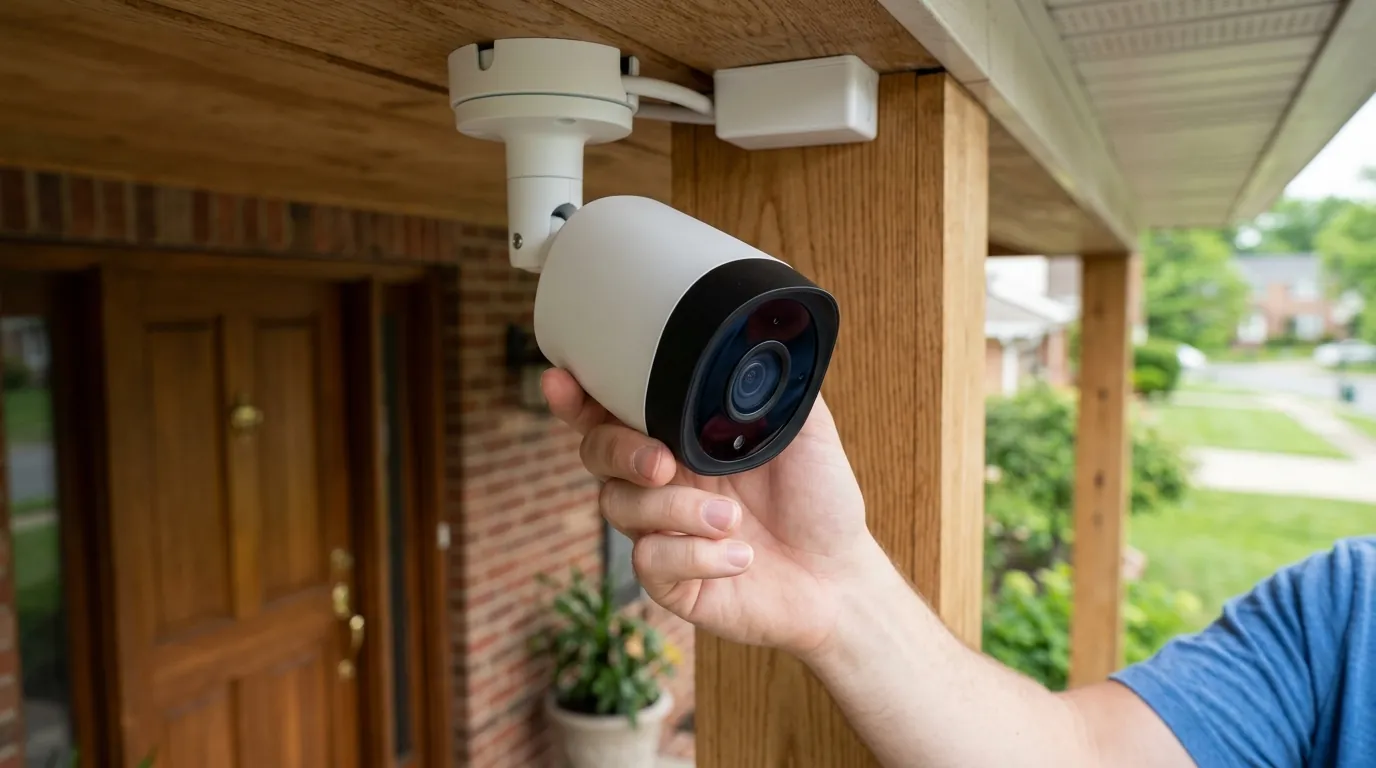
In July 2026, a significant volume of reports surfaced across community hubs like r/googlehome and the Google Nest Community forums indicating that Nest Cam (Battery), Nest Doorbell (Battery), and even some wired 2nd-gen models were frequently falling “Offline.” These reports coincided with the release of firmware version v3.78.518349 for the Nest Wifi Pro and a simultaneous security patch for the cameras themselves.
The core of the issue appears to be a breakdown in the WPA3 security handshake. While WPA3 is designed to provide superior encryption, the 2026 update tightened the authentication window. If the camera and the router do not complete the handshake within a few milliseconds, the connection is rejected. Users have noted that while the cameras often show as “Connected” on their router’s client list, the Google Home app displays a “Device Offline” status. This suggests the hardware is connected to the local network but is failing to authenticate with Google’s cloud servers—the “handshake” is essentially getting stuck at the gate.
Symptoms reported by users include:
- The Pulsing White Light: The status LED on the front of the camera pulses white, indicating it is searching for a connection or waiting for authentication.
- Selective Connectivity: Some users find that cameras closer to the router remain stable, while those with a -65 dBm signal or weaker—previously perfectly functional—now drop every few hours.
- The “Ghost” Connection: The router management interface shows the camera as an active client with a high bit rate, but the cloud-dependent Google Home app cannot pull a live stream.
Unlike previous minor glitches, this July 2026 event has proven persistent, with many users reporting that simple app-based restarts do not resolve the cycle of drops.
Why it matters for buyers
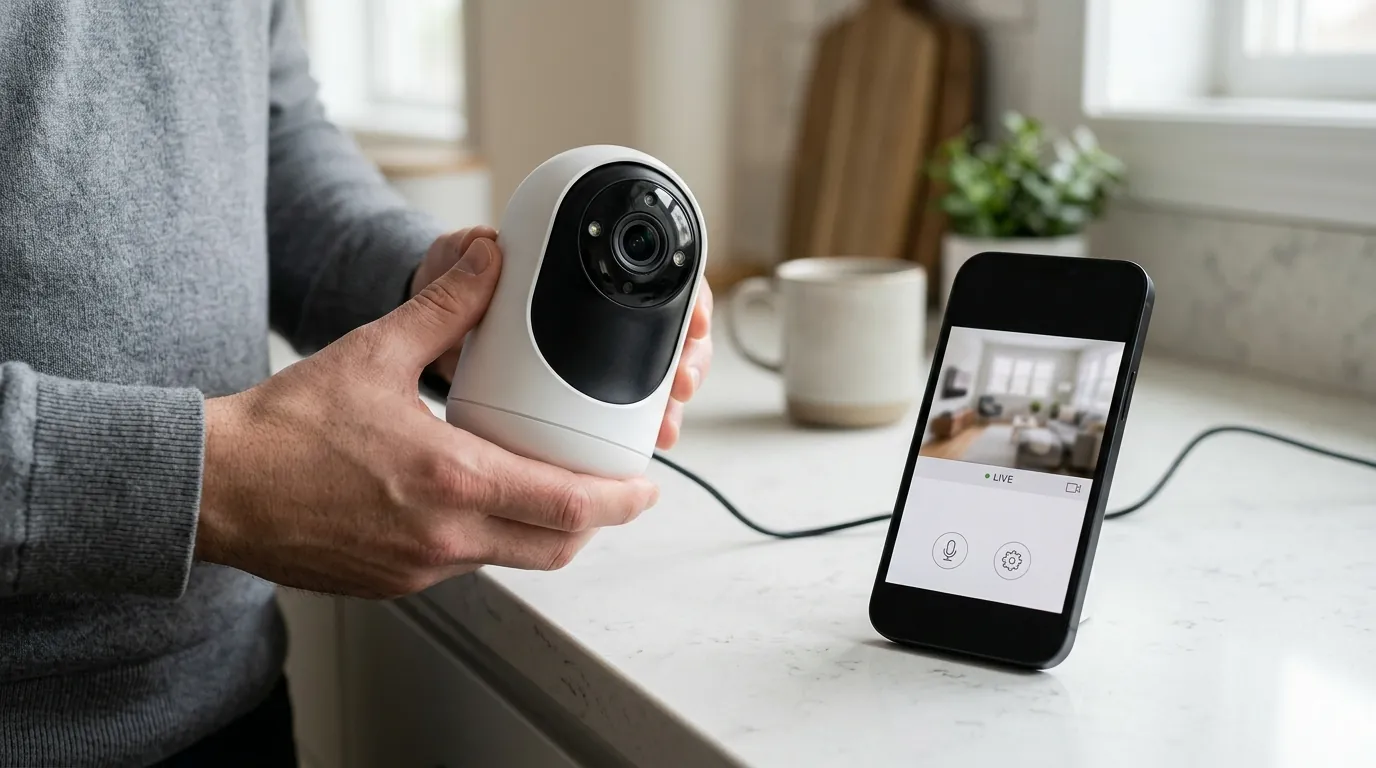
For those currently shopping for a security system or looking to expand their Nest ecosystem, this incident serves as a critical case study in “ecosystem risk.” When you purchase a Nest camera, you are not just buying hardware; you are buying into a vertically integrated software stack.
The Ecosystem Dependency Trap
The 2026 connectivity crisis highlights a specific vulnerability: when the same company manufactures the router (Nest Wifi Pro) and the camera (Nest Cam), a single firmware flaw can create a cascading failure. In this instance, the update intended to improve network security actually broke the communication protocol between two devices designed to work together. For a buyer, this means that even if your internet service is stable and your cameras are high-quality, a “forced” cloud update can render your home security system useless overnight.
Subscription Value vs. Uptime
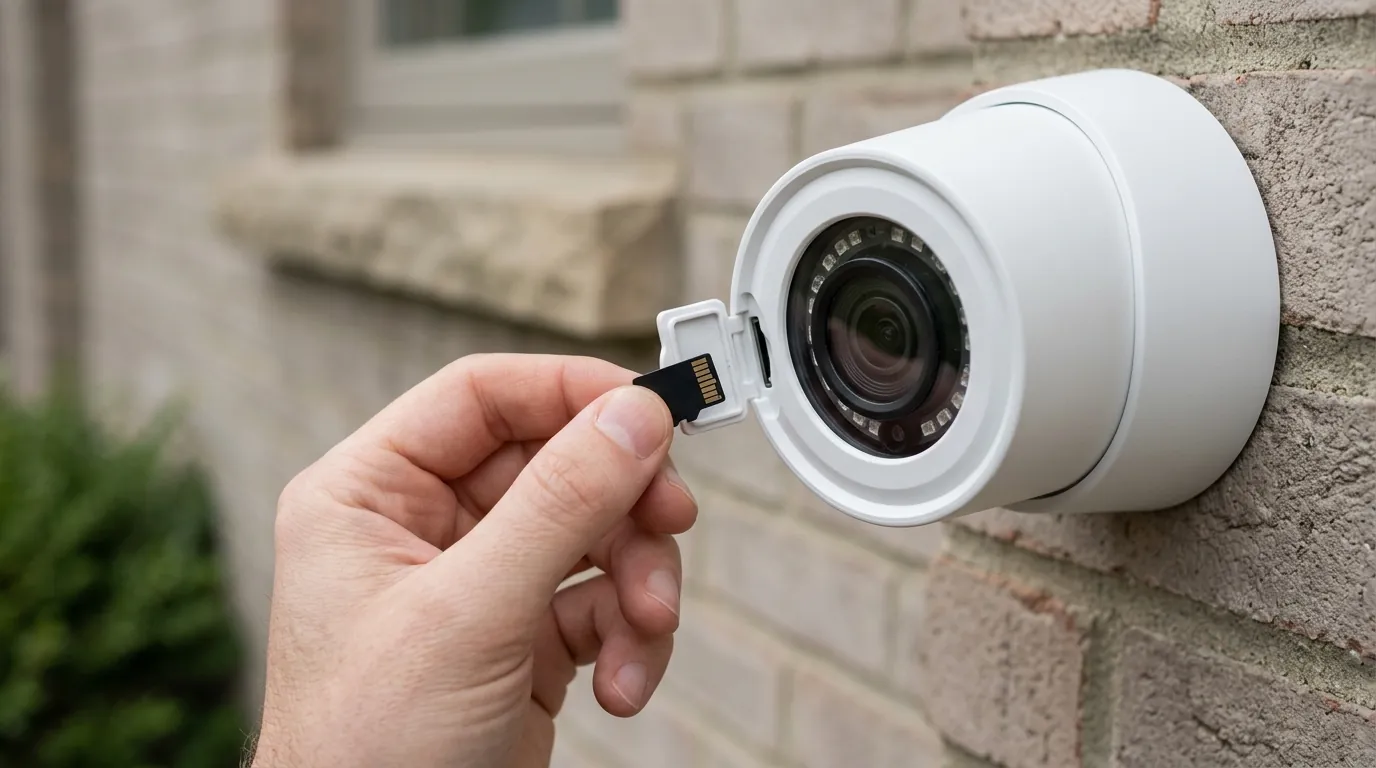
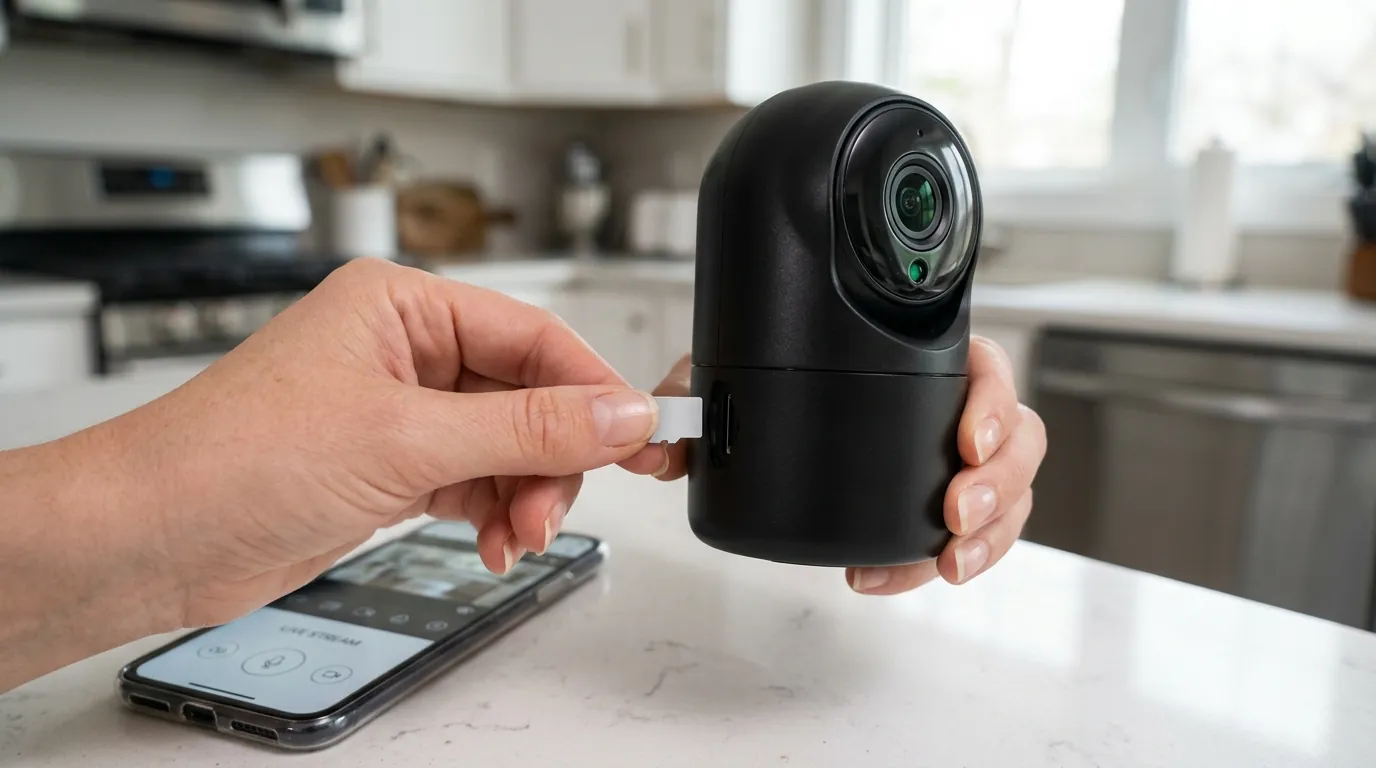
Nest cameras rely heavily on the Nest Aware subscription for features like familiar face detection and cloud recording. When cameras drop offline, the service you are paying for—often between $80 and $150 per year—is effectively suspended. Because Nest cameras (with the exception of a 3-hour local event buffer on newer models) lack robust local microSD storage, every minute of “offline” status is a total blackout of security coverage. Prospective buyers must weigh this cloud-only dependency against competitors that offers dual-path recording (local + cloud).
Impact on existing owners
The consequences of the v3.78 update extend beyond simple annoyance; they impact the physical integrity and security of the home.
Battery Drain and Hardware Stress
The most immediate physical impact is on the Nest Cam (Battery) and Nest Doorbell (Battery). Under normal conditions, these devices “sleep” and wake up only when motion is detected or the app is opened. However, the connection-drop loop forces the Wi-Fi radio to stay in a high-power state as it constantly attempts to re-authenticate.
Community benchmarks on r/googlehome suggest that affected battery-powered units are seeing a 20-30% faster battery depletion per day. This frequent cycling not only requires more frequent charging but can also shorten the long-term lifespan of the internal lithium-ion battery due to increased heat and charge cycles.
Missed Security Events
Because the “Device Offline” status prevents the camera from uploading footage to Google’s servers, owners are reporting significant gaps in their event history. In some cases, cameras fail to record for several hours before successfully re-handshaking with the cloud. For those using these cameras for critical security—such as monitoring a small business or a front entry—this level of unreliability is a dealbreaker.
Notification Fatigue
The Google Home app frequently sends “Camera is offline” and “Camera is back online” push notifications. When this happens dozens of times a day, “notification fatigue” sets in. Users have reported either silencing their security alerts entirely or ignoring them, which creates a dangerous situation where a legitimate security alert might be overlooked.
What to do now
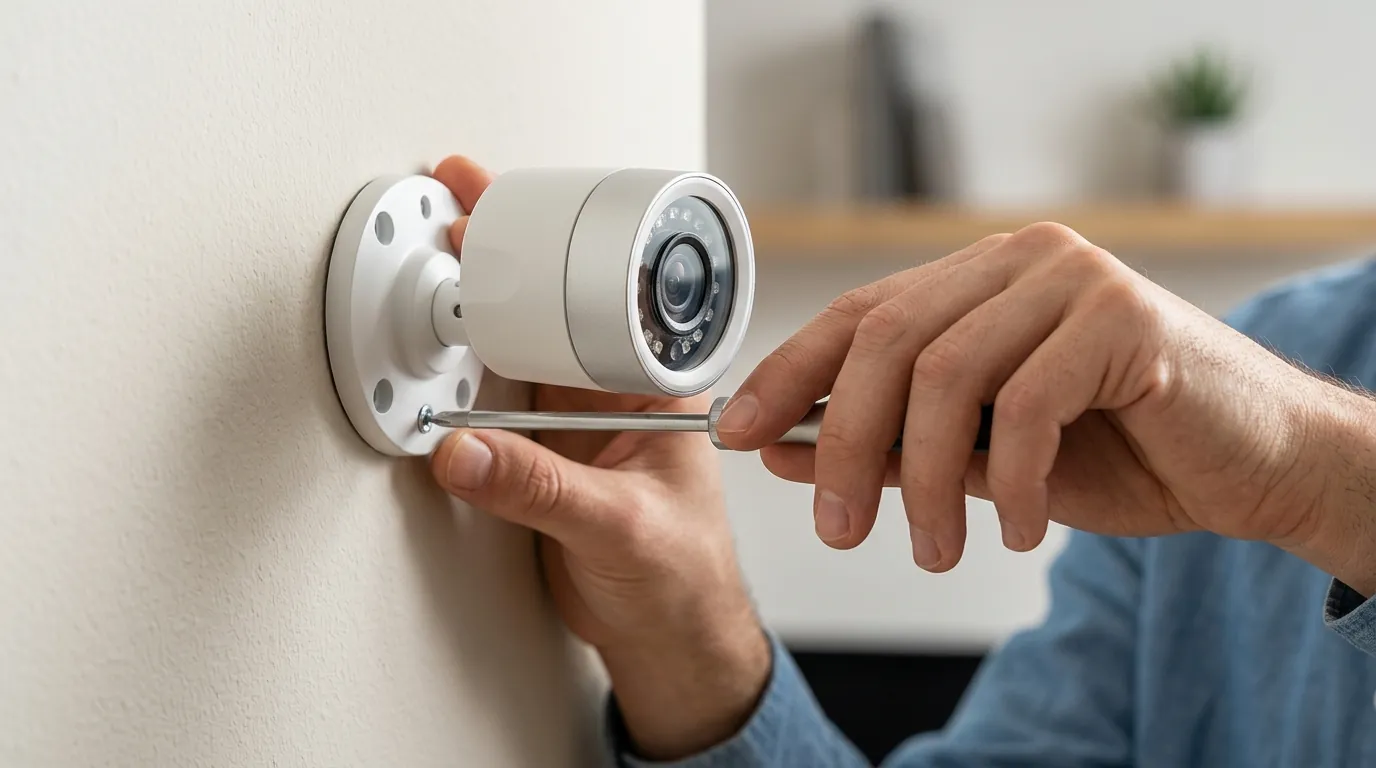
If your Nest cameras are currently dropping connection following the 2026 update, follow this technical troubleshooting hierarchy to restore stability.
Step-by-Step Troubleshooting
- Toggle WPA3 Settings: This is the most effective fix reported for the v3.78 update.
- Open the Google Home app.
- Navigate to your Wi-Fi settings.
- Look for “Advanced Networking.”
- Switch from “WPA3-Only” to “WPA2/WPA3 Transitional” mode. This allows the camera to use the older, more stable WPA2 handshake while still allowing other devices on your network to use WPA3.
- Physical Hardware Restart: App-based restarts often fail to clear the camera’s local cache.
- For wired cameras: Unplug the power for 60 seconds and plug it back in.
- For battery cameras: Use the reset pin on the back of the device. Press it once (do not hold it, or you may trigger a factory reset) to force a hardware reboot.
- Assign a Static IP (IP Reservation): Sometimes the update causes issues with DHCP lease renewals.
- In your router settings, find the MAC address of your Nest camera.
- Assign it a “Reserved IP” so it always uses the same address. This prevents the camera from “getting lost” when the router tries to reassign IP addresses every 24 hours.
When to Contact Google Support
If the camera remains offline after a factory reset (holding the reset button for 10-15 seconds until you hear a chime), the issue may be a corrupted firmware partition. In this case, check your warranty status via the Google Store support page. Since this is a documented firmware-induced issue, some users have had success requesting out-of-warranty replacements, though this is not guaranteed.
The Local Storage Alternative
If you find the cloud-dependency of the Nest ecosystem too restrictive, 2026 has seen the rise of high-performance local-storage alternatives. The Reolink Argus 4 Pro is a frequently cited alternative in the r/HomeSecurity community.
The Argus 4 Pro offers 4K resolution and, crucially, Wi-Fi 6 support which is more resilient to the handshake issues seen in older Wi-Fi 5 or early Wi-Fi 6E implementations. Because it records directly to a microSD card (up to 512GB) and can sync to a local NVR or Home Assistant setup, it continues to record even if your internet connection or the manufacturer’s cloud goes down.
Technical Comparison: Nest vs. 2026 Alternatives
| Feature | Nest Cam (Battery) | Reolink Argus 4 Pro | EufyCam S330 (eufyCam 3) |
|---|---|---|---|
| Resolution | 1080p HDR | 4K (Dual-Lens) | 4K |
| Connectivity | Wi-Fi 5 (802.11ac) | Wi-Fi 6 (Dual-Band) | Wi-Fi 2.4GHz |
| Storage | Cloud Only (3hr event buffer) | Local microSD + Cloud | Local HomeBase 3 (Expandable) |
| Power Type | Battery/Wired | Battery/Solar | Battery/Integrated Solar |
| Subscription | Required for History ($80+/yr) | Optional | No Monthly Fee |
| MSRP Band | Around $180 | Around $200 | $150-200 range (per cam) |
Data sourced from Google Store Specs and Reolink Product Pages.
Total Cost of Ownership (3-Year Analysis)
When evaluating whether to fix your Nest system or jump to a new brand, consider the 3-year Total Cost of Ownership (TCO).
- Nest Cam (Battery):
- Hardware: ~$180
- Nest Aware (3 years at $80/yr): $240
- Total: $420
- Reolink Argus 4 Pro:
- Hardware: ~$200
- High-End microSD Card: ~$30
- Subscription: $0
- Total: $230
The “subscription wall” is a significant factor. Nest users pay nearly double the hardware cost in service fees over three years just to access their video history. When firmware updates like v3.78 interrupt that service, the value proposition drops significantly.
Decision Framework: Should You Stay or Switch?
- If you are a Renter: Stick with Nest. The ease of mounting and the integration with Google Assistant/Smart Displays is often worth the occasional firmware headache, as you likely won’t be installing a complex local NVR system.
- If you are a Homeowner with 5+ Cameras: Consider a hybrid approach. Keep Nest for the doorbell (for the superior facial recognition) but move your perimeter security to a local-storage brand like Reolink or Lorex to ensure 24/7 uptime regardless of firmware updates.
- If you have “Spotty” Wi-Fi: Avoid Nest. Nest cameras require a very “clean” handshake with the cloud. If your Wi-Fi signal is weak, the WPA3 issues in the 2026 update will be magnified. Look for cameras with external Wi-Fi antennas.
Frequently Asked Questions
Why did the July 2026 update only break some of my cameras?
Firmware rollouts are often “staged,” meaning they reach different devices at different times. Additionally, cameras located further from your router are more susceptible to the WPA3 handshake timing errors introduced in v3.78, while cameras with a stronger signal may be able to overpower the interference and reconnect.
Can I roll back my Nest Cam firmware to a previous version?
No. Google does not provide a tool for users to roll back firmware to a previous version. Updates are mandatory and pushed automatically when the device is connected to the internet. This is a primary reason why many security enthusiasts prefer brands that allow manual firmware management.
Does the “Offline” status mean my camera isn’t recording anything?
Newer Nest Cams (2nd Gen) have a local storage buffer that can record up to 3 hours of “event-based” footage during an outage. However, this footage is only uploaded to your history once the connection is restored. If the camera is offline for more than 3 hours, or if it is a 1st-gen model without this buffer, no footage will be saved.
How do I know if my Nest camera is using WPA3?
You can check this in the Google Home app under your Wi-Fi settings. If “WPA3” is toggled on, your router will attempt to use it for all compatible devices. If your Nest cameras are dropping, switching this to “Transitional” or “WPA2” is the first step in troubleshooting.
Sources
- Google Nest Cam (Battery) Technical Specifications — https://store.google.com/product/nest_cam_battery_specs
- Google Nest Wifi Pro Firmware Release Notes
- Reddit r/googlehome: “Nest Cam Offline after July Update” — https://www.reddit.com/r/googlehome/
- Reolink Argus 4 Pro Product Data — https://reolink.com/product/argus-4-pro/
- FCC ID Search (Google Nest Hardware RF Testing) — https://apps.fcc.gov/oetcf/eas/reports/GenericSearch.cfm