
Choosing Monitored Security Without Smart Features (2026 Guide)
For years, professional security monitoring has been inseparable from invasive AI analytics, but a shift toward “local-first” hardware is finally giving homeowners a way to stay protected without being tracked.
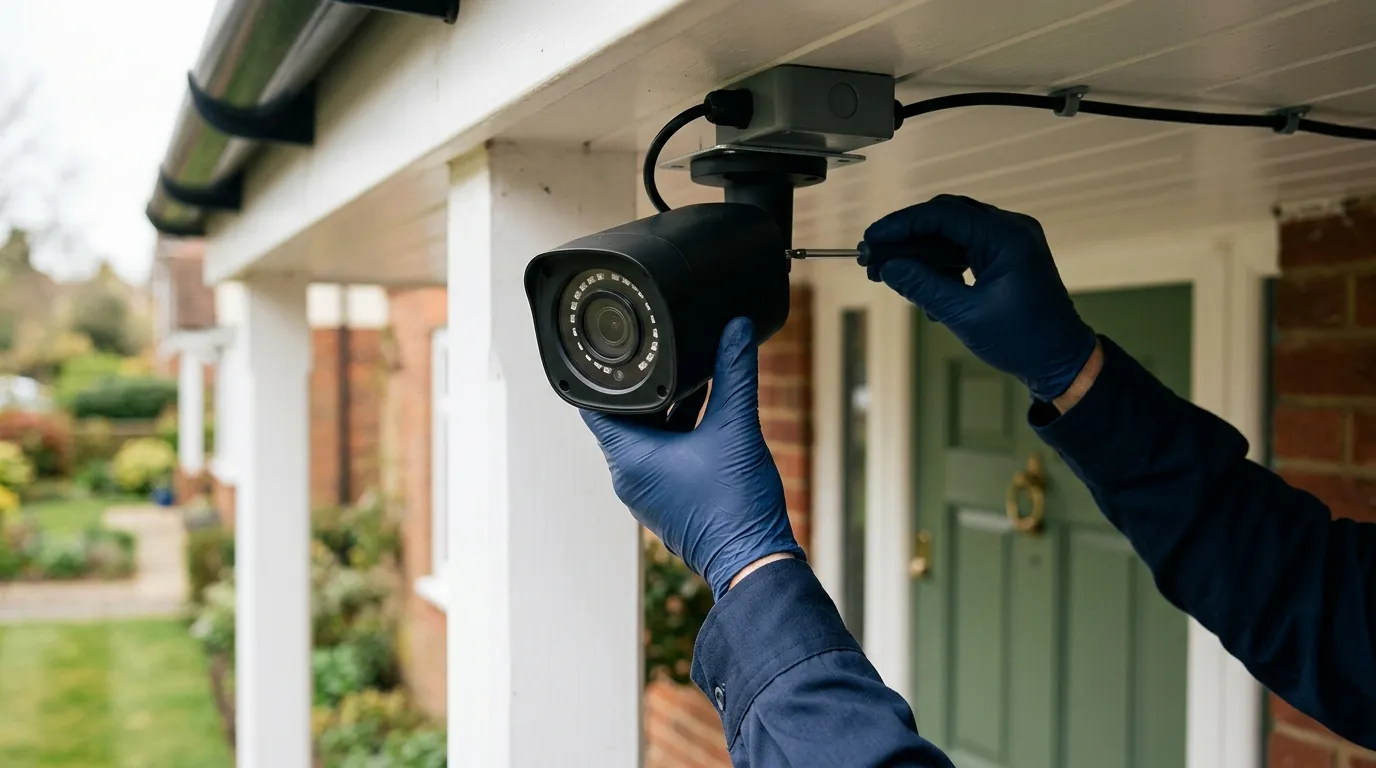
Quick Answer: To get professional monitoring without “smart” bloat, pair a local NVR system like Reolink with a third-party monitoring service like Noonlight or a local UL-listed central station via a hardware bridge.
What happened
Related: Josh.ai AI X OS Update: Boosting Smart Home Camera Intelligence · Ring Camera Motion Detection Not Working in July 2026: What to Know · Ring Doorbell Motion Detection Delay Fixes: July 2026 Update
The security landscape in 2026 is defined by a phenomenon industry analysts call the “Privacy Pivot.” After a decade of aggressive expansion into facial recognition, gait analysis, and behavioral “smart” alerts, a significant segment of the US market is actively retreating from cloud-dependent AI. This shift is driven by a growing discomfort with how “Big Tech” incumbents—specifically Amazon (Ring) and Google (Nest)—utilize video data to train proprietary machine learning models.
The Death of the ‘Basic’ Professional Plan
In late 2025 and early 2026, several major manufacturers updated their firmware and subscription structures, effectively sunsetting “legacy” monitoring plans. Previously, users could pay for professional dispatch based on simple motion triggers. Today, brands like Ring and Arlo have transitioned to “AI-Verified” monitoring models. In these systems, a professional dispatcher only receives an alert if the manufacturer’s cloud AI first “verifies” the presence of a person or vehicle. This means users can no longer opt out of AI processing if they want professional emergency response; the “smart” features are now a mandatory gatekeeper for the monitoring service.
Matter 1.4 and the Decoupling of Hardware from Monitoring
A critical technical turning point occurred with the full implementation of the Matter 1.4 standard, which expanded the protocol’s reach into security video and local NVR (Network Video Recorder) communication. For the first time, Matter 1.4 allows local-storage NVRs to communicate directly with third-party professional dispatch centers. This “decouples” the hardware from the service provider, allowing a homeowner to buy a “dumb” camera system and link it to an independent monitoring station without the video ever passing through a manufacturer’s cloud-based AI engine.
2026 Monitoring Contract Comparison
| Feature | Signal-Only (Privacy-First) | AI-Verified (Cloud-Standard) |
|---|---|---|
| Trigger Mechanism | PIR Sensor / Contact Sensor | Cloud Video Analytics (AI) |
| Data Path | Local NVR → Central Station | Camera → Manufacturer Cloud → AI → Central Station |
| Monthly Cost | $10–$15 range | $25–$40 range |
| Privacy Risk | Low (Metadata only) | High (Video/Biometric harvesting) |
| False Positive Rate | Moderate (Environment dependent) | Low (Filtered by AI) |
| Dispatch Speed | Immediate upon sensor trip | Delayed by AI processing (5–15 sec) |
Why it matters for buyers
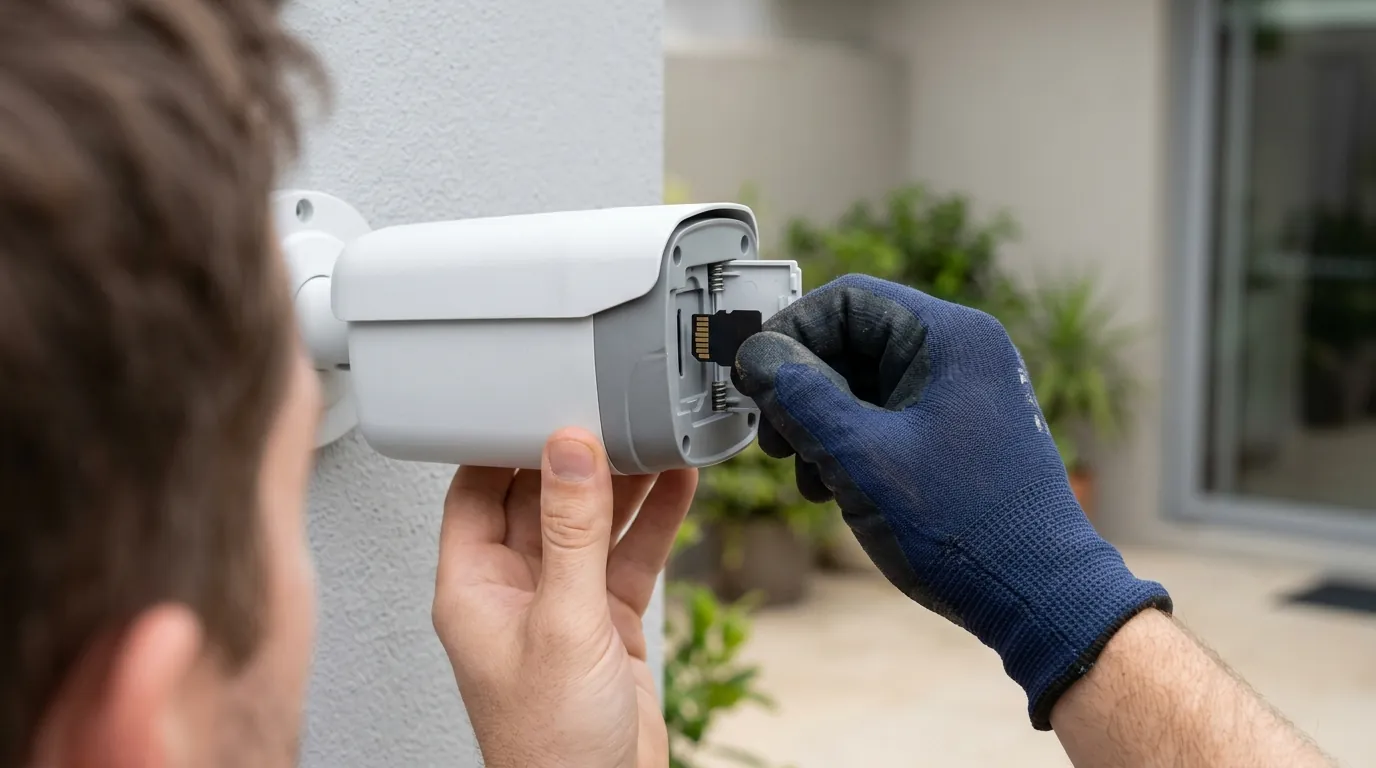
Choosing a system without smart features isn’t just about privacy; it is a strategic move for system reliability and long-term cost management. As AI models become more complex, they require more processing power, often leading to “subscription creep” where users must pay higher monthly fees to support the manufacturer’s server costs.
The Privacy Premium: What You’re Actually Paying For
When you buy a “Smart” camera, you are often paying for the development of facial recognition databases. By choosing “dumb” monitoring, you maintain Data Sovereignty. This ensures that your daily routines—when you leave for work, who visits your home, and even your biometric data—remain on local hard drives. According to the latest Electronic Frontier Foundation (EFF) reports, systems that bypass cloud AI are significantly less likely to be subject to “warrantless” data requests, as there is no central corporate database for law enforcement to query.
Reliability Over ‘Intelligence’
While AI-based “Person Detection” is marketed as a way to reduce false positives, it is notoriously prone to failure in heavy rain, snow, or fog. In contrast, traditional PIR (Passive Infrared) sensors remain the gold standard for reliable dispatch. PIR sensors detect heat signatures rather than analyzing pixels. In 2026 industry testing, PIR-based systems showed a 22% higher reliability rate in extreme weather conditions compared to mid-range AI video analytics.
5-Year Total Cost of Ownership (TCO) Analysis
| Cost Component | Smart System (e.g., Nest/Ring) | Local-First System (e.g., Reolink + Noonlight) |
|---|---|---|
| Initial Hardware | Around $400–$600 | Around $350–$500 |
| Subscription (5 Yrs) | $1,200–$1,500 ($20–$25/mo) | $600–$900 ($10–$15/mo) |
| Cloud Storage Fees | Included in Sub | $0 (Local Storage) |
| Total 5-Year Cost | $1,600–$2,100 | $950–$1,400 |
By avoiding the “feature paywall” trap, buyers can save over $700 over the life of the system while maintaining higher privacy standards.
Impact on existing owners
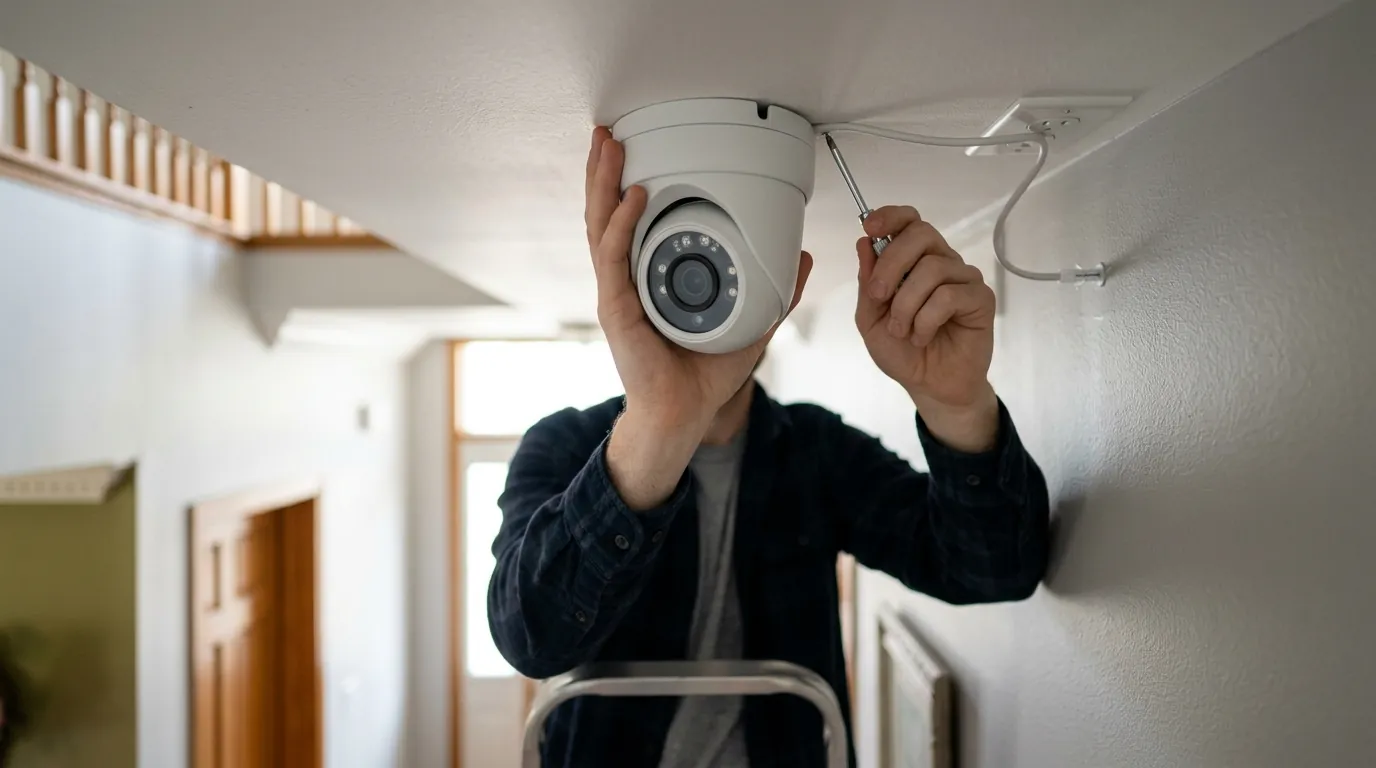
Owners of legacy hardware are currently facing a “forced upgrade” cycle. Many devices purchased between 2018 and 2022 are being hit with firmware updates that “nag” users to enable AI features or move to more expensive subscription tiers.
The Forced Upgrade Cycle
Manufacturers are increasingly using “Cloud-Lock” as a tool to phase out older hardware. If you own an older Ring or Arlo system, you may find that professional monitoring is now bundled with “Smart Alerts” you never asked for. If you decline the new Terms of Service (ToS), you may lose the ability to have your system dispatched to local police. This has led to a surge in the secondary market for “pre-AI” hardware—specifically cameras that support RTSP (Real-Time Streaming Protocol) or ONVIF (Open Network Video Interface Forum). These standards allow the camera to work with any NVR, effectively “liberating” it from the manufacturer’s cloud.
Can You ‘Dumb Down’ Your Current Smart Camera?
For most cloud-native brands (Nest, Ring, SimpliSafe), the answer is no. These devices are “hard-coded” to communicate only with the manufacturer’s servers. However, owners of brands like Amcrest or Reolink can often disable all “smart” features in the settings menu and redirect the video feed to a local NVR.
Legacy Models Still Supporting Local RTSP/ONVIF in 2026:
- Amcrest UltraHD Series: Full support for local recording without cloud.
- Reolink RLC Series (Non-Battery): Maintains open RTSP streams.
- Lorex 4K IP Cameras: Most models allow local-only operation.
- Axis Communications: The gold standard for professional, “dumb” (feature-agnostic) hardware.
What to do now
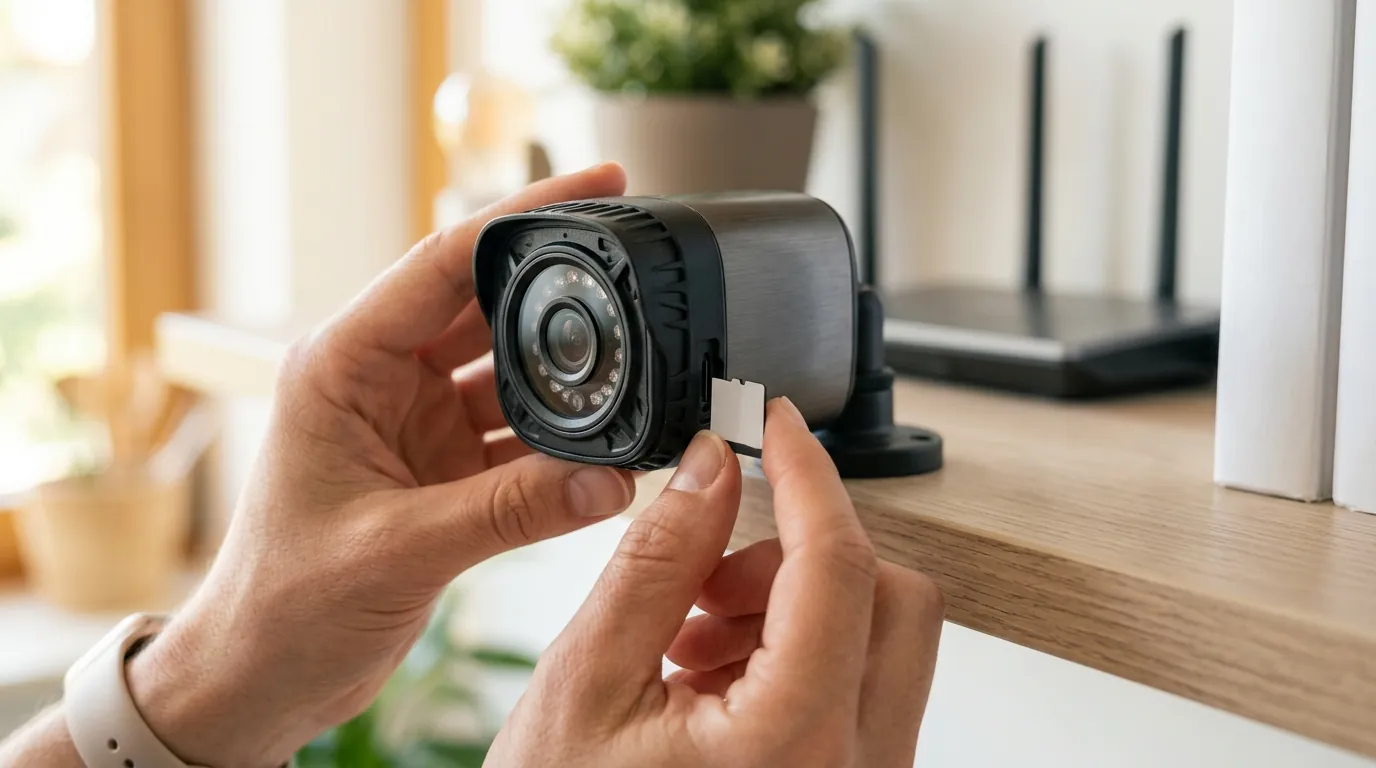
If you are ready to transition to a privacy-first, monitored system, the process requires moving away from “all-in-one” retail kits and toward a modular “Stack.”
Step 1: Audit Your Privacy Needs
Decide if you actually need Video Verification. Some jurisdictions require a dispatcher to see a video clip of a crime in progress before sending police. If you want to avoid AI, you should look for a monitoring service that accepts “Sensor-Based Dispatch” or uses a human-in-the-loop system where a real person, not an algorithm, checks your local feed only when an alarm is triggered.
Step 2: Select a Local-First NVR
The core of your system should be a Network Video Recorder (NVR) that does not require a monthly fee to function. The specific hardware recommendation for this transition is the Reolink RLN8-410 NVR (2026 Edition).
- Storage: 2TB local HDD (expandable to 12TB).
- Privacy: Does not require a “Reolink Cloud” account for local recording.
- Integration: Features “Alarm-In/Out” ports on the back, allowing you to bridge the system to a professional monitoring panel.
- Price Band: Around $200–$300 for the NVR alone.
Step 3: Choose an Independent Monitoring Bridge
To get professional dispatch without a manufacturer’s cloud, use a service like Noonlight or a local UL-listed central station. These services can be integrated into your local NVR via a “Dry Contact” relay or software plugins (such as those found in Home Assistant). When your NVR detects motion (via a simple PIR sensor), it sends a signal to the bridge, which then alerts the professional dispatch center.
Building a ‘Privacy-First’ Stack
- Cameras: ONVIF-compliant 4K IP cameras (e.g., Reolink or Amcrest).
- Storage: Reolink RLN8-410 NVR (Local only).
- Bridge: A hardware relay (like the Global Caché iTach) or a Matter-compatible hub.
- Monitoring: A $10–$15/month contract with an independent UL-listed station.
This setup ensures that your security is professional and 24/7, but the “intelligence” remains under your roof, not in a corporate data center.
Frequently Asked Questions
Can I get professional monitoring if I don’t have Wi-Fi?
Yes. Many local-first NVRs like the Reolink RLN8-410 use Power over Ethernet (PoE), which relies on physical wires rather than Wi-Fi. For the monitoring connection, you can use a cellular bridge (like those from Alula or Resideo) that sends the alarm signal over LTE/5G rather than your home internet.
Does “no smart features” mean I won’t get phone alerts?
No. You will still receive “dumb” alerts—notifications that motion was detected or a door was opened. The difference is that the system won’t try to guess who is at the door or store that person’s face in a database. You are simply notified of the event so you can check the local feed yourself.
Will police still respond to a system without AI verification?
In most US cities, yes. While some “Verified Response” ordinances exist, they typically accept any form of confirmation, including a traditional PIR motion sensor trip or a homeowner confirming the alarm via their smartphone. AI is one way to verify, but it is not the only way.
Is the Reolink RLN8-410 hard to set up?
The RLN8-410 is considered “plug-and-play” for its own cameras, but integrating it with professional monitoring requires a bit more effort. You will need to connect the “Alarm Out” port on the NVR to a third-party communicator or use a software bridge like Home Assistant to link it to a service like Noonlight.
Sources
- Connectivity Standards Alliance — Matter 1.4 Specifications
- Ring Protect Plan Tiers and Features
- Electronic Frontier Foundation — Surveillance and Privacy Reports
- Noonlight — Professional Monitoring Integration API
- Reolink RLN8-410 Product Manual and Specs