
Lorex NVR Security Vulnerability CVE-2026-4012: Is Your Footage Safe?
If you rely on a Lorex Network Video Recorder (NVR) to safeguard your home or business, a newly identified security flaw may have turned your primary defense into a digital entry point.
Quick Answer: CVE-2026-4012 is a critical use-after-free vulnerability in the “rxi fe” expression evaluator library used by several Lorex NVR series (N841, N861, and N910). This flaw allows for potential remote code execution (RCE), meaning an attacker could theoretically gain control of the device over the network. To secure your system, owners must immediately update their NVR firmware to version V2.800.0000000.9.R or later via the Lorex Home app or manual USB flash.
What happened
Related: Lorex NVR Firmware Security Patch: July 2026 Release Guide · Blink Camera Credential Stuffing: July 2026 Security Advisory · Ubiquiti UniFi Protect CVE-2026-3482: Critical Patch Guide
In early 2026, security researchers identified a critical memory corruption vulnerability, designated as CVE-2026-4012, within the firmware architecture of Lorex’s most popular NVR lines. The flaw is rooted in a third-party library called rxi fe, a small C-based expression evaluator often used in embedded systems to parse mathematical or logical strings.
The ‘rxi fe’ Library Explained
The rxi fe library is designed to be lightweight, making it ideal for the resource-constrained environments of NVRs and IP cameras. However, the implementation within Lorex’s firmware contains a “use-after-free” error. This occurs when a program continues to use a pointer after it has been freed, which can result in the program crashing or, more dangerously, allowing an attacker to inject and execute arbitrary code. Because the NVR handles the central processing and storage for all connected cameras, a compromise at this level grants an attacker access to every video feed on the network.
Remote Code Execution (RCE) Risks
The severity of CVE-2026-4012 is reflected in its CVSS 3.1 Base Score of 8.8 (High). By sending a specially crafted network packet to the NVR’s web management interface or through its communication ports, an unauthenticated attacker could trigger the memory flaw.
This vulnerability follows a concerning pattern for the brand. It comes on the heels of CVE-2026-15680, a separate RCE vulnerability discovered in Lorex 2K Indoor cameras earlier this year. While the 2K Indoor flaw affected standalone Wi-Fi units, CVE-2026-4012 is more systemic, impacting the “brain” of the wired security ecosystem—the NVR. Active exploits were first documented in July 2026, primarily targeting systems with exposed ports or those using default administrative credentials.
Table 1: Affected Lorex NVR Models and Firmware Status
| Model Series | Common Kit Configurations | Max Resolution | Vulnerable Firmware | Required Patch (or later) |
|---|---|---|---|---|
| N841 Series | 4K Fusion, 8-16 Channel | 4K (8MP) | V2.6xx.0000000.x | V2.800.0000000.9.R |
| N861 Series | 4K Ultra HD, 16-32 Channel | 4K (8MP) | V2.6xx.0000000.x | V2.800.0000000.9.R |
| N910 Series | 4K Fusion (2024-2026 models) | 4K (8MP) | V2.7xx.0000000.x | V2.800.0000000.9.R |
| N847 Series | 2K/4K Budget Series | 4K (8MP) | [Information Unavailable] | Check Lorex Support |
Data synthesized from Lorex Technical Support and recent security advisories.
Why it matters for buyers
For many consumers, the primary reason to choose an NVR system over cloud-based cameras like Nest or Arlo is the promise of “Local Storage” and enhanced privacy. However, CVE-2026-4012 highlights a critical paradox in the security camera market: a device that stores data locally is only as private as its network security.
The Dahua Legacy and Supply Chain Risk
Lorex has faced significant scrutiny regarding its supply chain. Although Lorex was sold by Dahua Technology to Skywatch in 2022, the underlying hardware and firmware of many NVR models, including the N841 and N910, continue to utilize Dahua-sourced components and software stacks. This connection is at the heart of the 2025 Nebraska Attorney General lawsuit, which alleged that Lorex failed to adequately disclose the security risks associated with these components to consumers.
For a buyer in 2026, this means that while the brand on the box is Lorex, the digital vulnerabilities may be inherited from a supply chain that is currently under heavy regulatory and legal pressure in the United States.
NVR Security vs. Cloud Convenience
Many buyers assume that because they don’t pay a monthly subscription fee, their NVR is “off the grid.” In reality, most users enable “Remote Access” via the Lorex Home app to view footage while away. This creates a bridge between the NVR and the public internet.
Lorex’s 2026 “Privacy Commitment” emphasizes that they do not sell user data, but it does not absolve the user of the responsibility for maintenance. Unlike cloud cameras that auto-patch in the background, NVRs often require manual intervention to apply critical security fixes. This “maintenance tax” is the hidden cost of a subscription-free system.
Total Cost of Ownership (TCO) Analysis (3-Year Estimate)
| Cost Component | Budget NVR System (e.g., N847) | Premium NVR System (e.g., N910) | Cloud-Based System (Subscription) |
|---|---|---|---|
| Initial Hardware | $350 - $500 | $700 - $1,200 | $400 - $600 |
| Monthly Subscription | $0 | $0 | $10 - $20 (approx. $540 over 3yrs) |
| Storage Expansion | $100 (HDD upgrade) | Included | $0 (Cloud only) |
| Security Maintenance | User-managed (Manual) | User-managed (Manual) | Automated (Provider) |
| Estimated 3-Year Total | $450 - $600 | $700 - $1,200 | $940 - $1,340 |
While the NVR is cheaper over three years, CVE-2026-4012 demonstrates that the “cost” is partially deferred into the labor of monitoring security advisories and manually hardening the network.
Impact on existing owners
If you currently own one of the affected N841, N861, or N910 systems, the vulnerability is not just a theoretical risk; it may already be impacting your system’s performance.
How to Tell if Your NVR is Vulnerable
Existing owners should immediately check their firmware version. You can do this by:
- Opening the Lorex Home App.
- Selecting your NVR and tapping the Settings (gear icon).
- Scrolling to Device Info.
- Checking the Firmware Version string. If it is lower than V2.800.0000000.9.R, your device is vulnerable.
Symptoms of Compromise
While an RCE attack can be silent, certain “glitches” reported by the community in mid-2026 may indicate a compromised or unstable system:
- The “Event Flagging” Bug: Users have reported that motion events are no longer appearing in the timeline, or that “Loading Screen” lag occurs specifically when trying to play back flagged events. While this can be a firmware bug, it is also a symptom of the system’s resources being diverted by unauthorized background processes.
- Unexpected Reboots: If your NVR restarts several times a week without a power outage, it may be crashing due to unsuccessful attempts to exploit the
rxi fememory flaw. - Modified Admin Settings: Check your user list. If you see an “Admin2” or unknown user account, your system has likely been breached.
The 2026 Class Action Lawsuit Context
The discovery of CVE-2026-4012 has added fuel to the ongoing Hill v. Lorex class-action lawsuit. The plaintiffs argue that Lorex marketed these systems as “secure local storage” solutions while knowing that the firmware contained systemic vulnerabilities inherited from blacklisted manufacturers. Owners of the N841 and N910 series who purchased their units between 2024 and 2026 may be eligible for compensation or hardware replacement if the lawsuit reaches a settlement, particularly if they can document security breaches related to these unpatched flaws.
What to do now
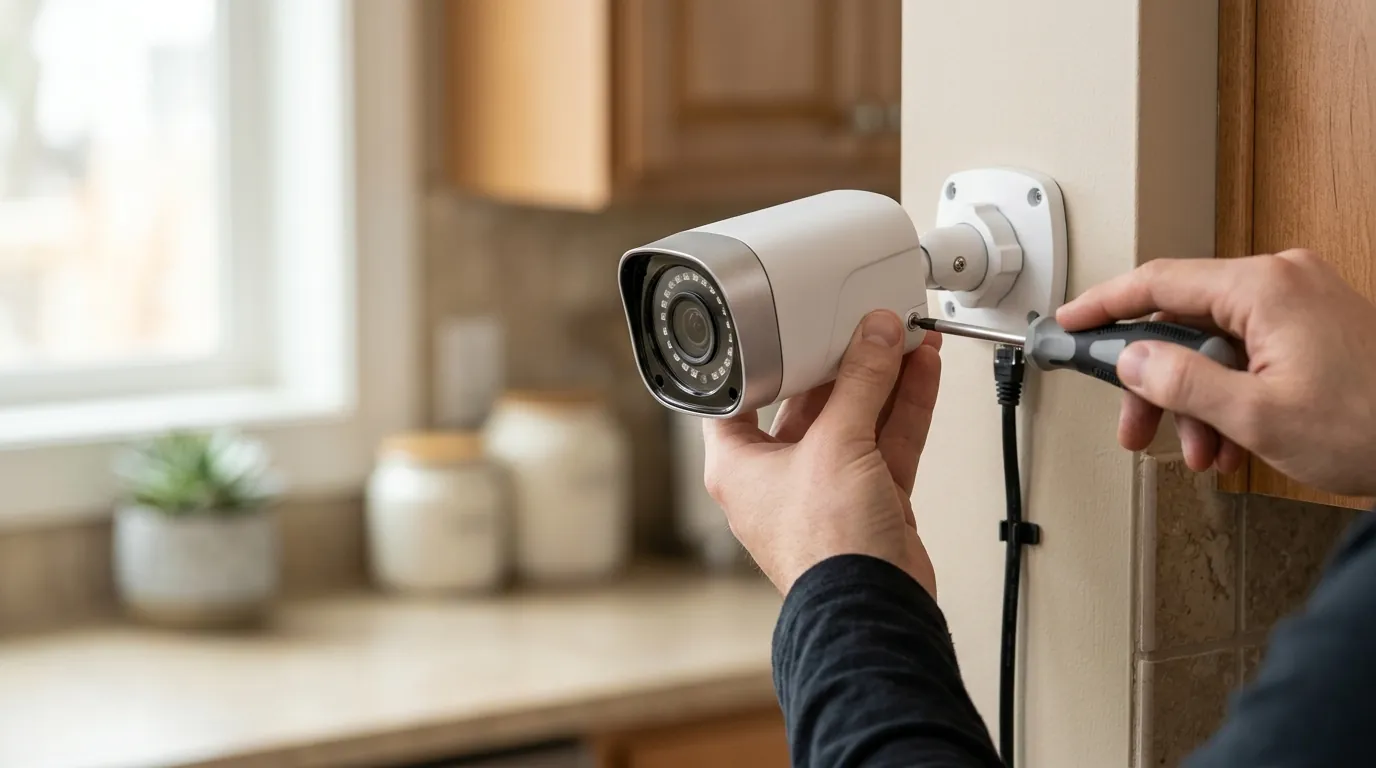
Securing your NVR requires a multi-layered approach. Patching the firmware is the first step, but it is not a complete solution if your network remains “leaky.”
Step-by-Step Patching Guide
There are two primary ways to apply the V2.800.0000000.9.R patch:
Method A: Cloud Upgrade (Easiest)
- Connect your NVR to your router via Ethernet.
- In the NVR’s local menu (using a monitor and mouse), go to Main Menu > System > Upgrade.
- Click Check for Update.
- If the V2.800 version appears, click Update. Do not power off the unit during this process.
Method B: USB Upgrade (Most Reliable)
- Download the firmware file directly from the Lorex Support website using your specific model number.
- Format a USB flash drive to FAT32.
- Copy the
.binfirmware file to the root directory of the USB drive. - Insert the drive into the NVR’s USB port.
- Navigate to Main Menu > System > Upgrade > Local Upgrade and select the file.
Securing Your Network Perimeter
Patching the NVR doesn’t help if your router is inviting attackers in.
- Disable UPnP: Universal Plug and Play (UPnP) allows the NVR to automatically open ports on your router. This is a massive security risk. Disable UPnP on both your router and the NVR settings.
- Use a VLAN: If your router supports it, move the NVR and all IP cameras to a dedicated IoT VLAN (Virtual Local Area Network). This ensures that even if the NVR is compromised, the attacker cannot jump from the camera system to your personal computer or banking data.
- Enable 2FA: Ensure Two-Factor Authentication is enabled in the Lorex Home app. This prevents an attacker from using stolen credentials to access your feed, even if they haven’t exploited the firmware flaw.
When to Upgrade: A Secure Alternative
If you are uncomfortable with the ongoing maintenance of a Lorex/Dahua-based system, you may fall into one of the following decision paths:
Decision Framework: Should You Keep or Replace?
- Scenario: The “Set it and Forget it” Homeowner
- Priority: Low maintenance, high security.
- Recommendation: Replace. If you don’t want to check firmware logs every month, transition to a brand with automated security updates (e.g., Reolink or a high-end cloud provider).
- Scenario: The Privacy-Conscious Power User
- Priority: Local control, no subscriptions.
- Recommendation: Keep & Harden. Apply the patch, disable all cloud access, and use a VPN (like WireGuard) to access the NVR remotely. This eliminates the “Remote Access” attack vector entirely.
- Scenario: The Small Business Owner
- Priority: Liability protection and uptime.
- Recommendation: Keep & Monitor. Ensure your IT provider has isolated the NVR on the network. Document the patch application to maintain compliance with insurance or legal requirements.
CVE-2026-4012 serves as a reminder that “local storage” is not a synonym for “unhackable.” While Lorex has provided a patch, the responsibility for applying it—and defending the network it sits on—remains firmly with the owner. Quvii tracks these trade-offs across the category to help you decide if the “no-subscription” savings are worth the “security-maintenance” effort.
Frequently Asked Questions
Is my Lorex NVR safe if I don’t connect it to the internet?
Yes. If your NVR is completely air-gapped (not connected to a router or the internet), CVE-2026-4012 cannot be exploited remotely. However, you will lose the ability to view footage on your phone or receive mobile alerts.
Does this vulnerability affect Lorex Wi-Fi doorbells?
Currently, CVE-2026-4012 is specific to the NVR firmware architecture. However, many Lorex doorbells connect to these NVRs via the “Fusion” feature. If the doorbell is recorded onto a vulnerable NVR, the footage stored on that NVR is at risk, even if the doorbell itself is secure.
Will Lorex replace my NVR for free because of this flaw?
Generally, no. Manufacturers typically address security vulnerabilities through firmware updates rather than hardware replacements. Hardware replacements are usually only triggered by physical defects or as a result of a legal settlement, such as the ongoing class-action suits.
How do I know if my NVR has already been hacked?
Look for “Admin” login attempts in your system logs (Main Menu > Info > Log). If you see multiple failed login attempts from foreign IP addresses, or if your system settings (like email alerts or recording schedules) have changed without your input, your system may have been targeted.
Sources
- CIRCL CVE-2026-4012 Advisory
- Nebraska Attorney General Statement on Lorex/Dahua
- Lorex Technical Support: Firmware Update Guide — https://help.lorextechnology.com/series/n841-series
- NIST National Vulnerability Database: CVE-2026-4012 Detail — https://nvd.nist.gov/vuln/detail/CVE-2026-4012
- rxi fe Library Documentation — https://github.com/rxi/fe