
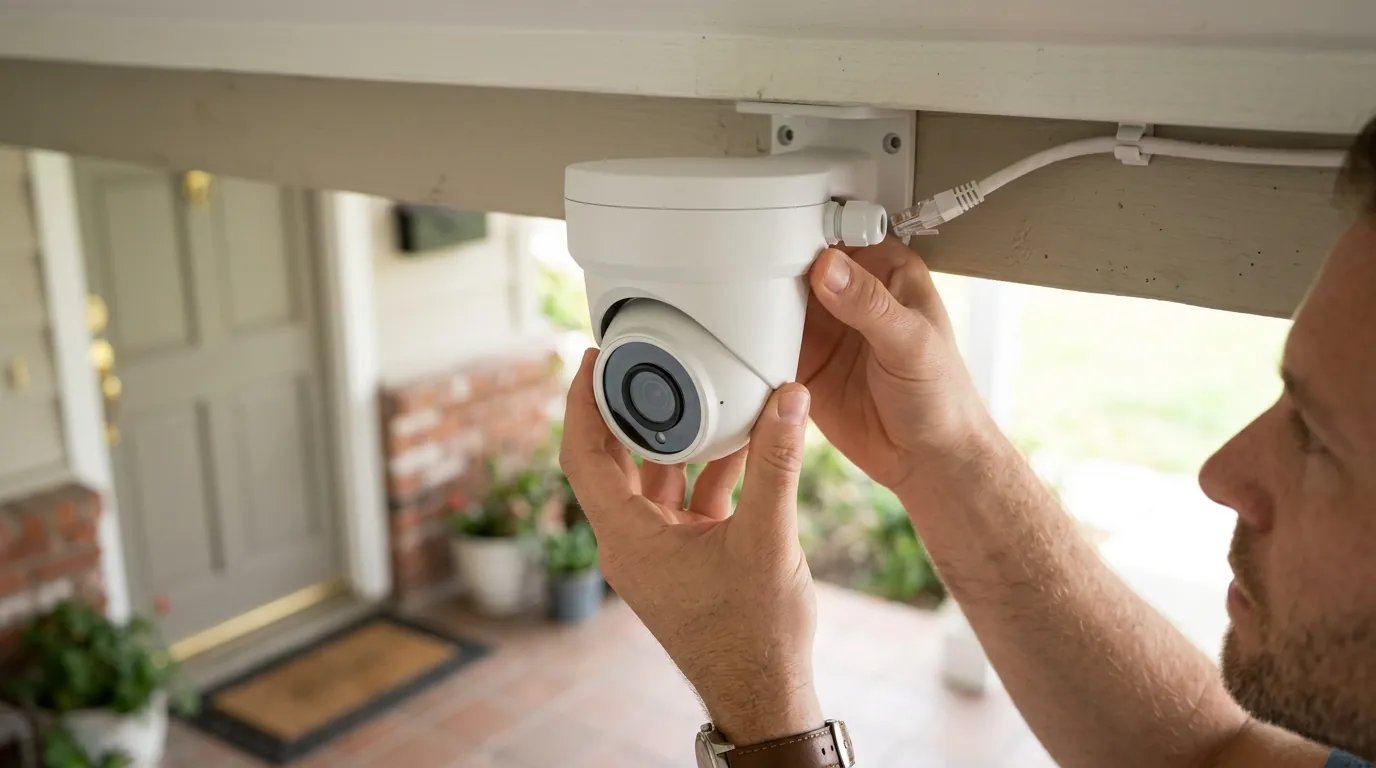
June 2026 Stealer Logs Data Breach: What Camera Owners Must Know
The digital landscape of home and small-business security has been significantly impacted by a widespread credential compromise. The June 2026 stealer logs data breach serves as a stark reminder of the persistent threats facing connected devices, particularly for those relying on security cameras.
The June 2026 stealer logs data breach, confirmed by Have I Been Pwned, exposed over 56 million unique email addresses and 124 million passwords from various compromised devices. This widespread credential theft poses a direct risk to home and small-business security camera users, as stolen login details could grant unauthorized access to camera accounts, live feeds, and recorded footage.
What happened
Related: Why Are My Wyze Cameras Offline? June 2026 Outage & Update Guide · Arlo Secure App 6.26.0 Firmware Issues: Fixes & Workarounds · Wyze Cam v4 Cloud Storage: 2026 Subscription Changes & Costs
A significant cybersecurity event, dubbed a “massive stealer logs data breach,” unfolded in June 2026, leading to a substantial collection of compromised data being integrated into Have I Been Pwned (HIBP) around June 15, 2026. This incident involved the widespread dissemination of “stealer logs,” which are comprehensive data packages generated by sophisticated infostealer malware designed to infiltrate and exfiltrate sensitive information from compromised devices.
Understanding Stealer Logs
Infostealer malware operates discreetly, often residing undetected on a victim’s device while systematically gathering a wide array of sensitive information. This includes, but is not limited to, stored browser passwords, authentication cookies, banking details, cryptocurrency wallet information, social media account data, and granular system information. The primary objective of such malware is to harvest credentials and other valuable data that can be exploited for financial gain, identity theft, or unauthorized access to various online accounts. Once collected, this data is compiled into “logs” that are frequently sold and traded on cybercrime markets and underground forums, providing malicious actors with a rich source of potential attack vectors.
The Scale of the Compromise
The June 2026 corpus of stealer logs added to HIBP was particularly notable for its sheer scale, comprising 56 million unique email addresses and an astonishing 124 million unique passwords. This vast collection makes it one of the more significant data exposures in recent memory, with millions of individuals potentially affected. These exposed credentials are now searchable on HIBP, allowing users to determine if their accounts have been compromised.
In addition to this primary breach, June 2026 also saw smaller, related data exposures that contributed to the overall risk landscape. These included breaches like HarmonyLogs, which exposed 7,201 records, and RogueCloud, which accounted for 15,031 records. Both of these smaller breaches also exposed plaintext passwords and associated email addresses, further underscoring the pervasive nature of credential theft through infostealer operations. The widespread availability of these stolen credentials on cybercrime platforms significantly amplifies the risk for individuals and organizations alike, as attackers can leverage this data for subsequent targeted attacks.
(Image: A close-up of a home security camera lens, with a blurred background showing a digital padlock overlay, symbolizing compromised data and the need for security. Aspect Ratio: 16:9)
Why it matters for buyers
The June 2026 stealer logs data breach serves as a critical underscore for consumers and small businesses in the market for security cameras. It highlights the paramount importance of robust cybersecurity considerations that extend beyond just hardware specifications, particularly for devices connected to cloud services. The implications of such a breach directly impact the security and privacy of your surveillance system, making informed purchasing decisions more crucial than ever.
Cloud Security and Your Camera Choice
Compromised credentials from stealer logs can directly lead to unauthorized access to security camera accounts. This means that if the email and password used for a camera’s cloud service were part of the breach, an attacker could potentially gain access to live video feeds, review recorded footage, and even manipulate camera settings. For buyers, this incident emphasizes the need to prioritize cameras offering strong, inherent security features. Mandatory two-factor authentication (2FA) is no longer a luxury but an essential baseline, adding a critical layer of protection even if a password is stolen. Furthermore, buyers should seek cameras that implement end-to-end encryption for both data in transit (when footage is uploaded to the cloud) and data at rest (when stored on cloud servers or local storage).
Evaluating Manufacturer Security & Privacy
The incident underscores the necessity of scrutinizing a manufacturer’s privacy policy and transparency reports. These documents provide crucial insights into how a company handles user data, its cloud storage practices, and policies regarding third-party sharing or cooperation with law enforcement. A manufacturer committed to user privacy will clearly outline its data retention policies, encryption standards, and any mechanisms for data access requests. For consumers who may be frustrated with subscription-heavy incumbents, this breach also emphasizes that even without monthly fees, cloud-connected devices carry inherent risks if account security and manufacturer data practices are weak.
Here’s a checklist of security features to consider:
| Feature | Description | Importance in 2026 Context |
|---|---|---|
| Two-Factor Authentication (2FA) | Requires a second verification step (e.g., code from phone) beyond just a password. | Critical: Protects against stolen passwords from breaches like stealer logs. |
| End-to-End Encryption (E2EE) | Data is encrypted on the camera and only decrypted on your authorized device, not by the manufacturer. | High: Ensures privacy of footage even if cloud servers are breached. |
| Local Storage Options | Ability to store footage on an SD card or NVR/DVR without mandatory cloud upload. | Moderate-High: Reduces reliance on cloud security, offers more user control. |
| Clear Privacy Policy | Transparent document detailing data collection, storage, sharing, and retention practices. | Critical: Understand how your data is handled and protected by the manufacturer. |
| Regular Firmware Updates | Manufacturer provides consistent security patches and feature enhancements. | High: Patches vulnerabilities, keeps camera secure against new threats. |
| WPA3 Wi-Fi Support | Supports the latest, most secure Wi-Fi encryption standard. | High: Enhances network security for camera connectivity. |
| Data Transparency Report | Manufacturer publishes reports on government requests for data or data breaches. | Moderate: Demonstrates commitment to transparency and accountability. |
The Role of NDAA Compliance
Considering NDAA (National Defense Authorization Act) compliant security cameras can also be a factor in purchase decisions. While primarily aimed at government and critical infrastructure, NDAA compliance often means that products are held to stricter cybersecurity standards and do not utilize components from specific manufacturers deemed a national security risk. This can indirectly reduce vulnerabilities to hacking attempts and unauthorized access, offering an additional layer of assurance for home and small-business users seeking maximum security.
Decision Framework: Choosing Your Security Camera Post-Breach
- If you prioritize maximum privacy and control: Prioritize cameras with robust local storage options (e.g., SD card, NVR/DVR) and mandatory end-to-end encryption, minimizing reliance on cloud services. Look for clear privacy policies that guarantee data ownership.
- If you need remote access and cloud convenience: Prioritize cameras with mandatory 2FA, strong end-to-end encryption for cloud storage, and a manufacturer with a proven track record of transparent security practices and regular firmware updates.
- If you are budget-conscious but security-aware: Prioritize cameras that offer at least 2FA and WPA3 Wi-Fi support. Be wary of “free” cloud storage that might come with weaker security or less transparent data policies. Consider the total cost of ownership carefully.
- If you are a small business needing higher security standards: Prioritize NDAA-compliant cameras if possible, alongside enterprise-grade encryption, 2FA, and comprehensive audit logs. Consult with an IT security professional for tailored advice.
Total Cost of Ownership (TCO) Considerations
When evaluating a security camera, the sticker price is only one part of the equation. The true cost of ownership often extends over several years and includes:
- Hardware Cost: The initial purchase price of the camera(s).
- Subscription Fees: Many popular brands, like Ring and Arlo, gate advanced features (e.g., cloud video recording history, smart alerts, person detection) behind monthly or annual subscription plans. For example, a basic subscription might be around $3-5 per month per camera or $10-15 per month for a whole home, totaling $36-60 or $120-180 annually. Over three years, this could add $108-180 or $360-540 to the cost.
- Cloud Storage Fees: Even without premium features, some cameras charge solely for cloud storage, especially for extended recording histories. This can range from under $5 to over $10 per month, adding $180-360 over three years.
- “Feature Paywall” Trap: Be aware that seemingly standard features like intelligent motion alerts, custom activity zones, or even accessing recorded video beyond a very short window (e.g., 24 hours) are often locked behind these subscription tiers. This means that a camera advertised with certain capabilities may not deliver them without ongoing payments. For example, Ring’s basic plan offers 180 days of video history, while a camera without a subscription might only offer live view and motion-activated notifications without recording.
- Local Storage Costs: If opting for local storage, factor in the cost of high-endurance microSD cards or a Network Video Recorder (NVR) and hard drives, which can add $50-200+ depending on capacity. These are typically one-time costs but should be included in the TCO.
- Power/Installation Costs: While often minor, consider the cost of professional installation if needed, or smart plugs to manage power.
A camera that costs “under $100” initially but requires a $10/month subscription for essential features will cost around $460 over three years, potentially more than a “around $250” camera with robust local storage and no subscription. Always calculate the 3-year TCO before committing to a purchase.
Impact on existing owners
For individuals who already own home or small-business security cameras, the June 2026 stealer logs data breach presents a direct and immediate concern. The widespread exposure of email addresses and passwords means that existing camera owners are at risk if their credentials used for camera accounts, or any associated services, were included in the compromised data.
Assessing Your Exposure
The first step for existing owners is to determine if their personal information, specifically email addresses and passwords, has been exposed in this or any other recent breach. Services like Have I Been Pwned (HIBP) allow users to check if their email address appears in known data breaches. If your email address is found, it’s highly probable that passwords associated with that email at the time of the breach could be compromised, placing your camera accounts at risk, especially if you reuse passwords across different services.
Potential Risks to Your Data and Privacy
Attackers who obtain stolen credentials can leverage them to gain unauthorized access to your security camera feeds. This could allow them to view live streams, manipulate camera settings (e.g., turning off recording or altering motion zones), or download sensitive video and audio recordings. The implications extend beyond just camera access; the exposed data can be used for broader identity theft, financial fraud if banking details were also compromised, or highly personalized and convincing phishing attacks targeting camera owners. These phishing attempts might mimic legitimate communications from your camera manufacturer, tricking you into revealing further sensitive information.
The breach also highlights the broader vulnerability of Internet of Things (IoT) devices. A compromise on one device or account, such as a general email login, can often open doors to other connected devices on the same home or business network, especially if network security is weak or if devices share common credentials.
Recognizing Compromise Signals
Being vigilant for signs of a compromised camera is crucial. While not exhaustive, here are indicators that your security camera might have been accessed by unauthorized parties:
- Unusual Camera Movement: Pan-and-tilt cameras moving without your input.
- Unexpected Blinking LED Lights: Activity lights indicating recording or transmission when you haven’t initiated it.
- Altered Settings: Changes to motion detection zones, recording schedules, or notification preferences that you did not make.
- Unexplained Spikes in Network Data Usage: Your camera transmitting significantly more data than usual, which could indicate unauthorized streaming or data exfiltration.
- Unfamiliar Login Attempts/Notifications: Alerts from your camera app about login attempts from unrecognized devices or locations.
- Missing or Deleted Footage: Gaps in your recorded video history that cannot be accounted for.
- Camera Malfunctions: Persistent issues like the camera going offline or failing to record, which could be a sign of tampering.
If you observe any of these signs, it is imperative to take immediate action to secure your accounts and devices.
What to do now
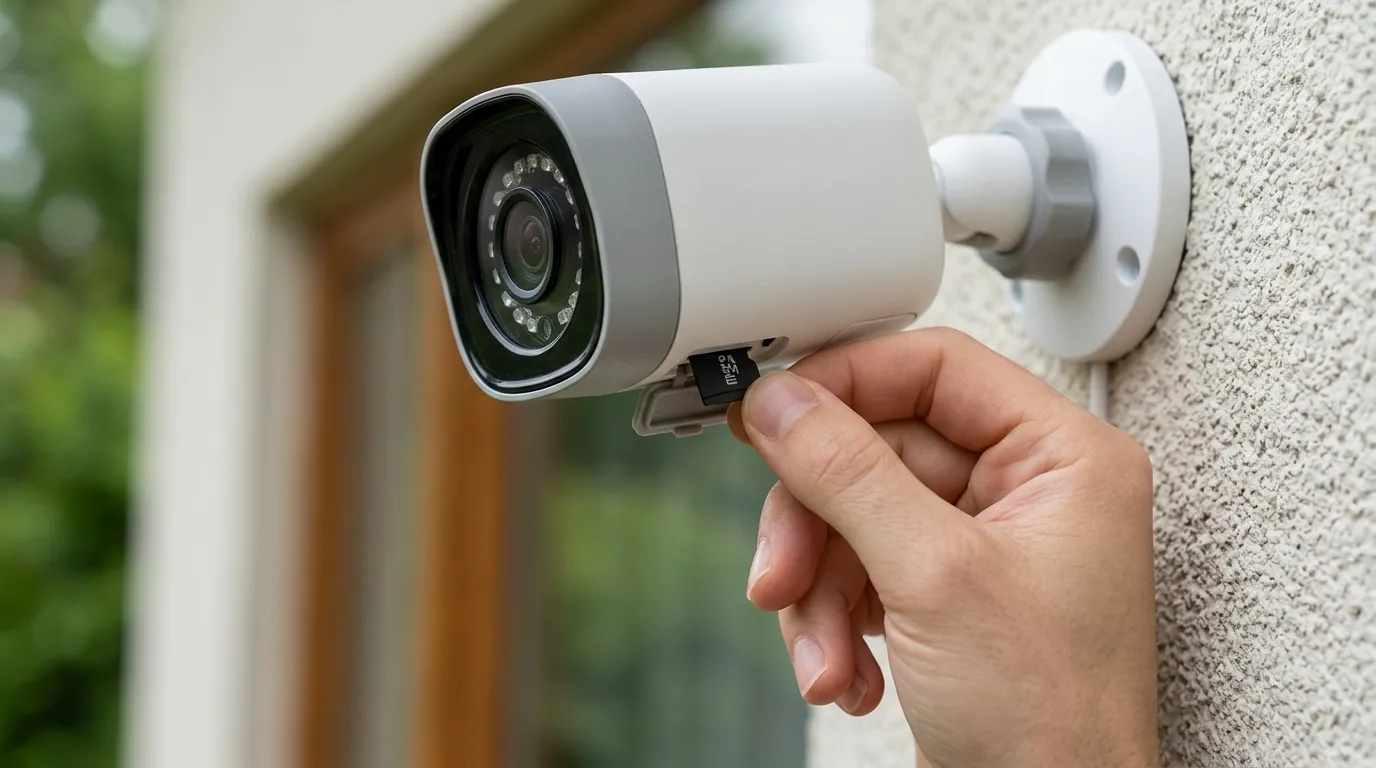
The June 2026 stealer logs data breach is a serious event, but proactive steps can significantly mitigate your risk. For both current and future security camera owners, immediate action and ongoing vigilance are essential to protect your digital privacy and physical security.
Immediate Account Protection
- Check for Compromise: Immediately visit a reputable service like Have I Been Pwned to check if your email address or any associated accounts were included in the June 2026 stealer logs breach.
- Change Passwords:
- Change the password for all your security camera accounts (e.g., Ring, Eufy, Arlo).
- Change the password for your primary email account, especially if it was found in the breach.
- Change passwords for any other online services where you may have reused the same or similar passwords.
- Crucially, use strong, unique passwords for each service. A password manager can help generate and store these complex passwords securely.
- Enable Two-Factor Authentication (2FA): Activate 2FA on all your security camera accounts and primary email accounts immediately. This adds an essential layer of security, requiring a second verification step (like a code from your phone) even if your password is stolen.
Strengthening Your Network and Devices
- Update Firmware and Software: Regularly update your security camera’s firmware and software. Manufacturers frequently release updates that patch known vulnerabilities and introduce the latest security improvements. Check your camera manufacturer’s app or website for the most current versions.
- Strengthen Home Wi-Fi Network Security:
- Use a strong, unique password for your Wi-Fi network that is different from your camera passwords.
- Enable WPA2 or, preferably, WPA3 encryption on your router for stronger wireless security.
- Consider creating a separate “guest” or IoT-specific network for your smart home devices, including cameras. This isolates them from your main network where sensitive data might reside.
- Review Camera Privacy Settings: Access your camera’s settings via its app or web interface and review all privacy configurations. Ensure that only necessary features are enabled and that sharing settings are restricted.
Ongoing Vigilance and Best Practices
- Monitor Activity Logs: Many security camera apps provide activity logs showing when the camera was accessed or when settings were changed. Regularly review these logs for any suspicious or unauthorized activity.
- Be Vigilant Against Phishing: Stolen credentials and personal data can be used to craft highly convincing phishing attempts. Be extremely cautious of emails, text messages, or calls that appear to be from your camera manufacturer or other services, especially if they ask for login details or personal information. Always verify the sender and, if in doubt, navigate directly to the official website rather than clicking links.
- Re-evaluate Camera Placement: Periodically review the physical placement of your cameras. Ensure they do not capture areas with a high expectation of privacy, such as bedrooms or bathrooms, which could further compromise your privacy if unauthorized access occurs.
- Consider Local Storage: If your camera supports it, utilizing local storage (e.g., an SD card or Network Video Recorder) in conjunction with or instead of cloud storage can provide an additional layer of control over your footage, reducing reliance on external servers.
Frequently Asked Questions
What are stealer logs and how do they work?
Stealer logs are comprehensive data packages created by infostealer malware. This malware infiltrates devices, often through phishing or malicious downloads, and then quietly collects sensitive information like stored passwords, banking details, cookies, and system info. This collected data is then compiled into a “log” and often sold on underground cybercrime markets.
How can I check if my email and passwords were exposed in the June 2026 breach?
You can check if your email address or associated accounts have been compromised by visiting reputable data breach notification services, such as Have I Been Pwned (HIBP). Enter your email address into their search tool, and it will indicate if your data was found in the June 2026 stealer logs breach or other known breaches.
What are the most important security features to look for in a new security camera?
When purchasing a new security camera, prioritize models offering mandatory two-factor authentication (2FA), end-to-end encryption for both data in transit and at rest, and clear, transparent privacy policies from the manufacturer. Additionally, look for cameras that receive regular firmware updates and support modern Wi-Fi security standards like WPA3.
Can a security camera be hacked even with a strong password?
Yes, even with a strong password, a security camera account can be compromised if the password itself was exposed in a data breach (like stealer logs) or if there are unpatched vulnerabilities in the camera’s firmware. This is why enabling two-factor authentication (2FA) is crucial, as it adds a second layer of defense, making unauthorized access significantly more difficult even if a password is stolen.
Is local storage inherently more secure than cloud storage for security cameras?
Local storage, such as an SD card or NVR, can offer greater control over your footage and reduce reliance on a manufacturer’s cloud security. However, it’s not foolproof; physical theft of the camera or storage device, or vulnerabilities in local network access, can still expose footage. Cloud storage, when implemented with strong encryption and 2FA, offers convenience and off-site backup, but relies on the provider’s security practices. Many users find a hybrid approach, combining local and encrypted cloud storage, offers the best balance.
Sources
- Have I Been Pwned — https://haveibeenpwned.com
- Heroic.com — https://heroic.com
- Threatmon.io — https://threatmon.io
- Hookphish.com — https://hookphish.com
- Socradar.io — https://socradar.io
- Dataprivacyandsecurityinsider.com — https://dataprivacyandsecurityinsider.com
- Backstreet-surveillance.com — https://backstreet-surveillance.com
- Brilliancesecuritymagazine.com — https://brilliancesecuritymagazine.com
- Enssecurity.com — https://enssecurity.com
- Houstonsecuritysolutions.com — https://houstonsecuritysolutions.com
- Security.org — https://www.security.org/
- Ring.com — https://www.ring.com/
- Arlo.com — https://www.arlo.com/
- PandaSecurity.com — https://www.pandasecurity.com/
- FTC.gov — https://www.ftc.gov/
- ADT.com — https://www.adt.com/
- Pelco.com — https://www.pelco.com/
- EEN.com — https://een.com/
- NAM-CSIRT.na — https://nam-csirt.na/
- Lab-1.com — https://lab-1.com/