
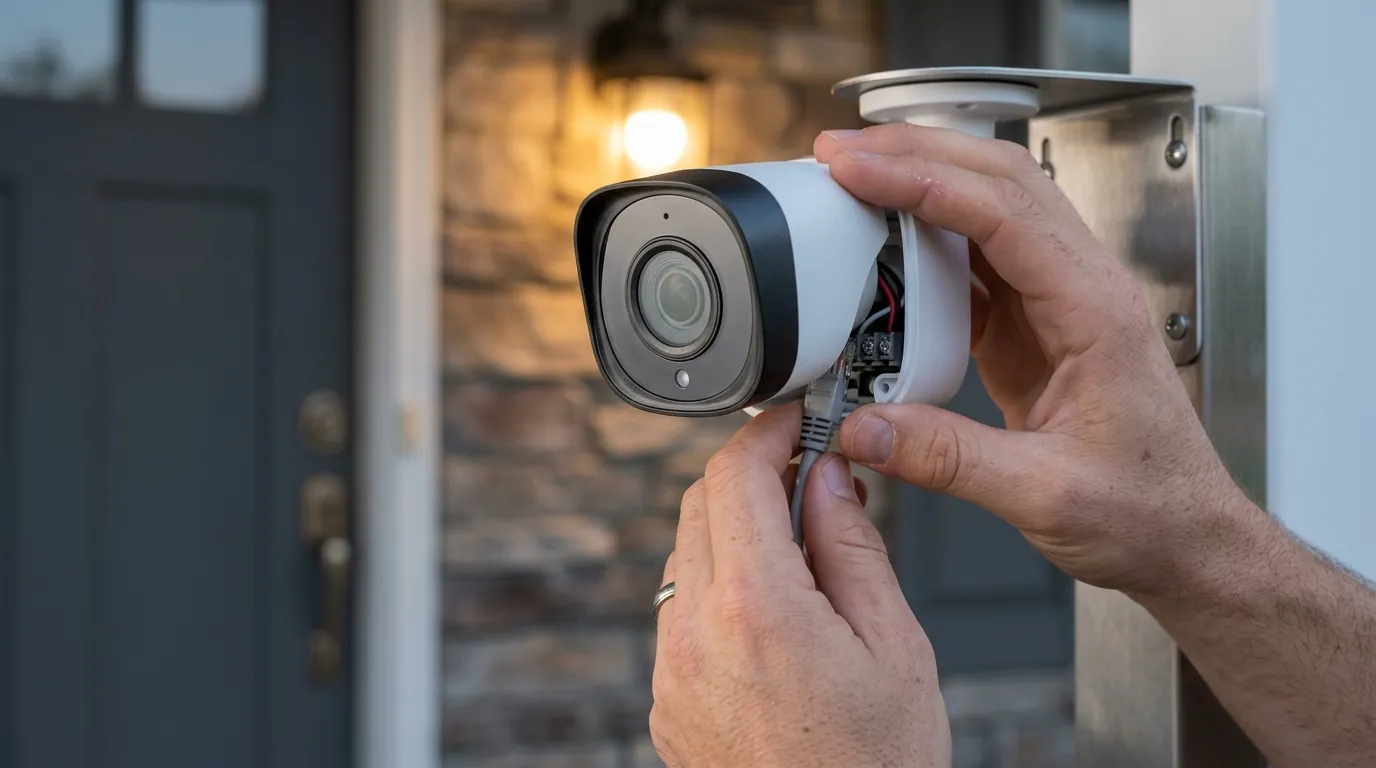
Josh.ai AI X OS Update: Boosting Smart Home Camera Intelligence
The integration of high-end surveillance into the broader smart home ecosystem has historically been fragmented, often requiring users to toggle between dedicated security apps and home automation platforms. The June 2026 release of Josh.ai’s AI X OS aims to bridge this gap by centering security camera intelligence within a unified, privacy-focused operating system.
The Josh.ai AI X OS update, launched in June 2026, significantly enhances smart home security camera capabilities with expanded live video integration, AI-powered event detection and analysis, and deeper partnerships for a more intuitive and secure monitoring experience. It focuses on proactive automation and personalized control for integrated surveillance systems.
What happened
Related: Ring Camera Motion Detection Not Working in July 2026: What to Know · Ring Doorbell Motion Detection Delay Fixes: July 2026 Update · Eufy Doorbell Motion Detection Not Working: July 2026 Fixes
In June 2026, Josh.ai officially transitioned its software ecosystem to AI X OS, a comprehensive update designed to leverage generative AI and improved hardware acceleration across its control interfaces. This release marks a shift from Josh.ai acting as a voice-first interface to becoming a proactive “home intelligence” platform. While previous iterations focused on reactive commands, AI X OS introduces a more visual and predictive approach to home management, specifically targeting how users interact with their surveillance hardware.
The update introduces a reimagined home page for the Josh App and Josh Touchscreen, featuring customizable dashboards that prioritize real-time data. A new persistent navigation bar allows for faster switching between lighting, climate, and security views. For security camera owners, the most significant technical additions are “Expanded Josh Vision” and “Camera Capture.” These features move beyond simple RTSP stream viewing, allowing the Josh.ai processor to interact with video metadata in real-time.
Key features of the AI X OS update include:
- Expanded Josh Vision: A redesigned video engine that supports multi-camera layouts and “Picture-in-Picture” (PiP) overlays across the Josh.ai interface.
- Camera Capture: An AI-driven event logging system that automatically identifies significant motion events—such as a person at the gate or a delivery vehicle—and creates a searchable, time-stamped timeline of video snippets.
- AI Scene Creation: A tool that allows users to describe complex security routines in plain English, which the OS then builds into an automated “Scene.”
- Updated Device Controllers: New software drivers for integrated cameras that allow for deeper control of PTZ (Pan-Tilt-Zoom) functions and onboard camera analytics directly from the Josh interface.
This rollout followed an extensive early access program involving certified Josh.ai dealers, ensuring that the integration with professional-grade camera brands like IC Realtime and Axis Communications remained stable under the new OS architecture.
Why it matters for buyers
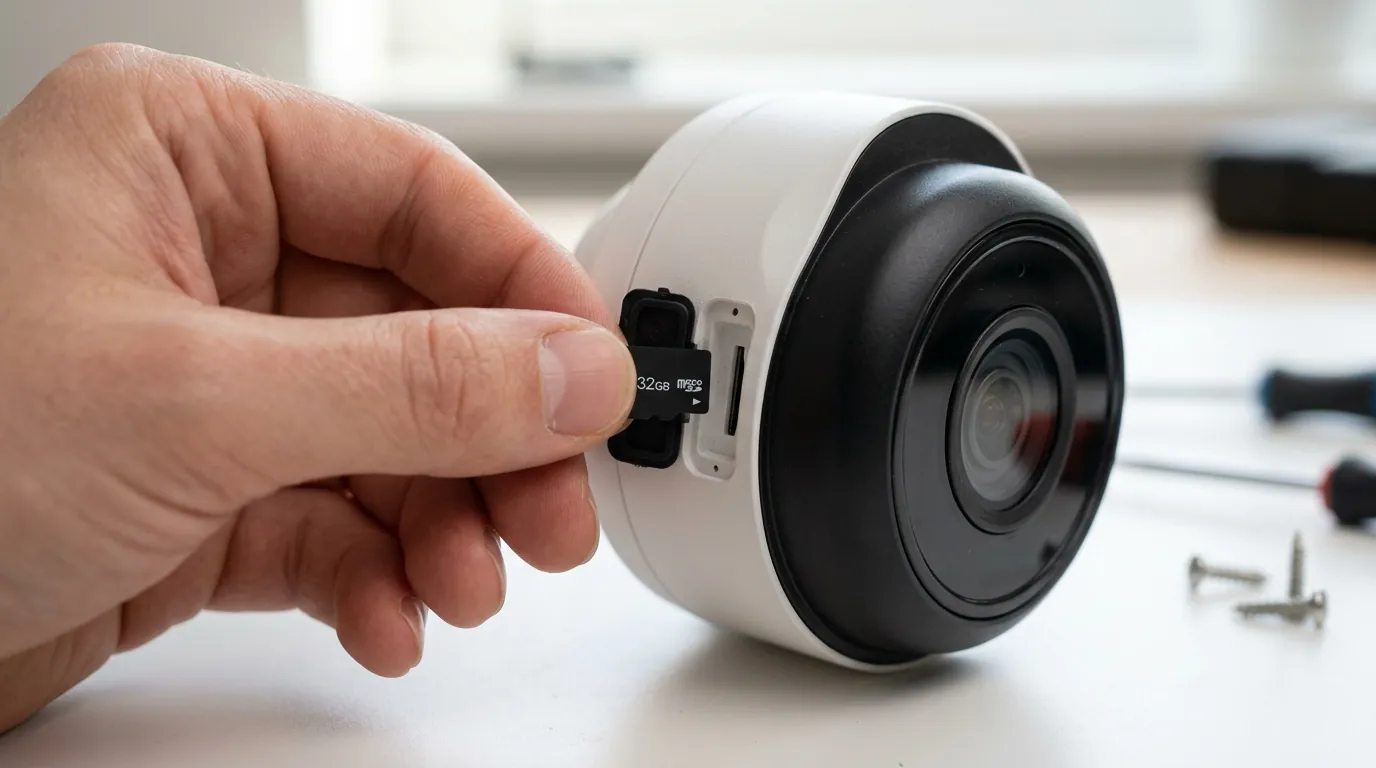
For those in the market for a high-end or professionally installed security system, the AI X OS update changes the value proposition of integrated surveillance. Most consumer-grade cameras (like those from Ring or Nest) operate in “walled gardens,” where advanced AI features are locked behind proprietary apps and monthly subscriptions. Josh.ai’s update focuses on bringing that intelligence “on-premises” and integrating it with the rest of the home’s hardware.
Enhanced Live Camera Integration
Buyers no longer need to exit their home control app to check a camera feed. With “Expanded Josh Vision,” live video feeds are treated as dynamic elements within the Josh.ai ecosystem. If someone rings the doorbell, a PiP window can automatically appear on the Josh Touchscreen or the user’s mobile device, even if they are currently adjusting the thermostat or music. These windows are resizable and movable, providing a level of multitasking that was previously limited to dedicated NVR (Network Video Recorder) monitors.
AI-Powered Security Monitoring and Analysis
The “Camera Capture” and “AI Analysis” features represent a significant leap in how users interact with recorded footage. Instead of scrolling through hours of a timeline, a user can ask, “Josh, what happened at the front door this morning?” The AI X OS parses the metadata from the “Camera Capture” log and can provide a natural language summary: “A delivery truck arrived at 10:15 AM, and a person in a red shirt left a package.” This leverages Josh.ai’s proprietary natural language processing to make surveillance data more accessible to non-technical users.
Broader Compatibility via IC Realtime
Josh.ai has deepened its partnership with IC Realtime, a manufacturer of commercial and high-end residential surveillance equipment. This partnership ensures that IC Realtime’s 360-degree cameras, thermal sensors, and long-range PTZ units are “Josh-Ready.” For the buyer, this means a simplified setup process where the Josh.ai system can auto-discover these cameras and immediately begin utilizing their advanced optics for “Josh Vision” features.
A Different Stance on Privacy
In an era where major camera brands have faced scrutiny for sharing footage with law enforcement without warrants or utilizing user data for ad targeting, Josh.ai maintains a strict privacy-first architecture. The AI X OS processes voice commands and much of its AI video analysis locally on the Josh Core processor. According to Josh.ai’s Privacy Policy, the company does not sell user data to third parties, providing a significant “privacy premium” for buyers who are wary of cloud-heavy competitors.
Total Cost of Ownership (TCO) Comparison
When considering the AI X OS, buyers must look at the long-term costs. While consumer cameras have low entry prices, their “feature paywalls” add up. Josh.ai requires a professional integrator and a system license, but it eliminates many of the per-camera monthly fees associated with advanced AI detection.
| Feature | Josh.ai AI X OS (Professional) | Standard Consumer Cloud Camera |
|---|---|---|
| AI Detection | Local / Included in System License | Subscription Required ($10-15/mo) |
| Video Storage | Local NVR / Integrated Timeline | Cloud Only (Subscription Required) |
| Data Privacy | Local Processing / No Data Selling | Cloud Processing / Data Mining Potential |
| System Entry Cost | $1,500 - $5,000+ (Including Hardware) | $150 - $400 (Per Camera) |
| 3-Year TCO | High Initial + Low Recurring | Low Initial + High Recurring Fees |
Decision Framework: Is AI X OS Right for You?
- If you are a luxury homeowner: Prioritize Josh.ai for its seamless integration with lighting and shades, and its superior privacy protections.
- If you are a small business owner: The “Camera Capture” timeline is excellent for monitoring deliveries and employee safety without needing a dedicated security guard.
- If you are a renter: Josh.ai is likely overkill; stick to DIY systems like Reolink or Eufy that offer local storage without the need for professional system integration.
- If you have no/unreliable Wi-Fi: Josh.ai relies on a robust local network (typically hardwired PoE for cameras), making it more stable than Wi-Fi-based consumer systems, provided the local infrastructure is sound.
Impact on existing owners
The transition to AI X OS is designed to be a seamless over-the-air (OTA) update for existing Josh.ai users. Unlike hardware-centric brands that often require new purchases to access software features, Josh.ai’s architecture allows its processors (Josh Core and Josh Micro/Nano) to adopt the new OS capabilities if the underlying network infrastructure supports it.
Improved User Experience and Interface
Existing owners will notice an immediate change in the Josh App. The “Dashboard” approach replaces the older, list-heavy interface. Owners who use the AVA Remote or the Josh Touchscreen will see updated graphics and more responsive touch controls. The navigation bar is now consistent across all devices, reducing the learning curve for family members or guests.
Unlocking New Security Features
For owners with existing IC Realtime, Axis, or other compatible cameras integrated into their Josh system, the update “unlocks” Expanded Josh Vision. Previously, these cameras might have been limited to simple viewing; now, they can be incorporated into the “Camera Capture” timeline. This turns a standard surveillance system into an active intelligence tool without requiring the owner to replace a single camera.
Enhanced Automation through AI Scene Creation
The AI X OS allows existing owners to build more dynamic security scenes. For example, an owner can now create a scene by saying, “Josh, when the driveway camera sees a car after 11 PM, turn on the landscape lights and alert my phone.” The OS handles the logic of connecting the camera’s motion metadata to the lighting controller, a process that used to require manual programming by an integrator.
Continued Support and Privacy
Josh.ai has reaffirmed that its privacy framework remains intact with the AI X OS. Existing data logs remain under the user’s control, and the update includes a new “Privacy Dashboard” where owners can see exactly what data is being processed and toggle off specific AI features if they prefer a more manual experience.
What to do now
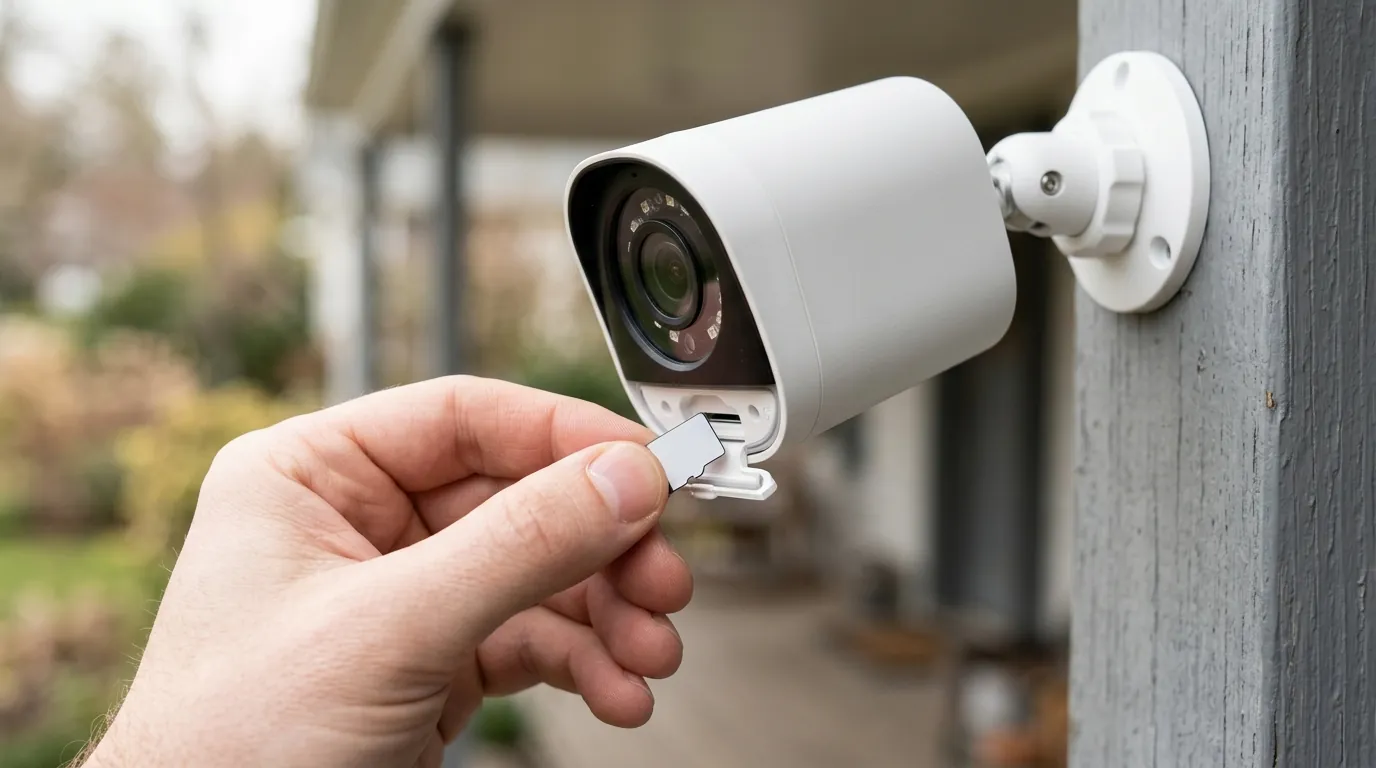
If you are an existing Josh.ai user or are considering an installation following the June 2026 update, here are the recommended steps:
- Verify System Update Status: Most Josh.ai systems are set to update automatically. However, you can check your system version in the Josh App settings to ensure you are running AI X OS. If the update hasn’t triggered, contact your dealer to schedule a remote firmware sync.
- Audit Your Camera Hardware: To fully utilize “Expanded Josh Vision” and “Camera Capture,” your cameras must support high-quality RTSP or ONVIF streams. If you are using older, low-resolution cameras, you may not see the full benefit of the AI analysis features.
- Consult a Josh.ai Certified Integrator: Because Josh.ai is a professional-grade system, optimizing the AI X OS for your specific home layout often requires a pro. They can ensure your network bandwidth is sufficient for multi-camera PiP and that your NVR is properly handshaking with the Josh Core.
- Explore AI Scene Creation: Spend time experimenting with the new natural language scene builder. Try creating security-focused routines that combine camera events with other smart home triggers (e.g., “If the back fence camera detects a person, lock all the doors”).
- Review the Privacy Dashboard: Take a moment to walk through the new privacy settings. Ensure that the level of AI analysis performed on your camera feeds matches your personal comfort level.
While the AI X OS represents a sophisticated leap forward, it remains part of a premium ecosystem. Industry analysis tracks these trade-offs across the category, noting that while the entry price is high, the elimination of “subscription fatigue” and the gain in data privacy are increasingly valuable to modern homeowners.
Frequently Asked Questions
Does Josh.ai AI X OS require a monthly subscription for camera features?
Josh.ai typically operates on a system-wide license model (either a one-time fee or an annual support plan) rather than a per-camera subscription. Unlike Ring or Arlo, which charge per device for AI features, Josh.ai includes its “Camera Capture” and “Josh Vision” features as part of the OS, provided you have a valid system license.
Can I use any security camera with the new Josh.ai update?
While Josh.ai supports a wide range of cameras via ONVIF and RTSP protocols, the most advanced features of AI X OS (like deep metadata analysis) are optimized for partner brands like IC Realtime and Axis. Basic live viewing works with most professional IP cameras, but “Camera Capture” effectiveness may vary with unsupported hardware.
Is the AI video analysis performed in the cloud?
No, Josh.ai emphasizes local processing. Much of the natural language processing and video metadata analysis is handled by the Josh Core processor located physically in your home. This reduces latency and ensures that private video data does not need to be uploaded to a third-party server for analysis.
How does “Camera Capture” differ from a standard NVR?
A standard NVR records video and may have basic motion detection. Josh.ai “Camera Capture” uses generative AI to interpret that video. Instead of just seeing “Motion Detected,” the system can identify specific objects and events, allowing you to search your history using natural language voice commands.
Sources
- Josh.ai Official Site — https://www.josh.ai
- CE Pro: Josh.ai AI X OS Launch Coverage
- Residential Systems: Integrated Surveillance Trends 2026 — https://www.residentialsystems.com
- IC Realtime Product Integration Sheets — https://icrealtime.com/support
- Josh.ai Privacy Policy & Transparency Report — https://www.josh.ai/privacy